-
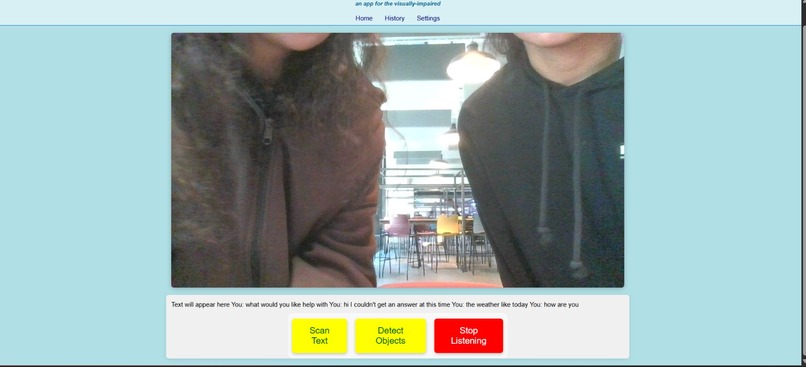
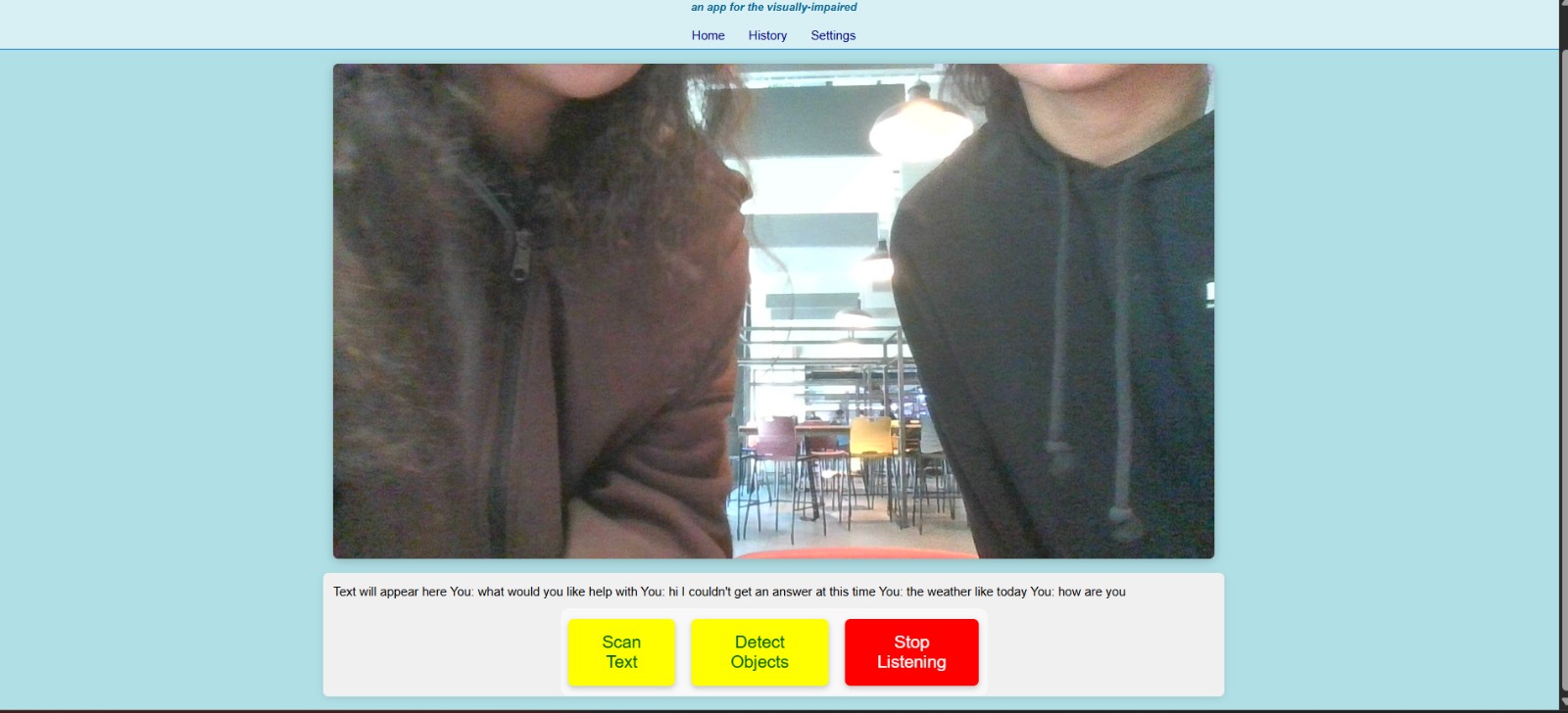
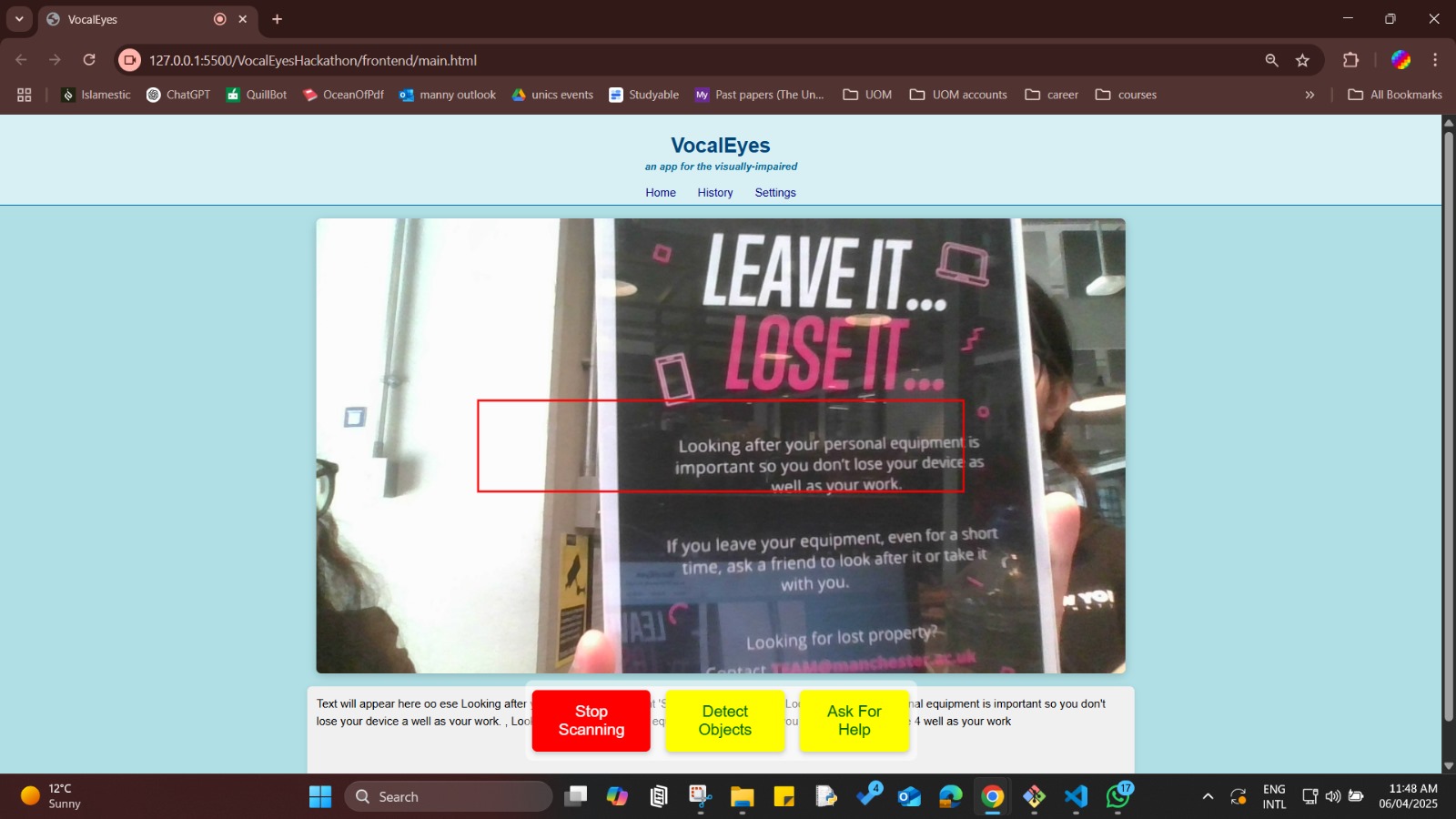
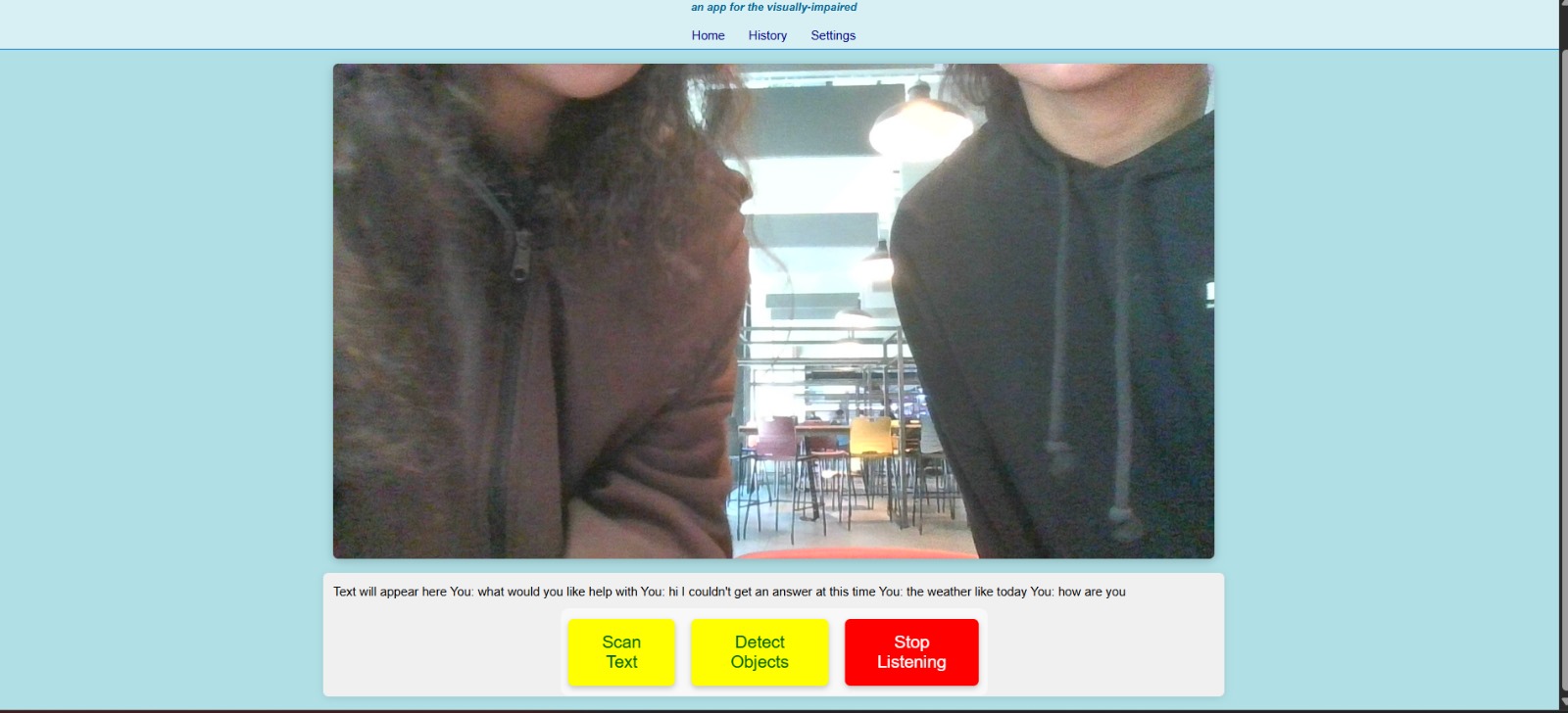
Image of the Website
-
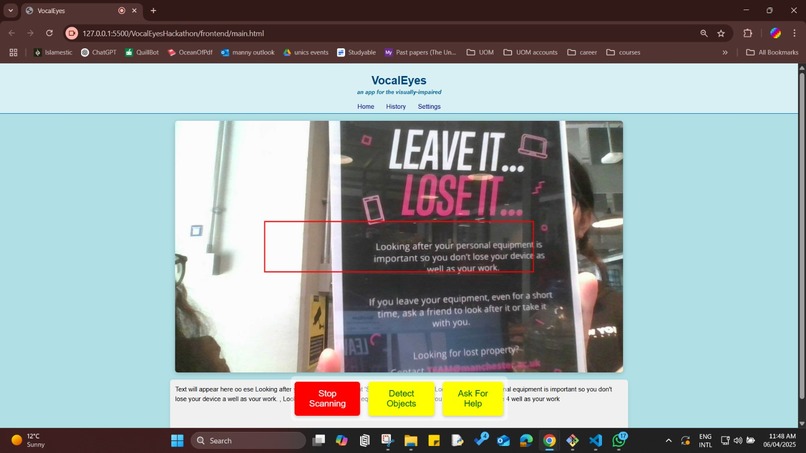
Text Recognition using Tesseract and TTS Conversion
-
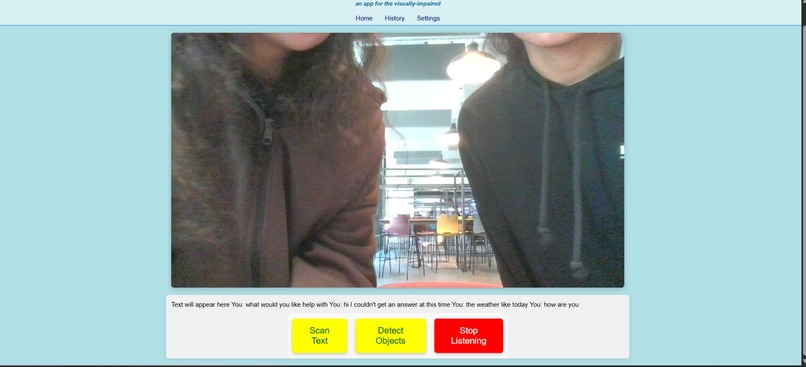
Gemini API Listening
Inspiration
Visually impaired individuals face daily challenges in accessing printed or screen-based information. We were inspired to build VocalEyes as a way to empower them through technology—enabling real-time text detection from their surroundings and converting it into speech. The idea stemmed from a desire to bridge the accessibility gap using computer vision and AI.
What it does
VocalEyes is a web-based application that:
- Captures live video from the user's camera
- Uses OCR (Tesseract.js) to detect and extract text from the video feed
- Reads the recognized text aloud using text-to-speech
- Object detection using OpenCV and YOLOv5 technologies to alert them about any obstacles
- It's designed to be intuitive, accessible, and assistive—especially for users with visual impairments.
- Includes Gemini assistant - to ask any further questions and
How we built it
We used:
- HTML/CSS/JavaScript for the frontend UI
- Tesseract.js for client-side OCR (Optical Character Recognition)
- Google Translate API for text-to-speech functionality
- Gemini API for Gemini assistant
- All functionality is handled in-browser, keeping it lightweight and easy-to-use
Challenges we ran into
- Making Tesseract.js work with live camera feed was tricky; we initially tried processing raw image data instead of using toDataURL(), which caused errors.
- Debugging the OCR recognition took time.
- Working with different browsers and camera permissions inconsistencies.
Accomplishments that we're proud of
- Successfully integrated real-time OCR from a live camera feed
- Built a clean UI that works
- Created a prototype that genuinely adds value to people who need it most
- Learned how to work with real-time media and AI libraries in the browser
What we learned
- How to use Tesseract.js for in-browser OCR
- The importance of accessibility-first design
- Managing async operations in JS (camera, canvas, and OCR all together)
- Real-world use cases of the Web Speech API and MediaDevices API
What's next for VocalEyes
- Improve OCR accuracy with preprocessing (grayscale, contrast, etc.)
- Support for multiple languages and auto-detection
- Save recognized text history for later access
- Deploy on mobile for real-world usage
Built With
- css
- html
- javascript
- opencv
- python
- tesseract.js
- yolov5

Log in or sign up for Devpost to join the conversation.