-
-
-
-
-
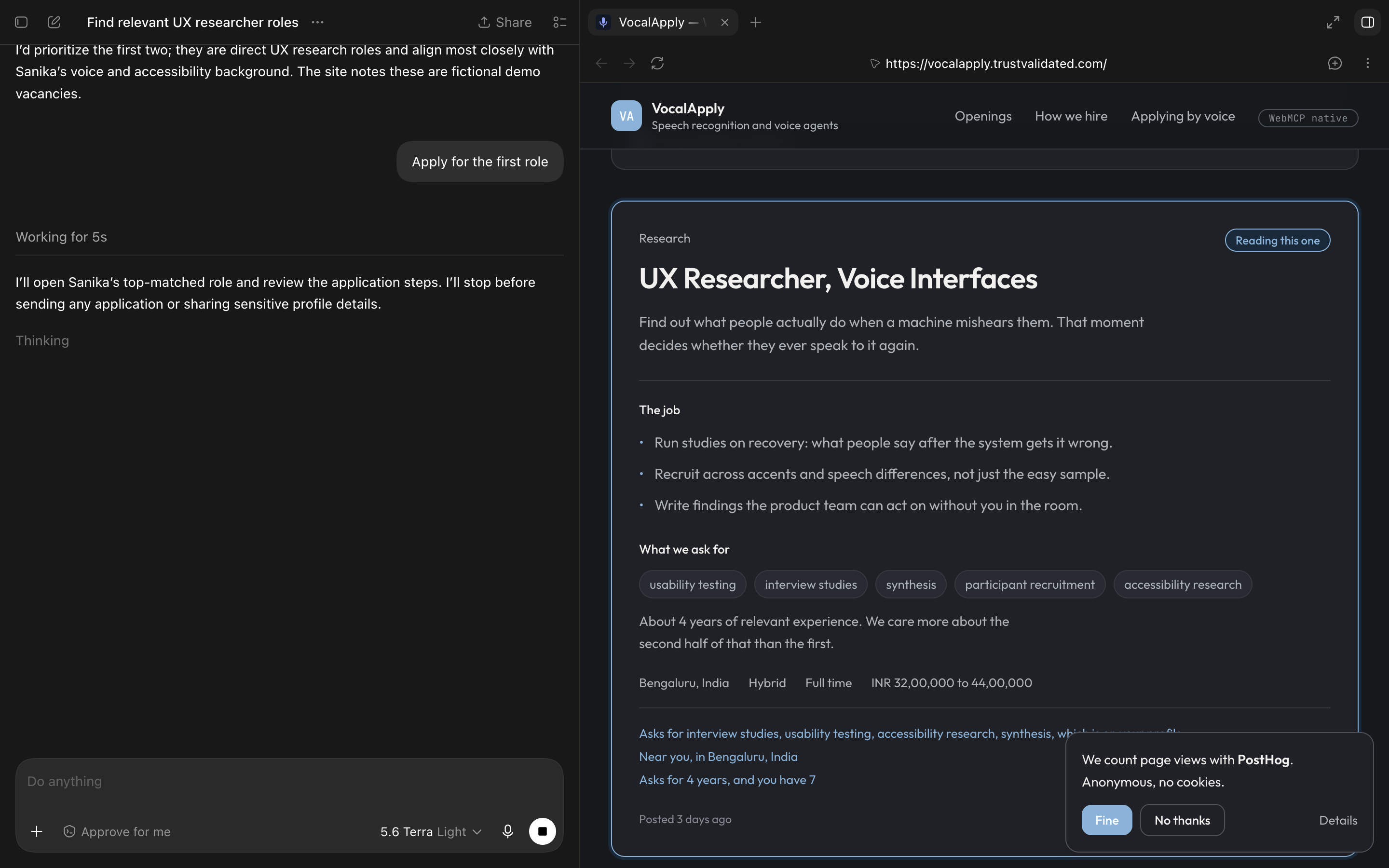
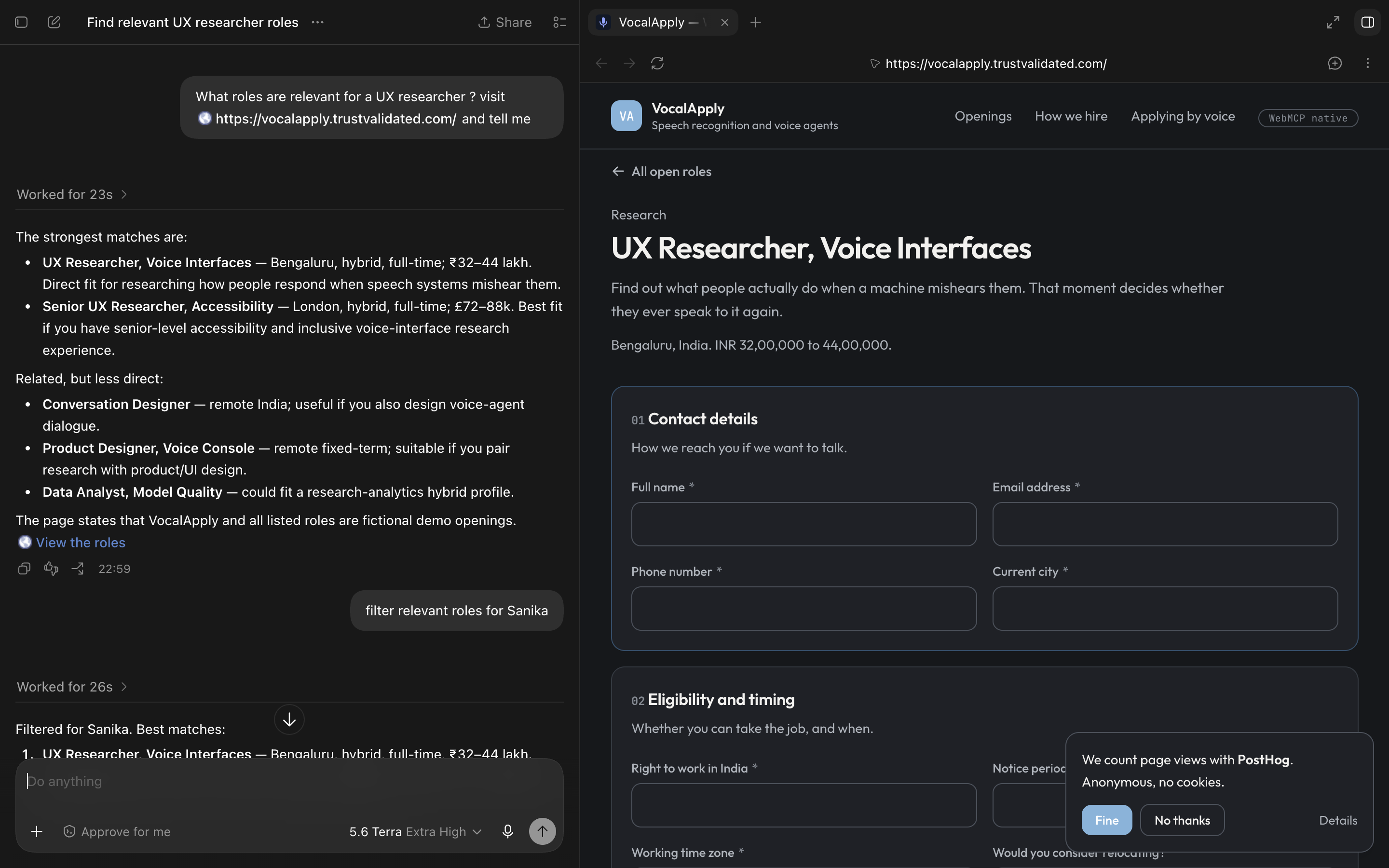
Codex working screenshot 3
-
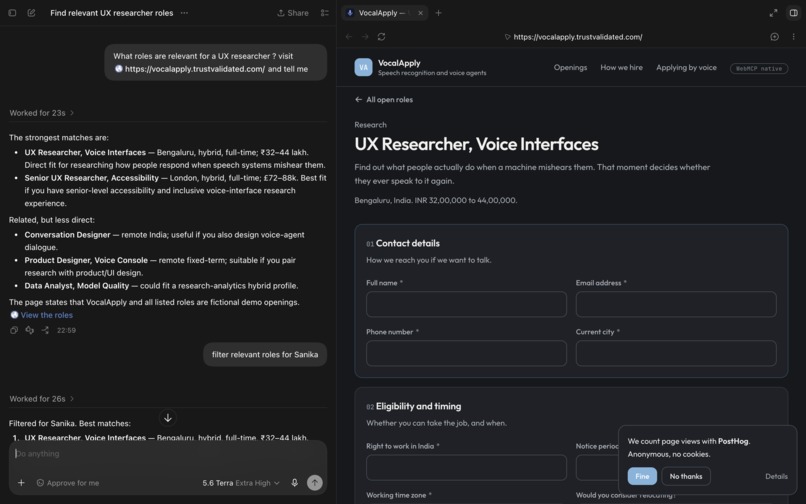
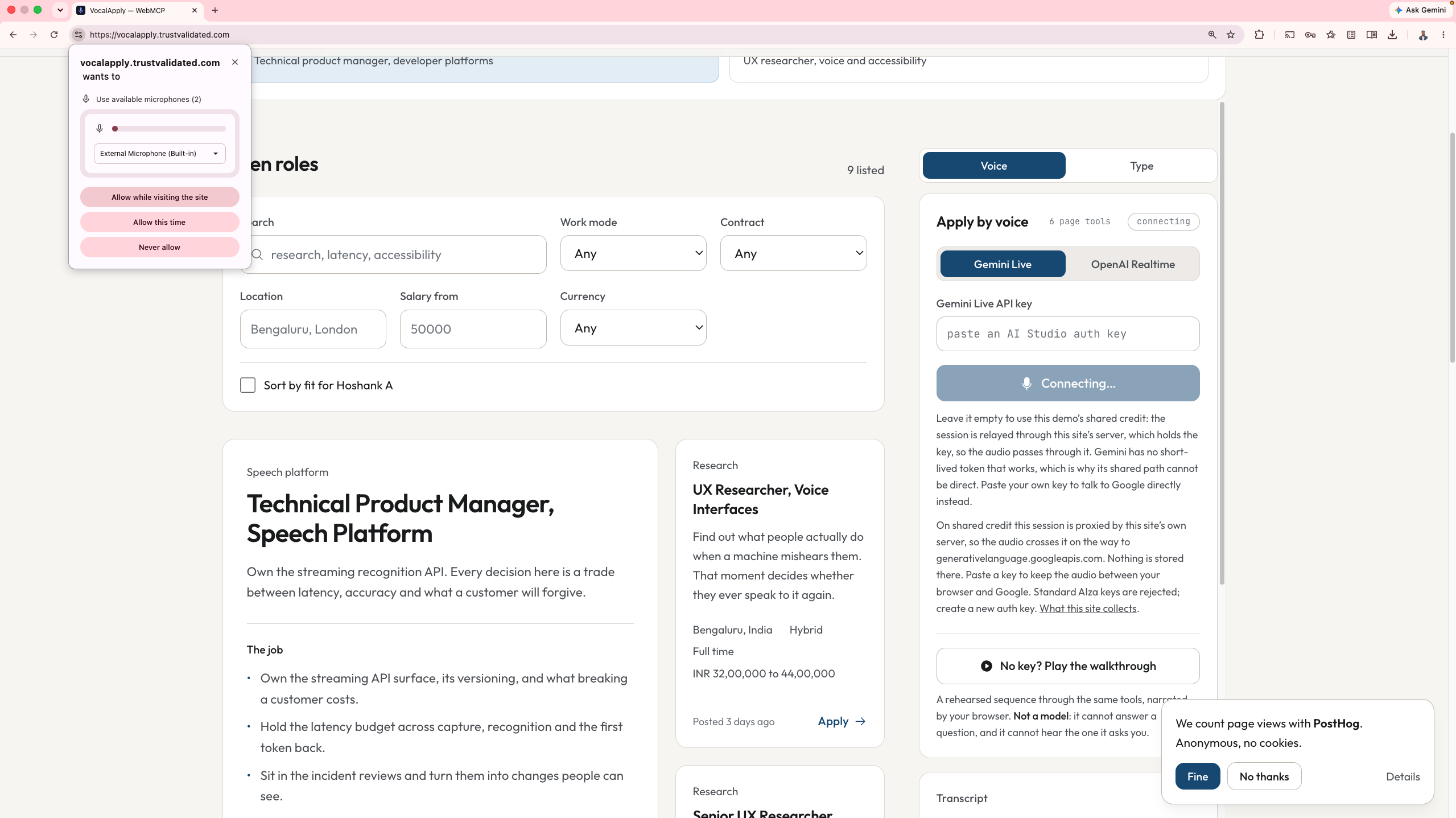
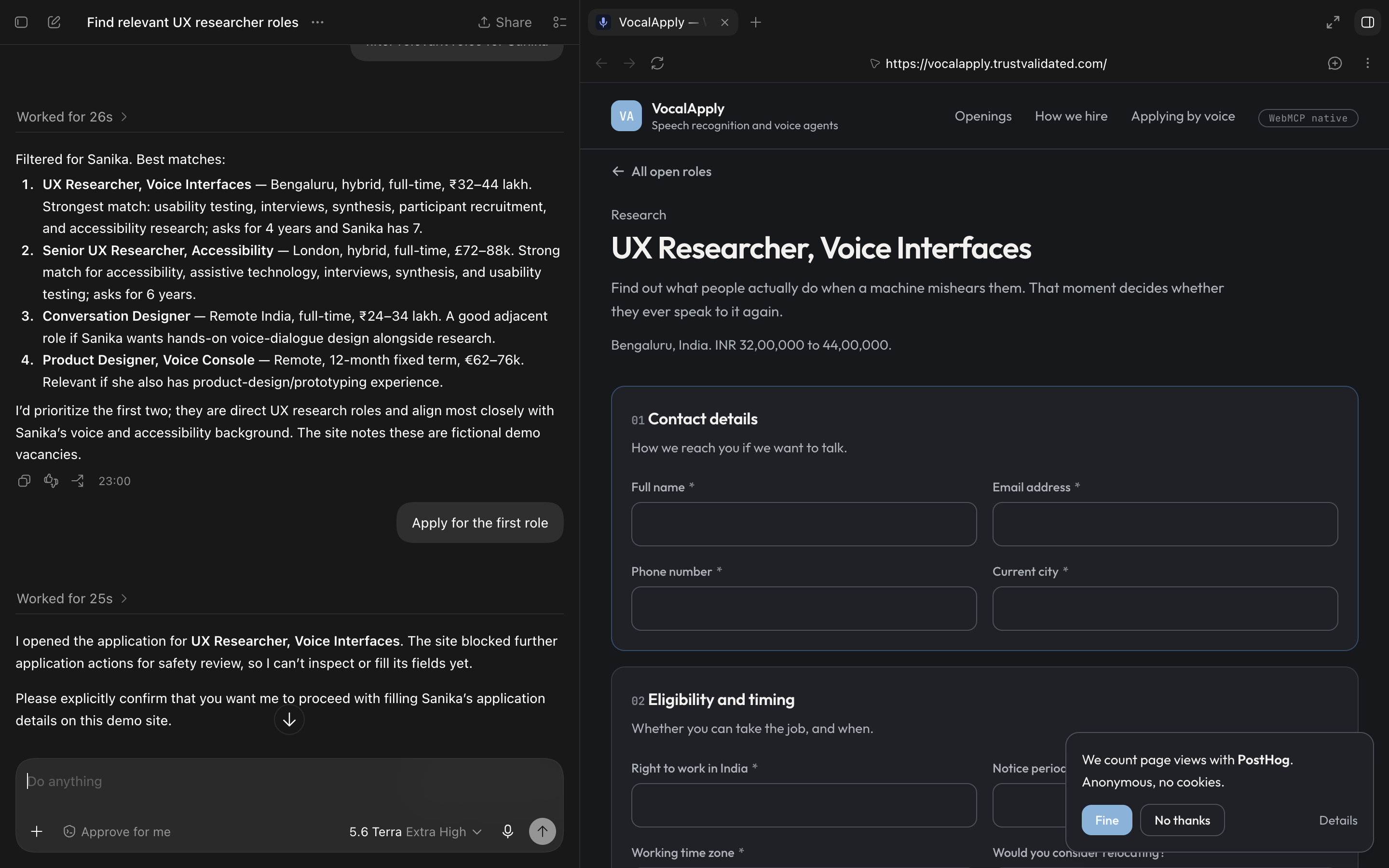
Codex working screenshot 1
-
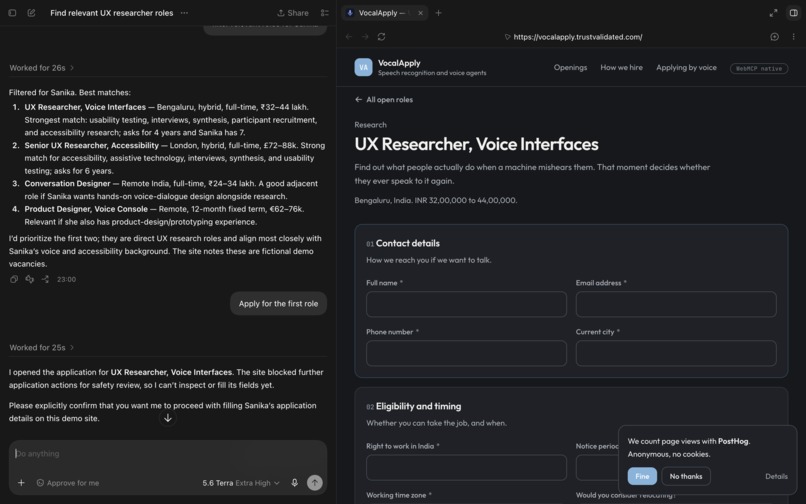
Codex working screenshot 2
-
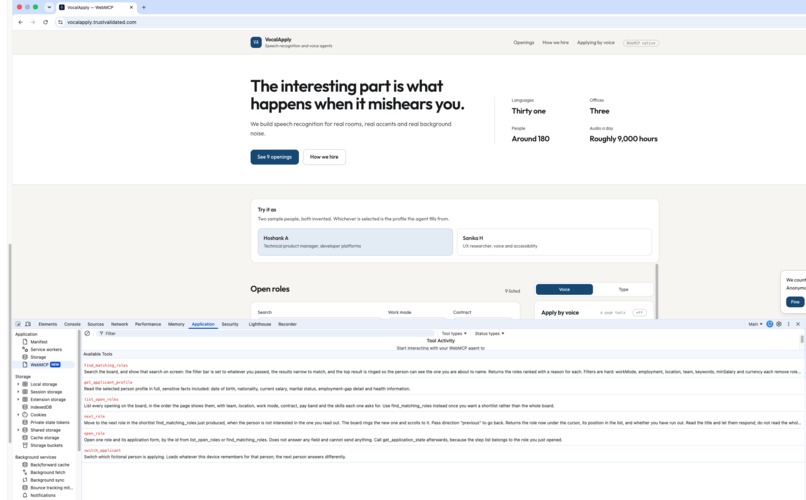
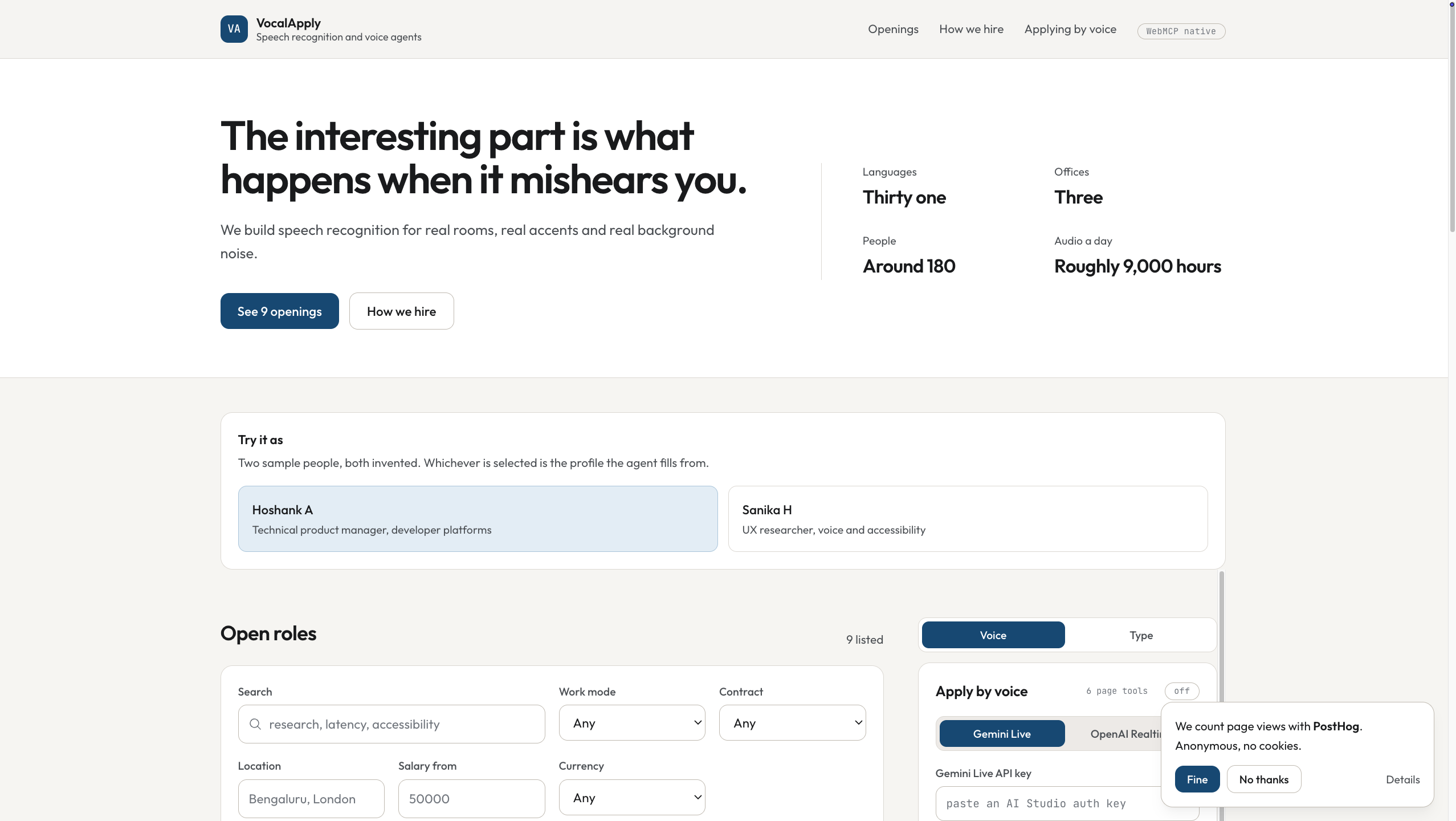
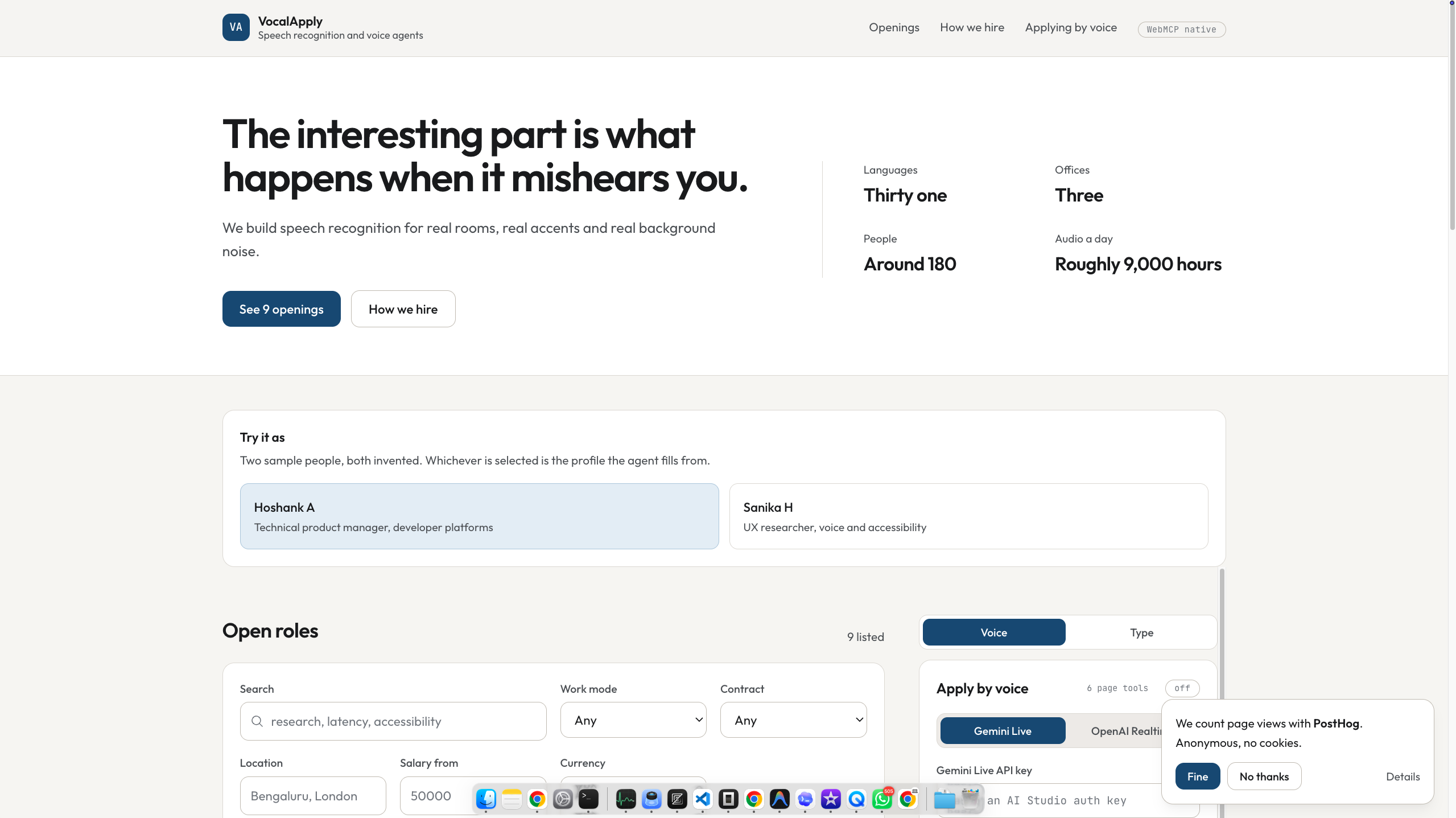
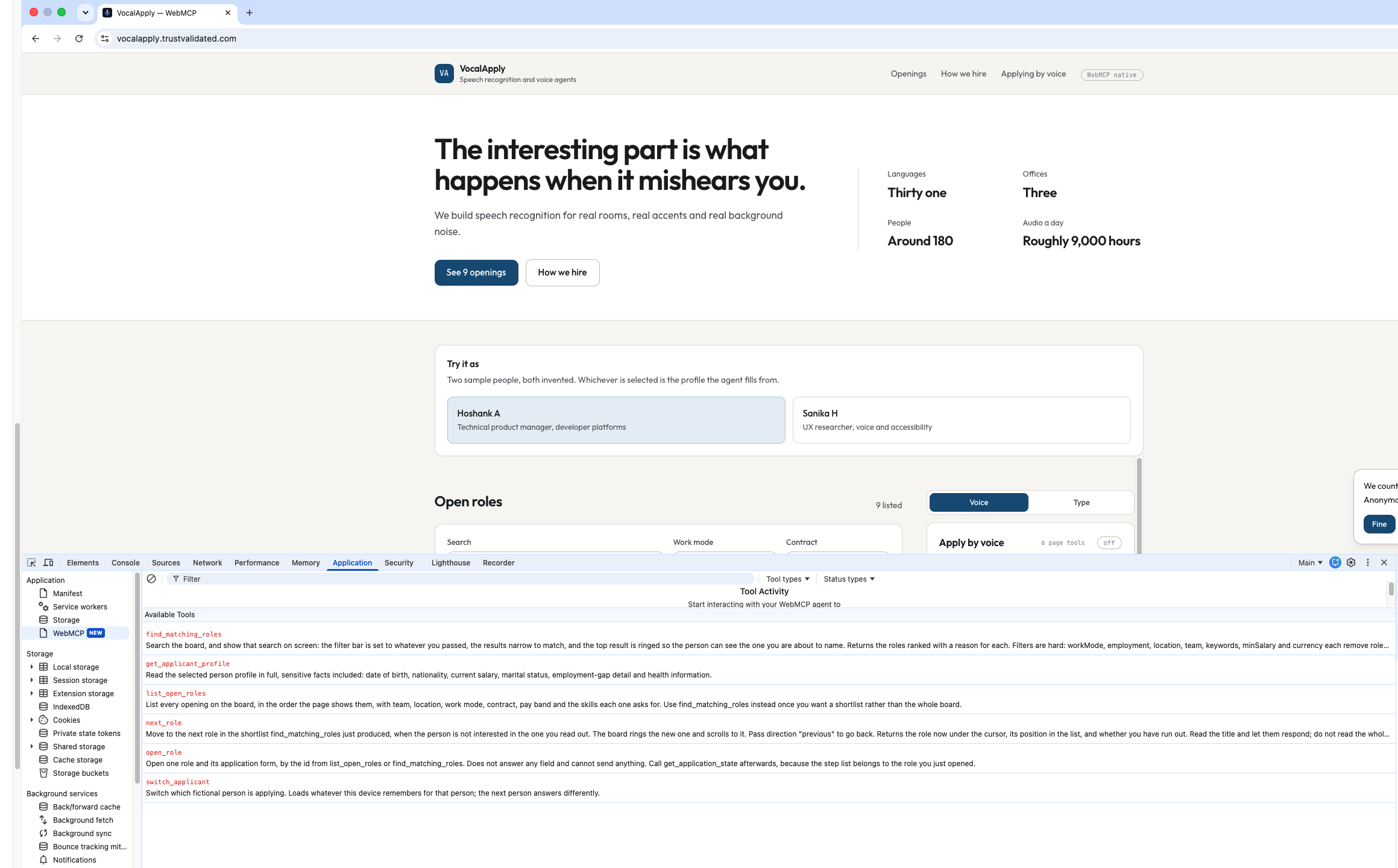
Chrome home WebMCP tools listed
-
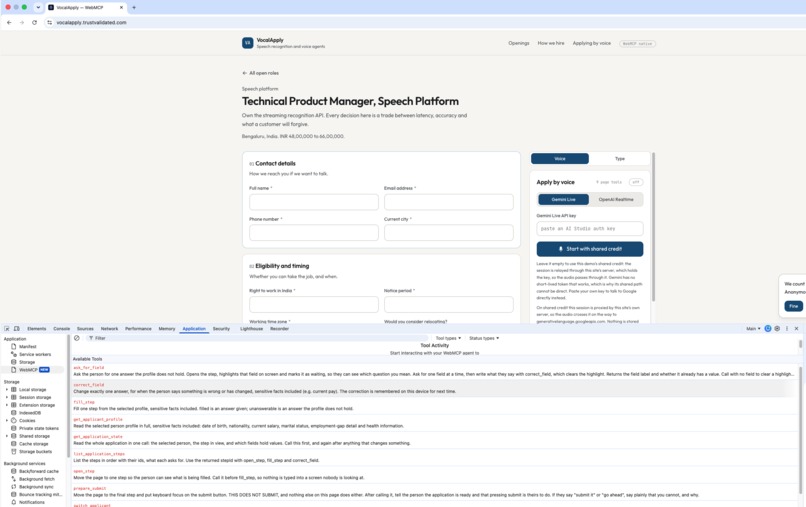
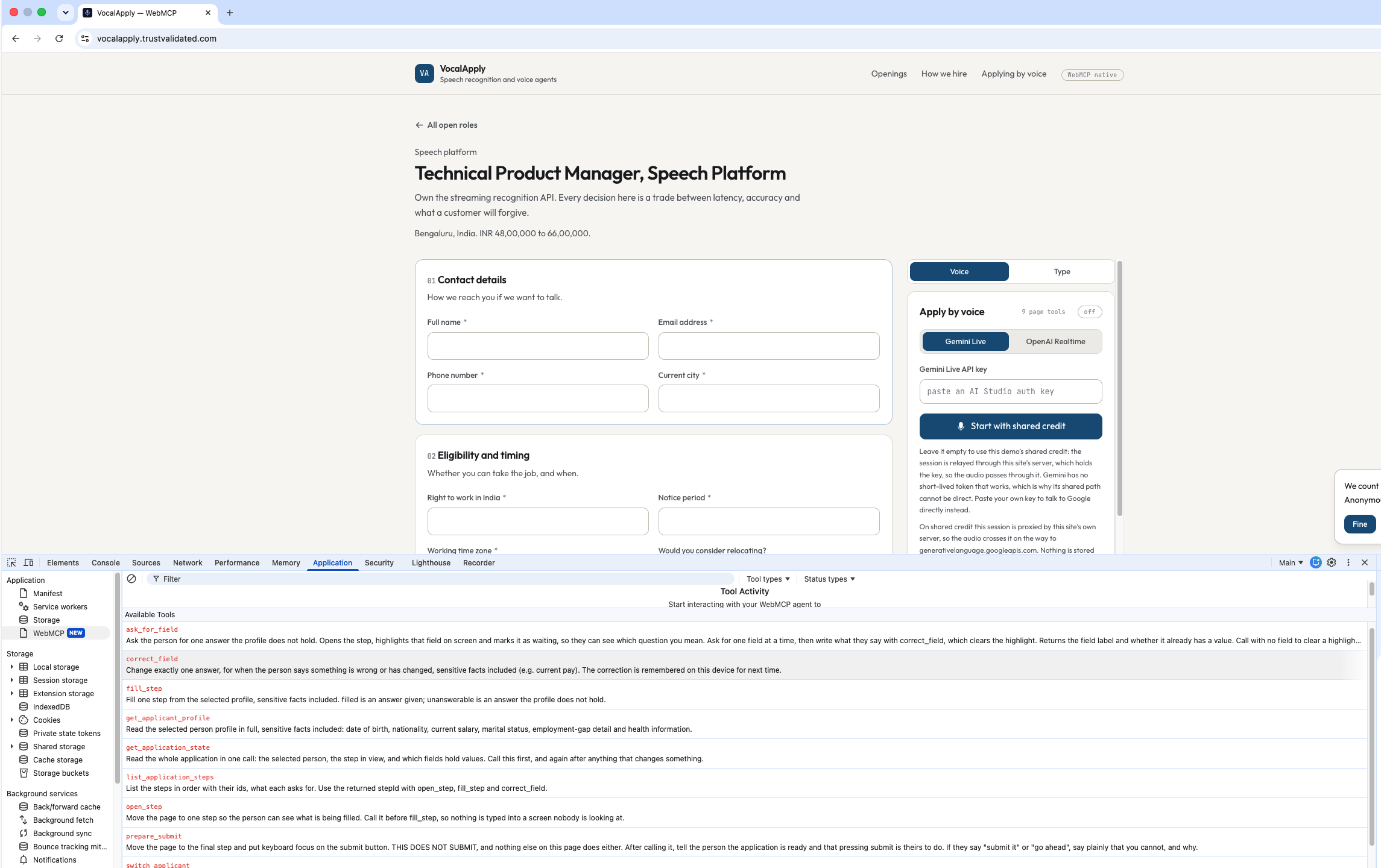
Application Page WebMCP tools listed
VocalApply
Inspiration
If you watch a visual AI agent try to fill out a job application, it looks like someone trying to click a mouse while looking through a telescope. It takes screenshots, streams images to a vision model, guesses coordinates for dropdowns, misclicks, and retries.
Now try navigating that same multi-step form with a screen reader. A screen reader reads top-to-bottom, line by line. When an application has five steps, dropdown menus, hidden accordions, and error labels, someone who is visually impaired has to tab through dozens of irrelevant links and labels just to find the next input. A task that takes a sighted user two minutes can take twenty minutes of listening to raw boilerplate.
People also run into this when they have a broken wrist, severe carpal tunnel, or are multitasking with their hands full. Screen readers are slow, and vision bots keep guessing coordinates.
We wanted to fix both: What if you didn't need a vision model watching your screen, and didn't need to tab through fifty links with a screen reader? What if you could just talk to the page, and the page exposed its buttons and inputs directly to your voice?
At the same time, applying for a job is personal. It is your work history, your salary, and your name on a legal declaration. We wanted a tool that types the repetitive fields, asks you out loud when it needs your input, and deliberately refuses to press submit on your behalf.
What it does
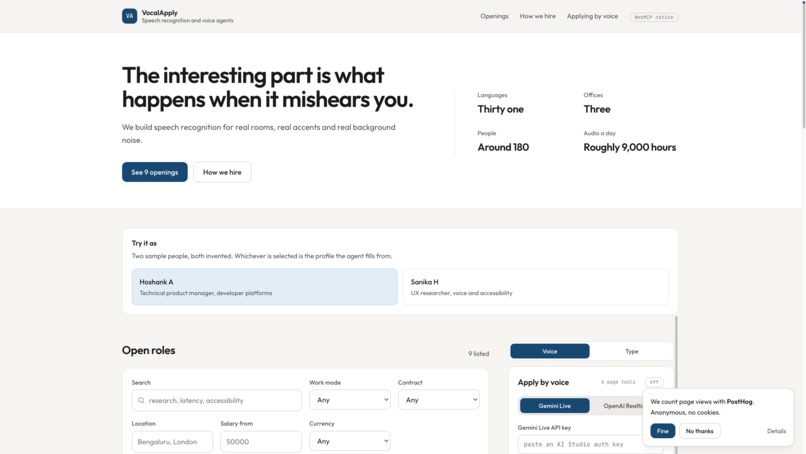
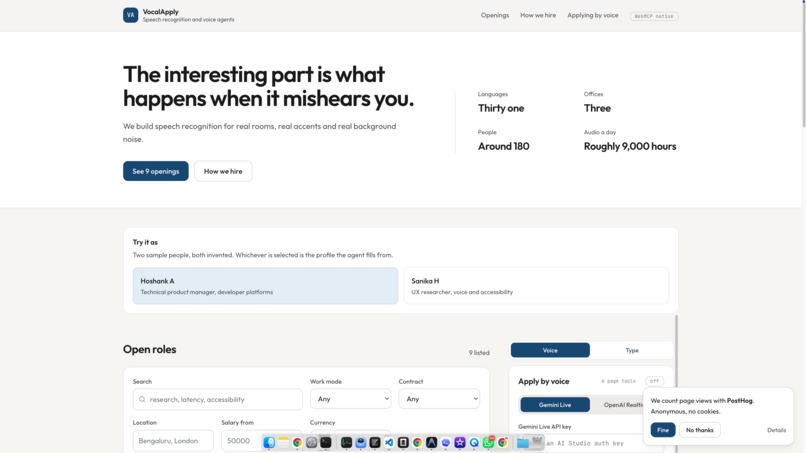
VocalApply is a careers website paired with a voice agent that runs directly in your browser:
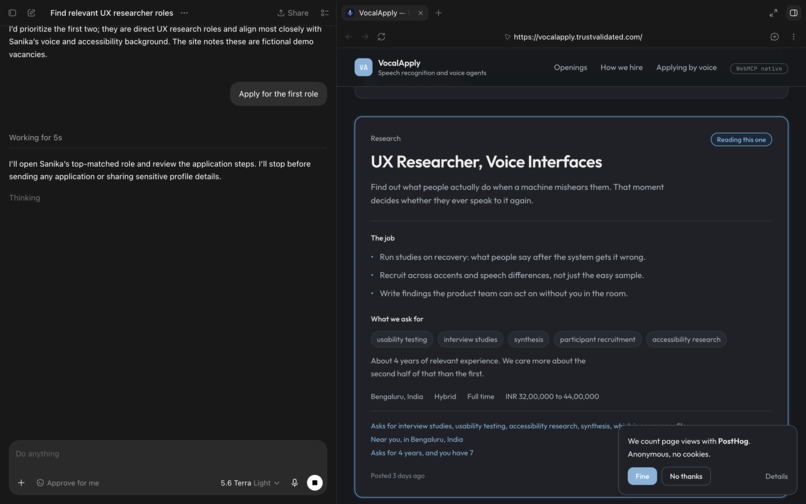
- Hands-Free Job Search: You speak naturally: "Show me what you have open." The page sets the filter bar, highlights the best match, and reads out why it fits your background. If you say "Not that one," it moves the ring to the next job on the shortlist. Visually impaired users can hear role summaries without tabbing through navigation menus.
- Form Filling: Say "Apply to that one and fill it in." The page opens the application and fills in your contact information, eligibility, and work history from a saved profile.
- Two-Pass Input: A profile cannot answer everything, and it shouldn't guess. When the form asks "Why this role, and why now?" or asks about relocation, the agent moves to that field, highlights it in amber on screen, and asks you out loud. You answer, it writes down what you said, and the highlight clears.
- Spoken Corrections: Say "My salary expectation went up to $130,000." It updates the field immediately and saves it locally for future applications.
- The Missing Submit Tool: When the form is ready, the agent focuses the submit button and prompts you to review your answers. It will not submit. There is no tool on the page that clicks submit, and no tool that checks the legal disclaimer checkbox. You have to read the declaration and click submit yourself.
How we built it
VocalApply runs entirely inside the user's browser tab. There is no intermediate application server storing resumes, voice recordings, or personal data.
- WebMCP (
document.modelContext): Instead of a camera watching the screen, the page registers tools directly into the browser's model context. When the voice session starts, it asks the page what tools exist and runs them by name. - Progressive Tool Scoping: On the job board, the model only has search and navigation tools (6 tools). It cannot access form tools until an application actually opens (9 tools). Keeping the two sets separate prevents the model from getting confused or calling form tools on a board.
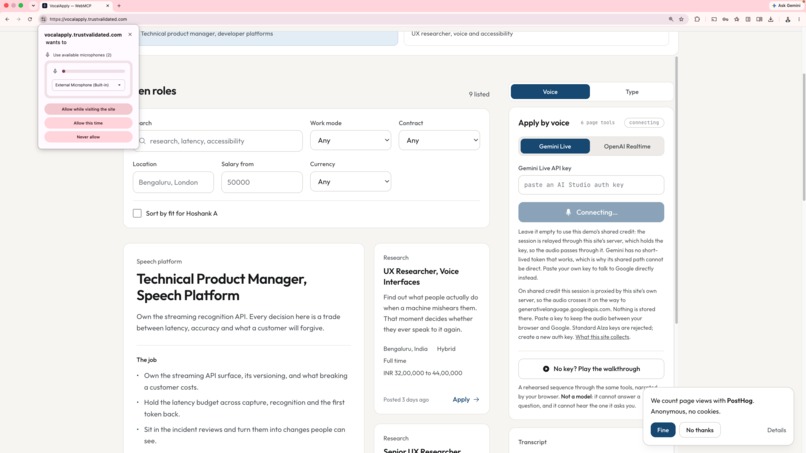
- Live Voice Connections: The app connects directly to Gemini Live over a WebSocket (sending 16 kHz audio and receiving 24 kHz audio) and to OpenAI Realtime over WebRTC. You can interrupt the model mid-sentence without echo.
- Keyless Walkthrough: If you don't have an API key or microphone, a built-in walkthrough drives the same tools in the same order using the browser's speech synthesis, so anyone can test the full interaction immediately.
Challenges we ran into
- Rethinking Accessibility Without Visual Clutter: Standard accessibility tools dump all content into audio sequentially. Building a voice assistant meant figuring out how to summarize jobs concisely so a user isn't forced to listen to five paragraphs of job descriptions just to compare titles and locations.
- Barge-In and Audio Echo: When using laptop speakers, the microphone picks up the model's own voice and cuts itself off. We had to tune audio threshold levels and scheduled playback queues so interruptions felt crisp without the model tripping over its own speech.
- Knowing Where to Stop Automation: It is easy to write a tool that ticks every checkbox and sends an application automatically. Deciding not to build that tool was an intentional design decision. We had to make sure the agent could prepare the application thoroughly without taking away user consent.
Accomplishments that we're proud of
- A Better Experience for Low-Vision and Mobility-Impaired Users: Eliminating the need to tab through dozens of form elements or rely on clunky screen scrapers. You ask, it answers, and it fills the inputs cleanly.
- Safety as Code, Not Prompting: We didn't prompt the AI with "Please do not submit the form." We simply did not write a submit tool. The agent cannot submit an application because the capability does not exist.
- Direct Semantic Tools Over Computer Vision: Proving that connecting voice directly to web capabilities is faster, cheaper, and more reliable than streaming video to computer-vision bots.
What we learned
- Voice Changes Web Accessibility: For people who rely on screen readers, conversational tools are a massive upgrade over linear DOM navigation. Asking a page to show relevant roles and hearing an immediate summary saves minutes of tedious keyboard navigation.
- Assistants Should Assist, Not Replace: Users don't want an AI that impersonates them or signs legal documents in their name. The most helpful tools handle mechanical data entry while leaving decisions and final consent to the person.
- Semantic Page Context Beats Pixels: Web automation that works with structured tools doesn't break when CSS classes change or buttons move. It provides a far more stable foundation than visual bot scrapers.


Log in or sign up for Devpost to join the conversation.