-
-
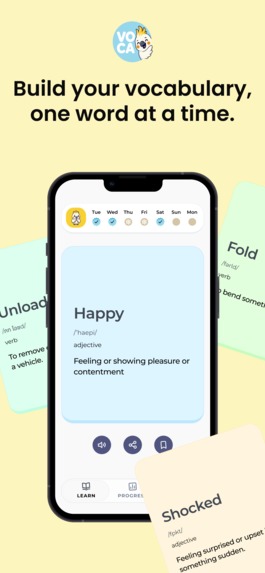
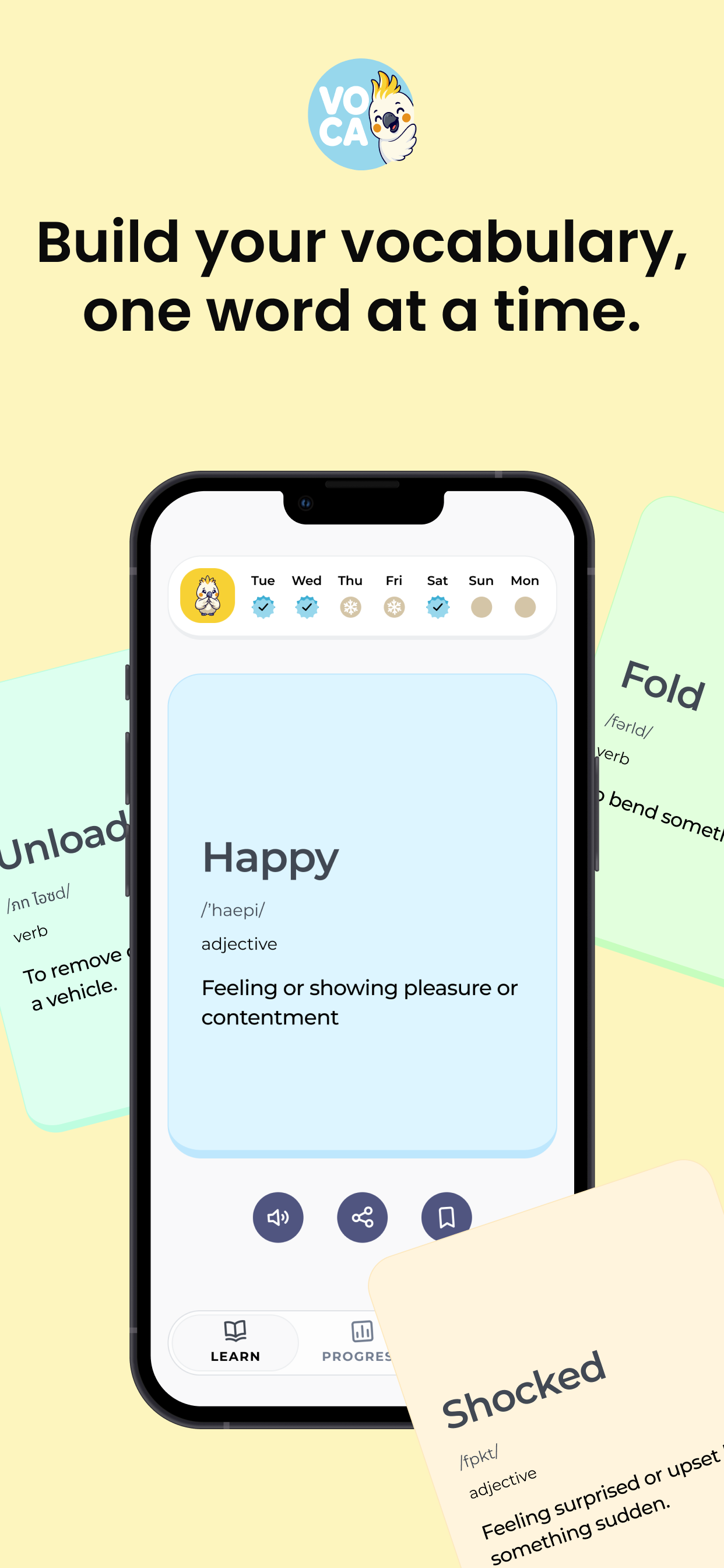
Learn a new word every day and build your vocabulary naturally.
-
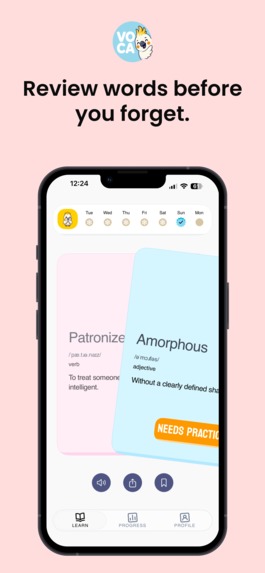
Discover useful words with simple meanings and examples.
-
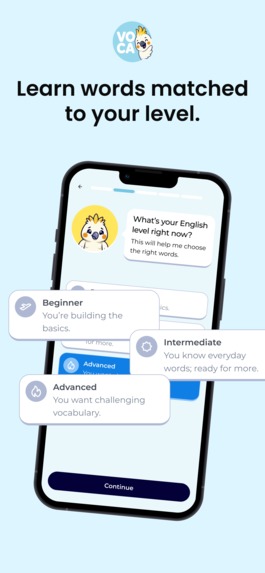
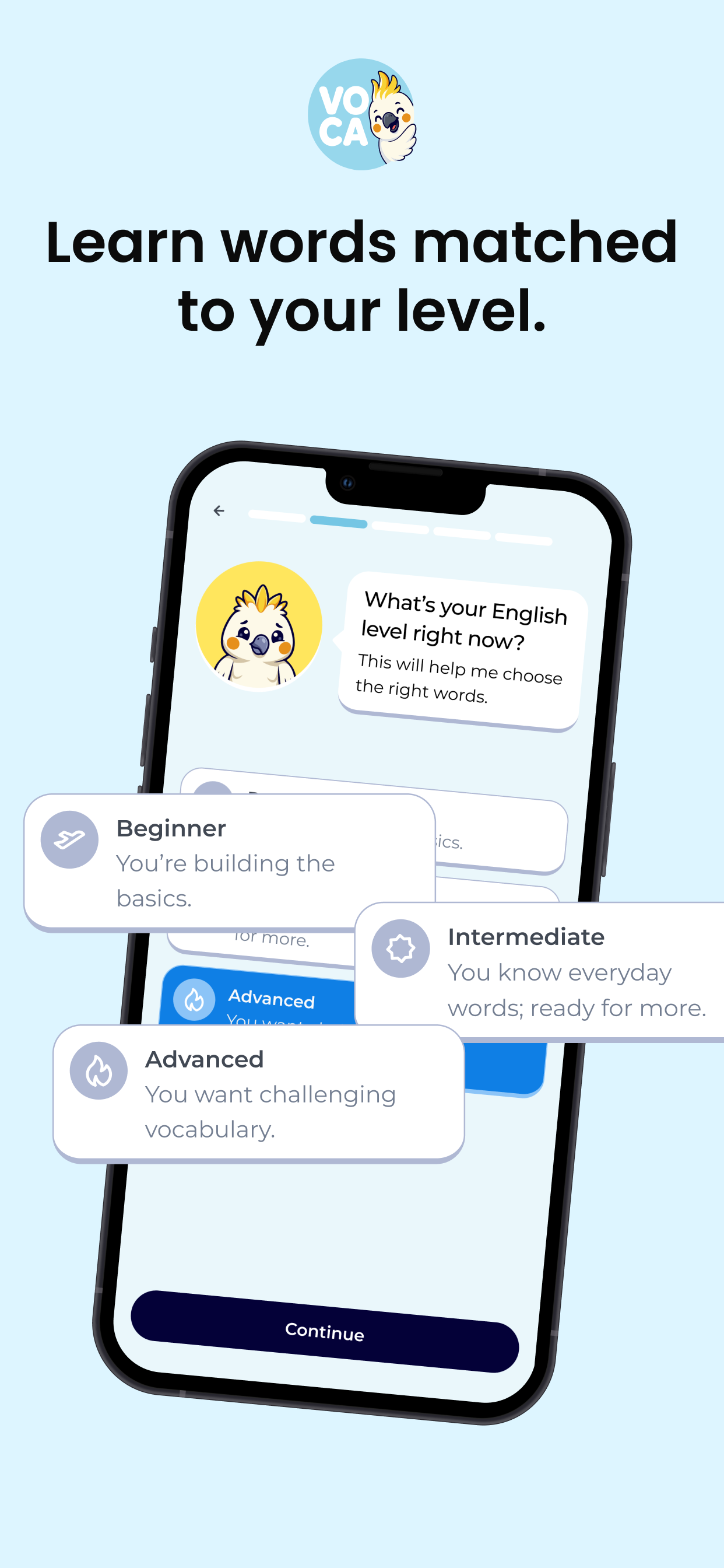
Choose your English level so Voca can match the right words to you.
-
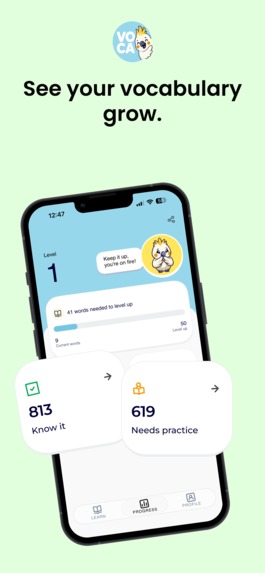
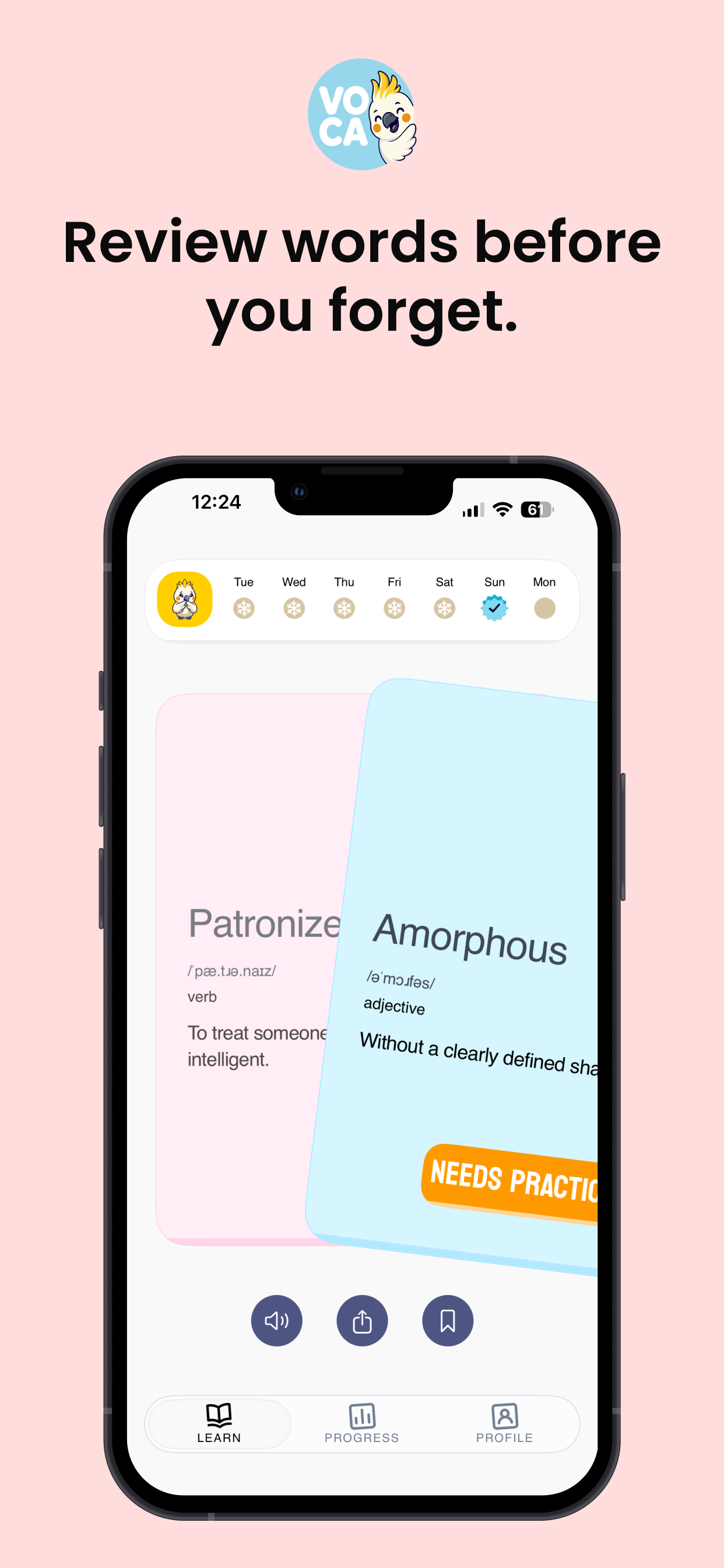
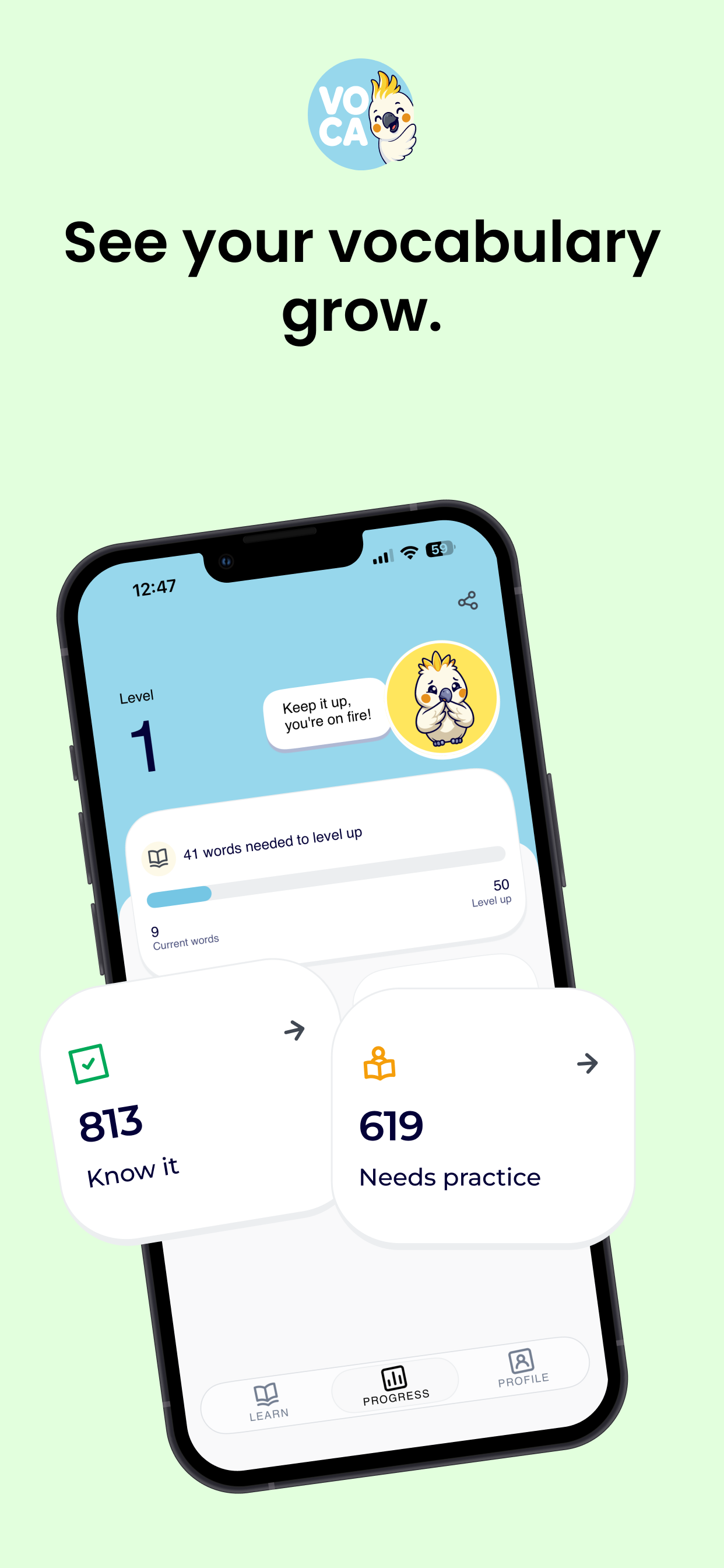
Track your progress, level up, and keep your daily learning streak going.
-
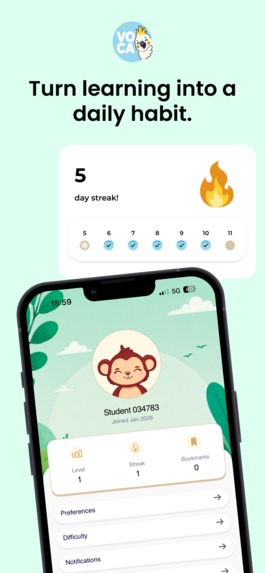
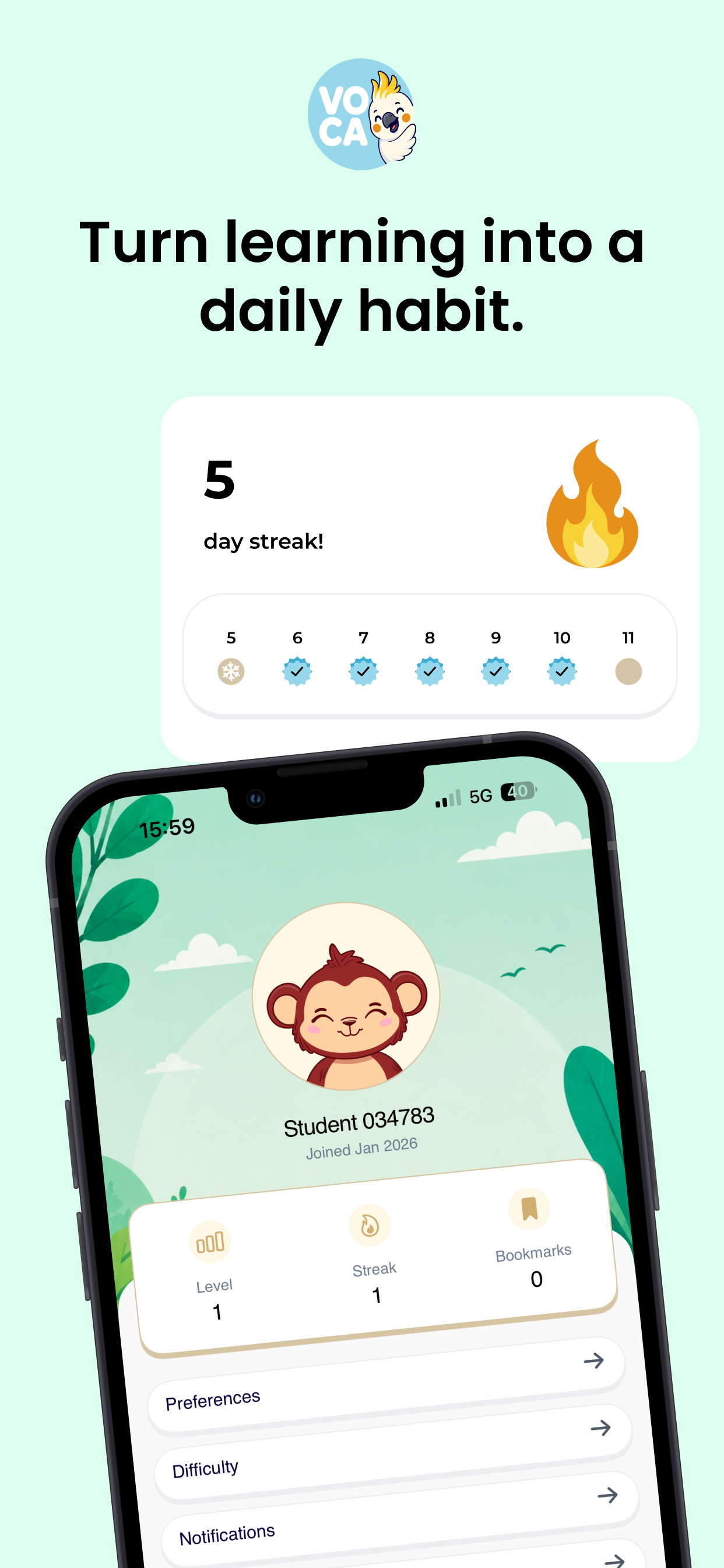
Stay consistent with daily goals and make vocabulary learning a habit.
Inspiration
Most vocabulary apps ask you to sit down and study. I wanted the opposite: something you open while waiting in a queue, swipe through for ninety seconds, and close. Two gestures, no menus, no homework.
That became Voca — Daily Vocabulary: swipe right on words you know, left on words you need to practise, and the app keeps track of where each word stands.
The second half of the inspiration was commercial. I had shipped side projects before and always bolted payments on at the very end. This time I wanted subscriptions to be a first-class part of the app.
What it does
- Swipeable word cards. Right = "I know it", left = "needs practice". Each card shows the word, phonetics, part of speech, a definition, an example sentence, synonyms, and text-to-speech playback.
- Spaced repetition tracking. Every swipe updates a simplified SM-2 model with three buckets (new → learning → review): a correct answer grows the review interval up to a 180-day cap and nudges the ease factor up, while a wrong answer resets the card to a 10-minute interval, demotes it a bucket, and lowers the ease. That state powers your "know it" and "needs practice" lists, your level, and the word the widget shows. The deck on the main screen is currently a weighted shuffle that favours words you have seen least and least recently — feeding the scheduler's due dates straight into the deck is the next piece of work.
- 10,047 curated words, CEFR-graded from A1 to C2, bundled offline so the app works on a plane.
- A home screen widget showing one "needs practice" word per day, with a different colour and bird illustration for each weekday.
- Streaks, levels and badges. 50 known words per level; badges at 20 / 50 / 100 for both daily goals and streak length.
- iCloud sync with no account. Progress follows you across devices — no sign-up screen, no password, no server.
- Voca Pro. 20 free words a day, then a subscription: $4.99/month, or $29.99/year with a 7-day free trial.
How I built it
Voca is SwiftUI + SwiftData on iOS, with CloudKit for sync, WidgetKit for the home screen widget, TelemetryDeck for privacy-first analytics, and RevenueCat for everything money-related.
Monetisation with RevenueCat. The app originally talked to StoreKit 2 directly — loading Products from a hardcoded array of IDs, running my own Transaction.updates listener, and deriving entitlement by matching product identifiers inside Transaction.currentEntitlements. For Shipaton I replaced that entire layer with the RevenueCat SDK. SubscriptionService now:
That last point mattered more than I expected. The trial sits on the yearly plan only — a deliberate choice to steer trial-takers toward the annual commitment ($29.99 versus $59.88 of monthly) — so promising a trial the user cannot actually get would have been a very visible lie.
Persistence is split in two on purpose. The 10,000-word corpus lives in a local-only SwiftData store, because it is identical on every device and syncing it would burn iCloud quota for nothing. Preferences, progress and per-word review schedules live in a separate CloudKit-backed store.
Challenges I ran into
CloudKit cannot enforce uniqueness. This caused the worst bug of the project: after finishing onboarding, the loading screen appeared and then the last onboarding step came back. The real cause was a duplicate preferences row created by sync — the "onboarding finished" flag was written to one row and read from another. I misdiagnosed it twice as a rapid-tap problem before finding it. The fix had three layers: a session latch, writing the flag to every row, and a deduplicator that merges duplicates (highest streak, earliest trial date, union of streak history) instead of picking one at random.
Analytics pointing at the wrong app. For eight TestFlight builds my dashboard showed zero users. The analytics app ID constant held the ID of a completely different app in the same organisation, so every signal had been filed under someone else's product. Nothing was broken — the code just answered a question I never meant to ask it.
Deciding what not to teach. I cut 208 beginner entries just before launch: single letters, contractions, grammatical particles. A flashcard for "a" wastes a review slot and cheapens the product.
Accomplishments that I'm proud of
- Voca is live on the App Store — not a demo. Free download, working subscriptions.
- No accounts, no backend, nothing to operate — and progress still syncs across devices.
- The paywall never interrupts onboarding. It appears only when someone hits a limit they actually care about.
What I learned
- Ship the payment layer early. Migrating to RevenueCat took an afternoon and deleted more code than it added. Doing it before launch would have saved me weeks of StoreKit edge cases.
- Sync bugs disguise themselves as UI bugs. Two of my "tap handling" fixes were fixing the wrong thing entirely.
What's next for Voca
- Paywall A/B tests through RevenueCat Experiments — price points, trial length, and whether monthly should get a trial at all.
- Remotely configured paywalls, so the paywall can be restyled without shipping a build.
- Win-back offers for lapsed subscribers, driven by RevenueCat customer lists.
- More interface languages, and eventually word sets beyond English.
- A larger widget and Lock Screen widgets.
What we learned
What's next for Voca
Built With
- cloudkit
- swiftdata
- swiftui
- widgetkit

Log in or sign up for Devpost to join the conversation.