

Here are the Devpost submission sections based on the actual project:
Inspiration
DevOps teams spend most of their time reacting to alerts that follow predictable patterns. CPU spikes, disk pressure, failed deployments, container crashes. A human engineer sees the alert, checks metrics, identifies the cause, applies a fix, and documents it. That cycle repeats hundreds of times per month.
We wanted to build something that actually does that work instead of just suggesting it. Not a chatbot that says "you should restart the service." An agent that restarts the service, explains why it did so, and remembers what happened so it gets faster next time.
The Alibaba Cloud innovation track asked for AI-powered infrastructure operations. That fit exactly what we had been thinking about: a system that watches, thinks, and acts on real servers with real consequences.
What it does
VLTHR Autopilot is an AI DevOps agent that runs on your server and handles incidents autonomously. It does five things:
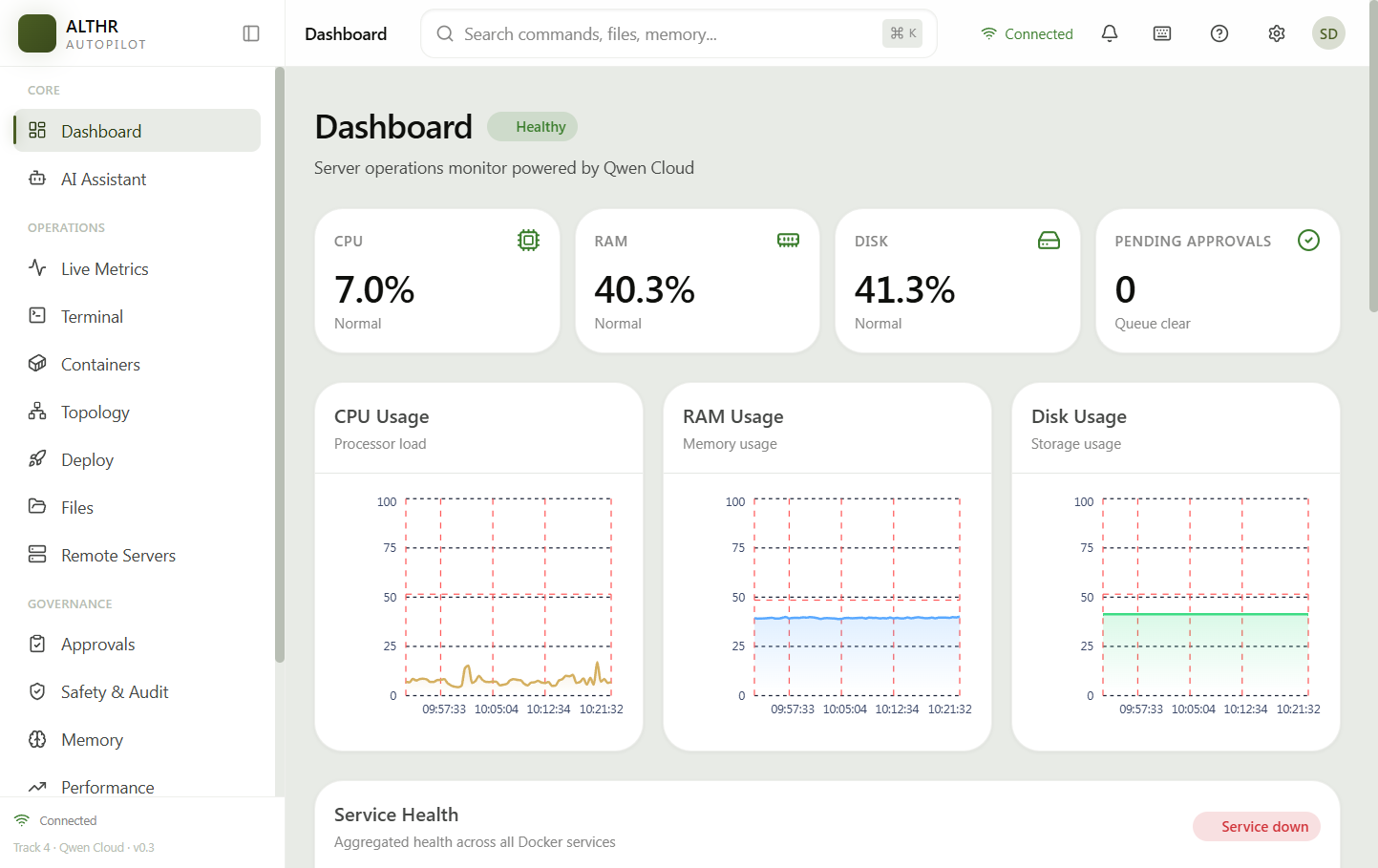
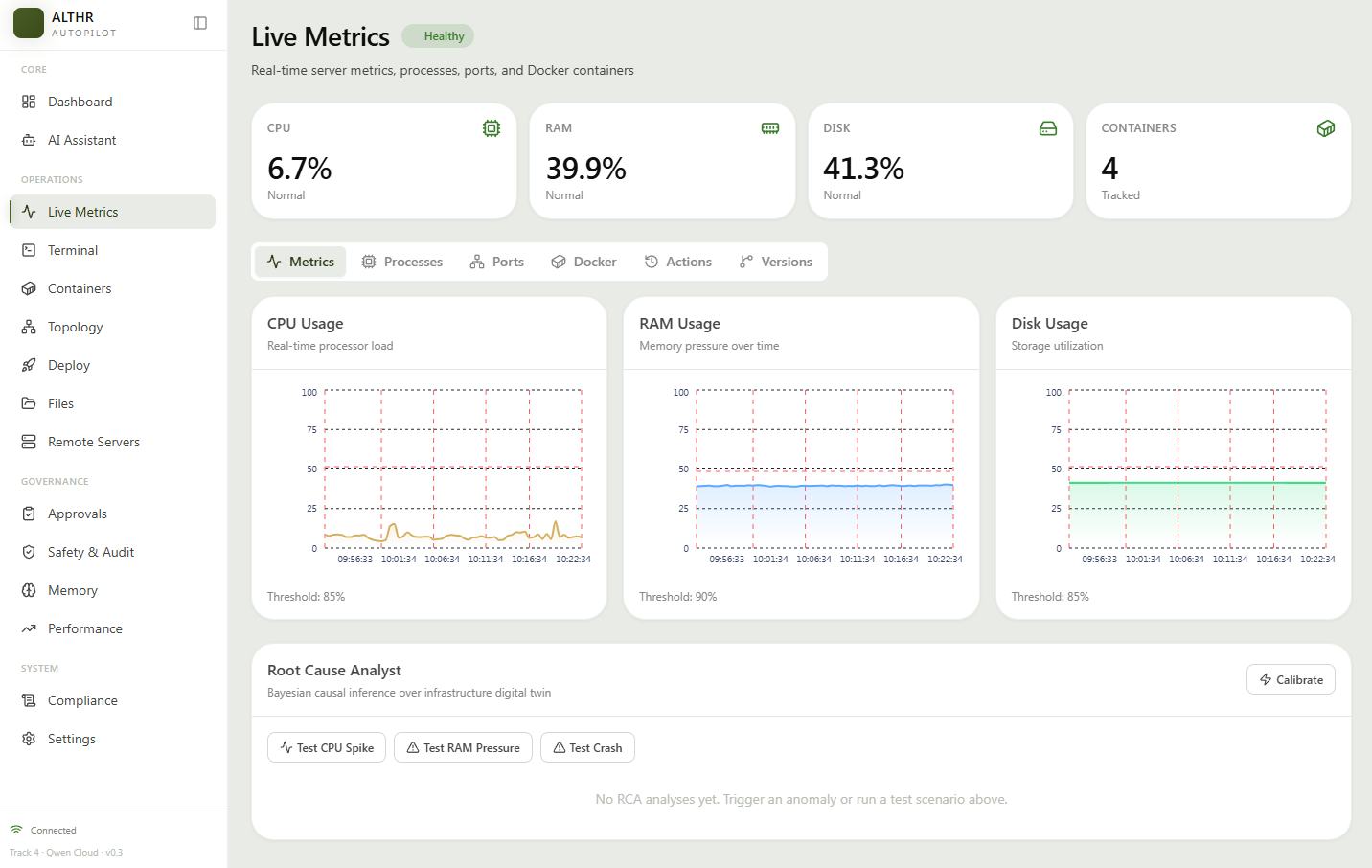
1. Monitors in real time. It collects CPU, RAM, disk, and process telemetry every 30 seconds using host PID namespace sharing. You see real process lists from the host, not just container internals. All telemetry is cached in Redis for fast API access.
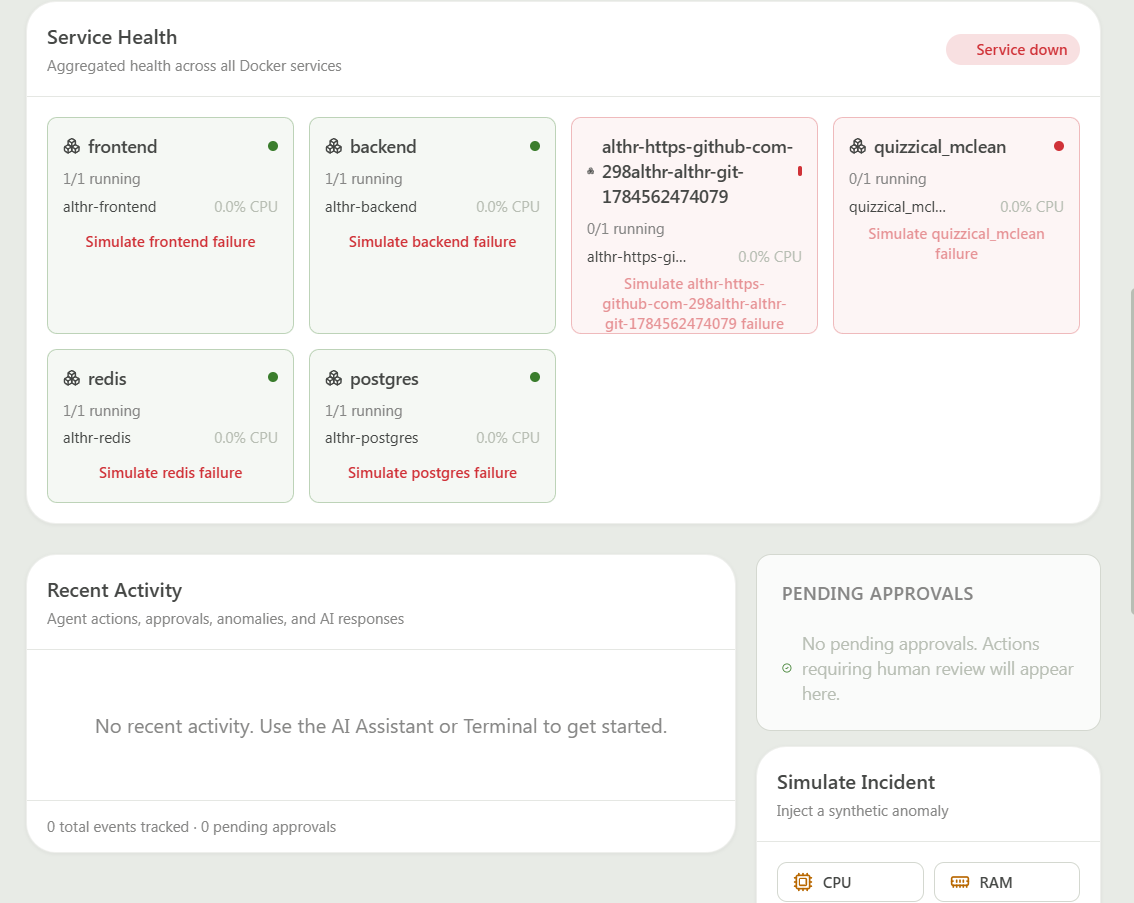
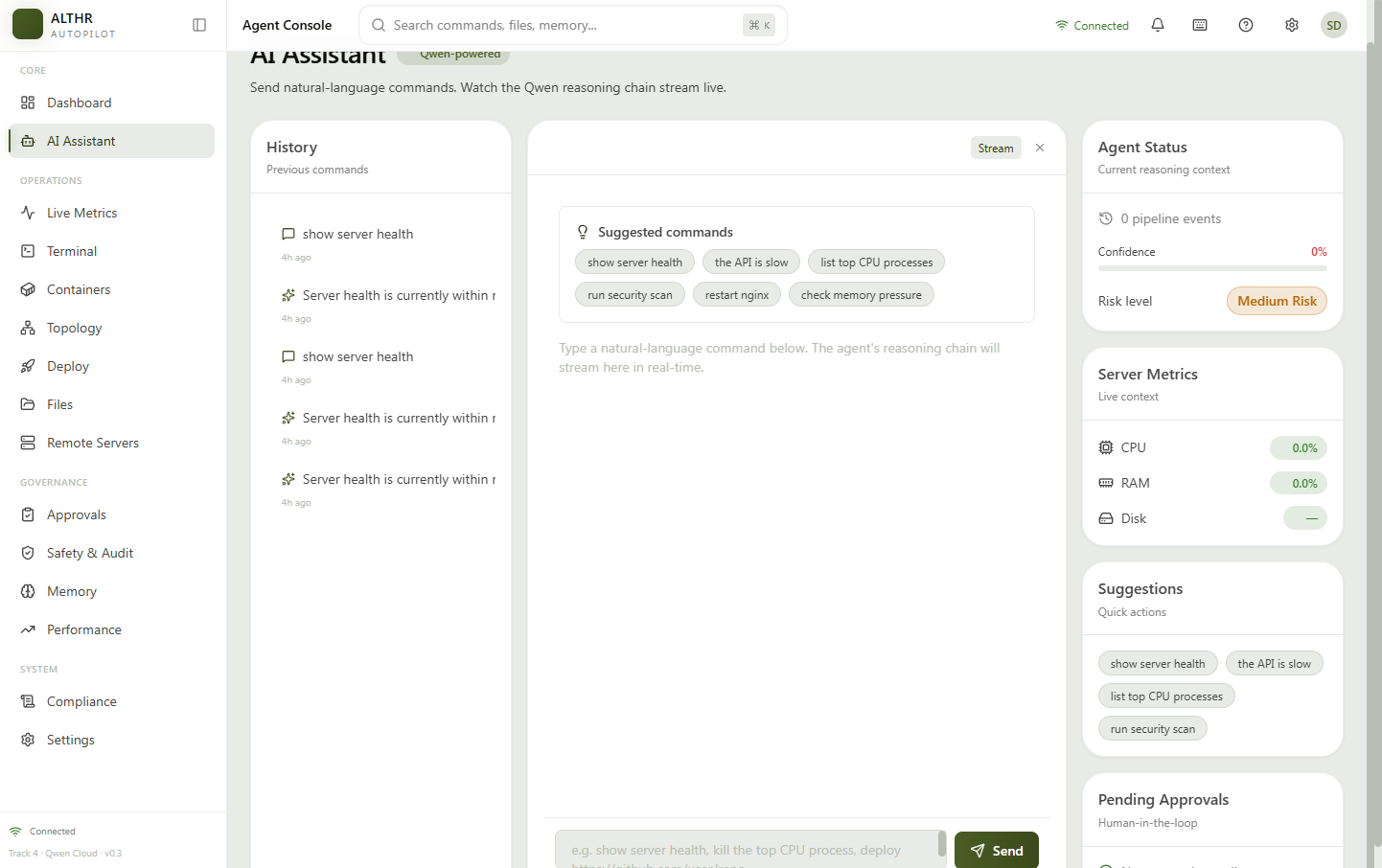
2. Diagnoses problems. When something goes wrong (CPU spike, disk full, container crash), the AI runs a multi-step diagnosis pipeline. It uses Qwen Cloud models to reason through symptoms, check possible causes, and propose a fix. You can trigger this manually with "Simulate Incident" buttons on the dashboard.
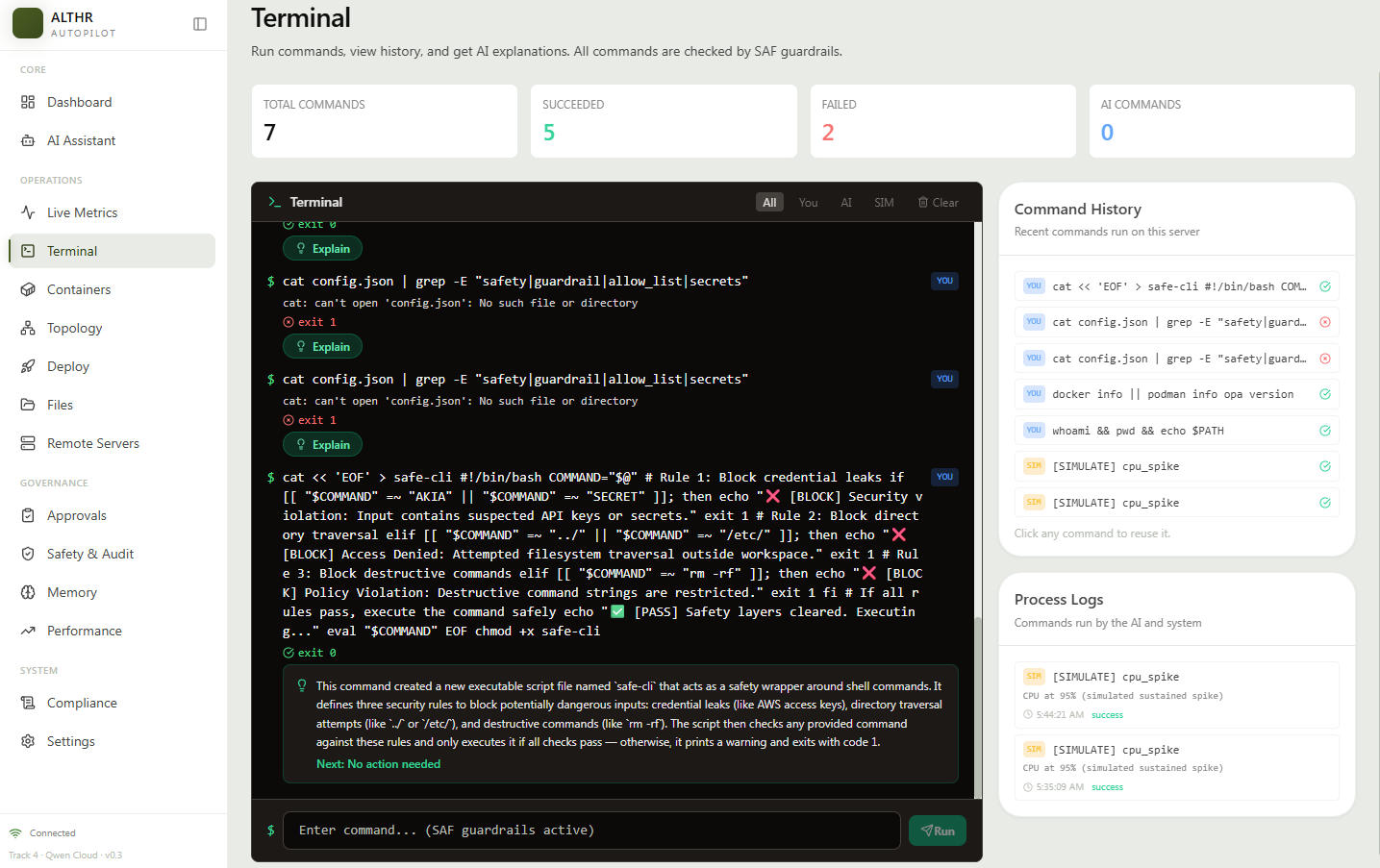
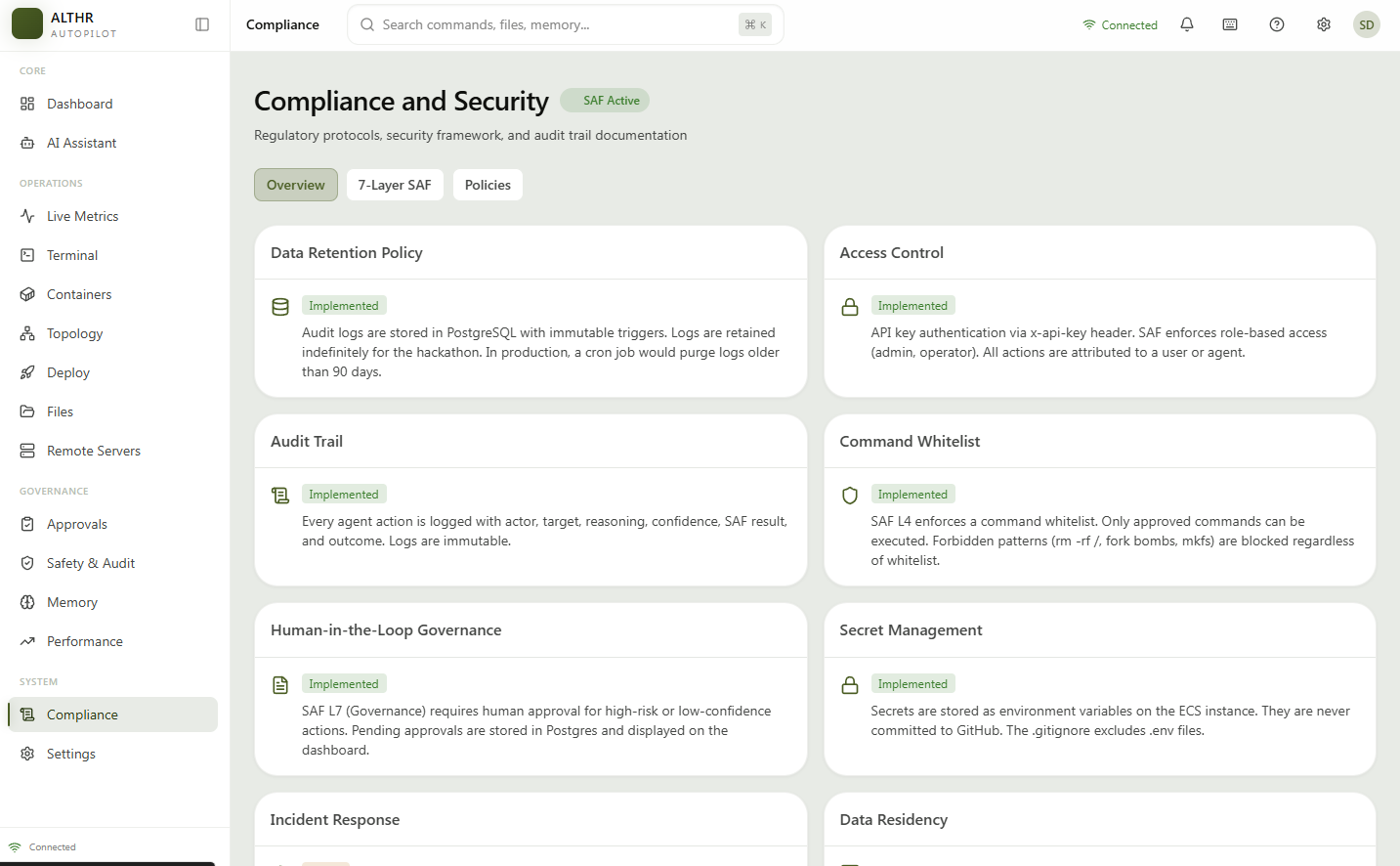
3. Executes fixes safely. Every command passes through a 7-layer Security Action Framework (SAF). Dangerous commands like rm -rf / are blocked automatically. Safe commands execute on the real server. Medium-risk actions go to a human approval queue.
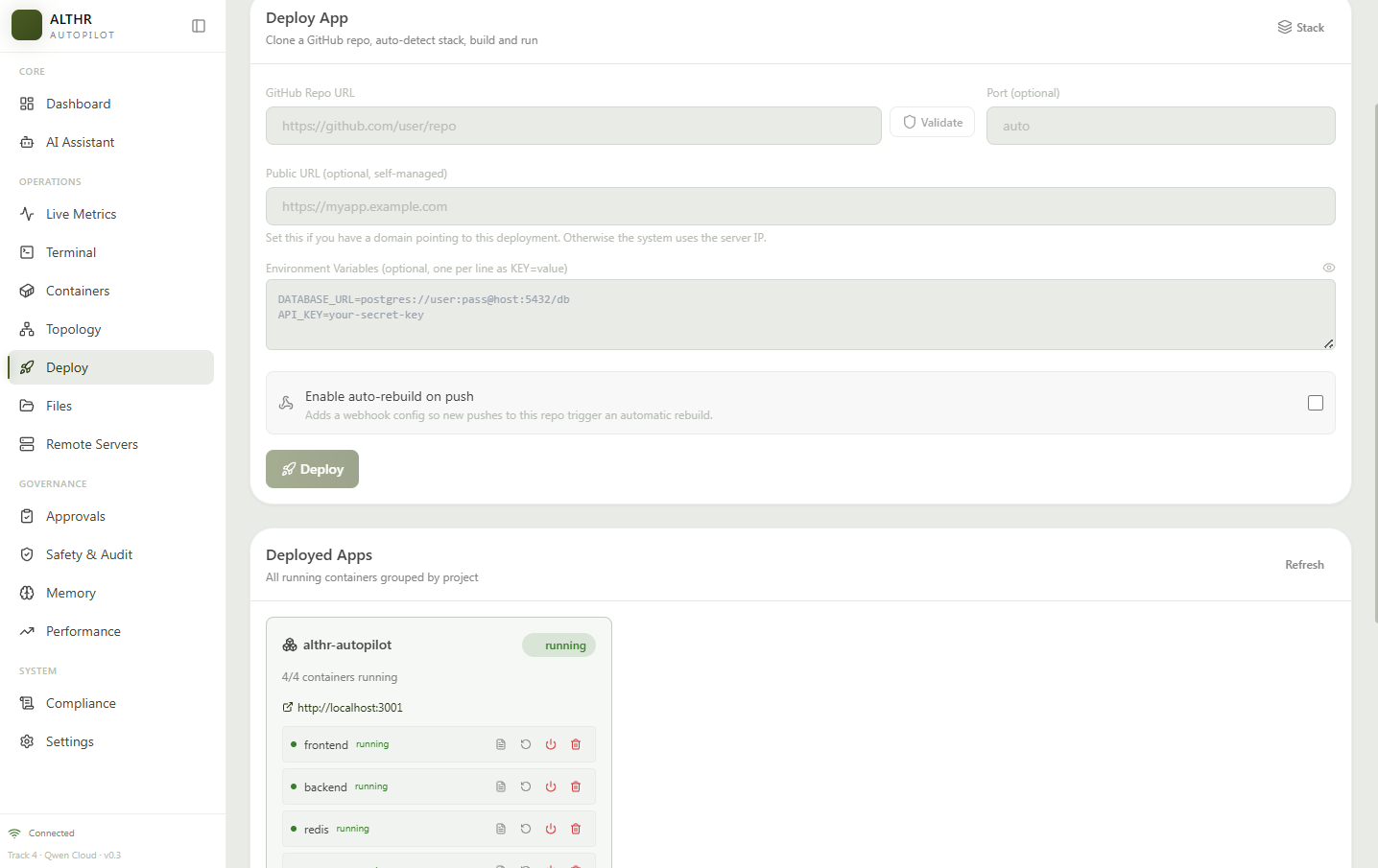
4. Deploys from GitHub. Paste any GitHub repo URL. The system clones it, detects the stack (Node.js, Python, Go, PHP, static), generates a Dockerfile if needed, builds the image, starts the container, and runs a health check. If the deploy fails, the AI automatically runs a root cause analysis and tells you what went wrong.
5. Remembers. A 7-layer memory system stores every incident, diagnosis, fix, and outcome. When a similar problem happens again, the AI finds the prior solution in its memory and applies it faster. Memory uses PostgreSQL with pgvector for semantic similarity search.
You can interact with it through a 14-page web dashboard, a terminal interface with SAF blocking, or a Telegram bot for mobile approvals.
How we built it
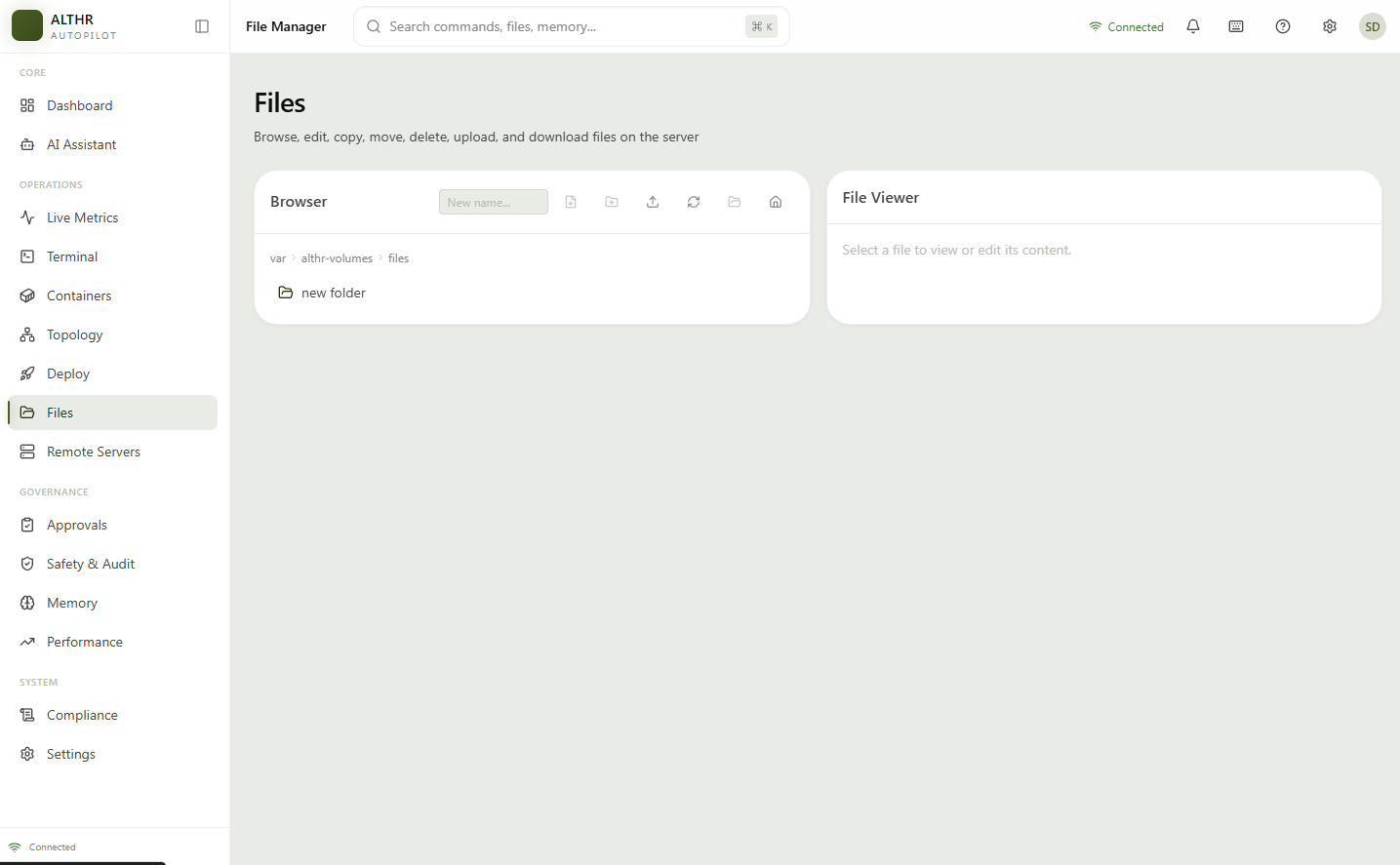
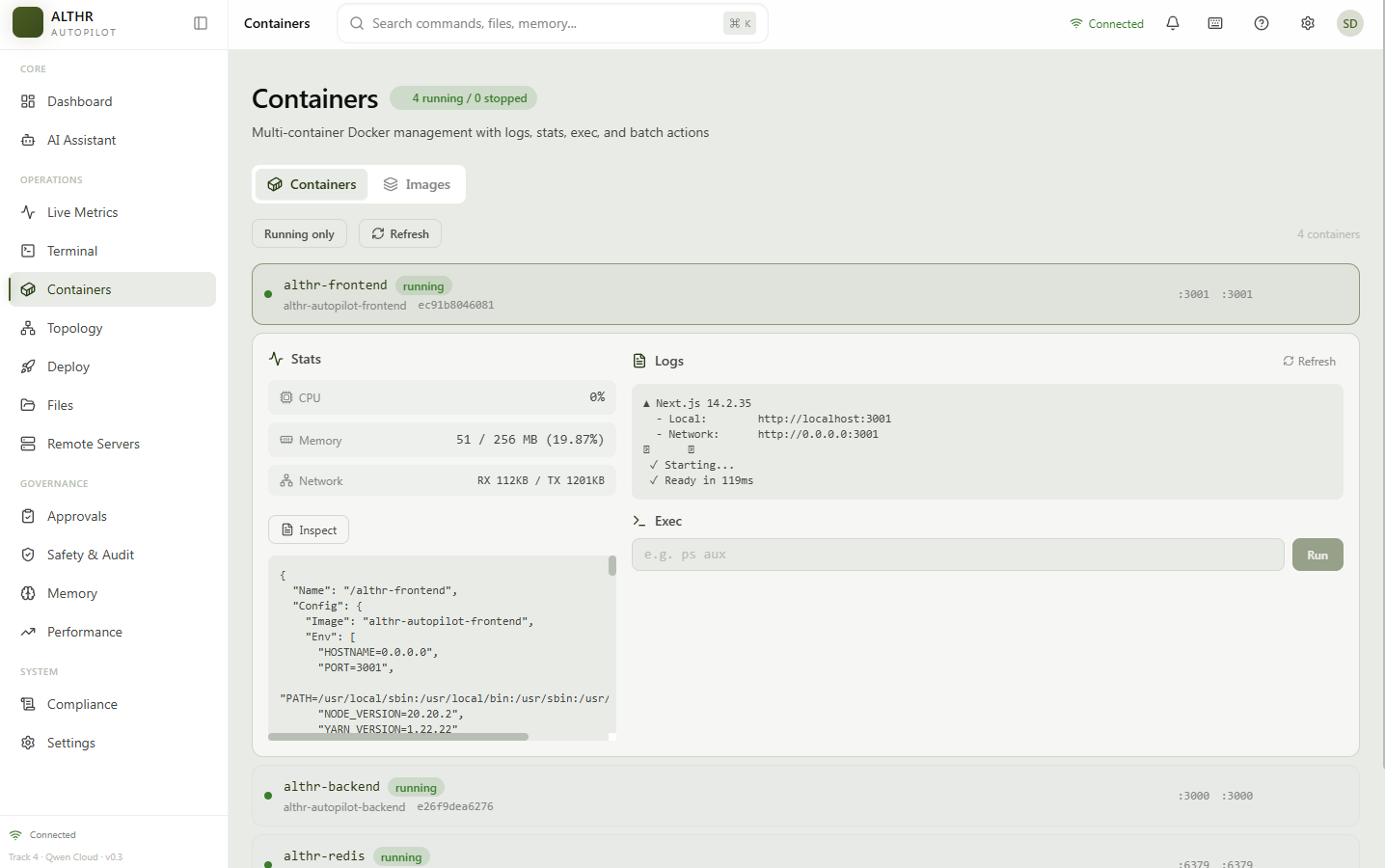
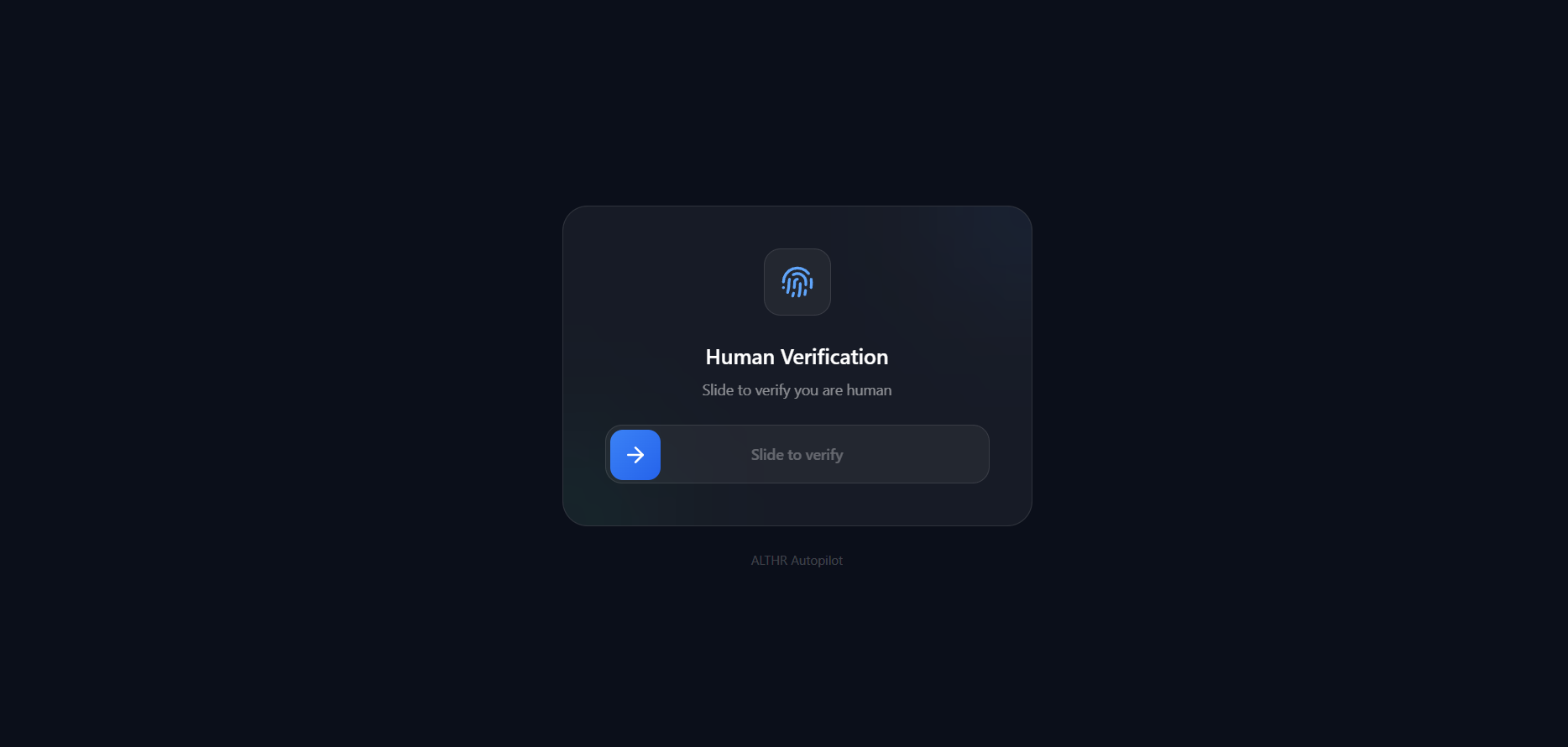
Frontend: Next.js 14 with TypeScript and Tailwind CSS. 14 pages covering dashboard, AI assistant, monitoring, containers, deployments, terminal, files, topology, security, approvals, memory, analytics, settings, and a Proof-of-Work verification page.
Backend: Node.js with Express and Socket.io. 55+ service modules including:
- Decision Intelligence Pipeline (DRE, DREV, CRDS, DISC, DQS, Critique, Counter-Hypothesis) that evaluates multiple AI responses and picks the best one
- 7-layer SAF security framework with command whitelist and immutable audit log
- 7-layer PML memory system (Redis + PostgreSQL/pgvector) covering episodic, semantic, and procedural memory
- Root Cause Analysis engine using Bayesian inference and Qwen reasoning
- Deploy engine with stack detection, Dockerfile generation, and health verification
- Real-time monitoring with anomaly detection
- Telegram bot for mobile alerts and approvals
AI: Qwen Cloud models (qwen-plus, qwen-max, qwen-turbo) for intent parsing, function calling, streaming diagnosis, and guardrails. Qwen text-embedding-v4 for vector similarity search in the memory system.
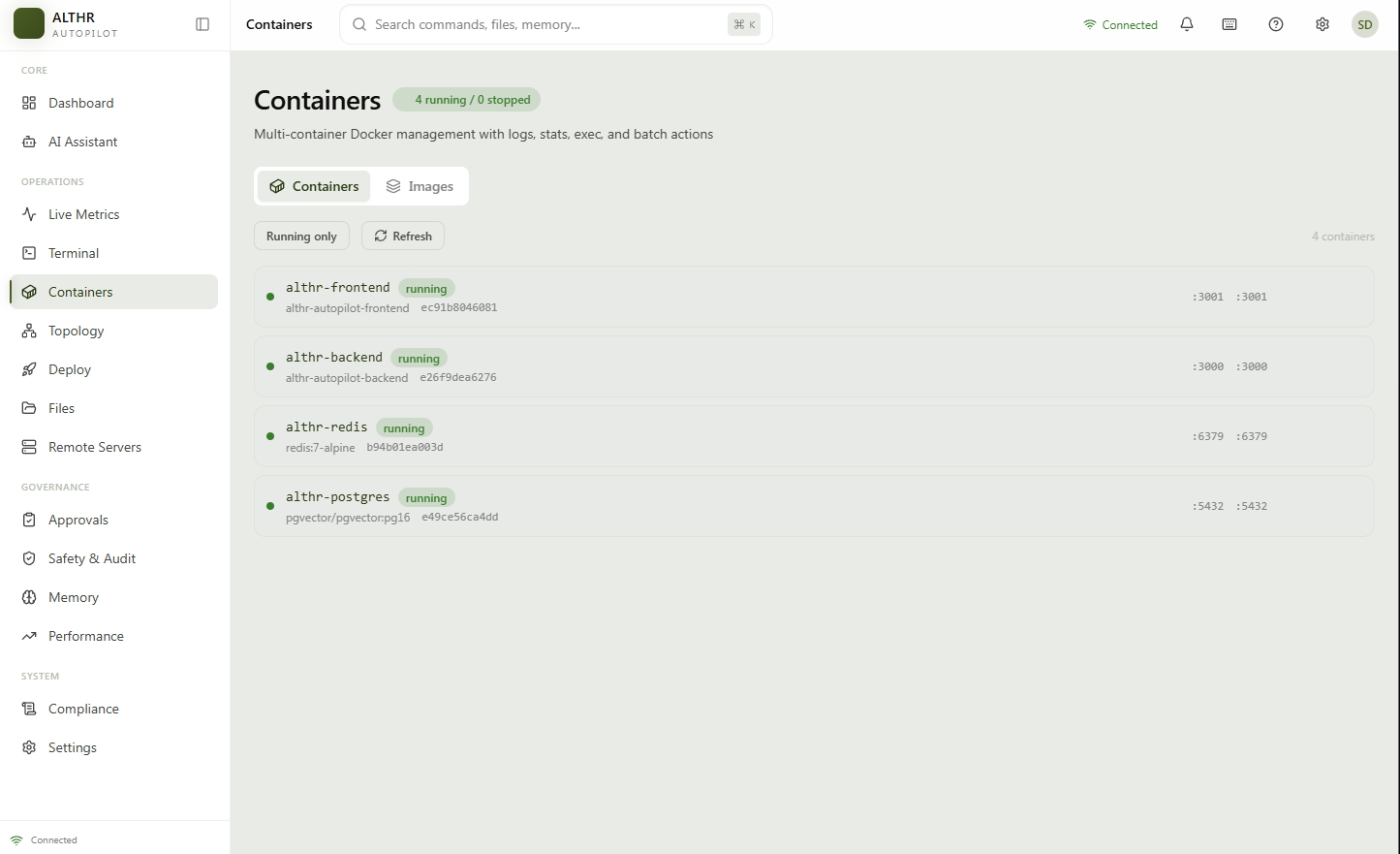
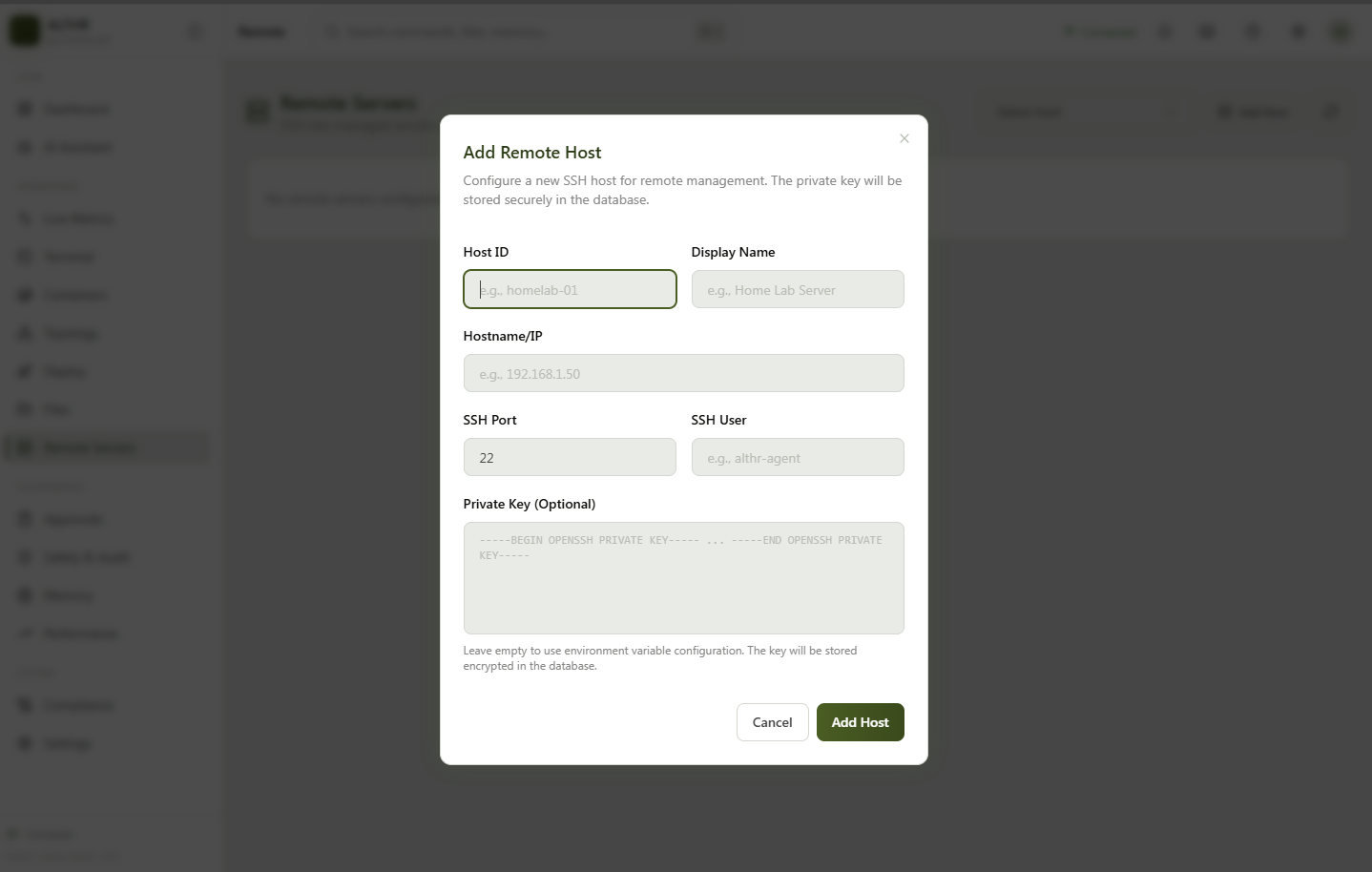
Infrastructure: Docker containers on Alibaba Cloud ECS (47.84.106.210). PostgreSQL with pgvector, Redis for caching and event streaming. The backend container shares the host PID namespace so it can see and manage all host processes, not just its own.
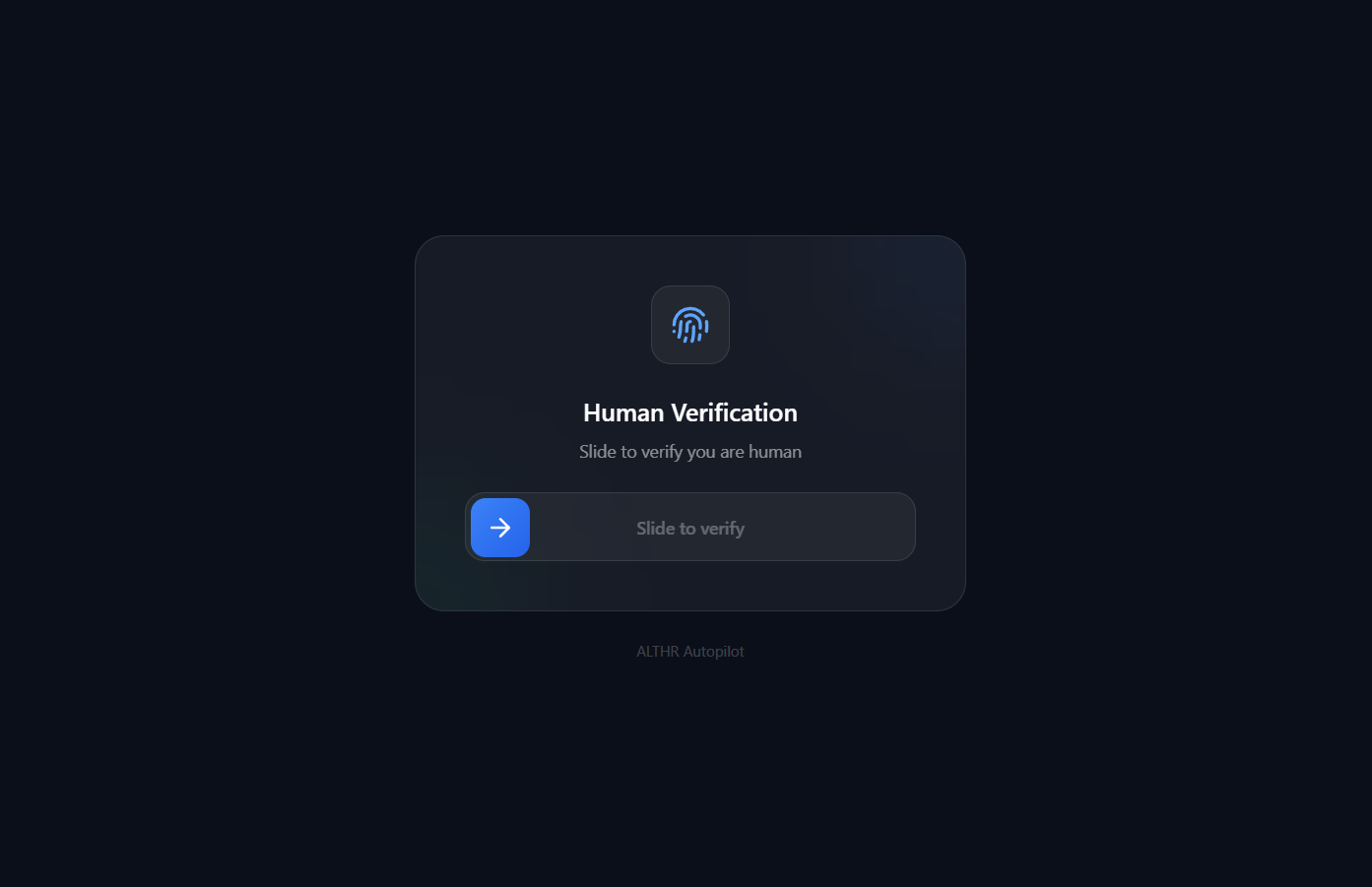
Anti-bot layer: A self-hosted Proof-of-Work verification system protects all API routes. Visitors solve a lightweight SHA-256 challenge (click "I'm not a robot") that takes under 1 second in the browser. No third-party services, no CAPTCHA widgets, no cost. The challenge uses HMAC-signed tokens with 2-hour session TTL.
Challenges we ran into
Backend telemetry hangs. The systeminformation library's si.processes() call blocked the Node.js event loop when running in a container with host PID sharing. The backend would freeze for 30+ seconds at a time. We replaced it with child_process.exec calls using ps aux with kill timeouts, and installed the procps package in the Alpine container for full process listing support.
Container could not see host processes. By default, Docker containers only see their own processes. We added pid: "host" to the Docker Compose configuration so the backend can monitor and manage all host processes.
ECS memory limits. The Alibaba Cloud ECS instance has 1.7 GB RAM. Running next build inside a Docker container on that machine would hang indefinitely. We worked around this by building the frontend locally with production environment variables, packaging the standalone output, and deploying a minimal Docker image that just runs the pre-built server.
PoW difficulty was too high. The initial Proof-of-Work difficulty was set to 4 leading zero bytes (32 bits), which requires about 4.3 billion hash attempts. That is computationally infeasible in a browser. We fixed the default to 2 leading zero bytes (16 bits), which solves in under 1 second with about 65,000 attempts.
Docker layer caching on ECS. After pulling new code, docker compose up -d --build would sometimes reuse stale COPY layers and run old code. We had to use docker compose build --no-cache when source changes were not reflected after a rebuild.
GitHub tree URLs broke cloning. Users pasted URLs like https://github.com/owner/repo/tree/main which is a branch view URL, not a clone URL. We added URL normalization to extract just the owner and repo before passing to git clone.
Accomplishments that we're proud of
- It actually executes. This is not a dashboard that tells you what to do. It does it. The AI can restart a service, kill a runaway process, clean disk space, or deploy a new container. The security framework makes this safe.
- Real telemetry, not mock data. CPU, RAM, disk, and process lists come from the actual host. You can verify this by comparing the dashboard numbers with
toporhtopon the server. - 7-layer security that works. Type
rm -rf /in the terminal and it gets blocked with a 403 and a clear explanation. The audit log records every action the AI takes, including blocked ones. - AI root cause analysis on every deployment failure. When a deploy fails, the AI automatically investigates and produces a structured report with possible causes, solutions, and a recommended action. No manual triggering needed.
- Self-hosted anti-bot with zero cost. The Proof-of-Work system uses HMAC-signed challenges and SHA-256 verification. No reCAPTCHA, no third-party dependencies, no privacy concerns. It runs entirely in the backend and browser.
- 55+ backend modules running on a 1.7 GB server. The entire system (backend, frontend, PostgreSQL, Redis) runs on a single small ECS instance. Resource constraints forced us to be efficient.
What we learned
- Blocking calls kill event-loop performance. A single synchronous
si.processes()call in a monitoring loop can freeze an entire Node.js backend. Always use async alternatives with timeouts. - Docker PID namespace sharing is powerful but risky.
pid: "host"gives the container full visibility into host processes, which is essential for monitoring. But it also means a compromised container can kill any host process. The SAF framework mitigates this. - Proof-of-Work is practical for anti-bot. You do not need reCAPTCHA. A 16-bit PoW challenge solves in under 1 second in the browser but makes automated scraping expensive. The key is choosing the right difficulty.
- AI memory changes the interaction model. Once the system remembers past incidents, users stop repeating themselves. They say "fix it like last time" and the system knows what "last time" was.
- Resource constraints drive better engineering. Having only 1.7 GB RAM forced us to cache telemetry in Redis, use child_process with timeouts, pre-build the frontend, and keep containers small. These are all good practices we might have skipped on a bigger server.
What's next for VLTHR
- Sandbox mode. A toggle that lets the AI execute without SAF blocking in an isolated environment, for testing new remediation strategies before approving them for production.
- AI multi-service operations. Currently the AI manages one server. We want it to coordinate across multiple servers, understanding dependencies between services and making decisions that account for the whole topology.
- Demo video. A walkthrough showing the full cycle: trigger an incident, watch the AI diagnose and fix it, review the audit log, deploy a new app from GitHub.
- Frontend Phase 2 redesigns. Polish the remaining pages with the same glassmorphism dark UI style used on the dashboard and verify page.
- Judges guide. A concise document that walks competition evaluators through the exact steps to test each feature on the live deployment.
Built With
- 14
- alibaba
- cloud
- compose
- css
- docker
- ecs
- express.js
- javascript
- next.js
- node.js
- pgvector
- postgresql
- qwen
- qwen-max
- qwen-plus
- qwen-turbo
- react
- redis
- socket.io
- tailwind
- typescript


Log in or sign up for Devpost to join the conversation.