-
-
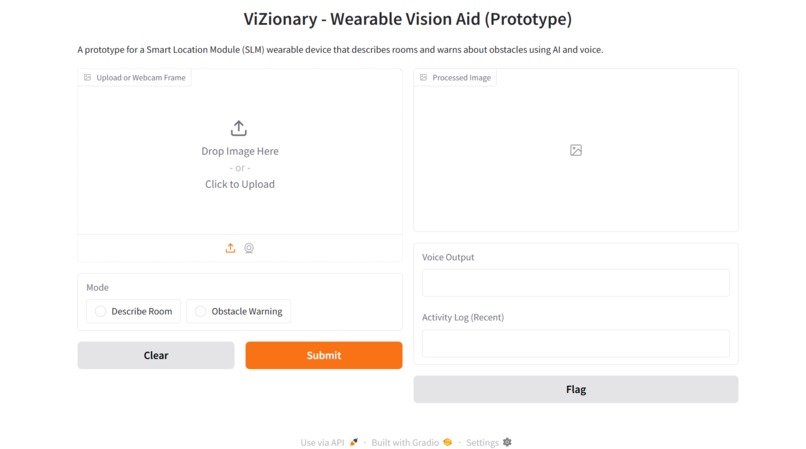
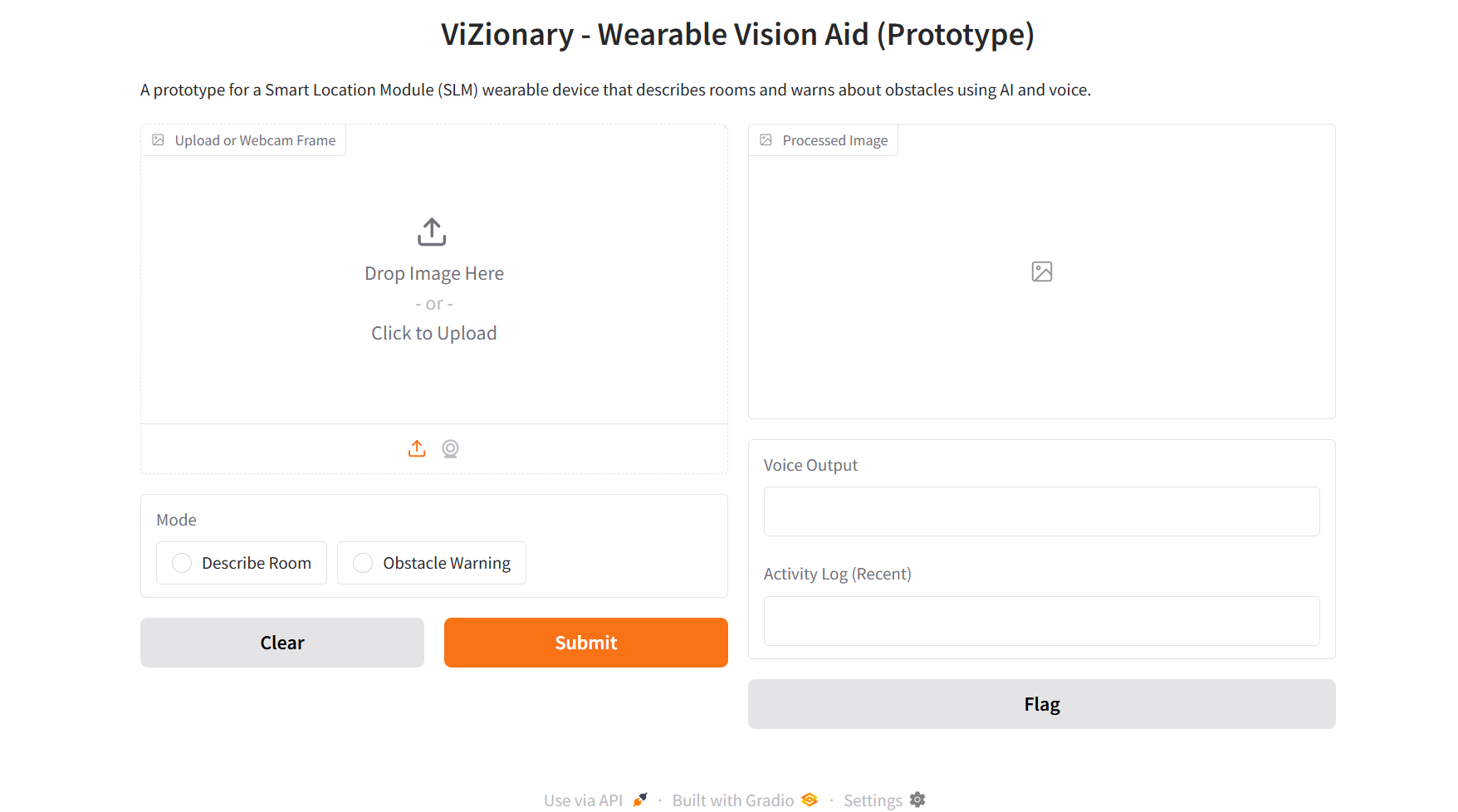
UI of ViZionary
-
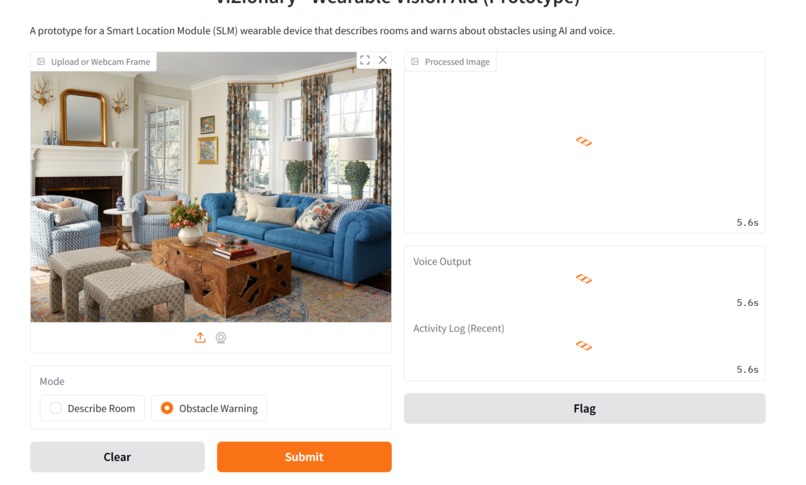
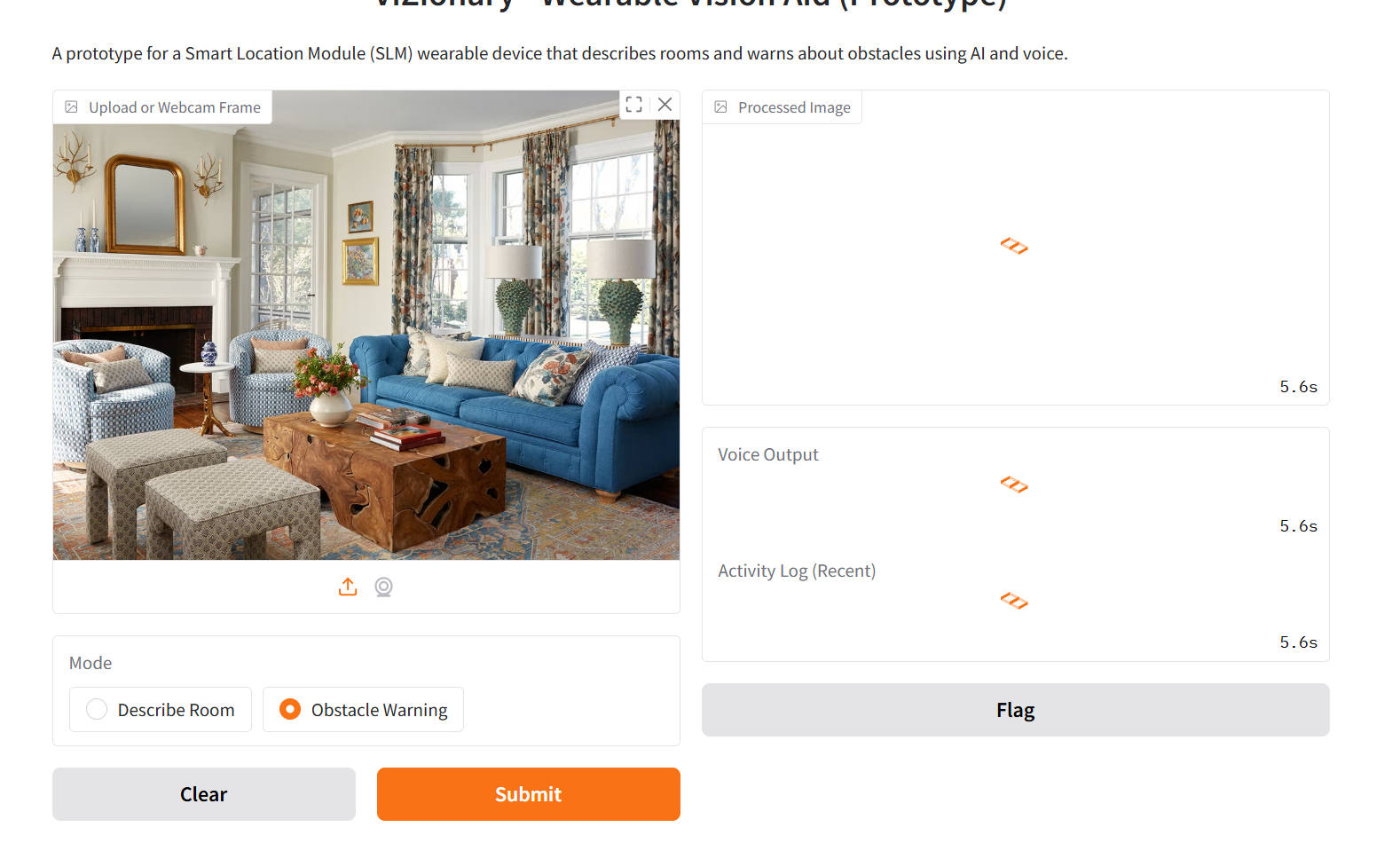
ViZionary processing the image
Inspiration
Navigating unfamiliar indoor environments can be extremely challenging for visually impaired students. Most assistive devices today either rely on basic proximity sensors or do not offer contextual awareness of surroundings. I wanted to build a wearable AI-powered prototype that not only detects obstacles but also describes the environment in real time using voice — something that could restore confidence, autonomy, and safety.
Thus, ViZionary was born — a Smart Location Module (SLM) prototype combining computer vision, speech synthesis, and a simple UI to demonstrate what's possible in wearable assistive tech.
What it does
ViZionary is a prototype for a wearable assistive device that: Uses a webcam (or image upload) to detect surroundings Employs YOLOv8 to detect objects like chairs, tables, people, beds, etc. Gives voice-based feedback using Text-to-Speech (TTS) Offers two modes: Describe Room: Summarizes detected furniture and objects Obstacle Warning: Alerts the user of nearby obstacles Maintains a live activity log of detections with timestamps Stores logs to Firebase for analytics, caregiver monitoring, or future training data All of this happens through a simple UI powered by Gradio for demonstration, but the architecture is built to support real-time use on wearable systems.
How we built it
Frontend/Interface: Gradio, to provide a lightweight and fast demo UI Object Detection: YOLOv8 via the ultralytics Python package Speech: pyttsx3 for offline voice output Database: Firebase Firestore to store detection logs Backend Logic: Preprocessing images using OpenCV + PIL Label filtering based on two modes (room vs. obstacle) Activity log maintained and pushed to Firebase Local Deployment: The prototype is self-contained, runs entirely on local machine, and does not require internet after Firebase is set up
Challenges we ran into
AVIF file compatibility: Some image formats weren't supported by PIL by default, leading to runtime errors and a need to filter input types. Gradio versioning issues: Certain deprecated arguments (tool, allow_flagging) caused crashes until properly updated. TTS Blocking: pyttsx3.runAndWait() sometimes blocked further code execution; had to restructure logic to avoid hanging. Firebase integration: Getting the right permissions and structure for Firebase Firestore took some trial and error. Real-time performance: Optimizing inference speed to be responsive within seconds without GPU acceleration
Accomplishments that we're proud of
Created a fully working prototype in a short time using only open-source tools Built an app that’s both technically sound and has real-world social impact Successfully integrated multiple components: Computer Vision, TTS, UI, and a cloud database Designed the logic to be easily deployable on a wearable edge device Enabled mode switching, live feedback, and persistent logging — all core to assistive tech
What we learned
Hands-on implementation of YOLOv8 for object detection Real-world application of assistive tech principles using AI Firebase Firestore usage and schema planning for IoT-style logs UI/UX balancing in assistive applications (what info to give and how) Importance of handling real-world file formats and exceptions properly Time and memory optimizations in resource-constrained setups (as in wearables)
What's next for ViZionary
Real Wearable Integration: Porting this prototype to a Raspberry Pi Zero 2W or similar edge device, along with a mini-camera and bone conduction earphones.
Offline Model Optimization: Using ONNX or TensorFlow Lite to convert the YOLO model for real-time edge performance.
Contextual Awareness: Adding scene classification or spatial mapping to describe not just what objects exist, but how they relate to the user (e.g., “table to your left”). Voice Commands: Enabling control via simple voice inputs like “scan”, “describe”, or “repeat”. Caregiver Dashboard: A web interface showing Firebase logs for caregivers to monitor user movement patterns and obstacles. Privacy & Data Control: Adding options for logs to be saved locally or encrypted if uploaded. Field Testing: Collaborating with accessibility NGOs to get real user feedback and improve usability.

Log in or sign up for Devpost to join the conversation.