Inspiration
The inspiration behind VizAI-DataInsights_Assistant came from my personal experience working with data. As a software engineering student, I found that many people, even those who work with data regularly, struggle to understand complex datasets. I wanted to create a tool that would make data analysis more accessible to everyone, regardless of their technical background. The idea of using AI to convert user queries into data-driven insights felt like the perfect way to bridge the gap and help people make sense of their data more easily.
What it does
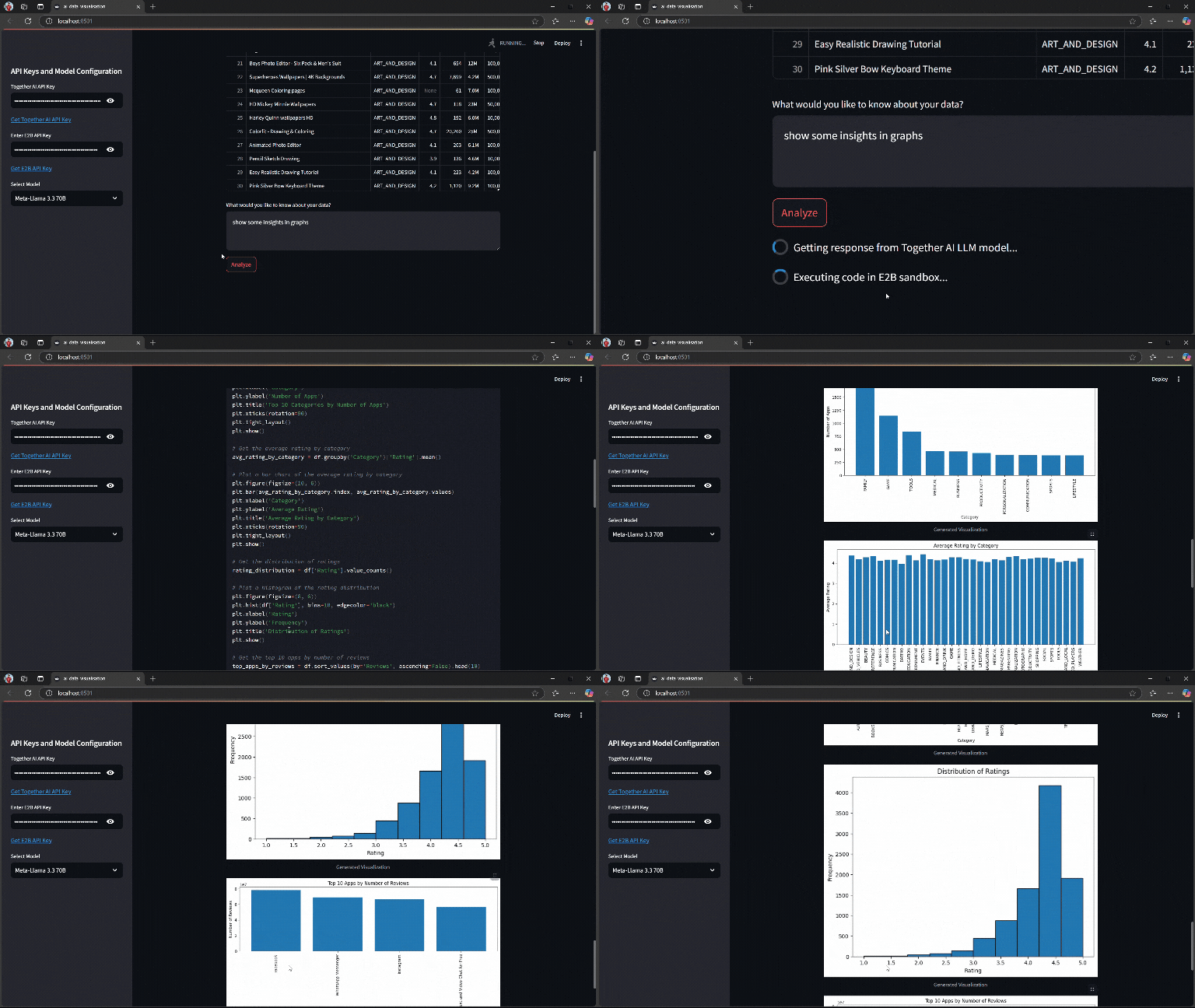
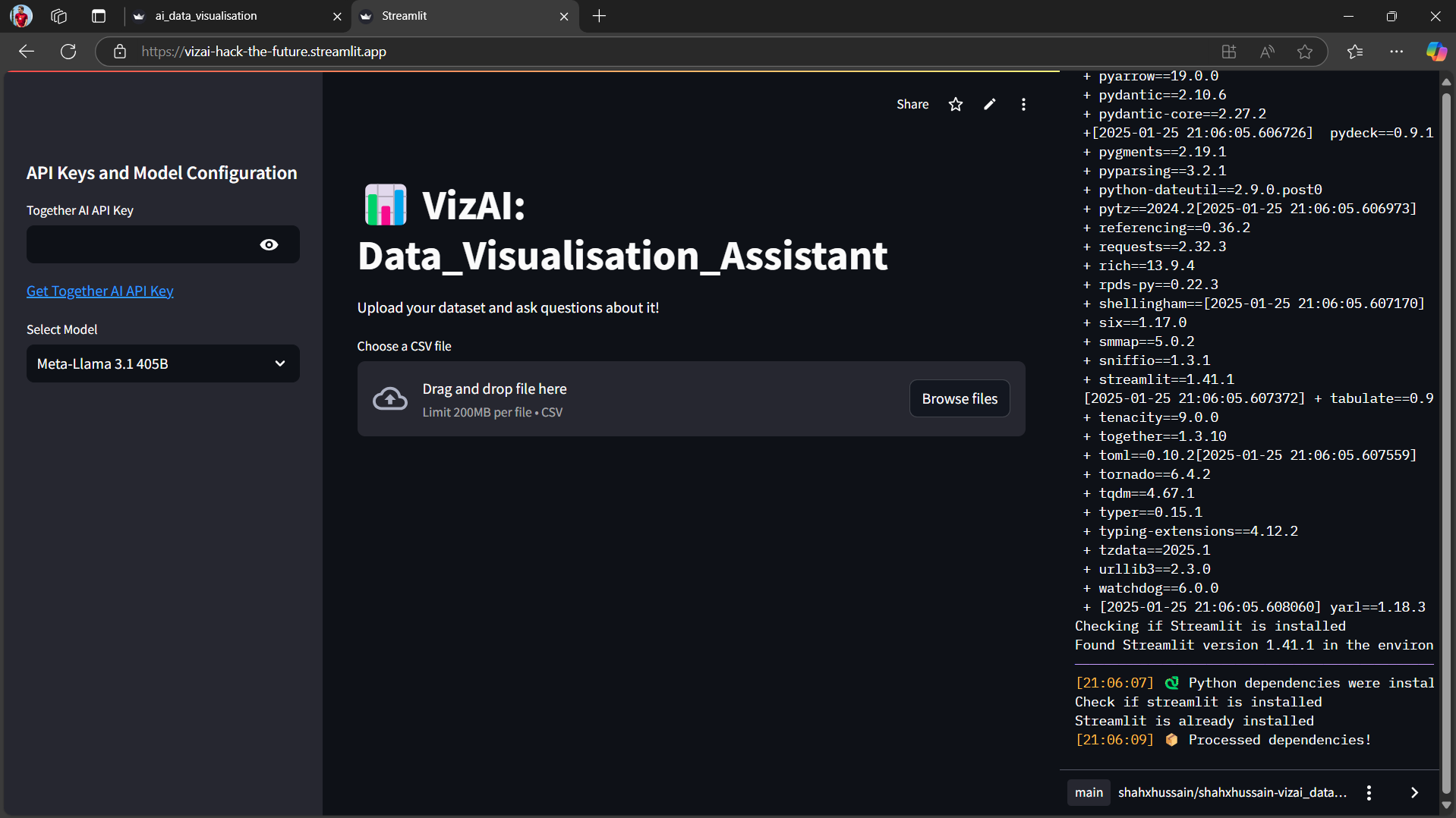
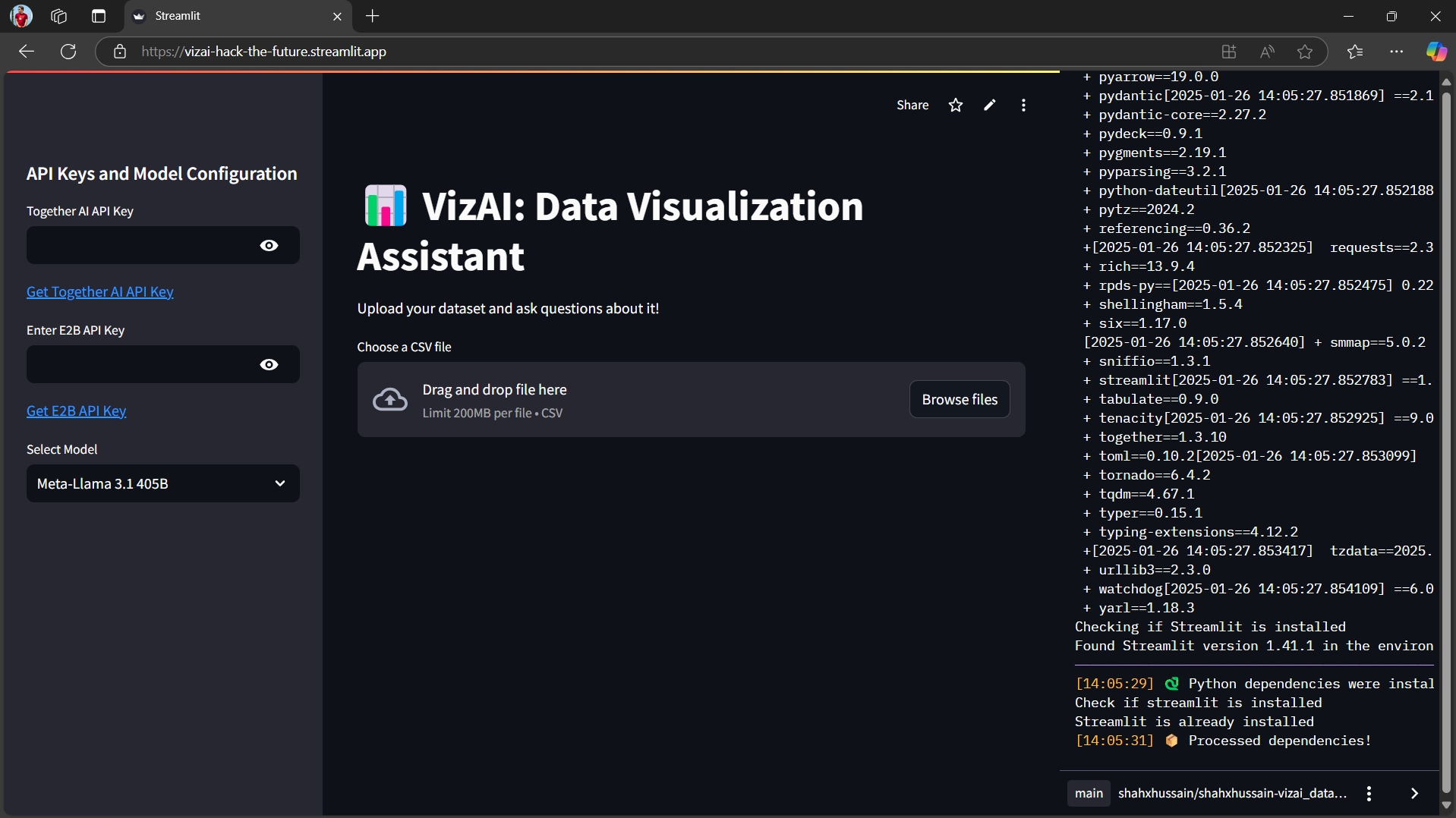
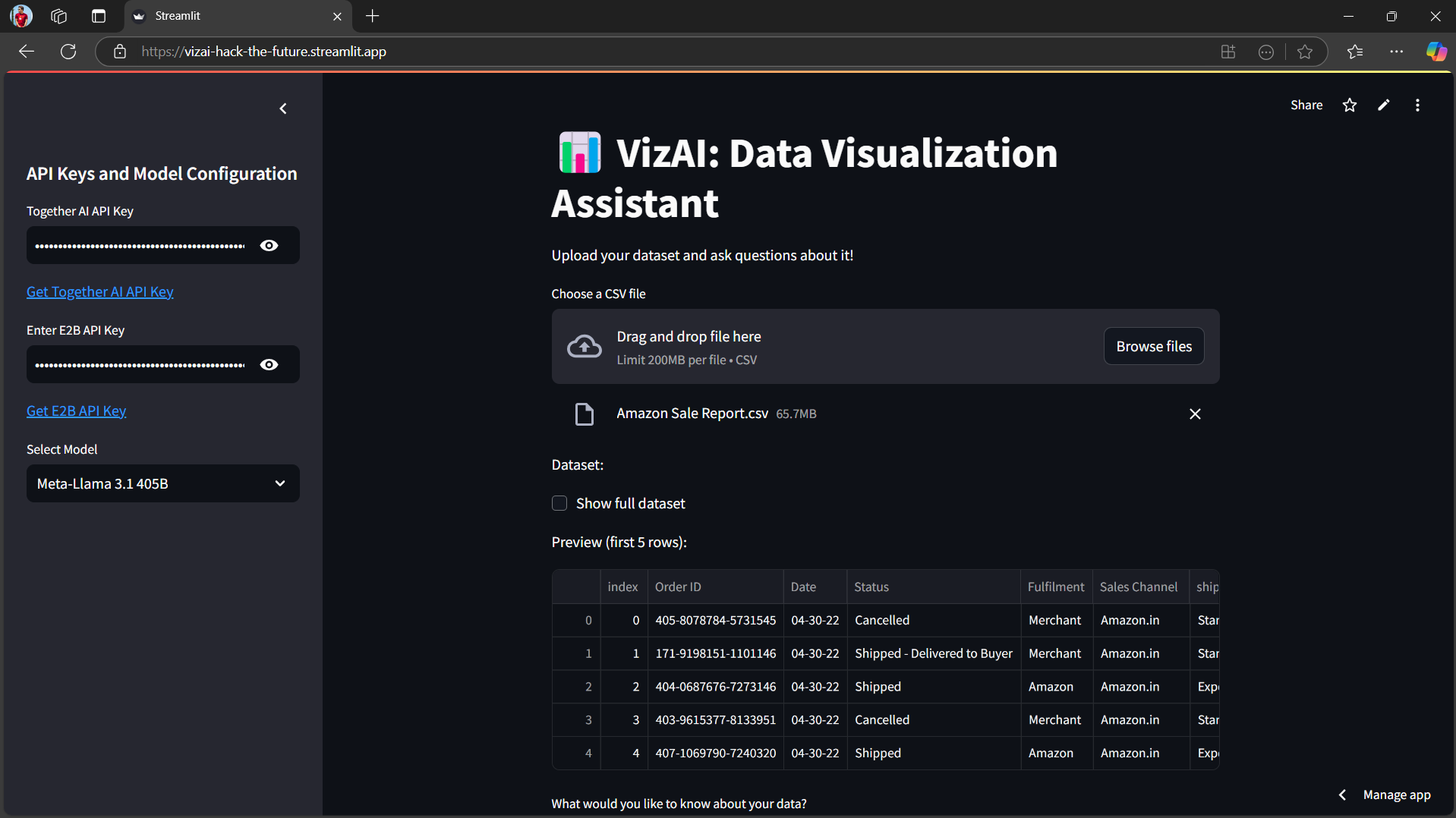
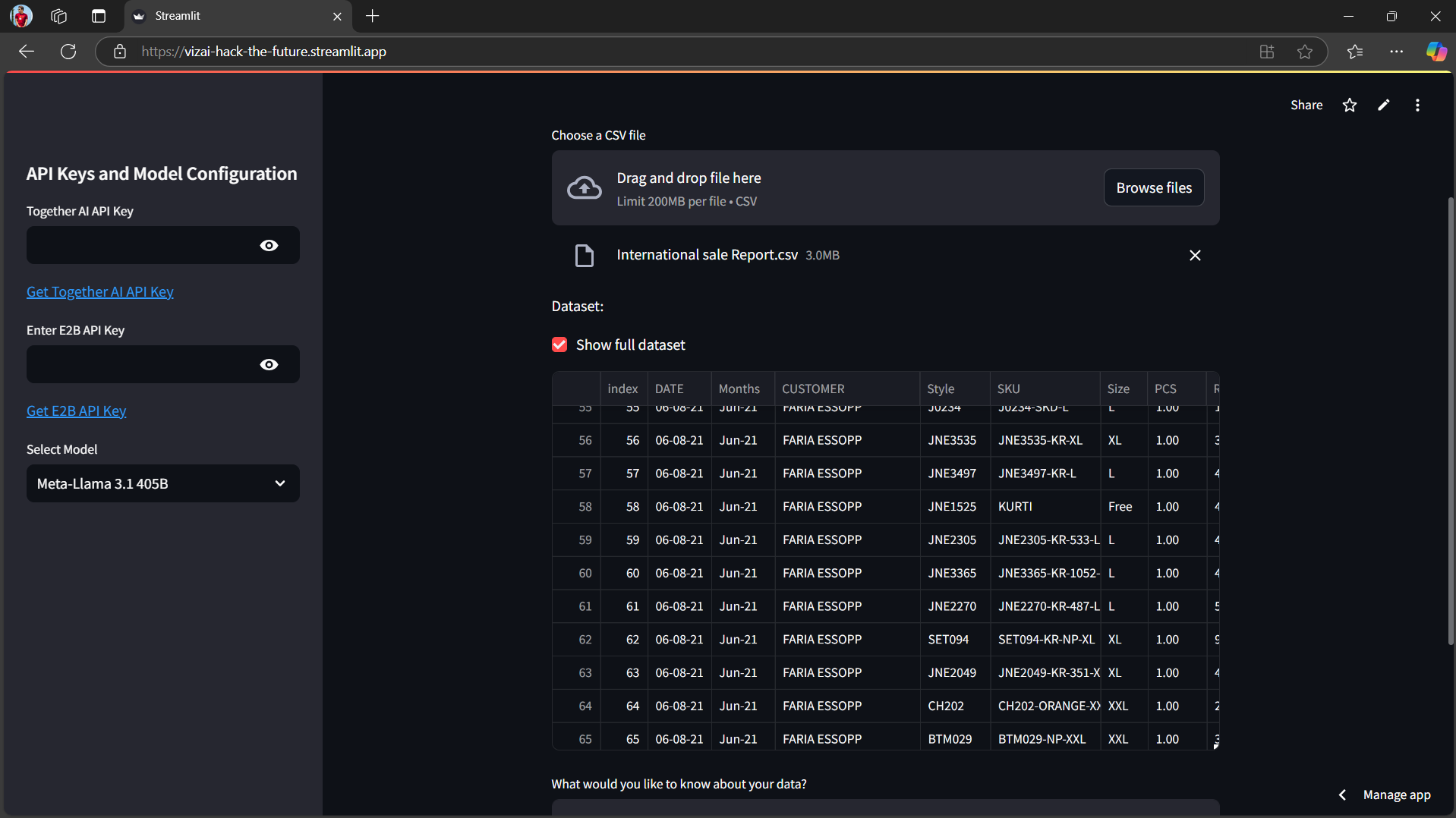
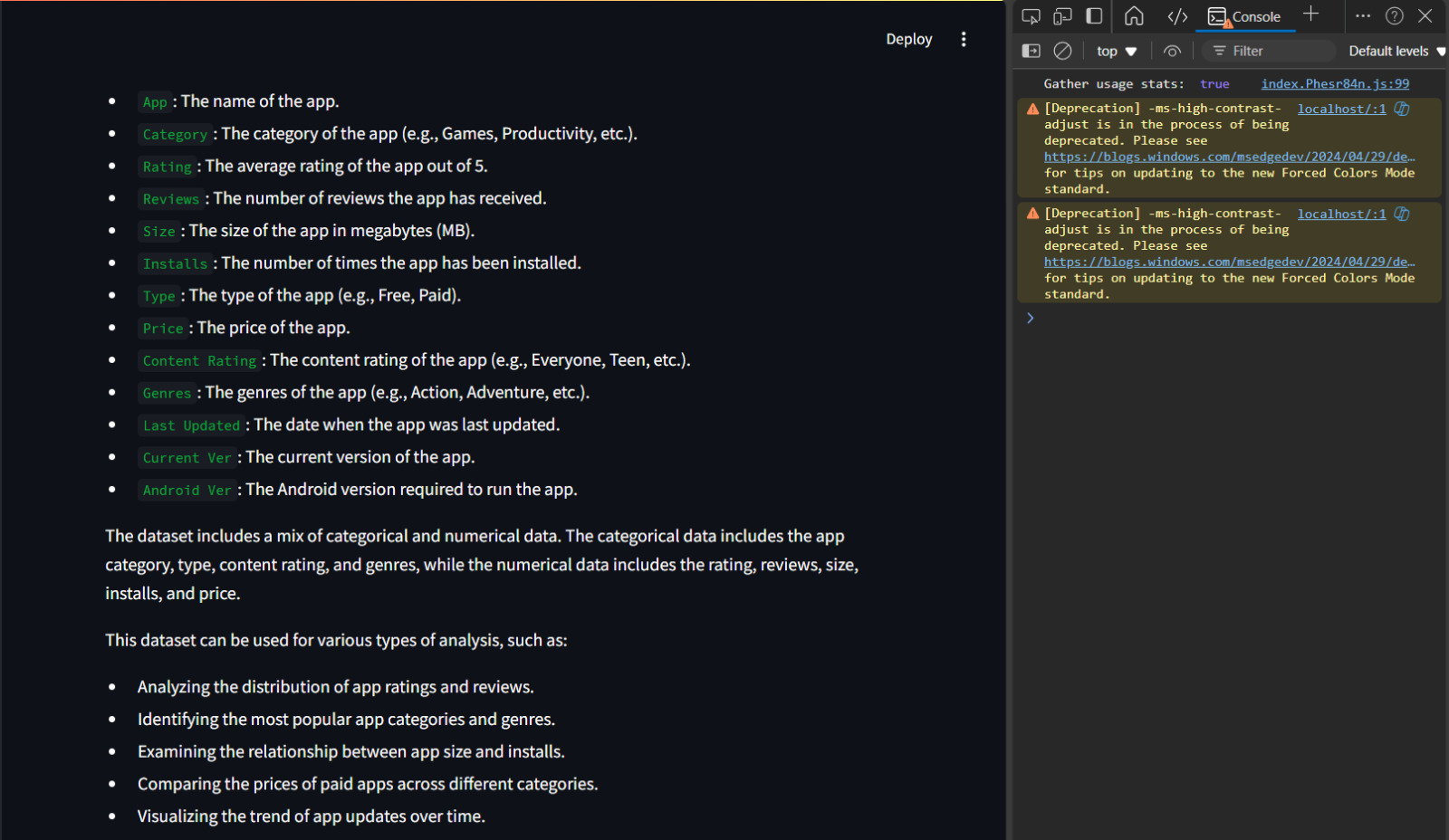
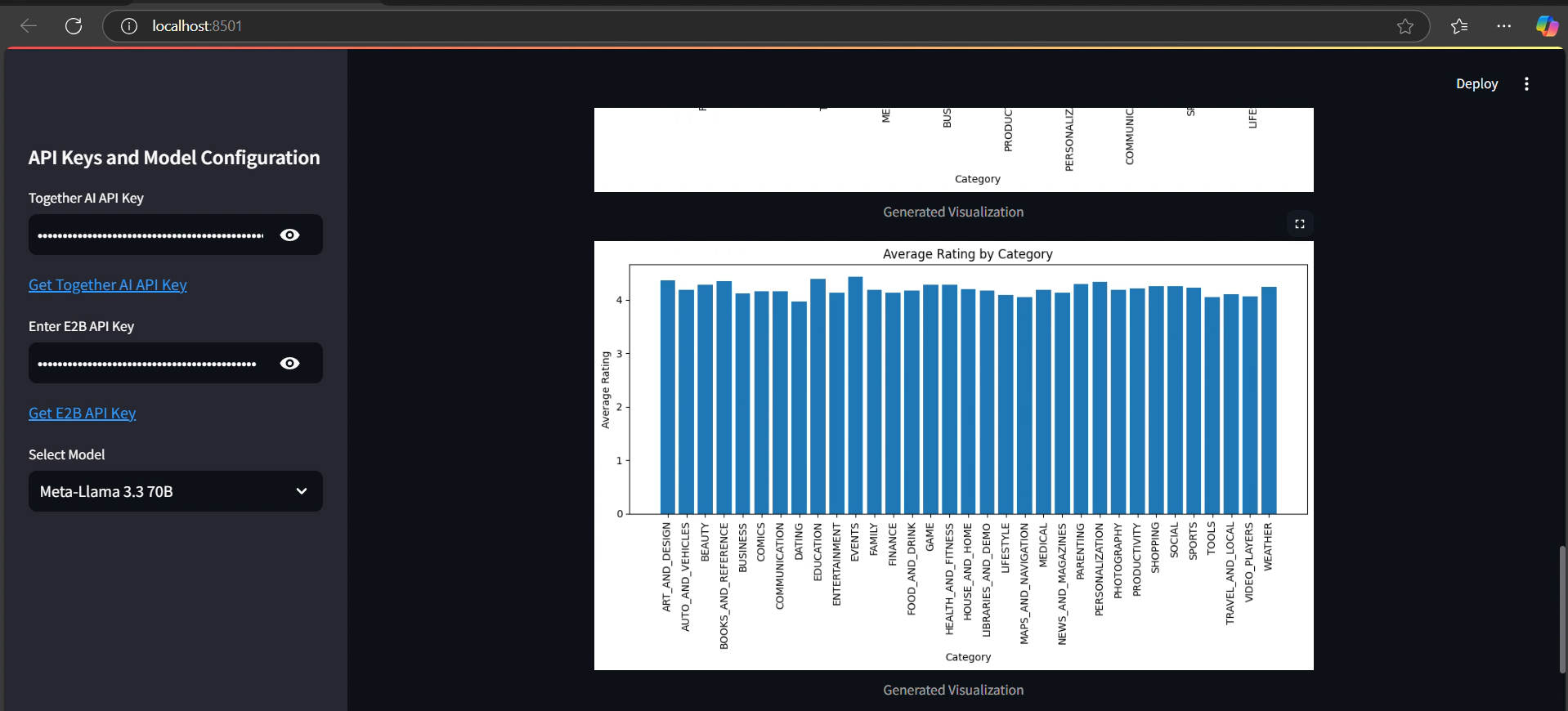
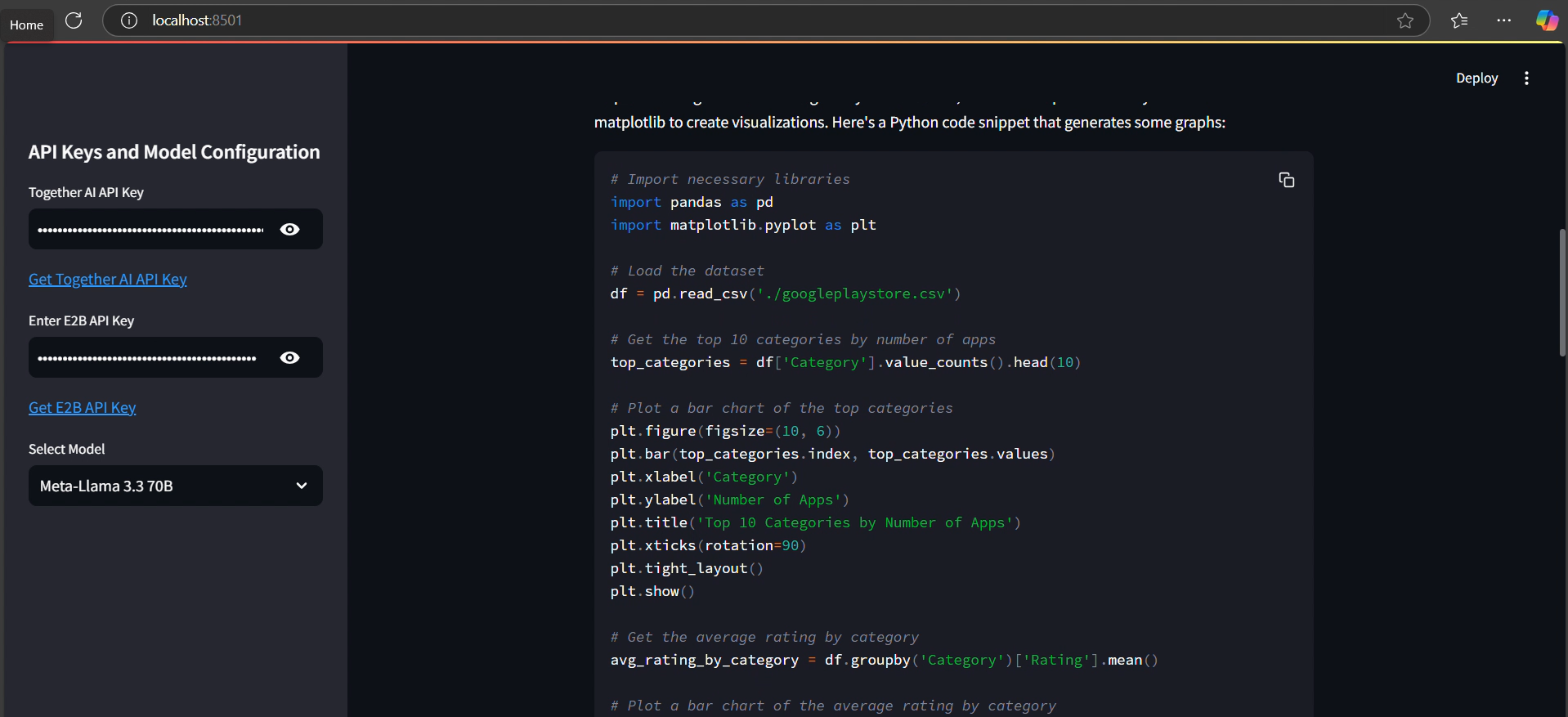
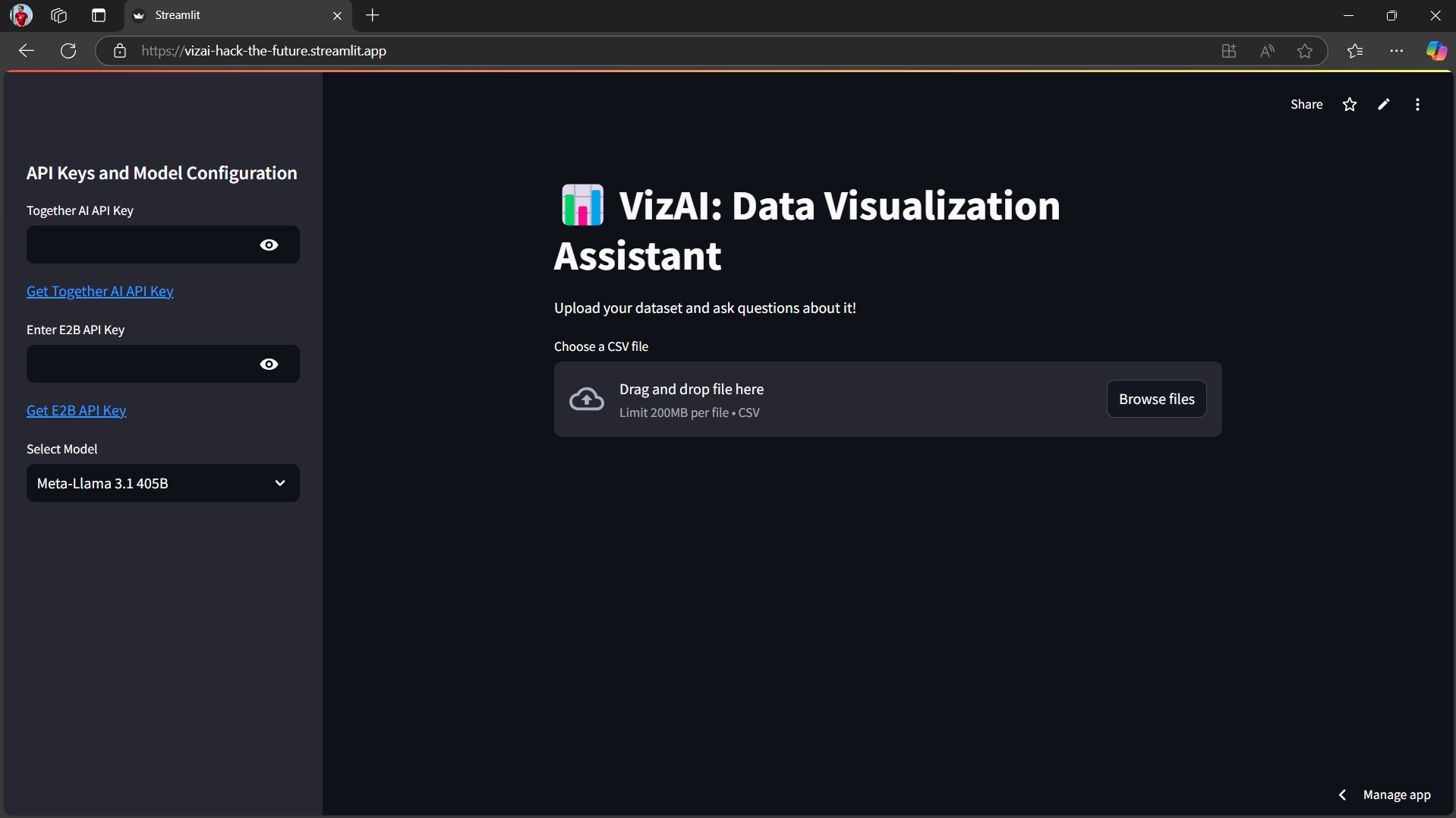
VizAI-DataInsights_Assistant allows users to upload datasets and ask questions in simple, natural language. The AI then analyzes the data and provides answers, visualizations, or even generates code based on the user's query. This generated code is executed in a safe environment using E2B (a sandbox), ensuring that the results are both accurate and secure. The tool makes data analysis easy for non-technical users by turning complicated tasks into simple conversations. Whether you're looking for a quick summary of the data, detailed visualizations, or want to generate custom analysis code, VizAI provides instant, easy-to-understand results. It even shows visualizations from the generated code, making it easy for users to explore the data and gain insights quickly and effectively.
How i built it
I built VizAI using several powerful tools and technologies:
Backend: I used Together AI for natural language processing, which allows users to interact with the system using plain language. The backend also utilizes E2B, a sandbox for safely executing code that processes the data and generates responses.
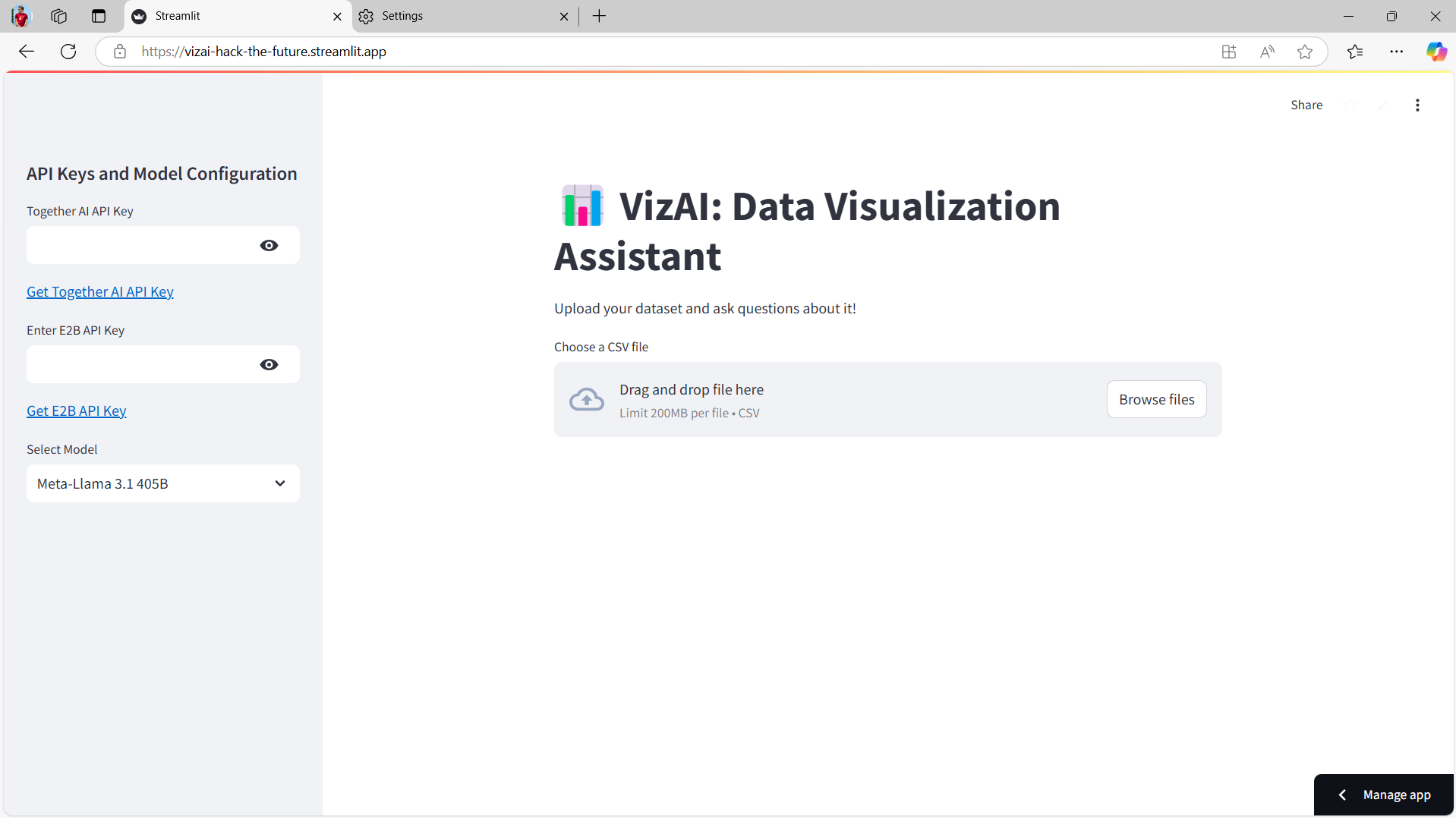
Frontend: The web application is built using Streamlit. It's an easy-to-use tool that helped me quickly create an interactive interface where users can upload their datasets and get instant insights. Streamlit also made it easy to integrate charts and visualizations into the app.
Data Processing: For handling the data, I used pandas for data manipulation and Plotly/Matplotlib for visualizations. These tools allowed me to clean the data, generate visualizations, and display results in a user-friendly way.
Challenges I ran into
One of the biggest challenges I faced was generating visualisations dynamically based on the user’s query. The goal was for the AI to not only interpret the user’s question but also generate the appropriate Python code to answer it. Once the code was generated, I had to make sure that it would execute correctly in the E2B sandbox environment, while also ensuring that any visualizations or results from the code were displayed correctly in the app. It took quite a bit of work to connect all these steps seamlessly: receiving the query, generating the code through the Together AI LLM, running the code in the E2B environment, and then showing the final output, which could be anything from charts or graphs.
Accomplishments that i'm proud of
I’m really proud of how well the system can interpret user queries and generate relevant insights from the data. It’s amazing to see how quickly the AI can process a dataset, analyze it, and present meaningful visualizations. Another accomplishment is the ease of use—creating an interface where even someone with no technical background can upload a dataset and get answers was a key goal, and it feels great to have achieved that.
What I learned
I have prior knowledge of how to connect LLMs, agents, and other AI models, but I wasn’t aware of E2B, an online interpreter that runs AI-generated code. It was a bit challenging to integrate E2B into the process because I had to learn how to ensure the AI’s generated code would run smoothly and safely in the E2B environment. But once I figured it out, I realized the potential it has for running code dynamically based on user input. In the future, I’ll definitely use E2B in more complex projects, as it opens up new possibilities for executing machine-generated code directly from AI models
What's next for VizAI-DataInsights_Assistant
The next step for VizAI is to introduce Module 2: Insights & Detailed Report in PDF Form. This module will provide a comprehensive report on the data, summarizing key insights in a downloadable PDF format. The report will include visualizations, trends, and actionable recommendations, making it easy for users to share insights with team members, clients, or stakeholders.
Additionally, Module 3: DataBase insghts Directly users will be able to directly query the database to extract real-time insights, receive automated visualizations, and generate instant reports for continuous analysis. Both of these features are currently under development and will significantly enhance the user experience by providing more comprehensive, easily shareable insights and reports.



Log in or sign up for Devpost to join the conversation.