The Journey, and The "Why"
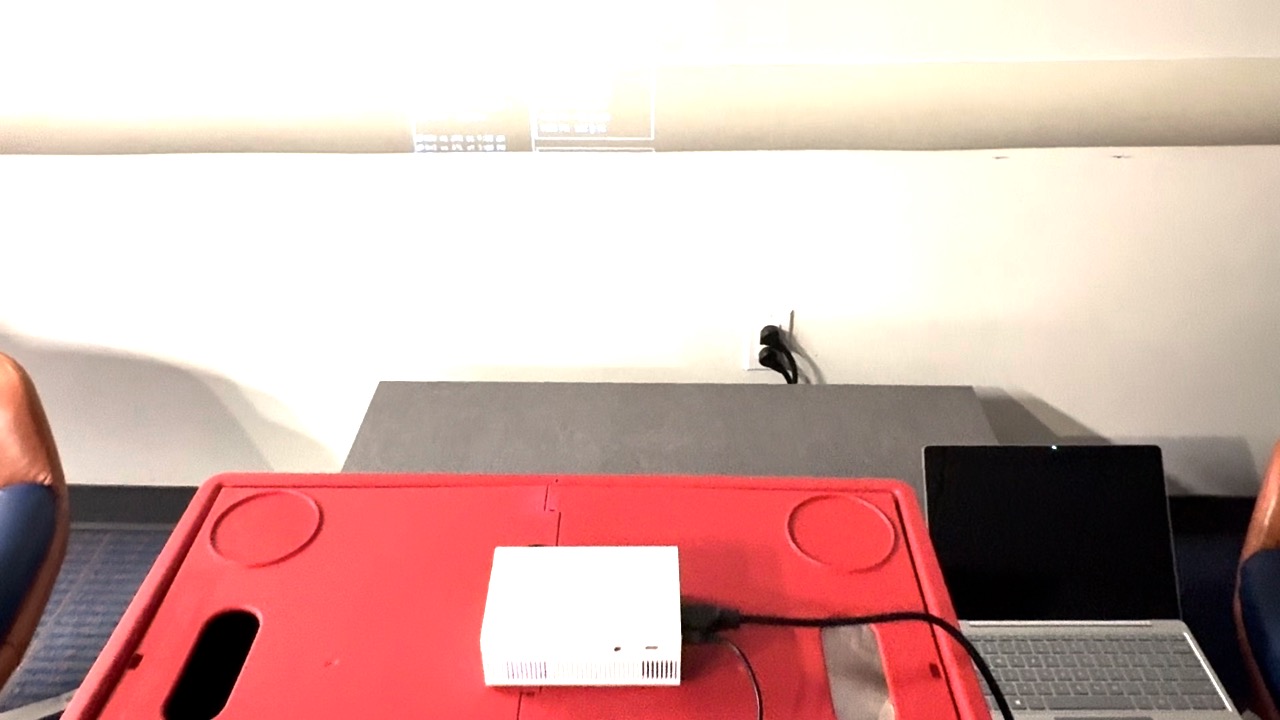
ViveDashTop was born from an effort to repurpose our old laptops. We had several of them, but they served absolutely no real-world use case for us until we found a mini projector. Through fun experiments with matrix animations, we discovered its potential as a great productivity tool: a smart, minimal dashboard and an aesthetic, surreal "fake" window on your wall.
We expect to make ViveDashTop a practical DIY solution for repurposing old laptops, thanks to its extremely lightweight CLI implementation.
The Challenge
The biggest challenge for ViveDashTop was the technical limitations of my mini projector. It has a short power cable and is a low-resolution model. This significantly affected the testing environment for the project. We had to find empty, dark environments to test the projector output. Additionally, we ran into issues when trying to set things up together, mostly regarding API and file permissions.
Future Plans
- Handle text size and screen resolution better, especially for low-resolution projectors.
- Improve support for macOS.
- Implement gesture detection without requiring an OpenCV window.
What's Inside?
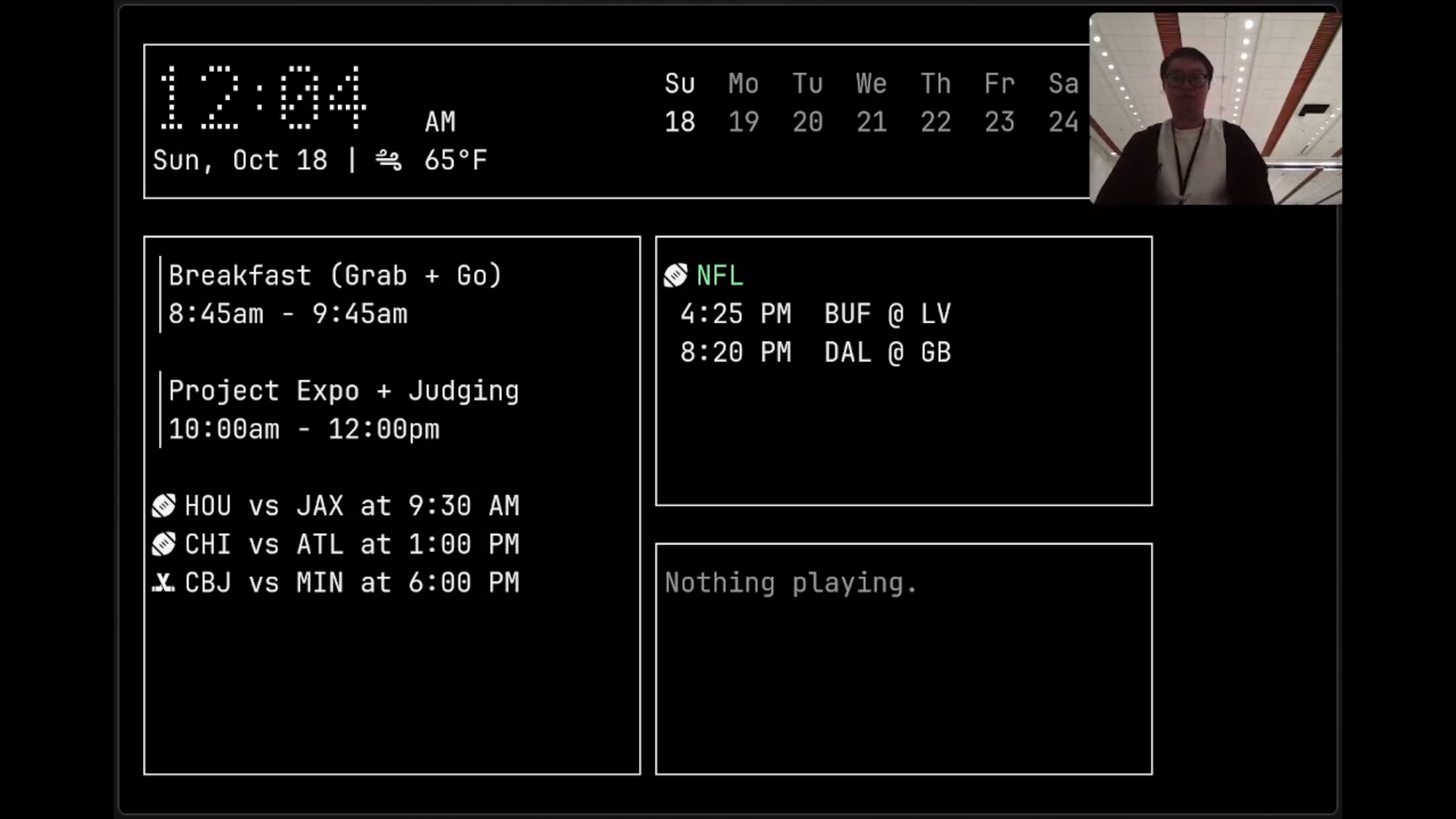
- A minimal command-line interface (CLI) dashboard optimized for projectors, showing the weather, upcoming events, and sports data.
- An adaptive summary with 3 main points, powered by Google Gemini.
- A "Now Playing" song section, powered by Last.fm.
- Window Mode: A screensaver mode that turns the projector dashboard into a fake window in your room. The sky background changes based on the current time. Trigger it by pinching in, and return to the dashboard by pinching out.
How It Was Built?
- Dashboard base: wtfutil (will become Tessera in the future)
- API Integration: Gemini (API, summary), Last.fm (API, now playing song)
- AI assistant: Codex/GPT 6 Luna, Big Pickle from OpenCode, Cursor
- Hardware: Mini projector, 720p, Surface Laptop Go
- Gesture detection: OpenCV


Log in or sign up for Devpost to join the conversation.