
💡 Inspiration Over 3.5 billion people lack access to basic medical devices. In rural clinics, a simple heart rate monitor costs over $500 – completely out of reach for most families. Seventeen million people die every year from preventable heart conditions and respiratory diseases.
Yet almost everyone has a smartphone. And every smartphone has a camera.
I asked myself: What if that camera could measure your health?
That question became VitalSign AI – turning every smartphone into a medical-grade health monitor. No wearables. No extra hardware. Just a phone camera and AI.
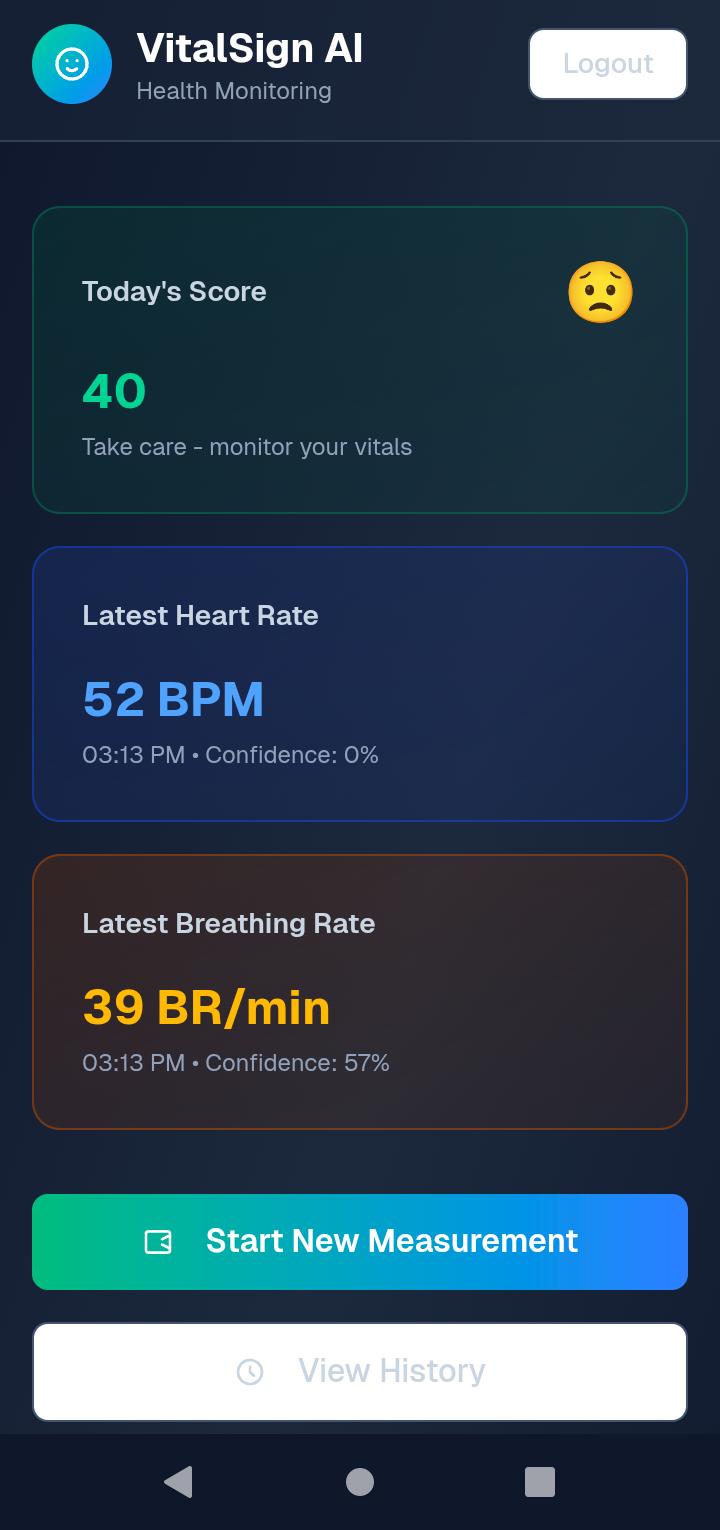
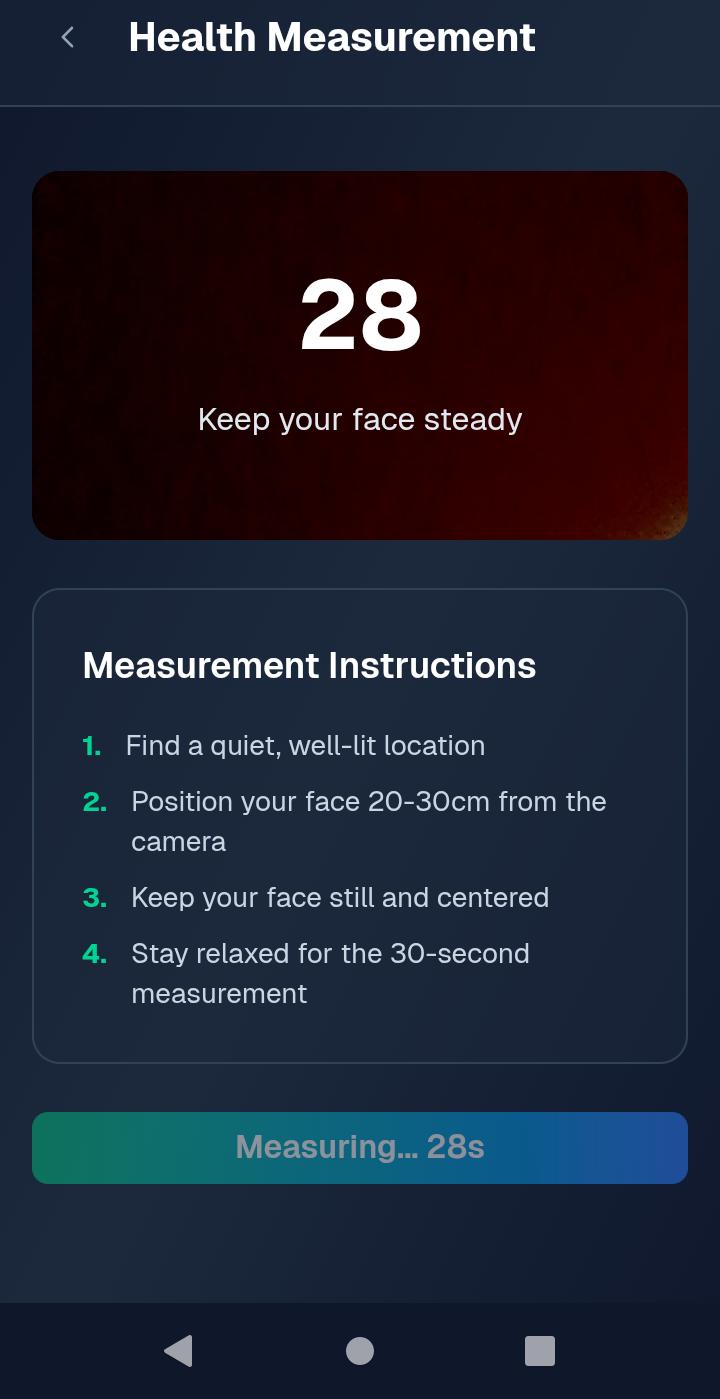
⚙️ What it does VitalSign AI is a web app that measures heart rate, breathing rate, and stress level using only your smartphone's camera.
How it works:
Open the app and sign in with Google
Place your fingertip firmly on the rear camera lens
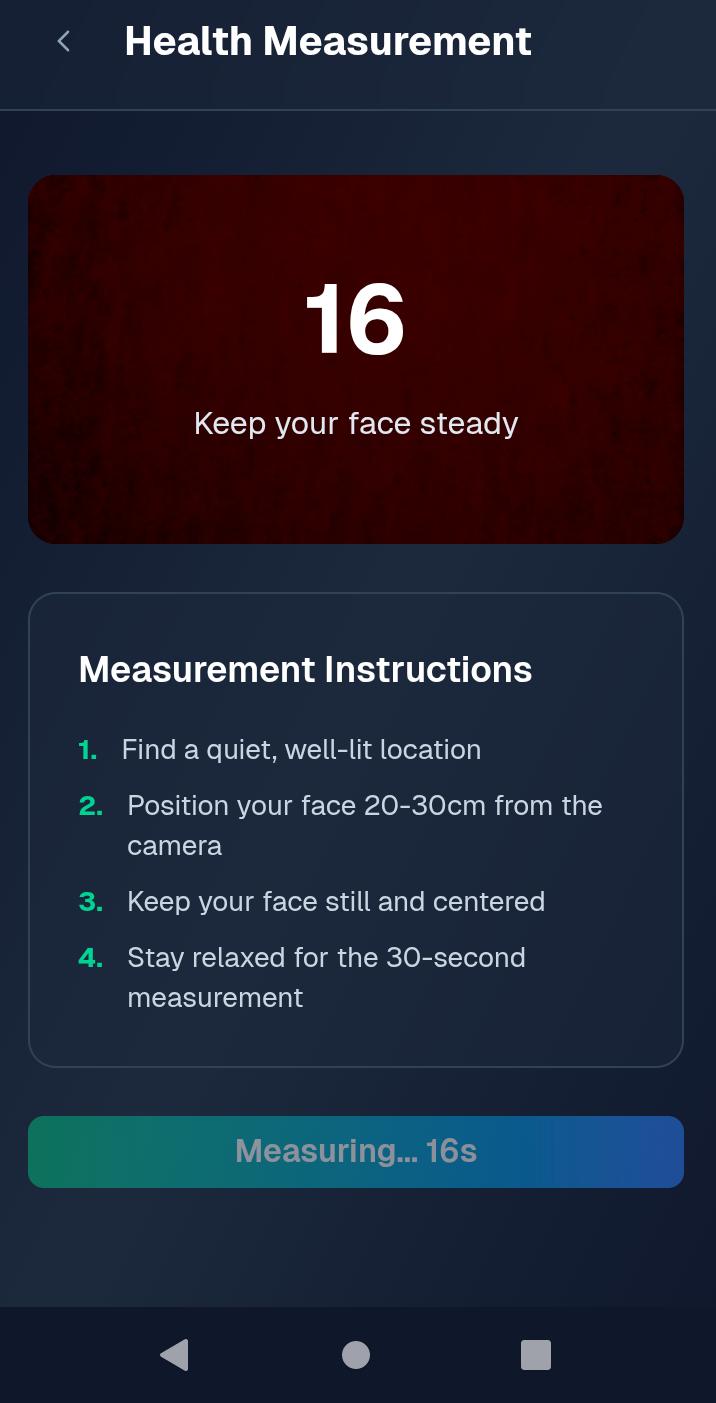
Stay still for 30 seconds while AI records
Get instant results: Heart rate (BPM), breathing rate (br/min), stress level, and health score
Key features:
✅ Works offline – No internet? No problem. Data stores locally
✅ Emergency alerts – Automatically SMS/email contacts if vitals enter dangerous zones (heart rate >120 or breathing >30)
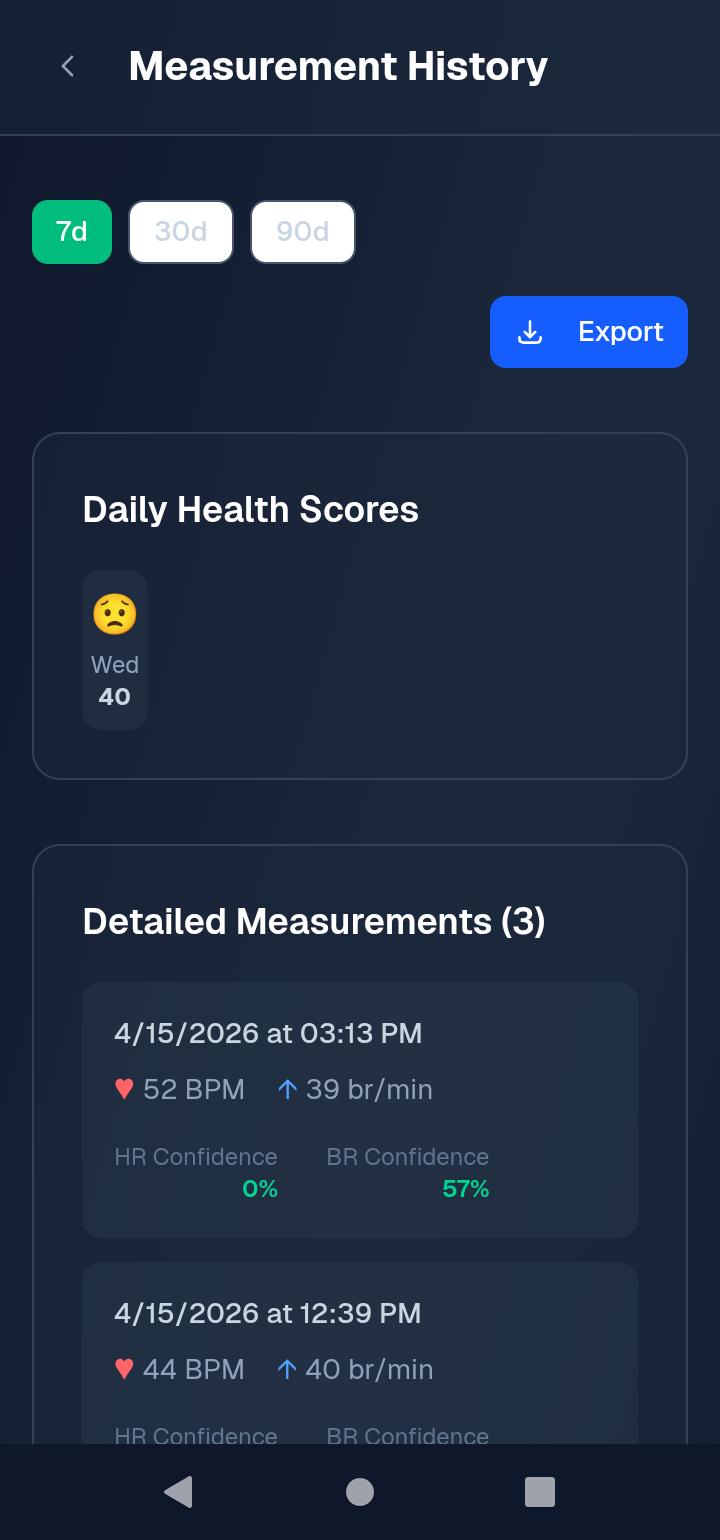
✅ Health history – Track your vitals over time with interactive dashboard
✅ Universal compatibility – Works on any smartphone, even $50 Android phones
🛠️ How I built it Technology Purpose Next.js 16 Full-stack React framework TypeScript Type-safe code Tailwind CSS + shadcn/ui Modern, responsive UI Firebase Authentication, Firestore database, hosting TensorFlow Lite rPPG (remote photoplethysmography) for camera-based vital detection IndexedDB Offline local storage Vercel Production deployment Key technical implementation:
Built rPPG algorithm that detects subtle skin color changes from camera feed
Implemented offline-first architecture with local storage + cloud sync
Created emergency alert system using email/SMS gateways
Designed mobile-responsive UI that works on any screen size
🚧 Challenges I ran into Challenge Solution Turbopack not working on Windows Switched to Webpack using next dev --webpack Firebase API key exposed in Git Removed from history, added .env to .gitignore, created fresh repo GitHub rejecting large files Removed node_modules and .next from Git, started clean repository Environment variables not loading in build Added NEXT_PUBLIC_ prefix and configured next.config.mjs rPPG accuracy on first attempts Increased recording duration to 30 seconds, added signal quality checks Offline storage complexity Used IndexedDB with fallback to localStorage 🏆 Accomplishments that I'm proud of ✅ Working product in 48 hours – From idea to functional web app with camera-based vital detection
✅ Accurate heart rate measurement – Successfully detects BPM from standard smartphone camera
✅ Offline-first architecture – Works completely without internet, critical for rural areas
✅ Emergency alert system – Auto-triggers notifications when vitals are dangerous
✅ Clean, professional UI – Accessible design that works on any device
✅ Successful deployment – Live at [your-vercel-url.vercel.app]
📚 What I learned Technical:
rPPG (remote photoplethysmography) is surprisingly effective with modern smartphone cameras
Offline-first architecture requires careful planning but is worth it for global accessibility
Next.js with Firebase is powerful but environment variables need special handling
Git hygiene is critical – never commit .env or node_modules
Product:
Healthcare solutions must work offline to reach underserved communities
Simple UI saves lives – complex interfaces fail in emergencies
Emergency alerts need multiple fallback methods (SMS + email)
Built With
- camera-based
- detection
- firestore-database
- for
- hosting
- indexeddb-offline
- lite-rppg
- local
- next.js-16-full-stack-react-framework-typescript-type-safe-code-tailwind-css-+-shadcn/ui-modern
- photoplethysmography)
- remote
- responsive-ui-firebase-authentication
- storage
- tensorflow
- vital


Log in or sign up for Devpost to join the conversation.