-
-

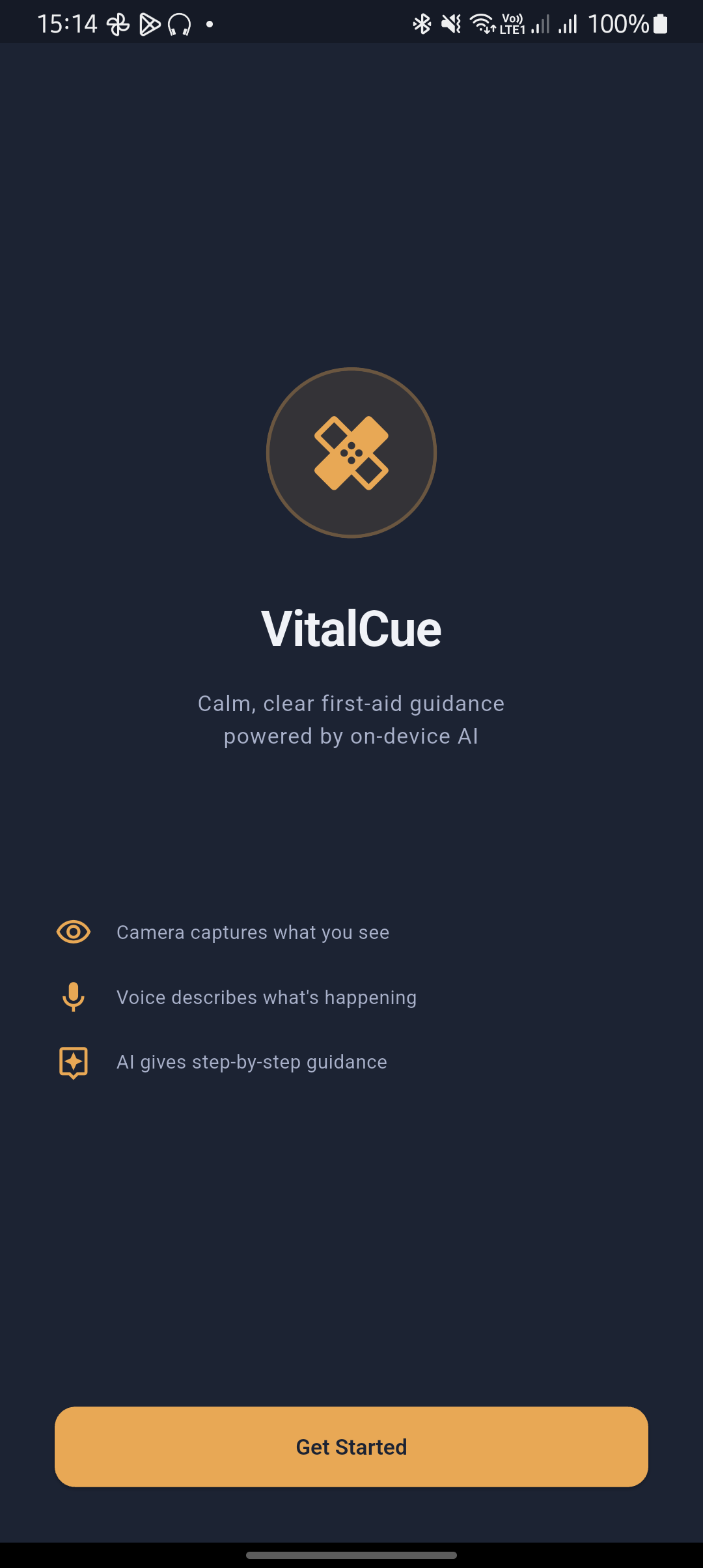
Splash screen
-
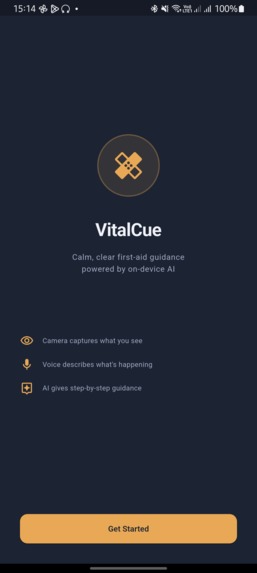
About app
-
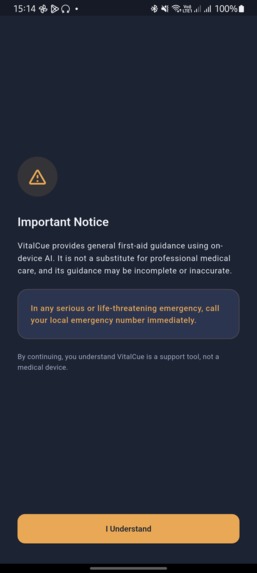
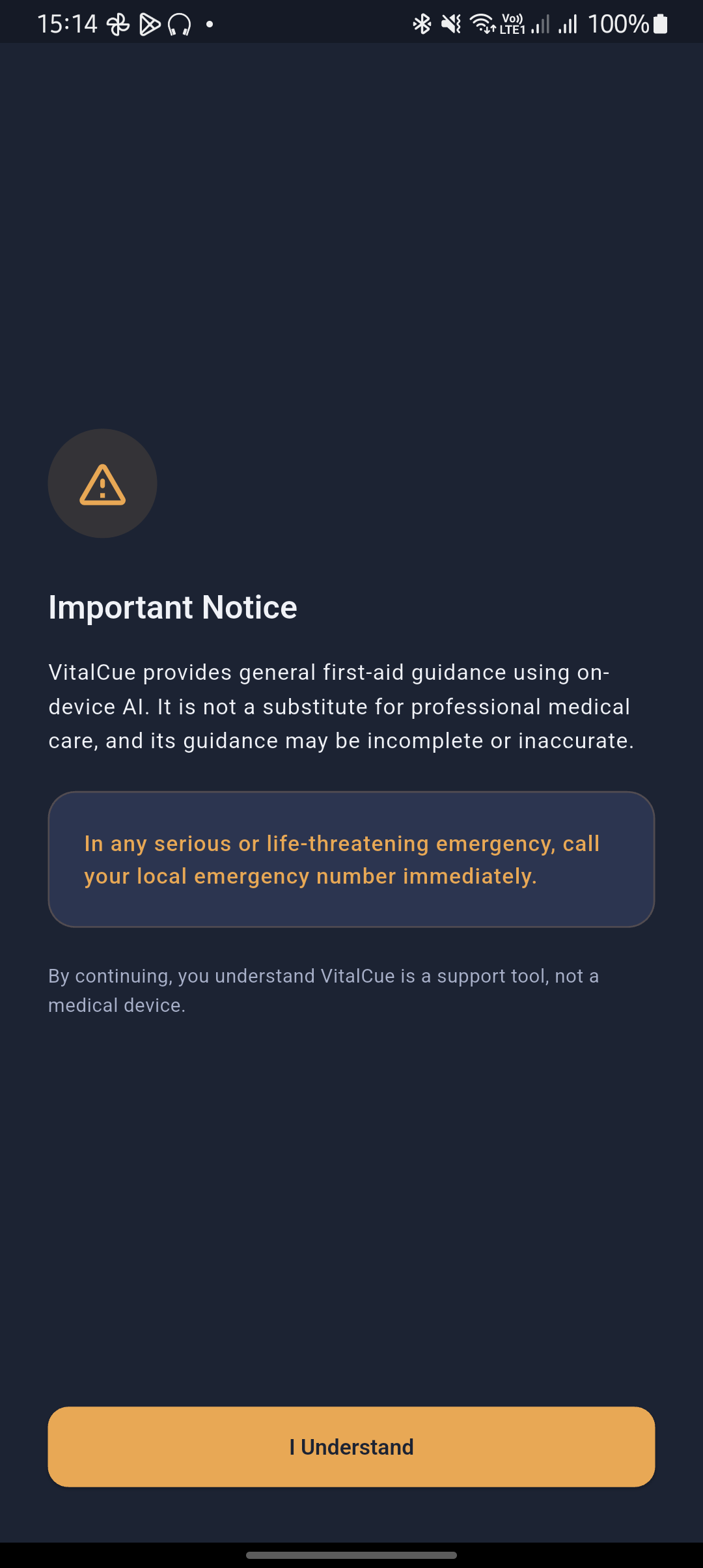
Notices
-
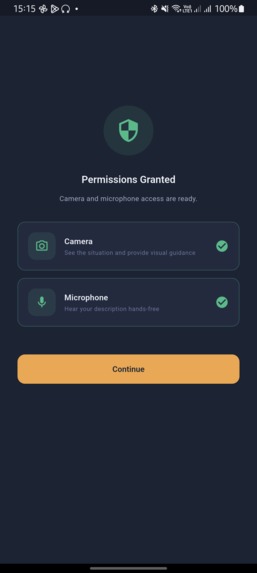
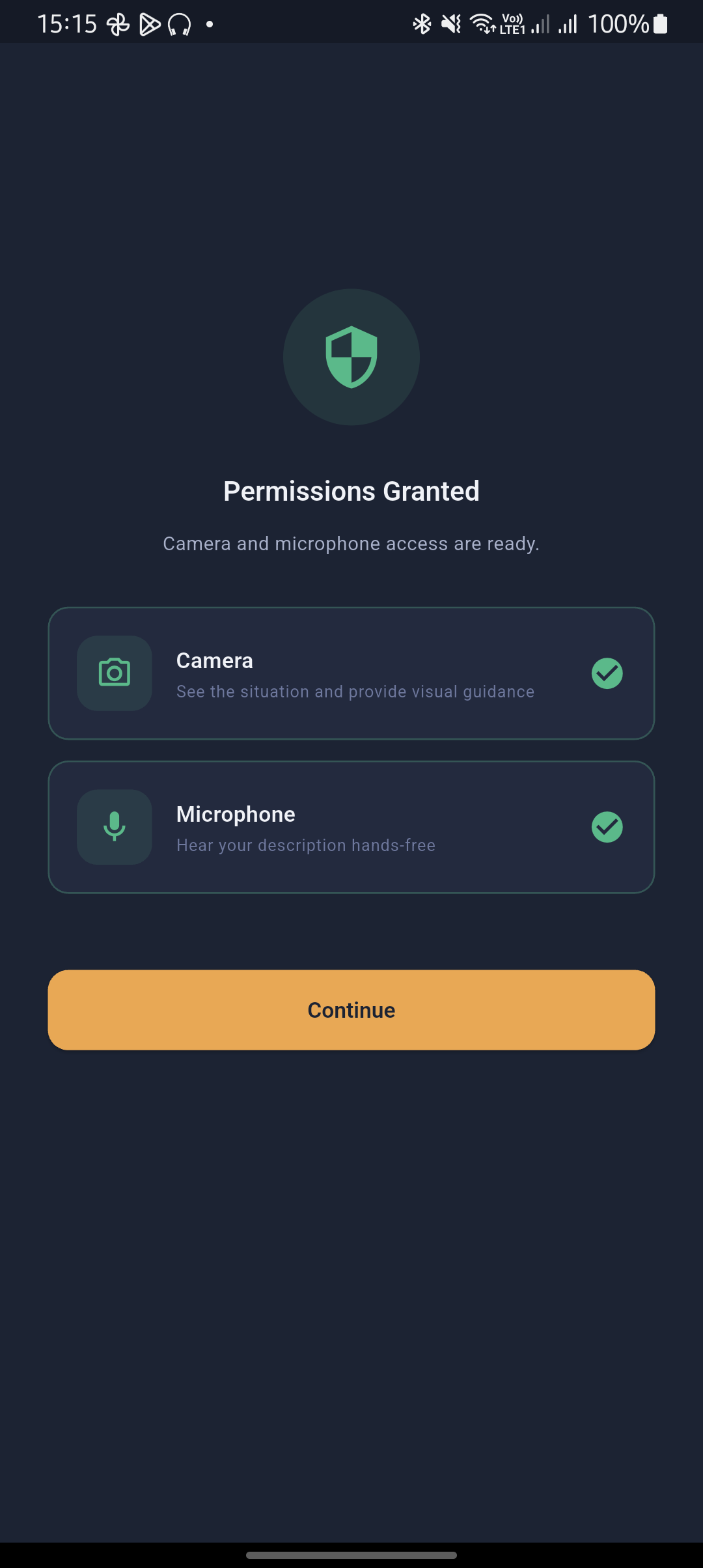
Permissions
-
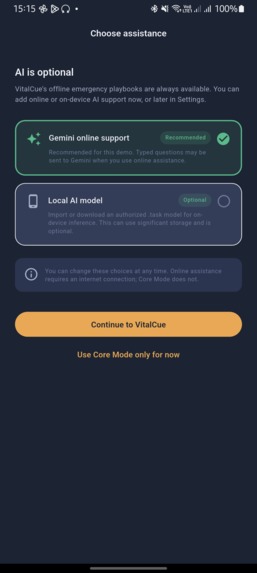
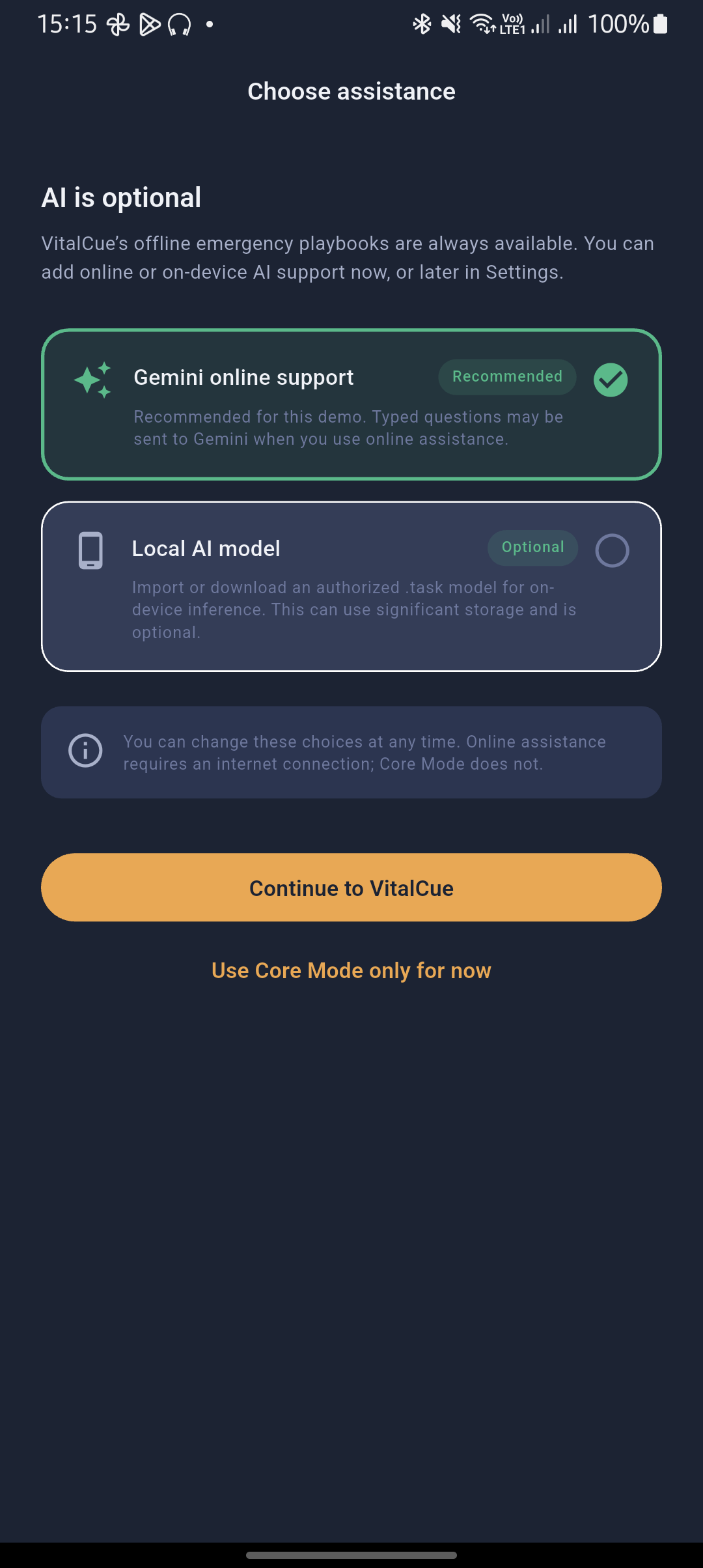
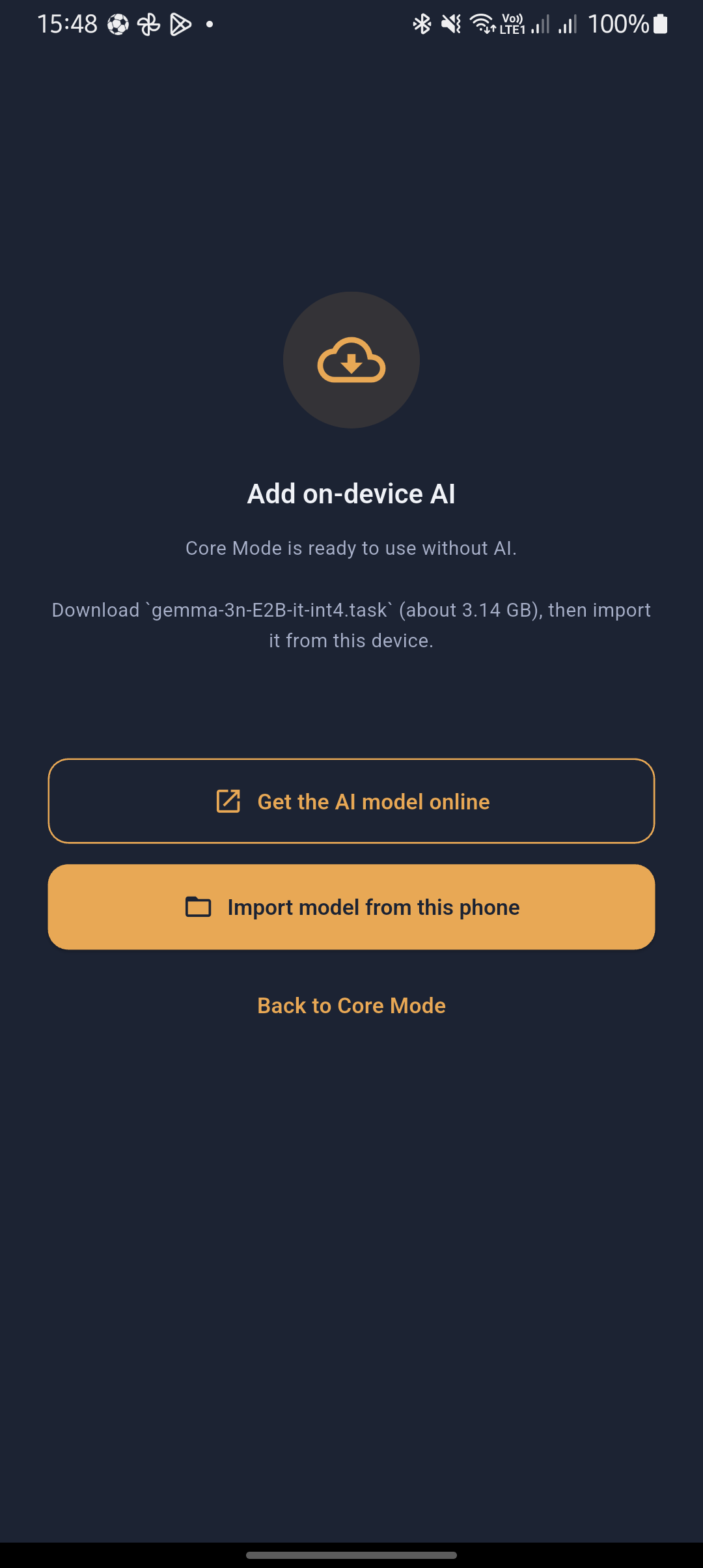
Optional AI support
-
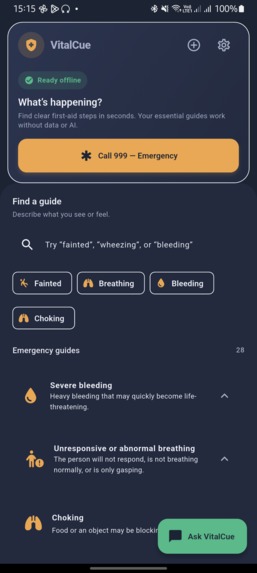
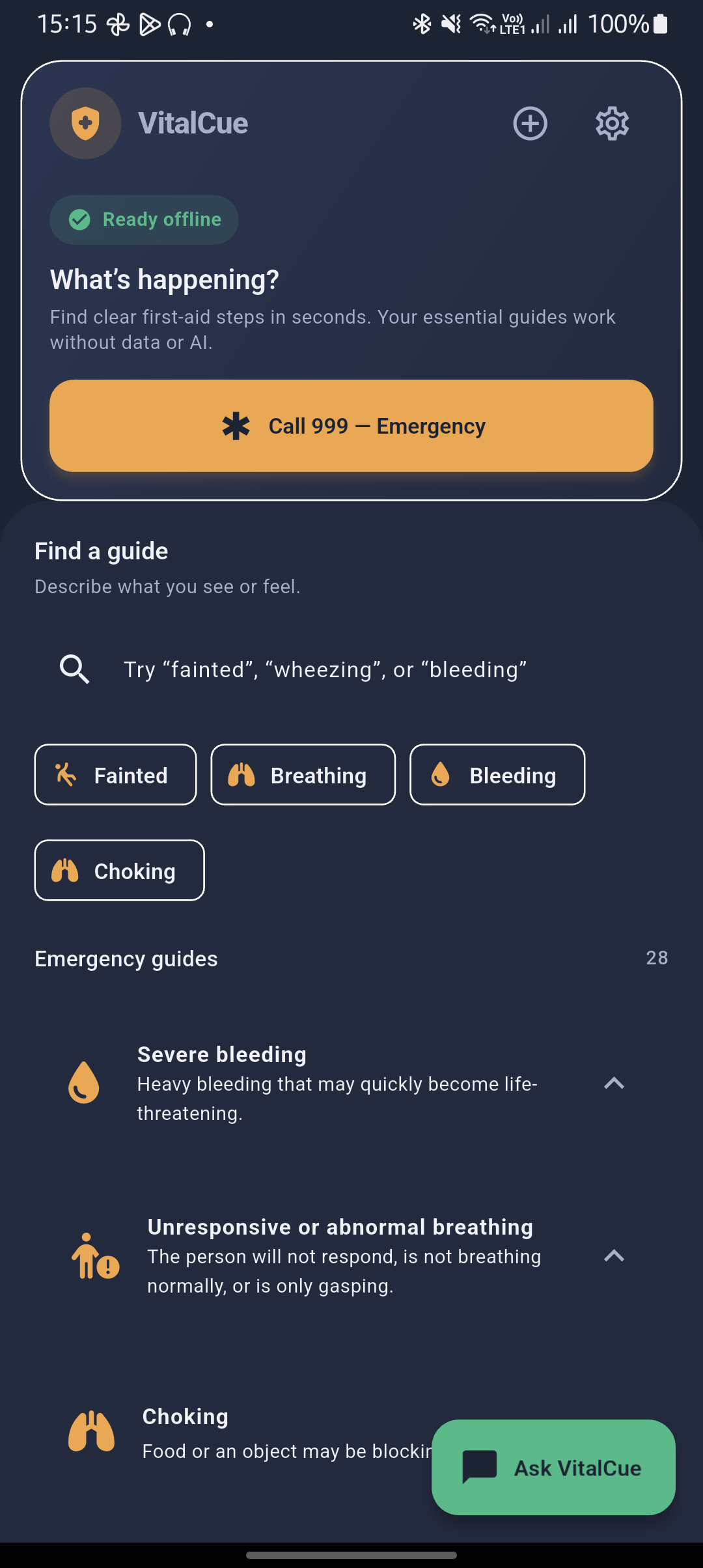
Home page
-
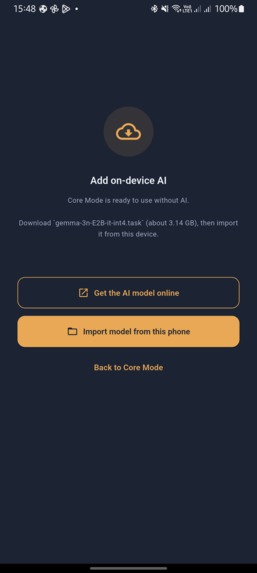
Local UI loading
-
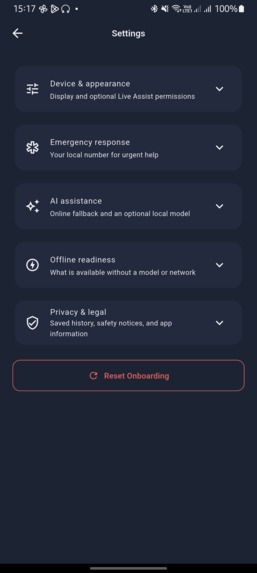
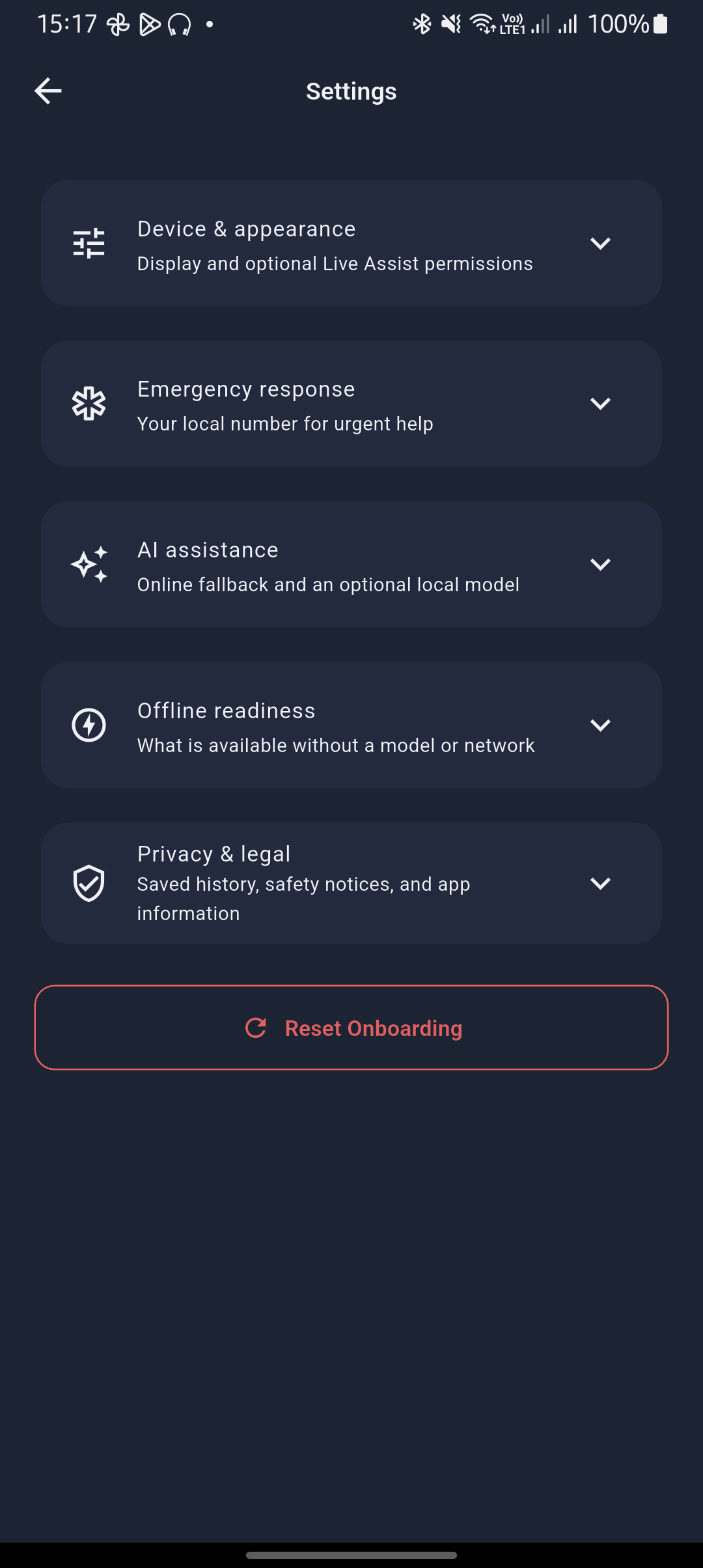
Settings
-
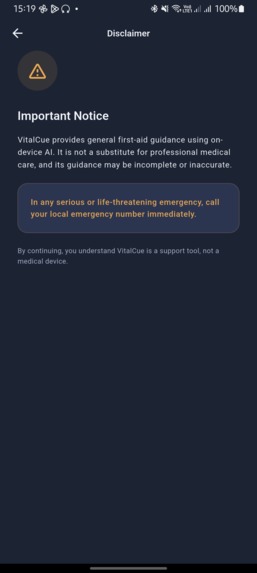
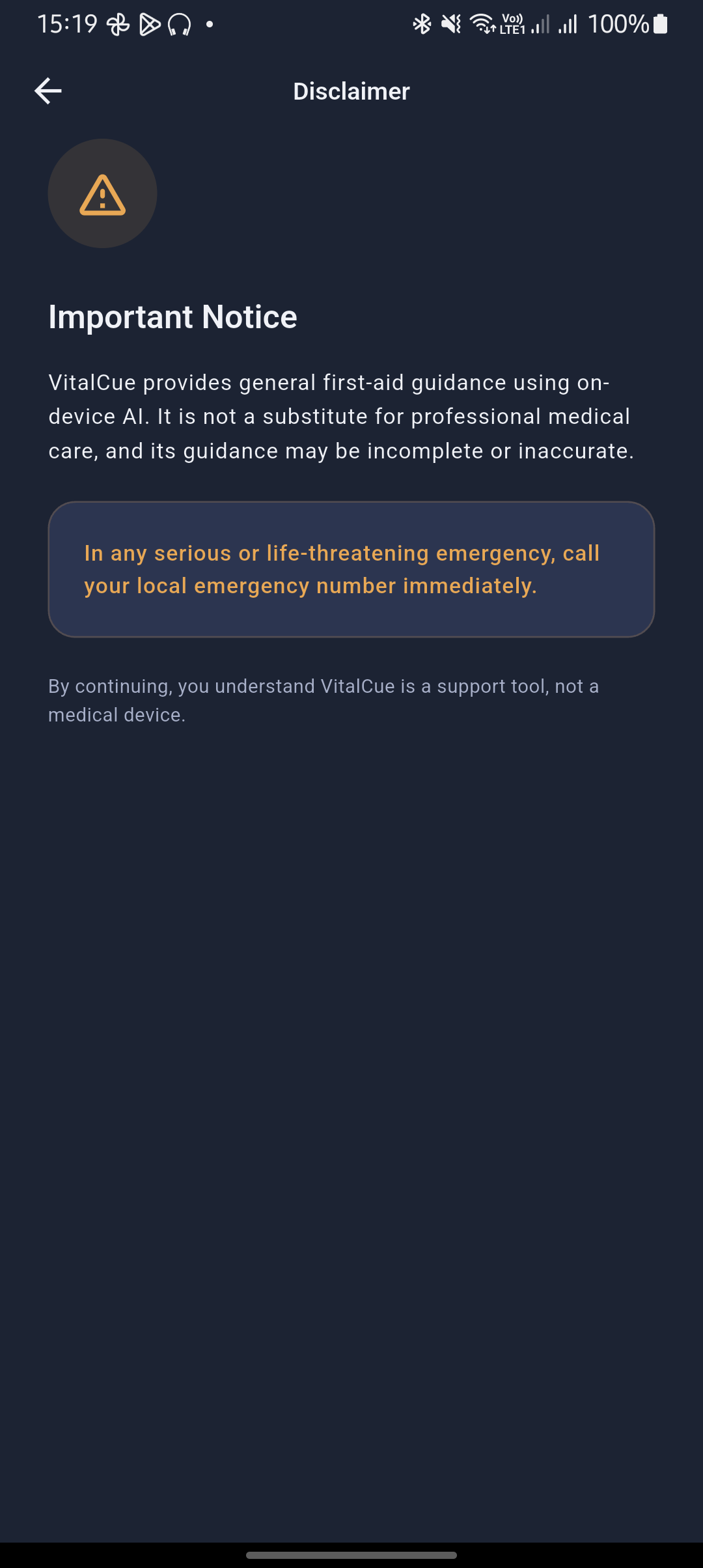
Notice
-
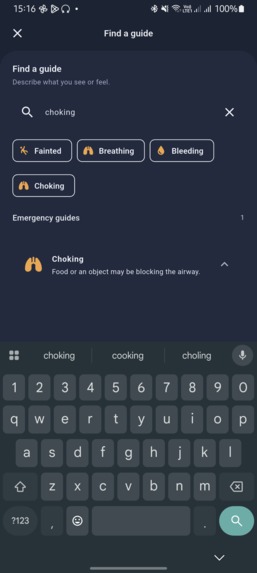
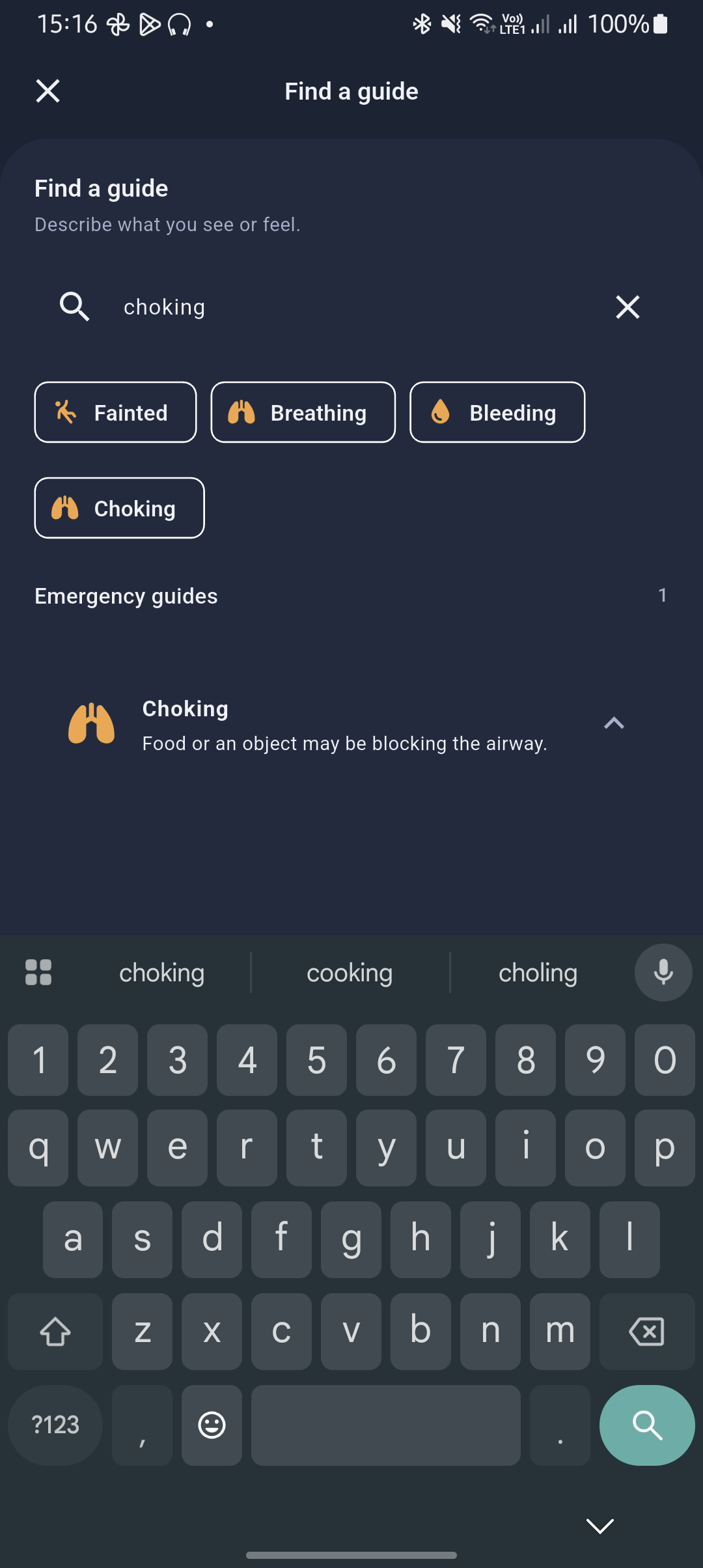
Search
-
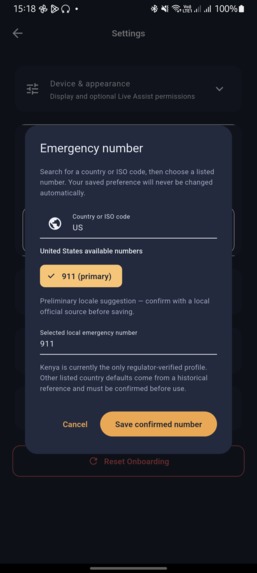
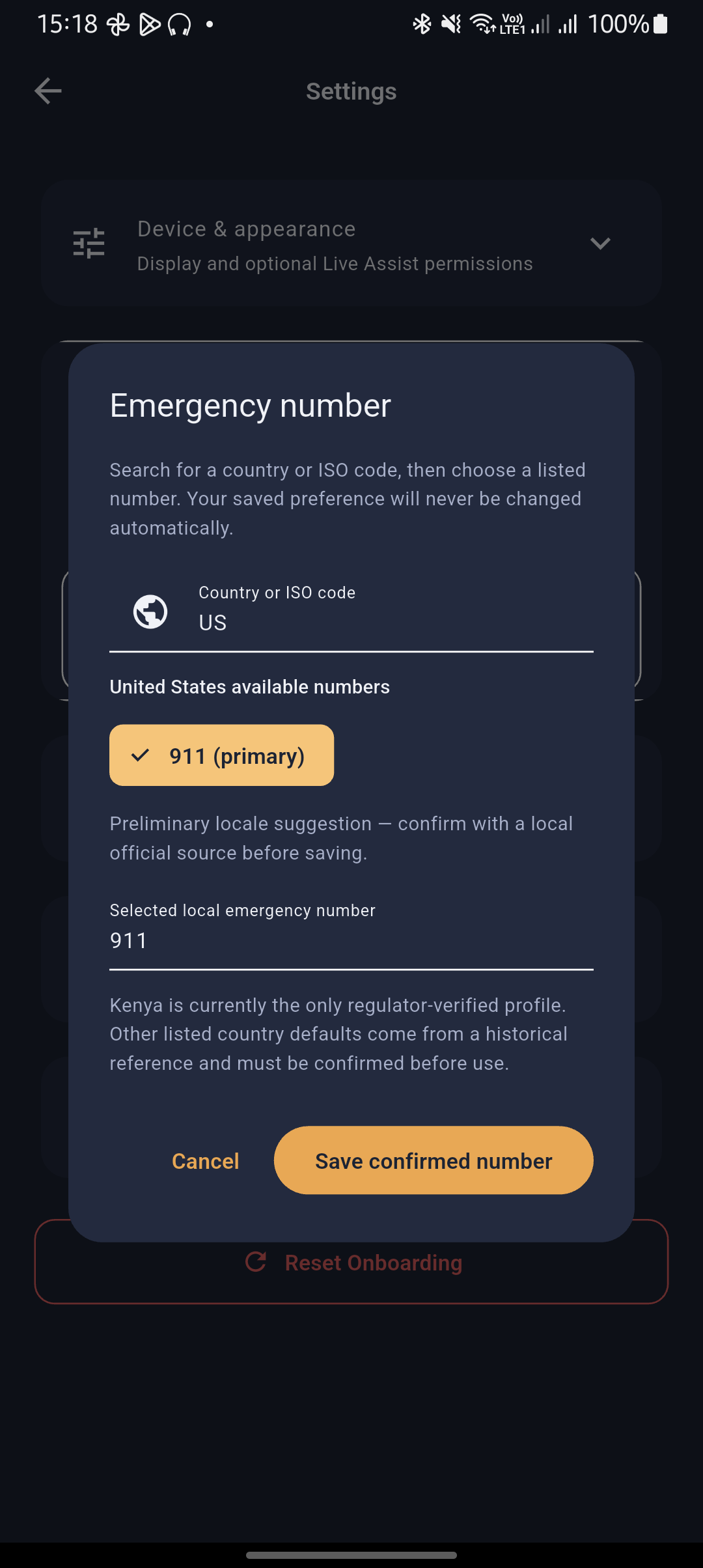
Change country and emergency contact
-
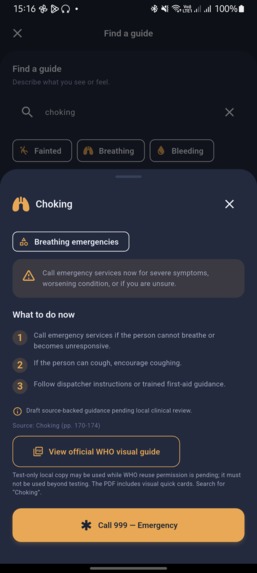
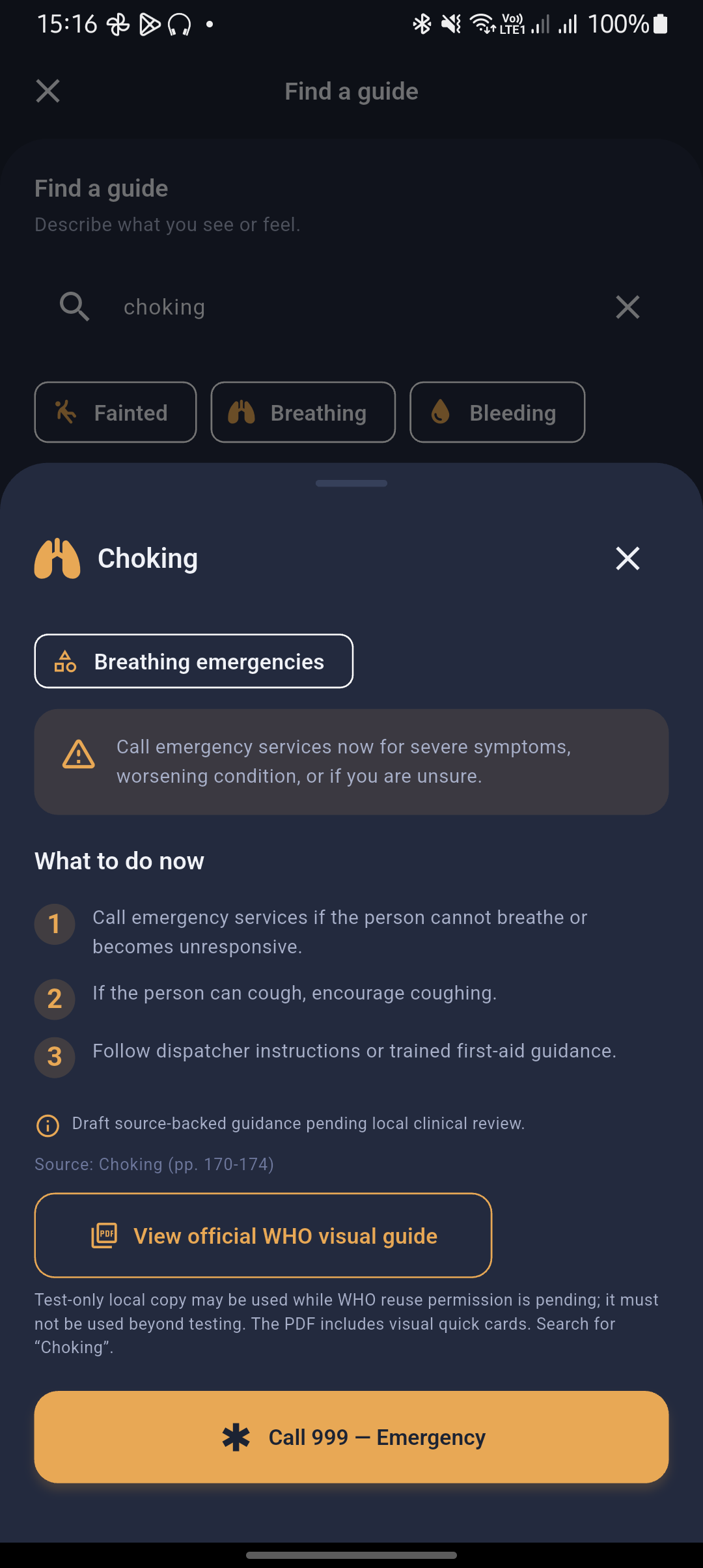
Detail view of First Aid
-
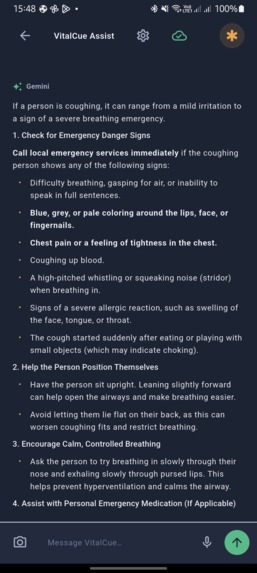
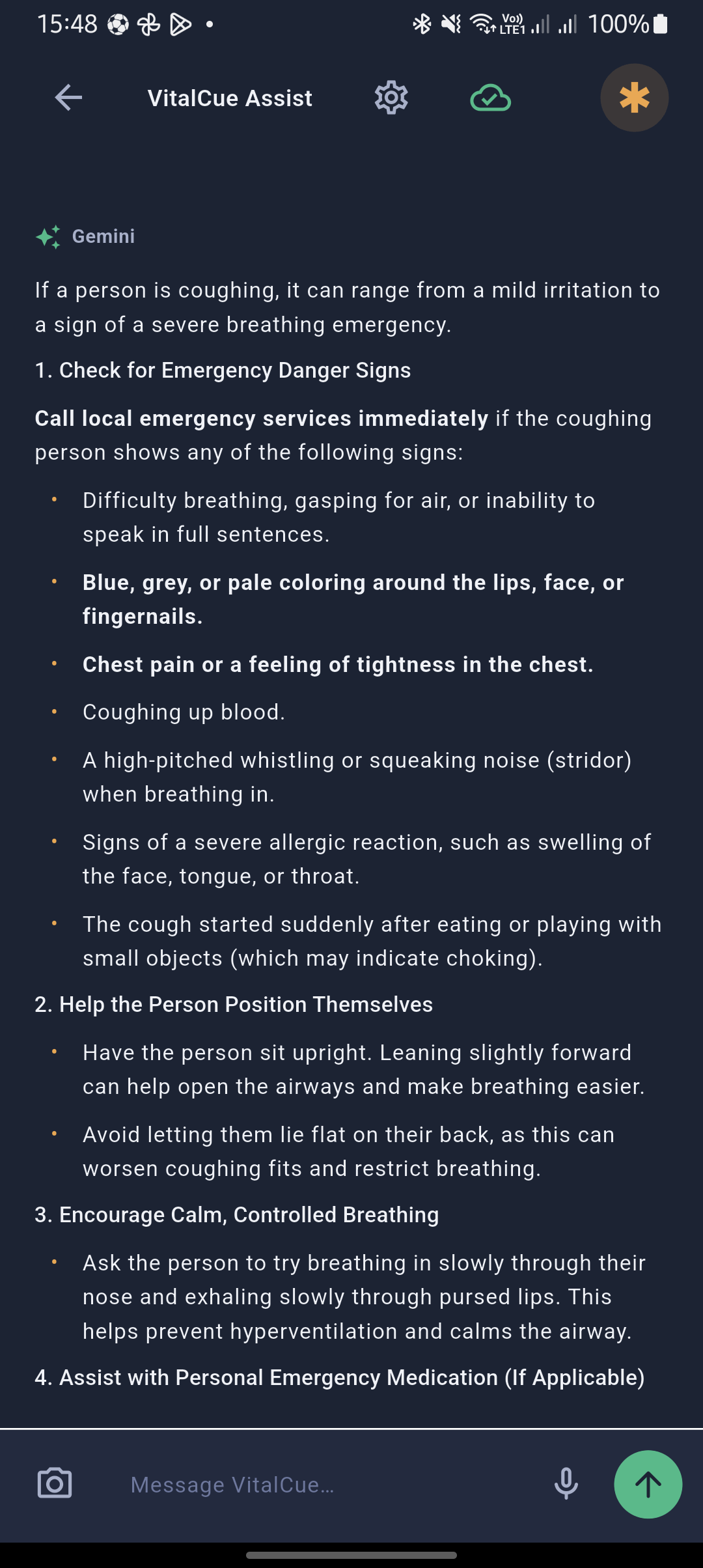
Chat support

VitalCue — Devpost Submission
Inspiration
I carry a powerful computer in my pocket, yet in a medical emergency that capability can still be hard to use—especially when a connection is unreliable or the person helping is stressed. VitalCue began with a simple question: what if a phone could help a first aider stay calm, find the next sensible action, and reach emergency services even without an AI model or internet connection?
I wanted to build an emergency-support experience that is useful by default, not only on a high-end phone with a large model installed. Just as importantly, I wanted to be transparent about the limits of AI in a high-stakes setting.
What it does
VitalCue is a working, offline-first first-aid support prototype built with Flutter and demonstrated on Android.
Its default experience is VitalCue Core: searchable offline first-aid playbooks, deterministic emergency escalation, configurable local emergency calling, and source-linked reference material. Core remains available without an account, an AI model, or a network connection.
AI is an optional enhancement, not a prerequisite:
- Users can opt into Gemini online support during onboarding; Gemini is the default provider when online support is selected and configured.
- Users can also install a compatible local Gemma
.taskmodel for on-device inference. - The chat supports typed input, native speech recognition where the device provides it, and an optional manually captured camera frame for compatible local models.
- AI replies are shown as full, selectable Markdown in a familiar chat layout.
VitalCue raises emergency calling before AI for high-risk descriptions such as severe bleeding, breathing difficulty, unconsciousness, chest pain, stroke signs, anaphylaxis, seizures, poisoning, drowning, and snakebite. AI output is visibly marked as an unreviewed prototype and does not replace dispatcher, first-aid, or medical-professional instructions.
How I built it
I built VitalCue as an individual project with Flutter, using Android as the showcase platform while preserving a cross-platform codebase.
- Offline Core: 28 searchable, source-traced emergency playbooks bundled as app assets, plus emergency-number selection and calling support.
- Safety layer: deterministic red-flag matching elevates the emergency path before any AI request.
- AI paths: an explicit Gemini online opt-in and an optional local Gemma model path are kept separate, so users can understand what is on-device and what may use the network.
- Multimodal input: native device speech recognition, manual camera capture, and text input feed the optional AI experience; text input remains available when permissions or device services are unavailable.
- Privacy controls: chat history is off by default. When enabled, history is encrypted with AES-GCM on the device, using a per-install key held in secure storage and a 30-day retention policy.
- Model controls: authorized local model imports and LAN transfer manifests use validation checks; Peer Assist remains a consent-based prototype and is blocked in production pending a pinned-TLS transport.
- Usability: the app includes system/light/dark themes, screen-reader-aware actions, settings grouped by task, and explicit camera and microphone permission controls.
I used Codex, powered by GPT-5.6, as an engineering collaborator to audit the Flutter codebase, plan and implement focused changes, improve tests and Android builds, and refine documentation. I reviewed the resulting code and retained responsibility for the project’s product and safety decisions. Codex/GPT-5.6 did not provide medical validation.
Challenges I ran into
The hardest trade-off was between local AI capability and practical device
coverage. A multimodal model can give richer context, but it needs substantial
storage and memory and the current full local-model path targets arm64-v8a.
Older 32-bit ARM devices retain the complete Core experience but may not run
the local model. That led me to make Core Mode the primary product path and AI
an optional layer.
I also had to balance a good chat experience with transparent safety boundaries. Gemini support is an explicit opt-in and can send typed content to the configured provider; local inference stays on-device after model setup. The app labels prototype AI output and keeps emergency calling independent of both paths.
Finally, emergency content needs more than technical correctness. The bundled playbooks are source-traced and clearly marked draft pending local clinical review. Kenya is the only bundled emergency-number profile currently marked officially verified; other records are presented as user-confirmed references until individually checked against appropriate national authorities.
Accomplishments that I'm proud of
- Delivering a working Android prototype rather than an architecture-only proposal.
- Building a useful Core Mode that works without AI, a model download, or a network connection.
- Combining deterministic emergency escalation, offline search, emergency calling, and optional multimodal AI in one clear flow.
- Making the cloud and local AI paths explicit during onboarding instead of hiding their trade-offs.
- Adding encrypted, opt-in local chat history and clear permission controls.
- Designing a readable, Markdown-capable AI chat interface while preserving visible unreviewed-prototype safety language.
- Adding model-import integrity controls and a deliberately limited local sharing prototype rather than presenting experimental sharing as production ready.
What I learned
I learned that on-device AI is not only a model-selection problem. Device architecture, memory, thermals, model distribution, permission state, accessibility, offline fallbacks, and UI clarity all decide whether the app is actually useful in an emergency.
I also learned that honest product boundaries are a feature. A dependable offline Core path, clear emergency escalation, and explicit AI consent are more valuable than claiming that an experimental model can replace trained help.
What's next for VitalCue
- Have the emergency playbooks and translations reviewed by qualified first-aid and local clinical partners.
- Verify every emergency-number profile against official national emergency or telecommunications sources.
- Test AI inference speed, memory, heat, speech services, camera lifecycle, and accessibility on a wider range of physical Android devices.
- Complete production signing, release validation, and an authorized model distribution process.
- Replace the Peer Assist prototype transport with a reviewed, pinned local TLS design before considering release use.
- Expand clinically reviewed language coverage and then explore iOS and desktop support.
Built With
- android
- android-studio
- camera-api
- dart
- edge-ai
- first-aid
- flutter
- gemma
- google-ai-edge
- healthtech
- ios
- multimodal-ai
- offline-first
- on-device-ai
- privacy-first
- speech-to-text


Log in or sign up for Devpost to join the conversation.