Inspiration
The web is largely static for everyday users. If a website lacks dark mode, has unreadable fonts, or a cluttered layout, most people can’t change it. While developers can use Chrome DevTools, the barrier to entry is high. VisualPilot was inspired by the idea of a “Co-pilot for the DOM” — a tool that bridges human intent and technical execution through natural language prompts.
What it does
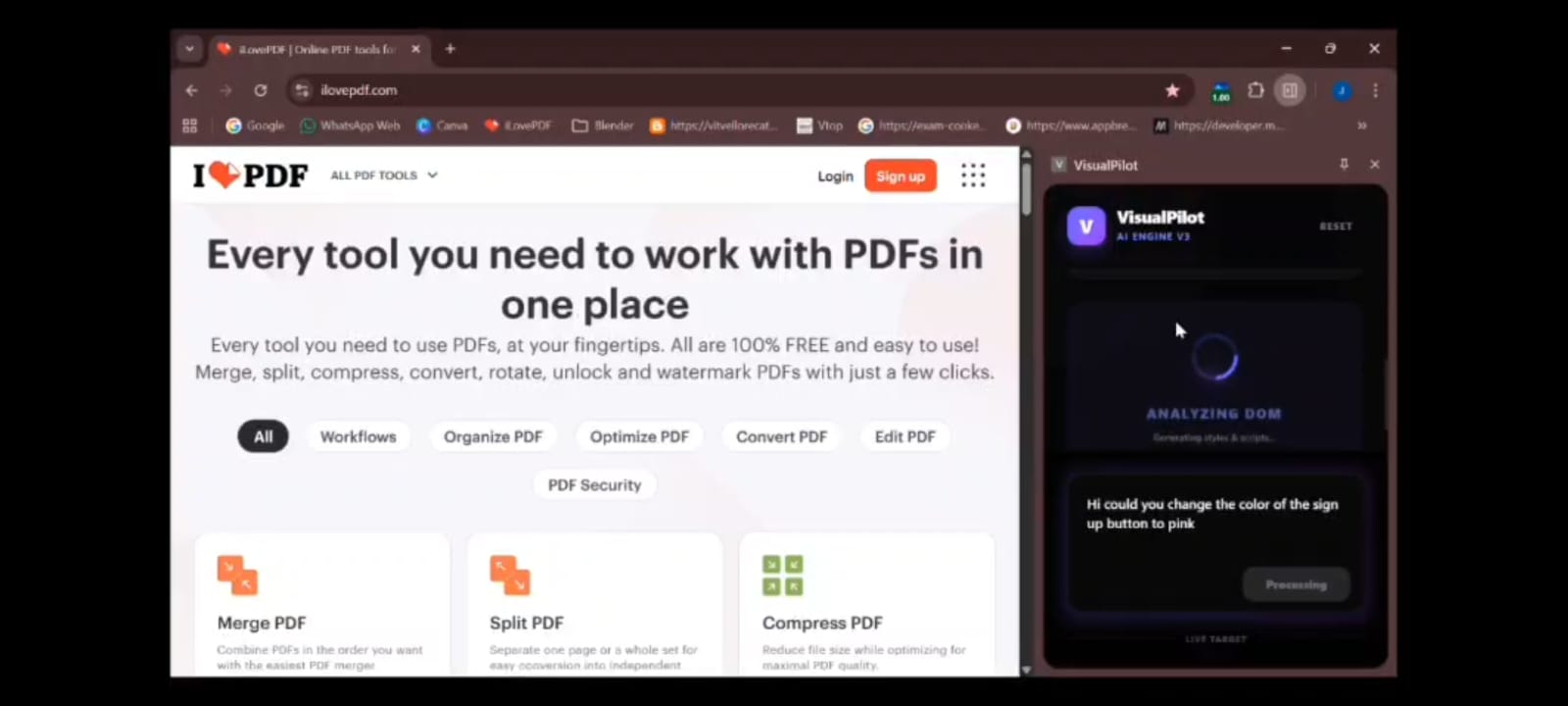
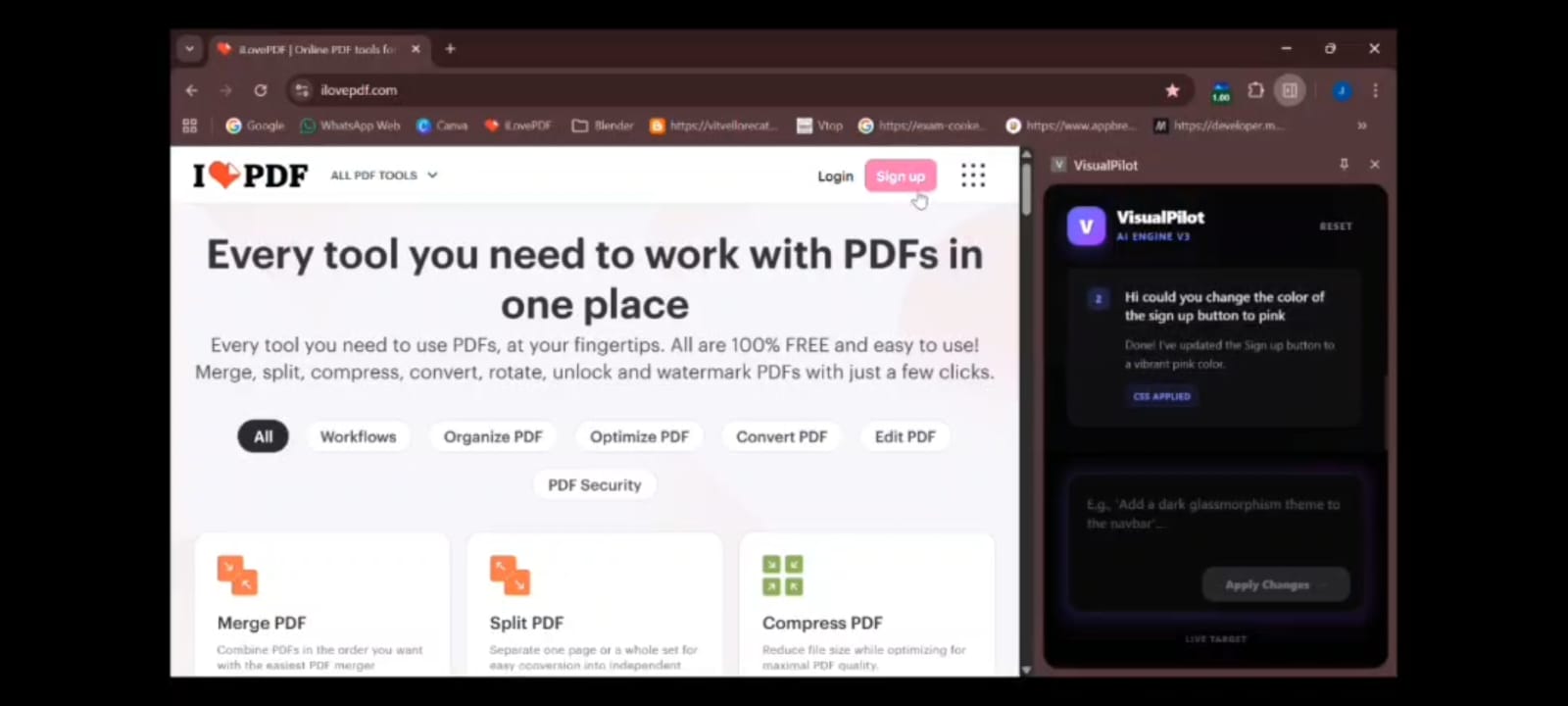
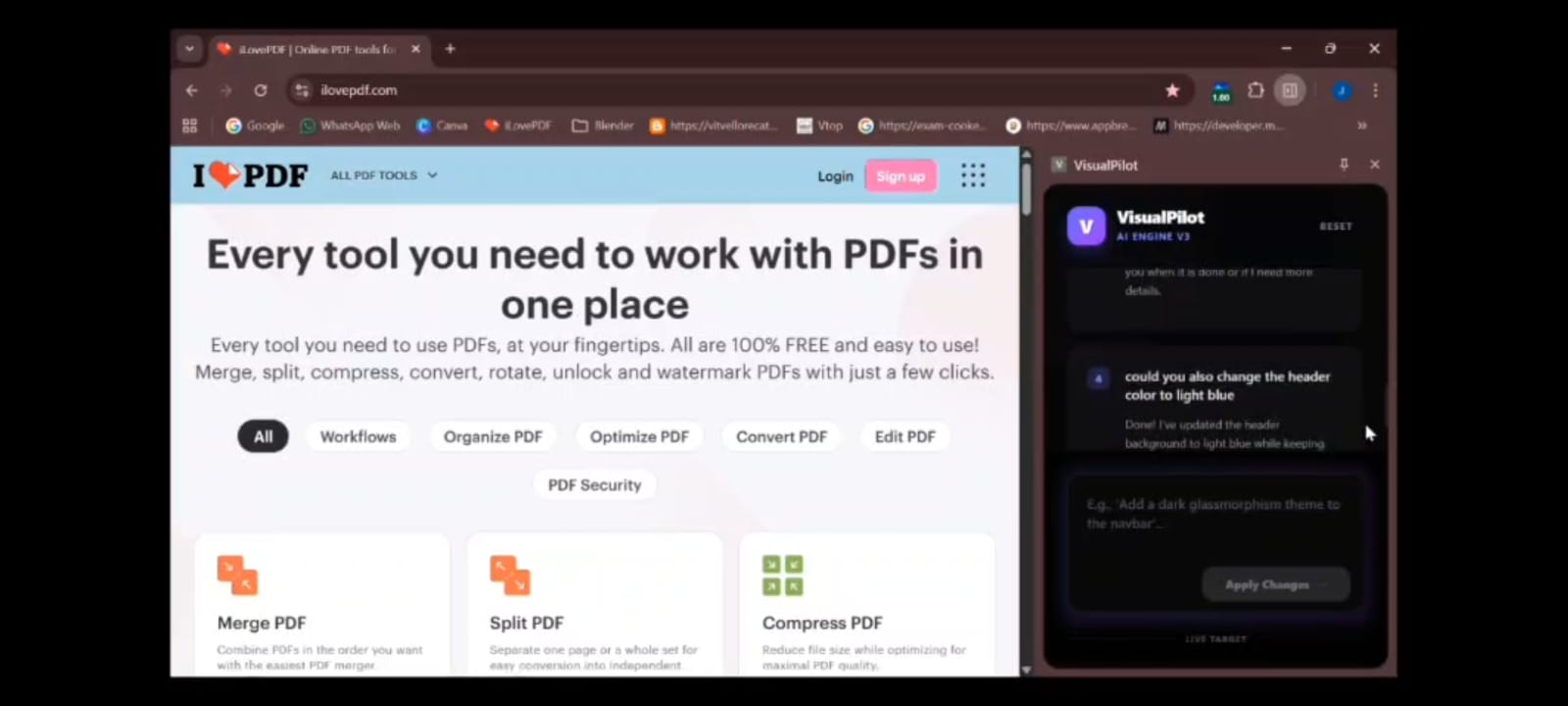
VisualPilot is an AI-powered browser extension that allows users to modify website designs using plain language instead of code. Users can type commands like “Make the navbar dark” or “Increase header size,” and the changes are applied instantly in real time. It transforms web customization into a conversational and accessible experience for both developers and non-developers.
How we built it
VisualPilot was built using React 19 and Tailwind CSS for a sleek glassmorphic sidebar interface. The AI engine is powered by Gemini 3 Flash Preview, integrated through Google AI Studio. The extension captures live DOM/HTML context and sends it to the model, which returns structured JSON containing CSS and JavaScript edits. Chrome Extension APIs, content scripts, and cross-script messaging handle DOM extraction, processing, and style injection. We also used the Antigravity framework to stabilize multi-step UI transformations.
Challenges we ran into
One major challenge was handling large HTML documents within token limits while maintaining accuracy. We implemented context truncation and prioritized IDs and class structures. Another issue was preventing invalid or hallucinated selectors from breaking layouts, which we addressed by building a modification history system with undo/reset functionality. Managing real-time latency was also critical for a smooth user experience.
Accomplishments that we're proud of
We successfully built a real-time prompt-to-DOM editing pipeline that works on live websites. We implemented safe AI code injection, modification history tracking, and an intuitive conversational editing interface. Creating an accessible design tool for non-developers while maintaining technical depth was a key achievement.
What we learned
We gained hands-on experience with Chrome extension architecture, content script communication, and browser security constraints. We also learned how to design interactive AI UX systems, optimize context for LLM performance, and manage latency in real-time AI workflows.
What's next for VisualPilot
Next, we plan to add persistent styling profiles, voice-based editing, and collaborative design layers. We’re also exploring Figma-to-live-site transformations and fine-tuning Gemini models specifically for UI reasoning and layout intelligence.

Log in or sign up for Devpost to join the conversation.