-
-
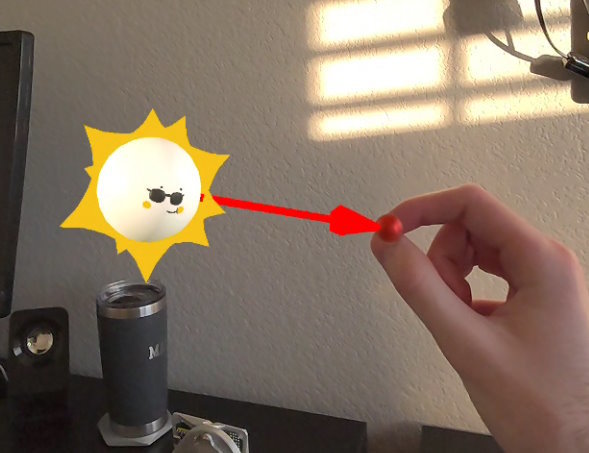
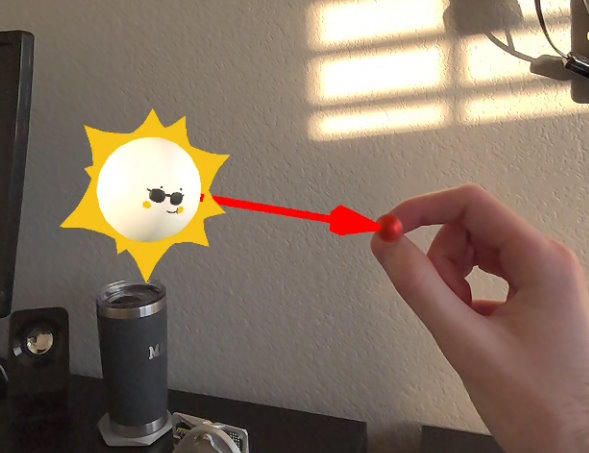
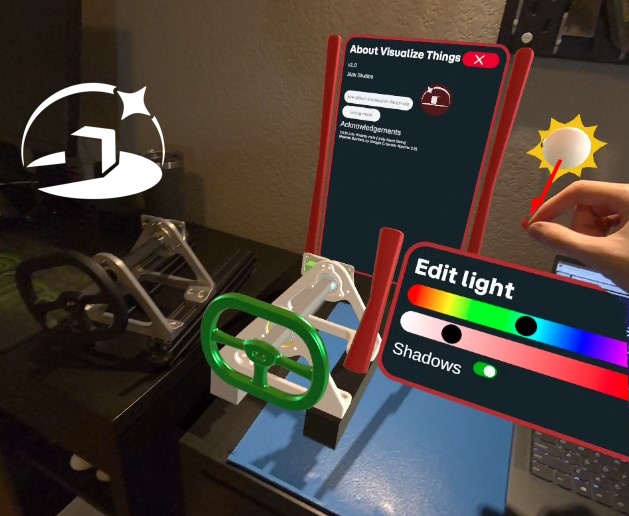
virtual sun editor
-
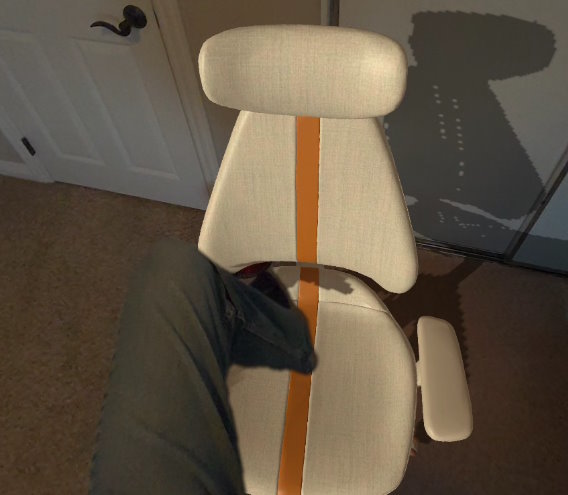
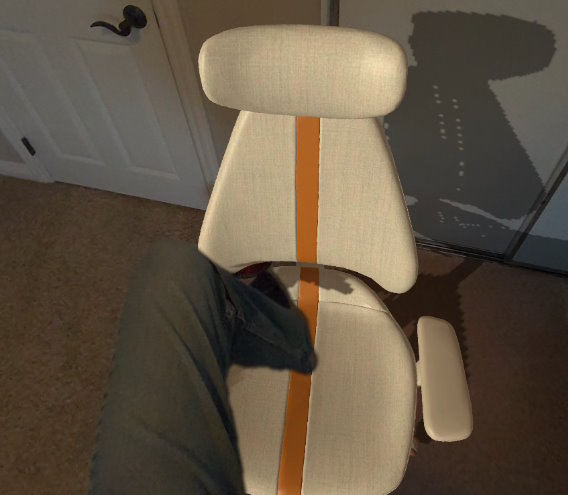
dynamic occlusion
-
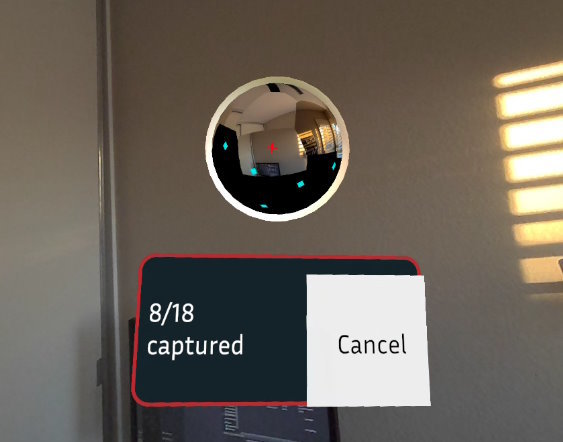
scanning a panorama for reflections
-
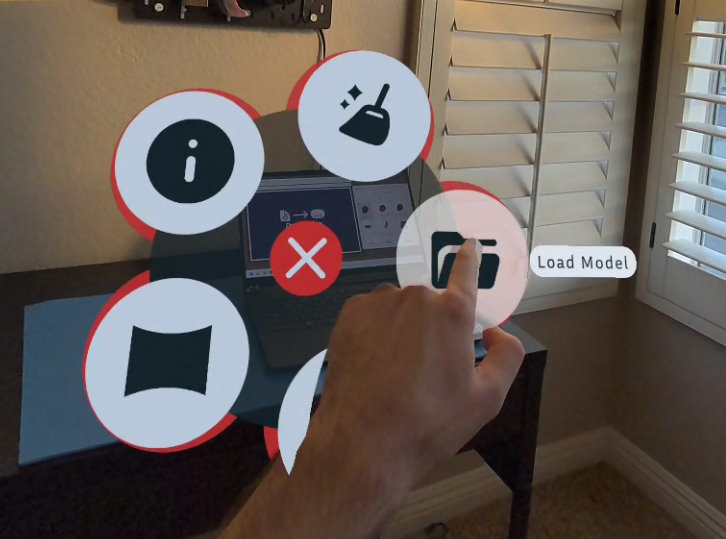
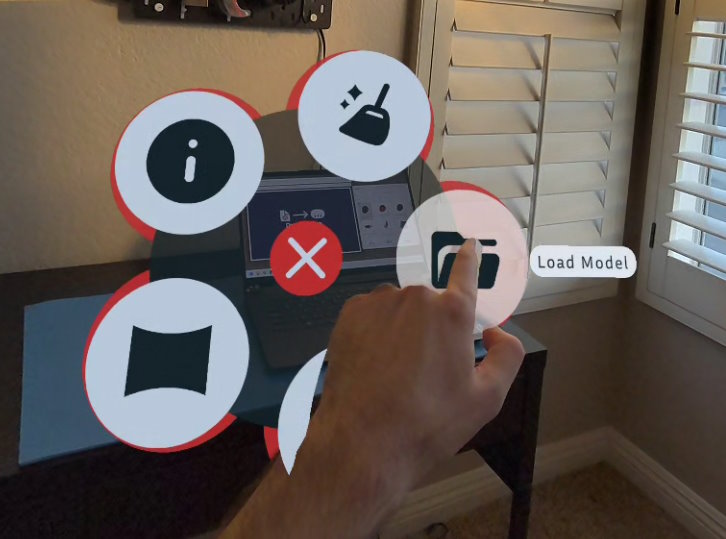
radial menu
-
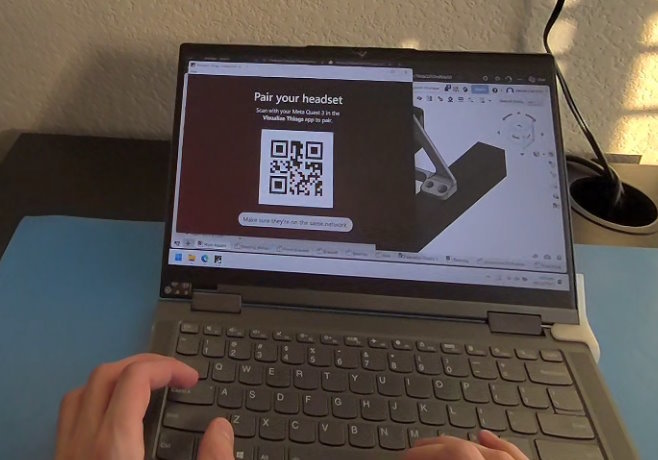
companion app homescreen
-
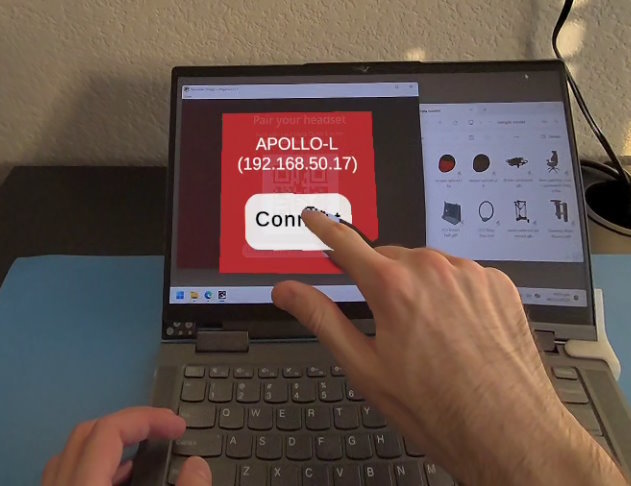
companion app connection confirmation
-
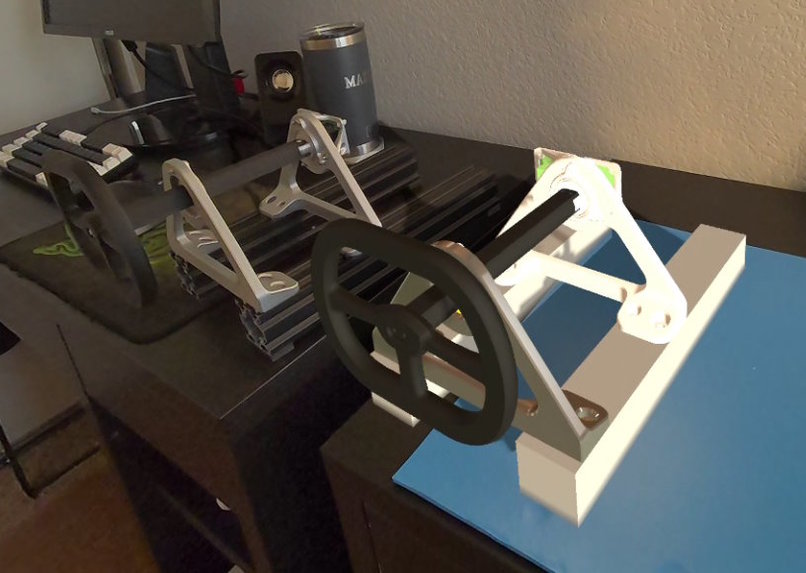
digital twin
-
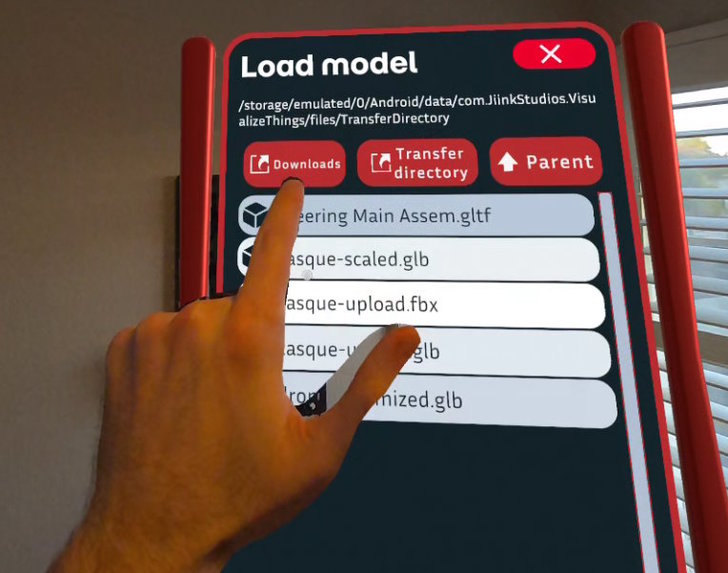
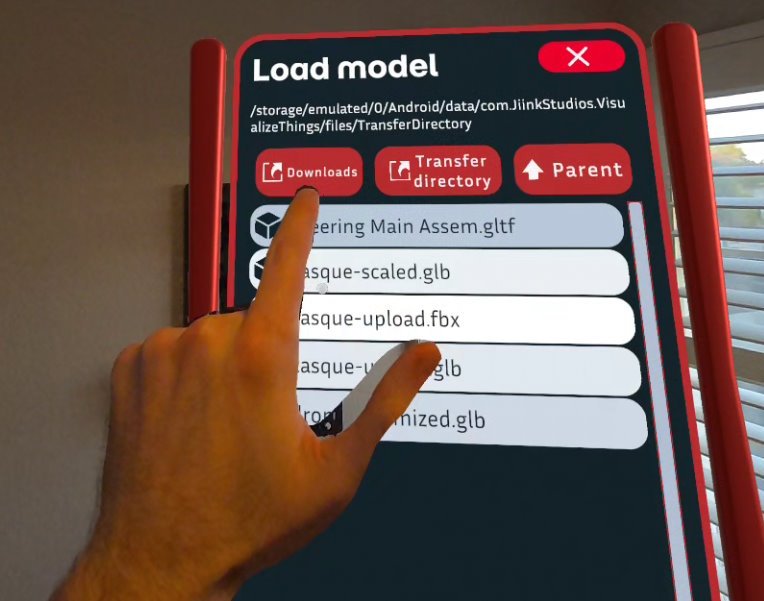
loading a model from local storage
-
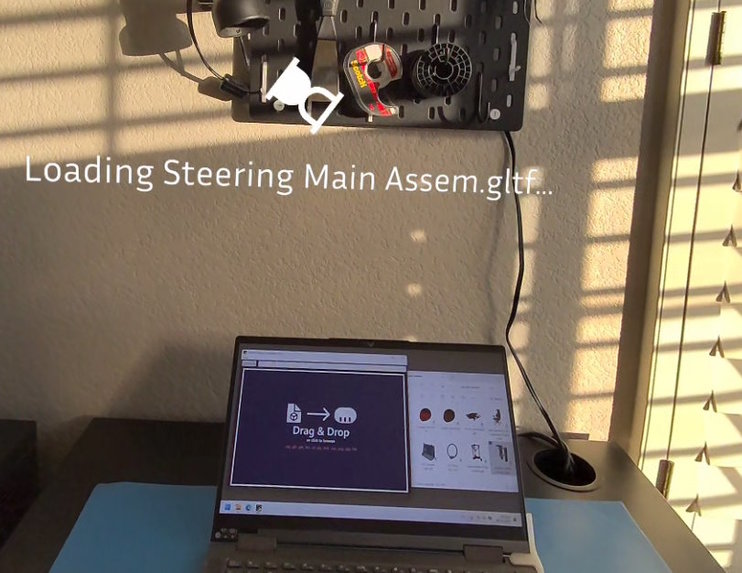
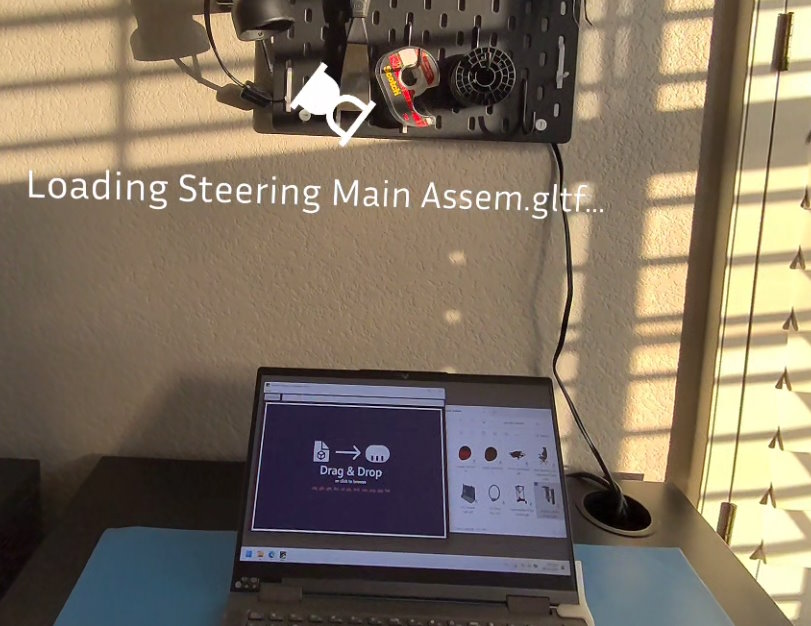
loading a model from a PC
-
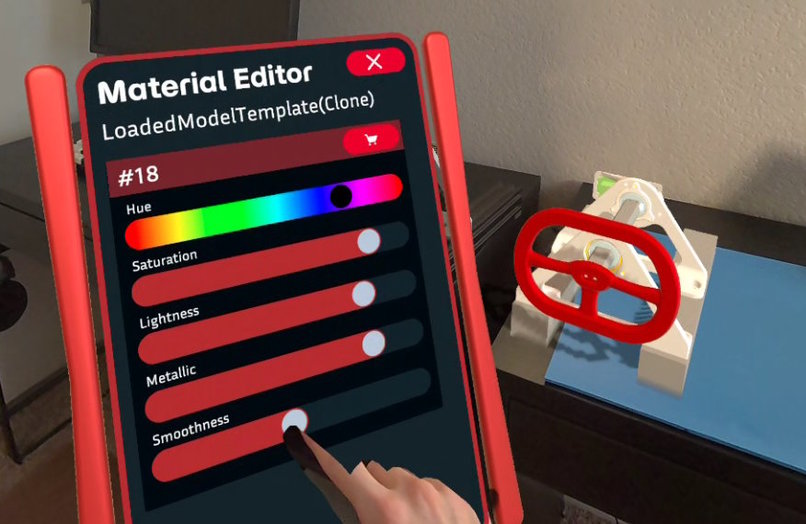
editing a material
-
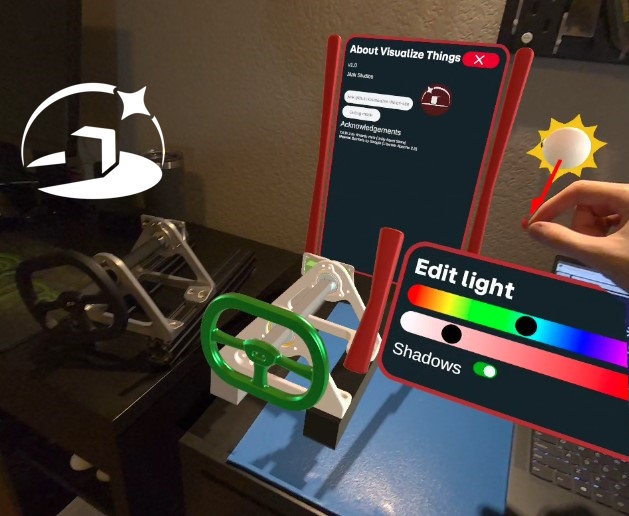
editing light
-
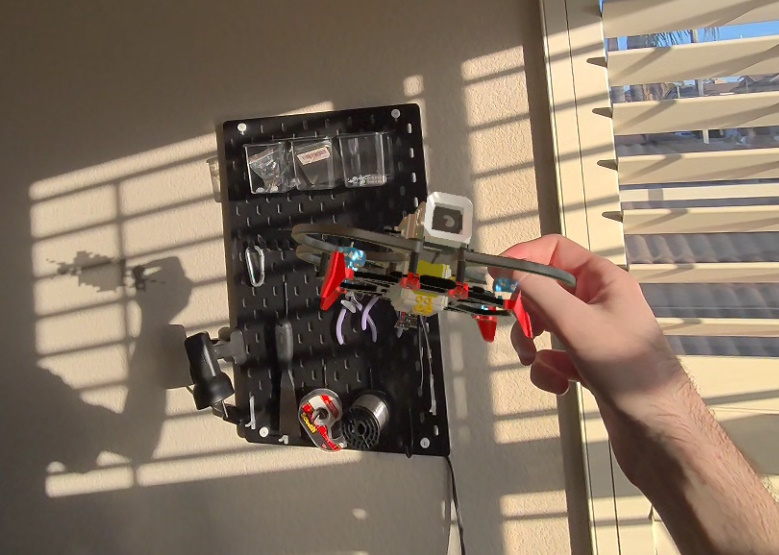
shadows
-
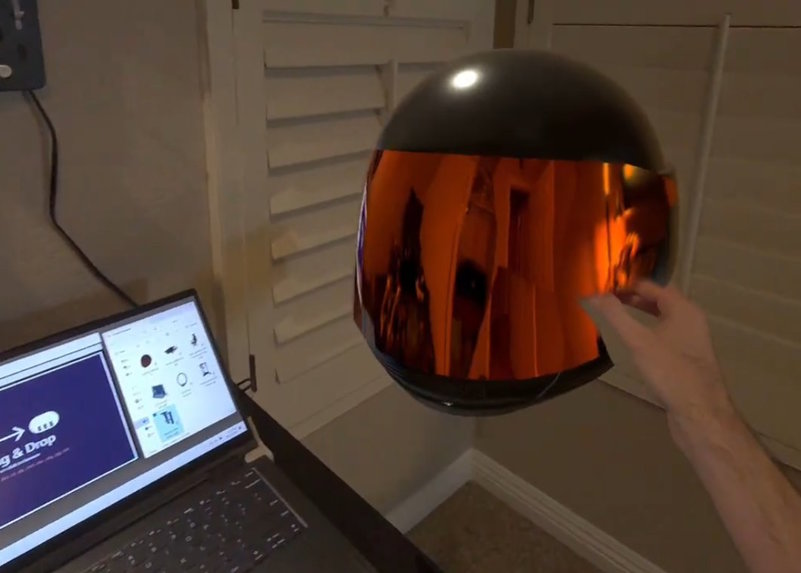
reflection of scanned panorama



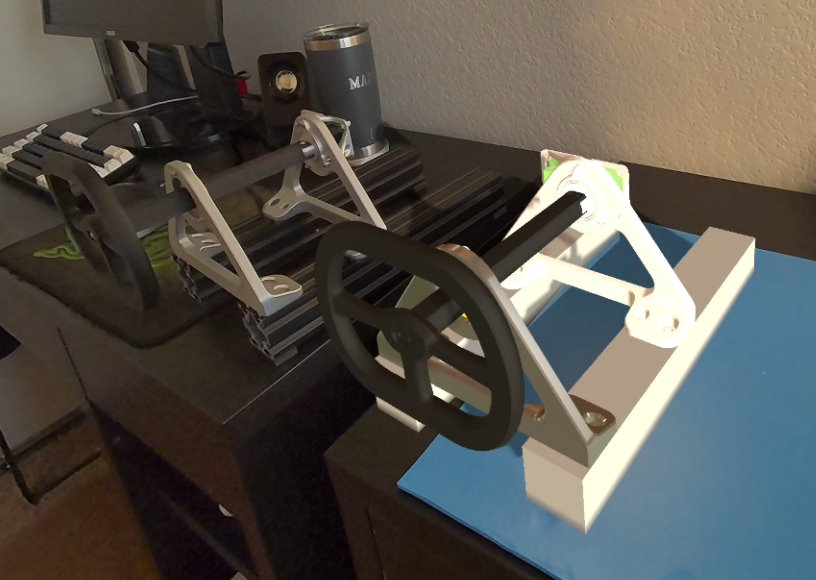


Inspiration
Since I got into computer-aided design and 3D printing, I was often surprised by the size of the design once it came off the printer. Using MR to preview designs sounded cool, but I never found a simple way to do this. Existing apps had bigger scope than I wanted, and having to make logins for cloud-based storage services was not pleasing. They also didn't use the Quest 3 features I was interested in such as dynamic occlusion.
What it does
You can open up just about any 3D model file off the Quest's storage. Then you can tweak materials and lighting to make it looks realistic. Optionally, there is a PC app that lets you drag-and-drop 3D models to immediately transfer and view the model on Quest.
How I built it
I referenced many Meta Unity sample projects - MRUK examples, Passthrough Camera API examples, XR Interaction SDK examples, etc. This way I was able to slowly bring together the features needed for interacting with all the menus and 3D model manipulations.
Challenges I ran into
My plan for the UI flow changed multiple times early on. It's hard to think of a good way to access all the features of this app that works with hand tracking while not being exhausting to use. It was really hard to figure out all the materials too. When there's transparency, UI, passthrough underlays, and dynamic occlusion, there's a lot of visual bugs to deal with.
Accomplishments that we're proud of
I'm happy that I got the QR code scanning working so you can connect to the optional PC app easily. I am also pleasantly surprised by how effective it was to use the Passthrough Camera API to generate a panorama to use for a reflection probe. I liked thinking of creative ways to use these cool APIs. I think the radial menus with the big push buttons worked out great for hand tracking.
What I learned
The only way to make good hand-tracked interactions is to just build stuff and try it out and iterate. It's very time consuming and extremely frustrating but that's what it takes to make something decent.
What's next for Visualize Things
A roadmap:
- Better way of moving and accurately orienting models of any size
- Menu for connecting to a PC that doesn't need QR codes
- Use the new Environment Raycasting API for easier model placement
- Way to import more directly from OnShape. potentially QR code or link-pasting in-headset
- More detailed model colliders
- Smoother menu movement
- Point lights
- Saving and loading
- Option for blob shadows
- Controller support
- use of full-detailed scene mesh
- Automatic optimization of CAD models - mesh and material count
- Photo mode with auto transfer to companion app
- Section view
- Co-located visualization
Known Issues
- Re-centering the playspace causes laser misalignment
- Upon first use, the "Set Reflections option requests the camera permisson, but then needs to be selected a second time to activate.
- Error communication is poor; information gets printed to the debug log instead of informing the user.
- If using with the PC Companion app, you need to restart the Quest app if you want to reconnect to the same computer a second time.


Log in or sign up for Devpost to join the conversation.