-
-
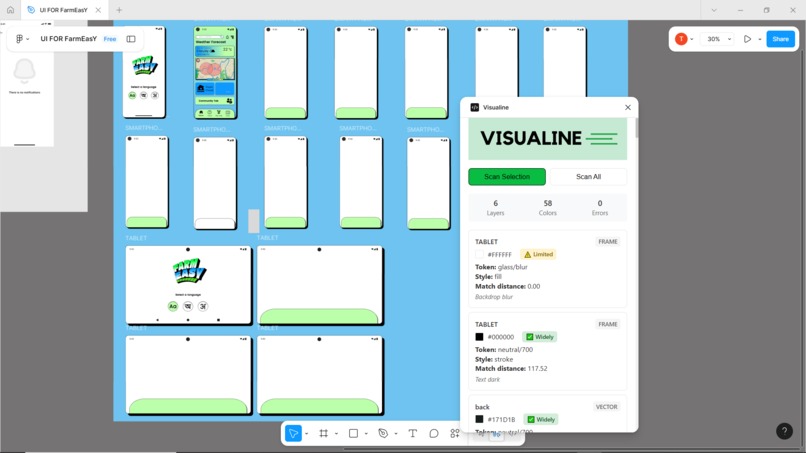
Visualine working demo inside figma canvas
Inspiration
I built Visualine out of annoyance with messy design handoffs
What it does
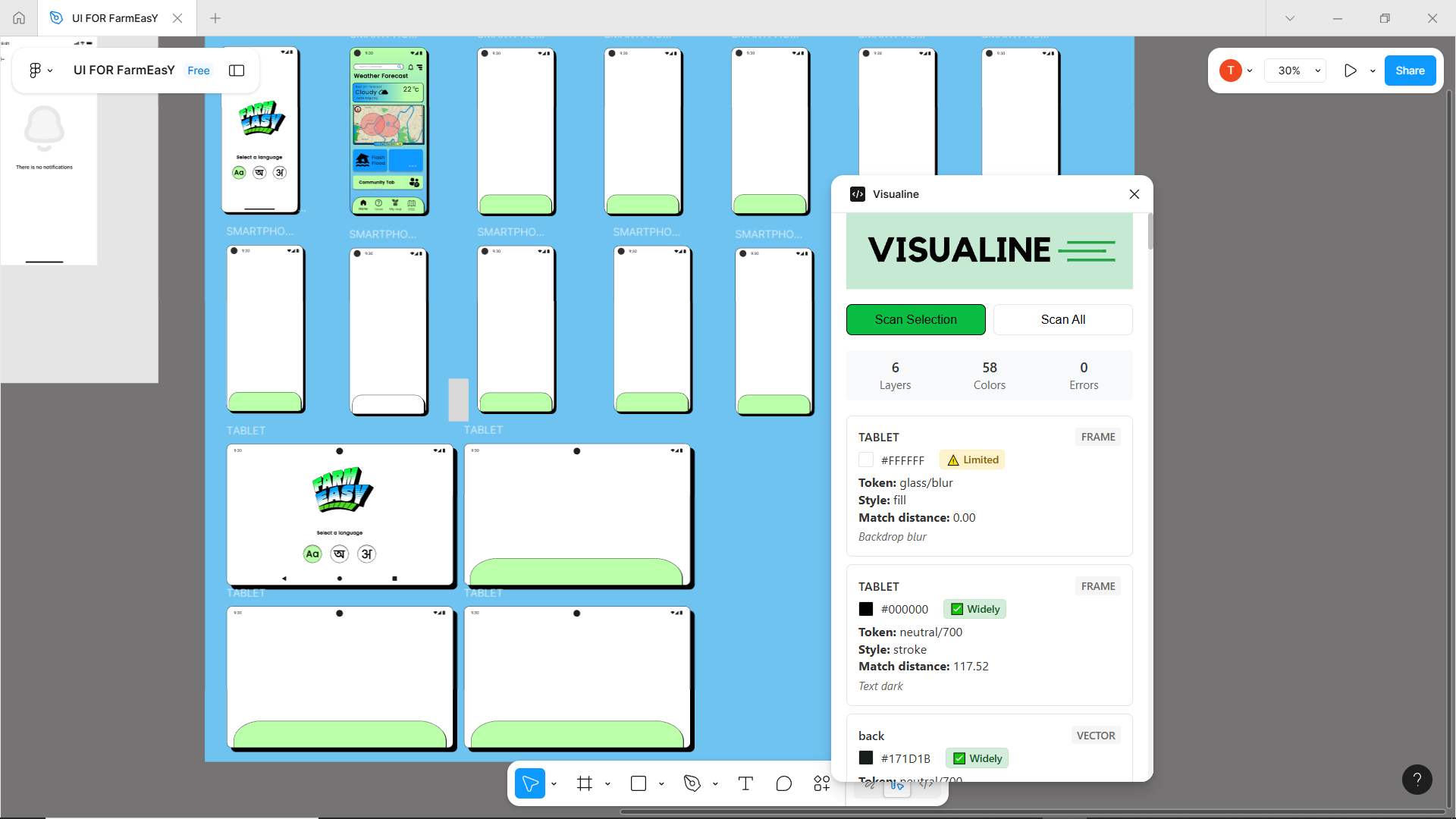
It scans fills and strokes in Figma, matches colors to a simple token baseline, and shows quick compatibility notes so designers can make safer, faster color choices without leaving their canvas.
How we built it
I made a tiny static UI (HTML/CSS/vanilla JS) that loads a baseline JSON and posts it to the plugin. The plugin backend (code.js) scans selected or all Figma layers and extracts solid fills and strokes. Colors are converted to HEX and matched to tokens by RGB distance, then results are posted back to the UI.
Challenges we ran into
UI must load local JSON (backend can’t), so we needed a message handshake and disabled scan controls until baseline arrived. We also hit ES6 compatibility issues with Figma’s sandbox and solved them by keeping plugin code ES5‑safe where required.
Accomplishments that we're proud of
A zero‑build, working Figma plugin that reliably matches colors to tokens, reports availability, streams progress, and returns structured errors all with a tiny, extensible codebase.
What we learned
Keep things simple: serve the baseline from the UI, make messages between UI and backend explicit, and start with an easy color match method while planning better color math later.
What's next for VISUALINE
Integrate caniuse to drive the token availability field so compatibility badges come from real browser data. Add more checks beyond color: typography (font families, sizes, weights), spacing (margins, paddings), and common effects (shadows, blur).


Log in or sign up for Devpost to join the conversation.