VisualAID – AAI (AI Accessibility Initiative)
Empowering Independence Through AI Vision
Mission Statement
To make technology that doesn't just assist people—but truly empowers them.
Inspiration
Digital accessibility has often been ignored in technology. In 1973, The Rehabilitation Act focused on disability rights, and in 1990, the Americans with Disabilities Act (ADA) improved access in public spaces. But when people think of accessibility, they usually imagine ramps, elevators, or wide doors—not the internet. Ironically, 1990 was also the year the World Wide Web was created. Since then, the internet has become the world's largest public space, yet it still leaves millions of people behind.
Once, while traveling on a train in India, I met a young man who was blind. We were about the same age. His parents were constantly watching over him, while I could move around freely. When we talked, he said he had heard the word "internet" but didn't really know what it was. That moment stayed with me. As a software engineer, I had always worked for money—but this time, I wanted to build something with a purpose.
Today, there are more than 2.2 billion people with visual impairments. They don't have a choice in how they see the world, but they should still be able to experience it fully. That is why I built VisualAID—to give them independence, awareness, and confidence through technology that sees for them.
VisualAID isn't only for the visually impaired—it can also help anyone who wants to understand their surroundings better and be more efficient.
What It Does
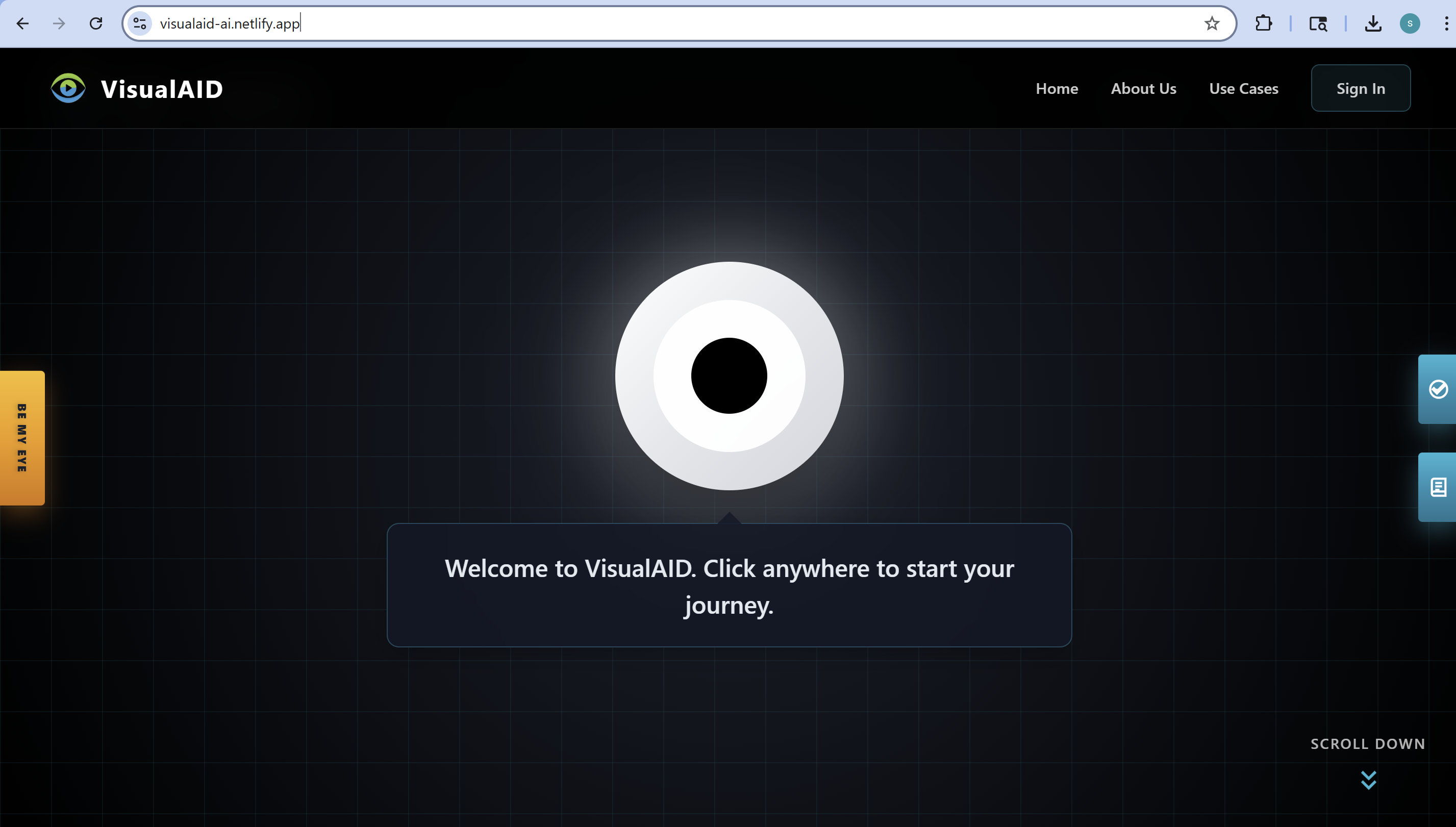
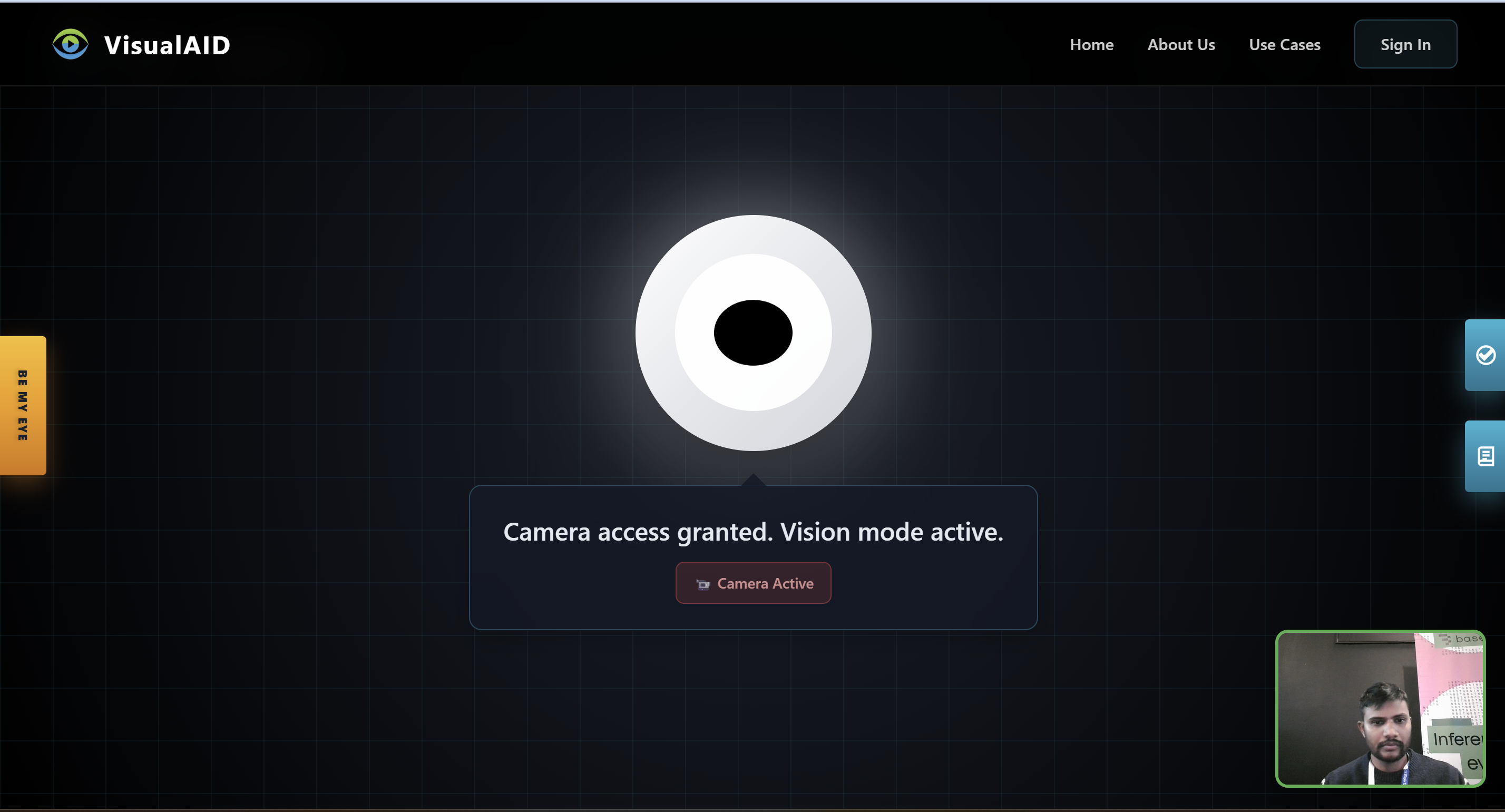
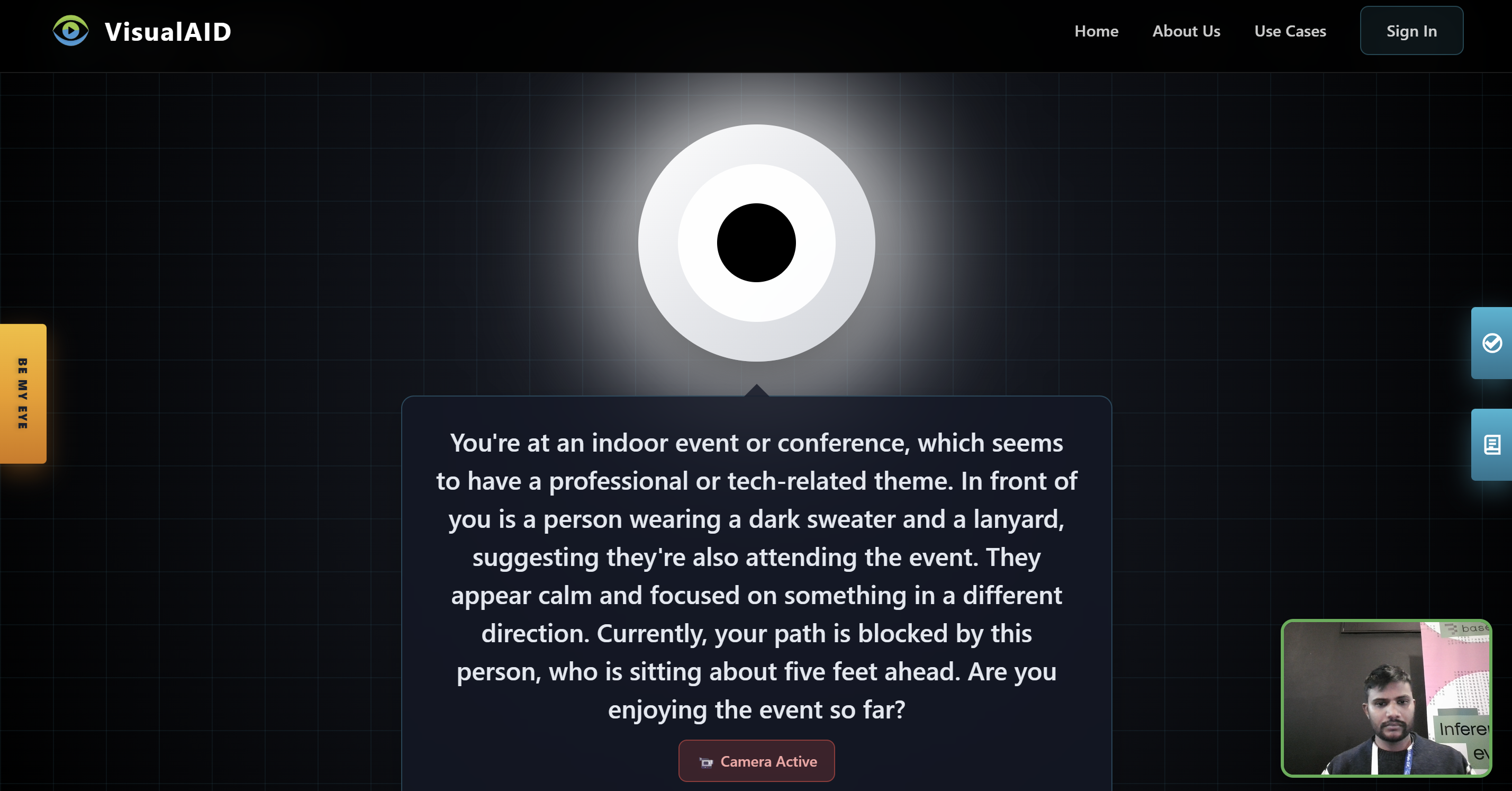
VisualAID is an AI-powered assistant that helps visually impaired users navigate safely and independently. It uses live camera input, voice interaction, and real-time AI analysis to describe what's around the user, identify obstacles, and respond naturally through conversation.
Key Features
Voice Navigation: The user can control the whole app with voice commands like "Be my eye," "Read page," "Stop assistance," or "Navigate me to the signup page." Even signing up can be done entirely through voice or text.
Real-time Vision Analysis: Uses a mix of Gemini 2.0 Flash and GPT-4o mini for object detection, obstacle recognition, motion and depth detection, emotion understanding, and overall scene analysis.
Conversational AI: Built on OpenAI's Realtime API for smooth, context-aware conversations.
Safety Awareness: Alerts users to dangers like fast-approaching vehicles or obstacles in their path.
Session Management: Stores analyzed frames, user preferences, and emergency contact information for continuity and safety.
In short, VisualAID acts like a smart companion that can see, speak, and guide.
How We Built It
VisualAID is built using a full-stack architecture that supports real-time communication, AI integration, and accessibility-first design.
Frontend
- React 19 with TypeScript 5.9 for a flexible and efficient interface
- Web Speech API for speech recognition and text-to-speech
- Canvas API for capturing and processing video frames in real time
- Socket.io Client for fast communication with the backend
- Custom React hooks to manage audio, camera, and AI interactions
Backend
- Node.js + Express with Socket.io for real-time video and audio streaming
- Gemini 2.0 Flash for AI vision analysis
- OpenAI Realtime API for conversational responses
- PostgreSQL (via Supabase) for storing sessions, frame data, and AI results
Infrastructure
- Frontend Hosting: Netlify
- Backend Hosting: Railway
- Database: Supabase PostgreSQL
To reduce delay, the system sends compressed video frames through WebSocket and processes them in parallel using multiple AI services.
Core AI and Service Architecture
A) OpenAI Services (openaiService.js)
Used for visual analysis and scene understanding.
Key Functions:
analyzeFrame(base64Image, metadata, previousAnalysis)– uses GPT-4 Vision to analyze the image and return descriptions, obstacles, and safety alertsdetectCriticalObstacles(analysis)– filters urgent or dangerous obstaclesgenerateVoiceDescription(analysis, isFirstFrame)– creates simple spoken descriptions for the user
Supports context awareness (it knows if this is the first frame or a later one).
B) OpenAI Realtime Service (openaiRealtimeService.js)
Manages real-time voice conversations.
- Maintains WebSocket connections for continuous audio exchange
- Processes user voice inputs and returns audio responses
- Integrates directly with vision analysis to maintain context while talking
C) OpenAI TTS Service (openaiTTSService.js)
Handles text-to-speech conversion.
Key Functions:
textToSpeech(text, options)– converts text into audio using tts-1 or tts-1-hd modelstextToSpeechBase64(text, options)– returns audio in Base64 format
Supports multiple voices such as alloy, echo, fable, onyx, nova, shimmer.
D) Gemini Service (geminiService.js)
Acts as an alternative vision analyzer.
- Uses Gemini 2.0 Flash Experimental model
- Follows a similar process to OpenAI's vision service
- Performs image analysis and creates voice descriptions
E) Supporting Services
- fastScanService.js: Performs quick safety scans between frames for faster alerts
- responseCacheService.js: Caches AI responses to reduce redundant calls
- geminiConversationService.js: Handles conversational logic if Gemini chat is enabled
Challenges We Faced
Real-time Speed: Running two AI models (Gemini and OpenAI) while keeping conversations fast required optimization of frame encoding and processing.
Audio Overlap: We built a priority-based audio system to make sure multiple voice outputs never speak over each other.
Voice-Only Design: Creating an app that works completely by voice required rethinking every part of the user experience.
Synchronization: Coordinating camera input, AI responses, and user interaction at the same time was complex.
Cost Optimization: We used a pre-trained YOLOE model to compare consecutive frames and only call AI APIs when changes were detected. This reduced costs and improved speed.
Immediate Safety Response: When the user is walking, the app must alert them instantly to avoid danger. This required using faster, lightweight AI models.
Accomplishments We're Proud Of
- Built a working MVP that connects live camera input, AI vision, and natural conversation into one experience
- Created a voice-first interface that allows full hands-free use
- Combined Gemini 2.0 Flash and OpenAI Realtime API seamlessly for both seeing and speaking
- Designed a React hook and Socket.io system that can scale to mobile and desktop versions
- Most importantly, built a tool that can help visually impaired users live more independently
What We Learned
- Accessibility is not a feature—it's empathy turned into design.
- Real-time AI systems need precise timing between vision, speech, and network events
- A good user experience depends on how quickly and clearly the system responds
- Testing in real-world conditions like noise and poor lighting taught us more than simulations ever could
- Building for accessibility changes how we think about technology—it becomes about inclusion, not innovation alone
What's Next for VisualAID – AAI
The goal of VisualAID goes beyond building an MVP. We want to create a complete AI Accessibility Initiative (AAI) that helps visually impaired users in all aspects of daily life.
Upcoming Features
- Navigation Assistance: Integration with mapping APIs for route guidance and obstacle detection
- Emergency Alerts: Automatically notify contacts in case of danger
- Multi-language Support: Make the system usable globally
- Mobile Applications: Native apps for Android and iOS for real-world accessibility
- Offline Mode: On-device AI for areas with poor internet connection
Our mission is simple: to make technology that doesn't just assist people—but truly empowers them.
Built With
- api
- gemini
- openai
- postgre
- postgresq
- react
- typescript


Log in or sign up for Devpost to join the conversation.