-
-
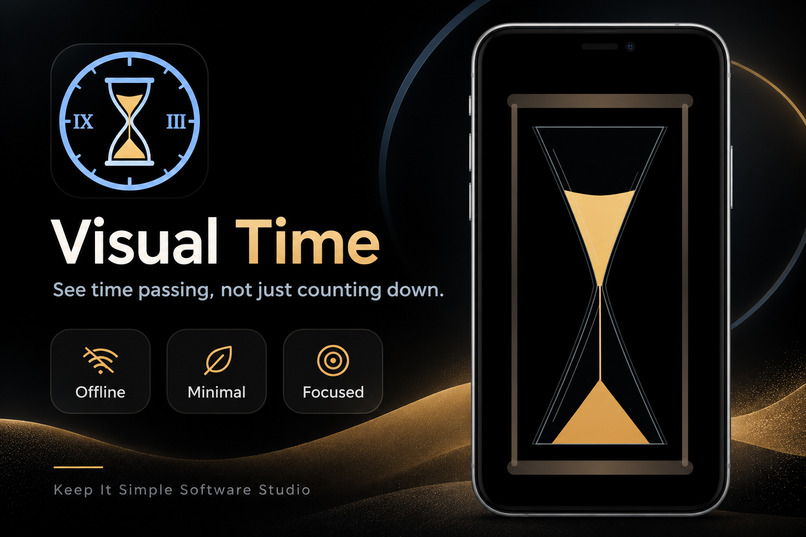
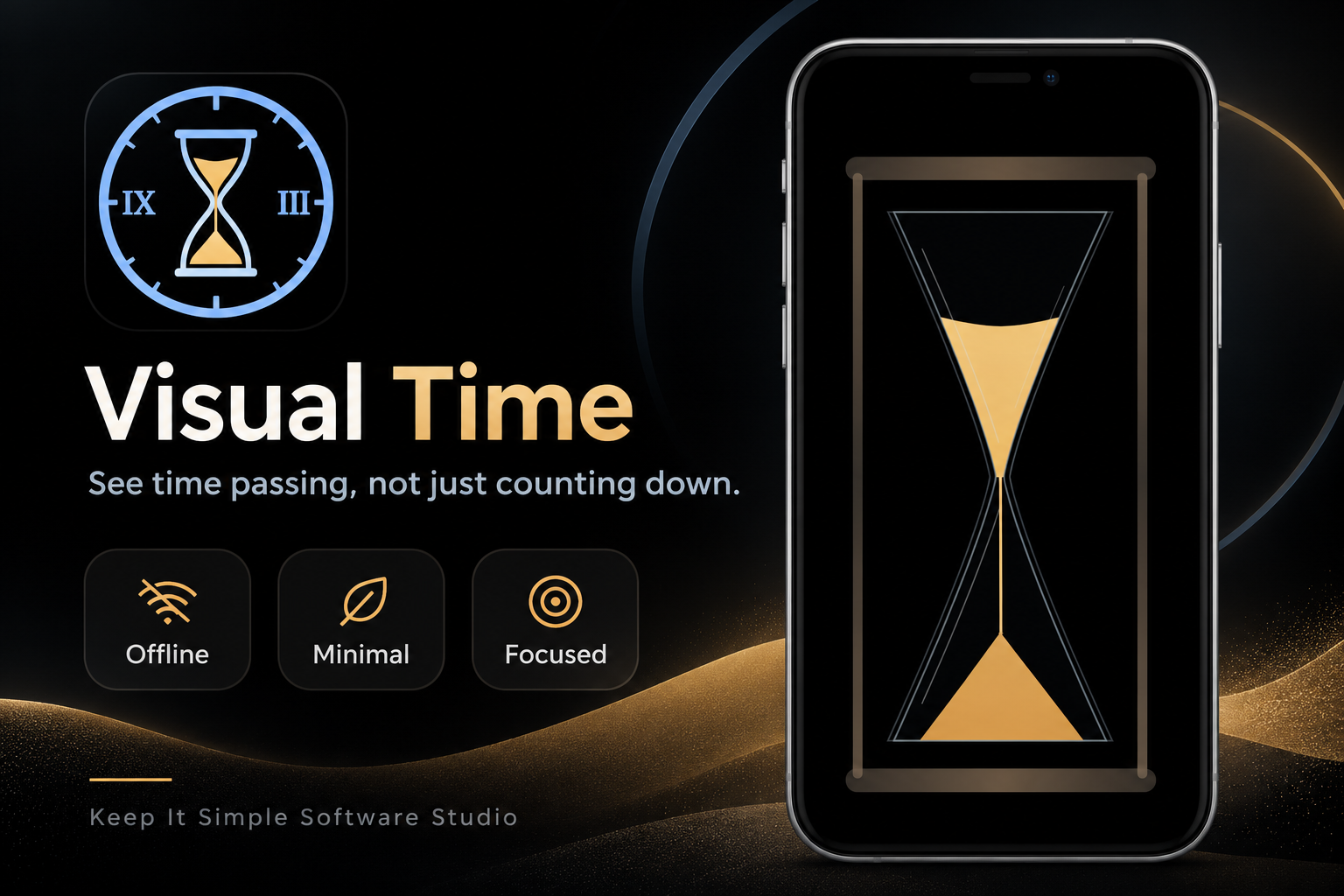
Visual Time. See time passing, not just counting down.
-
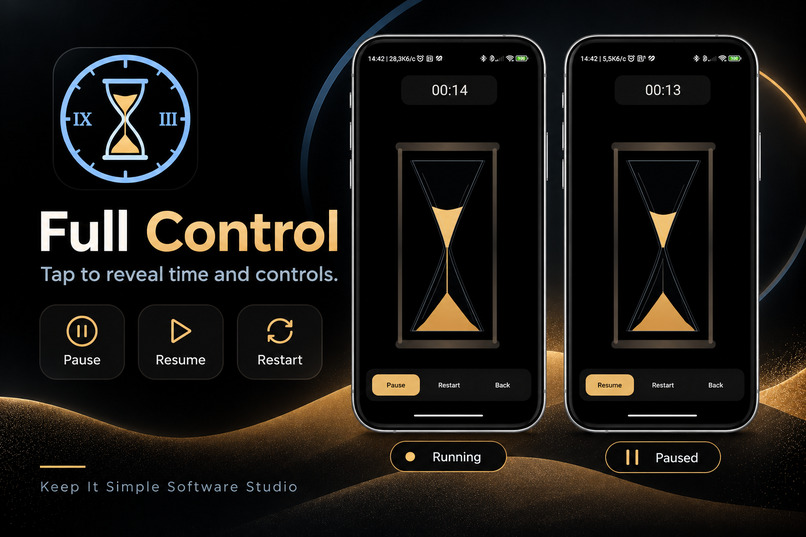
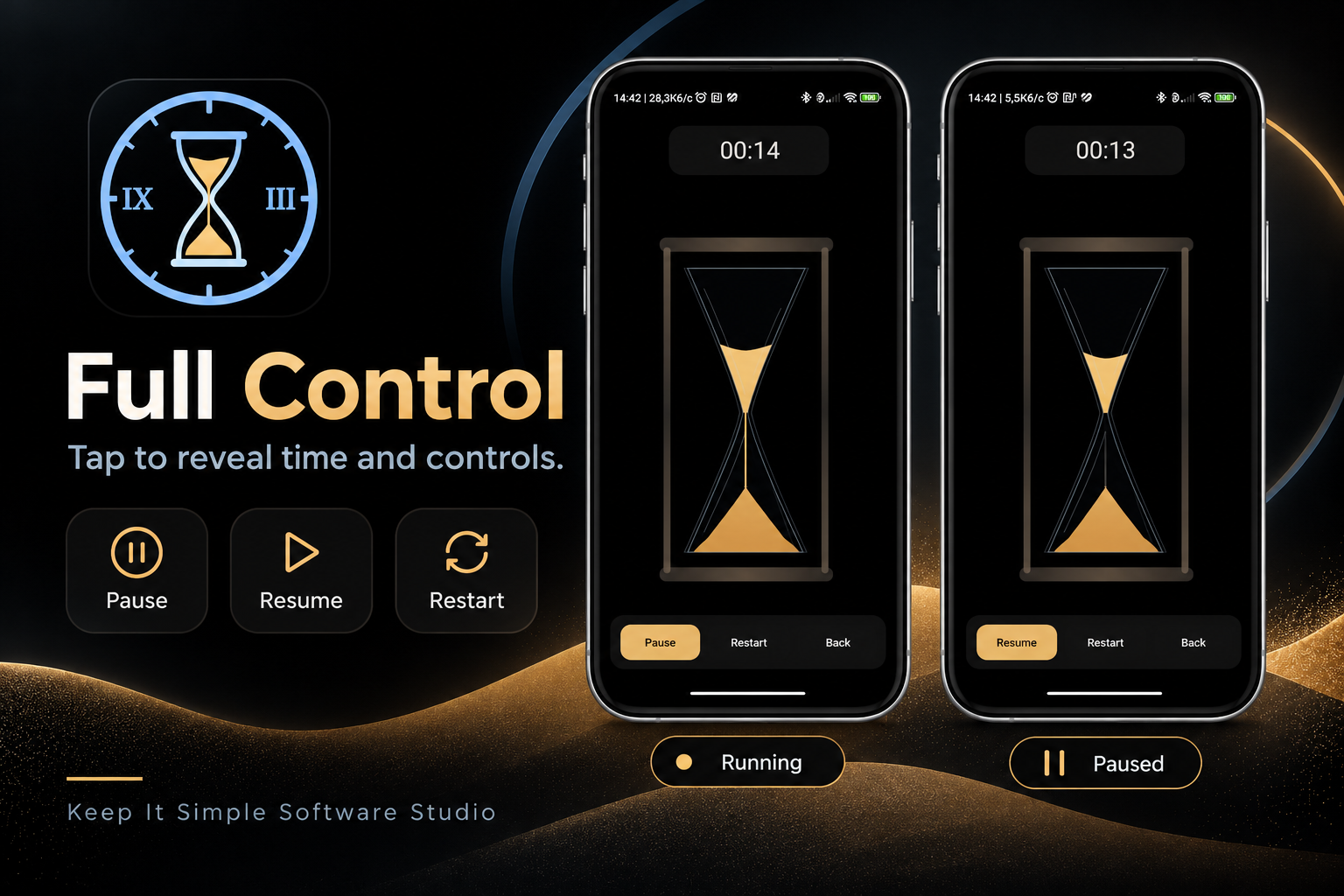
Full Control, When You Need It. Tap to reveal time and controls.
-
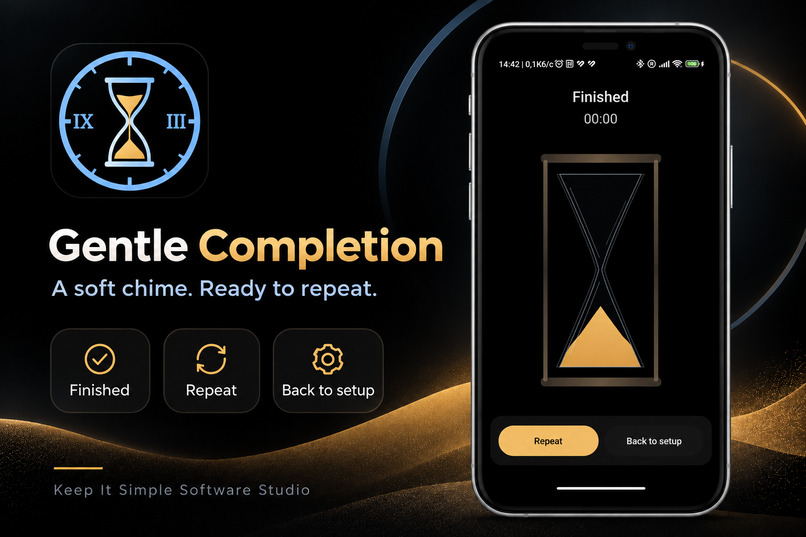
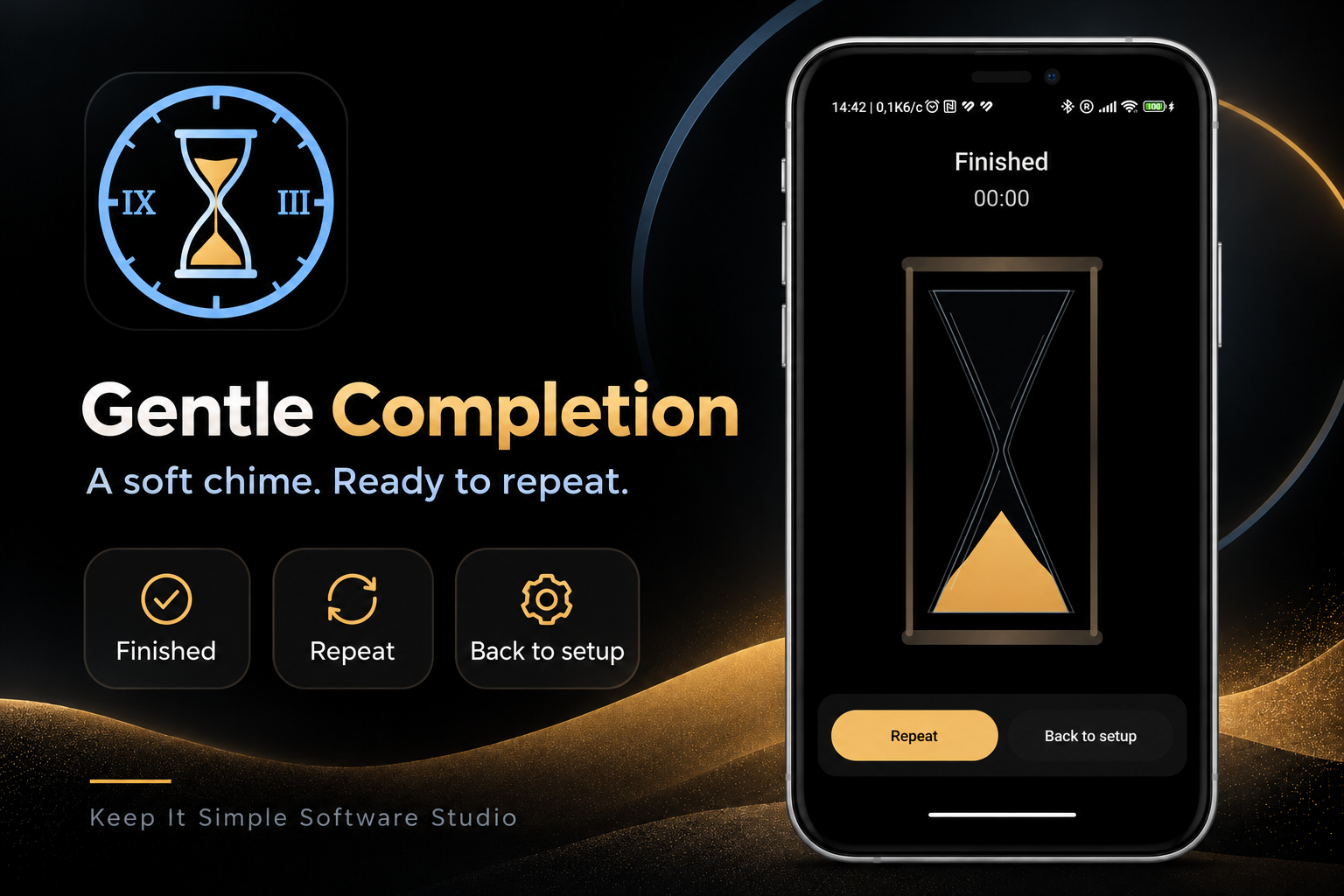
Gentle Completion. A soft chime. Ready to repeat.
-
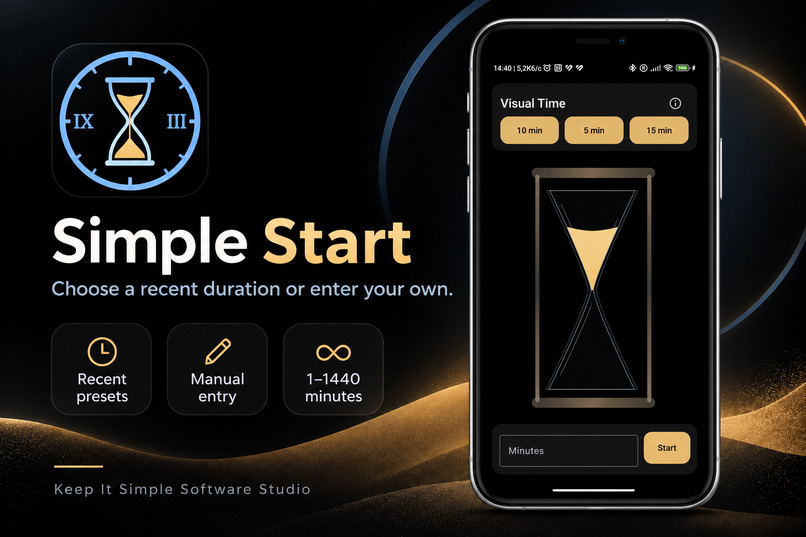
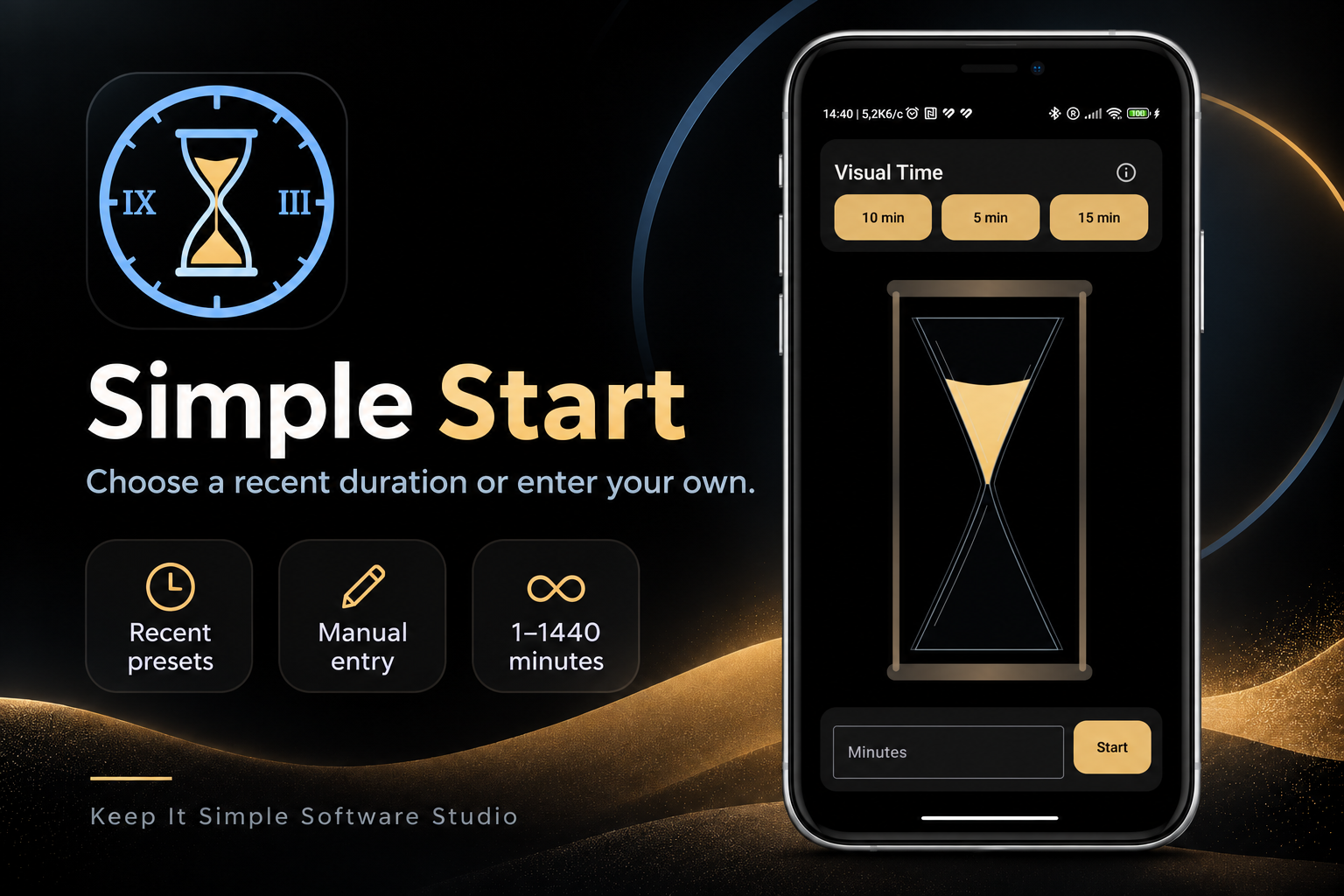
Simple Start. Choose a recent duration or enter your own.
-
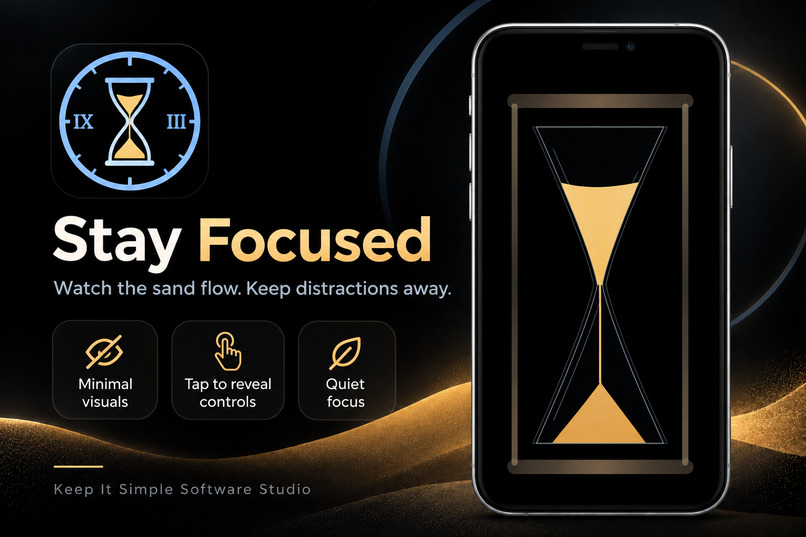
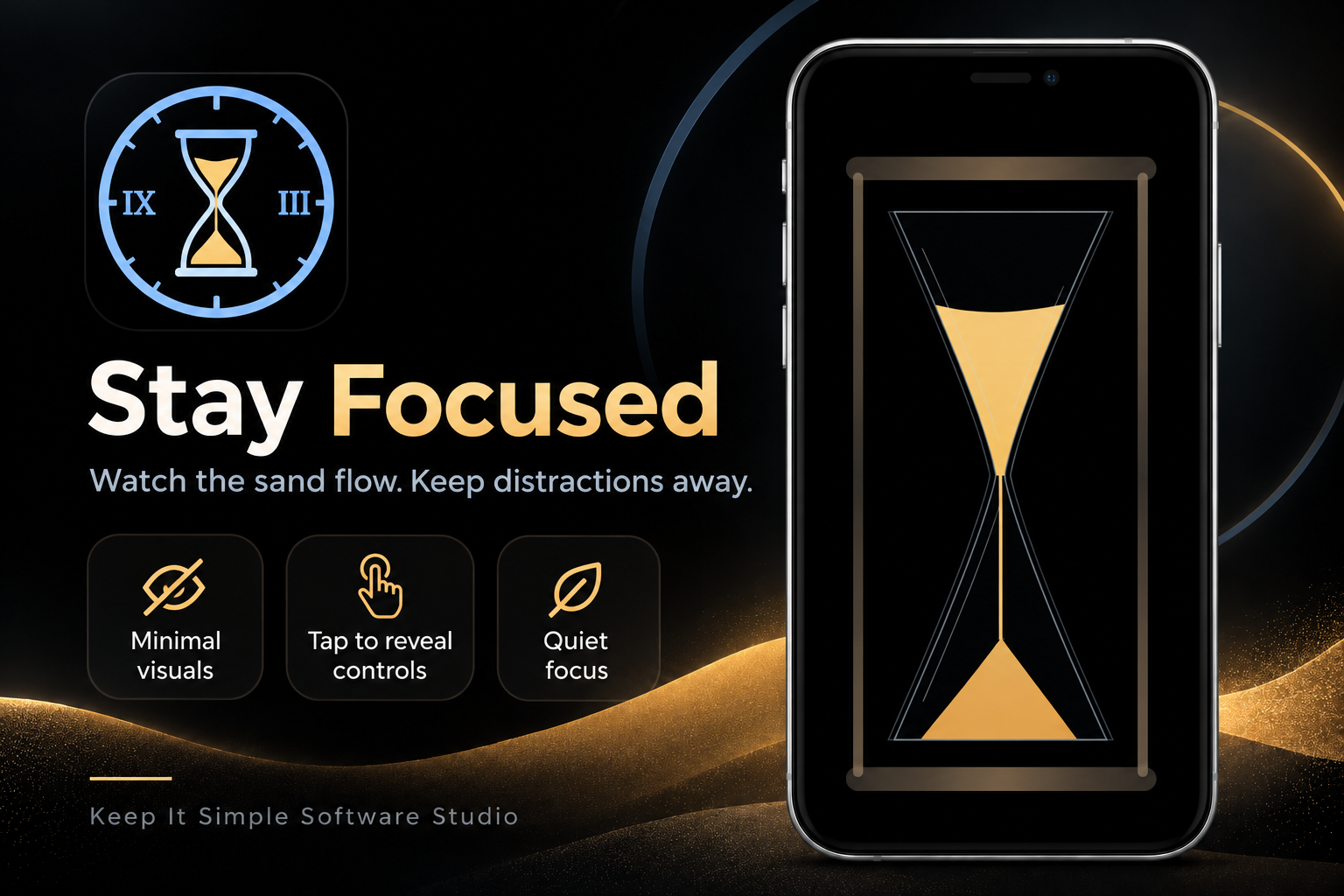
Stay Focused. Watch the sand flow. Keep distractions away.
Inspiration
We often measure time with numbers, but numbers do not always help us feel how much time is left.
For people who experience time blindness, including some people with ADHD, a digital countdown can remain abstract. It is easy to lose track of a task, underestimate how much time has passed, or repeatedly check a clock.
I wanted to explore a simpler approach: what if the remaining time were visible as something physical?
An hourglass provides a familiar answer. As sand moves from one chamber to another, the passing of time becomes immediately understandable without constantly reading numbers.
That idea became Visual Time — a calm, visual timer designed to make a limited amount of time easier to perceive.
What it does
Visual Time is a native Android application that represents the remaining duration of a timer as sand flowing through an animated hourglass.
The experience is intentionally simple:
- Start immediately using one of three recent durations, initially 15, 25, and 40 minutes.
- Enter any custom duration from 1 to 1,440 minutes.
- Watch the sand gradually move from the upper chamber to the lower chamber as time passes.
- Tap the screen to reveal the exact remaining time and Pause, Resume, Restart, or Back controls.
- Receive a gentle completion signal when the timer finishes.
- Receive an Android notification if the timer finishes while the application is in the background or the phone is locked, subject to device permissions.
The app keeps the screen awake while an active timer is visible, but it never prevents the user from locking the phone manually.
The core timer works offline, without accounts, ads, analytics, subscriptions, or a backend.
The goal is not to manage every aspect of productivity. It is to make one chosen period of time visible, understandable, and easy to follow.
How we built it
Visual Time was created from scratch during the hackathon using the Devpost Learn Skill Pack, with Codex as the AI coding agent and ChatGPT assisting with requirements review, visual feedback, and development decisions.
The application is written in Kotlin using Jetpack Compose and a custom Canvas-rendered hourglass.
The timer engine calculates remaining time from a monotonic elapsed-time clock. This is deliberately independent of animation frames, so visual rendering does not determine timer accuracy.
The hourglass uses shared mathematical geometry for the glass walls, sand boundaries, clipping regions, and proportional sand transfer. The falling stream is a lightweight visual animation rather than a simulation of individual sand grains.
A ViewModel manages the timer states and interactions. Android DataStore preserves the three most recently used durations. Android platform APIs provide screen-awake behavior, audible completion feedback, and background completion notifications.
Development was divided into six small, testable implementation slices. Each important milestone was built, installed, and reviewed on a physical Xiaomi Redmi Note 9 Pro.
The repository includes the planning documents, source code, automated tests, build instructions, and an offline code map explaining the architecture.
Challenges we ran into
The greatest challenge was making the hourglass visually convincing without turning a simple timer into an expensive physics simulation.
Early versions revealed subtle problems: sand did not always follow the inner glass walls, the falling stream behaved unnaturally, and the lower sand mound looked too geometric.
After several real-device reviews, we replaced independently calculated shapes with a shared chamber geometry. This made the glass, sand clipping, and volume calculations consistent.
Another challenge was separating the actual timer from the animation. The timer needed to remain accurate through pauses, backgrounding, and device lifecycle changes, regardless of the rendering frame rate.
Android background behavior also required careful handling of exact alarms, notifications, permissions, and obsolete timer sessions.
Finally, the user interface needed to remain stable across Setup, Running, Paused, and Finished states, including when the keyboard or Android navigation controls appeared.
These issues were resolved through focused implementation steps, automated tests, and hands-on device verification.
Accomplishments that we're proud of
The most important result is a complete, working Android proof of concept, not merely an animated demonstration.
Visual Time successfully combines accurate timing with a distinctive visual representation of remaining time.
I am particularly pleased that:
- The hourglass animation and countdown are driven by the same authoritative time progress.
- The interface remains clean and distraction-free during a running session.
- Pause, Resume, Restart, Repeat, and Back behave predictably.
- Completion feedback works while the app is visible, backgrounded, or the phone is locked.
- The core application works without an internet connection.
- The final Android build and 33 unit tests passed.
The application was tested repeatedly on a real phone rather than relying only on an emulator or generated code.
What we learned
The biggest lesson was that effective AI-assisted development depends on clear decisions, precise requirements, and frequent verification.
The Devpost Learn Skill Pack helped transform an open-ended idea into a controlled development process.
Defining the scope before implementation prevented unnecessary features from distracting us from the main goal. Creating explicit product requirements and technical specifications made it easier to evaluate the work produced by Codex.
Physical-device reviews were especially valuable. Some problems were not apparent from source code or automated tests but became obvious when watching the hourglass on a phone.
I also learned the importance of knowing when to stop polishing. Not every imperfection justifies another development cycle. A focused, tested, complete product is more valuable than an endlessly refined prototype.
AI accelerated implementation, but product decisions, acceptance criteria, testing, and final approval remained under human control.
What's next for Visual Time
The hackathon version focuses on one visualization: the Sand hourglass.
Future development may introduce a second visualization based on a shrinking clock dial, customizable quick-start durations, additional languages, and user-selectable color themes.
I also plan to refine the visual appearance of the sand, expand device testing, and prepare a production release on Google Play.
The long-term vision is to keep Visual Time simple while allowing users to choose the visual representation that best helps them understand and manage their time.

Log in or sign up for Devpost to join the conversation.