-
-
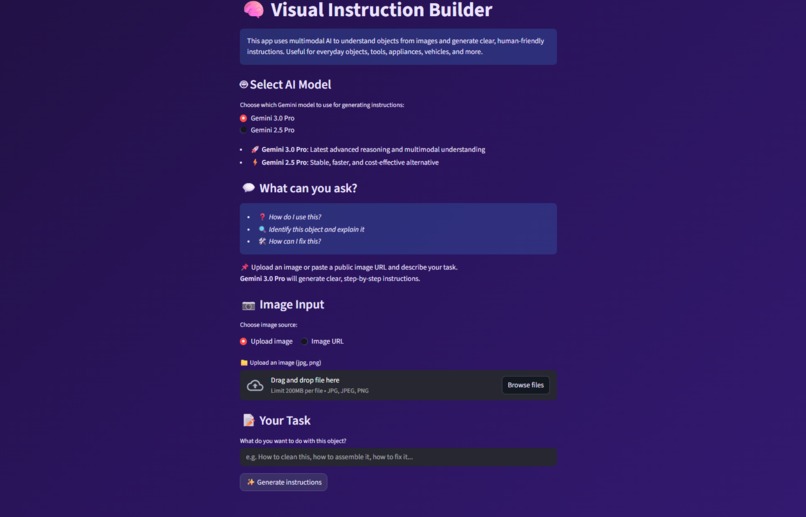
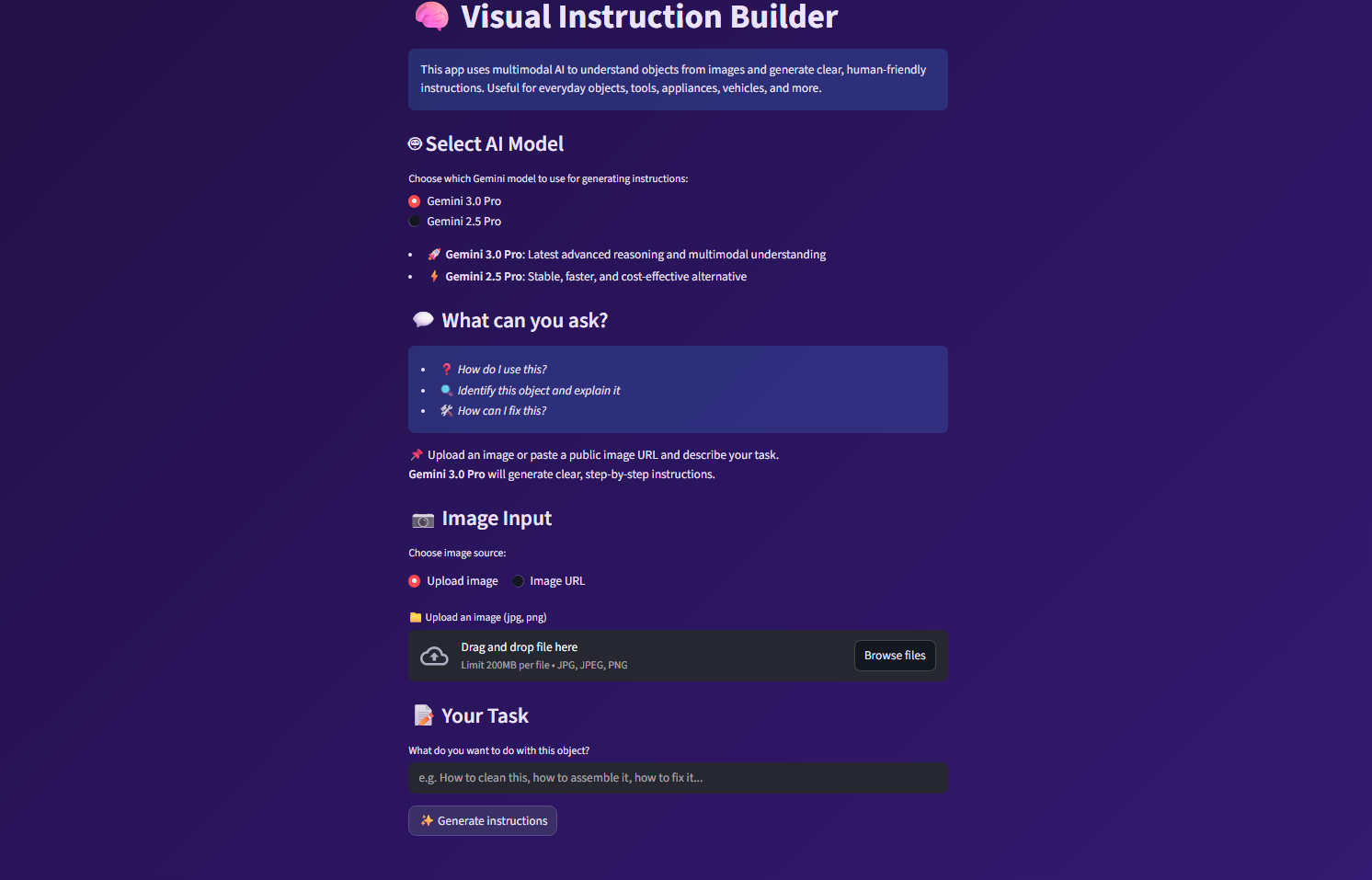
This is the UI of the Visual Instruction Builder
🧩 Inspiration
Many everyday tasks become frustrating simply because instructions are unclear, missing, or overly technical.
While AI systems are great at answering questions, they often fall short when the problem involves a real-world object the user is physically looking at.
This led to a core question:
Can multimodal AI look at an object and explain what to do with it clearly, safely, and step by step, as if teaching a complete beginner?
That question became the foundation of this project.
💡 What This Project Does
Visual Instruction Builder uses Gemini’s multimodal capabilities to transform an image of a real-world object into clear, beginner-friendly, step-by-step instructions.
The user:
- 1. Uploads an image of an object
- 2. Describes what they want to do with it
- 3. Receives structured instructions written in simple, practical language
The system is intentionally designed to:
- Focus only on visible elements in the image
- Avoid hallucinating unseen tools or components
- Include safety awareness where relevant
🛠️ How I Built It
The application is built as a Streamlit web app with a clean, minimal UI.
Core Flow
- 1. User uploads an image
- 2. User enters a task or objective
- 3. Image and task are sent to the Gemini API
- 4. Gemini analyzes the visual context and generates structured instructions
- 5. Results are displayed instantly in the UI
Instruction quality is enforced through a carefully designed system prompt that prioritizes:
- Step-by-step clarity
- Beginner-friendly explanations
- Safety warnings when appropriate
- No invented tools, parts, or assumptions
🚧 Challenges Faced
Some of the main challenges included:
- Preventing hallucinations about unseen components
- Designing prompts that stay grounded in visual evidence
- Handling API keys securely for both local development and cloud deployment
- Creating a UX flow that feels natural for non-technical users
- Deploying the app on Streamlit Cloud while keeping secrets out of the repository was also a valuable learning experience.
🤖 Gemini Models Used
This project is built using Google’s Gemini multimodal APIs:
- Gemini 3 Pro (Preview): Primary model for image understanding and instruction generation
- Gemini 2.5 Pro: Used as a fallback to ensure reliability and uninterrupted execution in cases of model availability or usage constraints The application dynamically selects the appropriate model while maintaining a consistent output structure, safety awareness, and grounding in visible elements.
📚 What I Learned
Through this project, I gained hands-on experience with:
- Gemini’s multimodal reasoning capabilities
- Prompt design for reliable, structured outputs
- Secure environment variable management
- Deploying AI-powered applications to the cloud
- Designing AI tools from a real user’s perspective
🌍 Why This Matters
This project demonstrates how multimodal AI can move beyond chat-based answers into practical, real-world assistance.
Potential use cases include:
- DIY and home repair guidance
- Learning how to use unfamiliar tools or devices
- Accessibility support
- Education and hands-on learning
- Customer support and onboarding
🔮 Future Improvements
Planned enhancements include:
- Mobile-first UI and potential mobile app versions
- Multi-image input for complex objects
- Voice-guided instructions
- Localization and multi-language support
- Offline capture with cloud processing
- Integration with AR or smart assistant workflows
🏁 Conclusion
Visual Instruction Builder explores how AI can bridge the gap between visual understanding and human-friendly instruction.
It represents a step toward more intuitive, helpful, and practical AI systems that assist users in the real world, not just in text.
