Inspiration
Back and Forward are great, but only if it’s 2002 and tabbed browsing hasn’t been invented yet. Modern browsers lose a lot of rich information when they compress browsing history into a linear stack, and backtracking from a forrest of links is surprisingly difficult. We wanted to fix navigation in a way that was both quick, reliable, and predictable for power users, and also beautiful and intuitive for beginners.
What it does
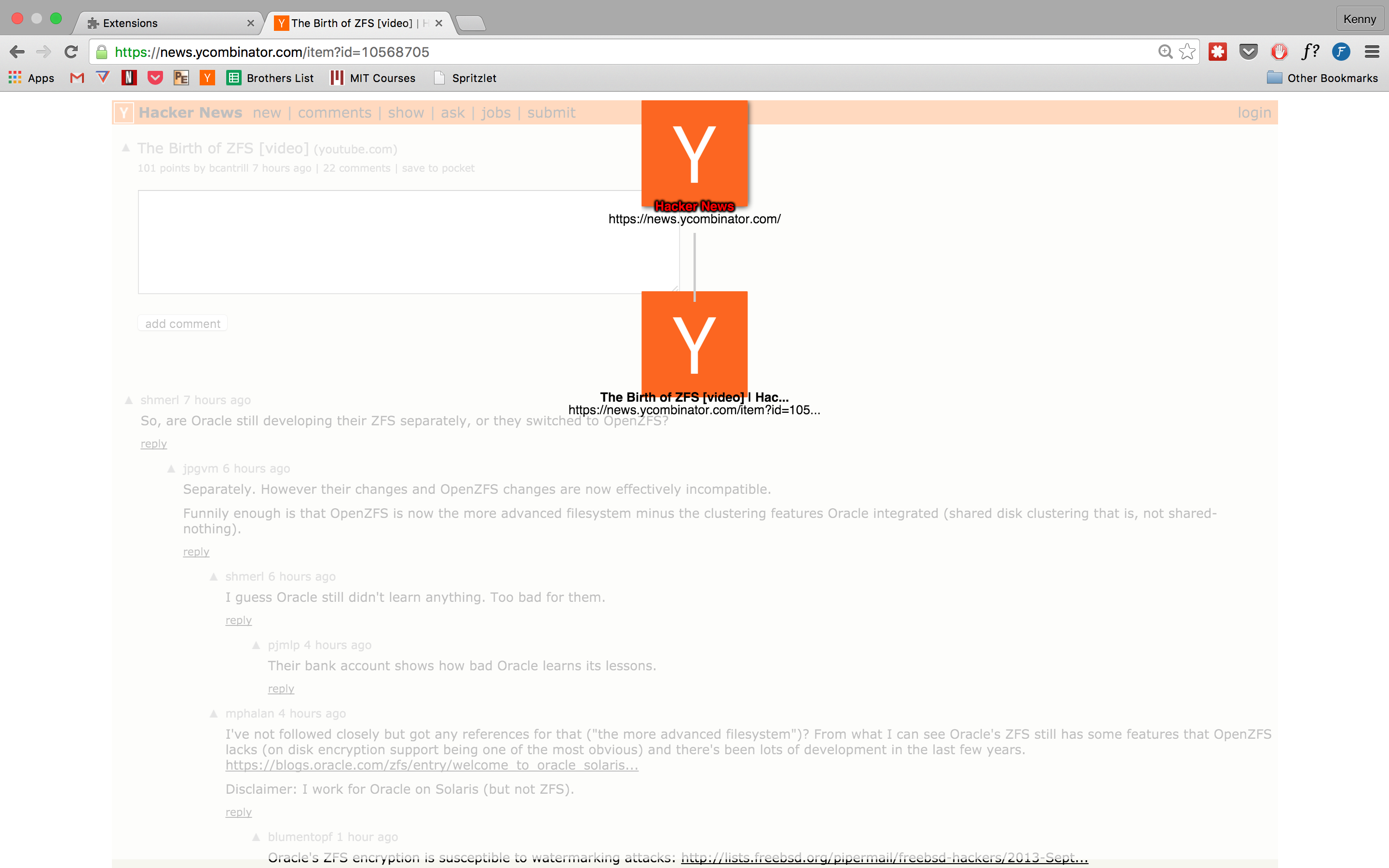
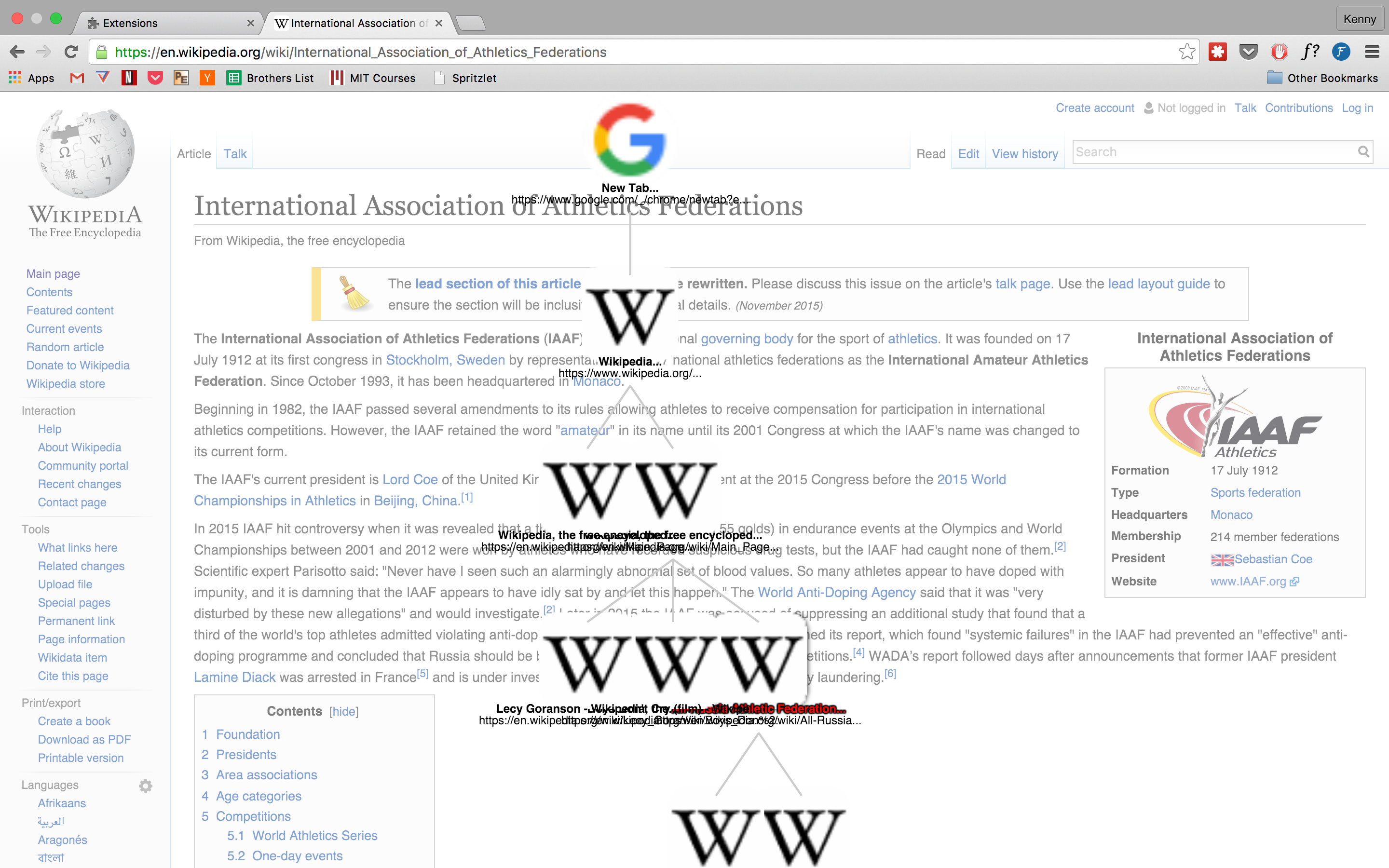
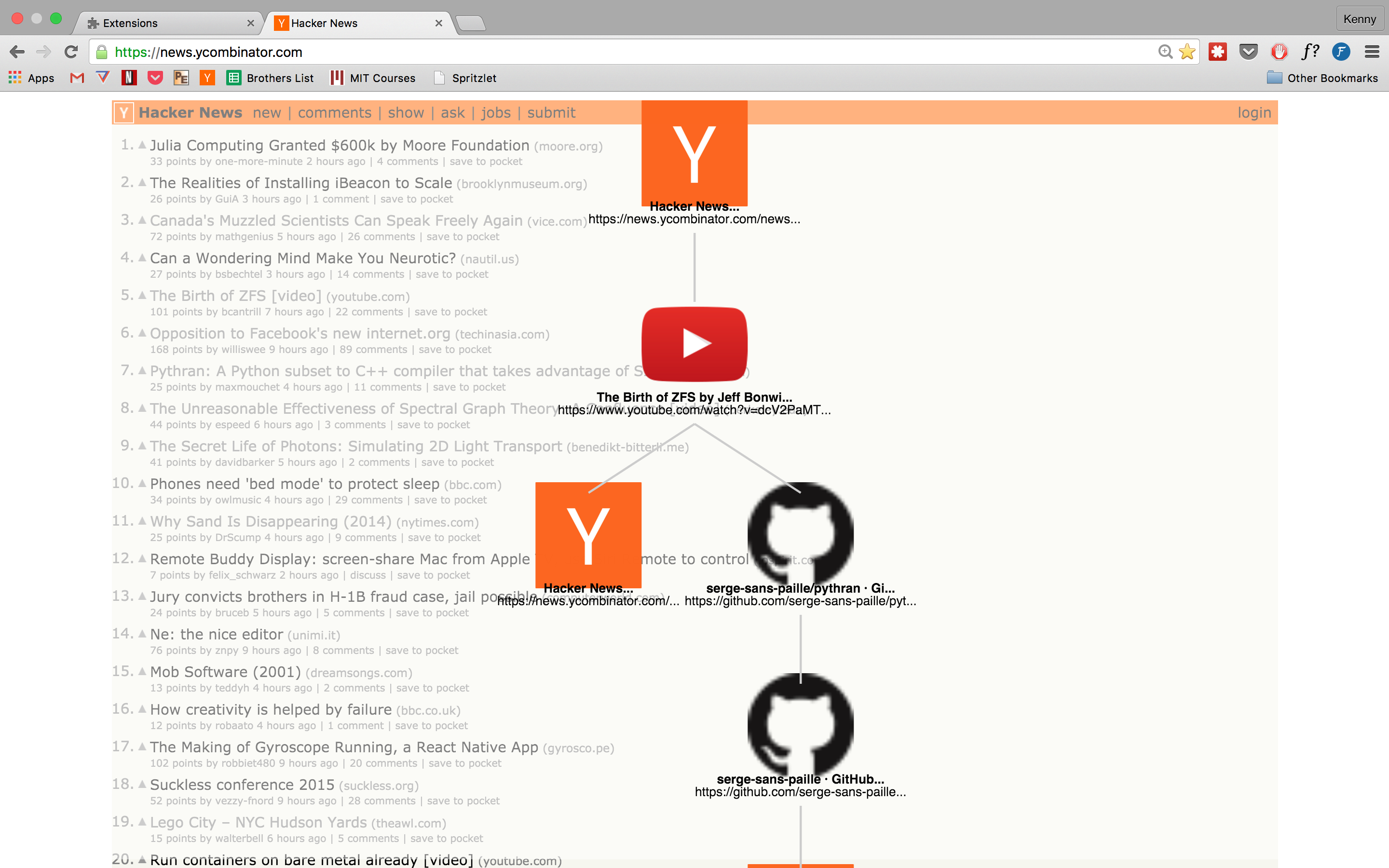
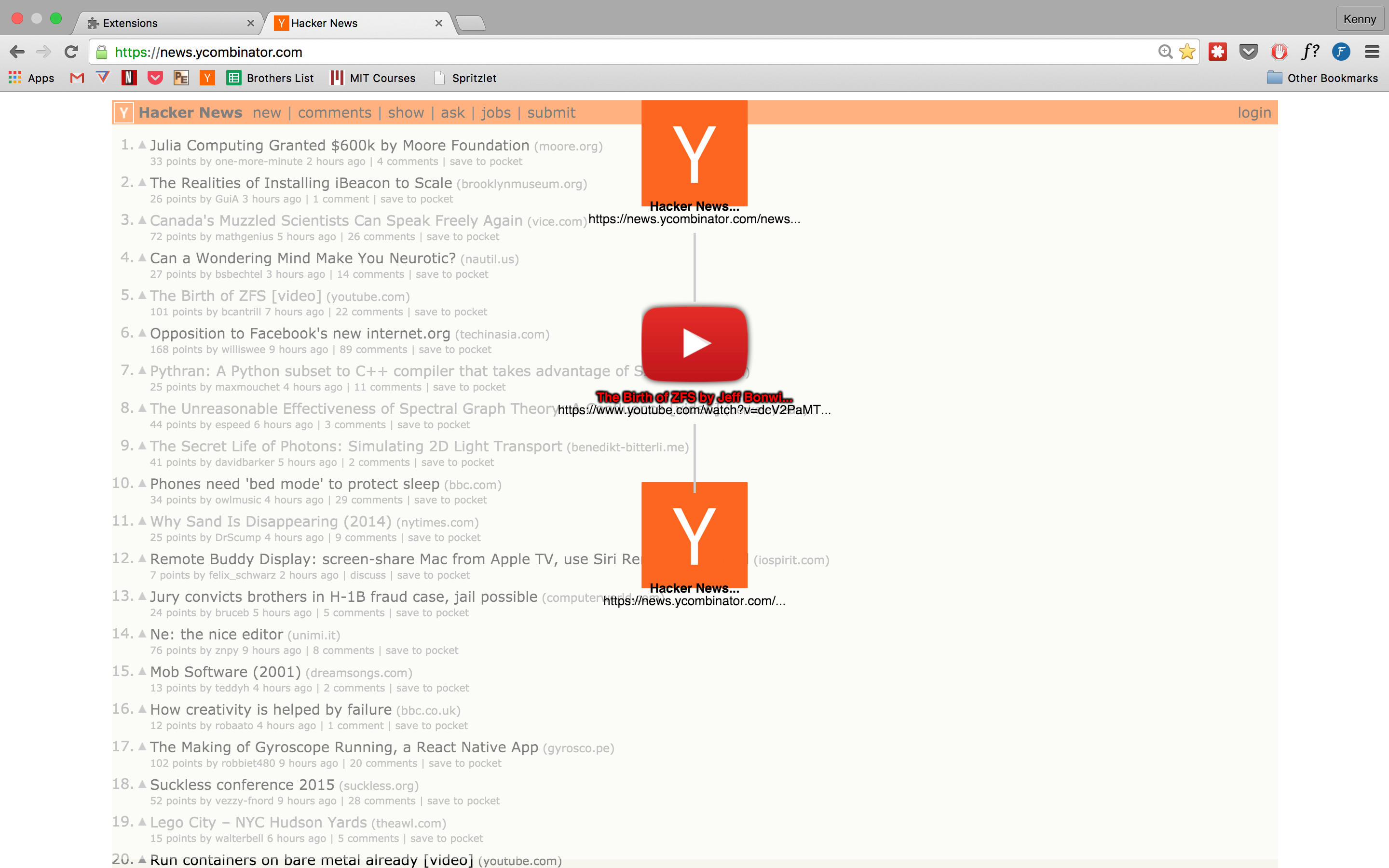
— Visual History is a Chrome extension that delinearizes your browsing history with a richer alternative to the Back and Forward buttons. Instead of a stack of previously visited destinations, VH maintains the forrest of trees that represent each tab’s path along the internet, and lets the user easily backtrack to any site they recently visited. Routes that normally have to be manually re-traced by users, like jumping between search results or forum posts, can now be intuitively and quickly directed without revisiting the parent page. Power users can use keyboard shortcuts to quickly navigate around the graph.
How we built it
We built VH using standard web technologies including HTML5, CSS3, and Javascript, as well as the D3.js visualization library. We developed on both Windows and Mac using both WebStorm and Coda, with Github for version control. Red bull and Insomnia Cookies also contributed to development.
Challenges we ran into
Since VH is a Chrome Extension, everything is technically frontend. On the backend of the frontend, we had to locally track every page visit since the Chrome History API does not provide enough information to tell us the path that the user took to arrive at a given page. This had to be recorded in a custom tree data structure that was maintained per tab across pages.
And on the frontend of the frontend, we had to modify core elements of the D3 standard package to visually display the nodes and links of the path. Since D3 does not include APIs for having a partiulcar element selected, we had to design custom UI elements to show the user their current location in the tree.
Accomplishments that we're proud of
Neither of us have made a Chrome Extension before, but our vision of Visual History only works if it is integrated in the browser — so we needed to make a Chrome Extension. In under 36 hours, we went from just knowing that extensions exist to having a deep understanding of the system, and having a fully working product.
What we learned
We learned how Chrome Extensions work and how to make them (including safely modifying the DOM, modifying keyboard shortcuts, and getting snapshots of URLs and favicons). We also learned how to use the D3 visualization library. One us had very little experience with JavaScript, so we also improved our JavaScript abilities. Finally, we learned a lot about how to (and how not to) divide and conquer problems in code and merge those changes in Git.
What's next for Visual History
In the future, it would be great to port the extension to be available in other browsers (including Safari and Firefox). We also want to add screenshots of the webpages (instead of simply favicons). Finally — in the future — it would be great to make a mobile version of the extension as an app. Since iOS sandboxes browser history, this would involve writing parts of a web browser ourselves.


Log in or sign up for Devpost to join the conversation.