-
-
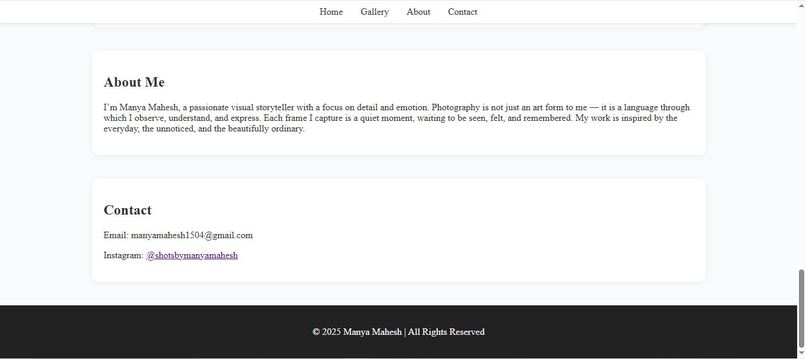
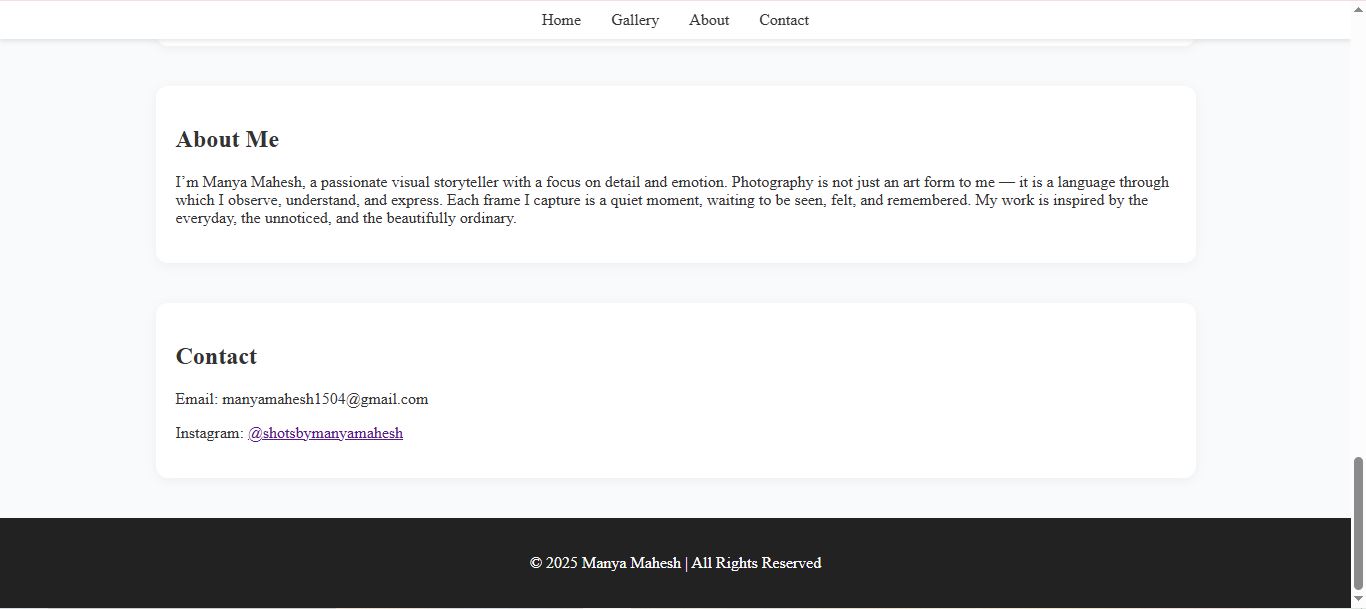
about me and contacts
-
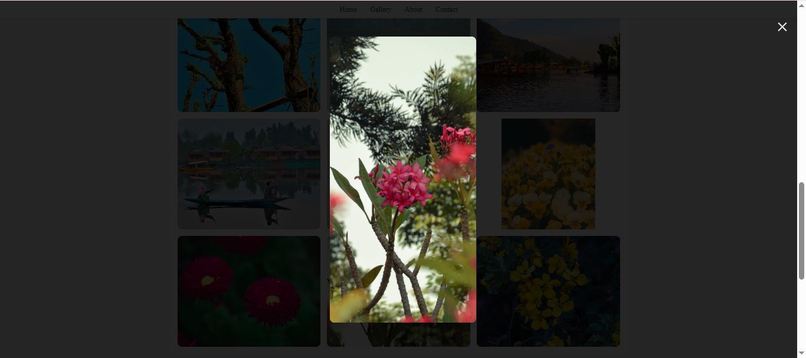
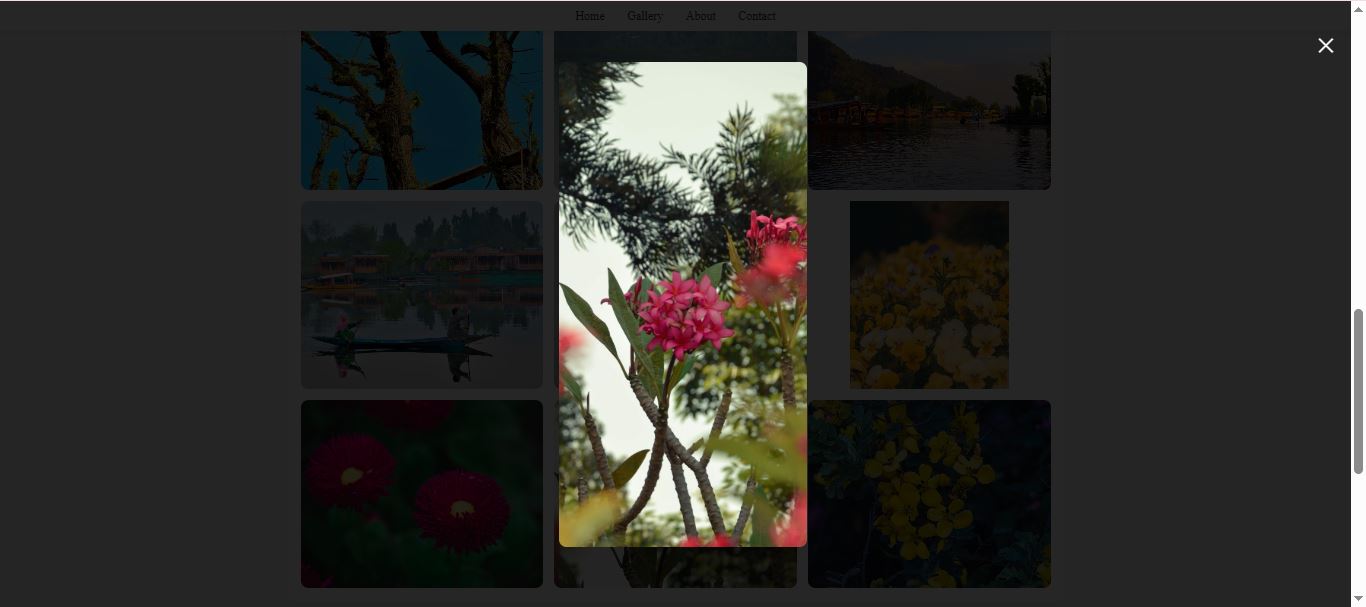
pop up view
-
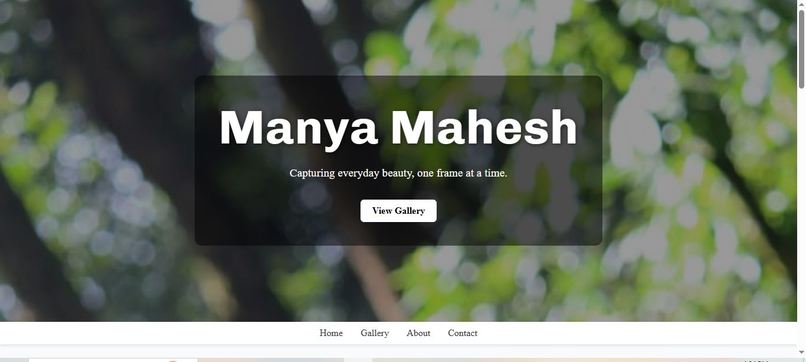
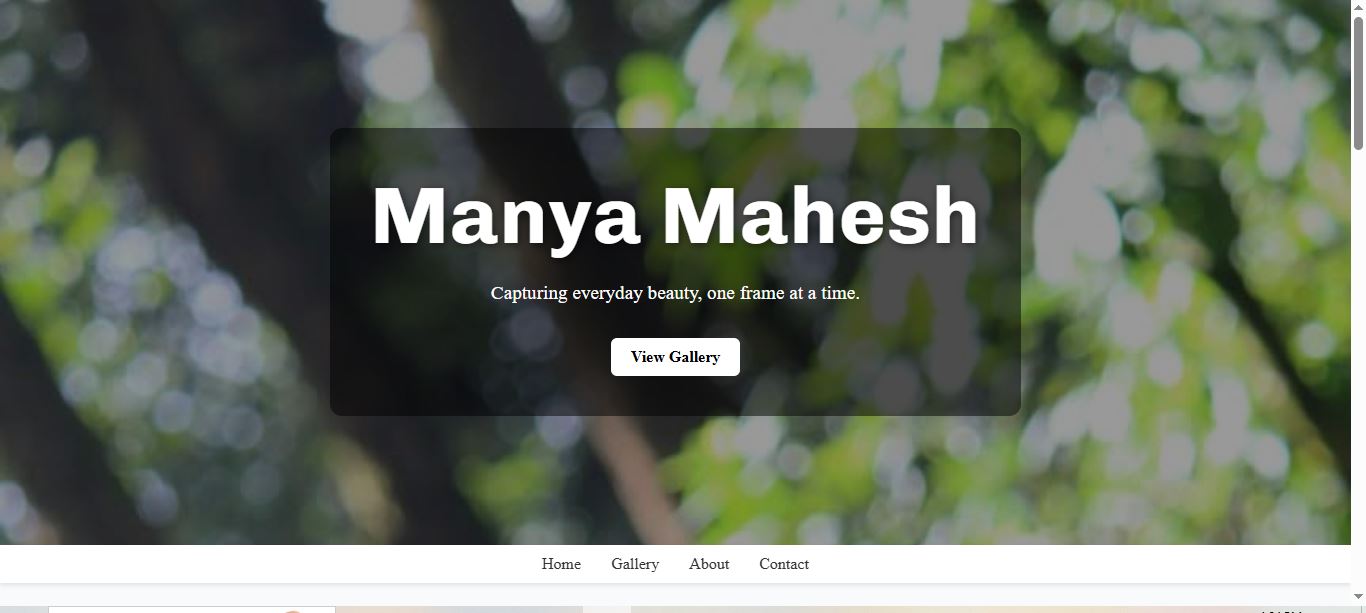
home page
-
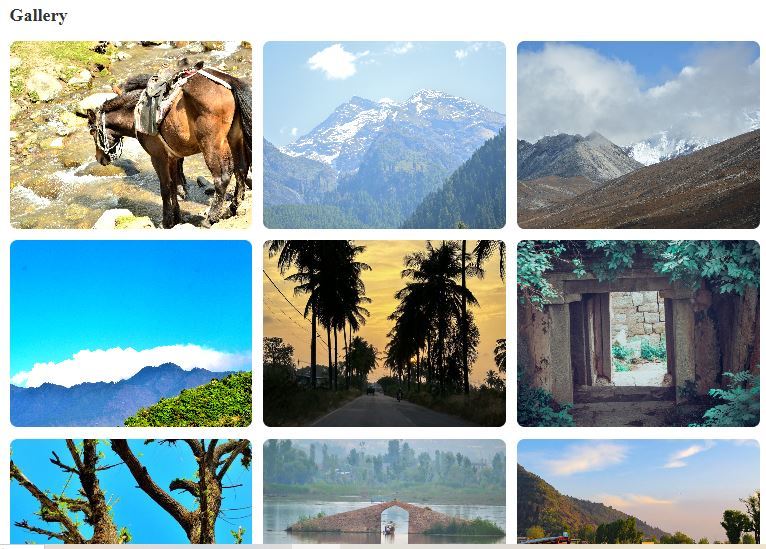
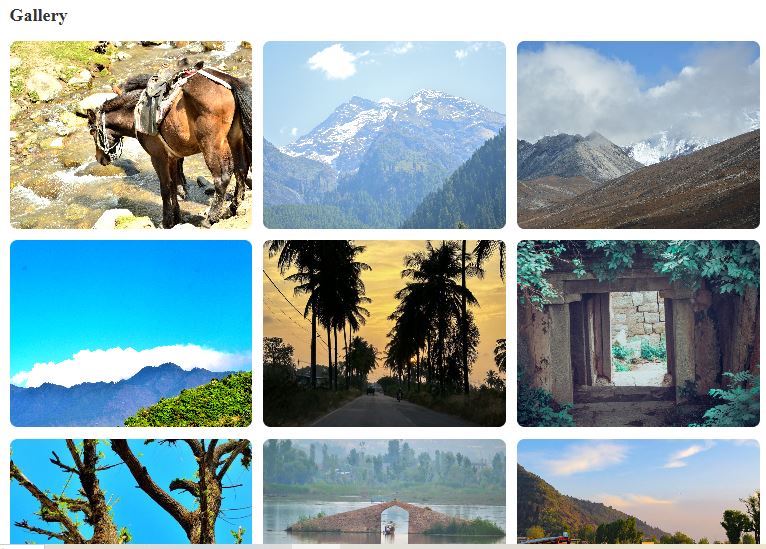
gallery
Inspiration
I wanted to create a clean, minimal, and responsive photography portfolio that showcases my favorite photos in a visually appealing way. The goal was to make a site that’s both personal and professional, highlighting my style and creativity.
What it does
Visual Diary displays your photos in a full-width hero banner and a responsive gallery grid, with sections for About Me and Contact. It allows viewers to scroll through your best shots seamlessly on desktop and mobile devices.
How we built it
HTML5 for semantic structure. CSS3 for layout and styling (Flexbox & Grid). Google Fonts (Poppins) for modern typography. Fully static, no frameworks or libraries, to keep it lightweight and fast.
Challenges we ran into
Ensuring the gallery layout looked good on all screen sizes. Picking a color scheme and typography that matched the photography aesthetic. Organizing the images efficiently while keeping the page fast and responsive.
Accomplishments that we're proud of
Created a fully responsive landing page with smooth scrolling. Achieved a clean, professional look using only HTML and CSS. Showcased my original photography in a visually appealing way.
What we learned
How to use CSS Grid and Flexbox for complex layouts. Importance of responsive design for mobile and desktop. Best practices for portfolio-style web design.
What's next for Visual Diary
Possibly include JavaScript-based animations for a more interactive experience.
Built With
- css3
- figma
- git
- github
- google-fonts
- html5
- poppins
- vscode

Log in or sign up for Devpost to join the conversation.