-
-
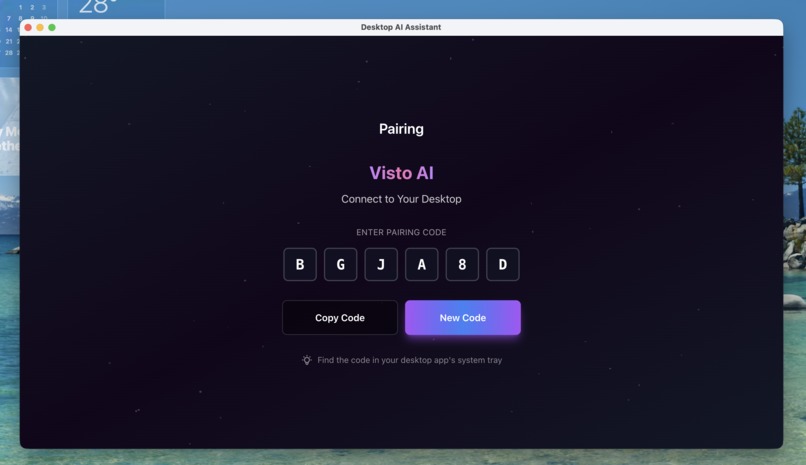
Desktop App
-
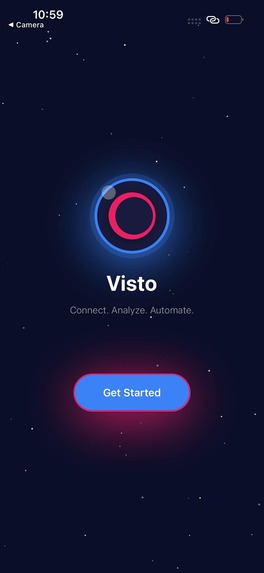
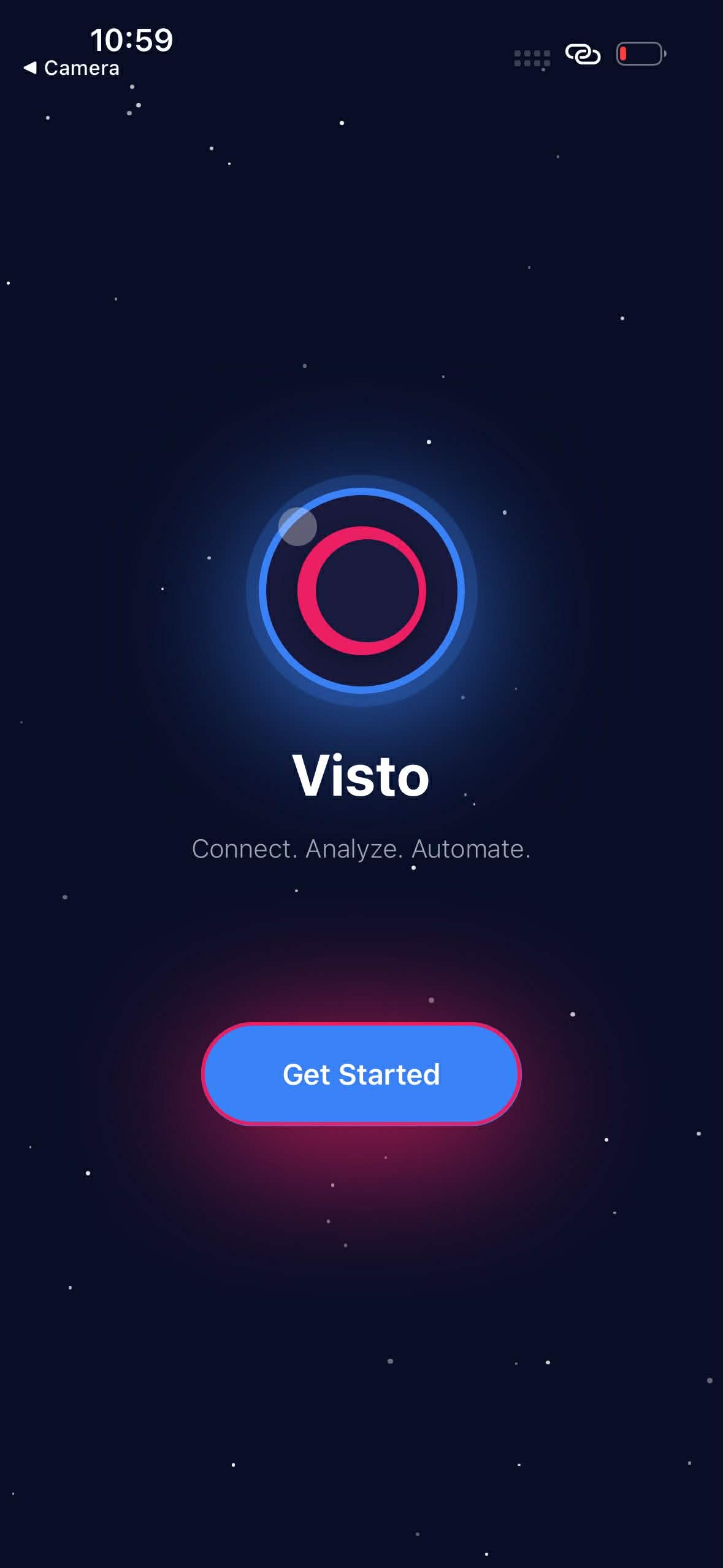
Landing Screen
-
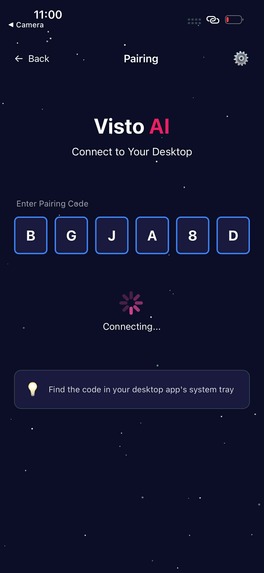
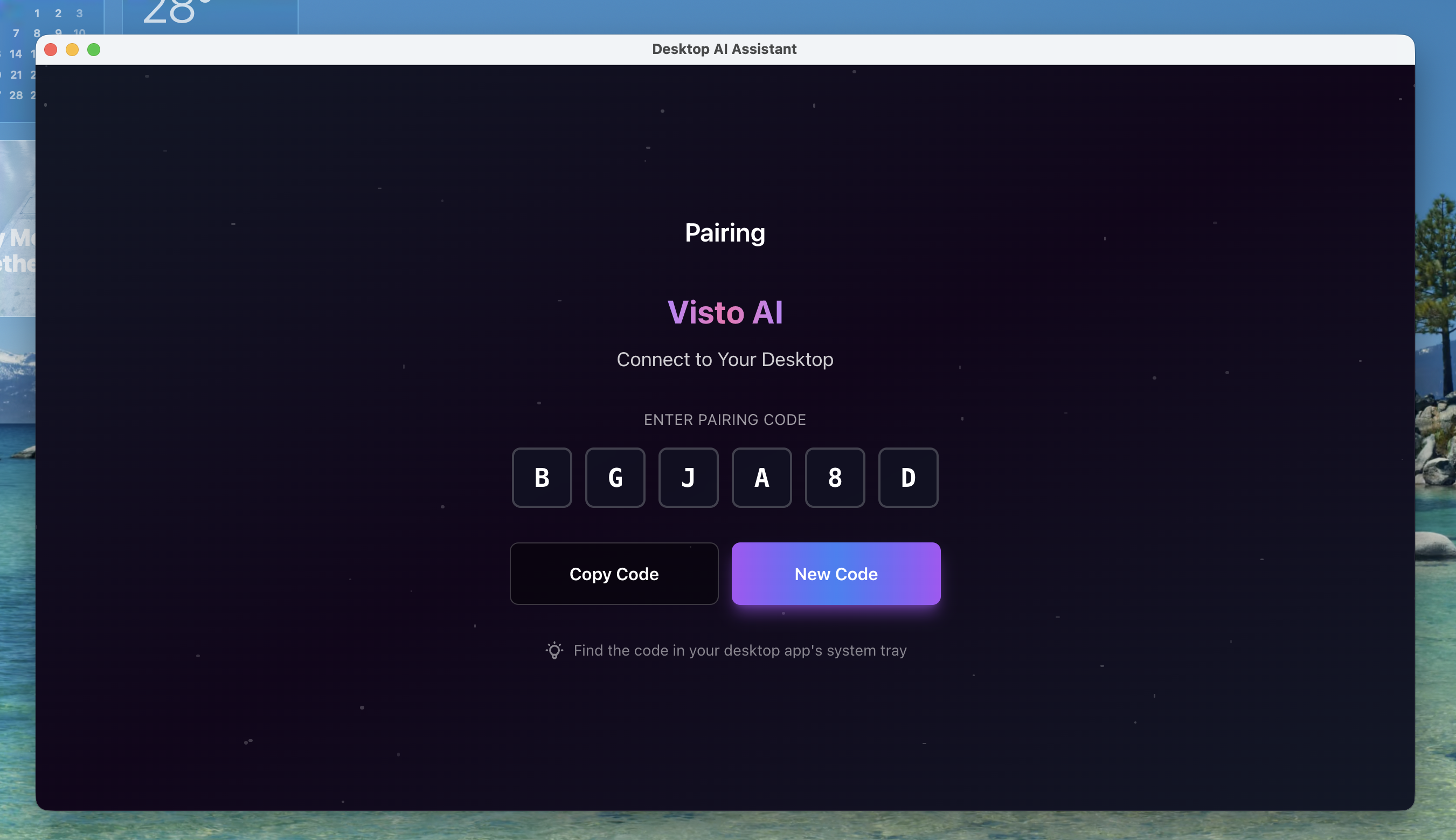
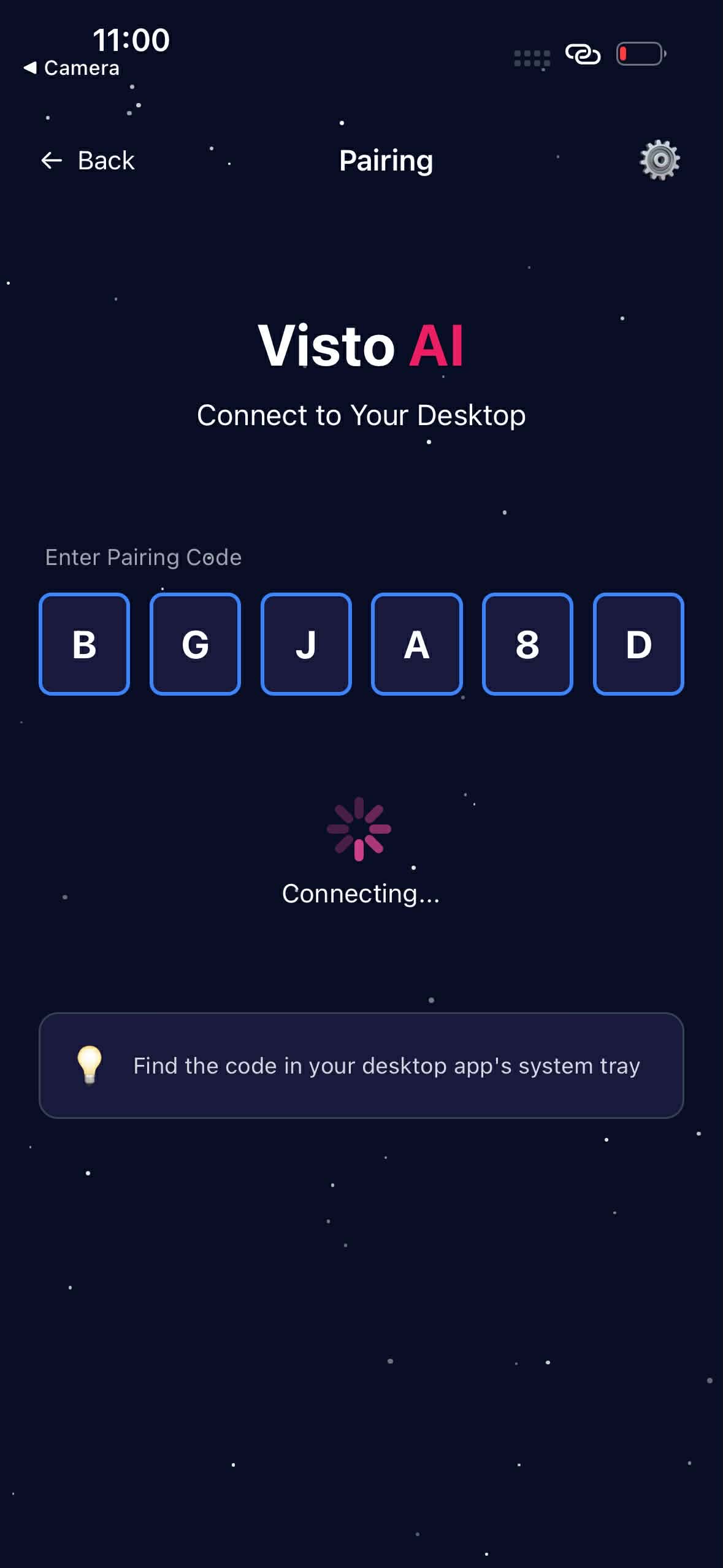
Code Pairing Screen
-
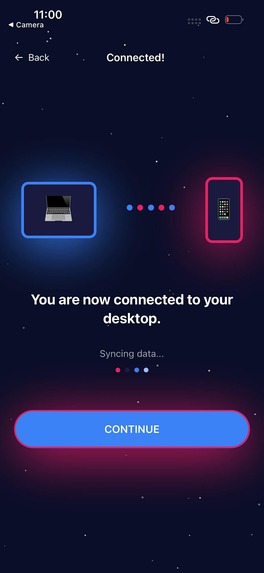
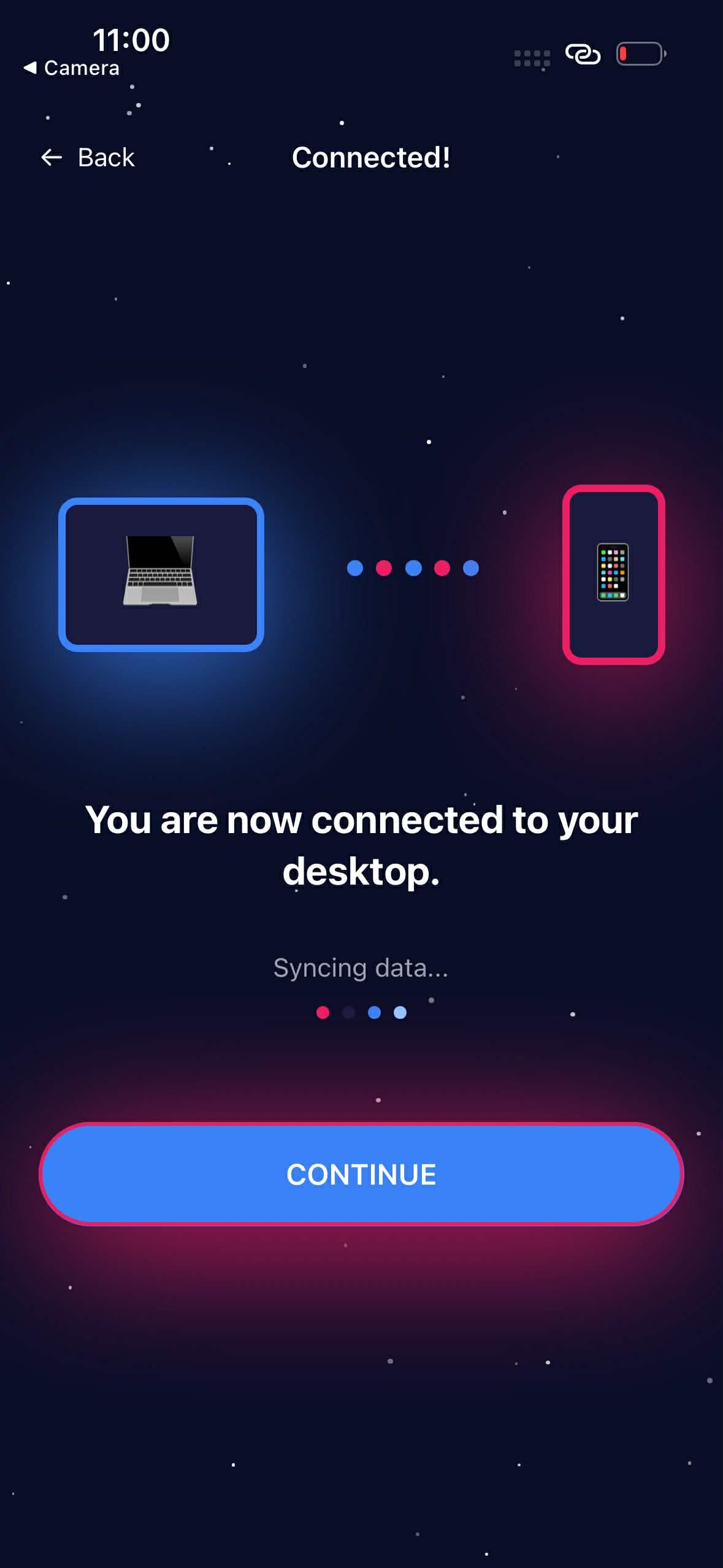
Syncing Screen
-
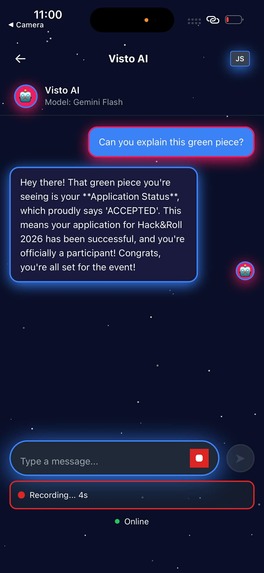
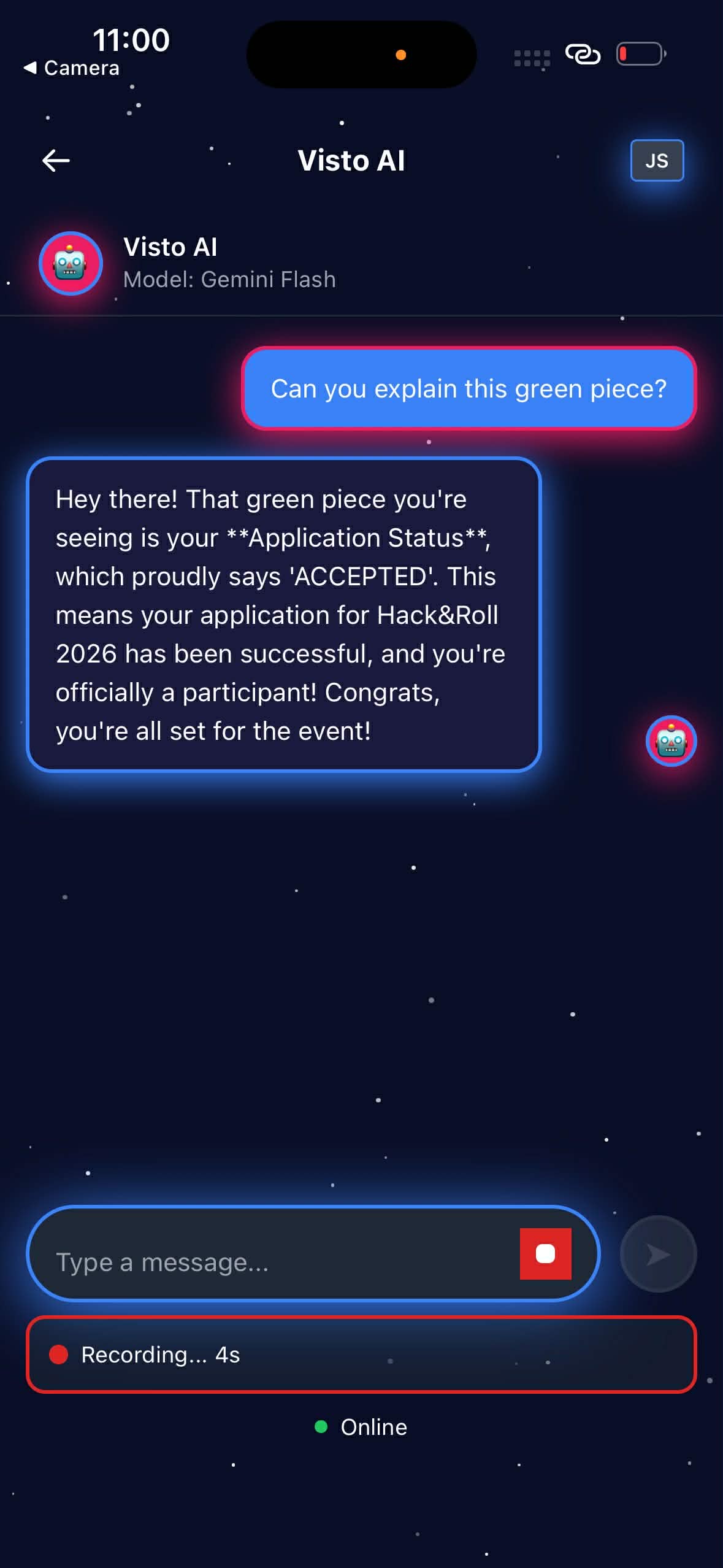
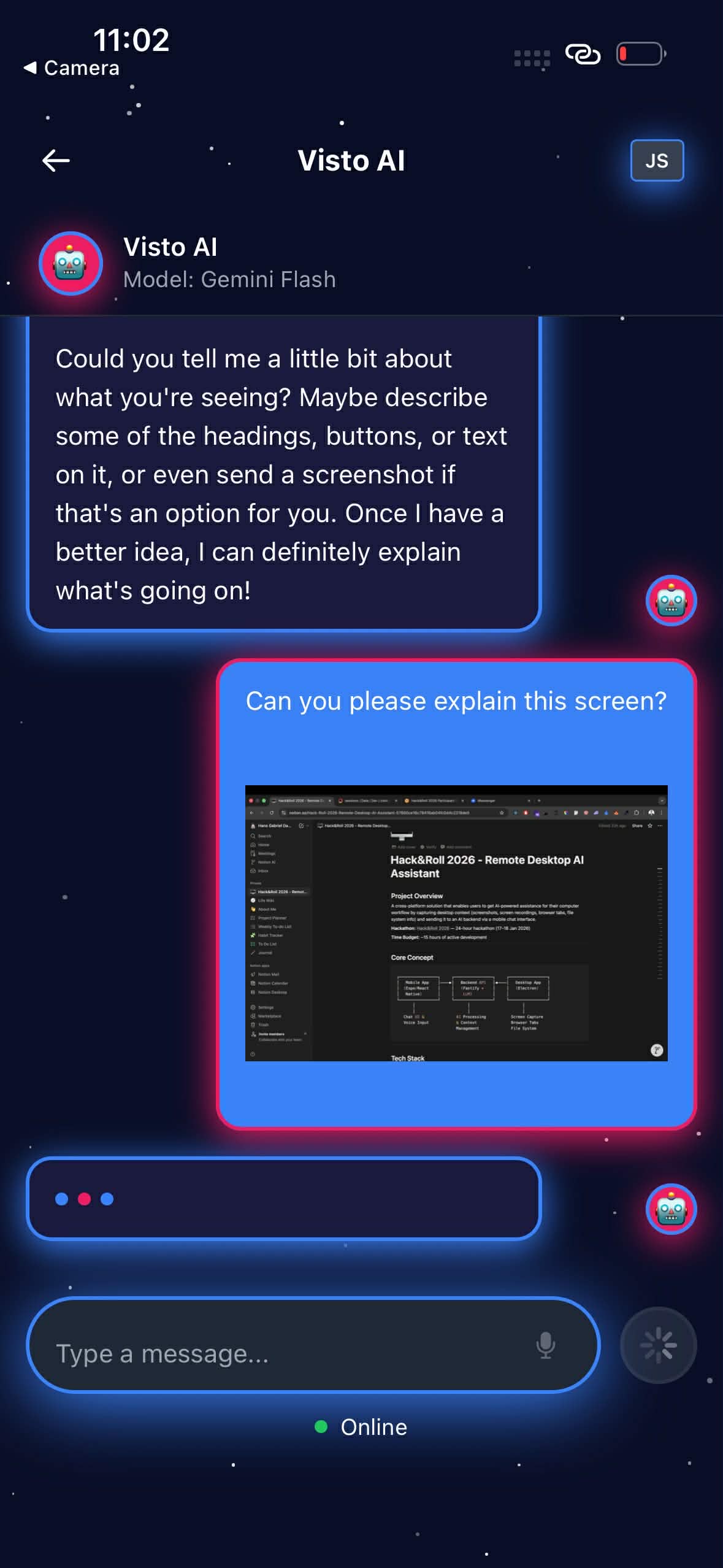
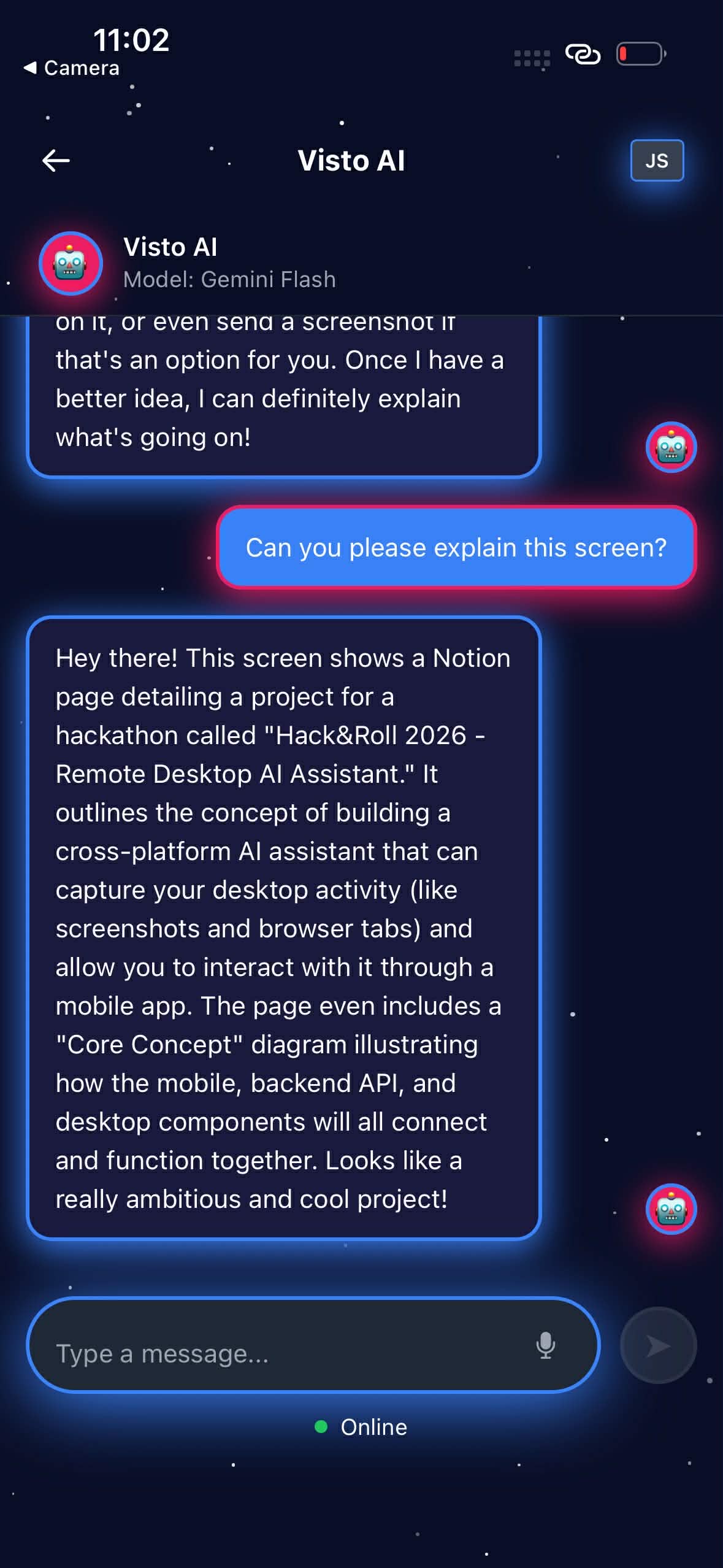
Chat Screen
-
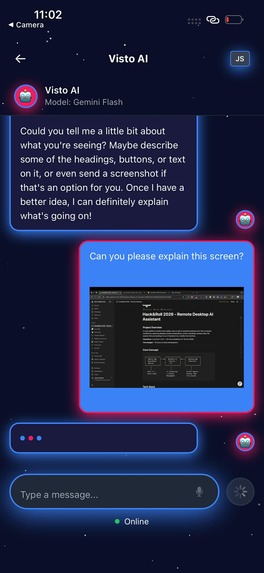
Screenshare
-
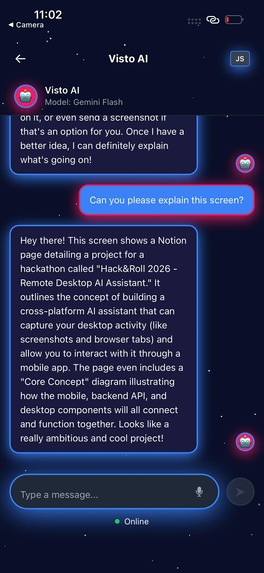
Response
Project Story: Visto AI
Inspiration
Ever needed help understanding what's on your computer screen, but don't want to stop what you're doing? We built Visto AI to solve exactly that problem.
The idea is simple: use your phone to ask an AI assistant questions about your desktop. Think of it as having a smart friend who can see your screen and answer questions in real-time - all from your mobile device.
We were inspired by Gemini's ability to understand images and videos, combined with the natural way we use our phones. Built during Hack&Roll 2026 in just 15 hours, Visto AI connects your devices with a simple 6-digit code - no accounts, no hassle, just instant AI assistance.
What it does
Visto AI lets you ask questions about your computer screen from your phone. Here's the flow:
- Desktop app (Electron) runs in your system tray and captures screenshots when needed
- Mobile app (React Native) provides a beautiful chat interface - ask questions via text or voice
- Backend (Fastify + Gemini) processes your screen content and sends smart answers back
Key features:
- 📱 Mobile chat with voice input
- 🖥️ Automatic screen capture on demand
- 🎥 Screen recording for analyzing workflows
- 🔗 Simple 6-digit code pairing
- 🤖 AI-powered analysis using Gemini Flash
Ask "What's the error on my screen?" or "Explain this graph" and get instant, context-aware answers - all without leaving your workflow.
How we built it
We built this as a Turborepo monorepo with three apps talking to each other:
Mobile (Expo) → Backend (Fastify) ← Desktop (Electron)
Tech stack:
- Mobile: Expo SDK 52, React Native, NativeWind for styling, Expo AV for voice
- Desktop: Electron + React, screen capture API, system tray integration
- Backend: Fastify server, Gemini 2.5 Flash API, Convex database for storage
How it works:
- Desktop generates a 6-digit pairing code
- Mobile connects by entering the code
- When you ask a question, desktop captures a screenshot
- Backend sends screenshot + question to Gemini
- AI response comes back to your phone
Timeline: Built in 15 hours - 3 hours backend, 3 hours desktop, 4 hours mobile, 3 hours integration, 2 hours polish.
Challenges we ran into
macOS Screen Permissions - The biggest hurdle. Electron needs explicit permission to capture screens, and guiding users through System Settings took multiple iterations. We added clear error messages with step-by-step instructions.
Polling vs WebSockets - We chose polling (desktop checks every 2 seconds) over WebSockets for simplicity. Not as elegant, but faster to build and reliable enough for the demo. Maximum 2-second delay is acceptable.
Cross-Platform Sync - Keeping mobile and desktop in sync was tricky. We used Convex as the central source of truth, but managing state across three apps required careful design.
Media Handling - Large videos (30+ MB) and screenshots initially caused performance issues. We moved to Convex file storage and implemented two-stage uploads with preview URLs.
Voice Transcription - Building a smooth voice-to-text flow required proper audio handling, FormData uploads, and graceful error fallbacks.
Accomplishments that we're proud of
✅ Full cross-platform app - Mobile, desktop, and backend all working together in 15 hours
✅ Seamless pairing - 6-digit code system that just works, no OAuth complexity
✅ Real-time screen capture - Desktop reliably captures screenshots on demand
✅ Multimodal AI - Successfully integrated Gemini for both image and video analysis
✅ Beautiful mobile UI - Polished chat interface with voice input and smooth animations
✅ Type-safe everything - Full TypeScript with shared types across all three apps
What we learned
Technical: Mastering Electron's screen capture API, understanding Gemini's vision capabilities, learning the trade-offs between polling and WebSockets, and managing cross-platform state synchronization.
Product: Sometimes the simplest solution is best - a 6-digit code beats OAuth for this use case. Users need clear guidance for system permissions. Immediate feedback (preview URLs, loading states) matters more than we thought.
Process: Proven technologies (Fastify) pay off under time pressure. A monorepo structure helps with parallel development. Building a solid MVP first, then iterating, is the right approach.
What's next for Visto AI
Near-term: WebSocket real-time communication, video compression, chat history persistence, and support for multiple desktop connections.
Future: Browser tab integration, file system browsing, longer video analysis, multi-model support, Linux desktop app, and VS Code extension for developers.
Long-term vision: Enterprise features, proactive AI suggestions, workflow automation, and integrations with popular productivity tools.
Built with ❤️ during Hack&Roll 2026
We believe AI should augment human capability, not replace it. Visto AI is our first step toward making technology more accessible and helpful.
Built With
- convex.ai
- electron
- expo.io
- fastify
- gemini
- react
- react-native
- typescsript
Log in or sign up for Devpost to join the conversation.