-
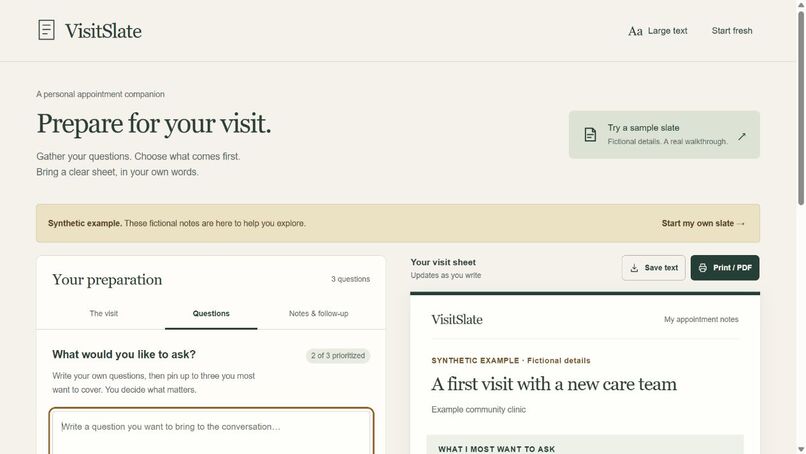
Synthetic example: choose your three priorities and prepare a readable appointment sheet.
-
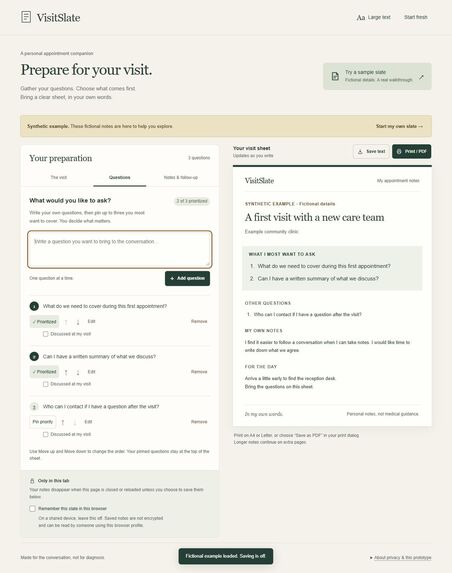
The live app, including personal context and follow-up. All visible example text is synthetic.
Inspiration
An appointment can involve scattered questions, practical details, and next steps to remember. VisitSlate explores one small task: helping someone prepare an agenda in their own words and carry it into the conversation. This is a design premise, not a claim from patient research.
What it does
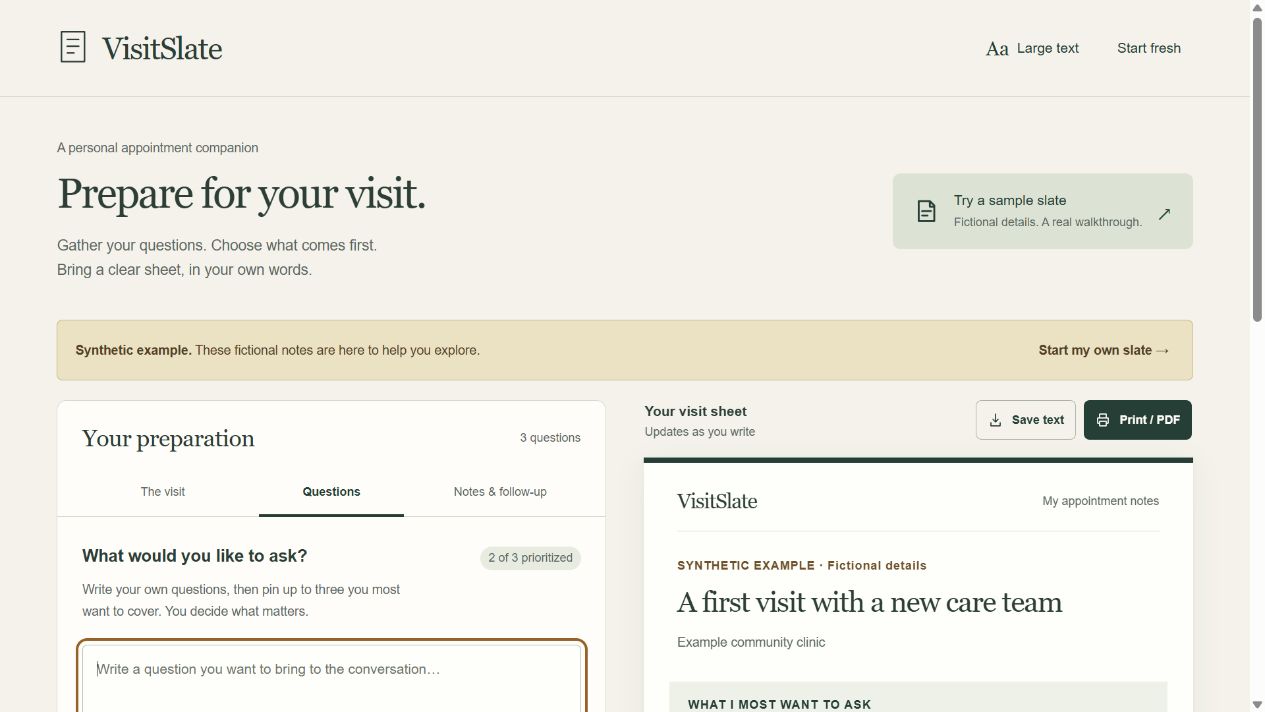
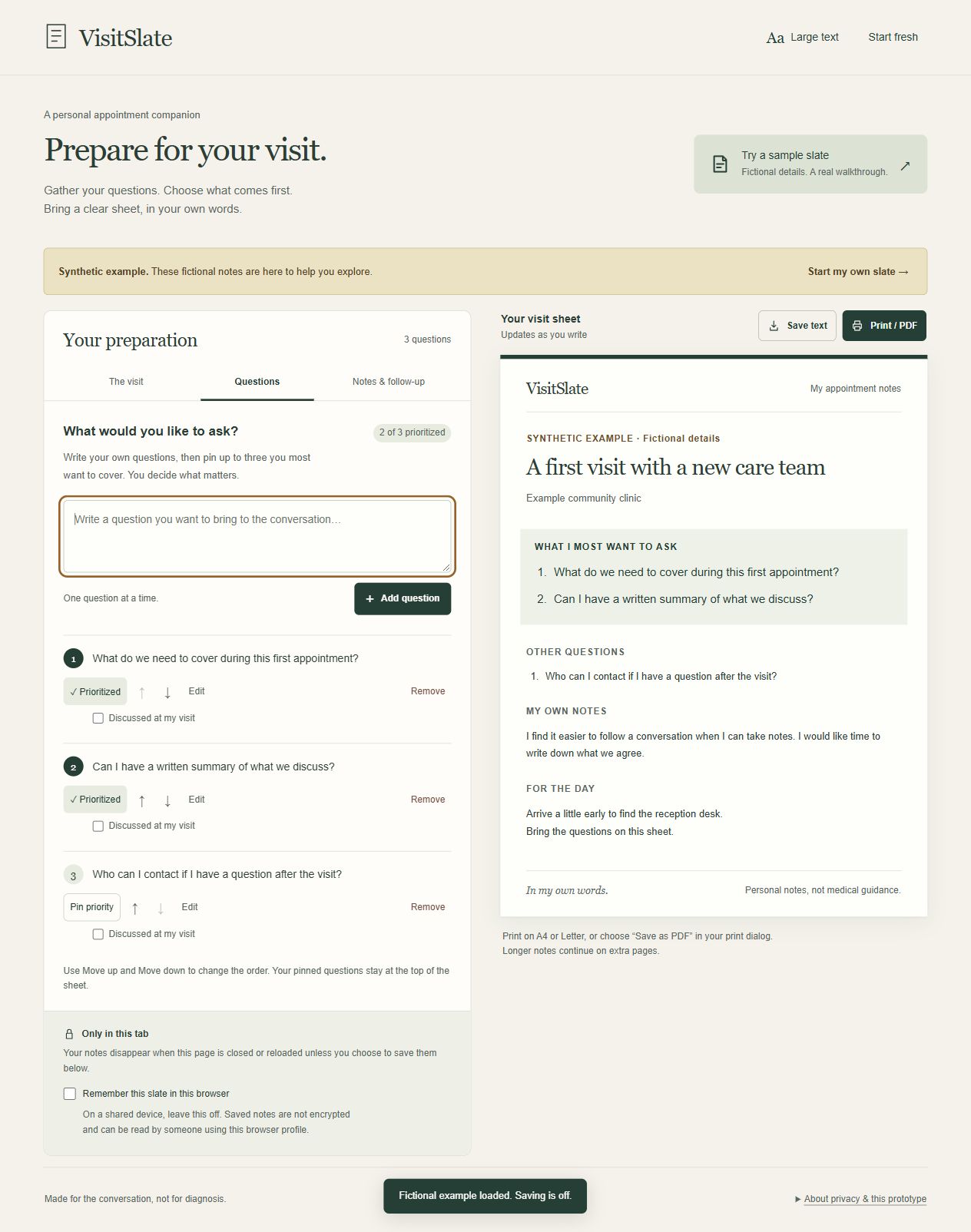
Write your own questions, put up to three first, and keep the rest available. Add personal context and practical details, then review a clean visit sheet. You can reorder questions using keyboard-operable controls, use larger text, download the sheet as text, or open the browser's print/PDF dialog. After the appointment, mark questions as discussed and record the next steps you were given.
The example is explicitly synthetic. There is no account or backend. Saving in this browser is optional and off by default. Saved notes are not encrypted; the app explains the shared-device limitation and offers an explicit erase action.
Try the complete journey
- Open the live demo and choose Try a sample slate.
- Add a question and choose the three questions you most want to cover.
- Edit a question or move it with the up/down buttons.
- Open Notes & follow-up, add your own record, and review the sheet.
- Choose Save text to carry the result outside the app.
- If you enable browser saving, reload to restore it; Erase saved copy removes the stored version.
How it was built
HTML, CSS, browser JavaScript, and a small Node.js preview server. There are no npm dependencies or third-party runtime scripts. State, normalization, persistence, and text export are separated into a testable module. A content security policy prevents the application from making outgoing connections; the static host still receives ordinary website-loading requests.
The project was built during the October 17–18, 2026 event window. OpenAI Codex generated substantial parts of the code, visual design, tests, and documentation. This is AI-assisted work, not independently human-written code. Full attribution is in the repository's CREDITS.md.
Challenges and decisions
A short opening agenda should not erase the rest of a person's questions. The three-question priority limit keeps both. Another challenge was preserving unfinished edits and avoiding silent overwrites: the app protects question drafts and stops automatic saving when another tab changes or erases the stored copy. Browser local storage is not a fully transactional collaboration system.
The intended difference from an unstructured note is the complete sequence: prioritize, bring a readable sheet, and record the follow-up. We have not measured superiority to other tools.
What was checked
Seventeen automated tests pass. Browser checks covered priorities, editing, keyboard reordering, save/reload/erase, a two-tab erasure scenario, confirmation cancellation, literal text rendering, an actual text download, and narrow layouts at 320 and 360 CSS pixels. The public demo was opened without signing in and its sample walkthrough was checked.
Print/PDF controls and a print stylesheet are implemented; rendered PDF pagination, physical printing, screen-reader behavior, and a comprehensive accessibility audit remain unverified. Detailed checks and limits are in VALIDATION.md.
What we learned and what is next
The boundary between recording and recommending needs to remain explicit. VisitSlate does not diagnose, generate clinical questions, recommend treatment, or interpret a clinician's instructions. It is an early organizational prototype, not a medical-record system.
Next steps are testing the workflow with consenting users, assistive-technology review, and print/PDF validation. No patient study, clinician review, adoption metric, health-outcome improvement, or medical expertise is claimed.

Log in or sign up for Devpost to join the conversation.