-
-
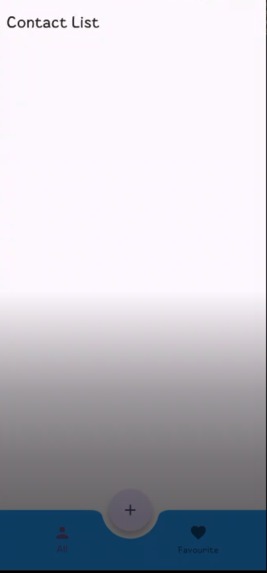
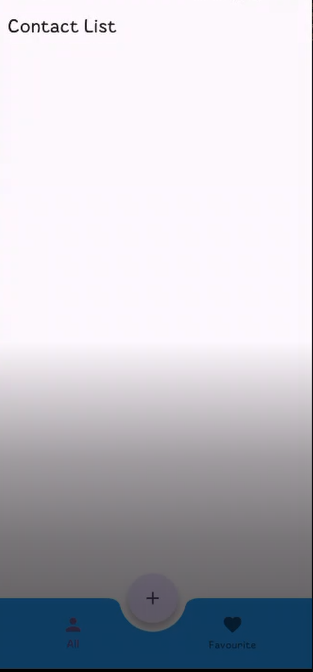
First Page Screen of Application
-
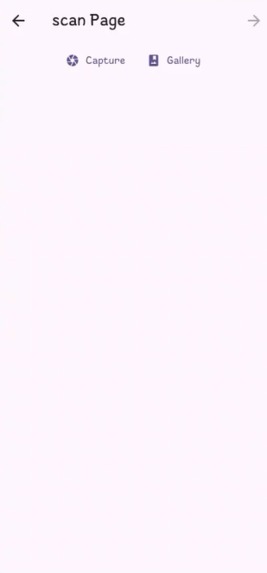
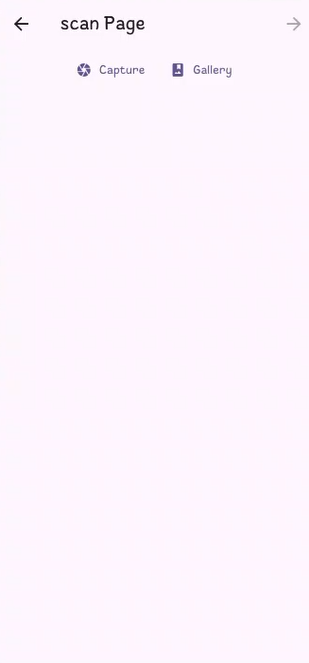
Second Screen to select Image to scan from Gallery or take image by camera of card
-
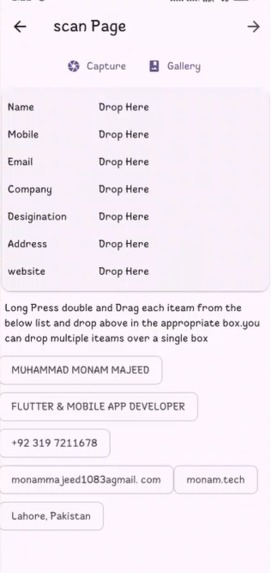
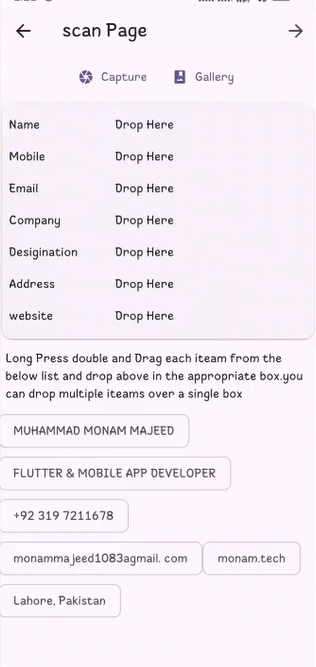
Display Information Collect By Application of provided image by gallery or card by camera
-
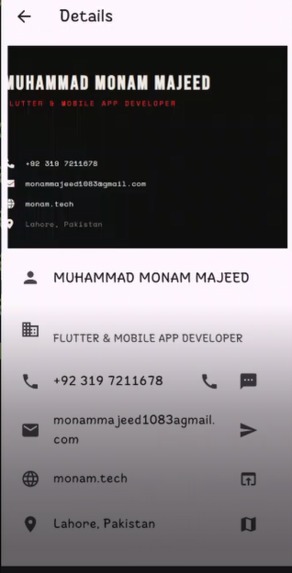
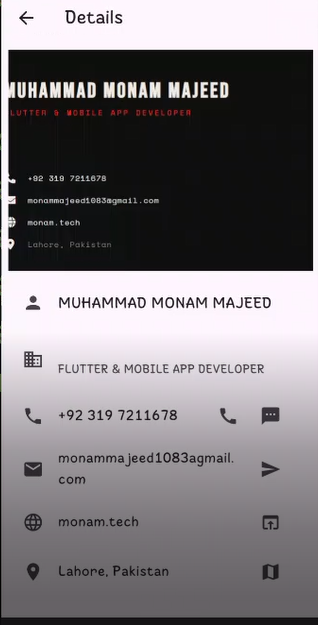
Final Screen for user to contact with company through phone sms email google map and view website etc
Inspiration
Every networking event, conference, or client meeting ends the same way — a stack of business cards that eventually get lost, forgotten in a drawer, or manually retyped into your phone one field at a time. I wanted to eliminate that friction entirely: point your camera at a card, and have all the contact info ready to use in seconds.
What it does
Visiting Card Scanner lets you capture a business card via camera or gallery and automatically extracts the contact's name, mobile number, email, company, designation, website, and address using Google ML Kit's on-device OCR. From there, you can call, text, or email the contact with a single tap, open their website or view their address directly in Google Maps, mark important contacts as favourites, or manually add and edit any contact's details. Everything works fully offline — all data is stored locally with SQLite, so no internet connection or cloud account is required.
How we built it
The app is built in Flutter/Dart with a clean, layered structure: a db/ layer handling SQLite setup and CRUD operations via sqflite, a model/ layer defining the contact data model and table schema, a pages/ layer for the home/list view, scan view, add/edit form, and contact detail view, and a provider/ layer for app-wide state management using the Provider package. Text extraction runs through Google ML Kit's text recognition, which processes the scanned image on-device and returns raw text that's then parsed into structured fields. Actions like calling, texting, emailing, and launching maps/websites are handled with url_launcher, routed through Android intents.
Challenges we ran into
Parsing unstructured OCR text reliably was the hardest part — business cards have no fixed layout, so turning raw OCR output into clean, labeled fields took real trial and error across different card designs and fonts. Android permissions and intents also required careful handling, since camera, call, SMS, and URL-launch actions needed consistent manifest configuration and <queries> declarations across Android versions. Keeping everything functional offline meant all storage, retrieval, and updates had to be handled cleanly through local SQLite operations without sacrificing performance as the contact list grows.
Accomplishments that we're proud of
Building a fully offline app that still feels complete — not just a scanner, but a real contact-management tool with calling, messaging, maps, and favourites built in. Getting OCR-to-structured-field parsing to work reliably across varied card layouts was also a genuine technical win.
What we learned
This project deepened our understanding of on-device ML integration in Flutter, state management with Provider at a real application scale rather than a simple demo, and how to design a local-first data layer that doesn't depend on any backend.
What's next for Visiting Card Scanner Application
Dark mode support, exporting contacts to CSV or vCard, optional cloud backup and sync, search and filter by company, and sharing a contact as a QR code.


Log in or sign up for Devpost to join the conversation.