-
-
BookBot
Inspiration
What it does
How we built it
Challenges we ran into
Accomplishments that we're proud of
What we learned
What's next for VisitFlow
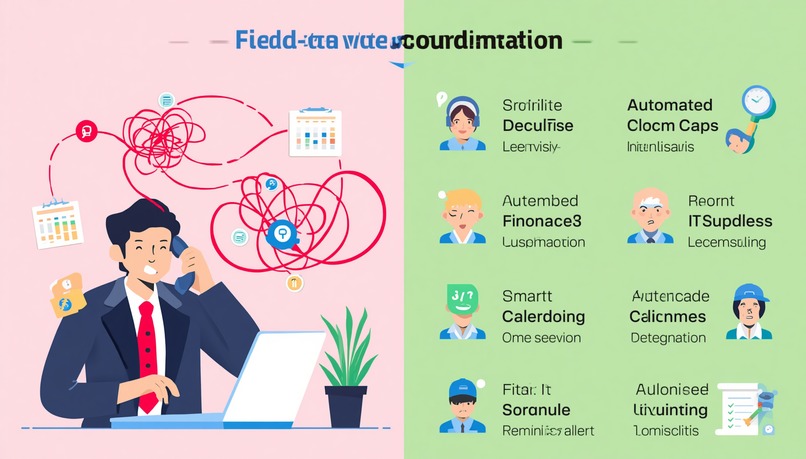
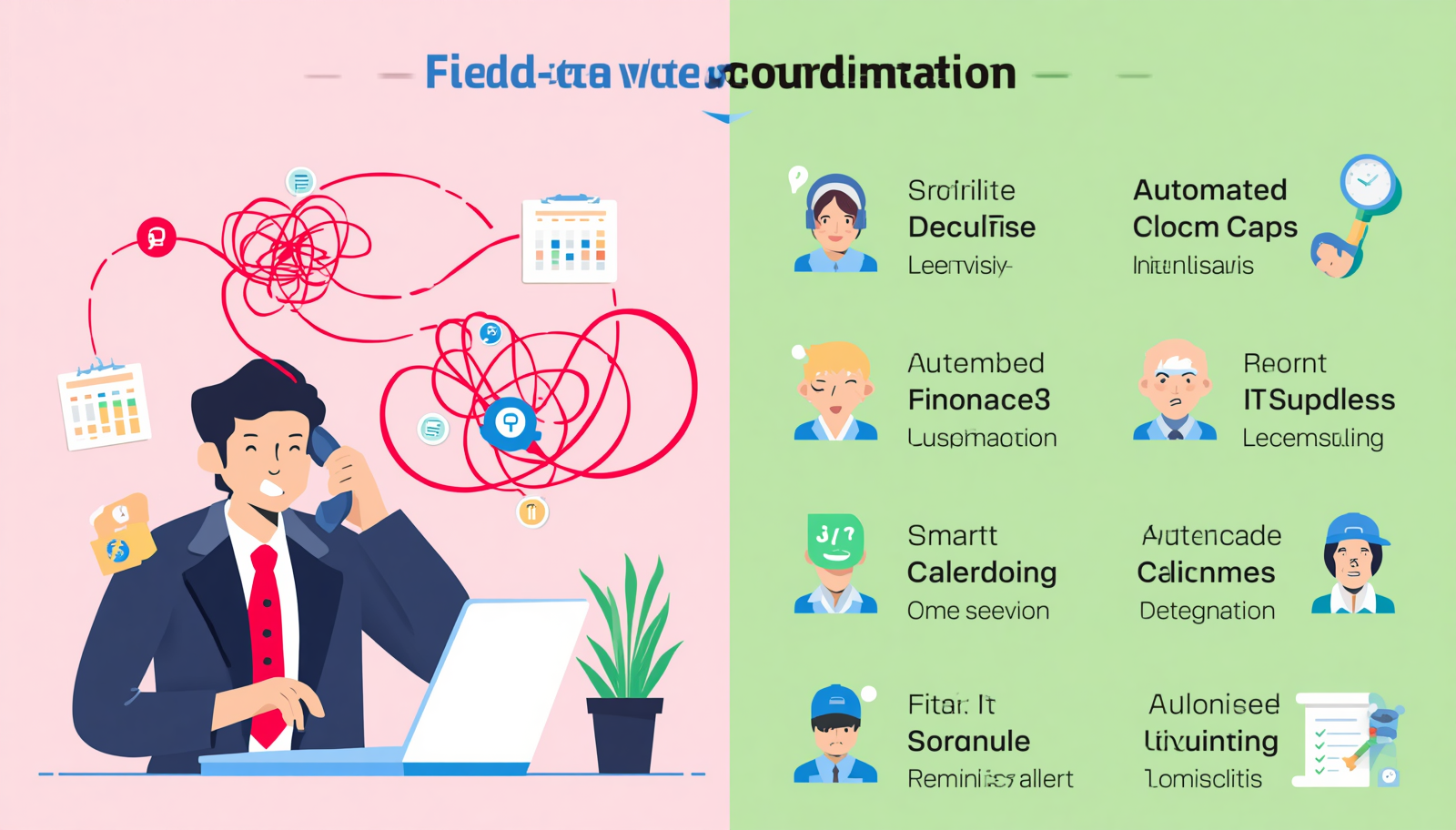
Smart Service Coordination Bot What Inspired Me I was inspired by a common problem faced by field service businesses such as plumbing, electrical, appliance repair, and IT support companies. Dispatchers often spend several hours calling customers to confirm appointments, negotiate suitable arrival times, and update calendars manually. This process creates multiple problems: Customers may not answer calls. Appointments can be forgotten or missed. Dispatchers may accidentally leave gaps in the schedule. Manual data entry delays calendar updates. Technicians lose productive time because their visits are not organized efficiently. I wanted to build a system that could handle these repetitive coordination tasks automatically. The main idea was to create a Smart Service Coordination Bot that could contact customers through phone calls or text messages, understand their availability, negotiate a suitable service window, and update the company calendar without requiring constant dispatcher involvement. What I Learned This project helped me understand that building an intelligent scheduling system requires more than simply connecting a chatbot to a calendar. The system must combine communication, natural-language understanding, scheduling logic, reliability, and human oversight. The key things I learned were: How to design an automated workflow for outbound calls and text messages. How to convert natural-language responses such as “Tuesday afternoon works for me” into structured time slots. How to handle time zones, working hours, holidays, and technician availability. How to use APIs for telephony, messaging, calendars, and notifications. How to design retry and fallback mechanisms when a customer does not respond. How to protect sensitive customer information during communication and storage. How to log every interaction so that dispatchers can audit or override decisions. I also learned that the bot should not make scheduling decisions based only on the first available time. A good appointment must satisfy several constraints: "Valid Slot"="Customer Availability"∩"Technician Availability"∩"Business Hours"∩"Travel Constraints" The preferred slot can then be selected by minimizing a scheduling cost: C(s)=w_1⋅"Customer Waiting Time"+w_2⋅"Technician Idle Time"+w_3⋅"Travel Time"+w_4⋅"Rescheduling Cost" This made the project a combination of conversational AI and practical optimization. How I Built the Project I designed the bot as a modular, event-driven system. Each module had a clear responsibility so that the communication and scheduling logic could be tested independently.
- Job and Customer Intake The process begins when a service request is created. The system stores information such as: Customer name and contact details. Service type and estimated duration. Service address. Preferred appointment date. Assigned technician or required skill. Current appointment status. A job receives a unique identifier so that every call, text message, calendar event, and status update can be linked to the same service request.
Availability Collection The bot contacts the customer through an automated phone call or text message. It explains the purpose of the interaction and asks the customer to confirm or select a suitable time. For example, the bot may say: “We have availability on Wednesday between 10:00 AM and 1:00 PM, or Thursday between 2:00 PM and 5:00 PM. Which window works better for you?” The customer might respond with: “Thursday afternoon.” “Any time after lunch.” “I am not available this week.” “Can you come tomorrow morning?” The conversational layer converts these responses into structured data: { "customer_id": "CUST-1024", "requested_date": "2026-08-13", "start_time": "14:00", "end_time": "17:00", "status": "customer_confirmed" }
Scheduling and Conflict Detection The scheduling engine compares the customer's availability with the technician's calendar. It checks: Existing appointments. Working hours. Appointment duration. Travel time between locations. Required technician skills. Buffer time between visits. Regional holidays or blocked periods. If the requested slot is unavailable, the bot generates alternative options instead of simply rejecting the request. For example: Customer preference: Thursday, 2:00 PM–5:00 PM Technician conflict: Existing visit from 2:30 PM–3:30 PM Suggested alternatives:
Thursday, 10:00 AM–1:00 PM
Friday, 2:00 PM–5:00 PM
Calendar Synchronization After the customer confirms a time, the system creates or updates the corresponding calendar event. The event contains: Customer and technician details. Service address. Appointment duration. Job description. Contact information. Confirmation status. Link to the service record. The calendar update is treated as a separate step with validation. Before creating an event, the system checks whether another process has already booked that time. This helps prevent duplicate appointments caused by concurrent requests.
Reminders and Notifications After confirmation, the bot sends reminders to both the customer and the technician. A typical workflow might include: Confirmation immediately after booking. Reminder one day before the appointment. Reminder shortly before the arrival window. Notification when the technician is on the way. If the customer replies with a cancellation or rescheduling request, the bot updates the appointment status and starts the scheduling process again.
Dispatcher Dashboard I included a dashboard concept for dispatchers to monitor all service requests. It displays statuses such as: Pending Contact Waiting for Customer Time Negotiation Confirmed Reschedule Required No Response Escalated to Dispatcher Completed
The dispatcher can manually intervene when the bot cannot reach an agreement, when a customer has a special request, or when a scheduling conflict requires human judgment. High-Level Architecture The system can be represented as: Customer Request | v Job Management Service | v Communication Orchestrator | +--> Voice Call Service +--> SMS Service | v Conversation and Intent Parser | v Scheduling Engine | +--> Technician Calendar +--> Customer Availability +--> Travel and Business Rules | v Calendar Synchronization | +--> Customer Confirmation +--> Technician Notification +--> Dispatcher Dashboard
A simplified backend design could use: API service: Python with FastAPI or Go. Database: PostgreSQL for jobs, appointments, and interaction history. Task queue: Celery, Redis, or a cloud-based queue for asynchronous calls and reminders. Communication layer: Telephony and SMS provider APIs. Calendar integration: Google Calendar or Microsoft Graph APIs. Frontend: React or another web framework for dispatcher monitoring. Observability: Structured logs, metrics, traces, and alerting. The communication process is asynchronous because phone calls and customer responses may take minutes or hours. Instead of blocking an API request, the system creates background tasks: Create job -> Queue contact task -> Attempt call -> Wait for response -> Parse availability -> Calculate valid slots -> Request confirmation -> Update calendar
Challenges I Faced Handling Natural Language Customers do not always provide precise times. A response such as “tomorrow evening” requires the system to understand the date, interpret “evening,” and map it to a business-defined time range. I addressed this by converting every response into a normalized structure containing: Date. Start and end time. Time zone. Confidence score. Customer intent. Additional constraints. When the confidence was low, the bot asked a clarification question instead of making an unsafe assumption. No Response and Failed Calls Some customers do not answer, reject the call, or have an invalid phone number. Repeatedly calling them would be frustrating and could damage the customer experience. I designed a controlled retry policy: Attempt the initial call. Send a text message if the call is unanswered. Retry at a different suitable time. Mark the request as no_response. Escalate it to a dispatcher when the retry limit is reached. Calendar Conflicts A calendar can change between the time a slot is offered and the time the customer confirms it. This creates a race condition where two jobs may attempt to reserve the same slot. To reduce this problem, I rechecked availability immediately before booking and used an atomic reservation strategy. The appointment was only confirmed after the calendar update succeeded. Time Zones and Ambiguous Dates Expressions such as “Friday morning” or “tomorrow at 9” are ambiguous without a time zone and reference date. The system therefore stores time values in a standard format while preserving the customer's local time zone. For example: Customer time: 9:00 AM IST Stored time: UTC equivalent Displayed time: 9:00 AM in the customer's local time zone
This prevents incorrect bookings when customers, technicians, and dispatchers operate in different regions. Human Handoff Automation cannot handle every situation. Customers may request a discount, describe an emergency, change the service address, or ask a question outside the bot's capabilities. I added an escalation mechanism based on conditions such as: Low language-understanding confidence. Repeated failed negotiation attempts. Emergency-related keywords. Customer frustration. Conflicting business rules. Requests requiring authorization. The bot records the conversation and transfers the case to a dispatcher with the relevant context. Reliability and Duplicate Events External services can fail or return delayed responses. A failed request must not result in duplicate calendar events or repeated confirmation messages. I handled this using: Idempotency keys. Retryable and non-retryable error categories. Persistent workflow states. Event logs. Duplicate-event checks. Dead-letter queues for failed tasks. Result and Impact The Smart Service Coordination Bot was designed to reduce the amount of manual coordination required from dispatchers while giving customers a faster way to confirm or change appointments. Its expected benefits include: Less time spent on repetitive phone calls. Faster appointment confirmation. Fewer missed visits. Better utilization of technician schedules. Reduced calendar-entry errors. Clearer visibility into pending and confirmed jobs. Faster escalation when automation cannot resolve a request. The most important lesson from the project was that successful automation should not focus only on replacing a human action. It should create a reliable workflow in which automation handles repetitive work, while people remain available for exceptions and decisions that require judgment.
Built With
- ai-orchestration-high-performance-services-golang-optional-services-for-webhook-processing
- and-aws-for-deployment.-recommended-stack-area-technology-purpose-backend-language-python-3.12+-scheduling-logic
- and-high-concurrency-workloads-api-framework-fastapi-+-pydantic-rest-apis
- and-inbound-responses.-twilio-sends-call-and-message-events-to-configured-webhooks.-conversational-ai-openai-realtime-api-/-agents-sdk-speech-to-speech-conversations
- and-tool-calling.-the-realtime-api-supports-server-side-websocket-connections
- asynchronous-webhooks-voice-and-sms-twilio-programmable-voice-and-messaging-outbound-calls
- call-events
- call-status
- follow-ups
- for-this-smart-service-coordination-bot
- google/microsoft-calendar-apis-for-scheduling
- i-would-use-a-python-based-backend-with-twilio-for-calls/sms
- integrations
- intent-detection
- openai-realtime-for-voice-conversations
- postgresql-for-transactional-data
- recordings
- retries
- sms-reminders
- time-negotiation
- timers
- validation
- which-are-suitable-for-phone-based-agents.-workflow-orchestration-temporal-durable-appointment-workflows

Log in or sign up for Devpost to join the conversation.