-
-
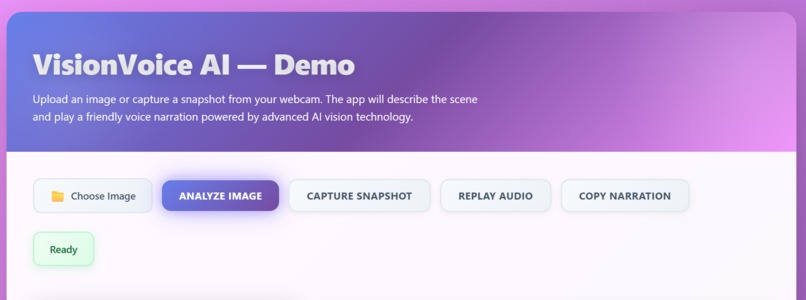
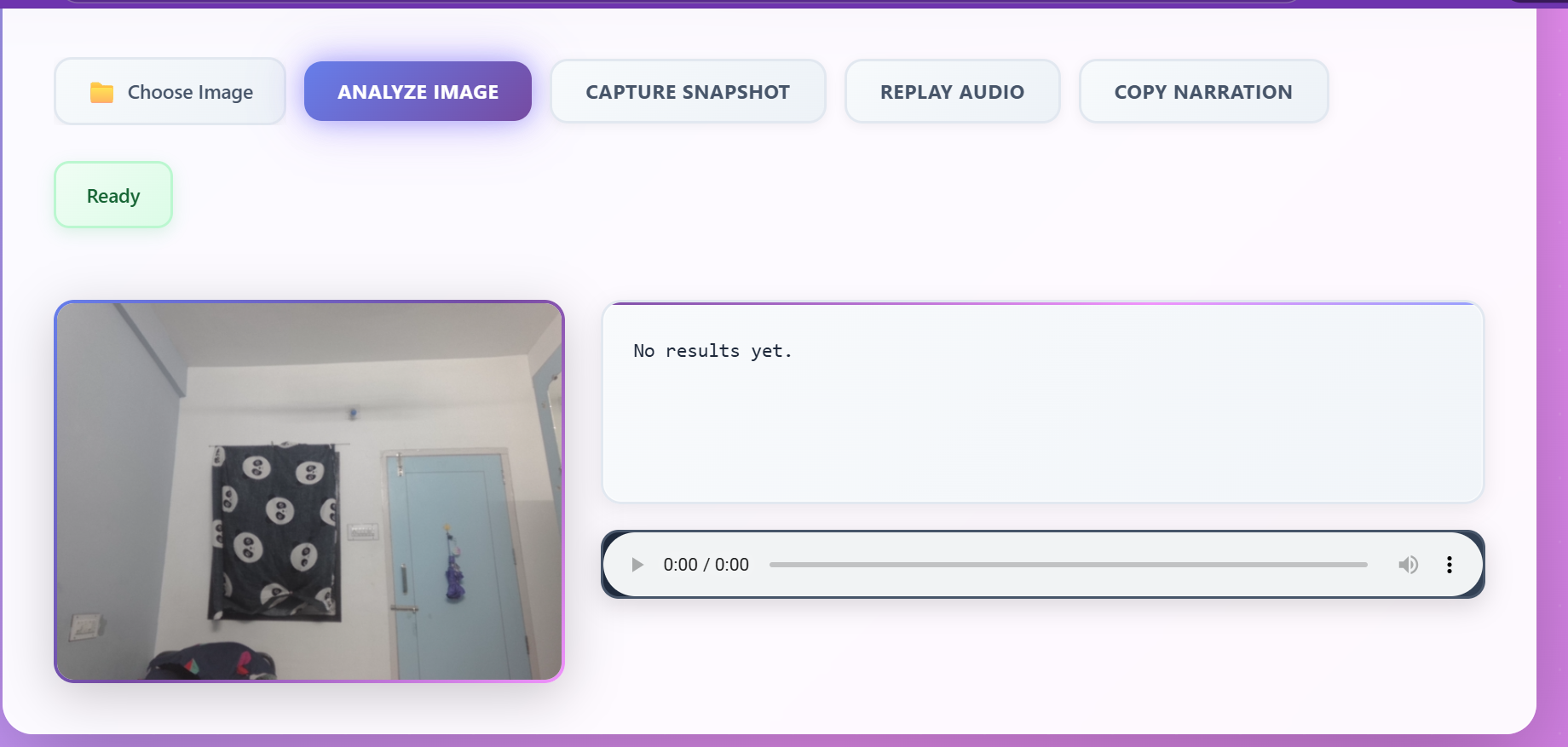
the index
-
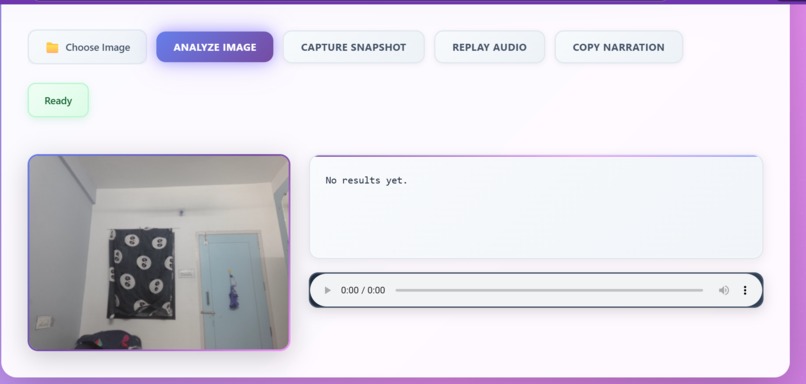
with camera on
-
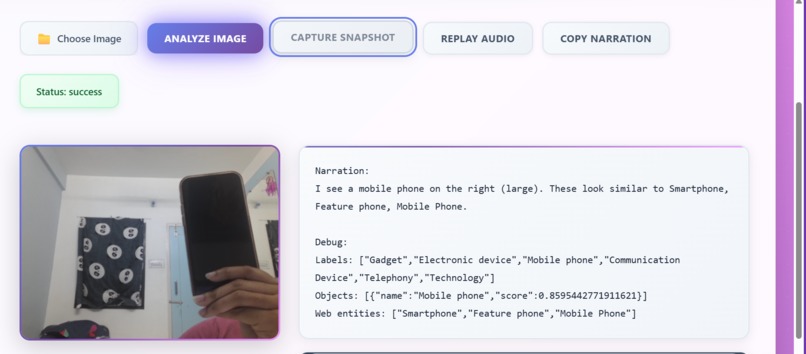
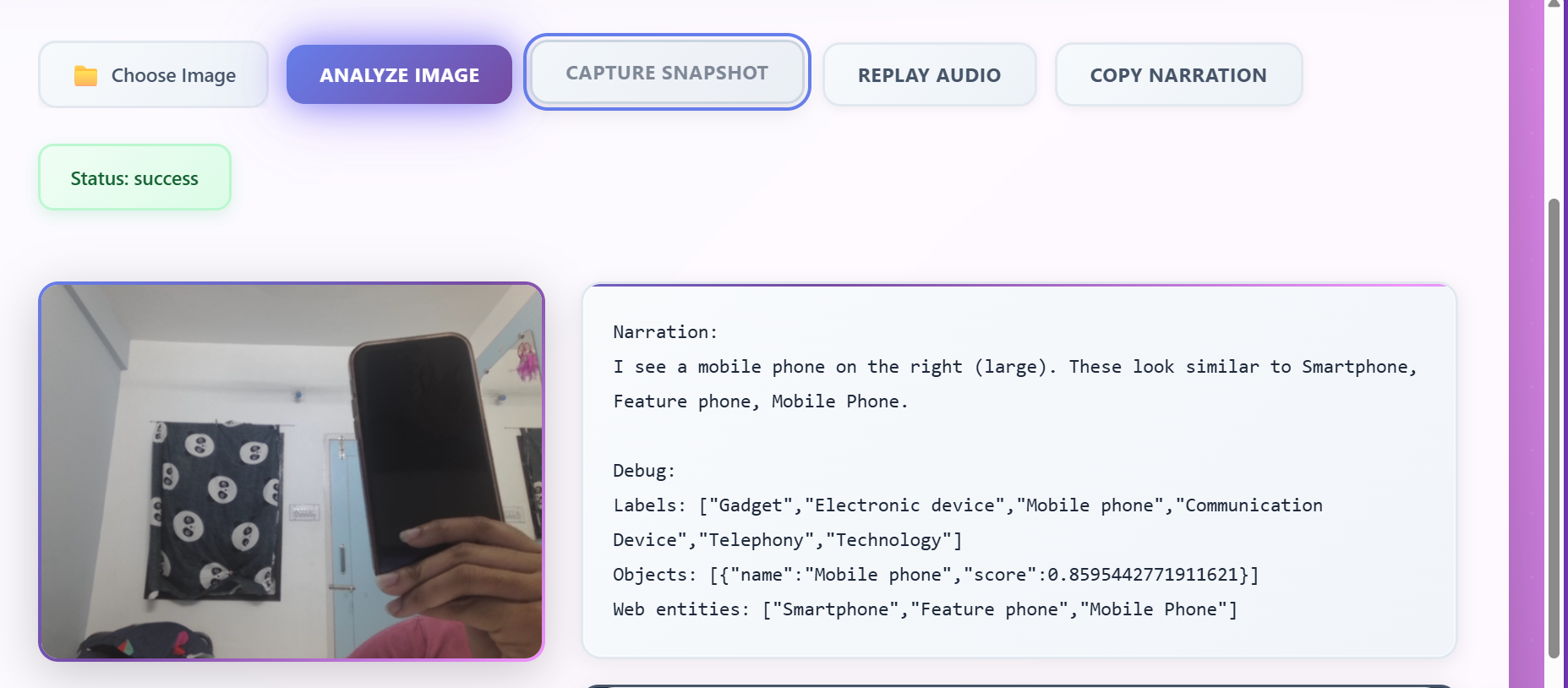
with the narration
Inspiration:
One ordinary day, I watched an elderly visually impaired man struggling to identify a bus number while people around him were in a hurry. He hesitated, unsure if he was boarding the right bus — and no one stopped to help.
That moment stayed with me.
I realized how much independence, safety, and confidence rely on visual information — something many people take for granted. What if AI could become a real-time assistant, describing the world with clarity, empathy, and a natural voice?
That spark became VisionVoice AI — an assistive tool that helps visually impaired users hear their surroundings.
What it does
VisionVoice AI converts any image — from a phone camera, webcam snapshot, or upload — into natural, friendly voice narration. It can: Detect objects (ball, phone, chair, food, traffic signs…) Localize items with confidence scores Recognize scene context using web-entity detection Generate clean, human-sounding audio narration using ElevenLabs Capture images instantly with Webcam Snapshot Mode Provide simple, helpful descriptions instead of robotic text The result: A lightweight, AI-powered accessibility companion.
How I built it
Google Cloud Vision API Used for: Label detection Object localization Web entity recognition Scene understanding
ElevenLabs Text-to-Speech Used for: Emotion-rich, human-like narration Smooth, natural output suitable for accessibility Fast audio generation (<1 sec)
Frontend HTML + JavaScript with Fetch API Webcam snapshot tool Responsive UI for easy use
Backend Built with: Flask Google Cloud Vision API ElevenLabs TTS API Python (3.x)
The backend: Accepts uploaded images Processes them through Google Vision Generates friendly narration Converts narration → speech Returns Base64 audio + text back to the website
Challenges I ran into:
Integrating Vertex AI/Gemini Vision (restricted model availability) Managing sensitive Google Cloud credentials securely Handling ElevenLabs API key access limits Cleaning narration to avoid robotic JSON-style responses Building a smooth webcam capture workflow Cross-browser audio decoding issues
Each challenge required debugging, redesigning, and rebuilding — but every step made the project better.
Accomplishments that I'm proud of
Built a reliable, real-time AI narration system Achieved accurate object detection through Cloud Vision Produced natural, human-like narration using ElevenLabs Designed a clean, accessible interface Added webcam snapshot mode to improve usability Created a fully integrated backend with proper credentials, secure API calls, and fast response times Simplified output narration to feel human, clear, and helpful
What I learned
Accessibility tech needs simplicity, not complexity AI must feel supportive, not overwhelming Voice output dramatically enhances user experience Designing for visually impaired users requires: Clarity Speed Natural expressiveness Secure API management is essential in any real-world deployment
What's next for VisionVoice AI
Future improvements include: Mobile app version (Android/iOS) Continuous camera narration mode Night mode + high-contrast UI Scene-level understanding (“You are in a kitchen”) Fine-tuned personality voices (“Guide”, “Assistant”, “Friendly tone”) On-device fallback model for offline use Gesture-based controls for users with limited mobility
Built With
- api
- flask
- google-cloud
- html
- python
- vertex
- webcamapi


Log in or sign up for Devpost to join the conversation.