-
-
Vision Translate
-
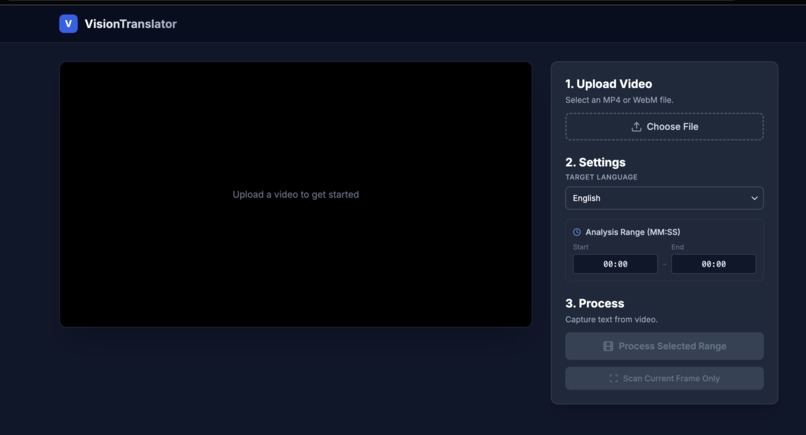
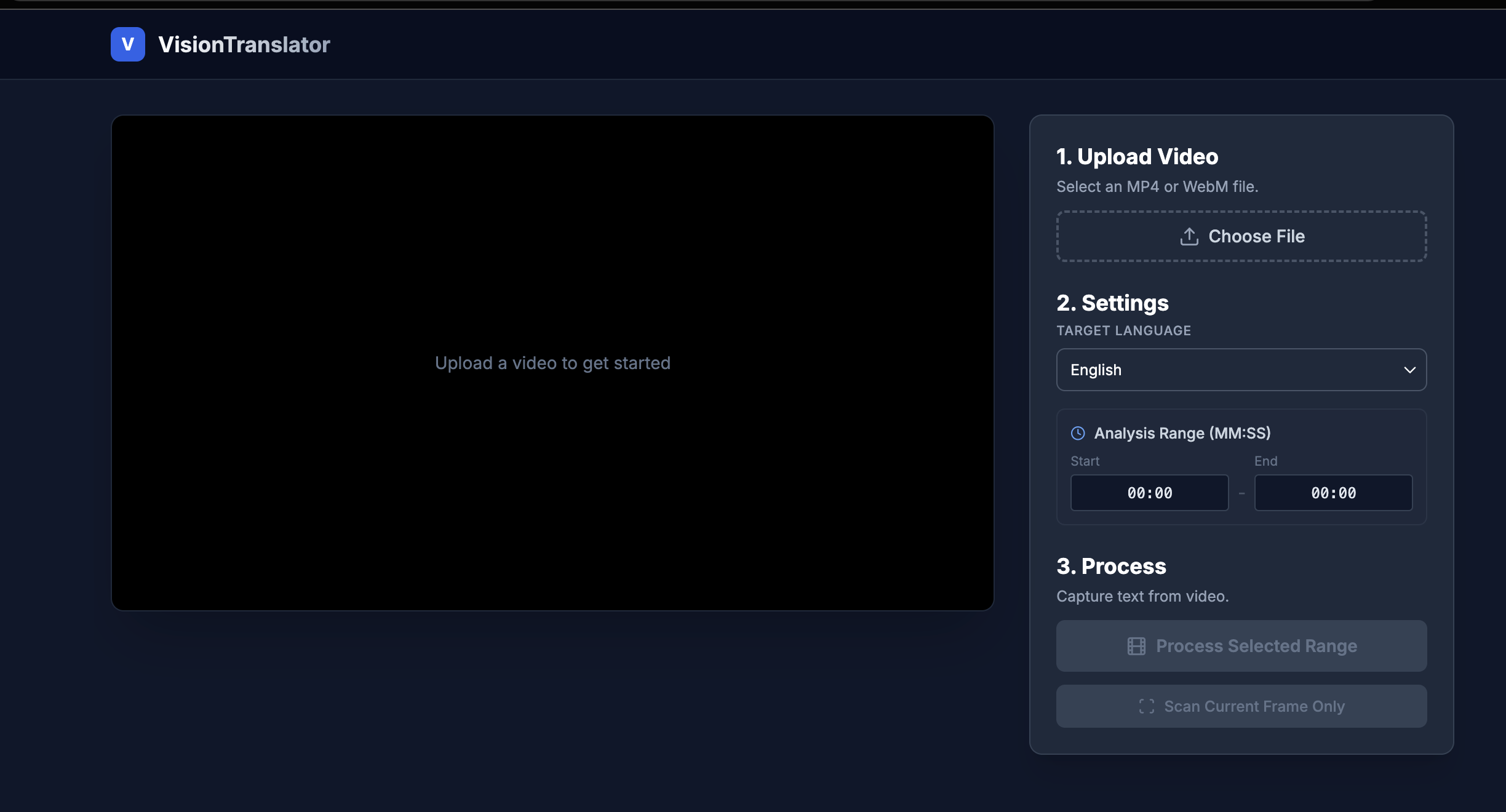
Web App Interface
Inspiration
Global content creators often face a "language barrier". While audio dubbing is common, on-screen text (labels, captions, and graphics) remains trapped in the original language, making videos feel "foreign" to new audiences. After struggling to manually localize my own video edits from Chinese/Korean to English, I realized there was no seamless way to "translate the pixels". I built this to democratize global content distribution for every creator.
What it does
VisionTranslate is a Gemini-powered web app that automates the localization of in-video text. Users upload a video and select a target language, the app then:
- Detects and OCRs hardcoded on-screen text;
- Translates contextually using Google's LLMs;
- Synthesizes new text overlays that match the original's position;
- Allows users to adjust the text overlays on screen;
- Renders a fully localized video for export.
How I built it
The core engine is powered by Google AI Studio, leveraging Gemini 3 Pro's massive context window to analyze video frames and maintain translation consistency across scenes. The frontend is built with a high-performance stack using Canvas and WebGL for real-time video processing and frame-accurate text synchronization.
Challenges I ran into
- Merge captions across multiple frames if text and position didn't change
- Export video with overlay text
Accomplishments that I'm proud of
I successfully used VisionTranslate to process my own library of videos. What previously took hours of manual masking and re-typing now happens in a fraction of the time with easy text editing and adjustment.
What I learned
I discovered the limitations of standard DOM elements for video manipulation. Transitioning to a Canvas + WebGL solution allowed me to handle frame buffers and coordinate mapping, which is essential for high-fidelity video tools.
What's next for VisionTranslate: On-Screen Text Replacement for Video
- In-Painting: Using generative AI to "erase" the original text pixels before overlaying the new ones for a truly native look.
- Style Transfer: Automatically detecting the font, color, and size of the original text to match the translation perfectly.
- More refined and flexible video controls.


Log in or sign up for Devpost to join the conversation.