-
-
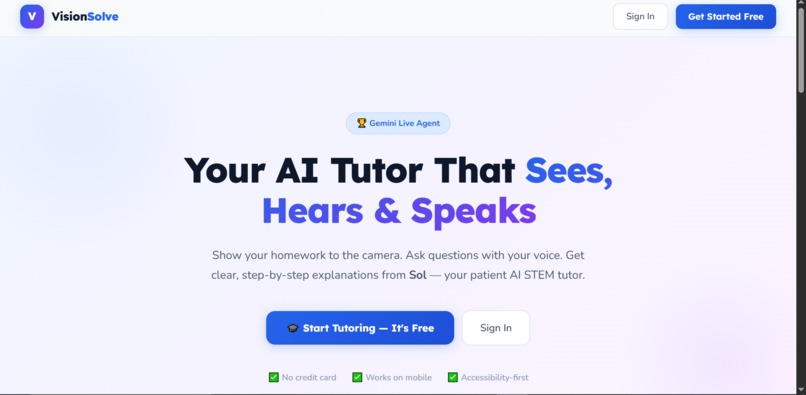
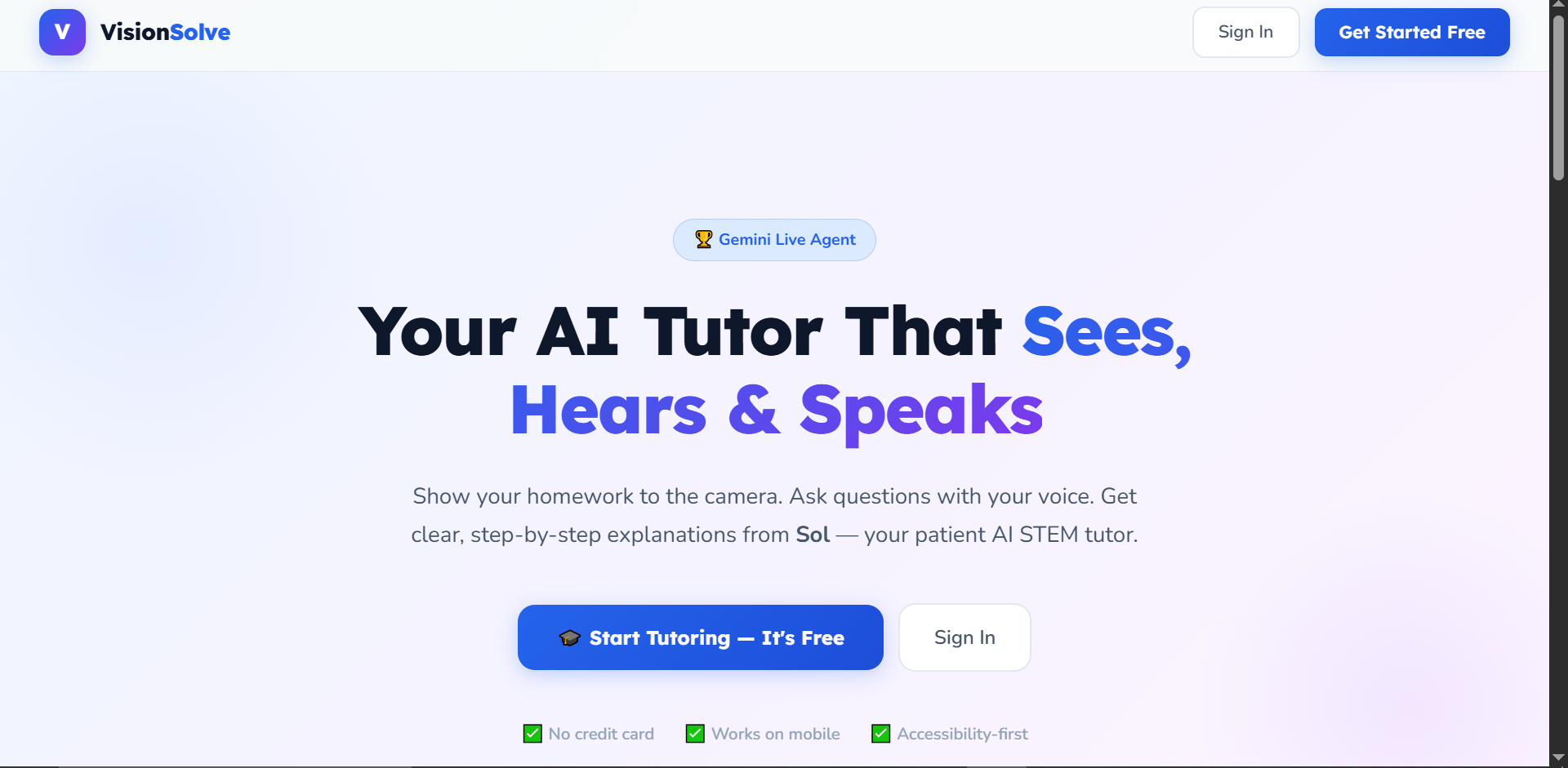
landing-hero
-
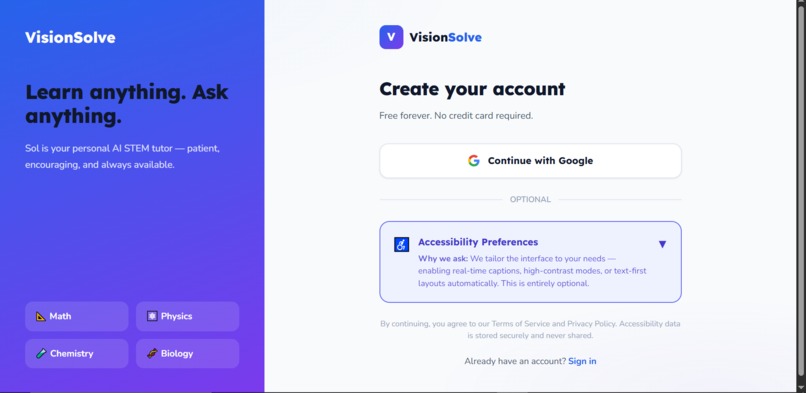
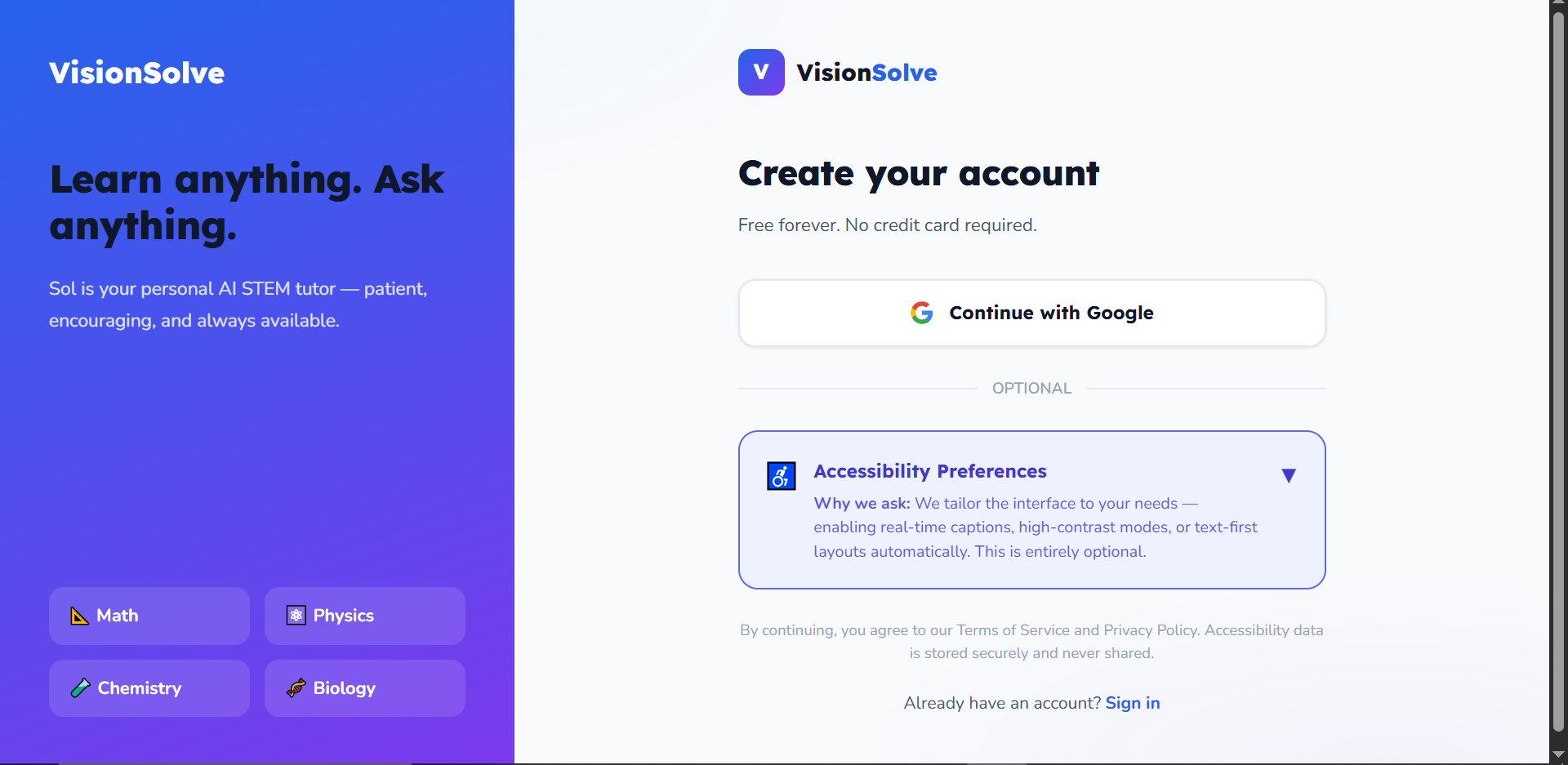
register page
-
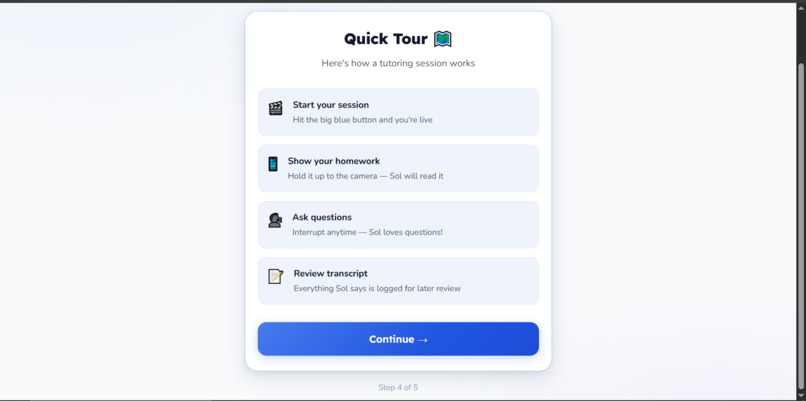
quick tour
-
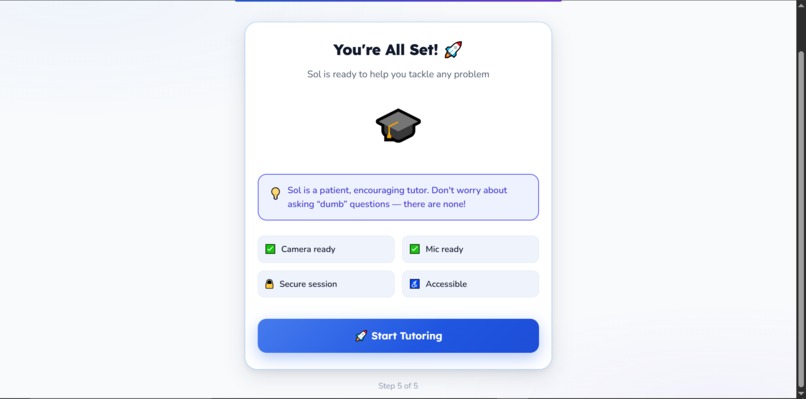
onboard complete
-
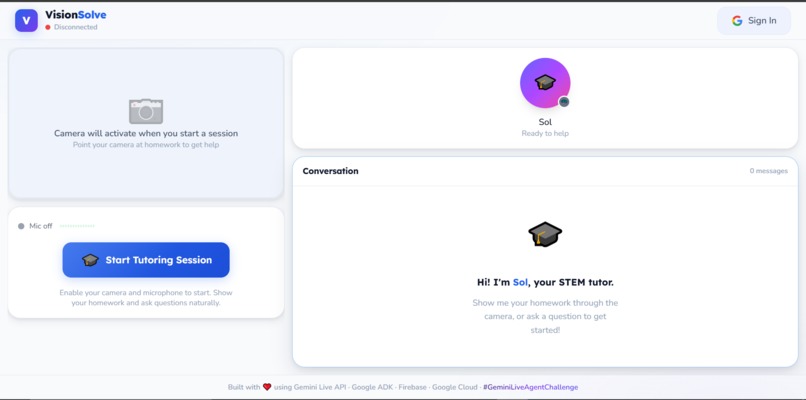
empty session
-
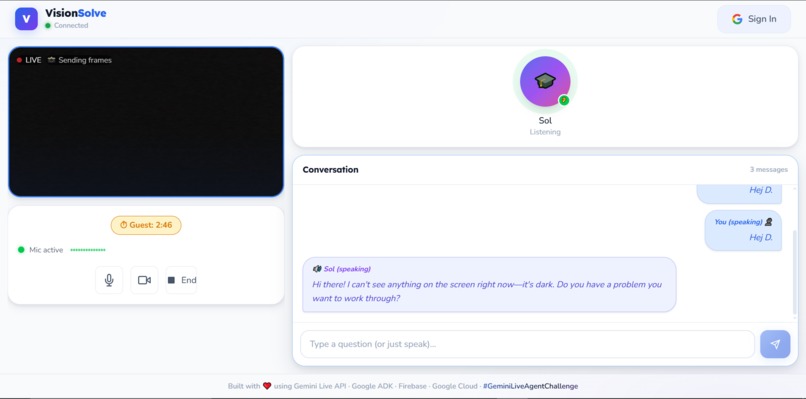
ongoing session
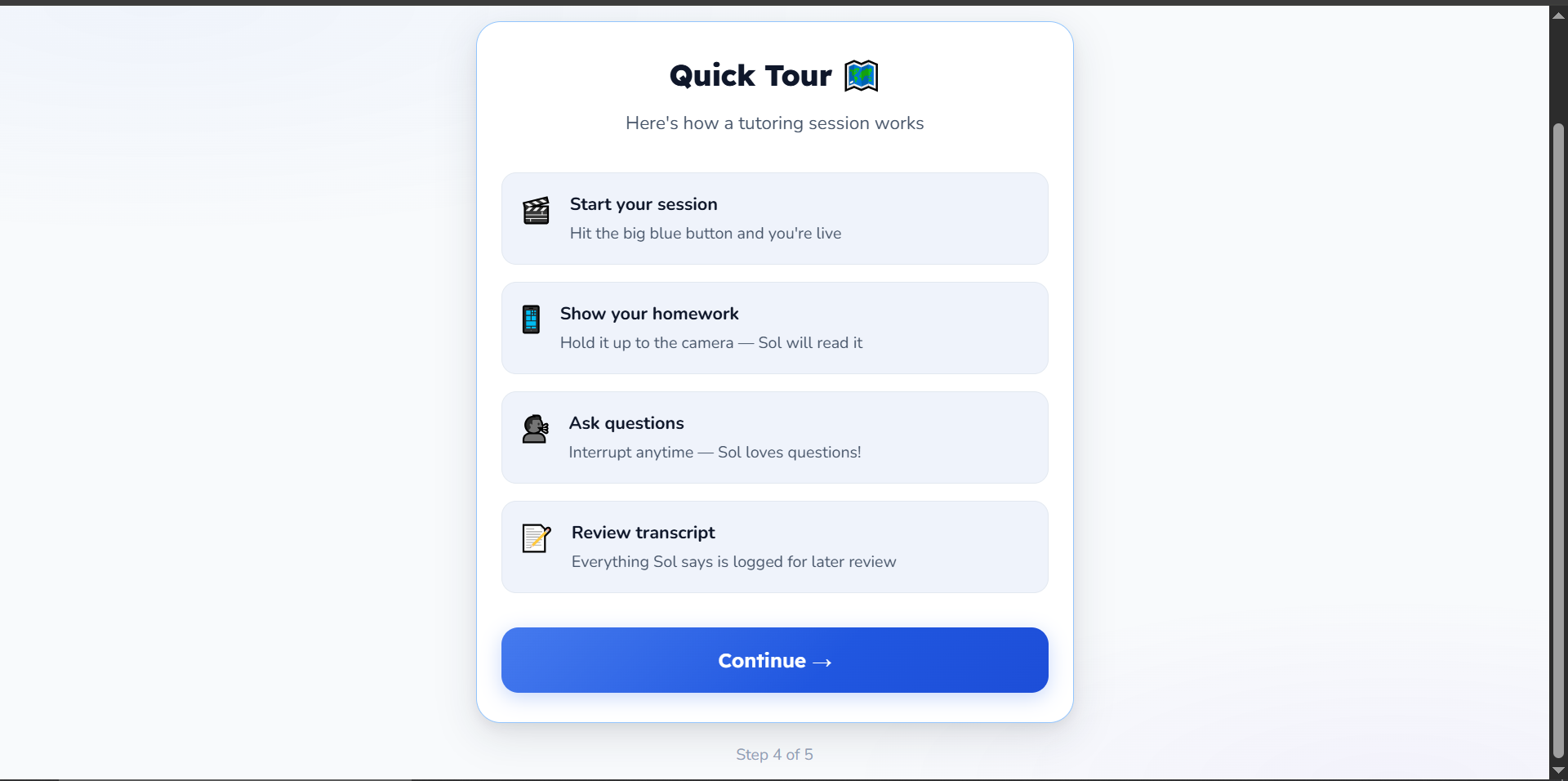
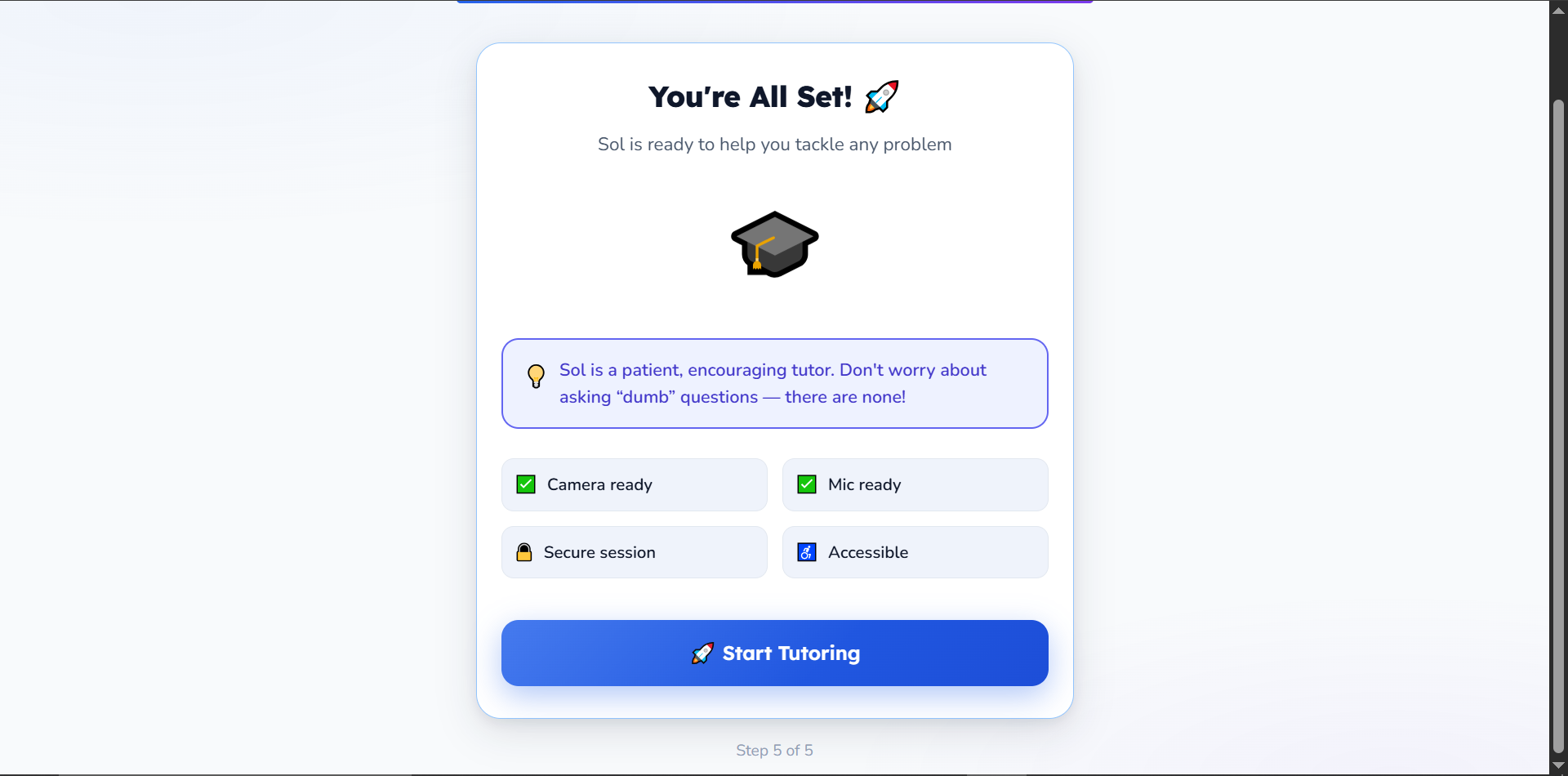
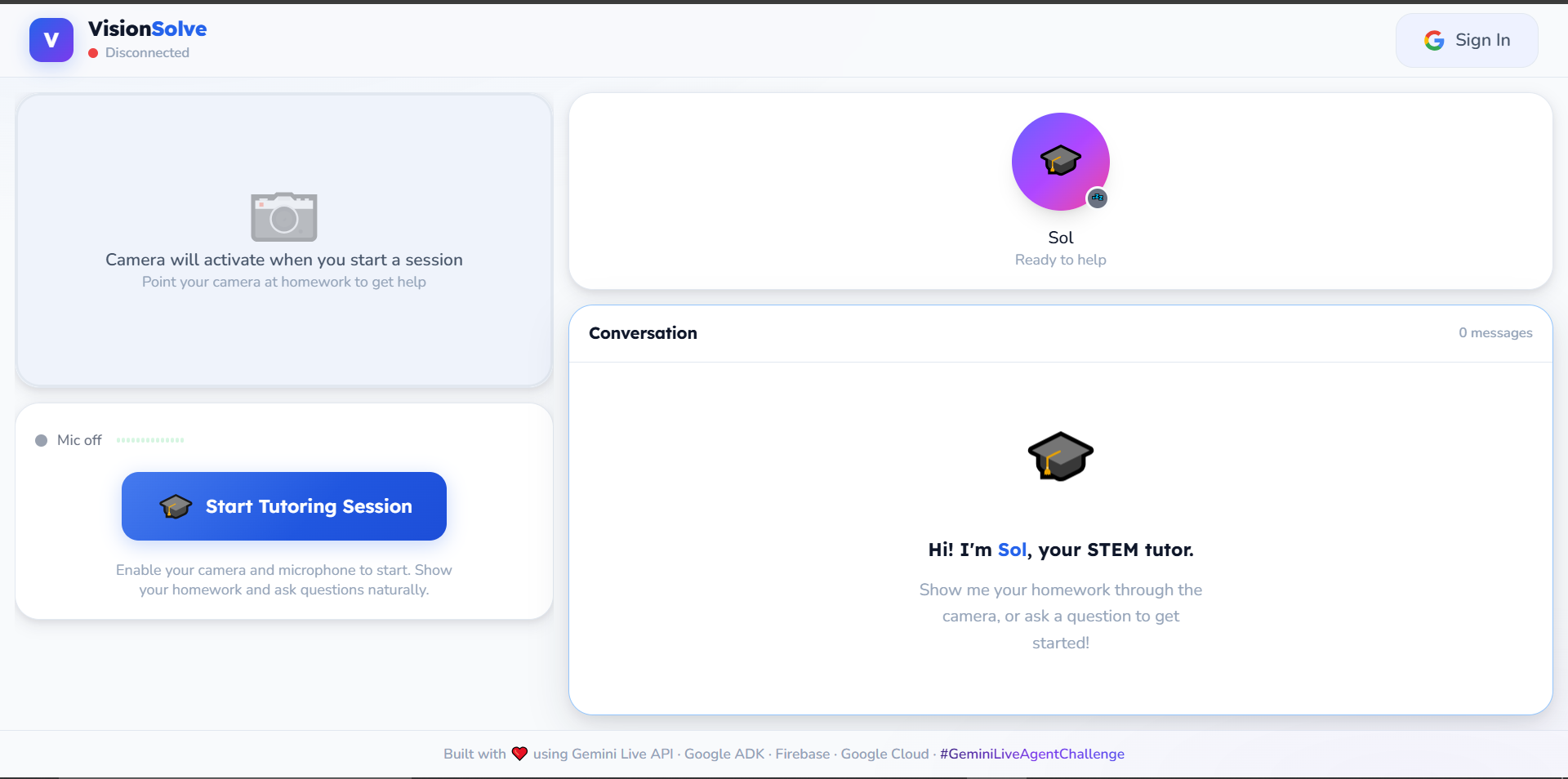
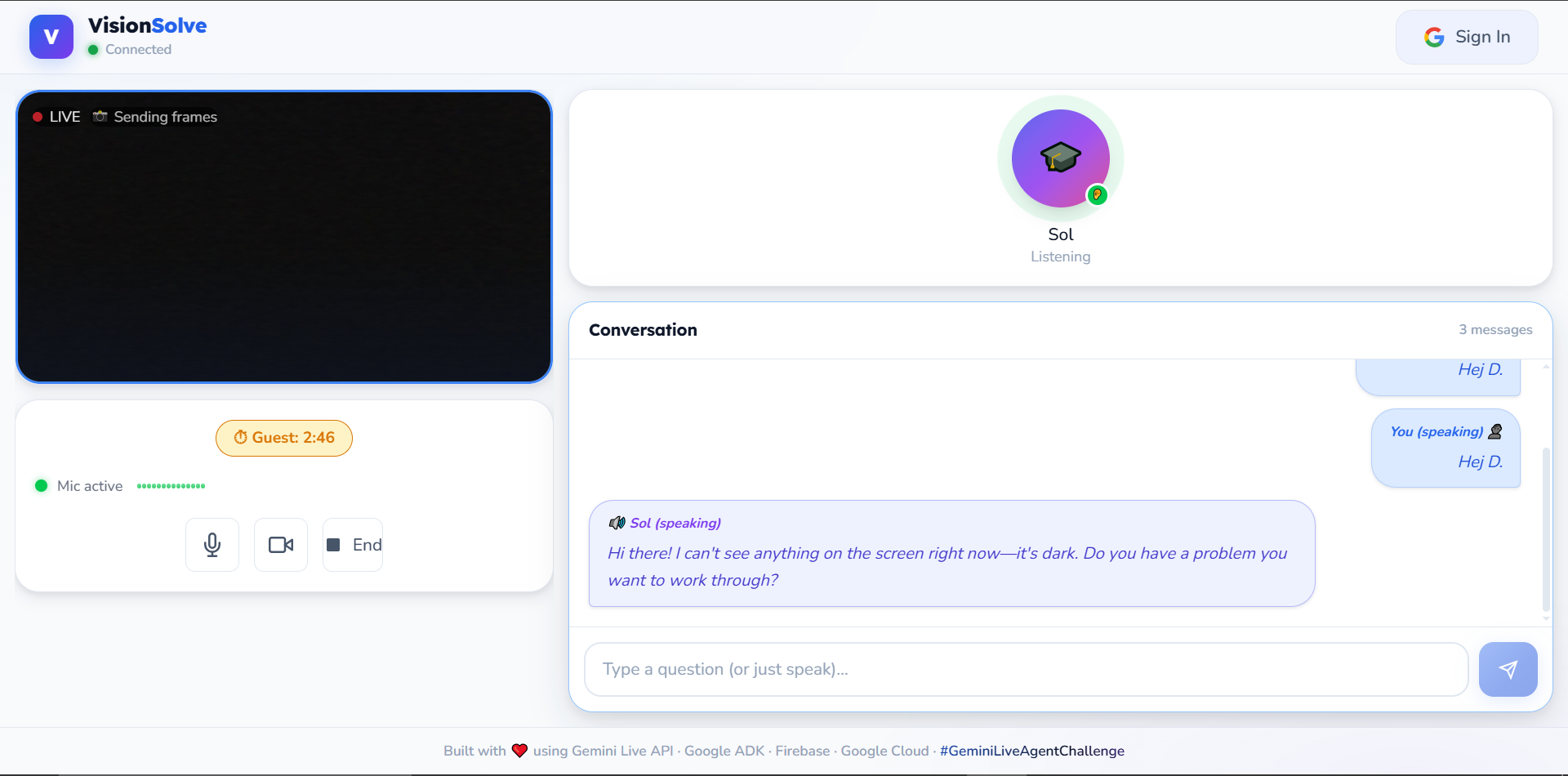
Inspiration:
Millions of students struggle with STEM homework alone, staring at problems unsure of where to start. Traditional AI homework helpers rely purely on text—requiring students to type out complex math notation or physics formulas, which is tedious and unnatural. I wanted to build a tutor that breaks the "text box" paradigm and mimics the experience of sitting next to a human teacher who can see your work, listen to your questions, and guide you verbally.
What it does:
VisionSolve is a real-time, interactive AI STEM tutor.
- Real-time Vision: Point your webcam at a worksheet. The agent instantly recognizes the problem (even messy handwriting).
- Native Voice Support: No robotic Text-To-Speech. The agent generates audio natively for natural pacing and intonation.
- Barge-in Interaction: Interrupt mid-explanation just like with a human. The agent stops and listens immediately.
- Grounding: Integrated with Google Search to verify concepts and fact-check explanations.
- Session Persistence: Every session is summarized and stored in Firestore for later review.
How i built it:
- Gemini 2.5 Flash Native Audio: The heart of the project, providing ultra-low latency multimodal streaming.
- Google ADK (Agent Development Kit): Used to define the agent's persona and orchestrate tools like Google Search.
- Backend (Python/FastAPI): Hosted on Google Cloud Run to handle high-bandwidth WebSocket traffic.
- Frontend (Next.js): A premium, responsive dashboard for students.
- Firebase Auth & Firestore: Secure Google Sign-In and session history persistence.
- CI/CD: Fully automated deployment via GitHub Actions (Docker on Cloud Run + Firebase Hosting).
Challenges i ran into:
Handling real-time bidirectional audio and video streaming over WebSockets was the biggest technical hurdle — ensuring low latency so the conversation felt natural, not robotic. Managing React state alongside raw MediaRecorder and canvas frame extraction without causing audio clipping or memory leaks required careful optimization and custom hook design. Tuning the model's system instructions to act as a tutor (guiding step-by-step) rather than just an answer engine took several iterations.
But honestly? Recording the demo video was the hardest part. My Samsung Galaxy A05s doesn't have a built-in screen recorder, and every third-party screen recording app (like XRecorder) grabbed the microphone — which meant the AI agent couldn't hear me during the recording. I couldn't use the PC webcam either because I needed the phone camera to physically point at homework on a desk. The solution? I recorded the screen with the phone's built-in recorder (no mic), captured the voice and AI audio separately with the phone's sound recorder, and then synced them together in post. Scrappy? Absolutely. But it worked — and it proved the app works in a real, messy, student-on-a-budget environment.
Accomplishments i'm proud of:
I'm most proud of the zero-latency feel of the barge-in support. When the student interrupts with "Wait, can you explain that again?", the agent stops instantly without lag. It feels like magic.
What I learned
Building with Native Audio is a game changer. Removing the intermediate text-to-speech step doesn't just reduce latency; it provides a level of empathy and warmth in the AI's voice that text-based agents can't match. I also learned how powerful the ADK is for managing complex agent sessions without boilerplate code.
What's next:
for VisionSolve Right now, it proudly support blind students by allowing them to focus simply on the problem while using their voice to interact with the AI tutor. Furthermore, the UI provides a real-time transcript for deaf or hard-of-hearing students to read the AI's explanation.
The next major milestone is to add deep integration for sign language recognition. My ultimate goal is to ensure that no child is left out of the learning process, and full accessibility is paramount to that vision. We also plan to integrate a parent/teacher dashboard to track learning progress over time.
I also plan to add support for interleaved output (generating diagrams alongside explanations) and drawing overlays where the AI can "point" to specific parts of the camera image to explain a concept visually.

Log in or sign up for Devpost to join the conversation.