💡 Inspiration
Have you ever read a breathtaking fantasy or sci-fi novel and wished you could instantly see the epic world the author described? While human imagination is powerful, we wanted to bridge the gap between physical books and visual concept art. Our inspiration was to create a tool that respects the original text—without AI inventing random elements—and transforms the act of reading into an immersive, cinematic experience.
⚙️ What it does
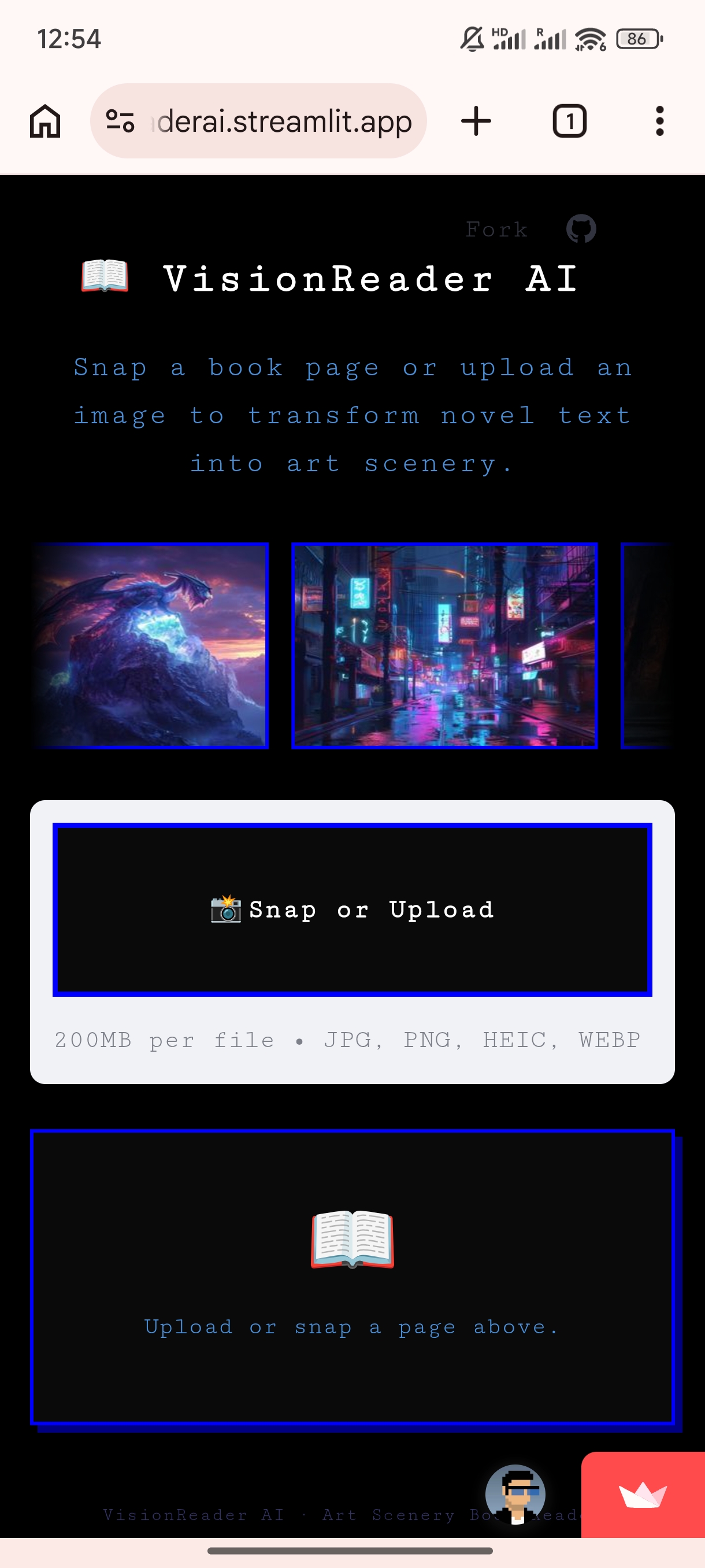
VisionReader AI is an intelligent art scenery book reader.
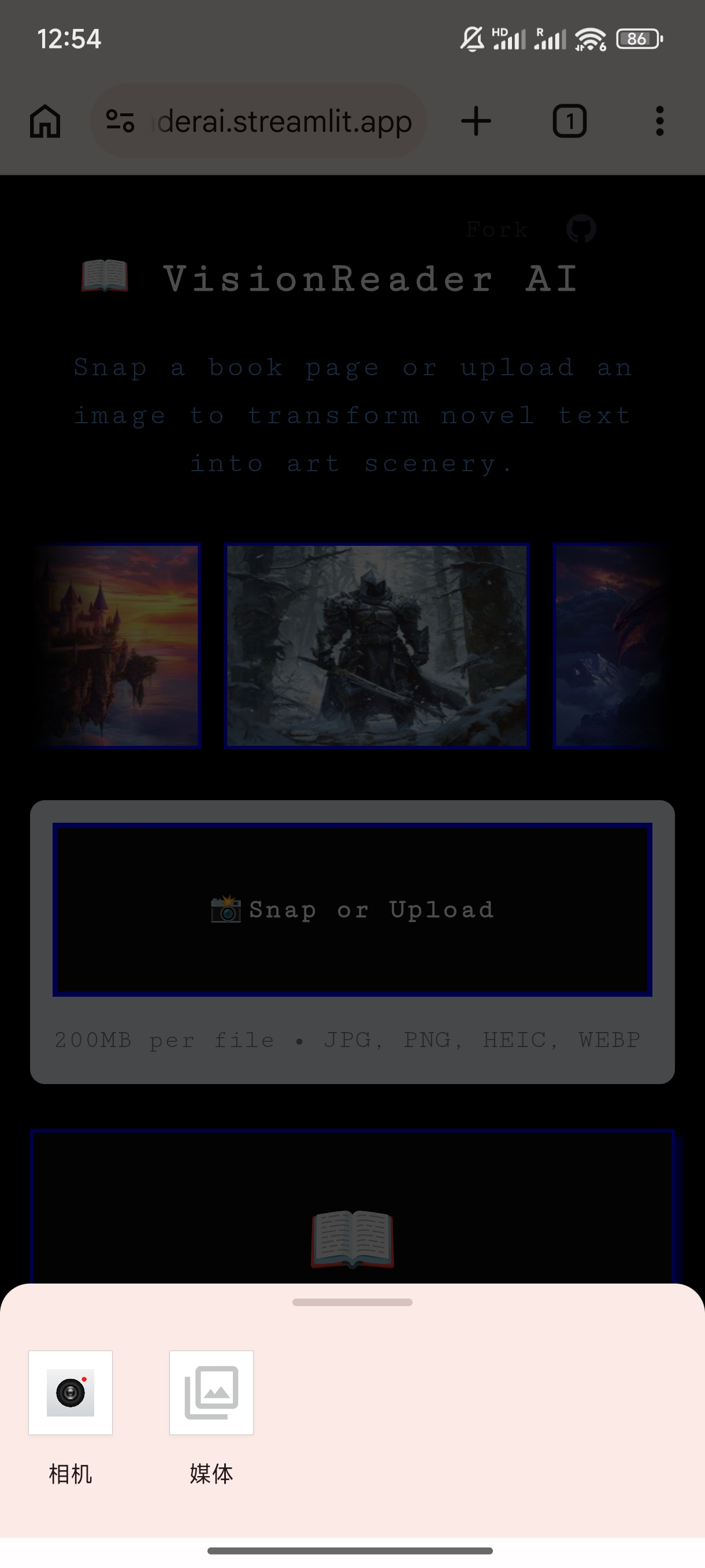
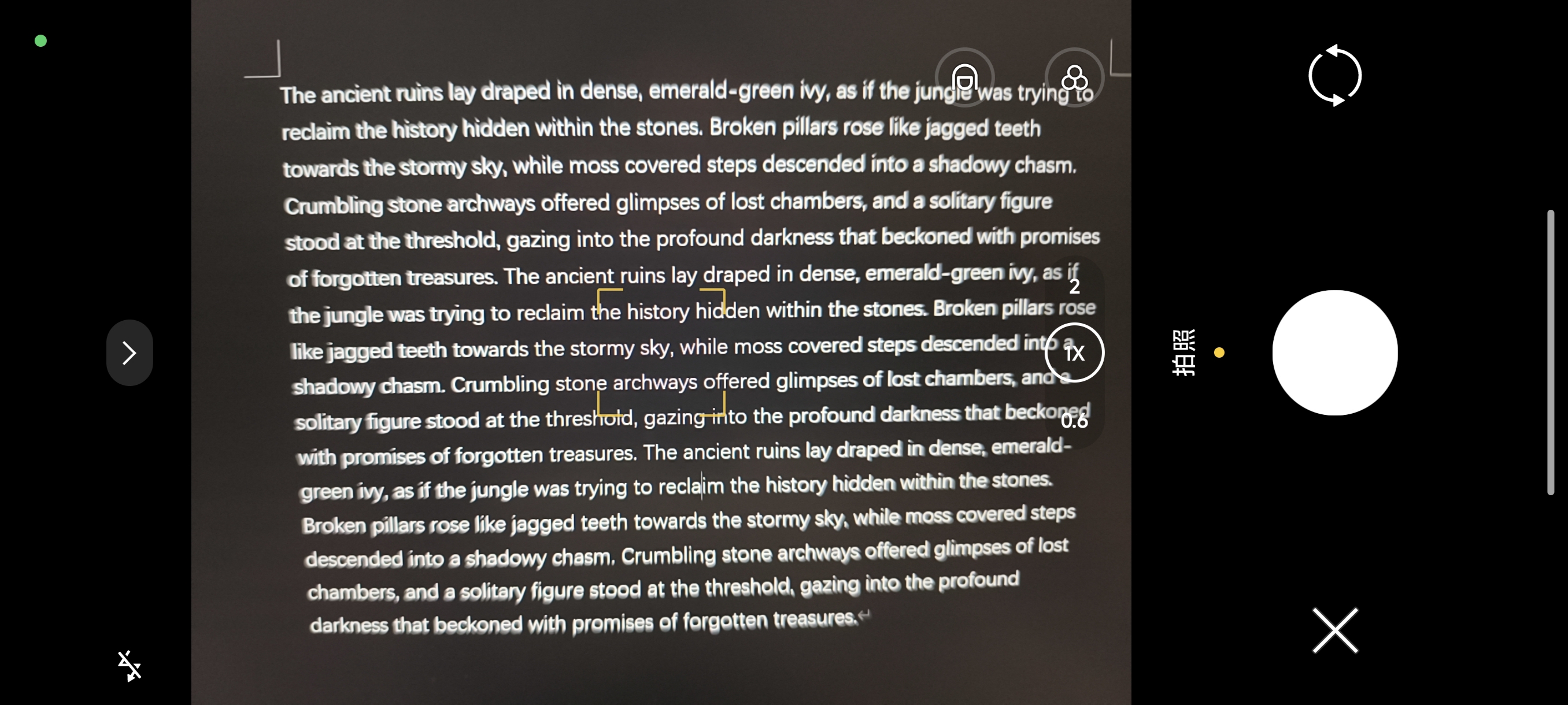
- Snap & Read: Users snap a photo of any physical book page.
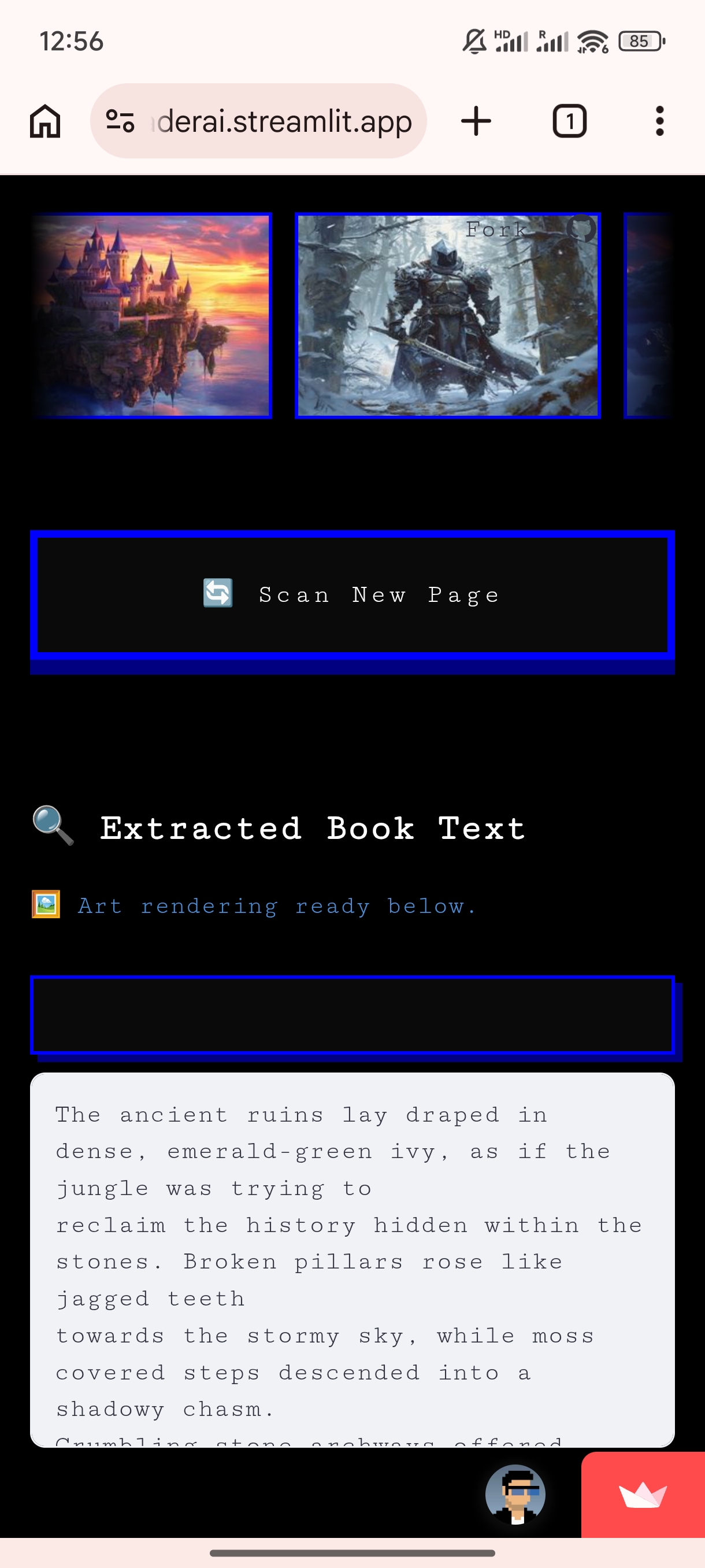
- Bilingual Extraction: It uses extreme-precision OCR to extract the exact literal text (seamlessly supporting both English and Chinese).
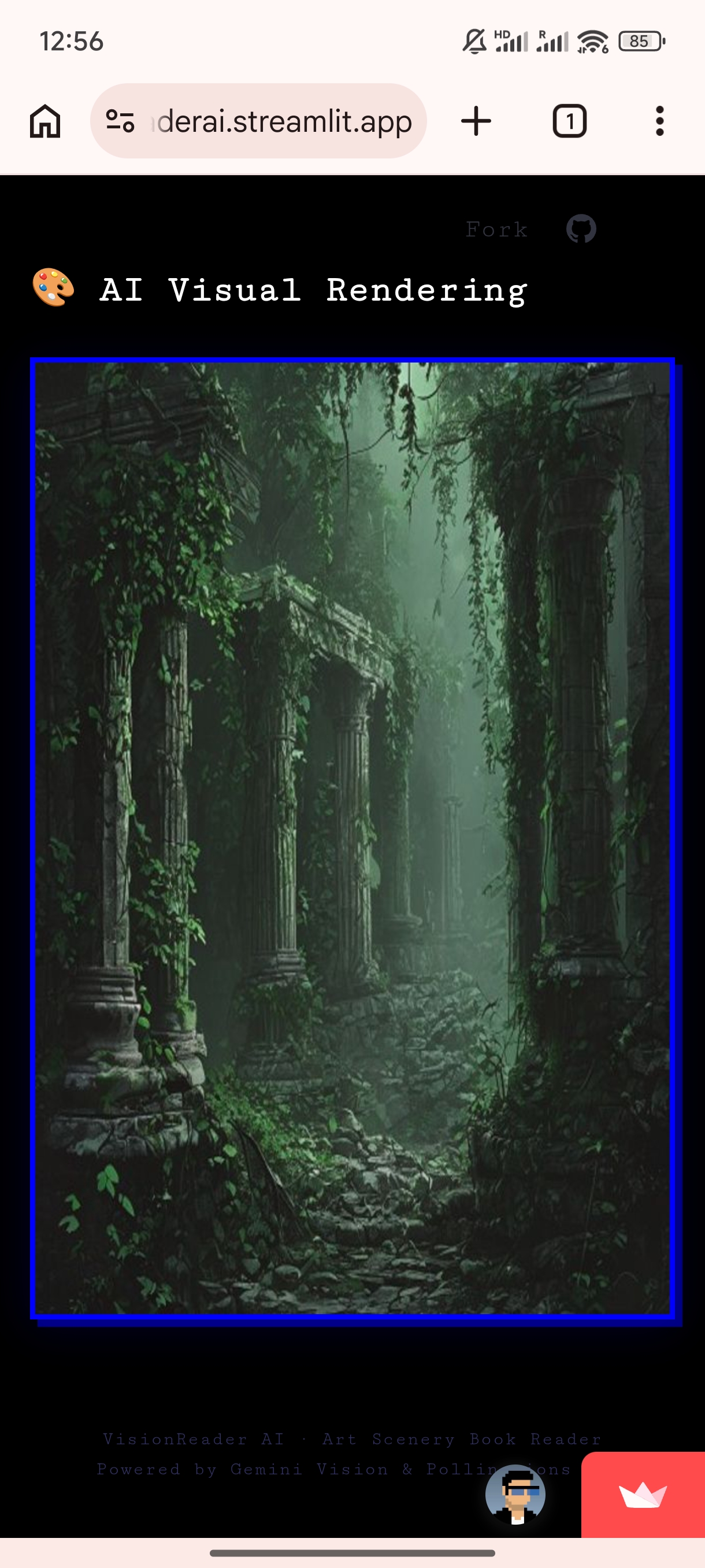
- Cinematic Render: It generates an 8k-resolution conceptual masterpiece based strictly on the text, utilizing our custom "Landscape-First" composition logic.
🛠 How we built it
- Frontend: We used
Streamlitbut completely overhauled the native UI with aggressive custom CSS. We built a dark cinematic theme with electric-blue accents, featuring a seamless infinite-scroll marquee and a custom 3D tactile pixel button. - Brain (OCR): We integrated the
Google Gemini 3.5 FlashAPI. We engineered a strict system prompt and JSON schema to force Gemini into a "pure literal extraction" mode, preventing it from adding commentary. - Art Engine: We routed the extracted text into
Pollinations AI. We built a proprietary prompt wrapper around the user's text to enforce visual rules.
🚧 Challenges we ran into
- The "AI Hallucination" Trap: Standard image generators love to invent random human bystanders or ignore the background environment.
- Our Fix: We engineered the V8.5 Elite Composition Guard. This prompt logic forces the AI to dedicate >70% of the frame to the geologic landscape. Non-human creatures are scaled down to <10% to establish a sense of grand scale, and casual humanoids are strictly banned unless explicitly named in the text.
- Clunky Mobile UI: Streamlit's native file uploader creates a messy layout with redundant text and double buttons on mobile devices.
- Our Fix: We wrote destructive CSS selectors to physically wipe out the native text. We built a "Dynamic In-Situ Replacement" logic: before uploading, it's a centralized 📸 camera dropzone; after rendering, it instantly morphs into a giant, clickable 3D arcade button to scan a new page.
- Bilingual Schema Constraints: Initially, strict JSON schemas broke when switching from Chinese to English books. We rebuilt the OCR pipeline to be universally bilingual without sacrificing accuracy.
🏆 Accomplishments that we're proud of
- Successfully taming the image generation model to obey strict literal text constraints rather than over-imagining.
- Achieving a 100% zero-clutter, highly responsive frontend that looks like a native cyberpunk app rather than a standard data dashboard.
- Building a seamless pipeline that goes from a physical camera snap to an 8k rendering in seconds.
📚 What we learned
- Advanced prompt engineering isn't just about what to add, but what to strictly forbid (negative prompting logic within positive constraints).
- CSS DOM manipulation within Streamlit to bypass native component limitations.
- Using state machines (
st.session_state) to create flawless user flows.
🚀 What's next for VisionReader AI
- Visual Diary Export: Allowing users to compile their generated scenes and text snippets into a downloadable PDF graphic novel.
- Audio Immersion: Integrating a Text-to-Speech (TTS) module to read the extracted text aloud with ambient background sound effects matching the generated scenery.

Log in or sign up for Devpost to join the conversation.