-
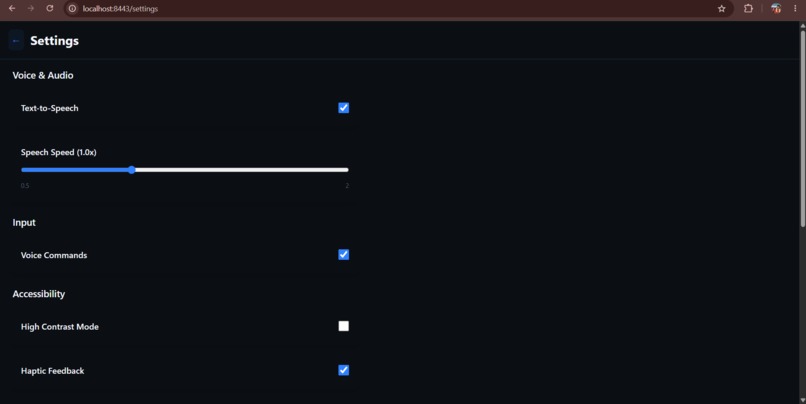
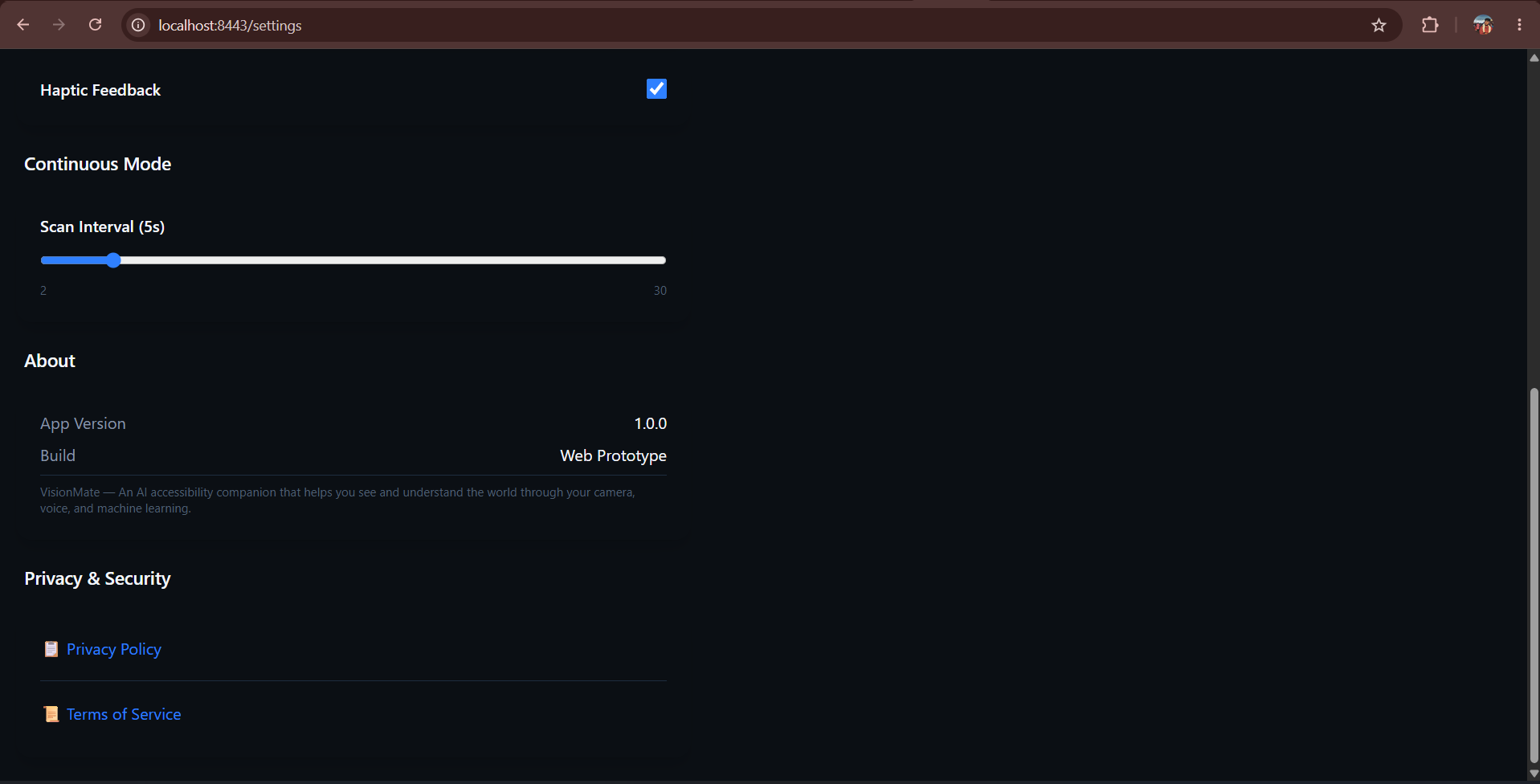
Settings Page
-
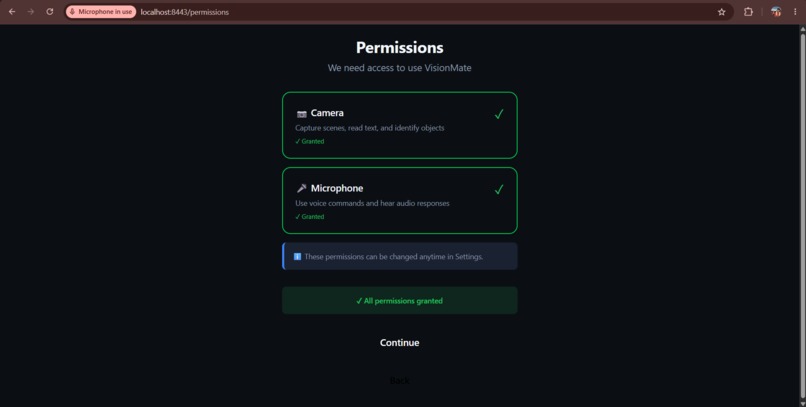
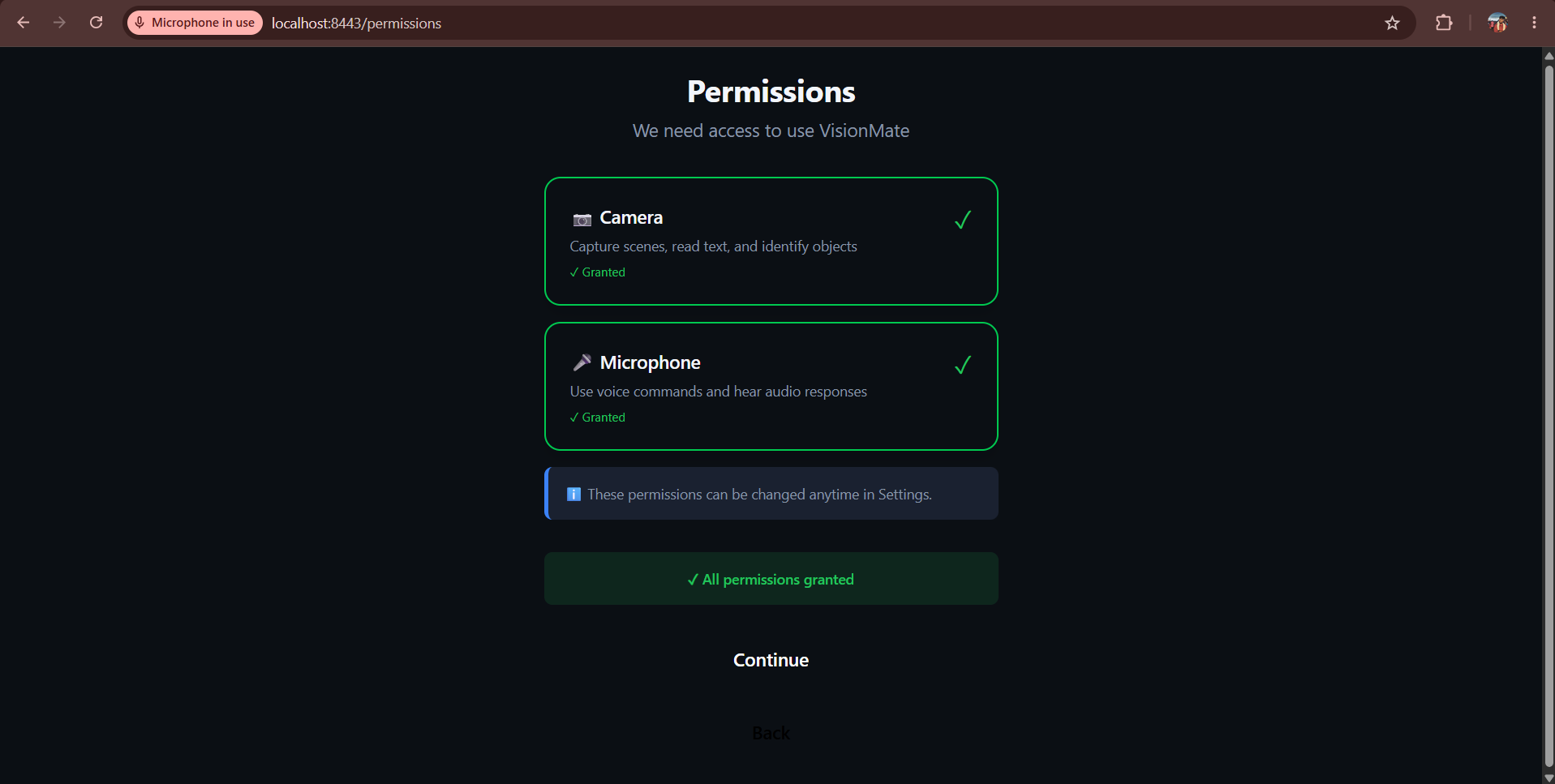
Permissions page
-
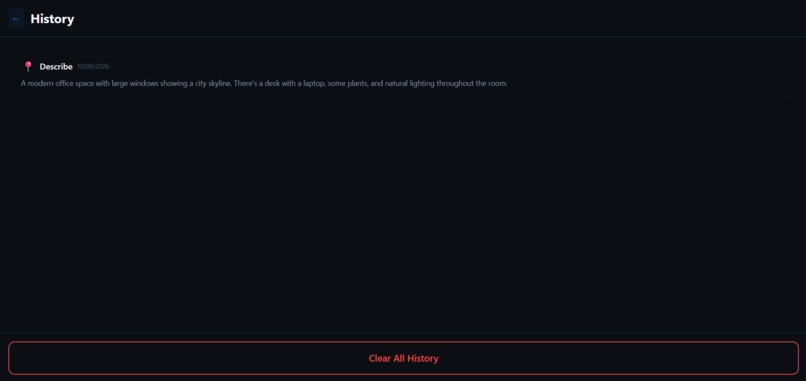
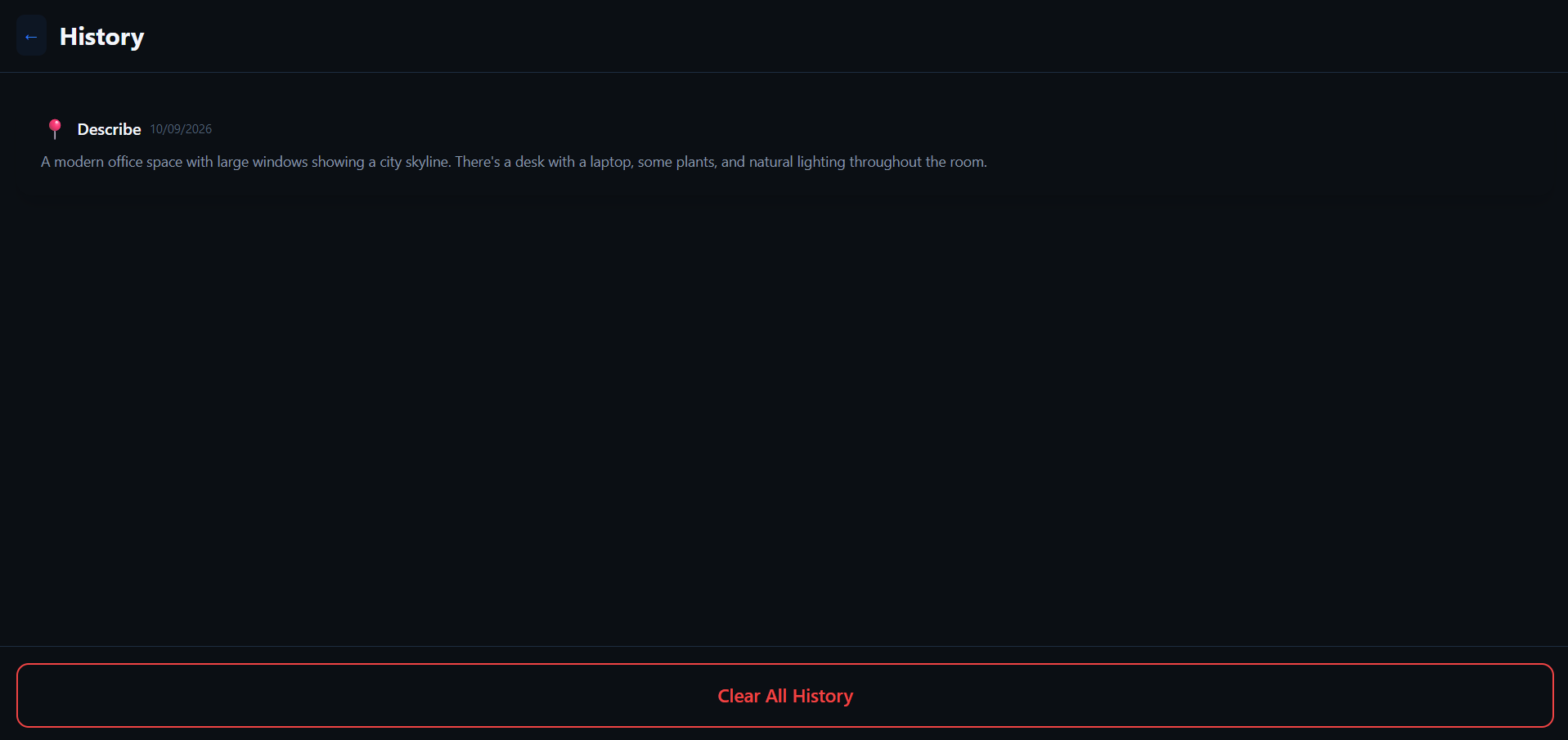
History Page
-
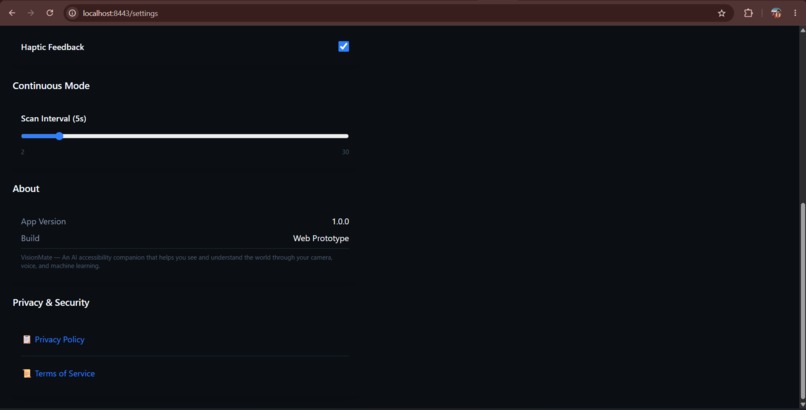
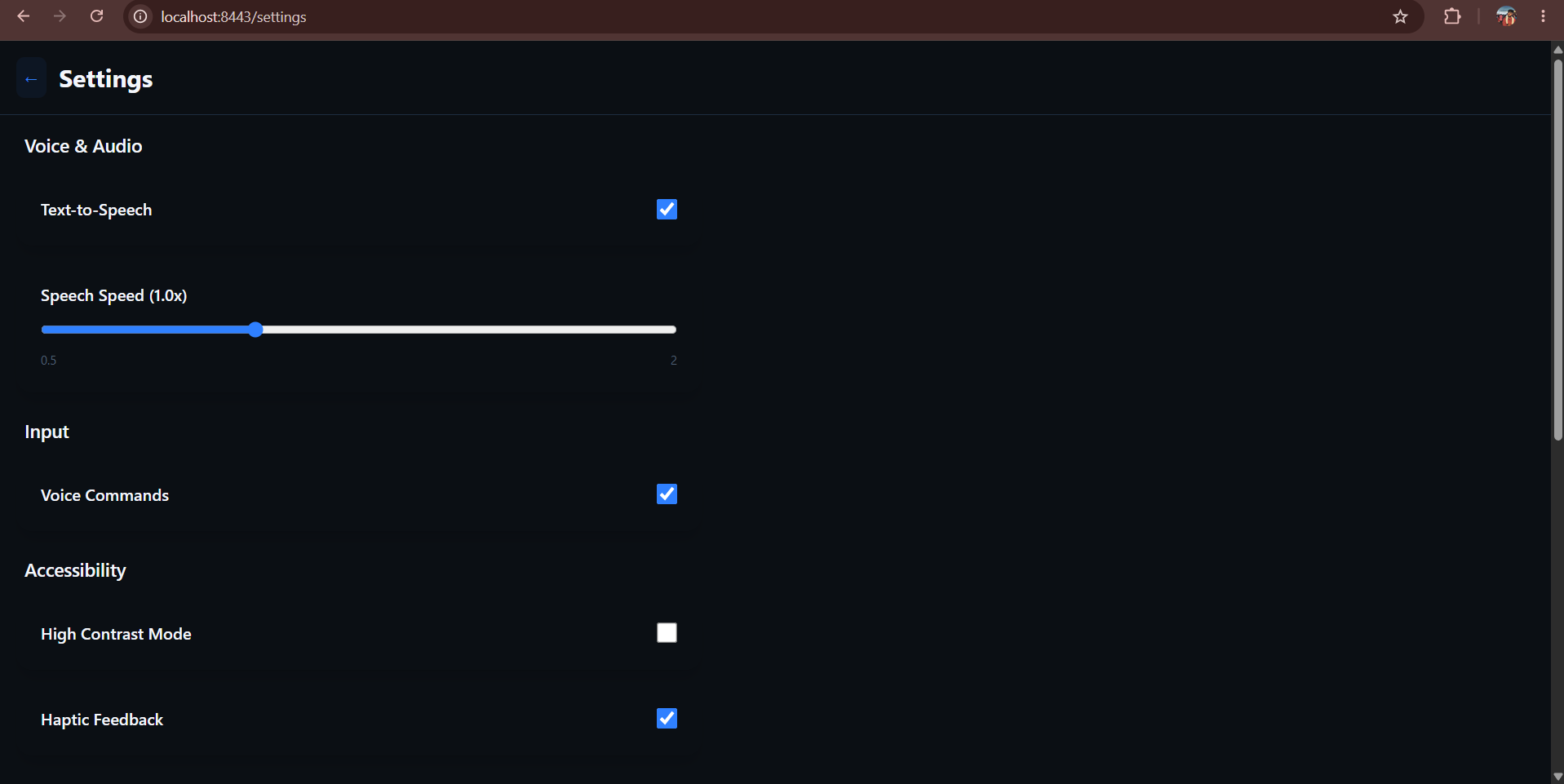
Settings Page
-
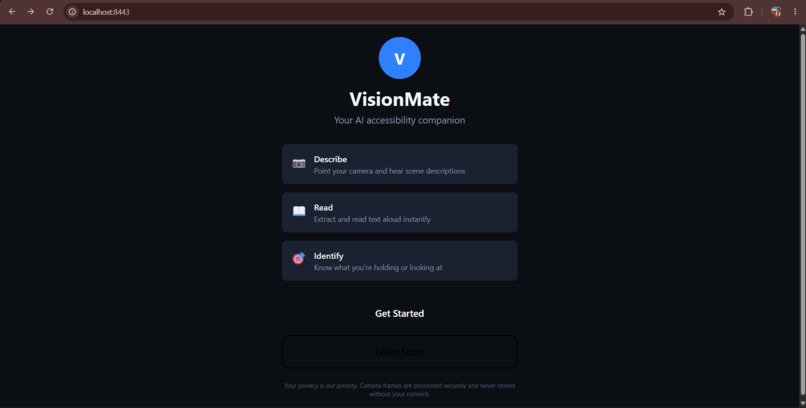
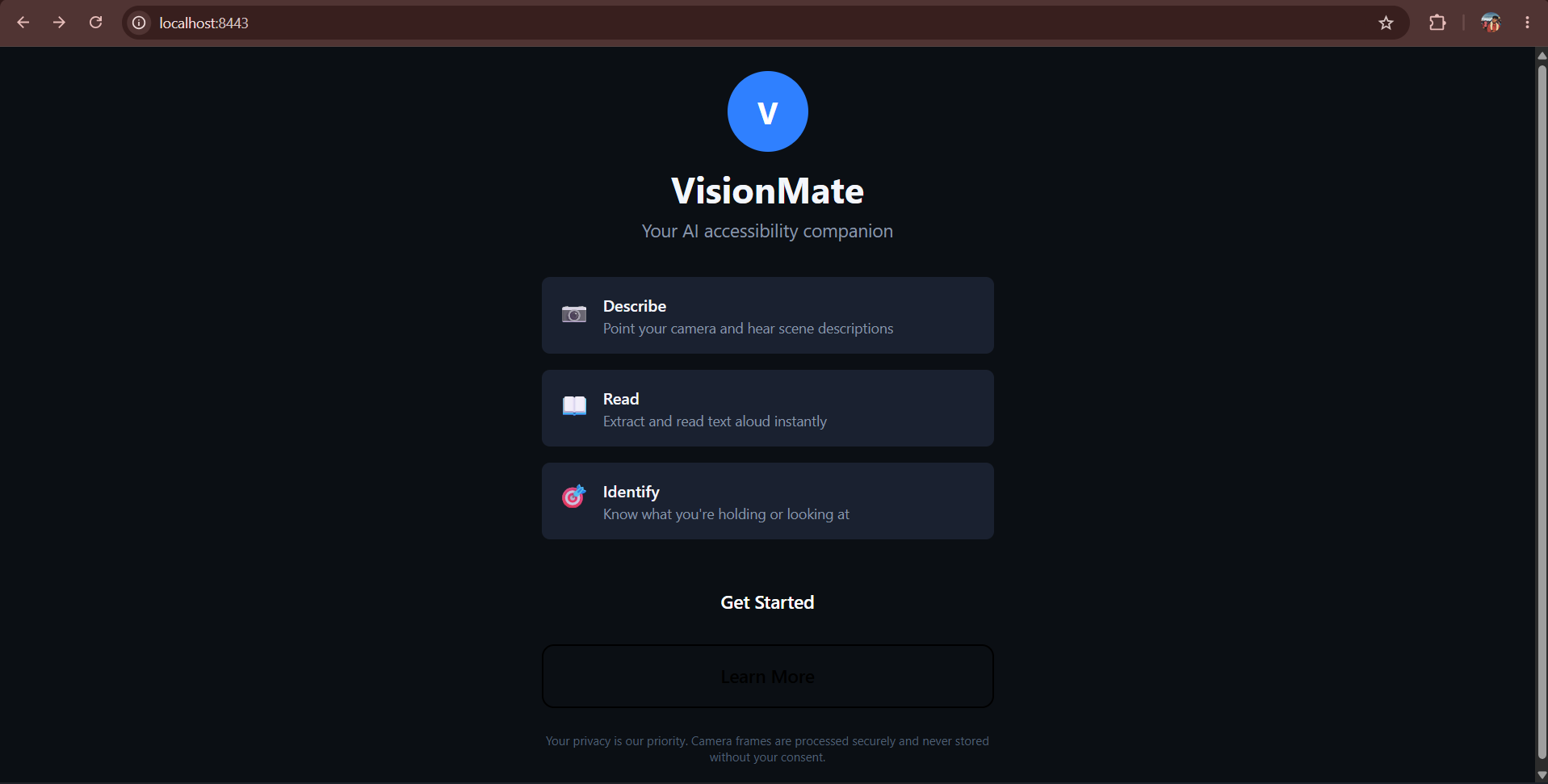
Landing Page
-
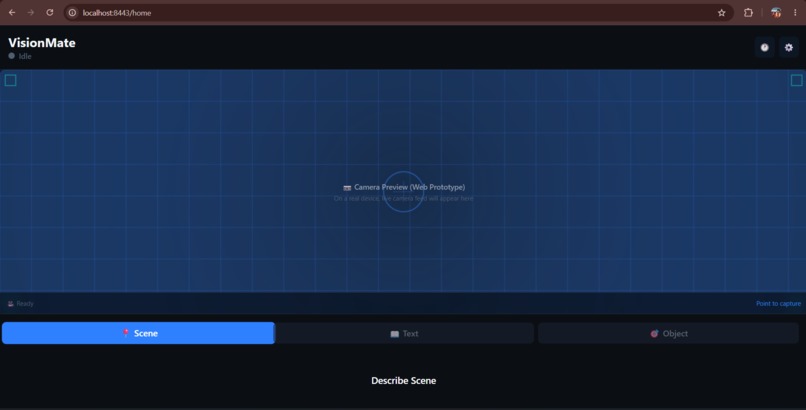
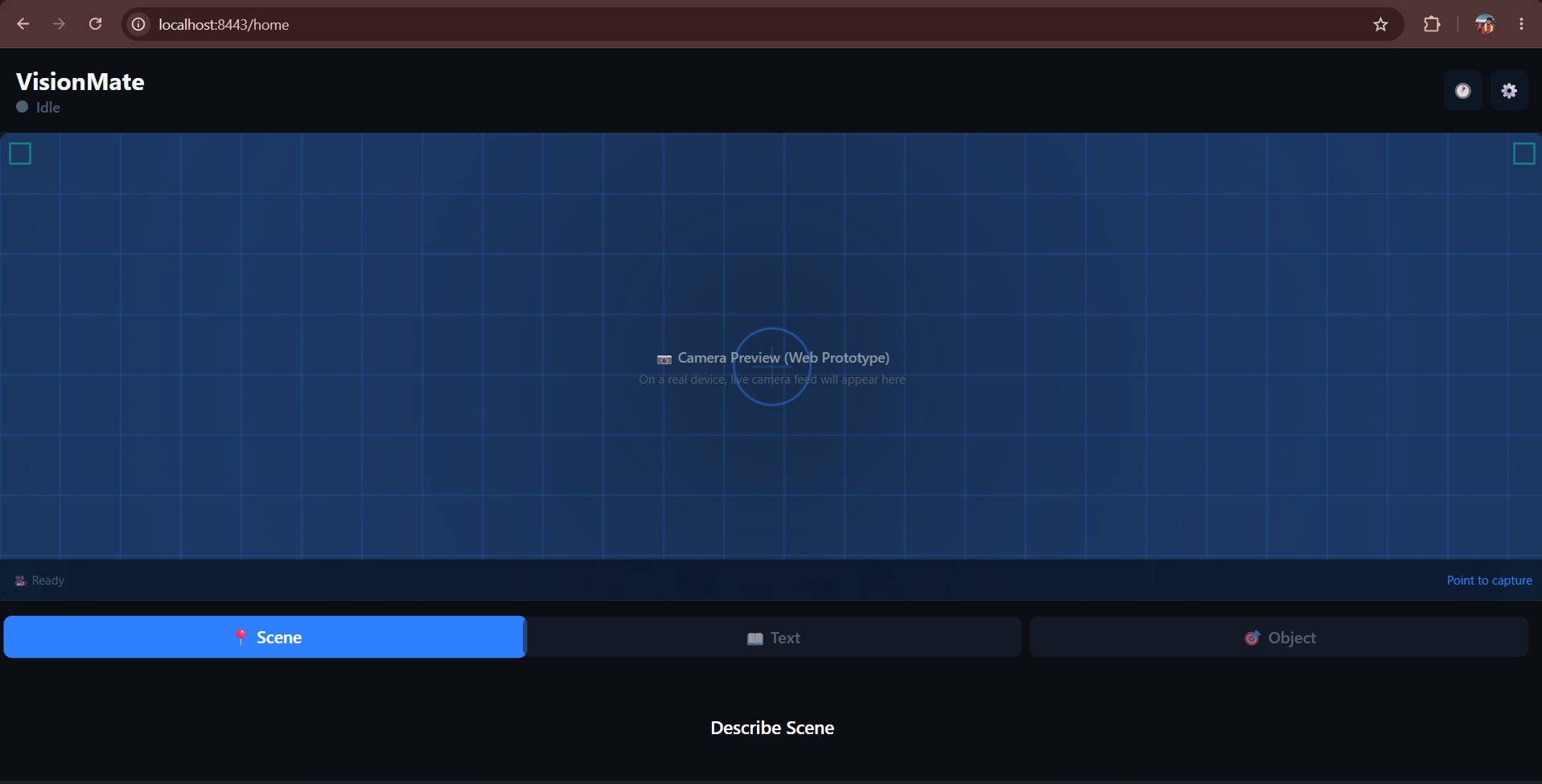
Homepage
Inspiration:
We wanted to build something where AI does more than answer questions on a screen — where it actually helps someone navigate the physical world. Over 285 million people live with visual impairment, and most everyday tasks like reading a menu, identifying a product, or knowing what's around you still require either a sighted companion or expensive dedicated hardware. We already had experience getting AI models to run reliably on real devices in real-world conditions — through past work building offline facial recognition for field personnel and debugging camera pipelines in React Native — and wanted to point that same skill set at something with direct human impact instead of an enterprise use case.
What it does:
VisionMate turns any smartphone camera into a spoken guide to the world. Point your phone at your surroundings, and the app:
Describes the scene out loud in natural language Reads any text it sees — signs, labels, documents — aloud Identifies common objects and products on request Responds entirely through voice, so there's no screen the user needs to read or navigate
How we built it:
The app is built in React Native, using react-native-vision-camera to capture frames from the live camera feed. Captured frames are sent through a lightweight backend proxy to a multimodal vision-language model for scene description, run in parallel with an on-device OCR pass (ML Kit Text Recognition) for text reading. Responses come back through native text-to-speech, so the entire interaction loop — camera → AI → voice — stays hands-free and screen-free by design. The backend proxy exists mainly to keep API keys off the device and to give us a single place to handle retries if a vision call fails mid-demo.
Frame→Vision Model→Natural Language→TTS→Spoken Output
Challenges we ran into:
We'd already run into react-native-vision-camera throwing a blank white screen on device despite the bundler completing successfully — usually traced back to camera permission handling or an undefined device reference — so we budgeted real-device testing early rather than late this time, which paid off. The bigger challenge turned out to be latency: waiting on a round trip to the vision model made the "point and describe" interaction feel sluggish, so we had to add a short audio cue while the request was in flight so the app didn't feel unresponsive. Getting text-to-speech to interrupt cleanly when a new description came in — instead of queuing up and talking over itself — also took more tuning than expected.
Accomplishments that we're proud of:
Getting the full capture → AI → spoken response loop working end-to-end, reliably, on a real device rather than just in a simulator — that was the core risk of the whole project, and it was the thing most likely to fall apart under hackathon time pressure. We're also glad we kept the interface entirely voice-first rather than defaulting to a conventional screen-based UI, since that was the whole point of building it this way.
What we learned:
We learned a lot about the trade-offs between vision-model latency and interaction design — a technically accurate but slow response is worse for this use case than a slightly less detailed one that comes back fast. We also came away with a much better sense of how much accessible, voice-first UX design differs from designing for a screen: things like audio cues, interruption handling, and not over-narrating all matter far more than they would in a typical app.
What's next for VisionMate:
Offline-first mode using compressed on-device models, so the app works without connectivity — extending the offline-first pattern from prior on-device AI work Multi-language support for narration and text reading Basic obstacle/hazard flagging for navigation Wearable integration (smart glasses) for fully hands-free use

Log in or sign up for Devpost to join the conversation.