-
-
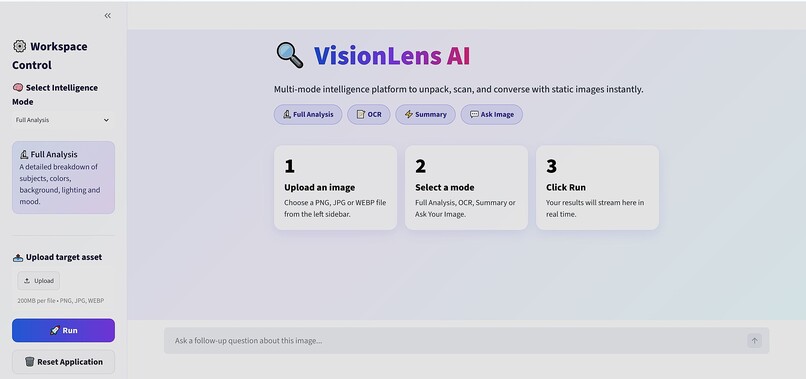
User Interface
-
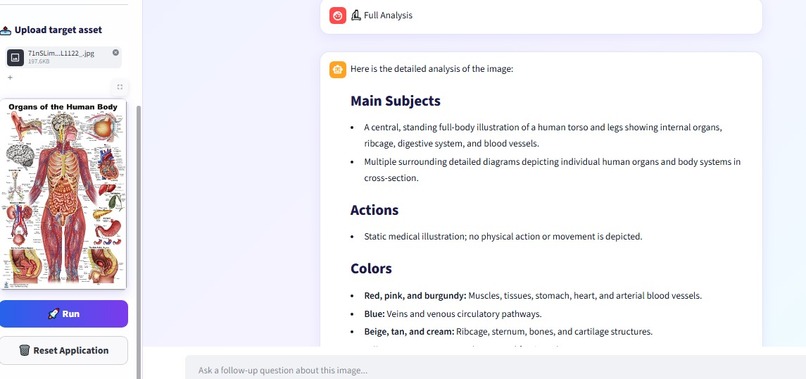
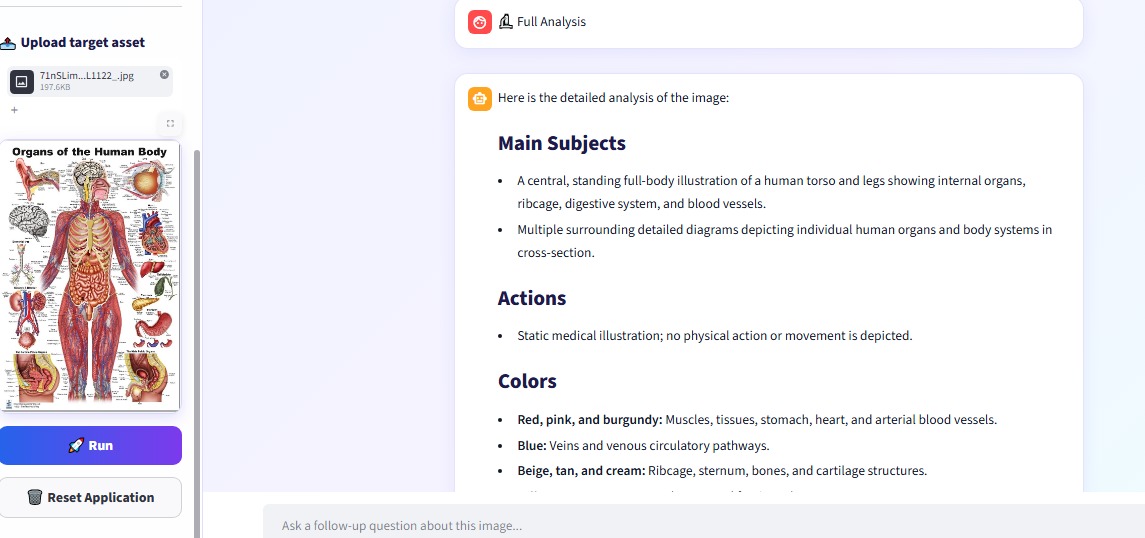
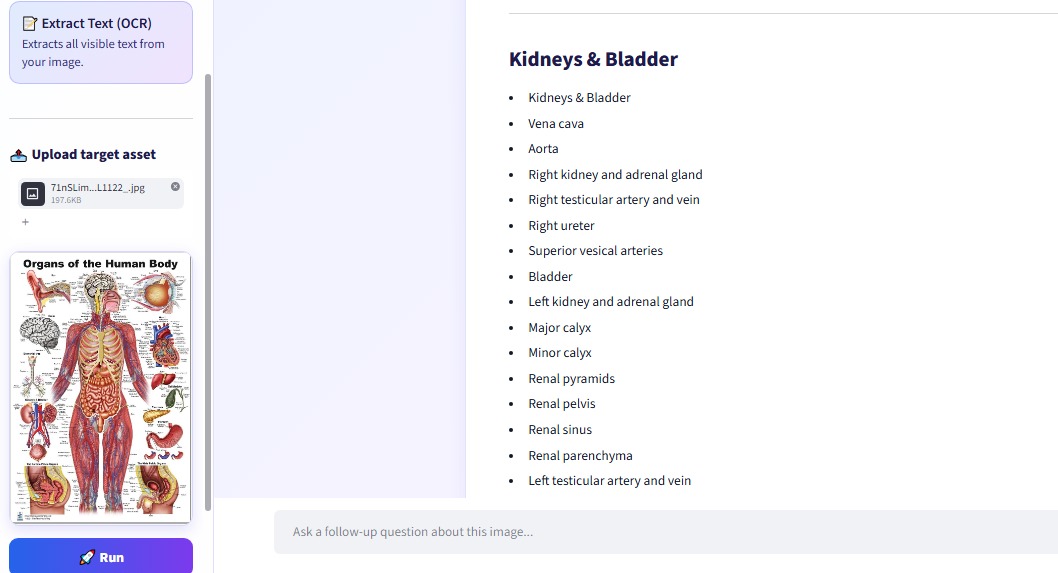
VisionLens AI running Full Analysis on an image of human body organs, with results streaming live.
-
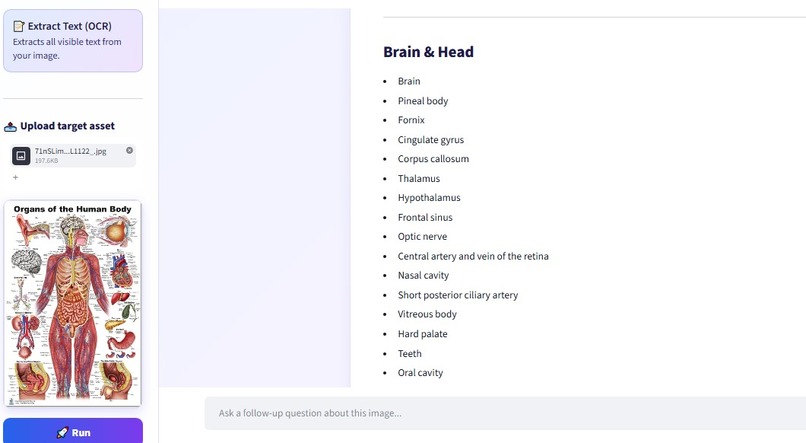
Extract Text (OCR)
-
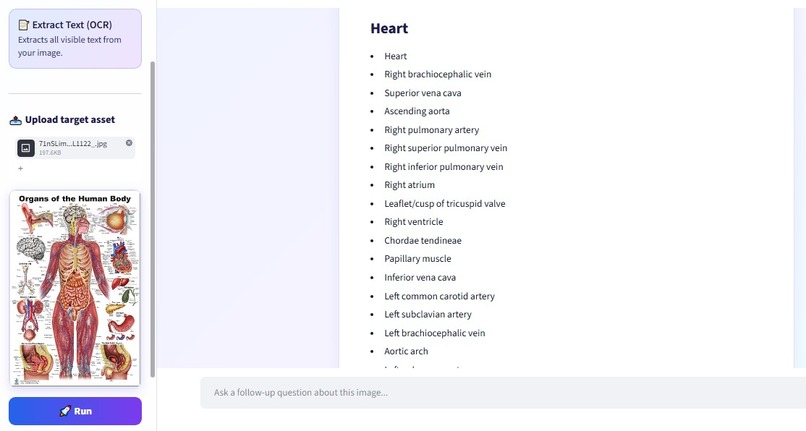
Extract Text (OCR)
-
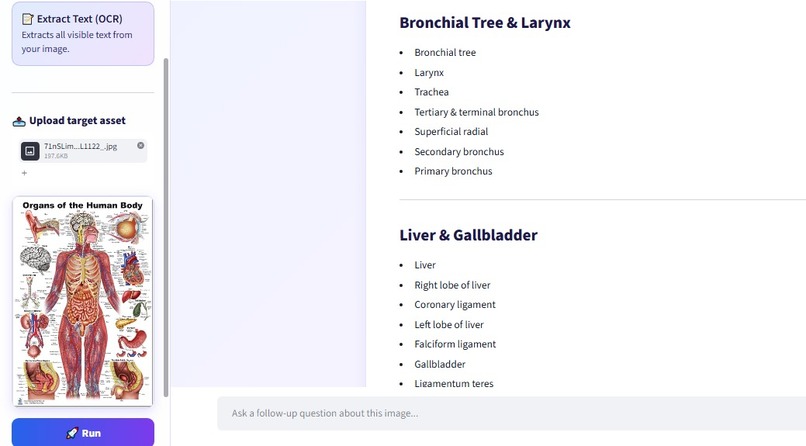
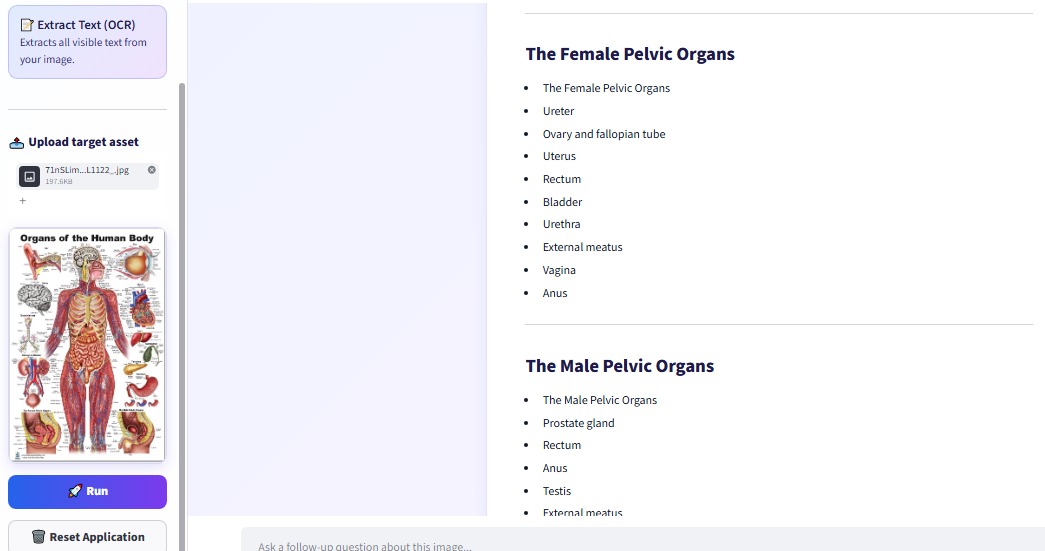
Extract Text (OCR)
-
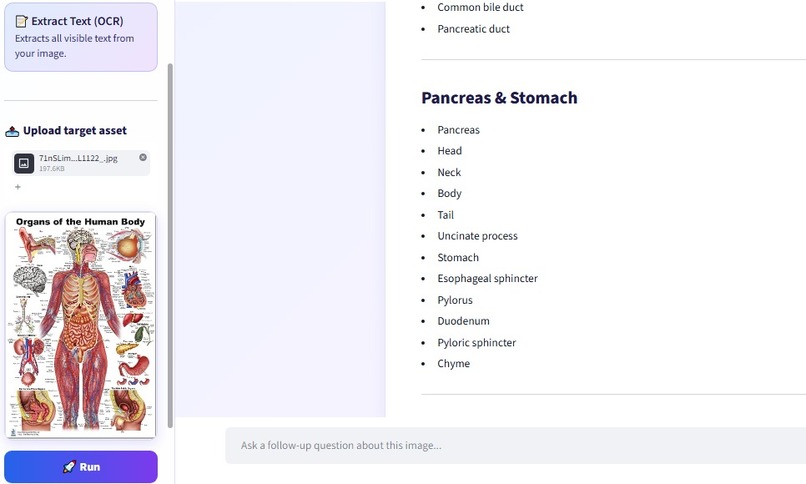
Extract Text (OCR)
-
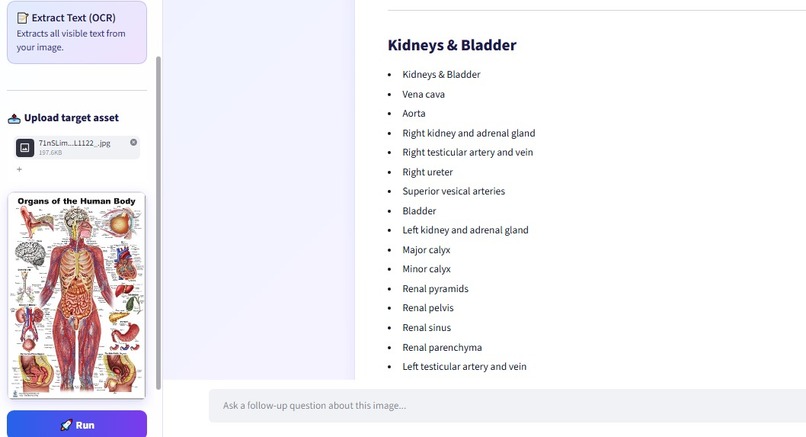
Extract Text (OCR)
-
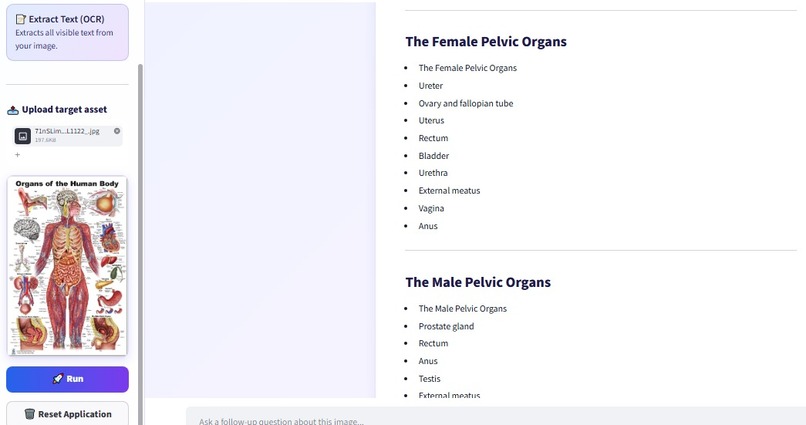
Extract Text (OCR)
-
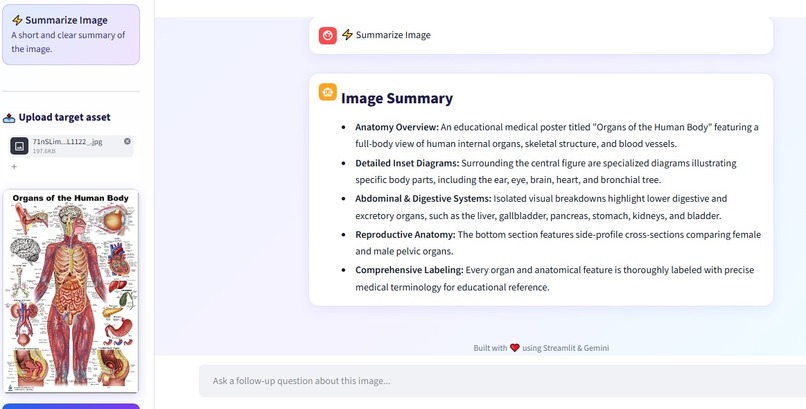
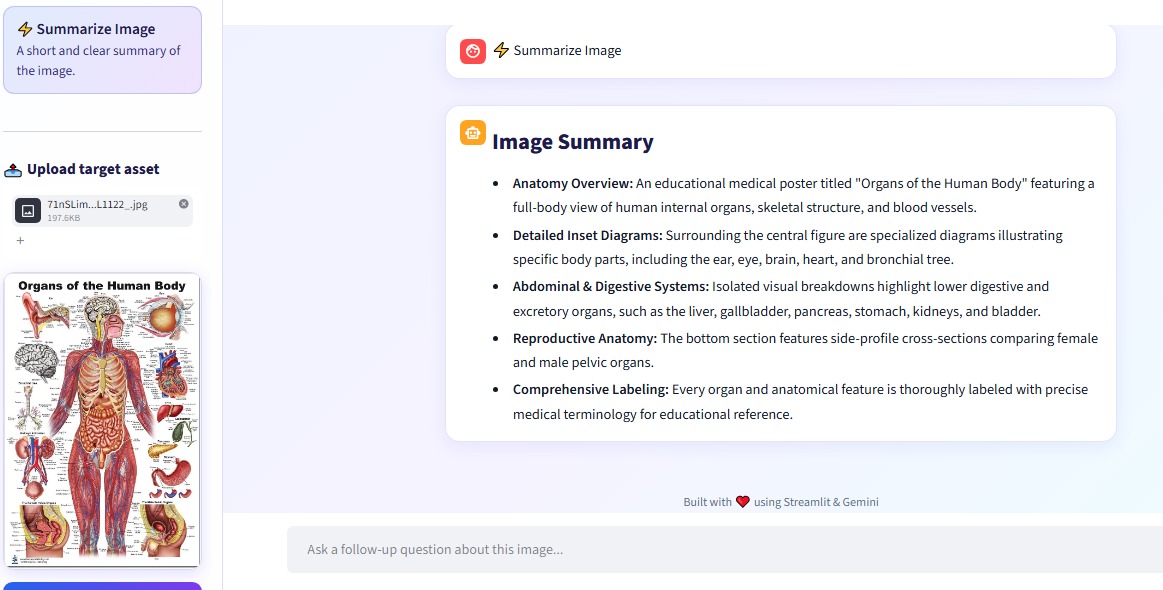
Summarize Image
-
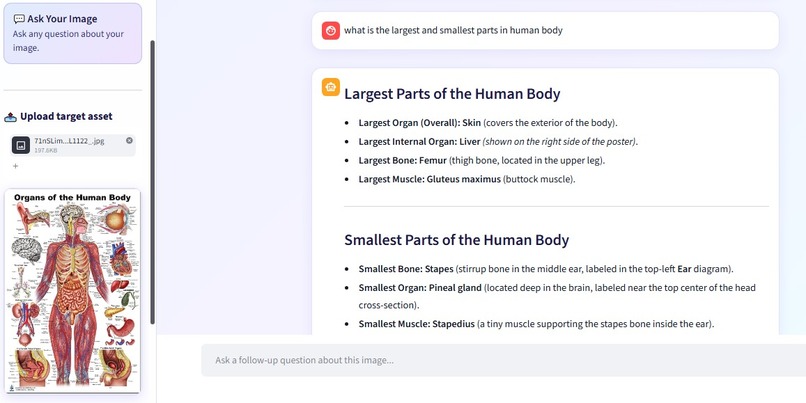
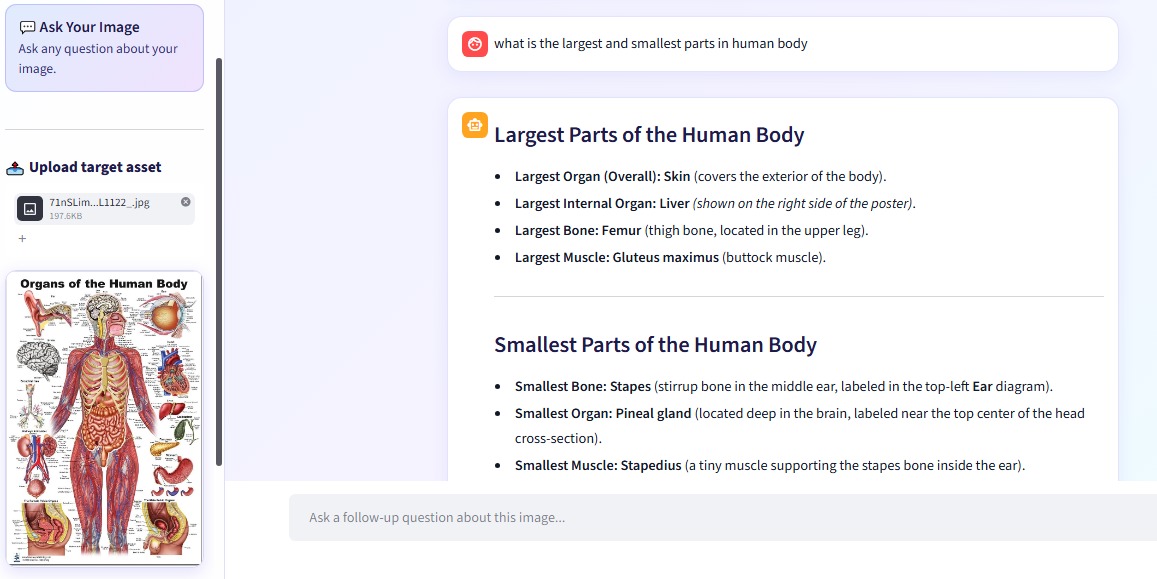
Ask Your Image
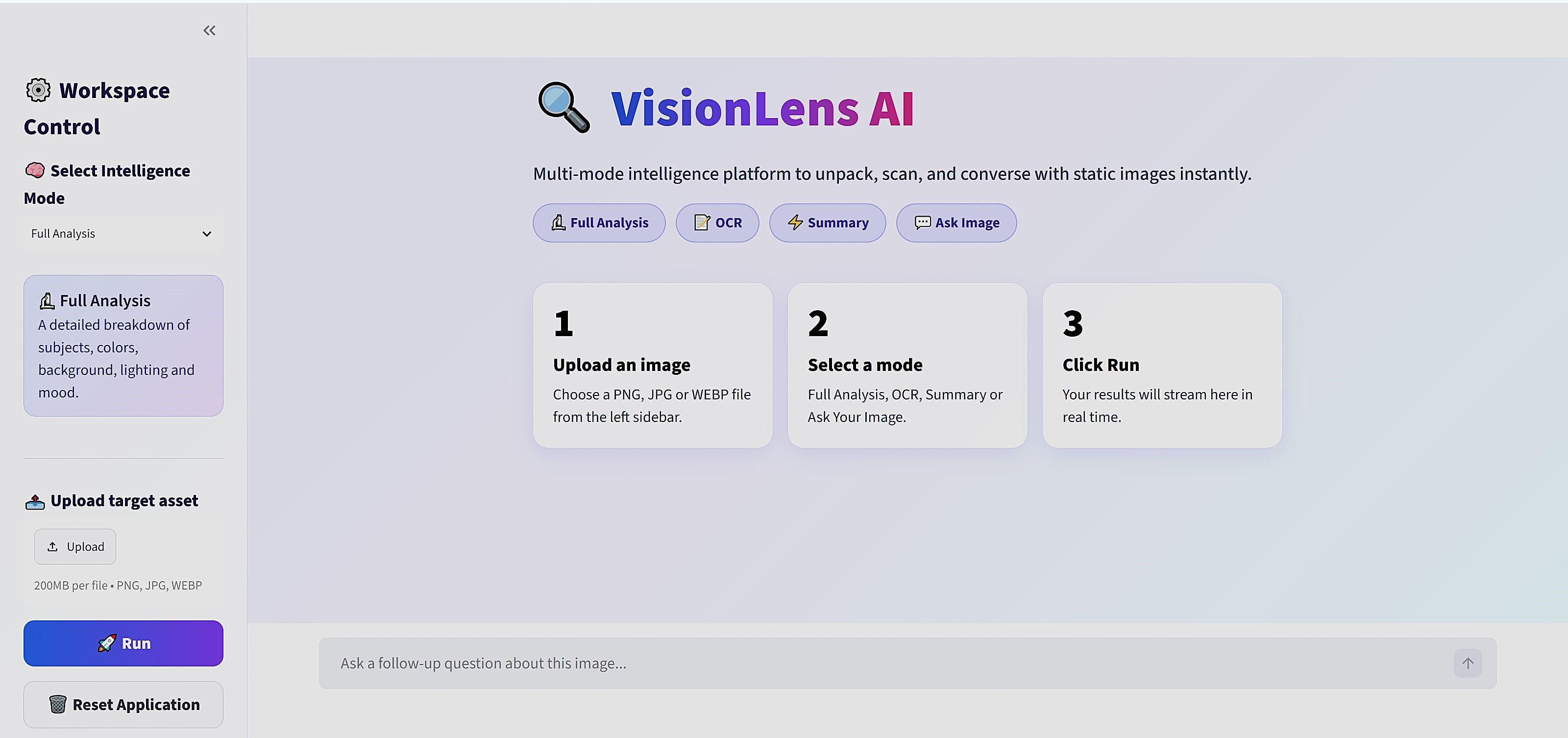
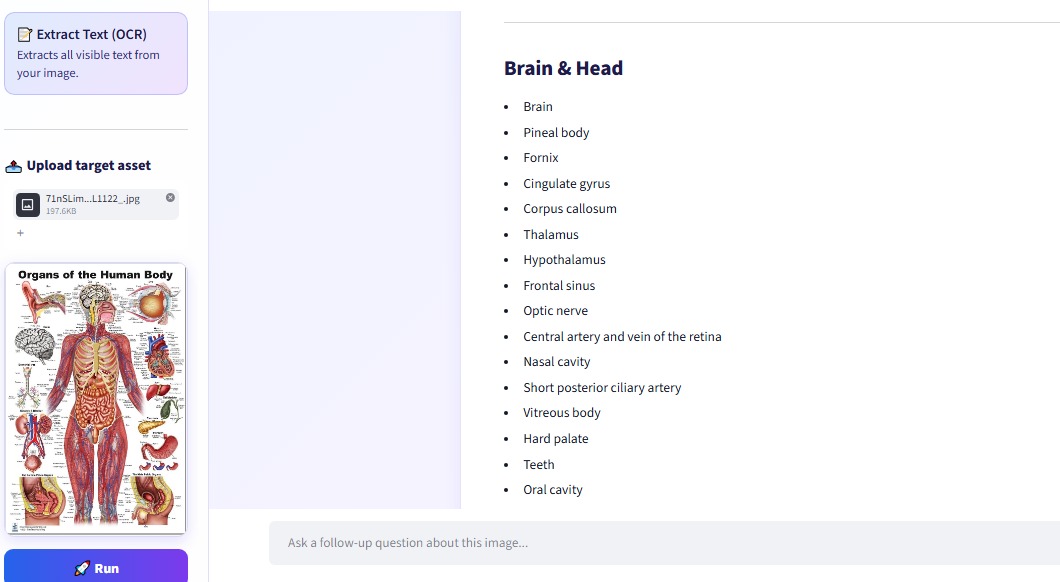
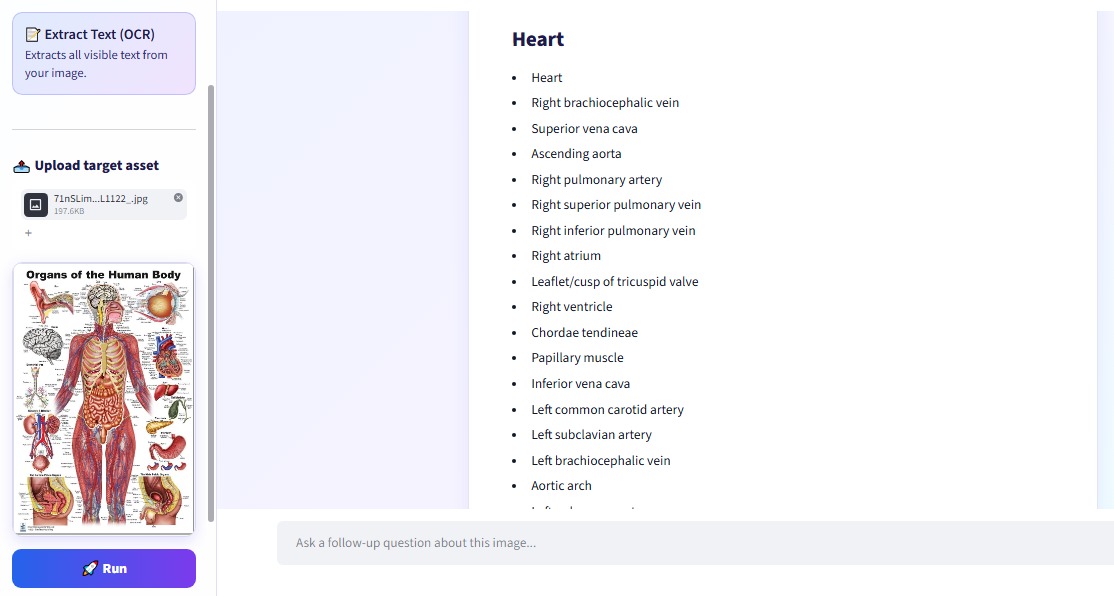
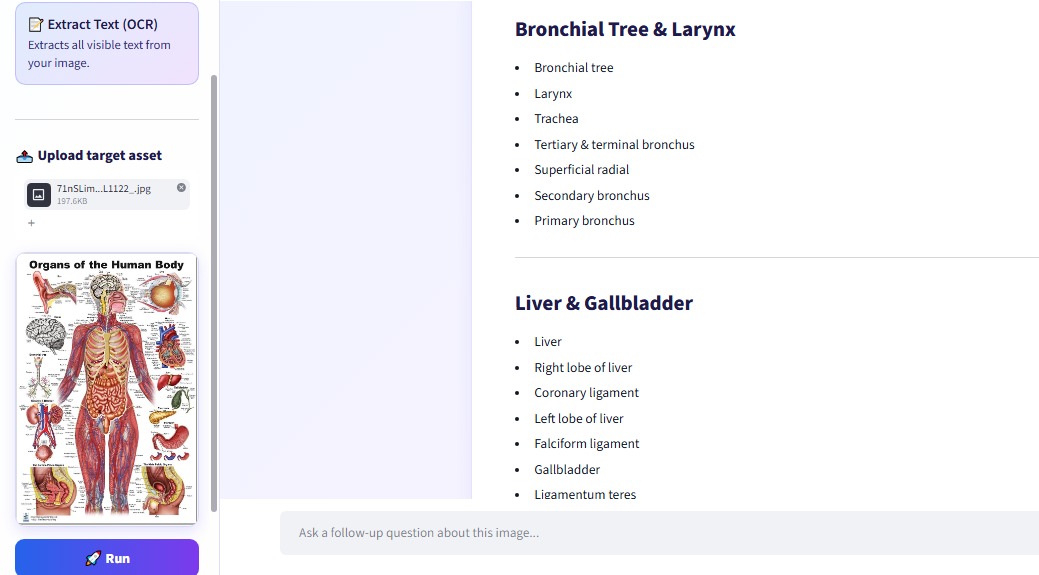
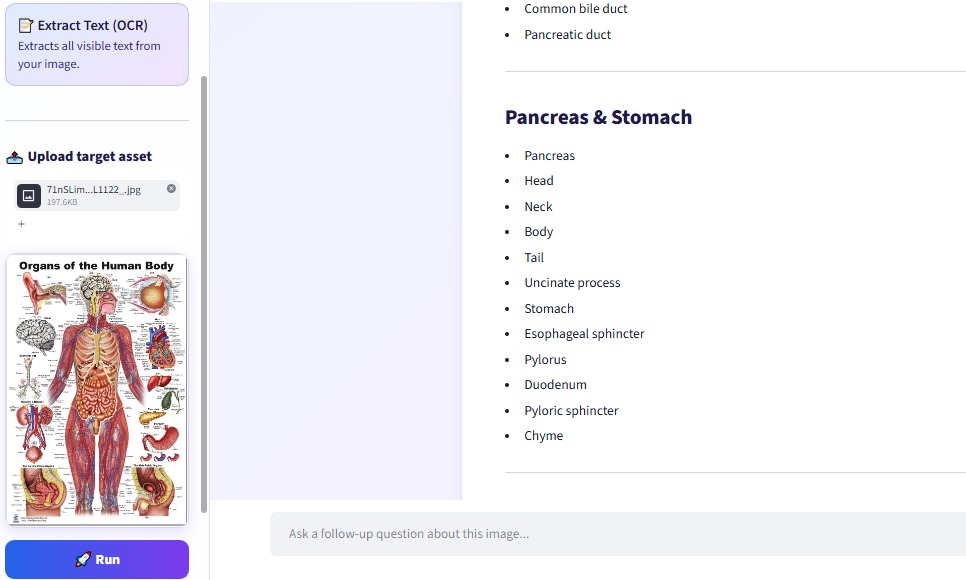
1) What Problem does the project solve Every day, students, researchers, and professional developers spend hours manual parsing text from dense documentation scans, decoding multi-layered structural charts, or debugging source code captured in static images. Standard chatbot wrappers fail to provide an optimized, multi-mode user experience engineered for these distinct visual workflows.
2) Inspiration Understanding an image usually needs different tools: one to describe it, one to read its text, one to ask questions. We wanted one simple app that does all of this.
3) What it does VisionLens AI lets you upload an image (PNG, JPG or WEBP), choose a mode, and click Run:
- Full Analysis: subjects, colors, background, lighting and mood
- Extract Text (OCR): reads the visible text in the image
- Summarize Image: a short summary in bullet points
- Ask Your Image: chat with the image and ask follow-up questions Results stream live on screen.
4) How we built it
- Python and Streamlit for the app and interface
- Google Gemini API for image understanding
- Pillow for image handling
- Custom CSS to make the design clean and readable
5) Challenges we ran into
- Hit Gemini API quota limits (429) and server overload (503) while testing
- One Gemini model was retired (404), so the app failed until we updated the model list
- Follow-up questions did not include the image at first, so we fixed it to send the image every time
6) Accomplishments that we're proud of
- Four image tools in one simple app
- Live streaming results
- Automatic retries and fallback to other models, so the app keeps working
- A clean, readable interface
7) What we learned How to use a multimodal AI API, handle API errors properly, and build a clean app with Streamlit.
8) What's next for VisionLens AI
- Multiple images and PDF support
- Download results as a file
- Save analysis history


Log in or sign up for Devpost to join the conversation.