-
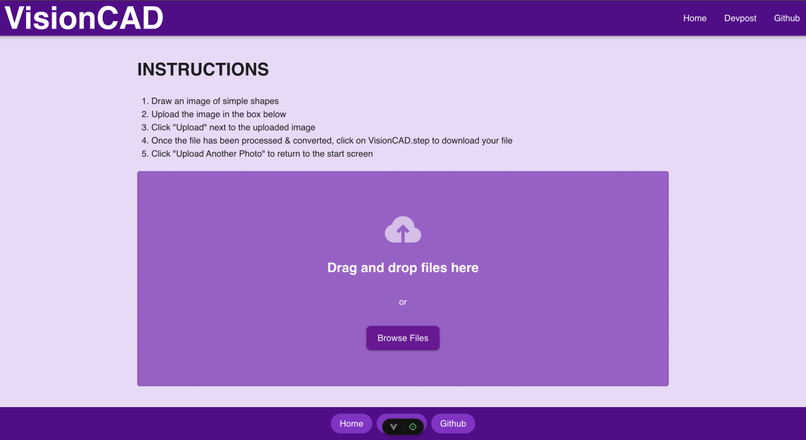
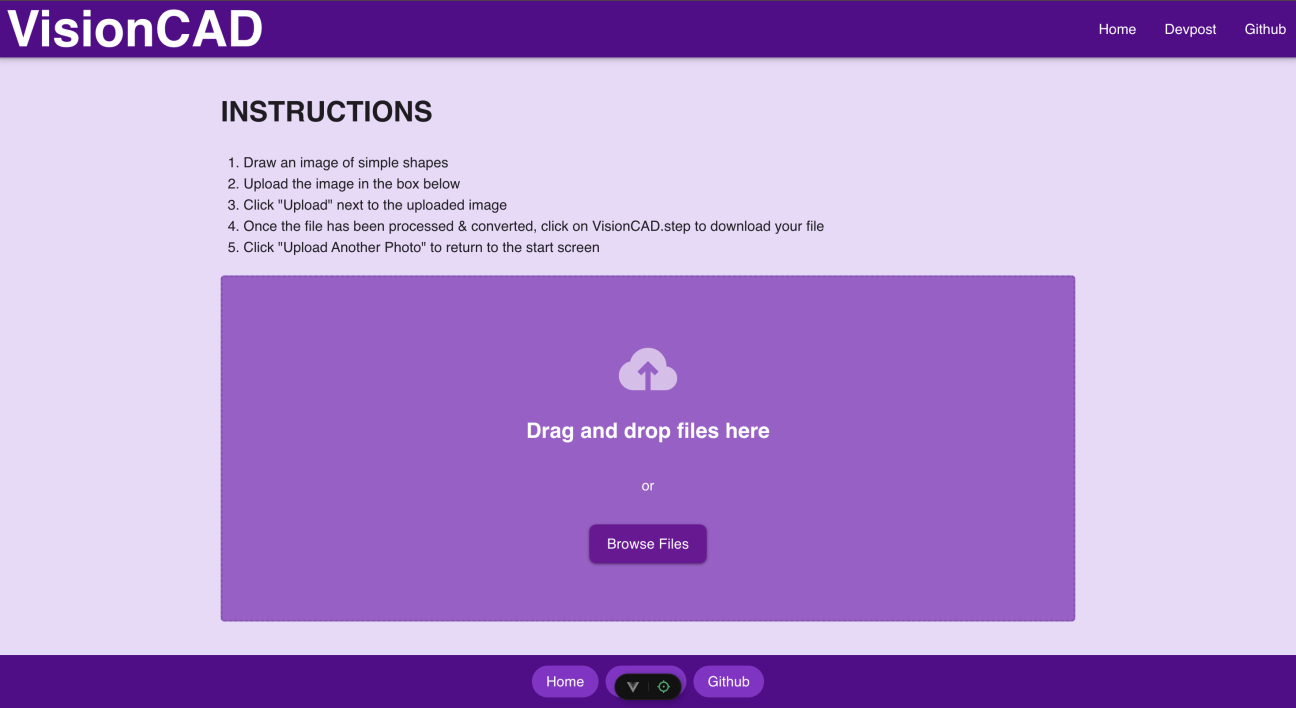
Upload Page
-
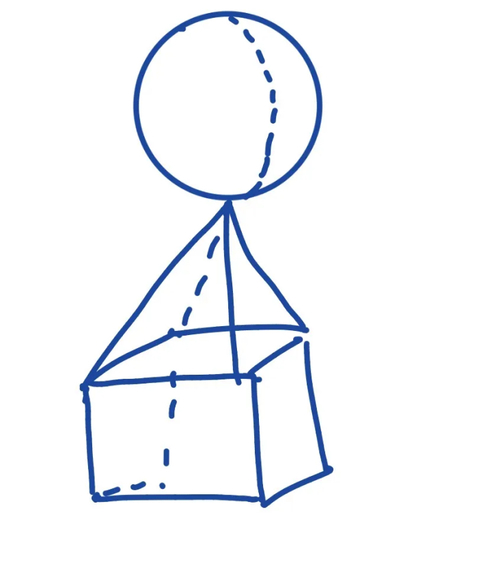
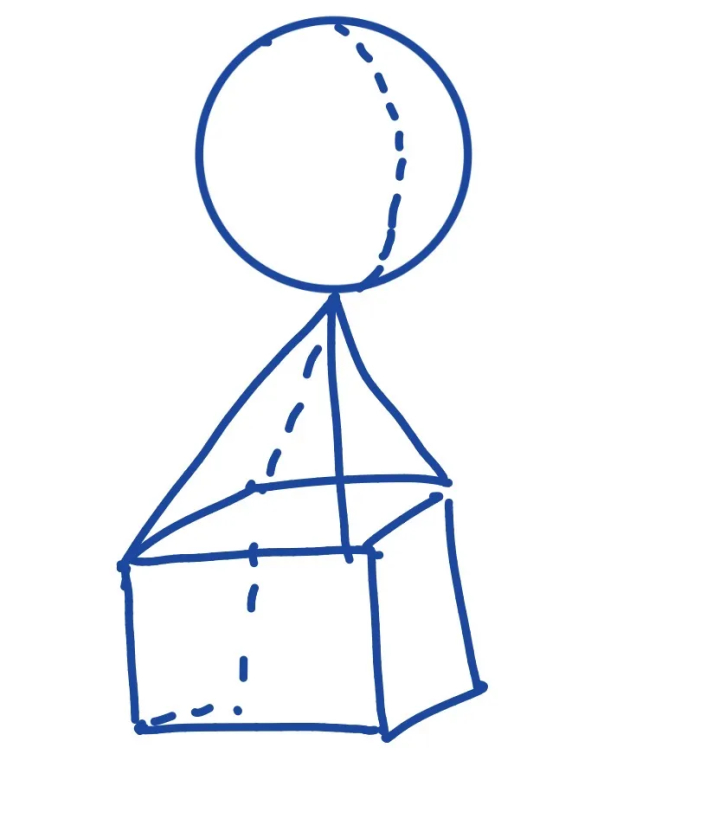
Sample Drawing
-
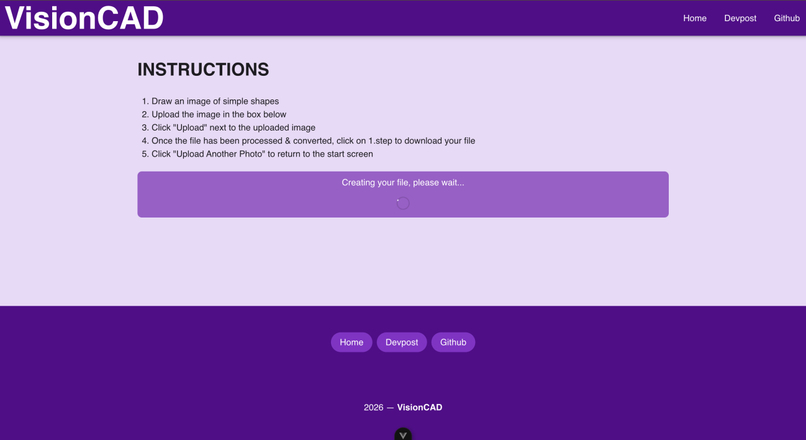
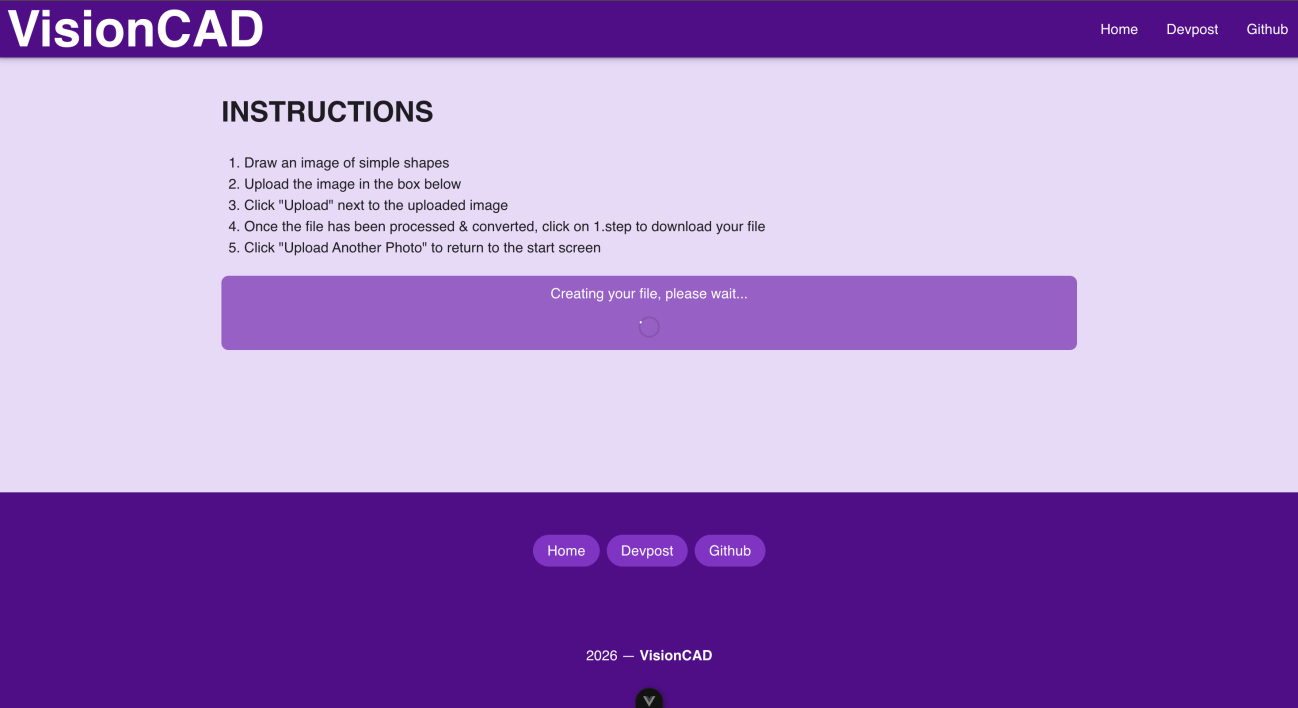
Loading Page
-
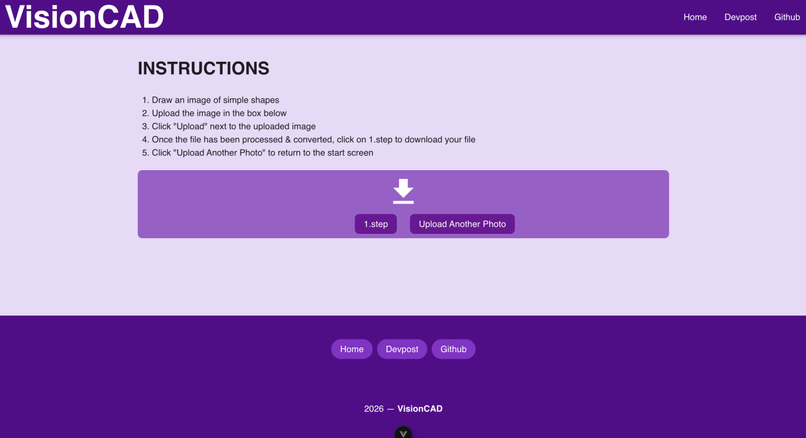
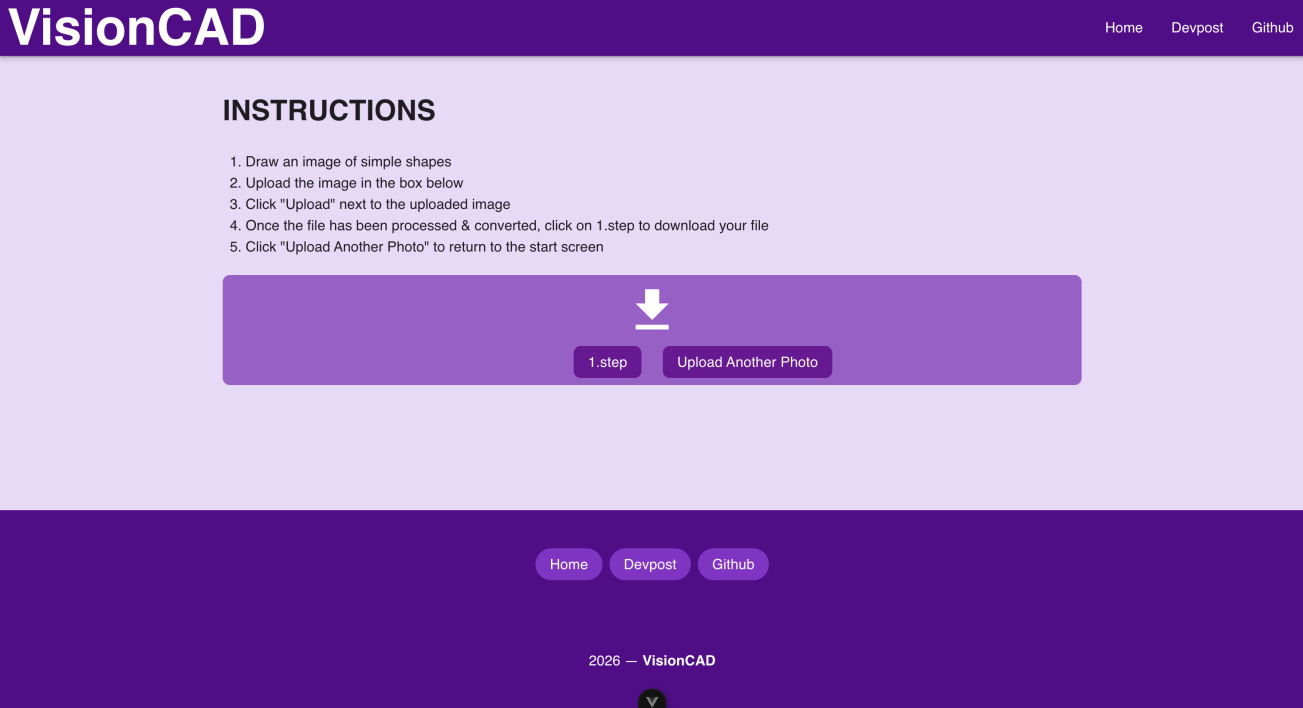
Download Page
-
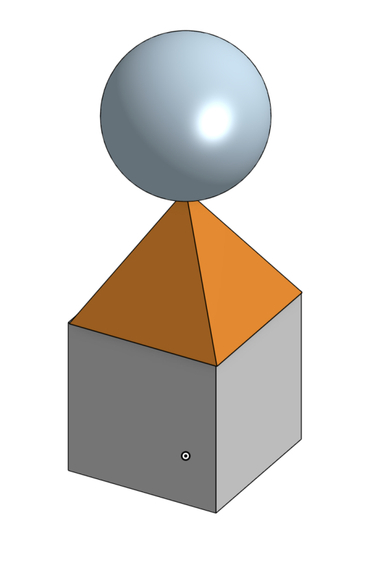
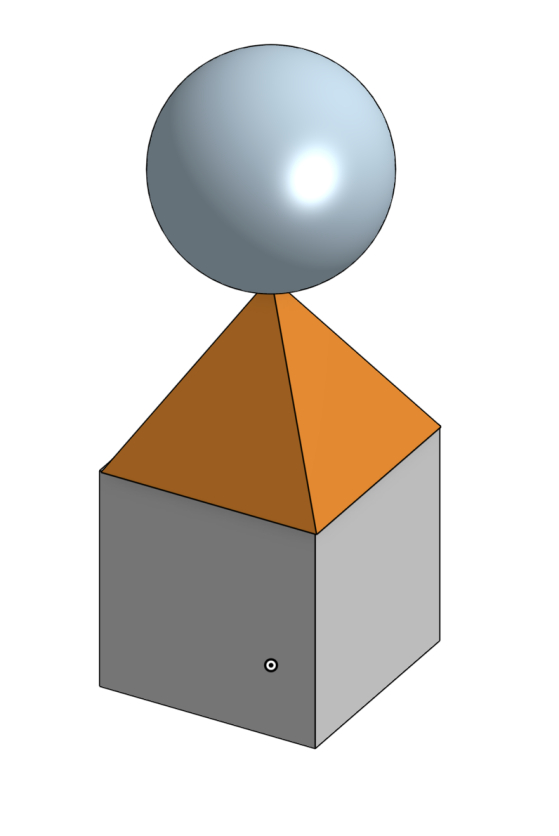
Sample CAD Generation
VisionCAD — EngHacks 2026
VisionCAD is a tool that converts hand-drawn sketches into 3D CAD models. By uploading a drawing, users can automatically generate a CAD file that can be opened in professional modeling software such as Onshape or SolidWorks.
The Problem
Creating CAD models from scratch can be time-consuming, especially for beginners who may find CAD interfaces complex and unintuitive. Many engineers and students naturally sketch ideas on paper first, but converting those sketches into precise digital models still requires manually recreating them in CAD software.
Our Solution
VisionCAD bridges the gap between hand sketches and CAD models.
Users upload an image of a drawing, and VisionCAD:
- Uses AI to analyze the drawing and extract geometric information.
- Converts the interpreted geometry into structured operations.
- Uses CADQuery to generate a 3D model file.
- Outputs a CAD file that can be opened in tools like Onshape, SolidWorks, and other CAD software.
This allows users to quickly visualize their sketches as real 3D models and significantly speeds up the early design process.
Technologies Used
- CADQuery – Generates 3D CAD models from structured geometry data
- FastAPI with WebSocket – Backend API for processing uploads and generating models
- Vite with Vuetify, Pinia and Axios – Frontend development environment for the web interface
- AI image analysis – Interprets drawings and extracts geometry
What's next for VisionCAD
Future updates to VisionCAD will include:
- more filetype options for users to download
- more complex shapes the AI can analyze
- drawing directly on the site instead of uploading a file
Project Setup
1. Clone the Repository
git clone <repo-url>
cd visioncad
2. Create the virtual environment
python3 -m venv venv
3. Start the virtual environment
source venv/bin/activate
4. Install the dependancies in it
pip install fastapi uvicorn
5. Start the backend
python -m uvicorn main:app --reload --port 8000
6. Start the frontend
npm run dev
Citations
Prompts for LLM calls were generated/being held by ChatGPT
Debugging was done through CodeX
OpenSource Libraries:
CADQuery
Built With
- axios
- cadquery
- fastapi
- openai
- pinia
- vite
- vue
- vuetify
- websocket


