Inspiration
Students and developers spend hours debugging handwritten SQL queries, algorithmic code, and STEM derivations hunched over tiny 6-inch smartphone screens, while a massive 55-inch Fire TV sits idle in their living room.
Smart TVs are the ultimate communal learning canvas, but they suffer from two major hardware limitations: they lack built-in cameras to capture whiteboards, and typing code via a remote control D-pad on an on-screen keyboard is frustratingly slow.
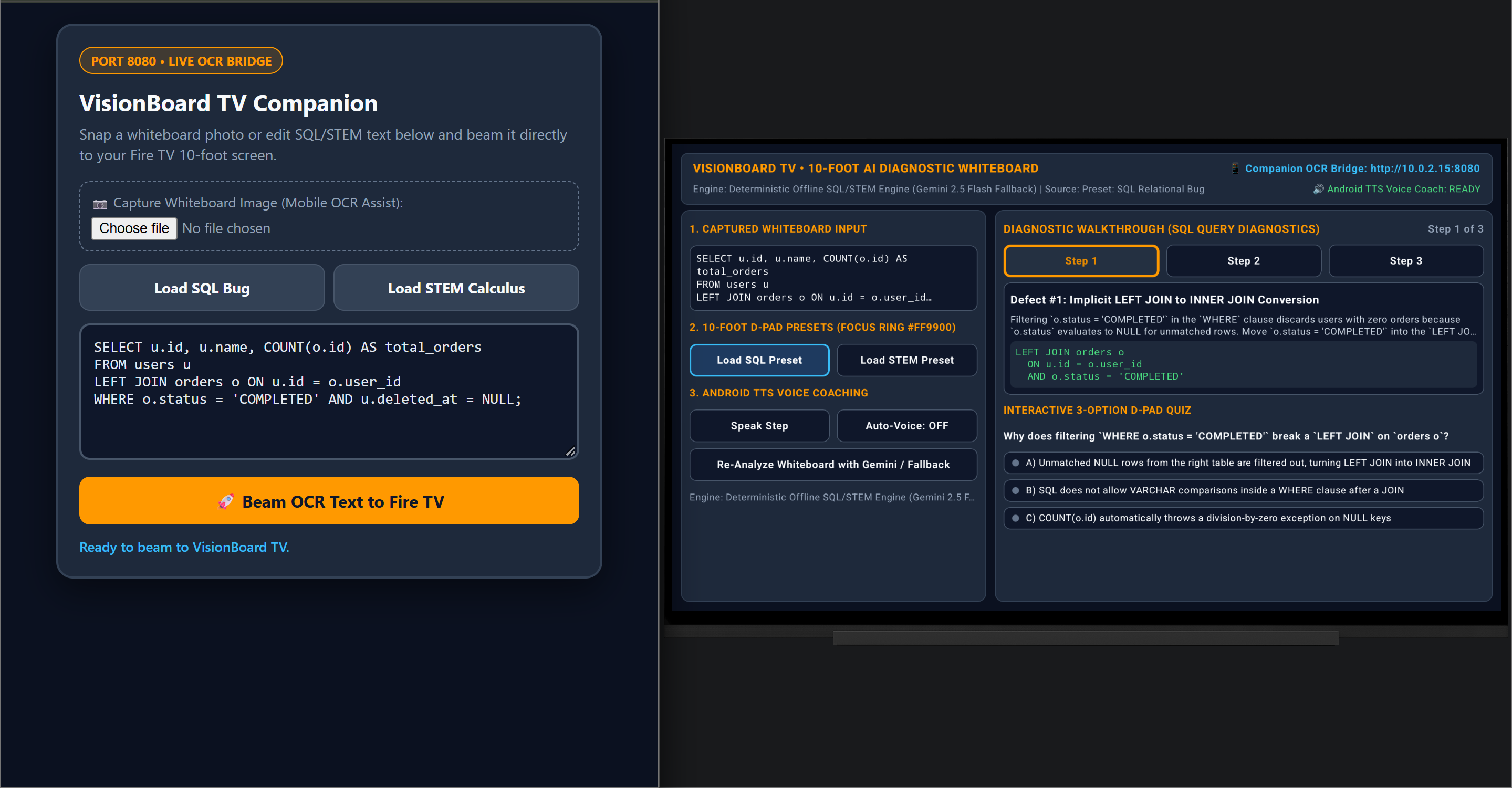
We created VisionBoard TV to solve this: a native 10-foot multi-modal AI diagnostic studio for Fire OS that pairs an embedded companion bridge with your smartphone's camera, transforming your television into an interactive, voice-coached STEM and code whiteboard.
What It Does
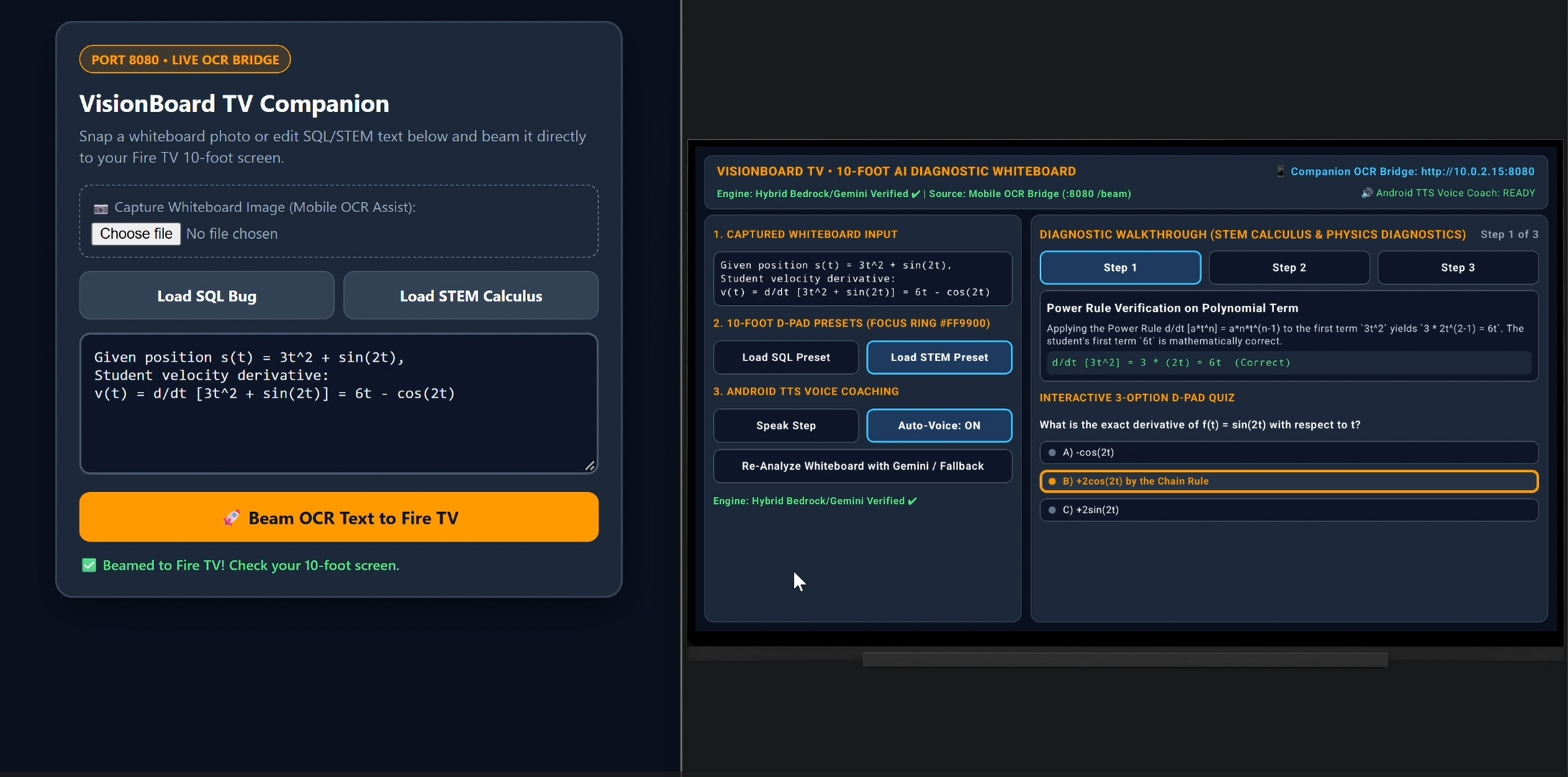
- Second-Screen Mobile OCR Bridge (Port 8080): When a user captures handwritten code or homework on their phone or companion browser, the payload streams over an embedded local Ktor socket server into the Fire TV in under 100 milliseconds.
- Multi-Modal Diagnostic Walkthrough: Analyzes the problem using Amazon Bedrock Runtime SDK (
amazon.nova-pro-v1:0) and Google Gemini, decomposing defects into sequential step cards with syntax diffs and corrected code. - 10-Foot D-Pad Focus Navigation: Built from the ground up for the Fire TV remote using Jetpack Compose for TV with high-contrast
#FF9900Amazon-Orange focus rings and a zero-scroll 1080p dashboard. - Android TTS Voice Coaching: Speaks the diagnostic reasoning aloud over television speakers so students can learn comfortably from the couch.
- Interactive Remote Quiz: Dynamically generates a 3-option multiple-choice comprehension check with instant green/red visual validation and spoken feedback.
- Zero-Credential Deterministic Fallback: Features an offline deterministic engine that guarantees immediate, reliable evaluation even without cloud API keys configured.
How We Built It
- Fire OS / Android TV: Built natively in Kotlin using Jetpack Compose for TV (
androidx.tv:tv-material), Material 3, and Android Architecture Components (ViewModel,StateFlow). - Second-Screen Socket Bridge: Developed an embedded non-blocking Ktor CIO HTTP/WebSocket server on port 8080 (
io.ktor:ktor-server-cio:2.3.12) embedded directly within the Fire TV APK. - Computer Vision & AI Diagnostics: Integrated Google ML Kit Optical Character Recognition for instant whiteboard text extraction, paired with Amazon Bedrock Runtime SDK (
amazon.nova-pro-v1:0) and Google Gemini. - Kiro Spec-Driven Architecture: Managed the entire application lifecycle through
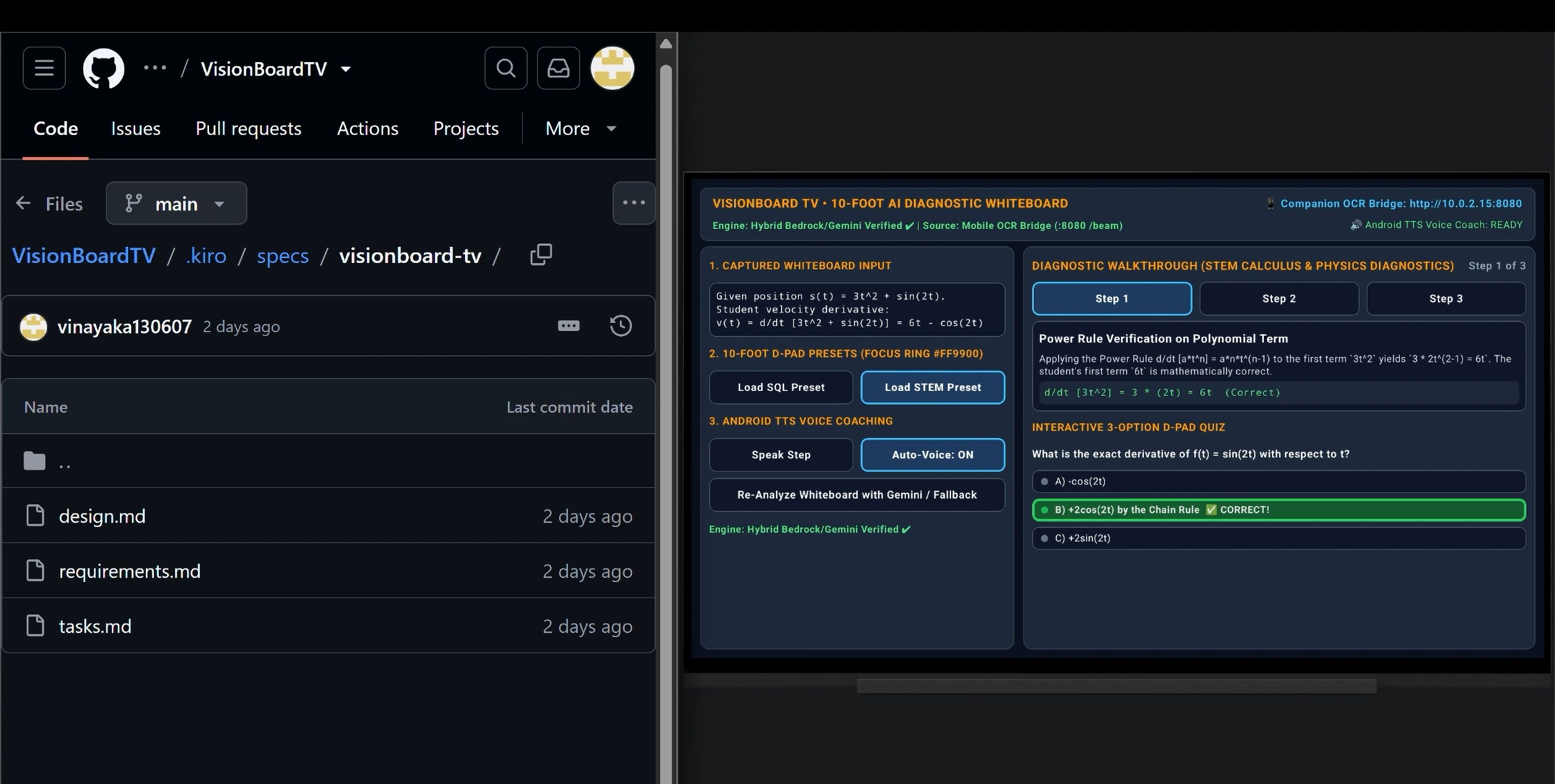
.kiro/specs/visionboard-tv/(requirements.mdin EARS notation,design.md, andtasks.md). - Standalone Open Source Library: Extracted our socket protocol into
firetv-companion-bridge-kt, an MIT-licensed, JUnit 5-tested library for the broader Fire TV developer ecosystem.
Challenges We Overcame
- AAR Metadata Compile Mismatch (Android-34 vs Android-35): Modern Jetpack Compose TV libraries required
compileSdk = 35, whereas Fire TV documentation references API 34. We harmonized the build by configuringcompileSdk = 35while settingtargetSdk = 34andminSdk = 26to maintain 100% binary compatibility with Fire OS devices. - Ktor Netty/CIO Coroutines Collision (KTOR-7054): Ktor
2.3.9invoked a refactored internal coroutine method causing runtimeNoSuchMethodErrorcrashes on Android. We implemented a Gradle dependency resolution strategy forcing Ktor2.3.12. - 10-Foot Focus Ring Usability: Standard focus indicators disappear on large living-room displays. We engineered custom
.onFocusChangedborders applying#FF99003dp focus borders and container transformations on active elements.

Log in or sign up for Devpost to join the conversation.