-
-
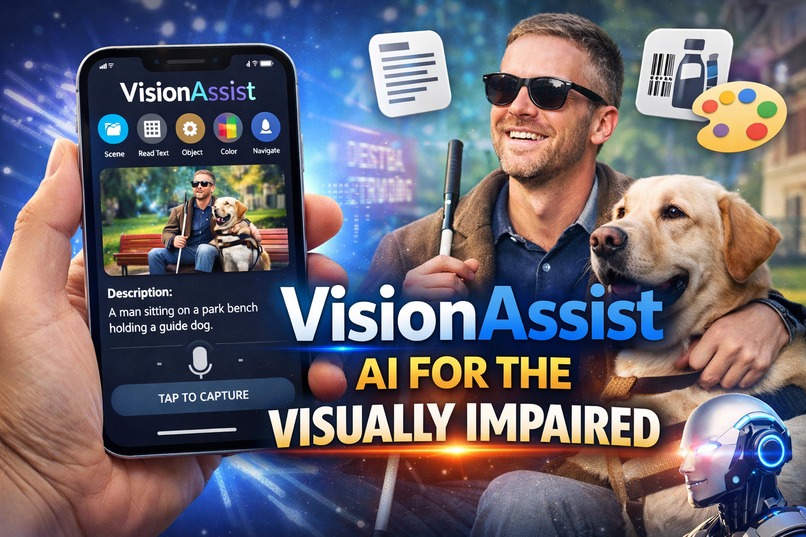
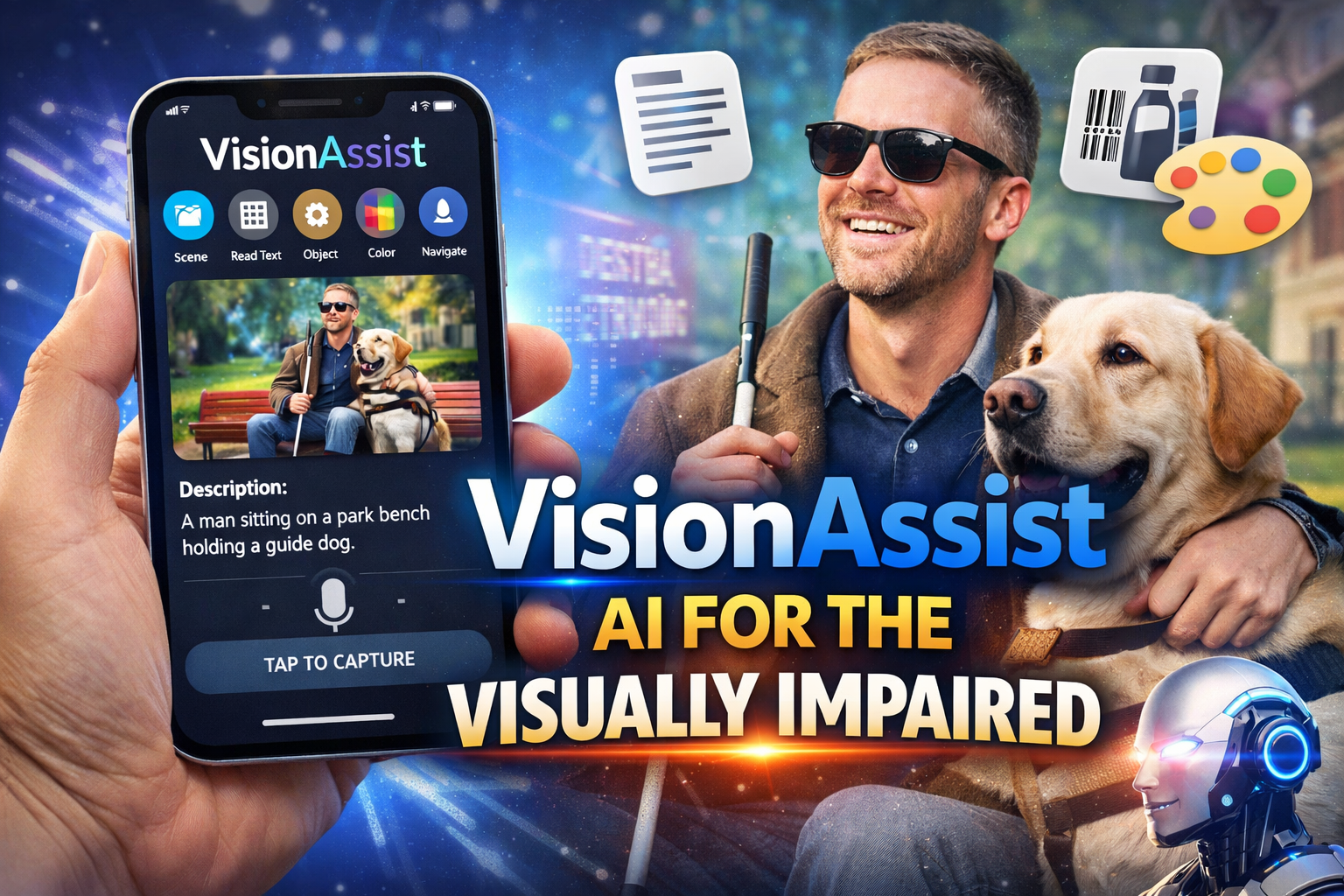
VissionAssist - Campaign
-
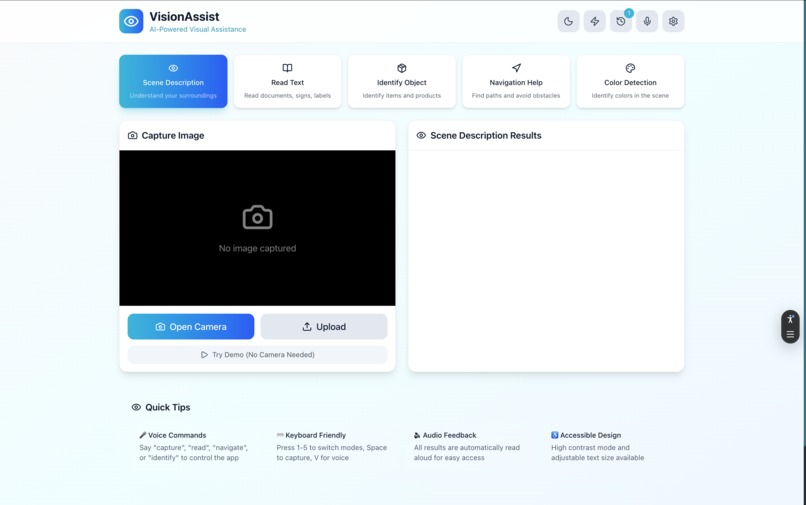
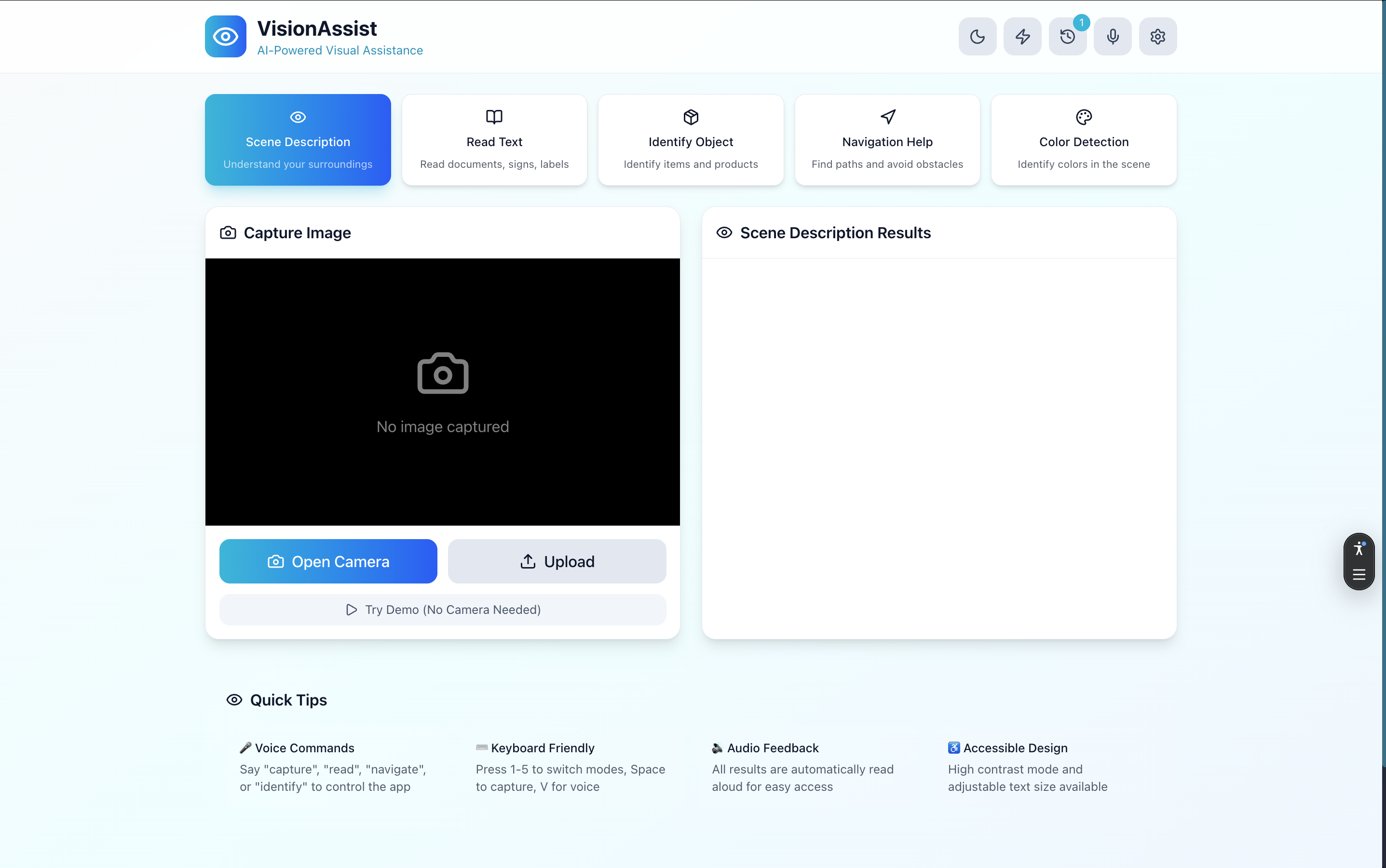
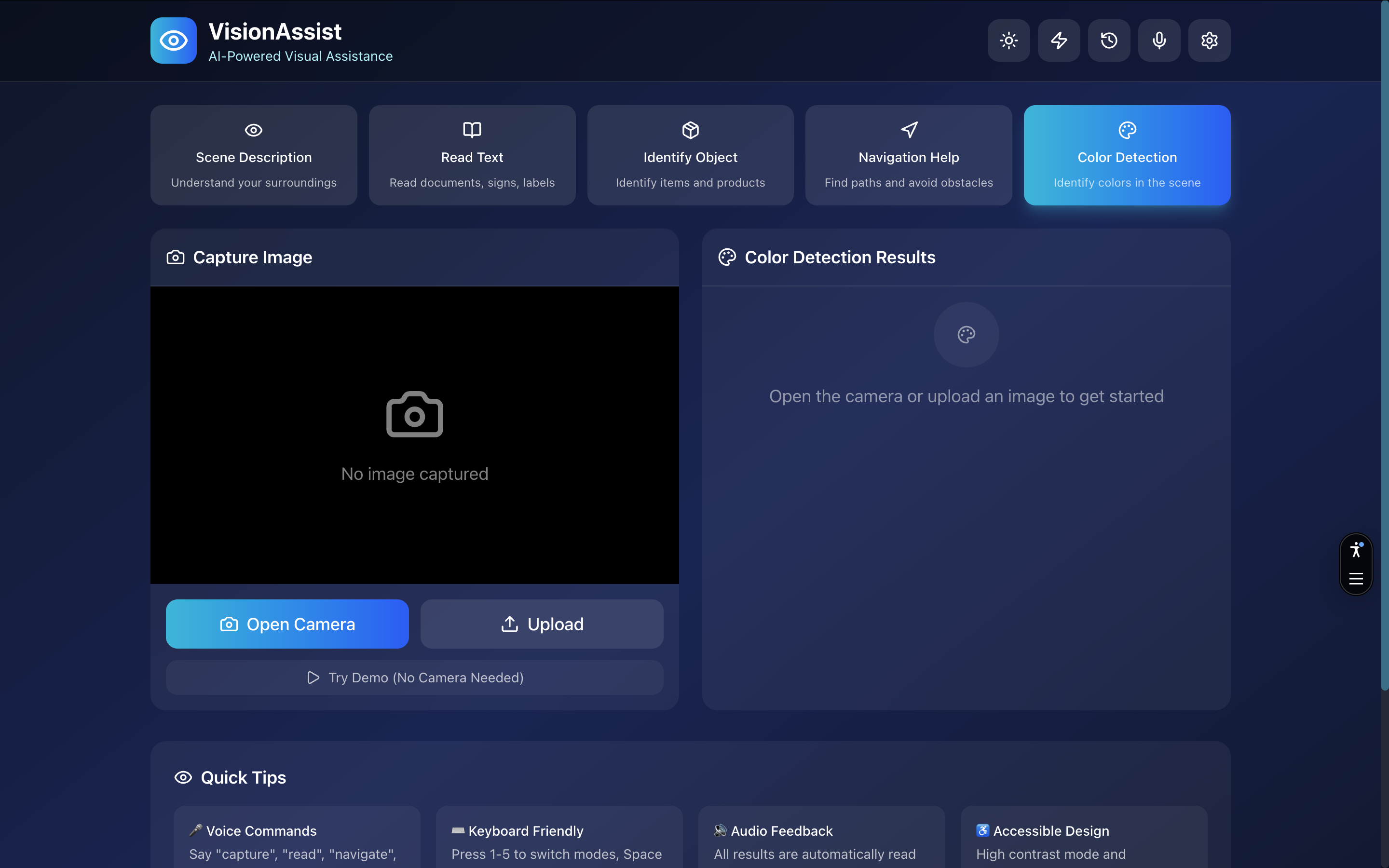
VissionAssist - Main Page - Light Mode
-
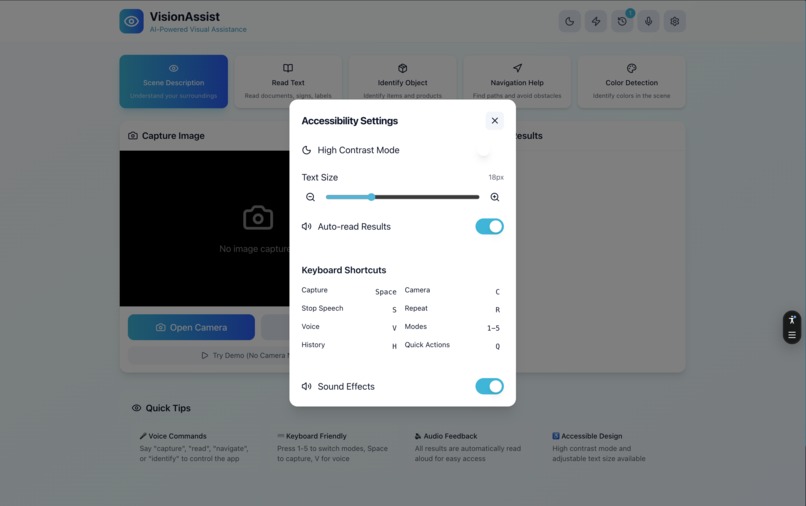
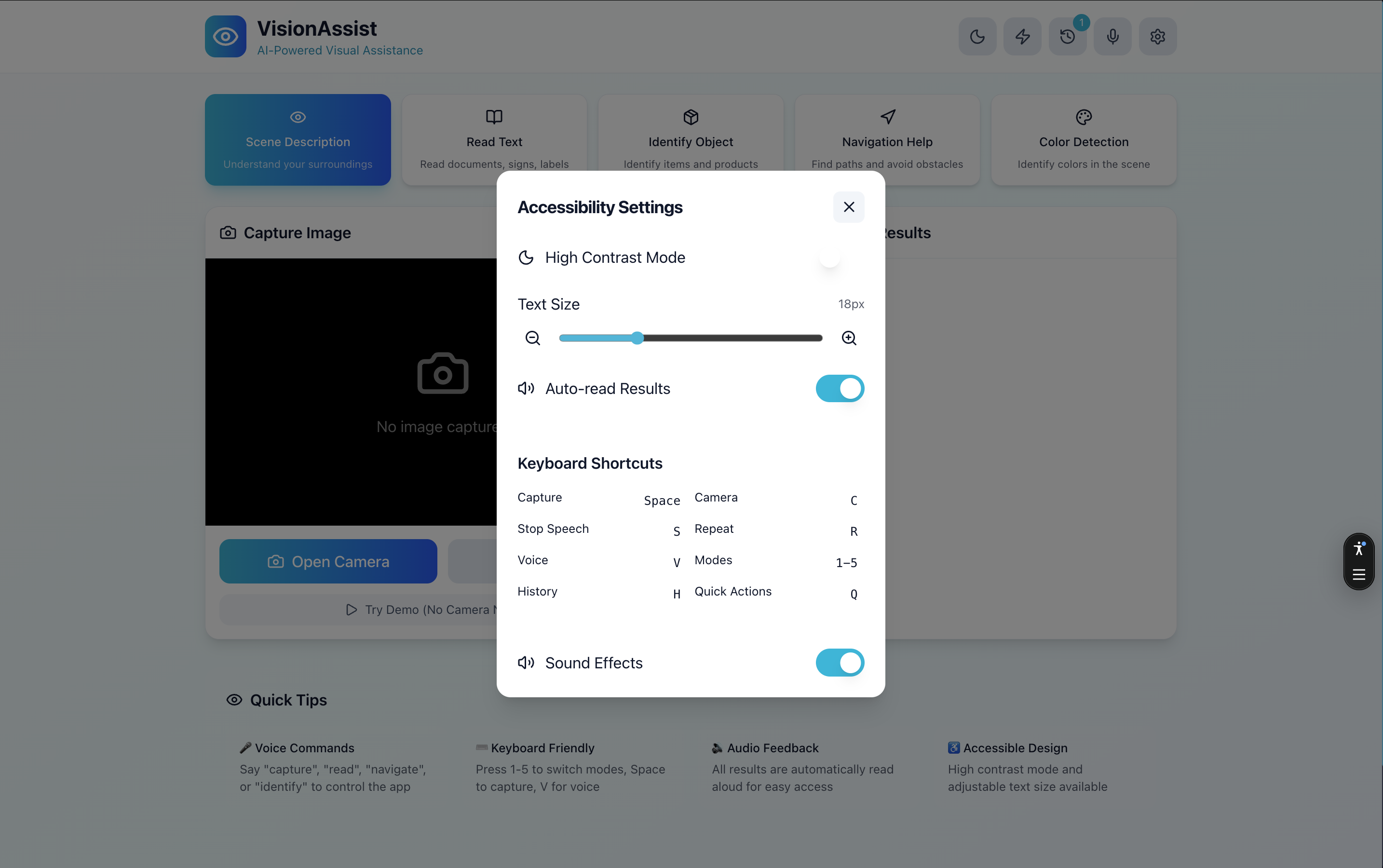
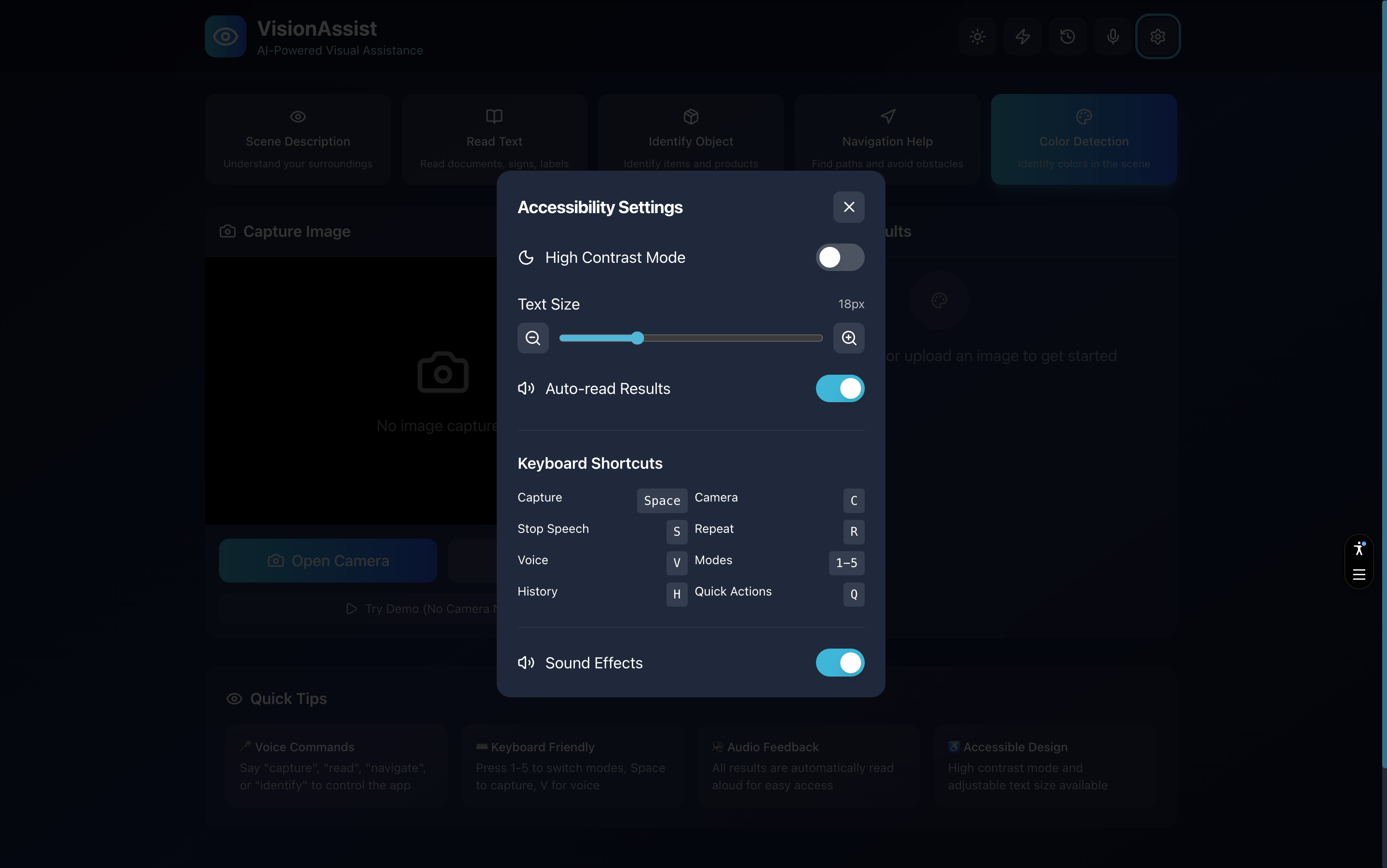
VissionAssist - Setting Page - Light Mode
-
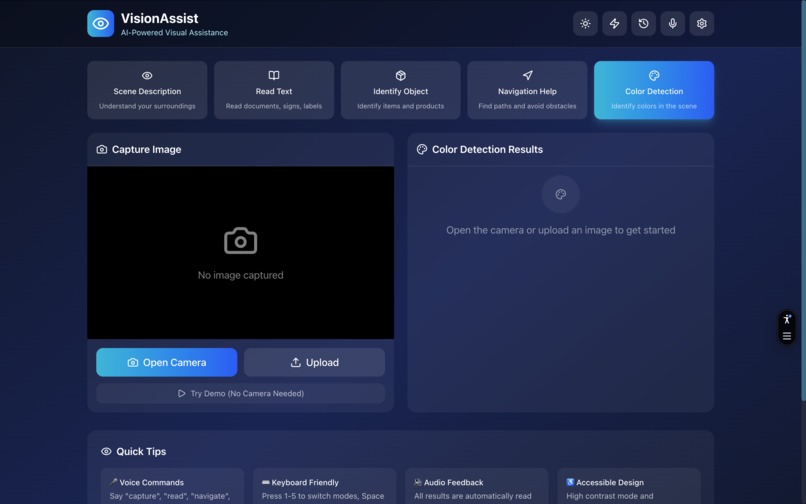
VissionAssist - Main Page - Light Mode
-
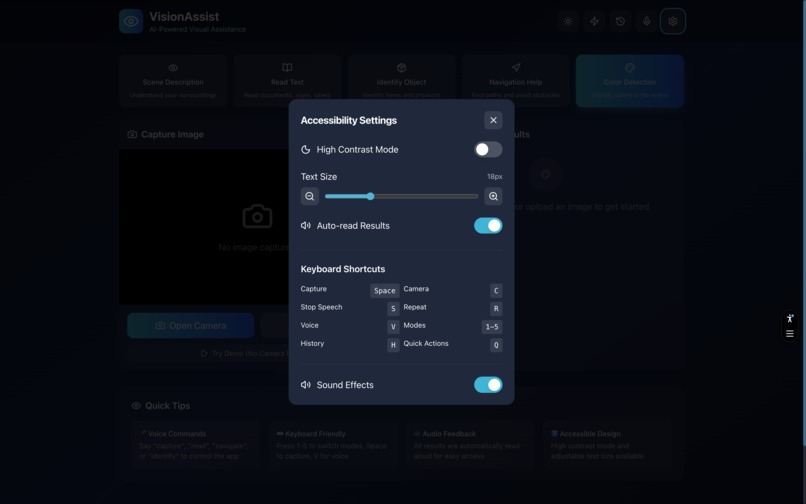
VissionAssist - Setting Page - Light Mode
Inspiration
Over 2.2 billion people worldwide live with vision impairment. Simple daily tasks like reading a menu, identifying products, or navigating unfamiliar spaces can be challenging. We wanted to create a tool that gives visually impaired individuals greater independence by leveraging the power of AI to describe the world around them in real-time, using just a smartphone.
What it does
VisionAssist is an AI-powered visual assistance app that helps users understand their surroundings through five specialized modes:
Scene Description - Provides detailed descriptions of environments and situations
Text Reading - Extracts and reads aloud text from images, signs, labels, and documents
Object Identification - Identifies and describes specific objects in view
Navigation Assistance - Describes pathways, obstacles, and spatial layout for safe movement
Color Detection - Identifies colors in clothing, objects, and surroundings
The app features full voice control, text-to-speech output, high contrast mode for low vision users, and works offline as a PWA.
How we built it
Frontend: Next.js 15 with React 19 and TypeScript for a fast, accessible UI
AI Engine: Google Gemini 2.0 Flash API for real-time image analysis
Voice Integration: Web Speech API for voice commands and text-to-speech
Camera: MediaDevices API with support for front/rear cameras and portrait/landscape modes
Accessibility: ARIA labels, keyboard navigation, high contrast mode, and screen reader support
PWA: Service worker and manifest for offline capability and home screen installation
Challenges we ran into
Mobile Camera Handling: Supporting both portrait and landscape orientations across iOS and Android required dynamic aspect ratio calculations and device-specific constraints Chrome TTS Bugs: Chrome's speechSynthesis has known issues with long text and voice loading - we implemented chunking, delays, and fallback mechanisms Cross-Browser Voice Recognition: iOS Safari handles microphone permissions differently, requiring platform-specific detection and permission flows Markdown in Speech: AI responses contained formatting that TTS read literally - we built a sanitization layer to strip markdown before speaking
Accomplishments that we're proud of
True hands-free operation - Users can capture and analyze images using only voice commands Sub-3-second analysis - Fast enough for real-world use Works offline - PWA architecture allows core functionality without internet Accessible design - High contrast mode, large touch targets, and full keyboard/screen reader support Natural AI responses - Gemini provides contextual, helpful descriptions tailored to each mode
What we learned
Accessibility isn't just about following guidelines - it requires testing with real constraints (eyes closed, voice only) Browser APIs like speechSynthesis have significant cross-browser inconsistencies that require careful handling AI prompting matters enormously - specific, mode-based prompts dramatically improve response quality Mobile-first design is essential for an accessibility tool that needs to work anywhere
What's next for VisionAssist
Real-time video analysis - Continuous scene description as the user moves
Multi-language support - Voice commands and TTS in multiple languages
Offline AI - On-device models for analysis without internet
Smart glasses integration - Hands-free capture via wearable devices
Community features - Share analyzed locations and crowd-sourced accessibility info
Emergency detection - Automatic alerts for dangerous situations (traffic, obstacles)

Log in or sign up for Devpost to join the conversation.