-
-
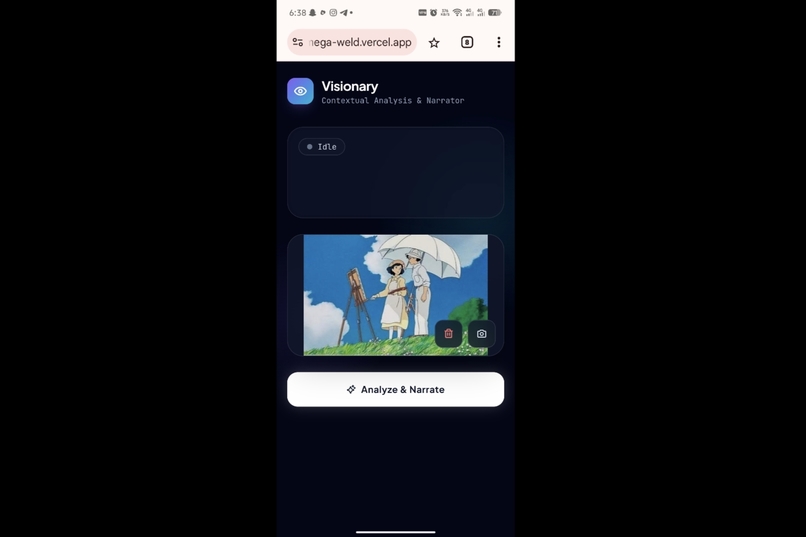
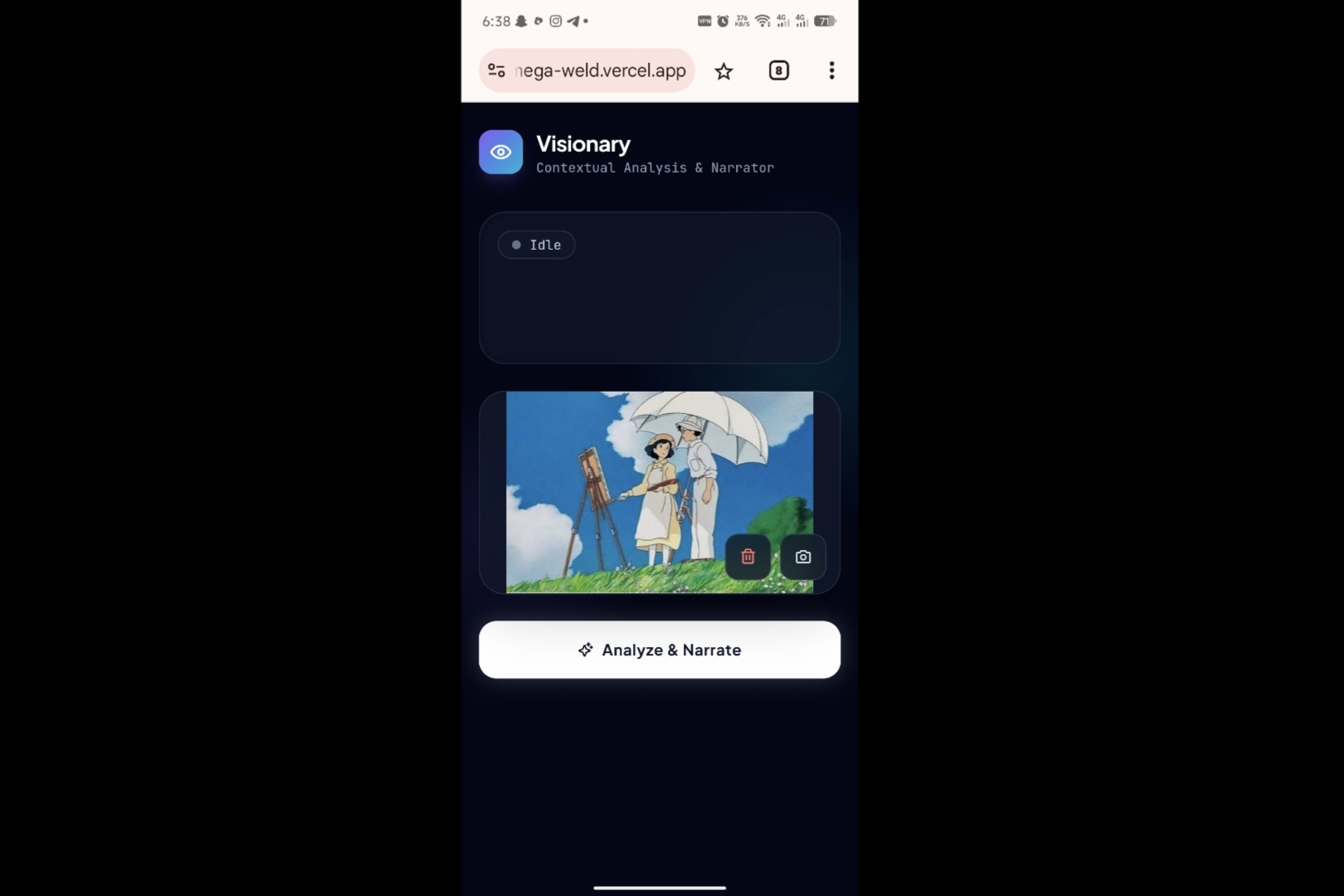
Uploading Image
-
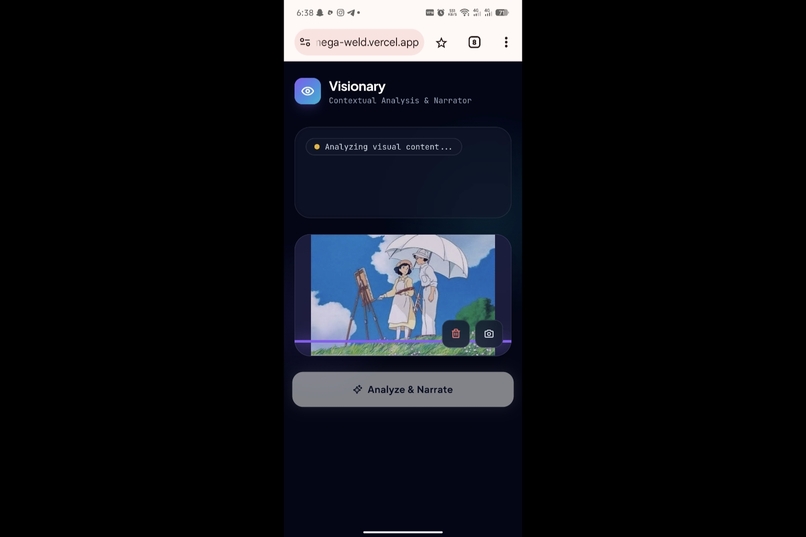
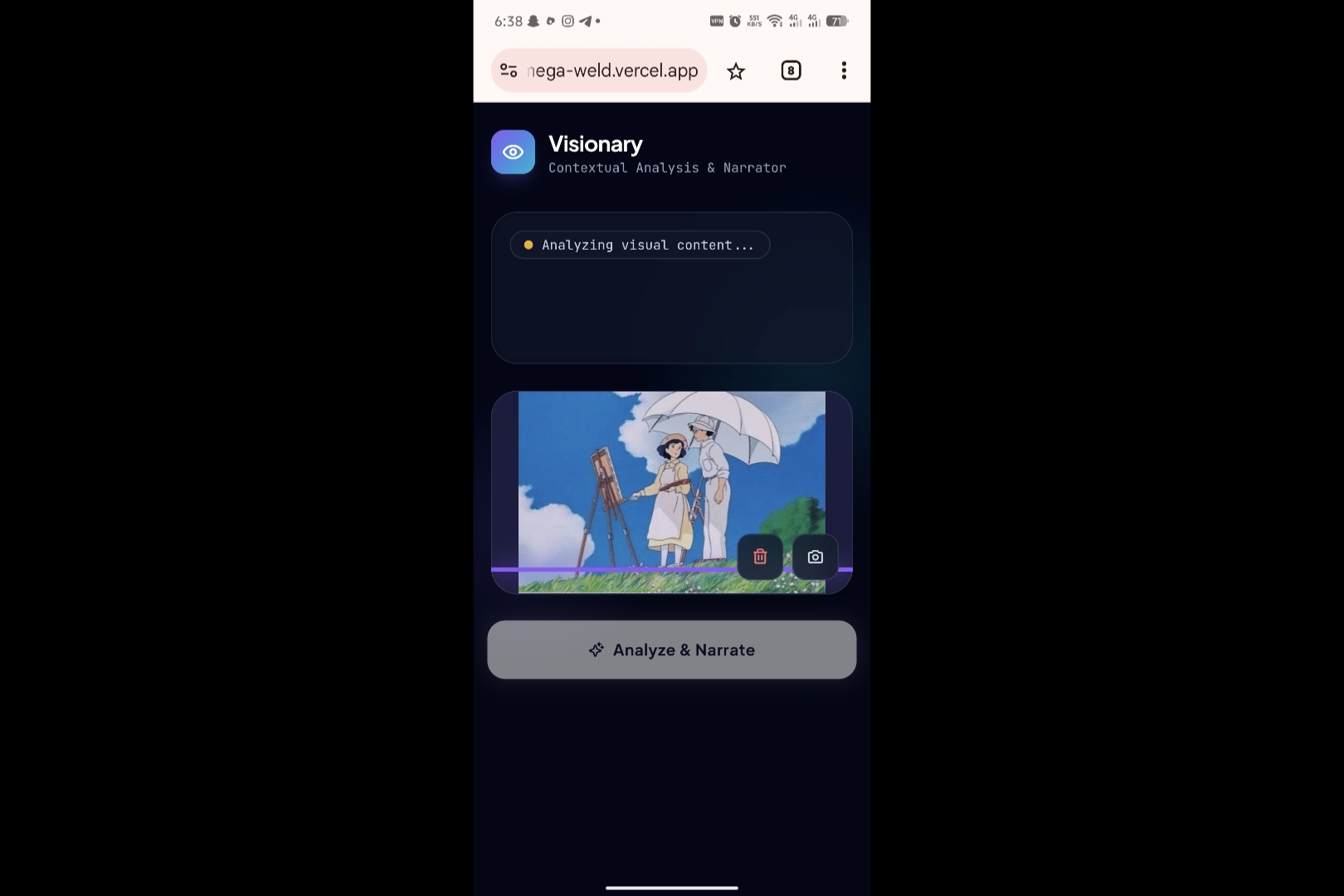
Analyzing Image
-
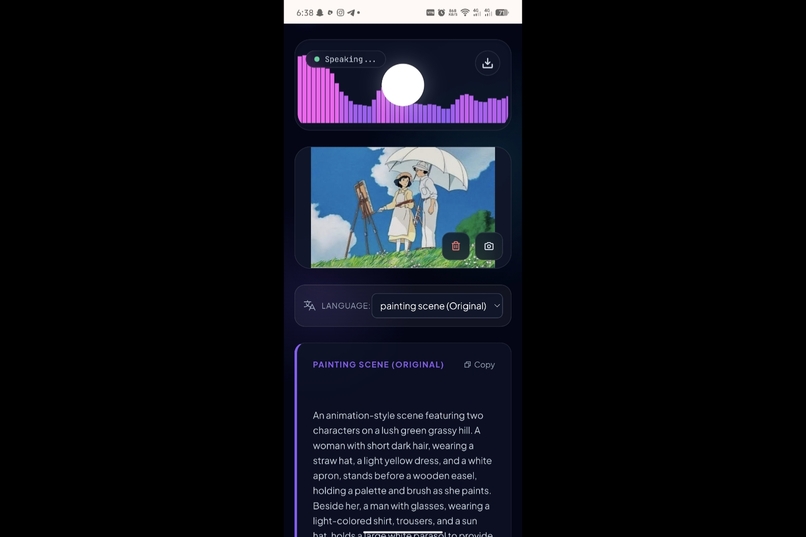
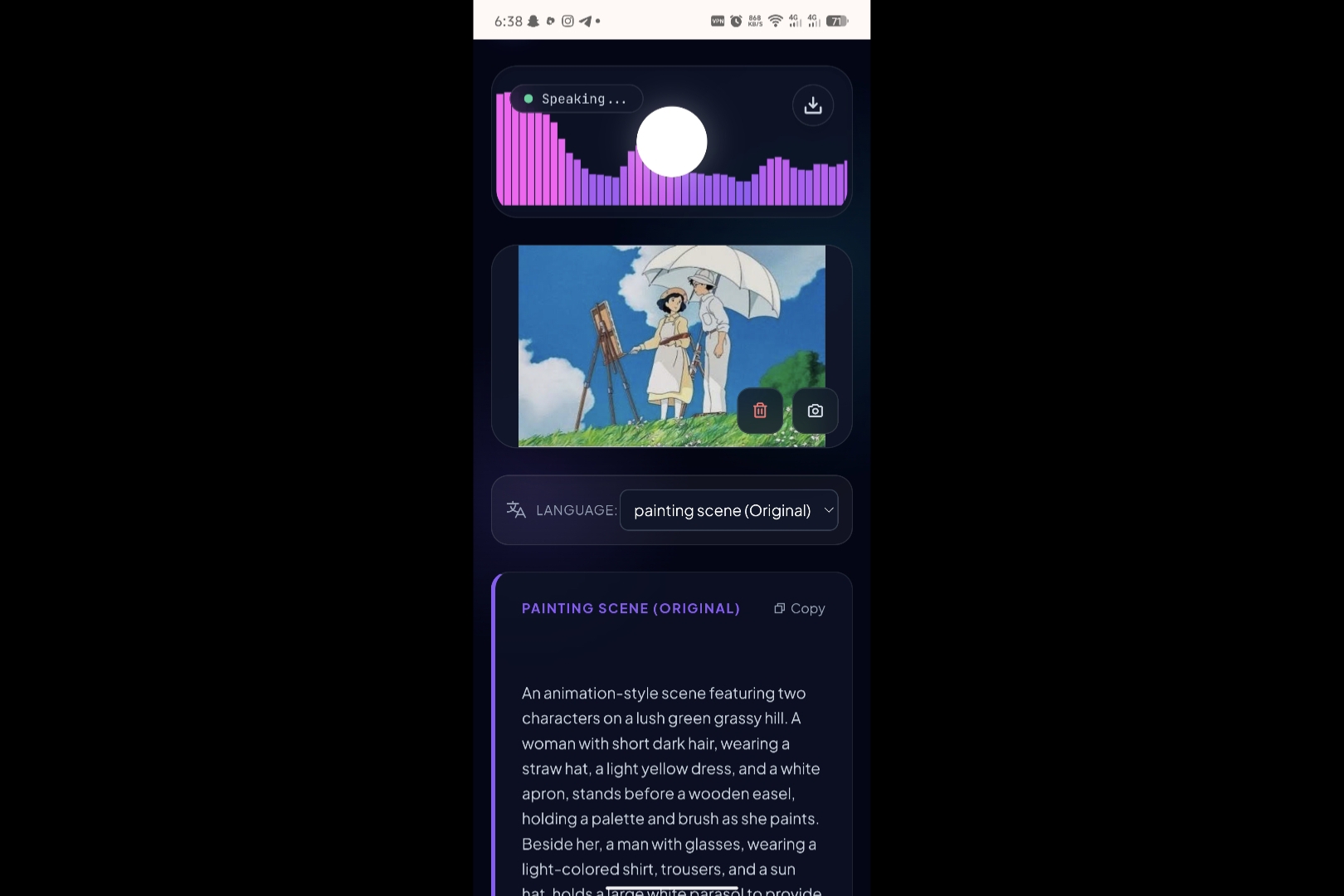
Default Description and Speech
-
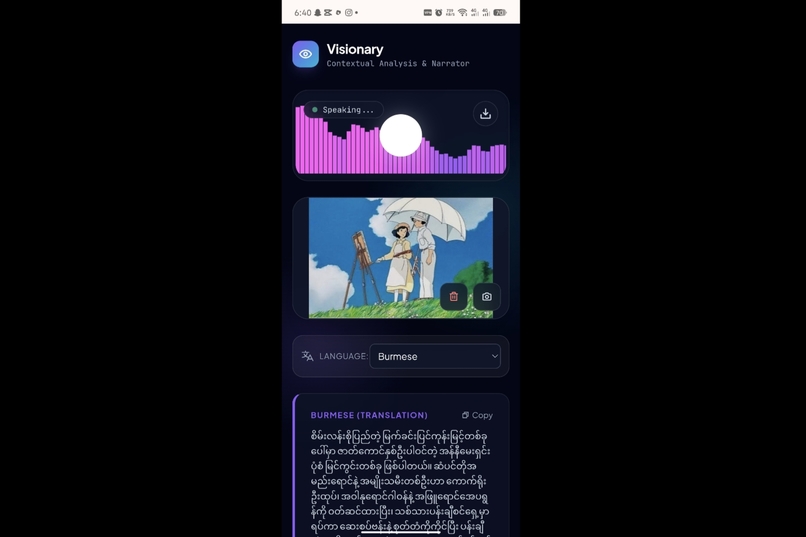
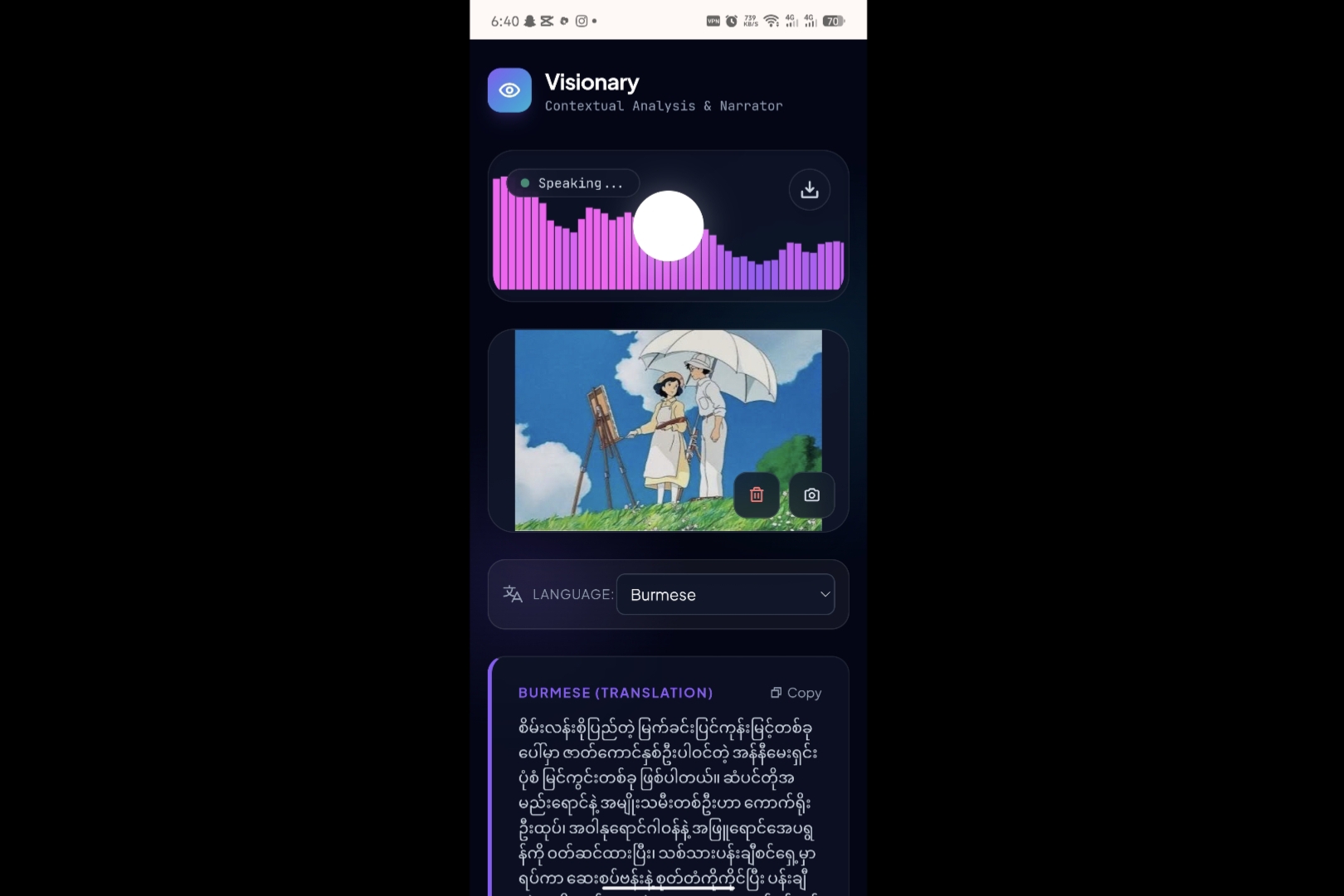
Burmese Translation
-
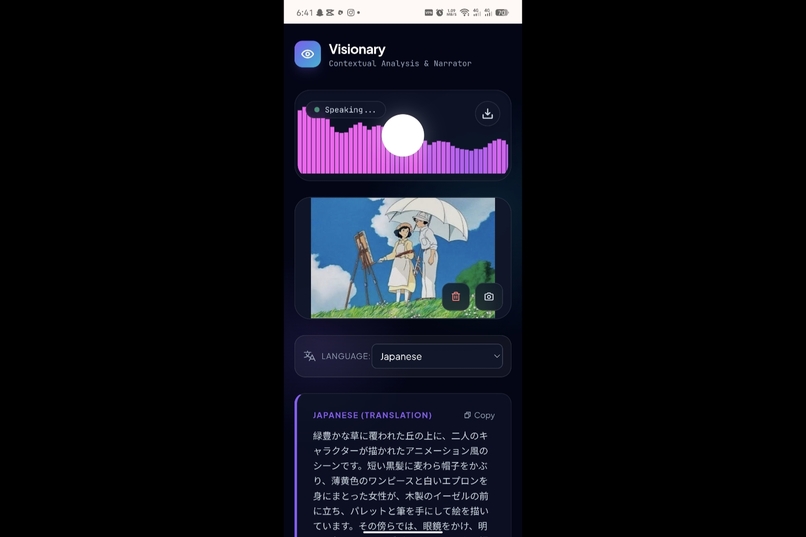
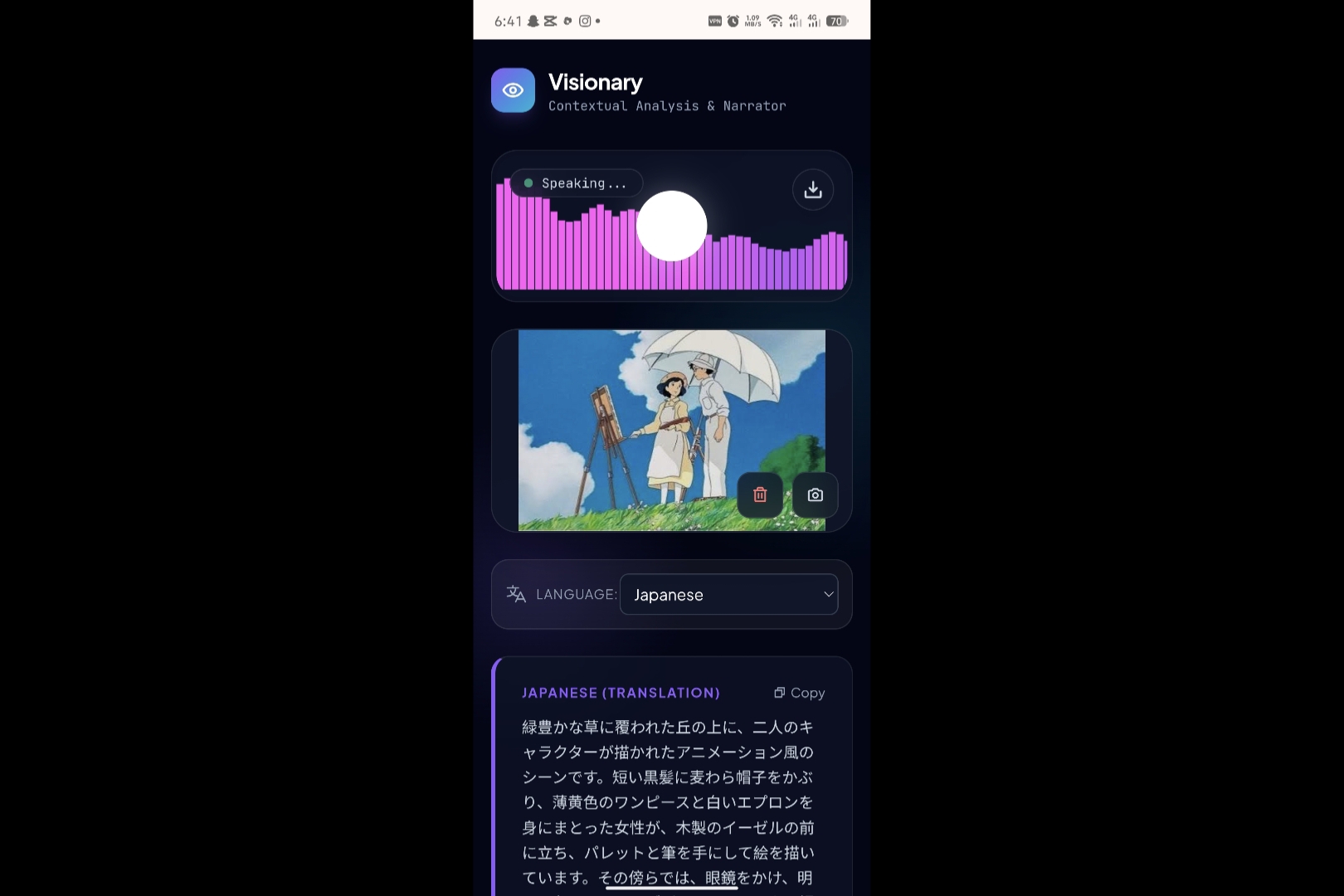
Japanese Translation
Inspiration
We got the idea to do so because we have saw some people with poor eye sight using their phone with voice command and well if they can feel the world around them with voice that would be so nice.
What it does
Our project is called visionary. And it is a web interface to generate image from text and speech for people who have poor eye sights. Since Gemini 2.5 preview is only a text to speech model, we decided to give it a try to get descriptive speech from image. It can also detect words inside the text and explain about that. Not only that it supports three language: Myanmar, English and Japanese, primarily for translation. However, it can detect so many languages with the use of Gemini 3.
How we built it
The project flow is simple:
- Get image from user
- Analyze and generate text and speech from image
- Translate to other languages.
To detect and analyze image, and to translate we use GEMINI-3-FLASH-PREVIEW and to get speech we use GEMINI-2.5-FLASH-PREVIEW-TTS. Tech stack contains React:typescript, html and tailwindcss for interface and vercel for hosting the interface.
Challenges we ran into
Currently, for a on-the-go image to speech generation, we saw the limitations are the GEMINI API free tier quota and managing hybrid model architecture to get the result that we expect.
Accomplishments that we're proud of
We successfully integrated GEMINI-3-FLASH-PREVIEW and GEMINI-2.5-FLASH-PREVIEW-TTS to support Myanmar, English, and Japanese, allowing users to get descriptive speech from images.
What we learned
We learned how to manage a hybrid model architecture and work within the constraints of the GEMINI API free tier quota to provide image-to-speech generation.
What's next for Visionary
It can be improved further in the future with more robust speech generation and live speech generation to help not only poor eyesight people but also everyone who need. Adding more languages will also make this project even more accessible.
Try it out here: http://visionary-omega-weld.vercel.app
Built With
- gemini-api
- html
- tailwindcss
- typescript
- vercel


Log in or sign up for Devpost to join the conversation.