✨ Inspiration
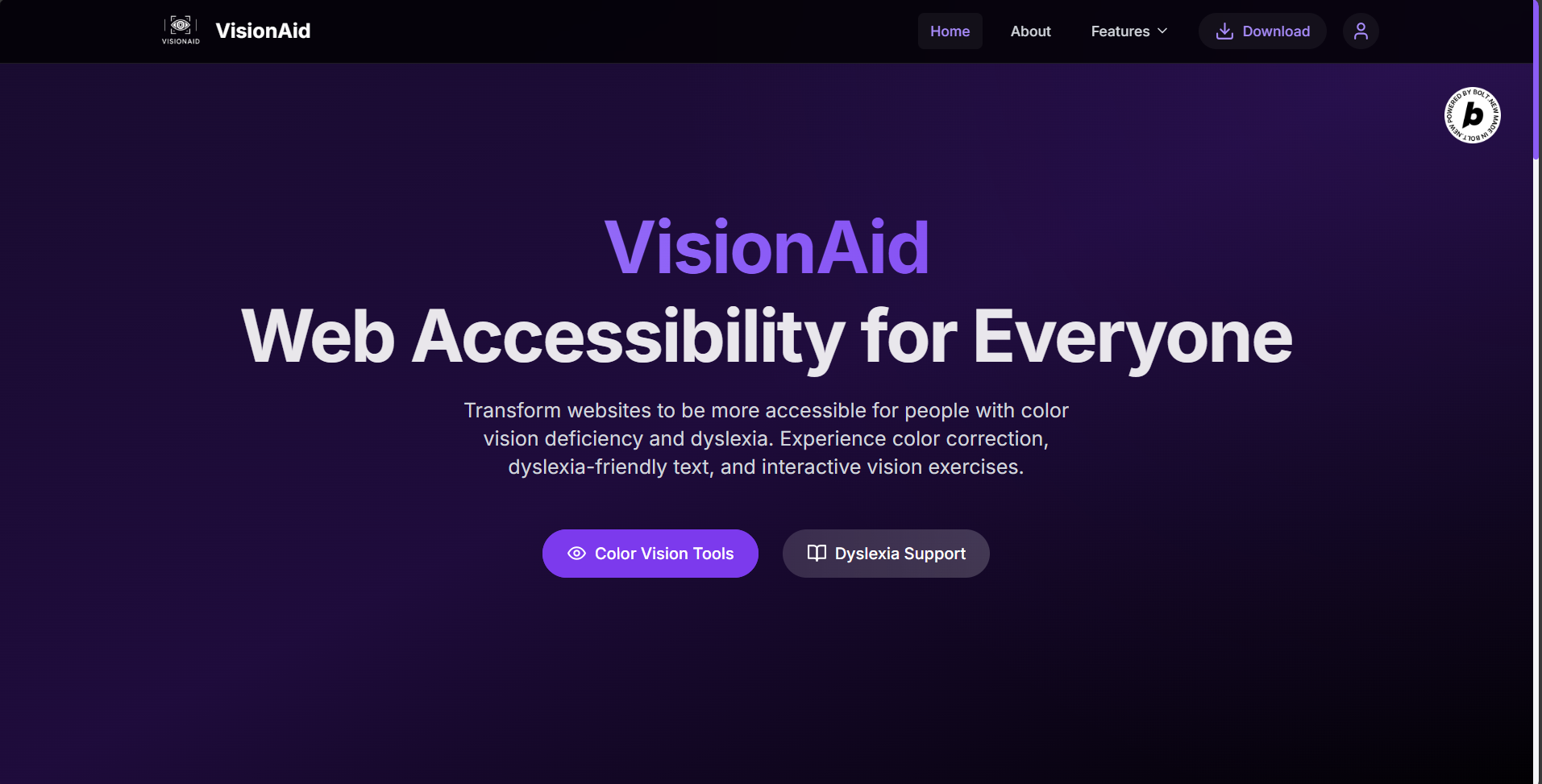
Millions of users experience the internet differently due to conditions like color blindness, dyslexia, or low vision. Yet, most websites are built without them in mind. The inspiration behind VisionAid was simple: “Let’s make the web truly inclusive — one feature at a time.”
I wanted to create a solution that helps users interact with websites effortlessly, regardless of their visual or cognitive challenges.
🧠 What It Does
VisionAid is a browser extension that transforms any webpage into an accessible and personalized reading experience by:
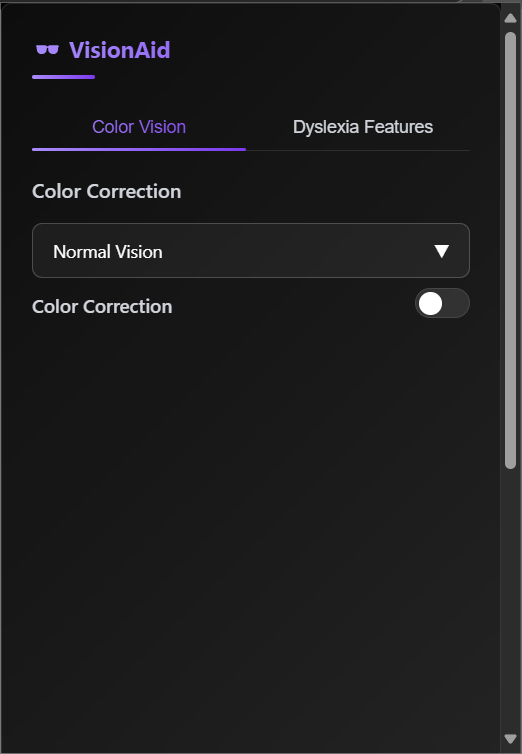
- ✅ Applying color correction filters for various types of color blindness (protanopia, deuteranopia, tritanopia, achromatopsia)
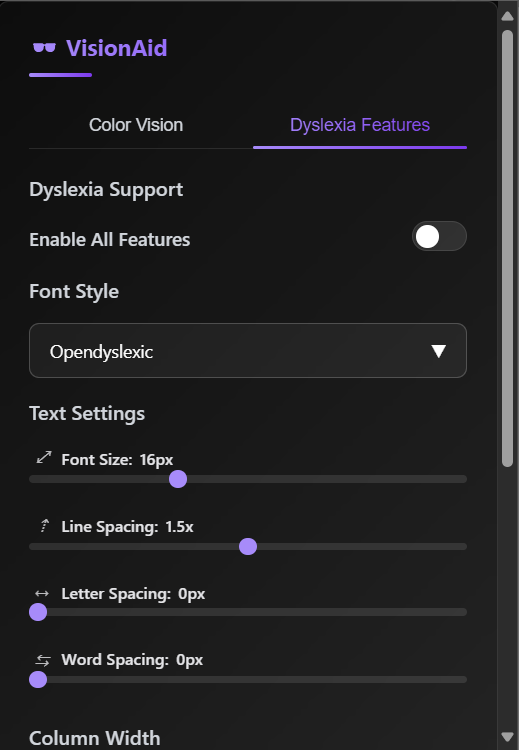
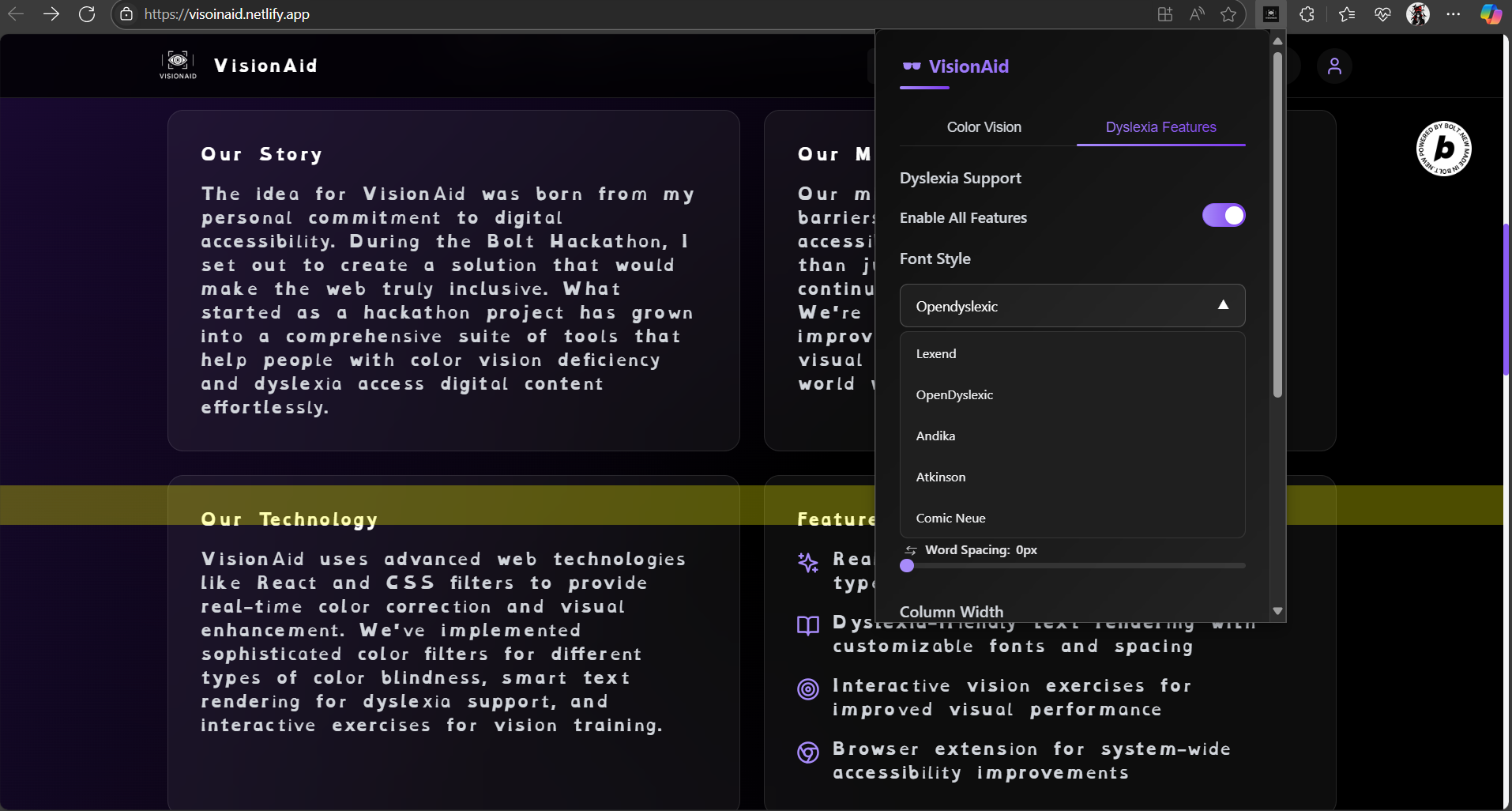
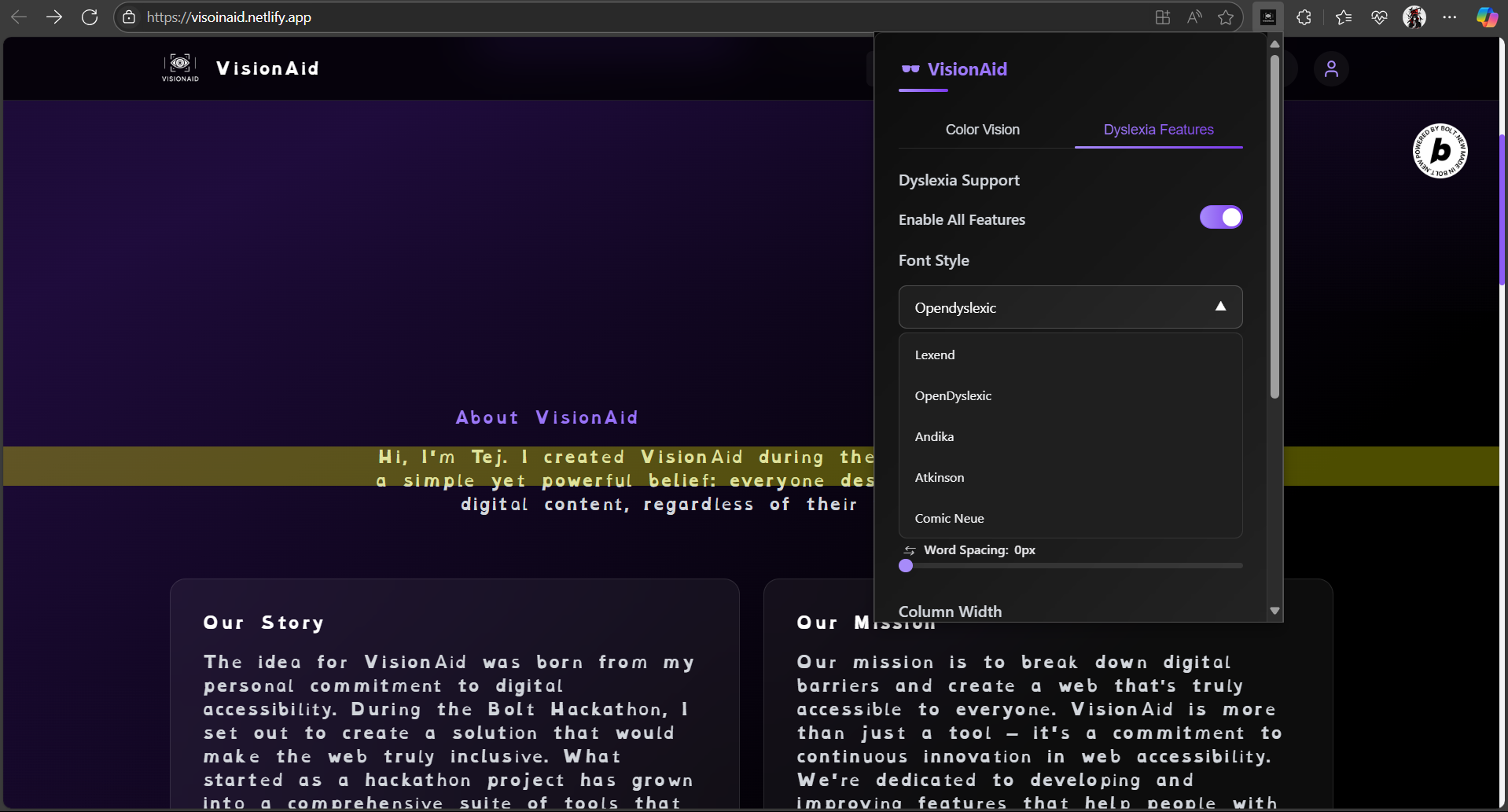
- ✅ Enabling dyslexia-friendly fonts (OpenDyslexic, Lexend, Andika, Atkinson, Comic Neue)
- ✅ Adjusting font size, letter spacing, line spacing, and column width dynamically
- ✅ Offering reading tools like a mouse-following Reading Ruler and Bionic Reading mode
All of this happens seamlessly without changing the core structure or design of the websites users visit.
🛠️ How I Built It
- Platform: Chrome Extension (Manifest V3)
- Frontend: Vanilla JavaScript, HTML, and CSS
- State Persistence:
chrome.storage.syncfor user preferences Dynamic Rendering:
content.jsmanipulates the DOM based on user settingspopup.jshandles UI input and sends messages
Accessibility Tech: Font injection (Google Fonts & CDN), CSS filters, DOM tree traversal with
TreeWalkerPerformance: Used
requestIdleCallback, node limiting, and dynamic style injection for optimal speed
🧗 Challenges I Ran Into
- Performance bottlenecks with large pages (especially during Bionic Reading)
- Ensuring font rendering compatibility across sites with restrictive content security policies (CSP)
- Creating a clean, mobile-friendly UI (even on 320px screen width)
- Managing toggle states and dynamic style injection without breaking webpage functionality
- Making sure visual changes don’t disrupt the website’s native UX
🏆 Accomplishments That I'm Proud Of
- Built an end-to-end working browser extension that works on any site
- Implemented real-time accessibility enhancements with zero page reload
- Designed a clean, modular, and testable codebase
- Ensured high accessibility and usability for both visually impaired and neurodivergent users
- Took feedback from test users with dyslexia to fine-tune text spacing and font preferences
📚 What I Learned
- Deep dive into Chrome Extensions, background/content scripts, and
chrome.runtimemessaging - How to optimize DOM-heavy operations for real-time page transformation
- How to use CSS filters and Google Fonts effectively in accessibility tools
- Designing inclusive UIs that balance functionality with minimalism
- Understanding real-world challenges users with dyslexia or color blindness face
🚀 What’s Next for VisionAid
- 🧪 Add support for low-vision magnification mode
- 🧠 Integrate AI to summarize complex text for cognitive assistance
- 🎨 Support dark mode inversion for night reading
- 📊 Build a dashboard for tracking accessibility usage patterns
- 🔌 Release it on the Chrome Web Store and later for Firefox
- 🗣️ Add text-to-speech integration for auditory learners
Built With
- bolt
- javascript
- react
- supabase
- tailwind

Log in or sign up for Devpost to join the conversation.