-
-
VisionAId Congo --> Logo
-
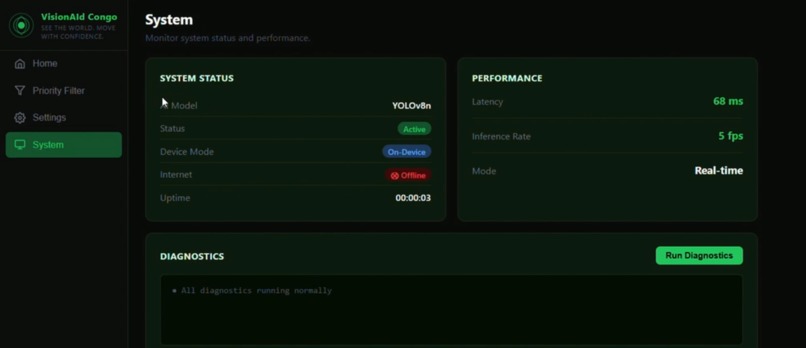
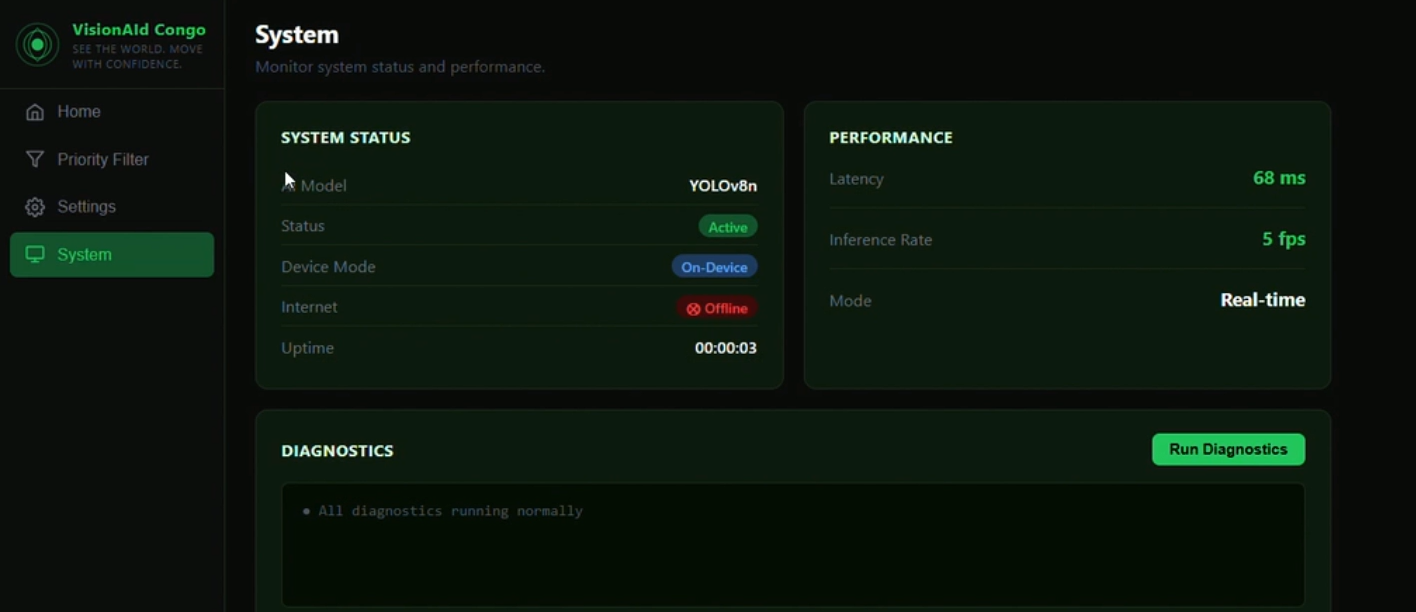
System Updates
-
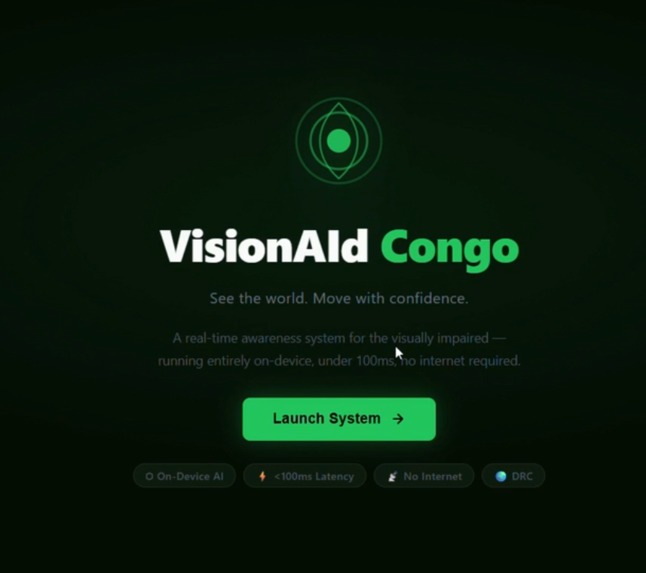
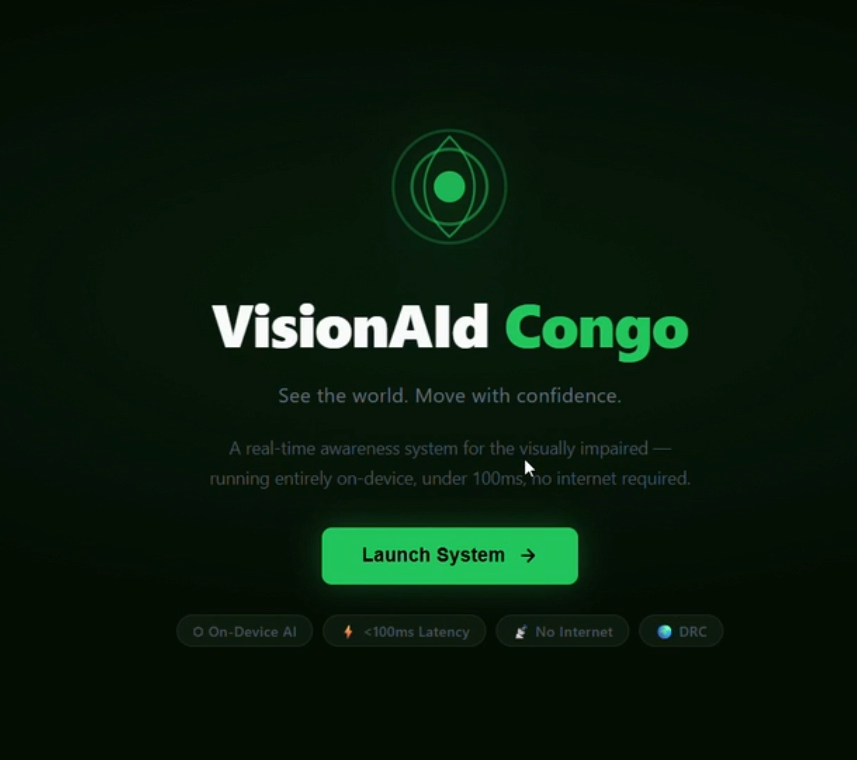
Landing Page
-
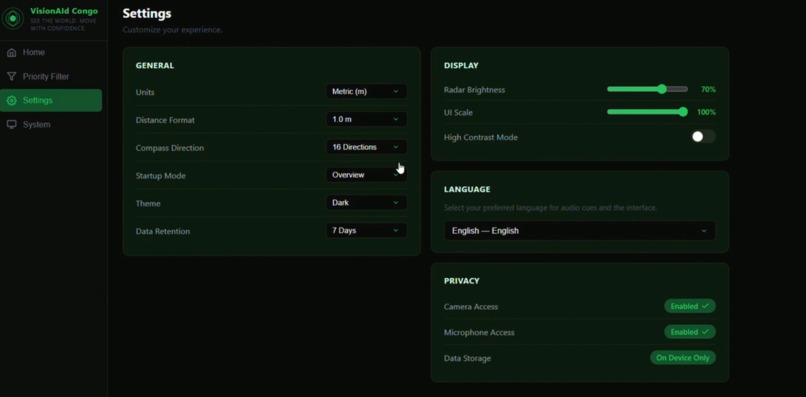
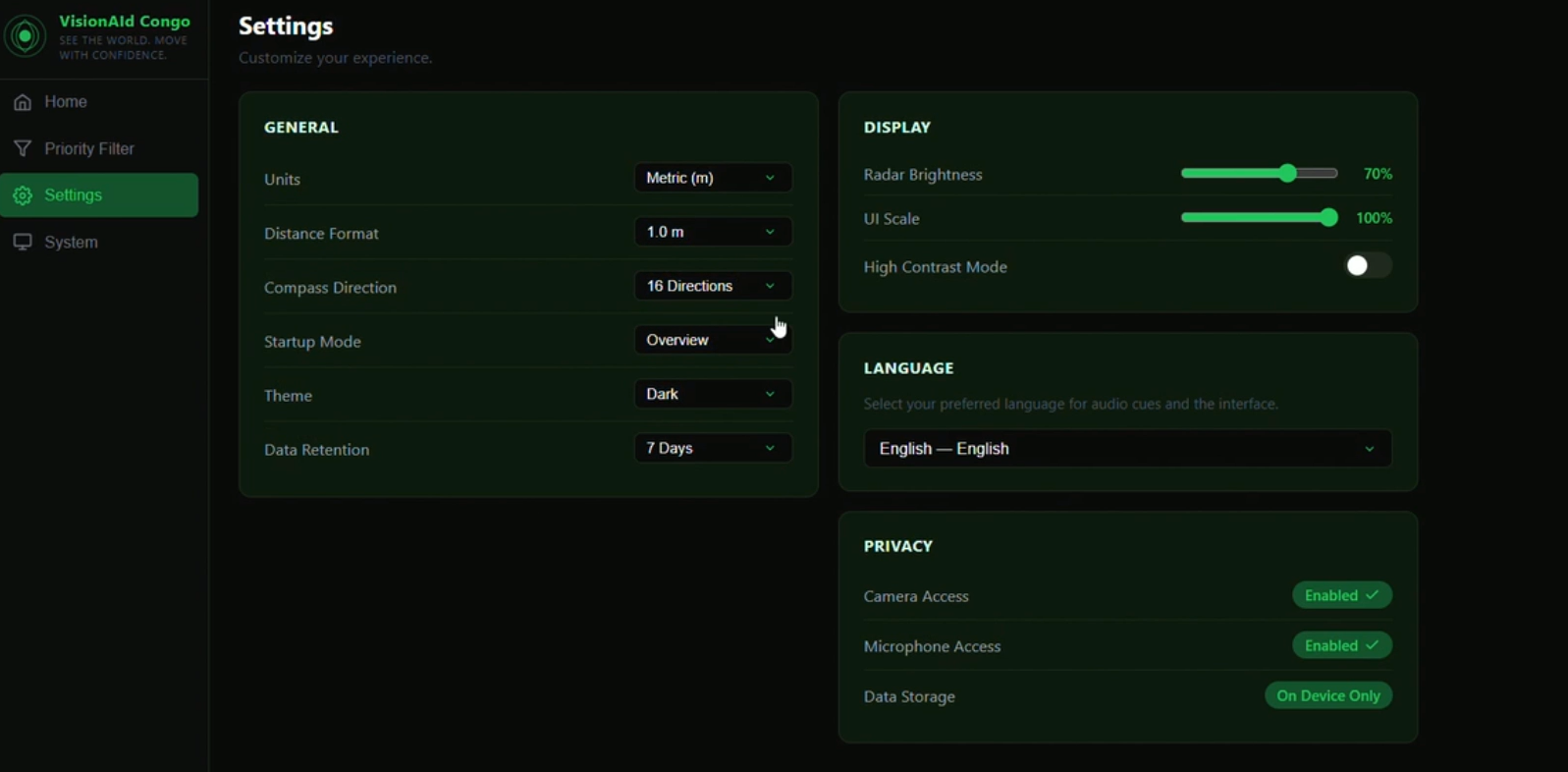
Settings
-
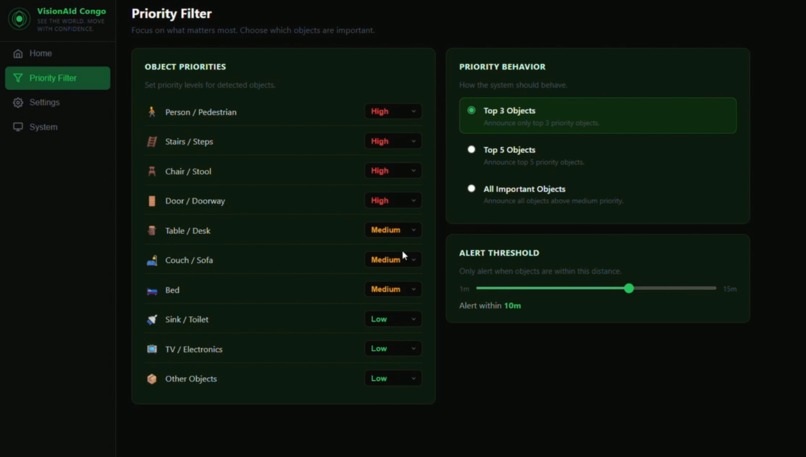
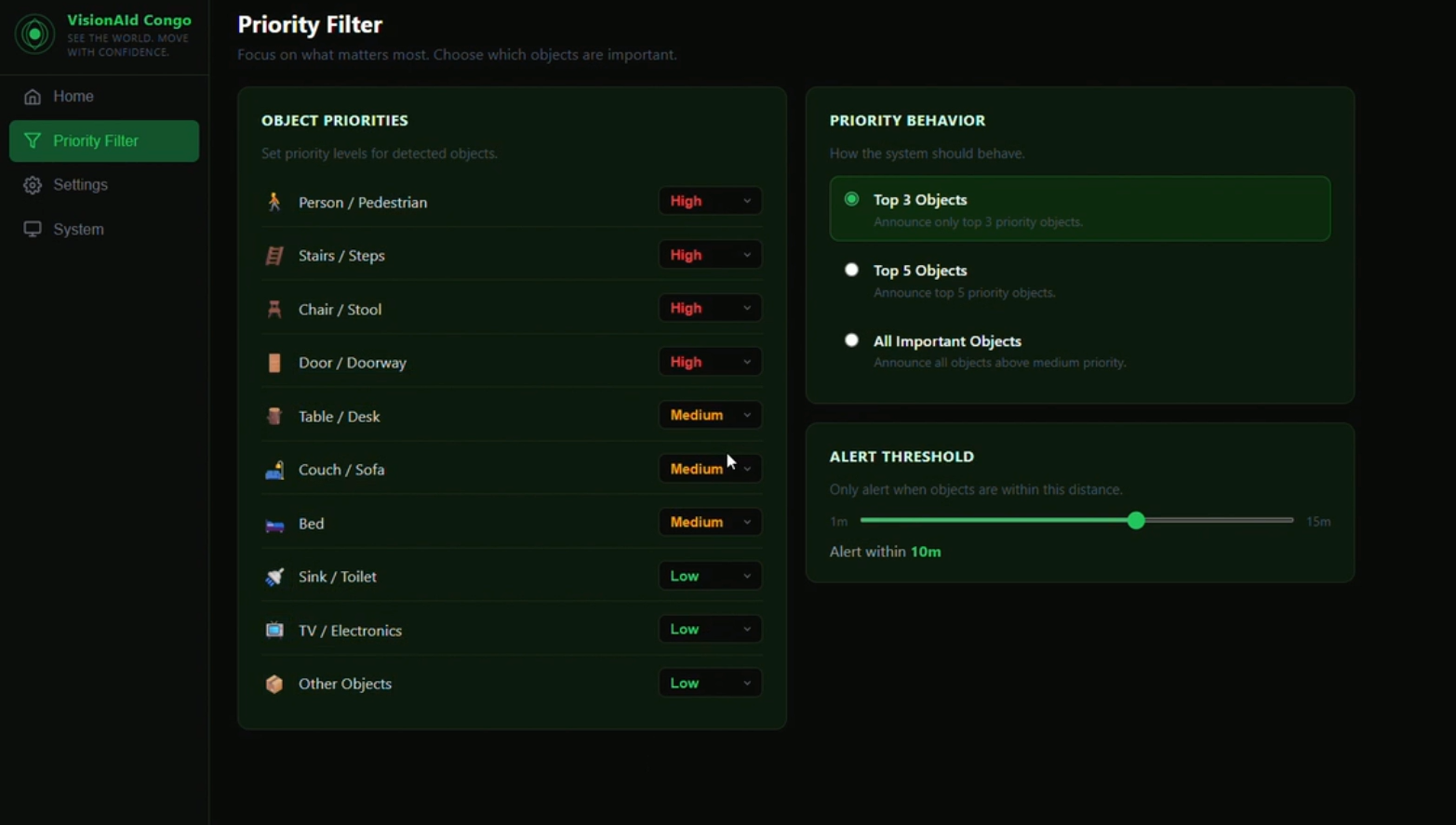
Priority Filters
-
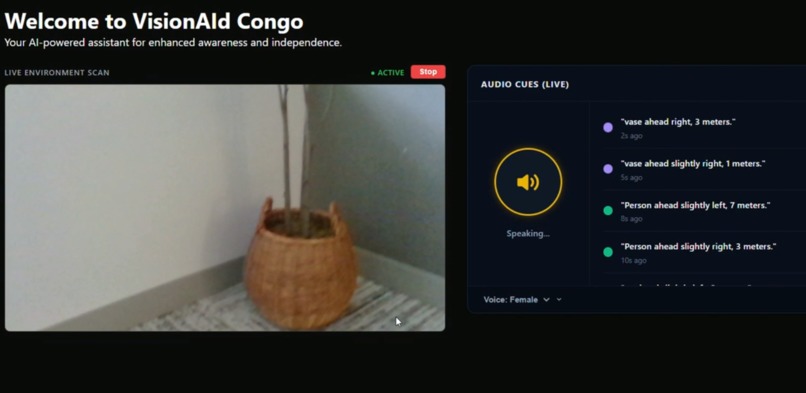
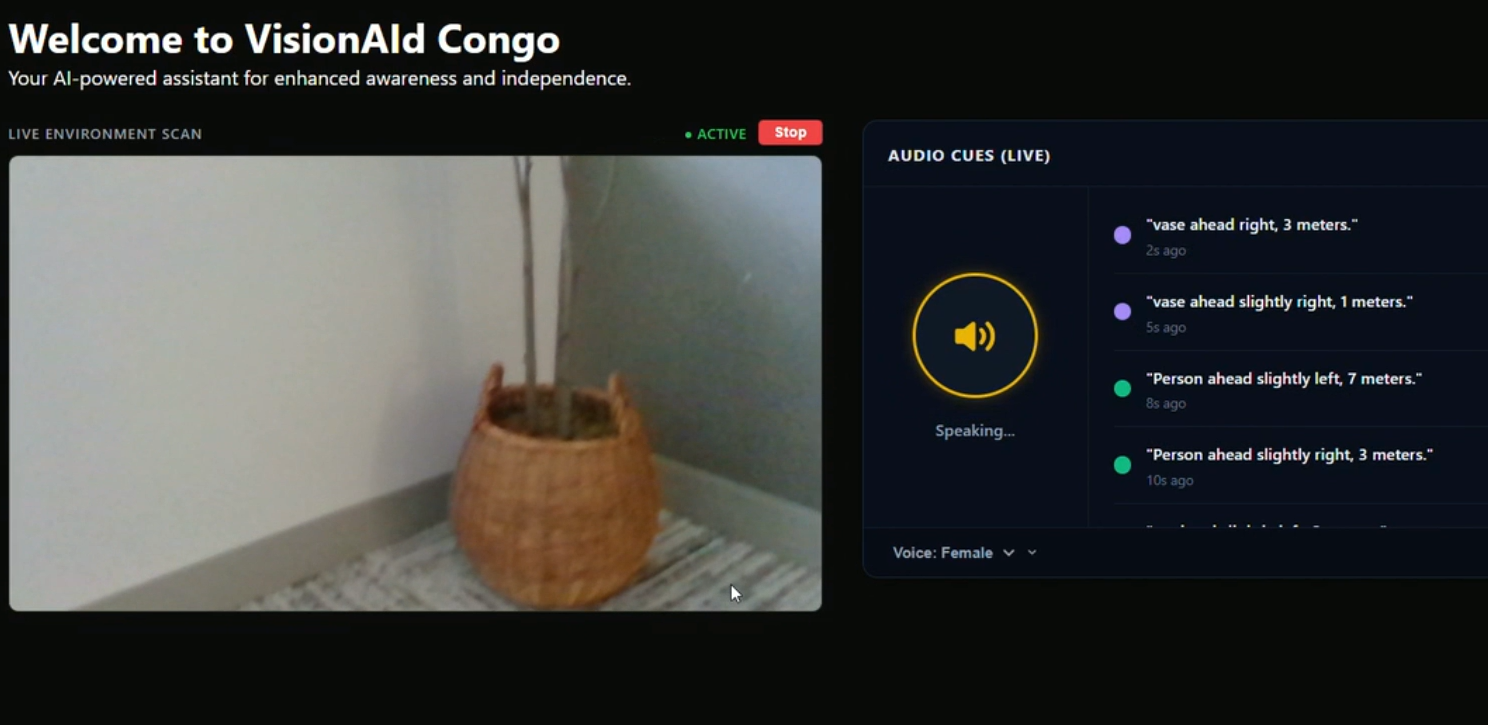
Example Object Detection
-
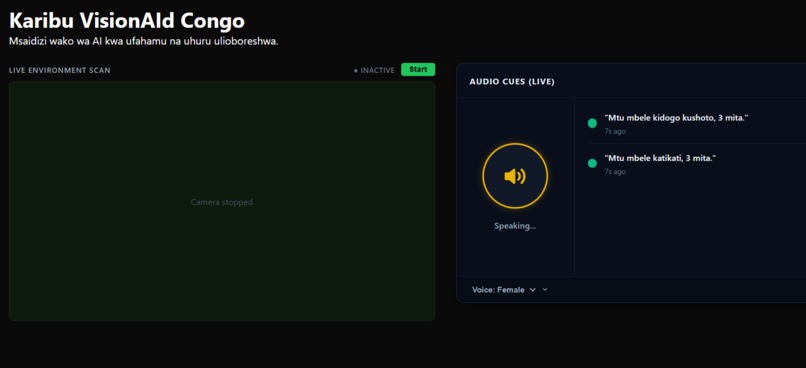
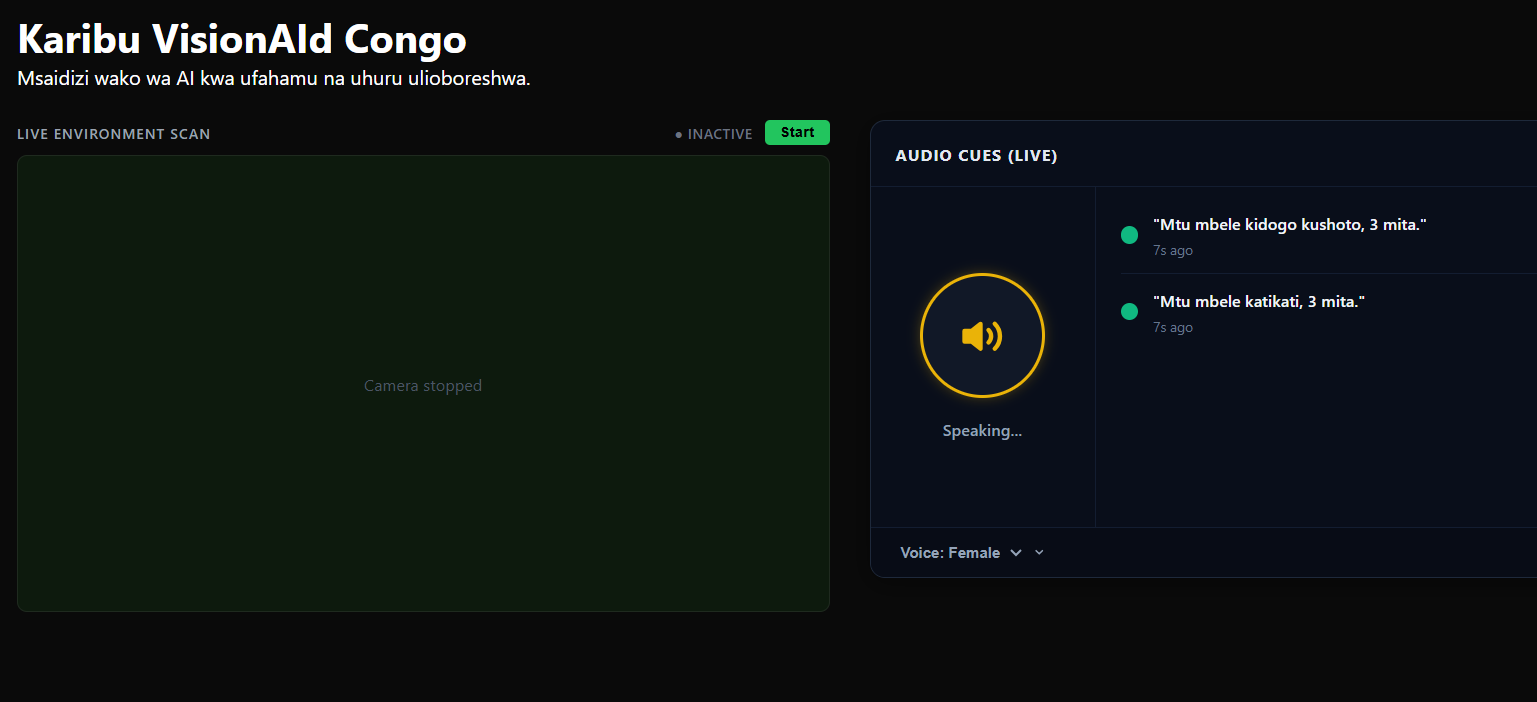
Main Page (Translated in Swahili)
Intended Track
Best use of Antigravity
Inspiration
A friend told me his visually impaired cousin in the DRC can't walk alone without help — not because the capability doesn't exist, but because the tools that could give her independence were never built for her context.
This isn't just one case. Nearly 1 million visually impaired people in the Democratic Republic of Congo face the same loss of independence every single day. They navigate homes, streets, and public spaces without any technological safety net. This is further exacerbated by the fact that only ten blind schools exist in the whole country. This means that rural and impoverished DRC citizens would not have opportunities to such services.
Fear is robbing visually impaired residents of their freedom. Because the risk of injury feels constant, simple joys like walking outside, exercising, or greeting neighbors have become terrifying. This fear traps people inside their own homes, isolating them from the community and stealing the life opportunities they deserve.
Existing solutions — smart canes, wearable sensors, GPS navigation apps — are either too expensive, require reliable internet, or were simply never designed with low-resource environments in mind. A $500 device doesn't help someone in Kinshasa.
So I built VisionAId Congo: an AI-powered web app that gives users real-time obstacle detection and spatial audio cues, letting them navigate their environment safely and independently. We used the hackathon theme of a new interface to develop our app; Since interface means I/O, for the blind with np input devices (eyes), our app can serve to be that "interface"
It uses computer vision combined with spatial awareness — telling the user not just what is nearby, but how far away it is and which direction (NNW, NE, ENE) to avoid it.
Critically, it is designed to run with a lightweight offline model during the hours of limited or no connectivity that are a daily reality in the DRC.
The goal is not a demo — it is improved independent mobility at scale.
What It Does
VisionAId Congo streams live webcam footage through a React frontend and sends frames to a FastAPI backend for real-time object detection.
For every hazard detected, the app:
- Calculates distance
- Determines compass direction
- Plays an audio cue in the user’s preferred language
Features
| Feature | Description |
|---|---|
| Live object detection | YOLOv8n processes webcam frames and identifies navigation hazards in real time |
| Distance estimation | Estimates distance to each object in meters using a pinhole camera formula |
| Directional cues | Maps each object's horizontal position to a compass bearing (WNW → ENE) |
| Audio alerts | Speaks detection results aloud so the user never has to look at a screen |
| Priority filter | Users configure which object categories to prioritize (e.g. people, stairs, furniture) |
| Multilingual UI | English, French, Lingala, and Swahili support |
| System monitoring | Tracks backend health and model status |
| Offline capable | YOLOv8n (~6 MB) runs locally — no internet required |
How We Built It
Stack Overview
| Layer | Technology |
|---|---|
| Frontend | React (Vite) |
| Backend | FastAPI (Python) |
| ML Model | YOLOv8n (Ultralytics) |
| Image Processing | Pillow (PIL) |
| Audio | Web Speech API |
Detection Pipeline
- React frontend captures webcam frames
- Frames are sent to
POST /yolo/detect - FastAPI runs YOLOv8n inference
- Results filtered to confidence > 50%
- Bounding boxes passed to spatial analysis
- Distance + direction computed
- Frontend plays audio cue
Distance Estimation
The app uses the pinhole camera model:
distance = (real_height * focal_length) / pixel_height
Variables
| Variable | Meaning |
|---|---|
real_height |
Real-world object height (e.g. person = 1.7 m) |
focal_length |
Camera focal length in pixels (640) |
pixel_height |
Bounding box height in pixels |
Example
distance = (1.7 * 640) / 340 = 3.2 m
Directional Mapping
Objects are mapped based on horizontal position into compass directions:
| Angle Range | Direction |
|---|---|
| < −40° | WNW |
| −40° to −20° | NW |
| −20° to −5° | NNW |
| −5° to +5° | N |
| +5° to +20° | NNE |
| +20° to +40° | NE |
| > +40° | ENE |
Challenges We Ran Into
Focal Length Calibration
Getting accurate distance required tuning focal length. Too low = everything feels dangerously close. Too high = real hazards seem far away. We calibrated using real-world measurements.
Hackathon Time Constraint (6 hours)
We had to aggressively prioritize. Features like:
- Effective wall detection
- Better audio queuing
- Mobile layout
were deferred.
Latency
A delay in hazard detection makes the system unsafe. We solved this by:
- Using YOLOv8n (~6 MB)
- Running inference locally
- Eliminating cloud dependency
- This achieved a latency of <80ms
Accomplishments
We built a working AI accessibility tool in six hours that could realistically help millions of people.
The system is:
- End-to-end functional
- Real-time
- Multilingual
- Designed specifically for low-resource environments
What We Learned
Designing for different realities
Building for users without reliable internet or purchasing power forces you to rethink assumptions about accessibility.
Technical insight
We learned how fast and practical lightweight models like YOLOv8n can be — going from concept to deployment in hours.
What’s Next
Better wall & surface detection
Train custom YOLO models for more sophisticated indoor hazards (walls, glass, pillars)Mobile-first version
Convert to PWA or native mobile appSmart incident reporting
Detect falls/collisions and notify a trusted contactExpanded language support
I would like to add more languages across the globe to improve accessibility to needy individuals worldwide.


Log in or sign up for Devpost to join the conversation.