Inspiration
What it does
How we built it
Challenges we ran into
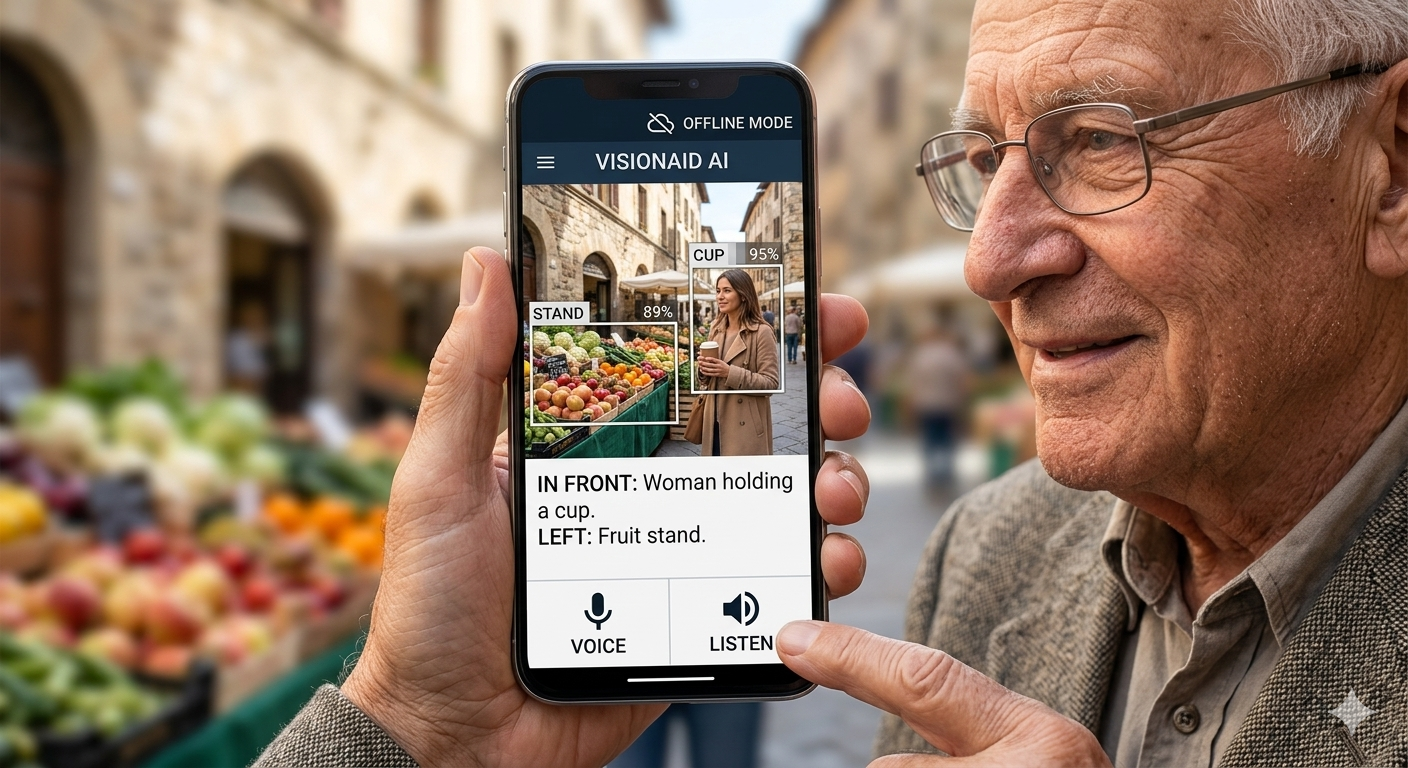
Inspiration Technology is often praised for innovation, but at VisionAid AI, we believe its true purpose is to empower humanity. Inspired by the millions of visually impaired individuals worldwide who face daily barriers, I set out to bridge the digital divide. My mission was to create more than just software; I wanted to build a reliable companion—an offline, AI-powered assistant that acts as a digital guide, inspired by the dedication of guide dogs. The Journey & Challenges During development, we faced a critical dilemma: the trade-off between "raw accuracy" and "real-world usability." While some might focus solely on achieving the highest percentage of detection, we chose the path of transparency and efficiency. We realized that for a visually impaired user, an AI tool that drains the battery in an hour is not truly helpful, no matter how accurate it is. Therefore, my journey was defined by: True Optimization: Balancing the precision of YOLOv8 and EasyOCR with the constraints of mobile hardware. Environmental Awareness: We didn't just aim for a number; we optimized for the user's daily life, ensuring the app runs smoothly without constant charging, making it a reliable tool for long-day use. Integrity: We prioritized honest performance over inflated statistics, believing that a sustainable, usable tool is far more valuable than a fragile, high-percentage demo. What I Learned Building VisionAid AI taught me that "efficiency" is the highest form of innovation. I learned that as developers, our responsibility is not just to build the most complex model, but the most helpful one. By focusing on the user's environment and daily needs, I discovered that true success lies in creating technology that works for the user, anywhere and anytime, with total privacy and reliability.

Log in or sign up for Devpost to join the conversation.