-
-
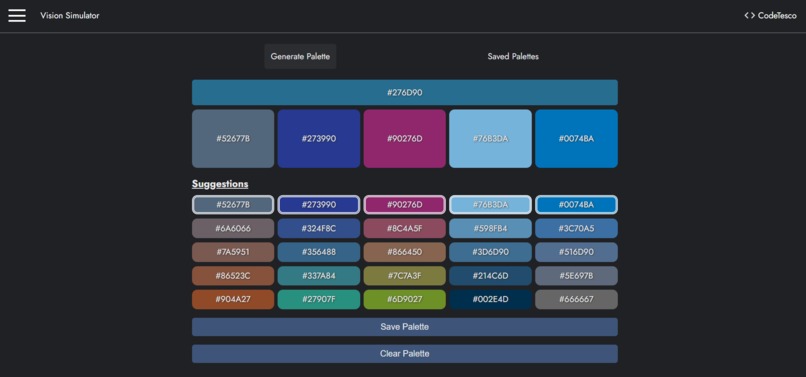
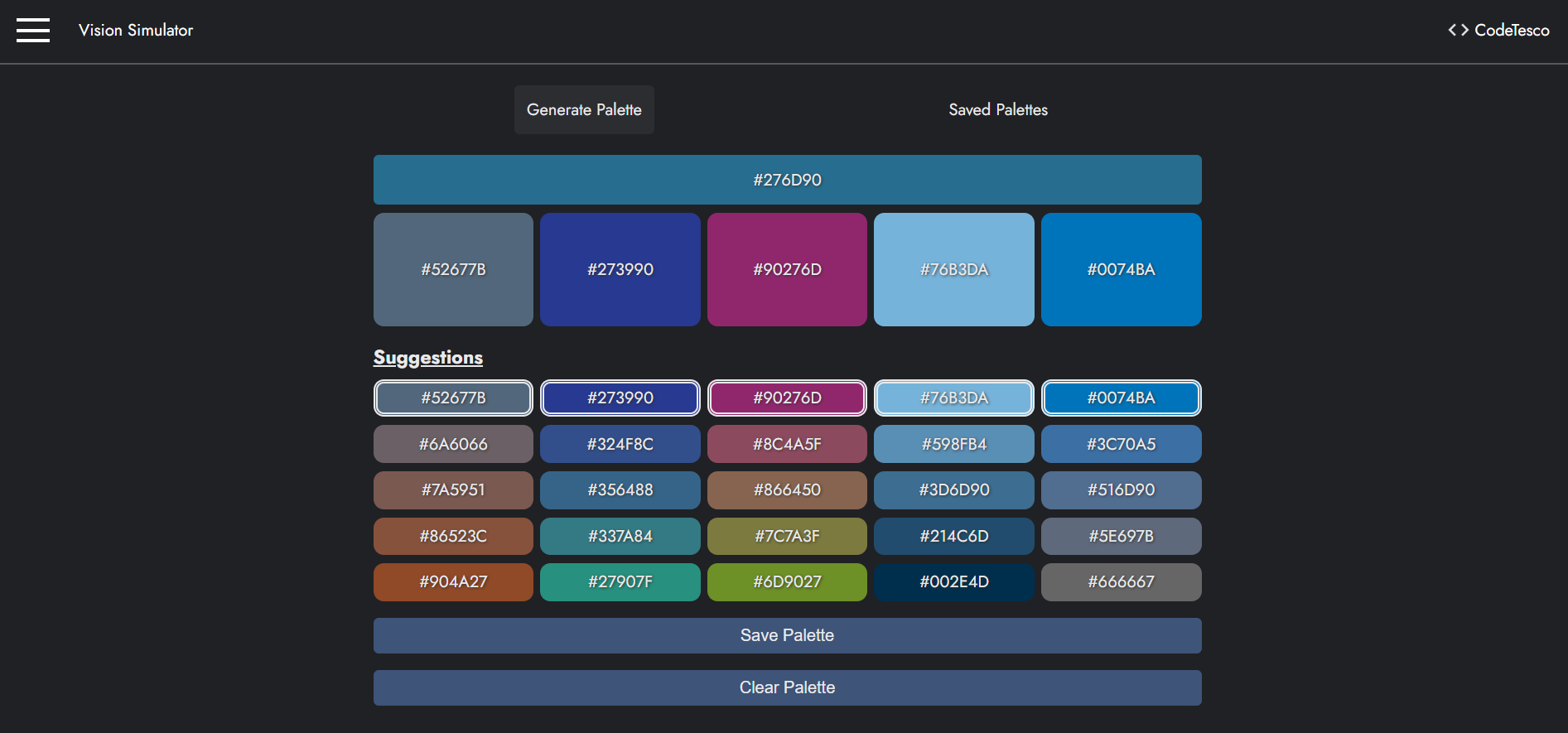
Color Palette page
-
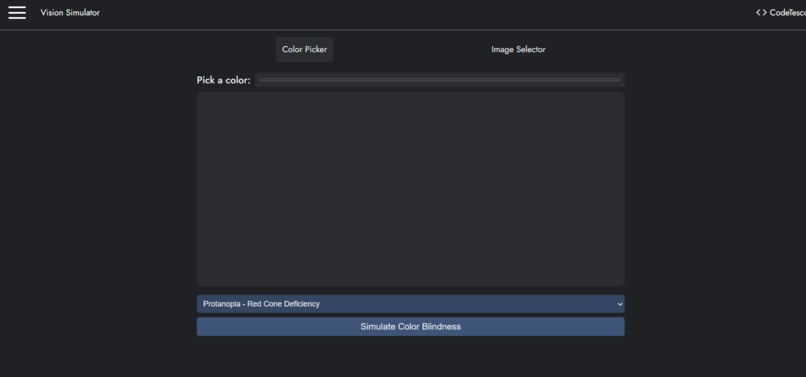
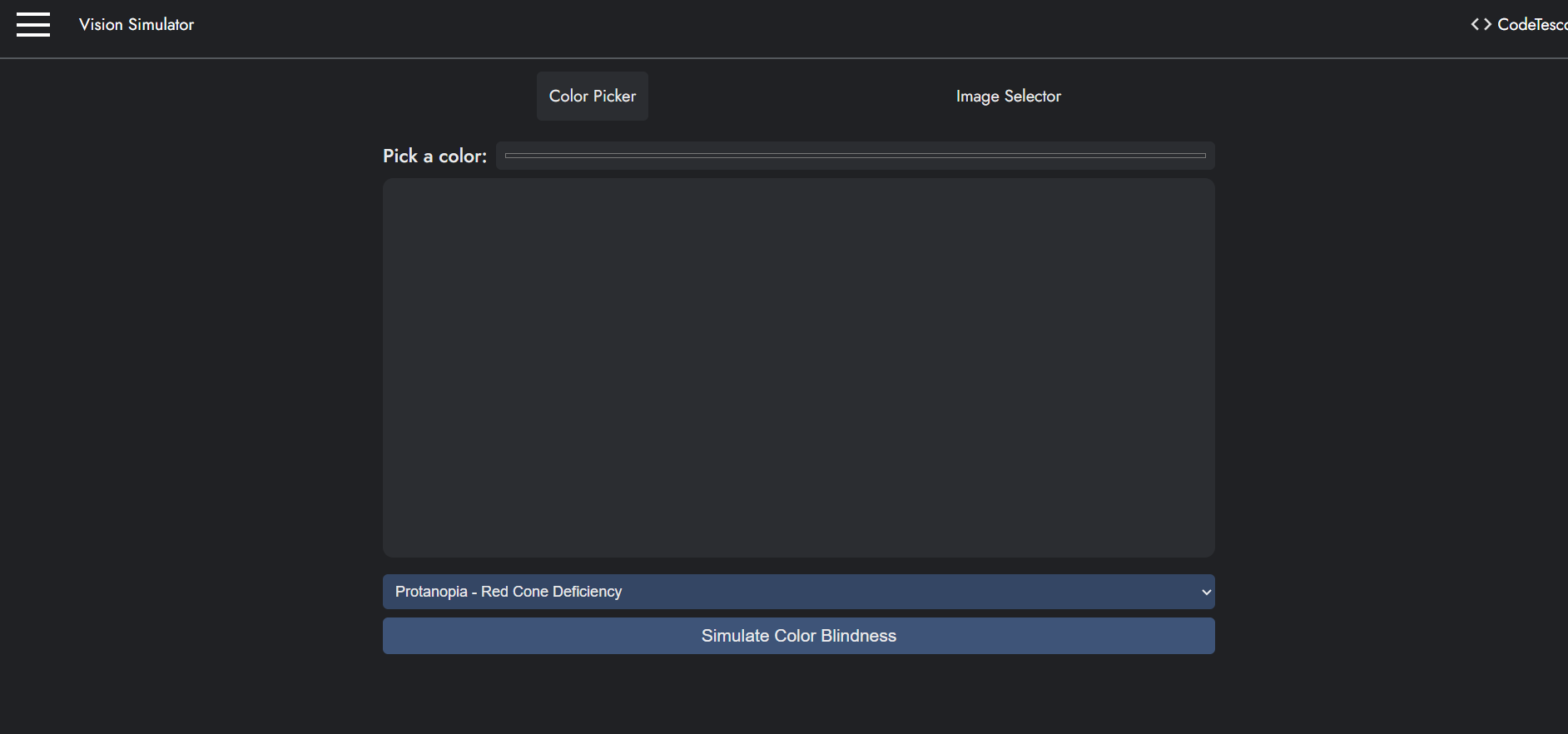
Color and Image Picker page
-
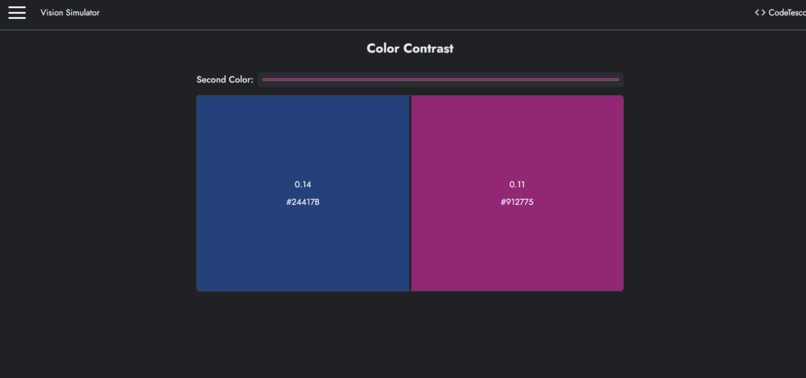
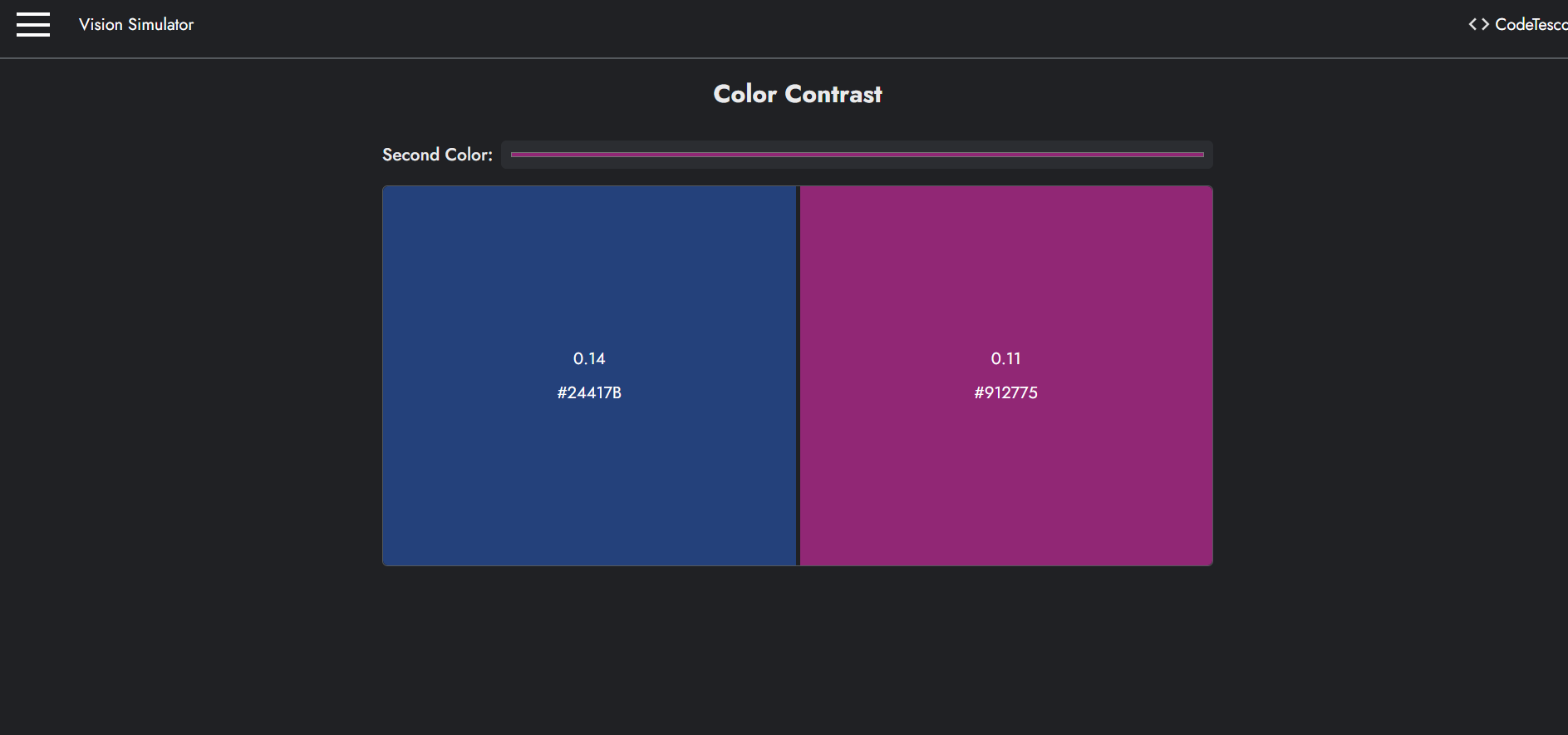
WCAG Color Contrast Ratio page
-
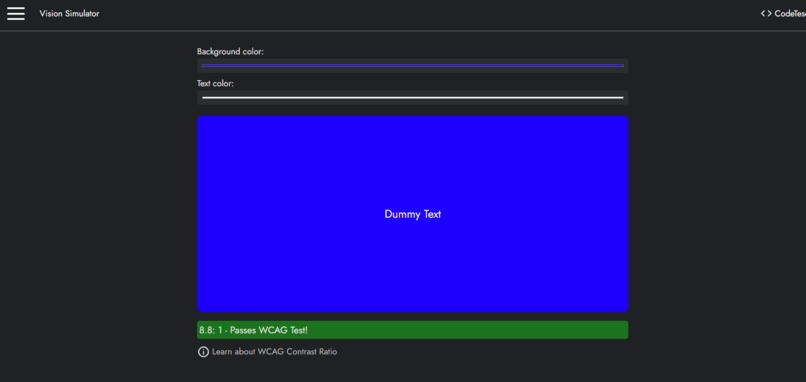
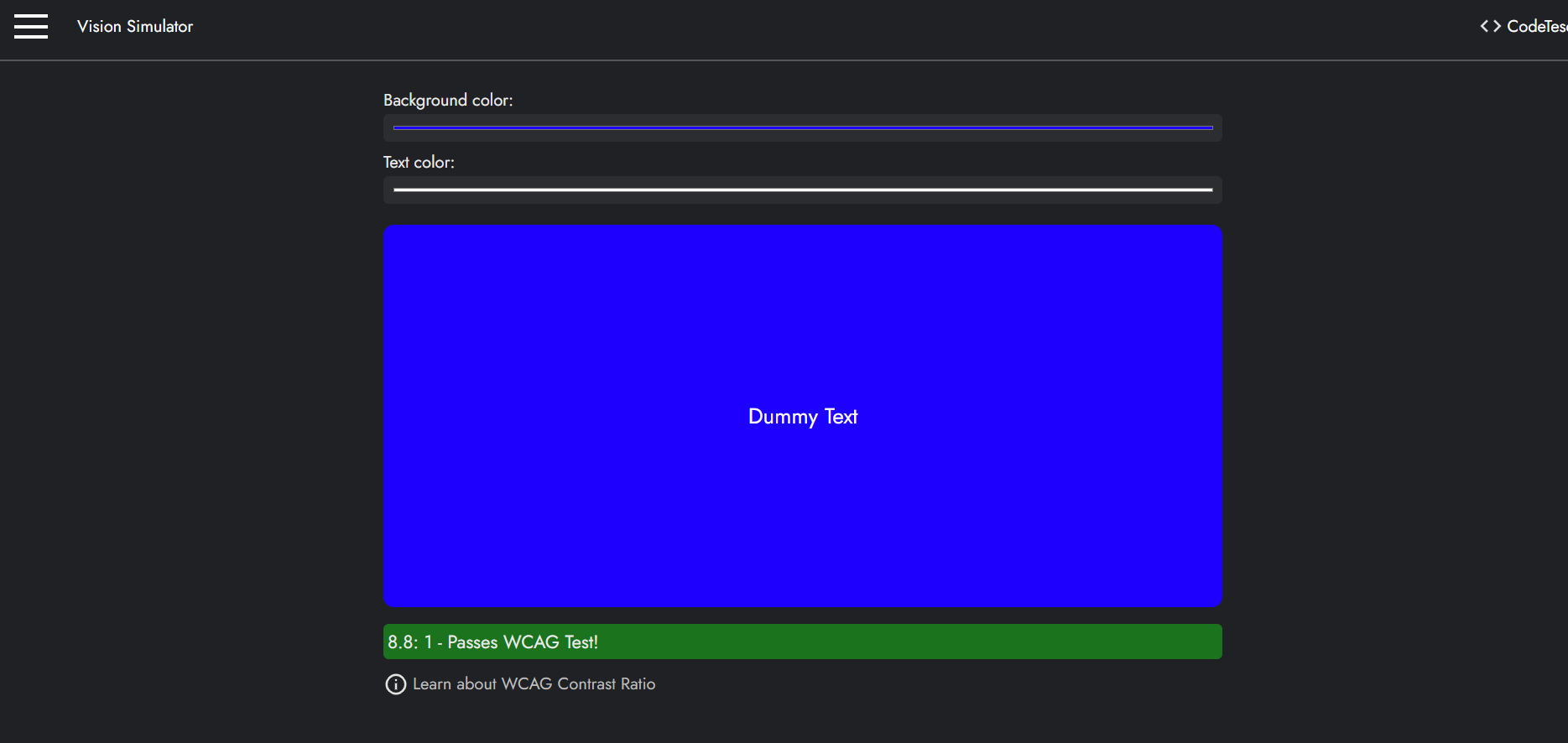
Text Legibility Contrast page
Inspiration
I have wanted to build this project since I realized that people do not perceive colors in the same way. Many digital products assume a single, “normal” way of seeing, which unintentionally excludes users with color vision deficiencies. For example, a website designed around blue and red may appear clear to most users, yet convey entirely different—and sometimes uncomfortable—visual information to someone with color blindness. If I experienced a site the way they do, I would not feel fully included either. This gap in consideration was the motivation behind this project.
What It Does
Vision Simulator is a single-page application that simulates the major types of color blindness. It allows designers and developers to preview how their interfaces appear to users with different visual impairments, encouraging the creation of applications that are usable and comfortable for everyone.
How We Built It
I built the project independently using React.js, leveraging its single-page application architecture. chroma.js was used for color palette generation and manipulation, enabling dynamic color transformations based on a selected base color.
Challenges We Ran Into
As the application grew in scope, maintaining clean structure became increasingly challenging. I encountered issues related to state management, variable naming conflicts, and overall code organization—problems that naturally arise in larger front-end projects.
Accomplishments That We’re Proud Of
This is my first fully self-built React application. Completing it successfully gave me confidence in my ability to design, structure, and ship functional front-end software. More importantly, it addresses a real accessibility problem rather than being a purely theoretical exercise.
What We Learned
I gained a deeper understanding of how colors are represented and interpreted by computers, including color models and transformations. Beyond the technical side, I also learned practical aspects of color theory and how design decisions directly affect usability and accessibility.
What’s Next for Vision Simulator
The next step is refining the user experience, particularly the color palette picker, to make it more intuitive and efficient. I also plan to improve code maintainability and explore additional accessibility-focused features.
Built With
- chromajs
- javascript
- react
- wcag

Log in or sign up for Devpost to join the conversation.