-
-
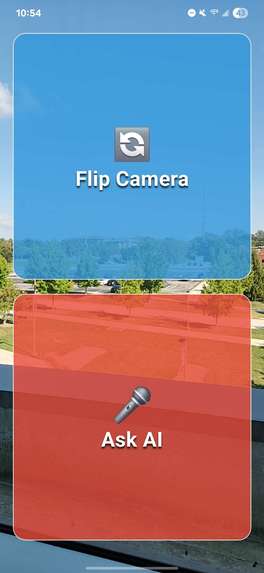
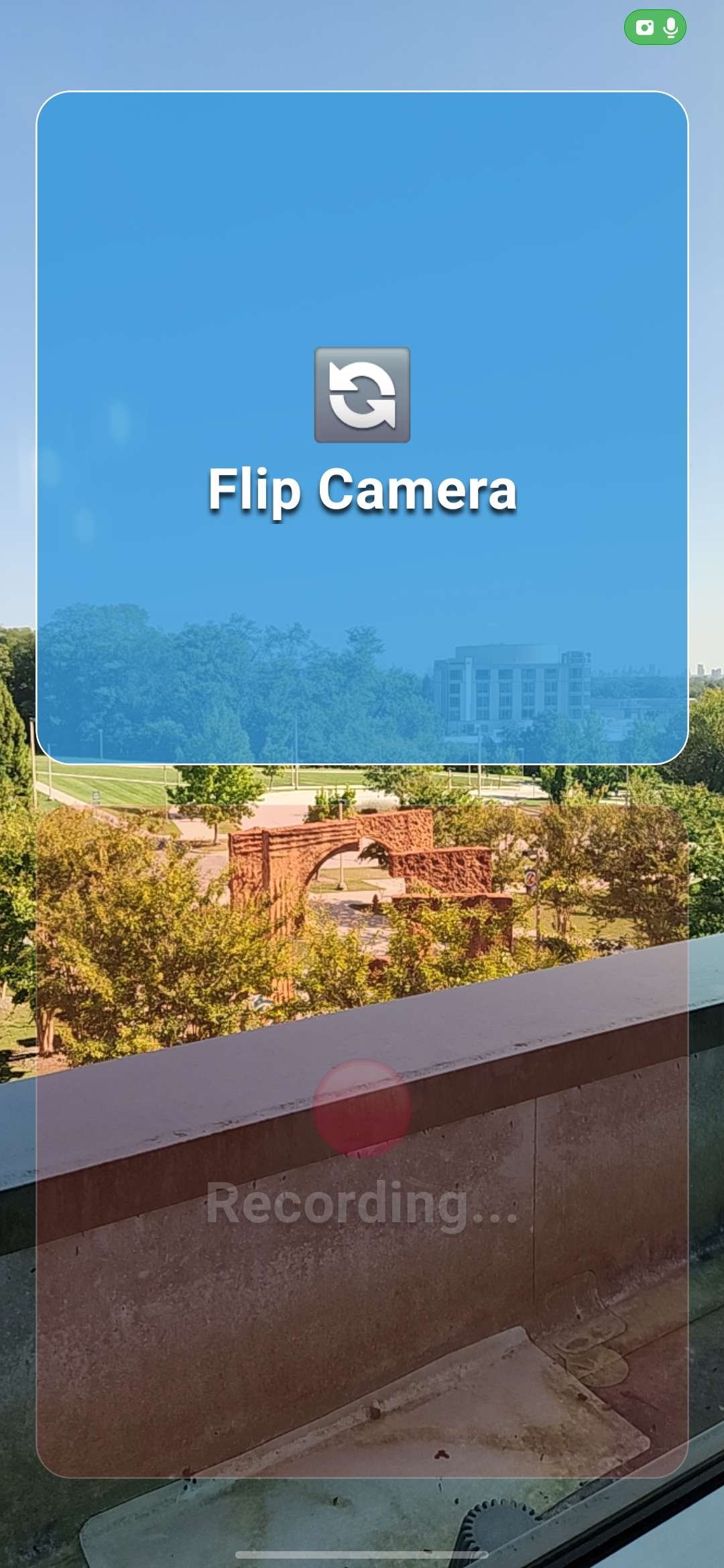
Main Buttons Demo
-
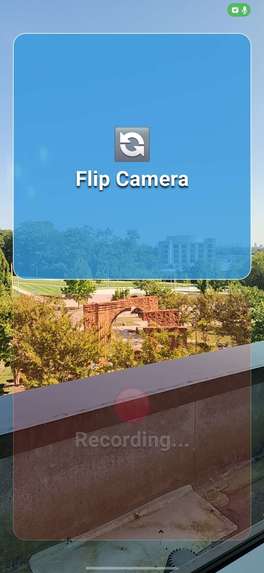
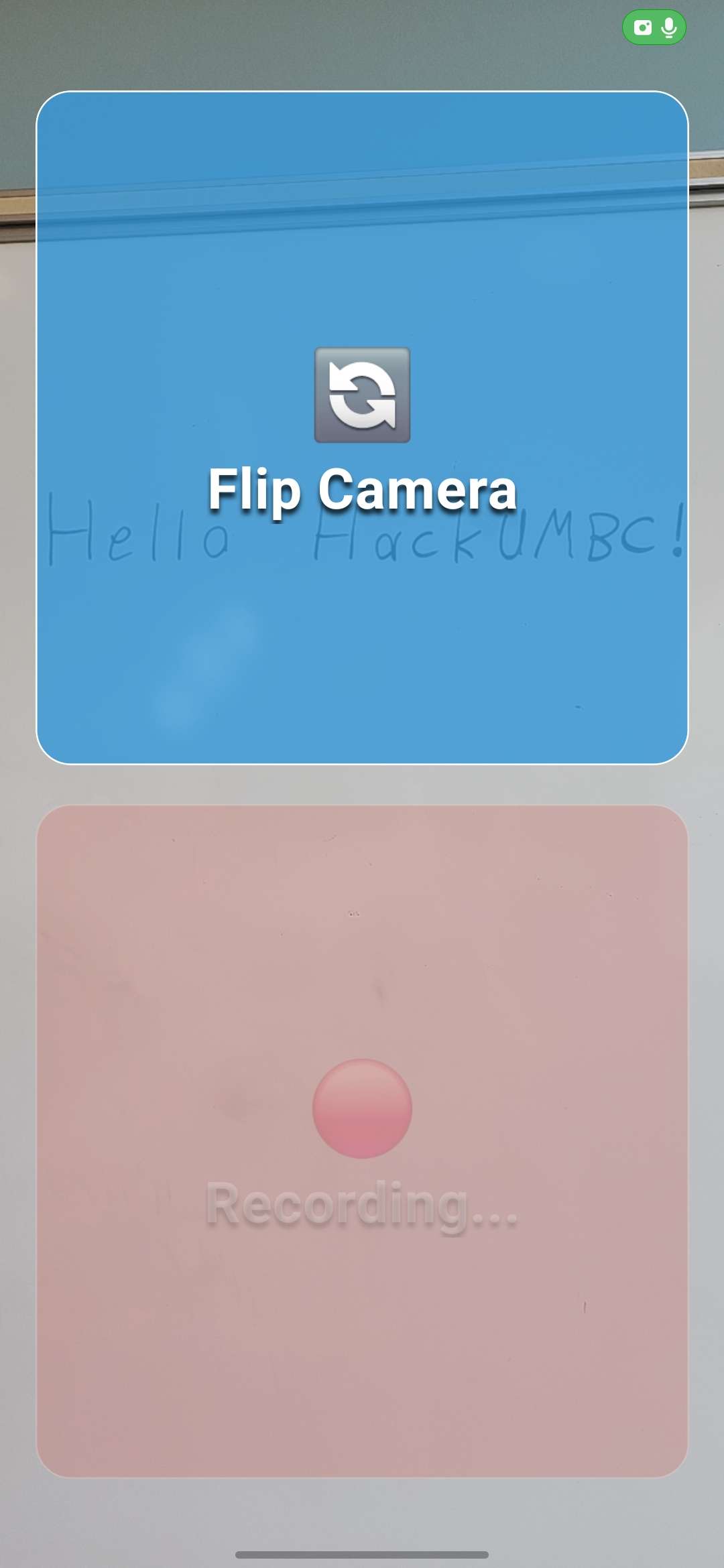
Recording Mode Demo
-
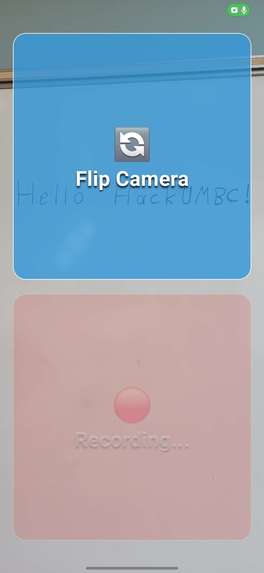
Reading Text
-
App Icon
-
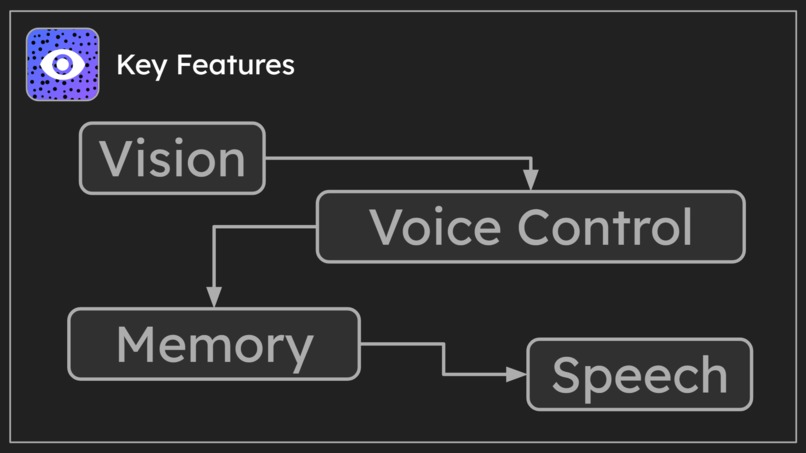
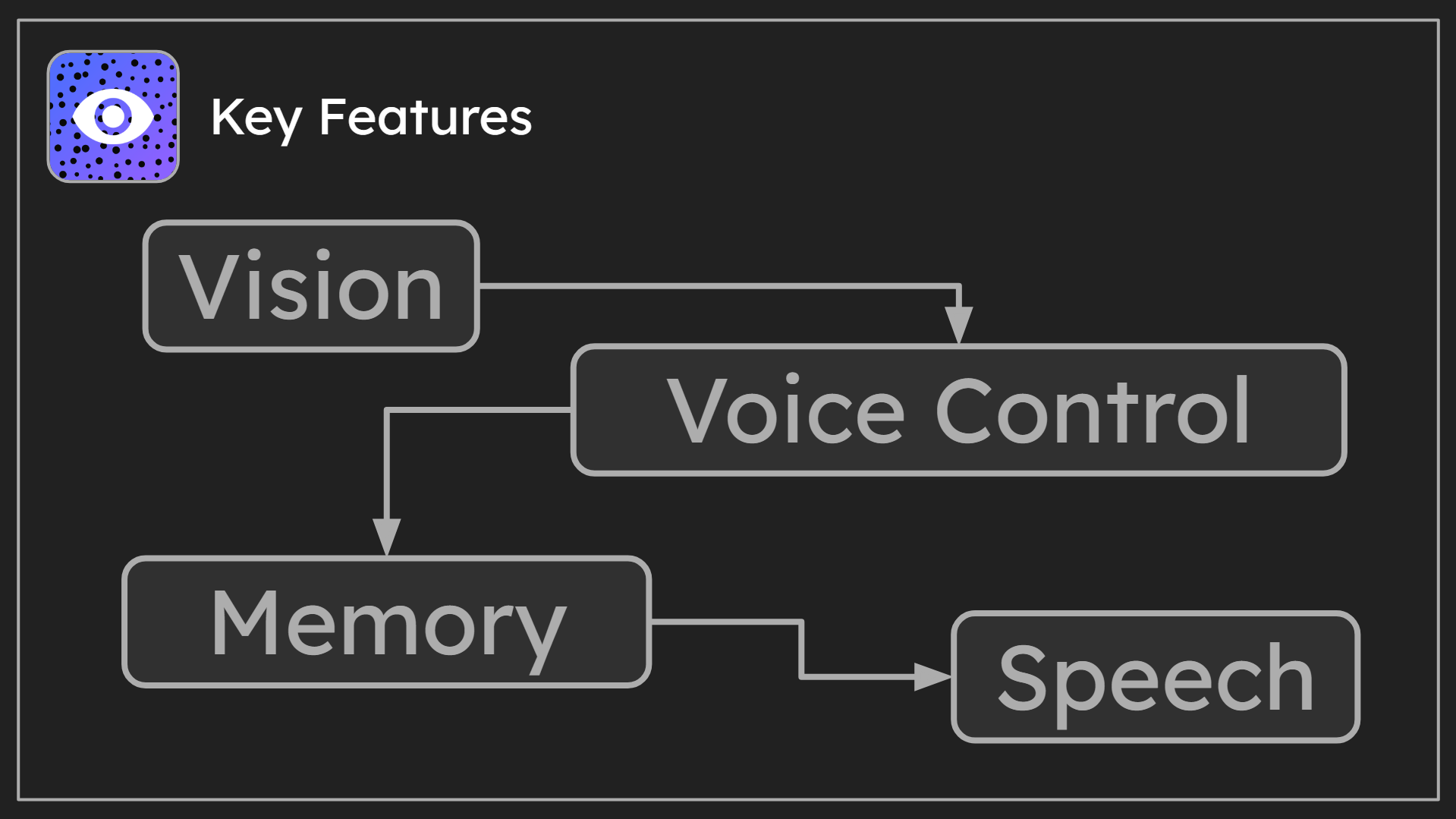
Features
-
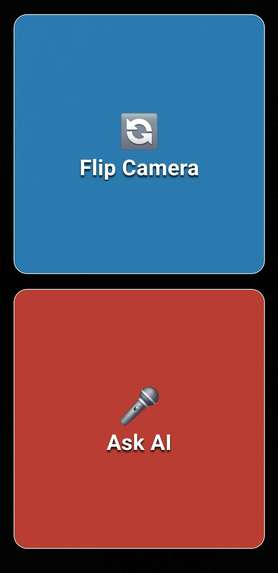
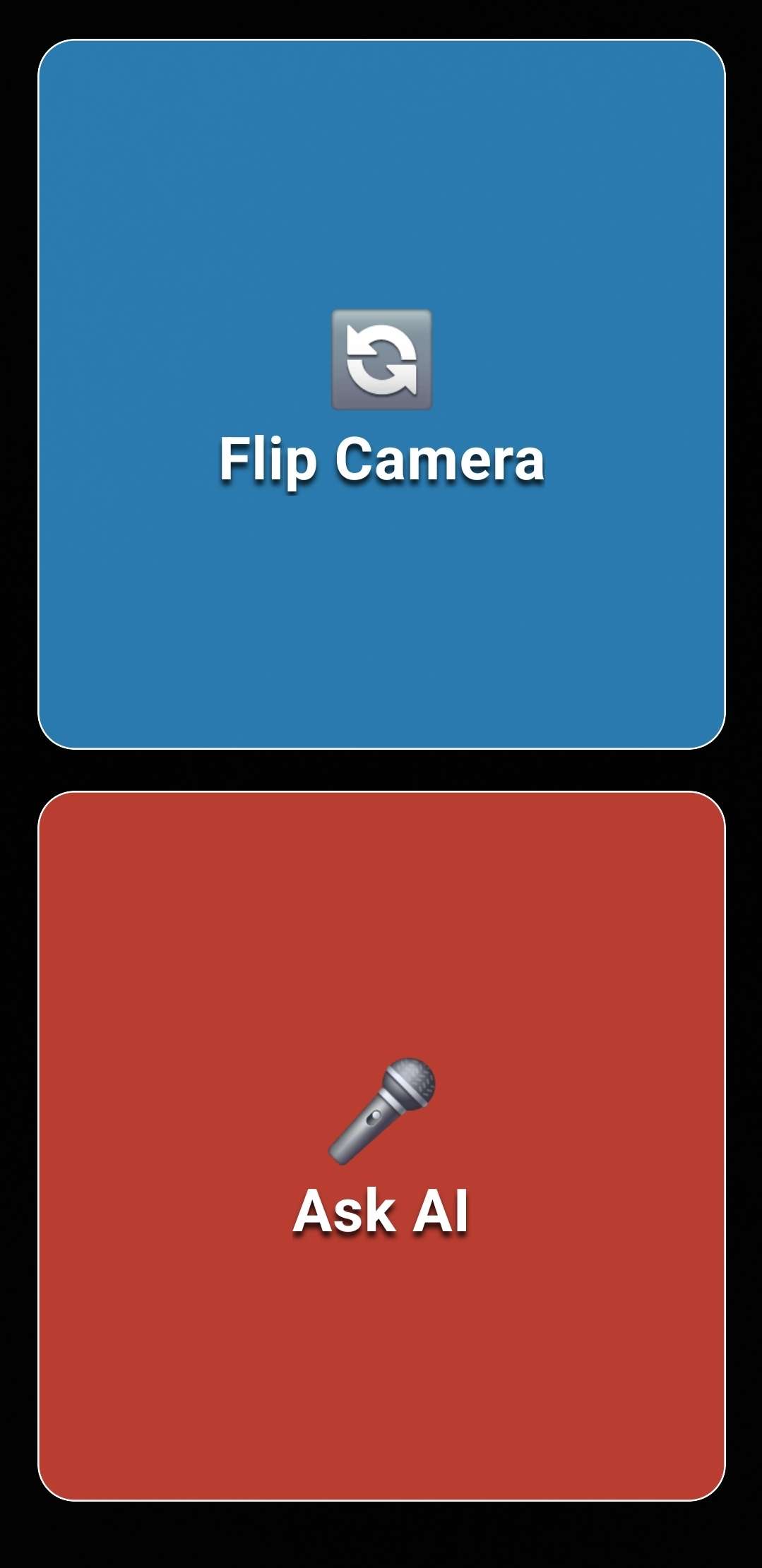
Main Buttons
-
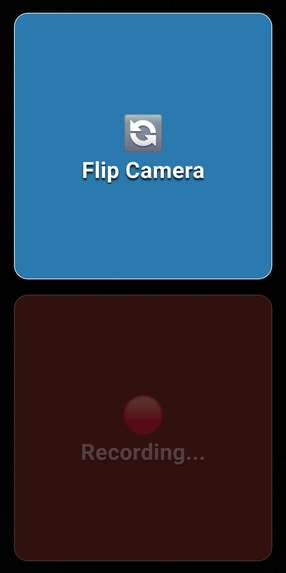
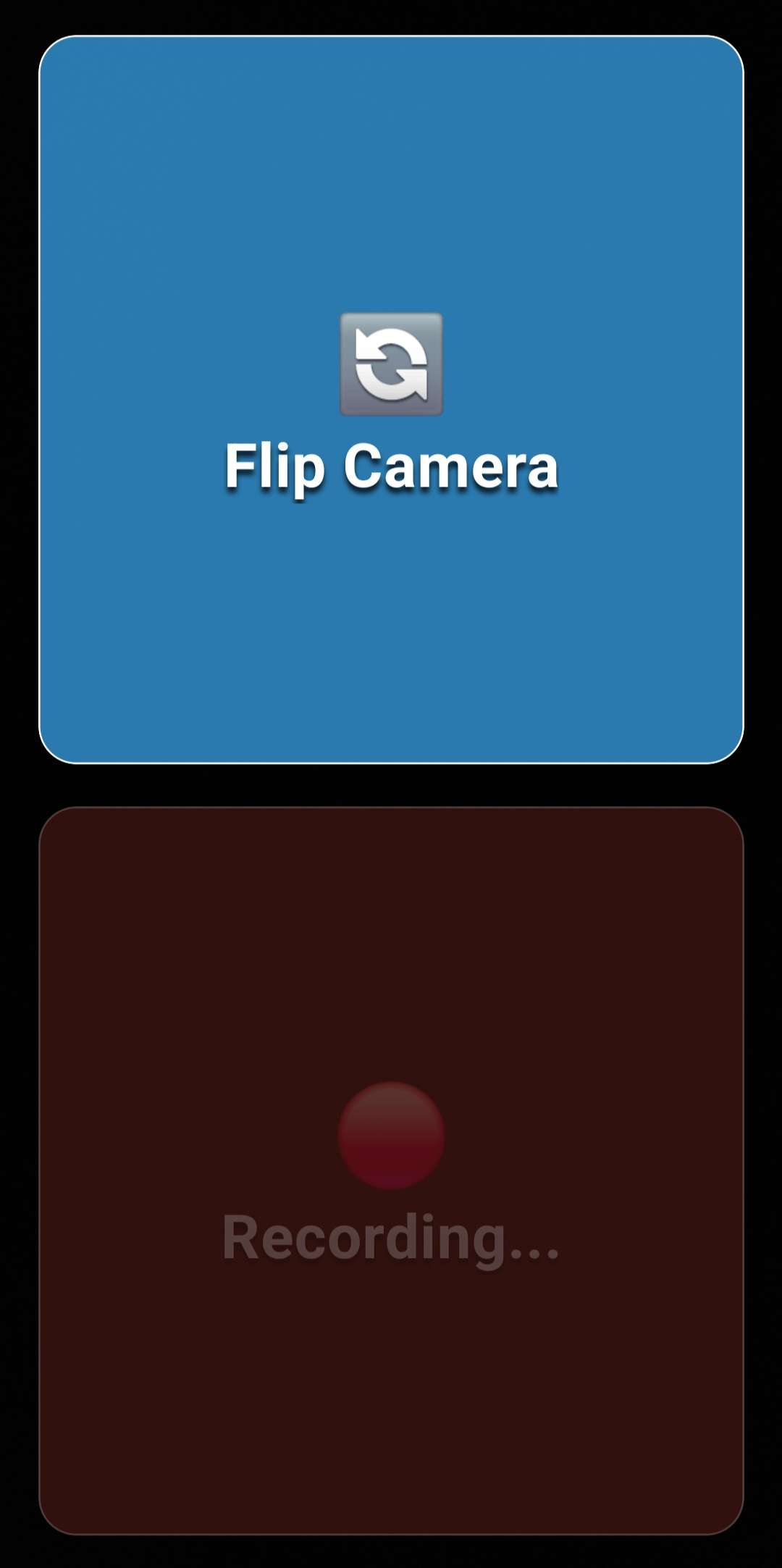
Recording Mode
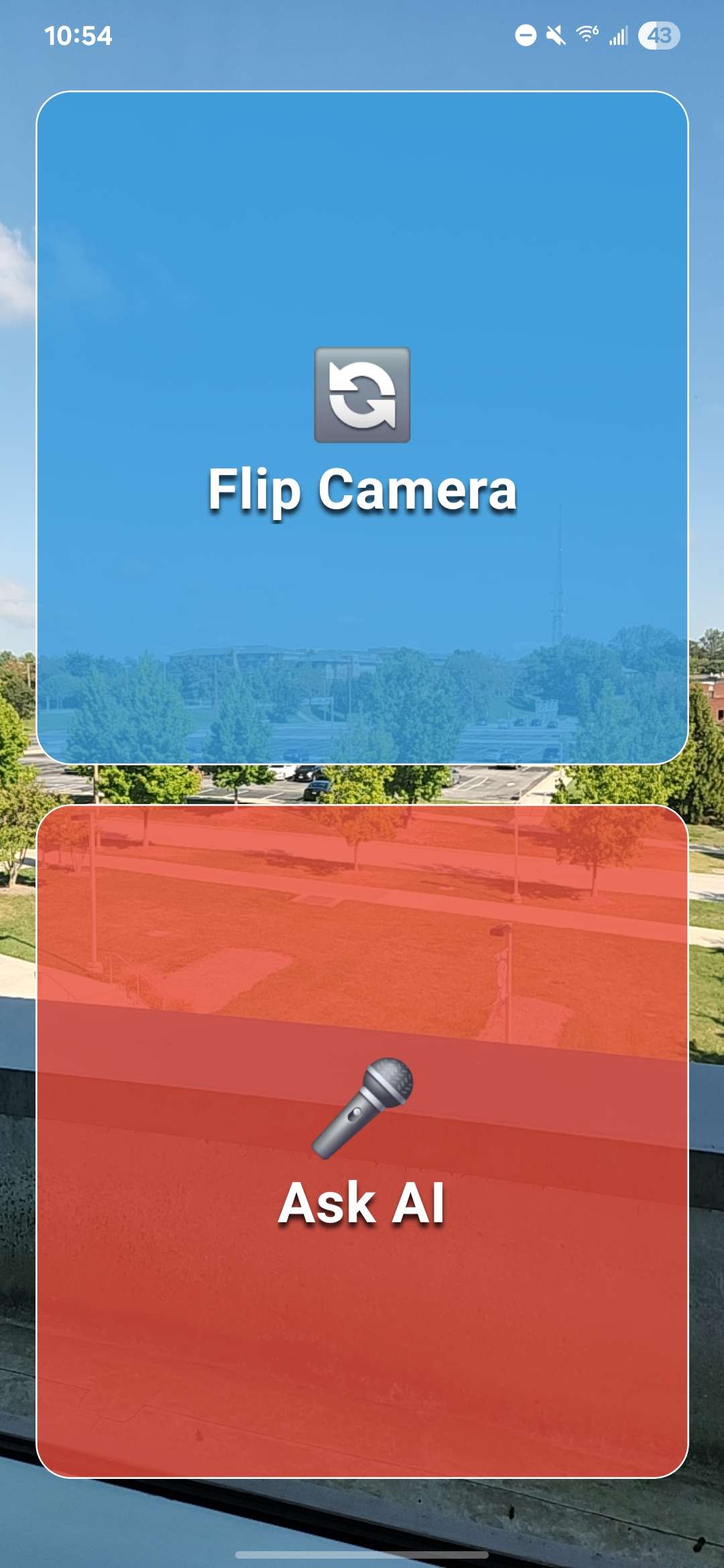
Inspiration
I wanted to create an app that helps visually impaired people navigate tasks they might struggle with, like identifying objects or getting quick information about their surroundings. I was inspired to combine AI with accessibility so users can interact through voice and sound instead of relying on sight.
What it does
Visionary is an accessibility-first app that helps users learn about their surroundings. Users can point their phone at objects, ask questions by voice, and get spoken answers back from the AI in real time.
How I built it
I built the app with React Native and Expo using TypeScript. It uses the Gemini API for multimodal AI, combining audio and images. Expo’s camera, audio, and text-to-speech libraries handle capturing input and providing voice output.
Challenges I ran into
Ensuring the app runs correctly after export was challenging. I encountered issues like the cache not clearing properly, which caused old images and audio recordings to persist.
Accomplishments that I’m proud of
I'm proud that I was successfully able to make a working prototype to help solve such an important issue.
What I learned
I learned how to make a full mobile app through React Native and Expo. I also learned how to integrate Expo’s camera and audio APIs, manage AI workflows with multimodal input, and prioritize accessibility in UI/UX design.
What's next for Visionary
I plan to add language translation, personalization features, a more robust API setup, and build out more of the app's memory so it can be a more useful assistant.
Built With
- expo.io
- gemini-api
- react-native
- typescript


Log in or sign up for Devpost to join the conversation.