-
-
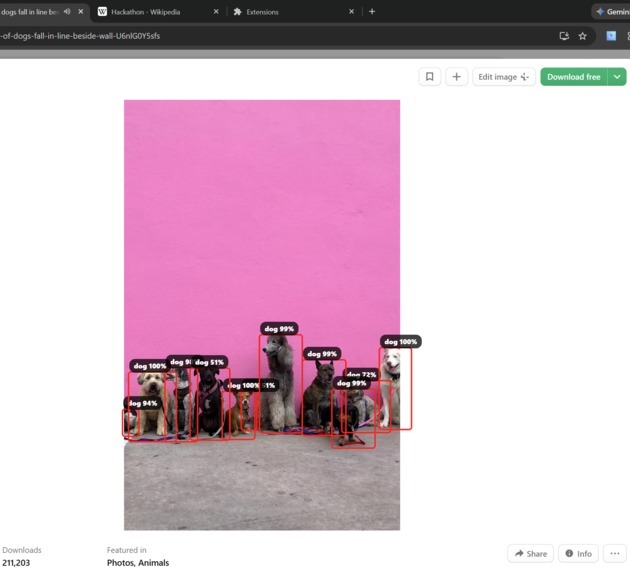
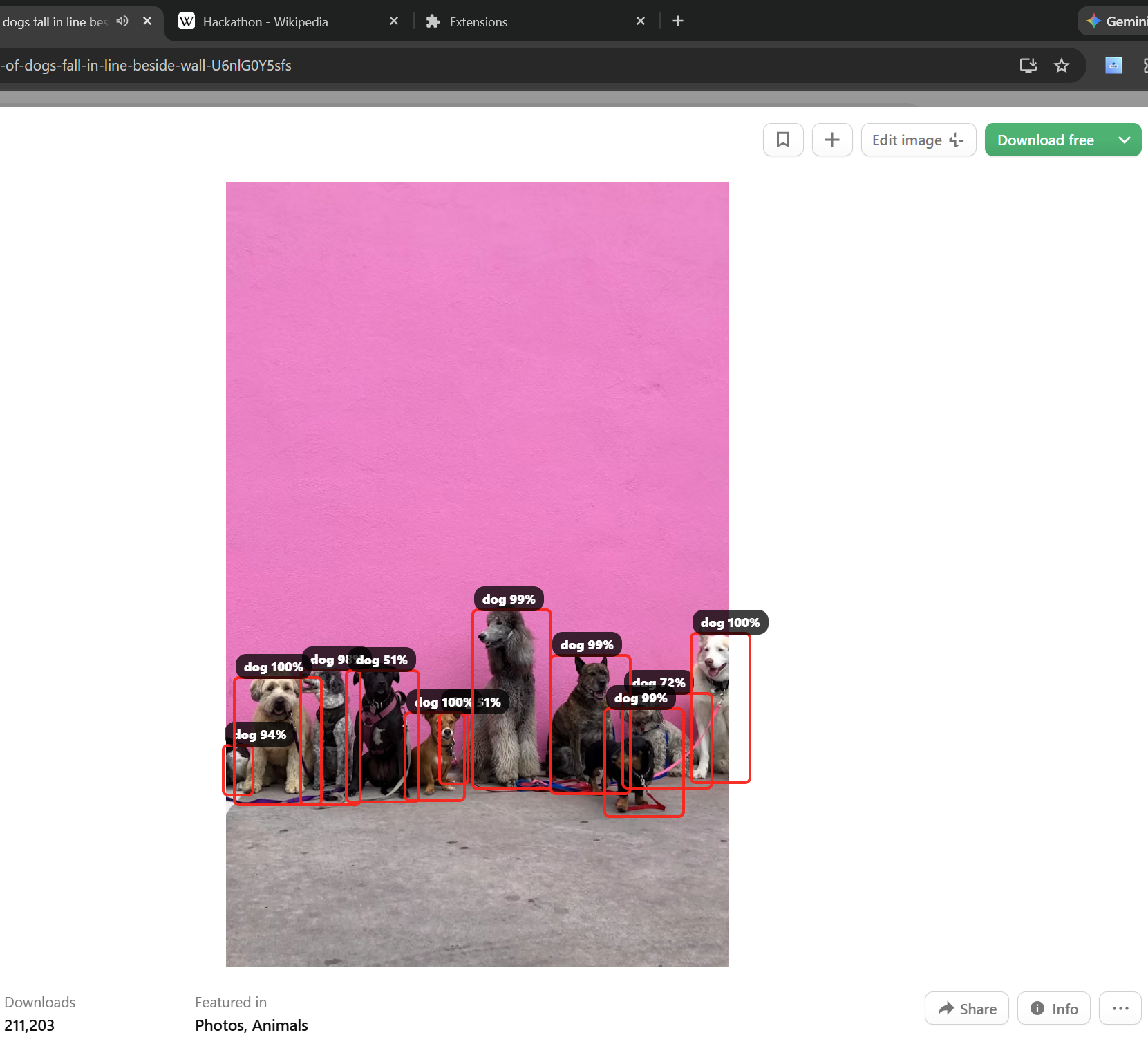
detection of multiple dogs in one frame
-
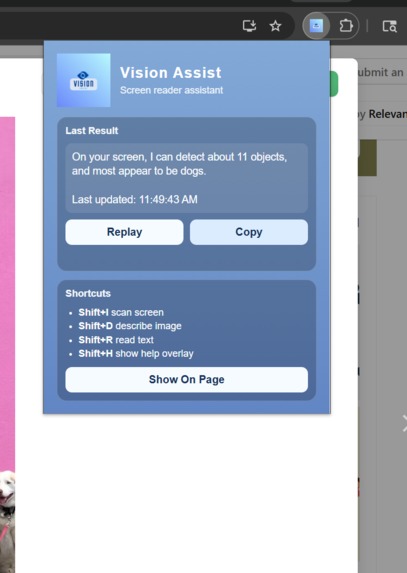
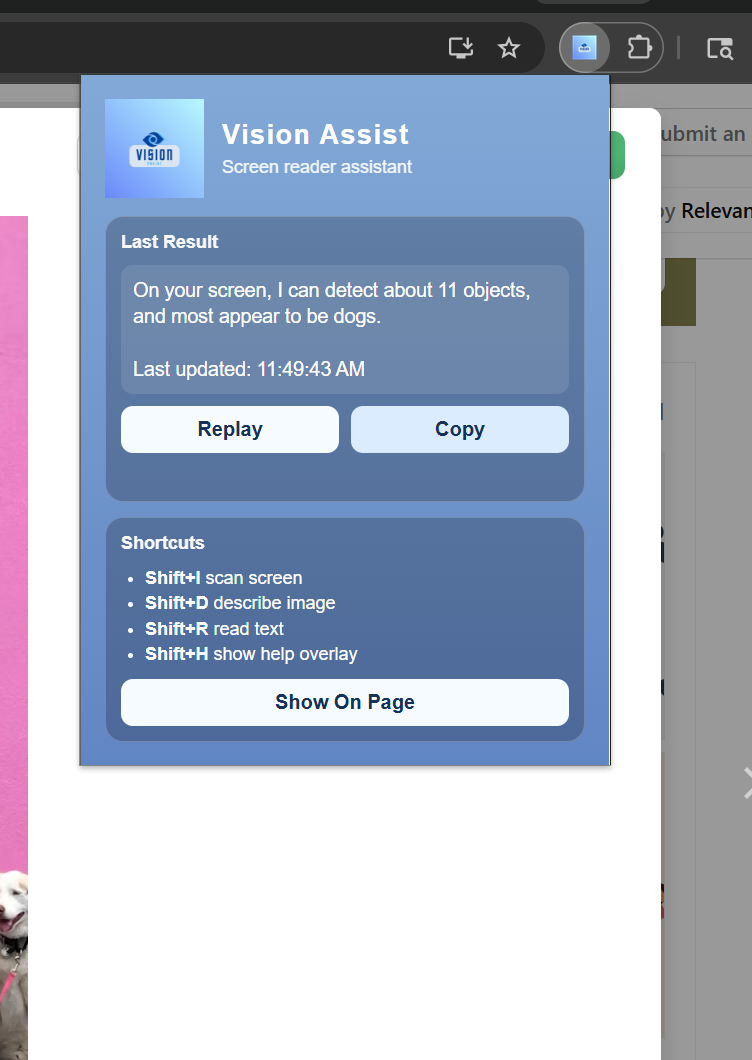
pop up with most recent detection + what controls to use
Inspiration
Over 2.2 billion people worldwide live with some form of visual impairment, affecting their ability to clearly read text or interpret images online.
Millions experience low vision, not total blindness, but difficulty with detail, contrast, and clarity. At the same time, up to 90% of screen users report digital eye strain, including blurred vision and trouble focusing after extended use.
I wanted to build something that could reduce the visual burden of browsing the web by shifting some of that responsibility from the eyes to the ears, allowing users to understand what’s on their screen with just a few simple shortcuts.
What it does
Vision Assist is a Chrome extension that allows users to trigger instant accessibility features, reading selected text aloud, describing hovered images, or summarizing all images across the screen.
How we built it
Vision Assist was built as a Chrome Extension using Manifest V3. A global content script handles on-page interaction, while a background service worker manages screen capture and API calls. Object detection is performed using Hugging Face’s DETR model, image captioning uses BLIP with a fallback system, and text-to-speech is powered by ElevenLabs. Message passing connects all components, enabling real-time visual and audio feedback.
Challenges we ran into
One unexpected challenge was managing API usage limits. During development, we exhausted our ElevenLabs credit allocation prior to the official demo, which required upgrading to a paid plan to ensure consistent voice output during presentation.
Another technical challenge was designing intuitive trigger controls. The original implementation relied on mouse-based triggers, but differentiating between multiple interaction types led to conflicts and unreliable behavior. This was resolved by transitioning to structured keyboard shortcuts, which improved reliability and clarity of interaction.
Also, backend itself required hours of debugging
Accomplishments that we're proud of
Building a fully functional Chrome extension that can detect objects within images, provide clear visual bounding boxes, and read text aloud in real time, all through simple keyboard shortcuts. I am especially proud of myself for being able to complete all of these features in the given time frame
What we learned
Throughout this project, I gained hands-on experience with Chrome Extension development using Manifest V3, service workers, and message passing between content scripts and background processes. I also worked with external APIs for the first time, integrating object detection and text-to-speech services into a cohesive system.
This project pushed me beyond my comfort zone and showed me that complex, real-time browser tools are achievable with persistence, structured debugging, and thoughtful architecture. I’m proud of how much I grew technically while building Vision Assist.
What's next for Vision Assist
Next, I’d like to add a summarization feature so users can instantly get simplified, spoken versions of long or complex text. I also plan to improve visual understanding by combining object detection with stronger image captioning and context, since the current model can occasionally misidentify objects.
Built With
- detrobjectdetection
- elevenlabstexttospeech
- html
- huggingfaceapi
- javascript
- manifestv3

Log in or sign up for Devpost to join the conversation.