

Inspiration
I often found myself switching between tabs to understand complex articles, visuals, or foreign-language pages. I wanted a way to make sense of any webpage — instantly and in one place. That’s what inspired VisioExplain: a tool that helps users bridge the gap between what they see and what they understand, powered by Chrome’s built-in AI
What it does
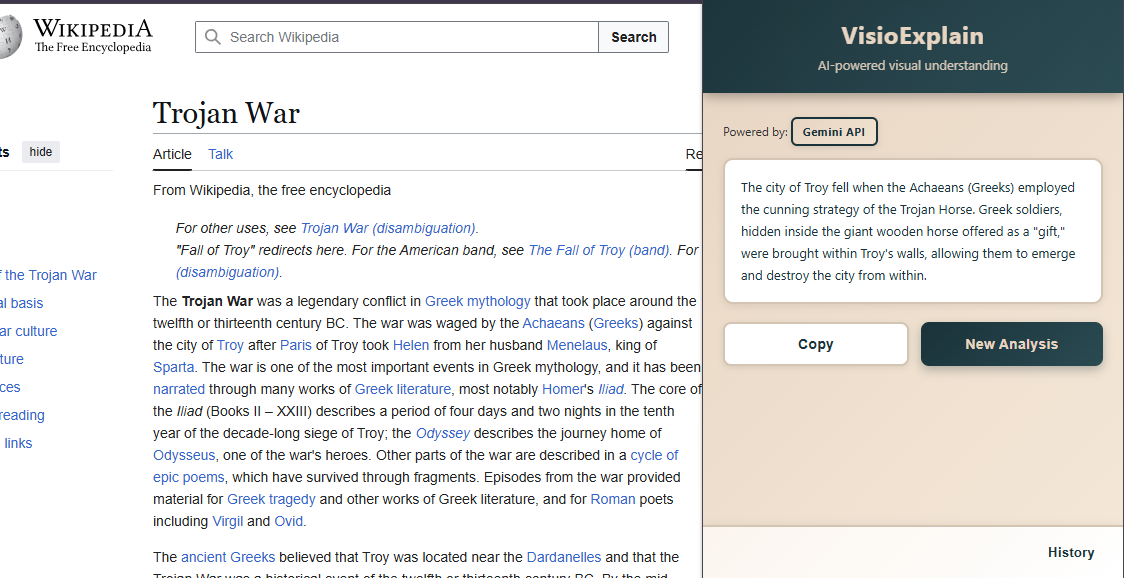
VisioExplain is a Chrome Extension that provides AI-powered comprehension for any webpage. Users can choose from four modes: Simple: Explains content in clear, everyday language. Technical: Provides in-depth, domain-specific analysis. Translate: Translates the page or explanation into multiple languages. Custom: Supports Q&A, letting users ask direct questions about text or images. It combines on-device and cloud-based AI to deliver fast, private, and intelligent page analysis.
How I built it
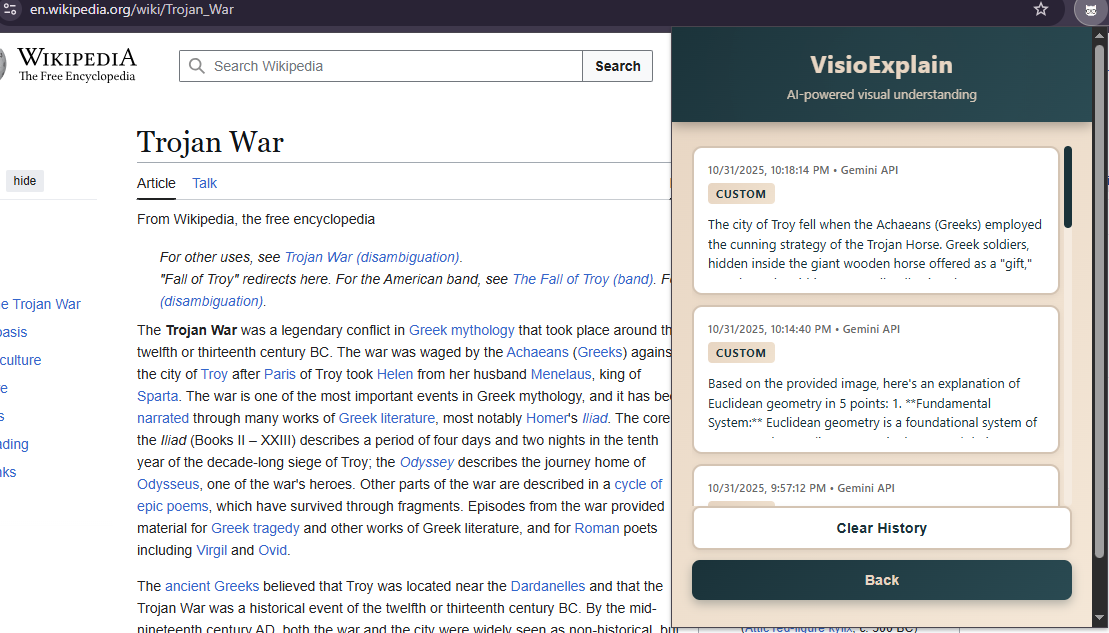
We built VisioExplain using: Chrome Prompt API for local text reasoning Translate API for multilingual support Gemini API as a fallback for multimodal (image) understanding The extension was built with Manifest V3, HTML/CSS/JS, and uses Chrome local storage for maintaining a user’s analysis history
Challenges I ran into
Limited device compatibility prevented direct use of built-in APIs, so we implemented a Gemini fallback for broader access. Managing asynchronous API calls between local and cloud processing required careful design to maintain smooth UX.
Accomplishments that we're proud of
Built a fully working hybrid AI Chrome Extension in limited time. Successfully integrated Prompt, Gemini, and Translate APIs in a privacy-first workflow. Designed an intuitive interface that can help students, researchers, and multilingual users alike
What I learned
The importance of fallback mechanisms for real-world device compatibility. How UX clarity and privacy can coexist in AI-driven tools.
What's next for VisioExplain
Integrate Speech API for voice explanations. Add offline caching for repeated image analyses. Expand “Custom Mode” with domain-specific intelligence (education, research, and code review). Publish to the Chrome Web Store and open source the project for community collaboration.


Log in or sign up for Devpost to join the conversation.