-
-
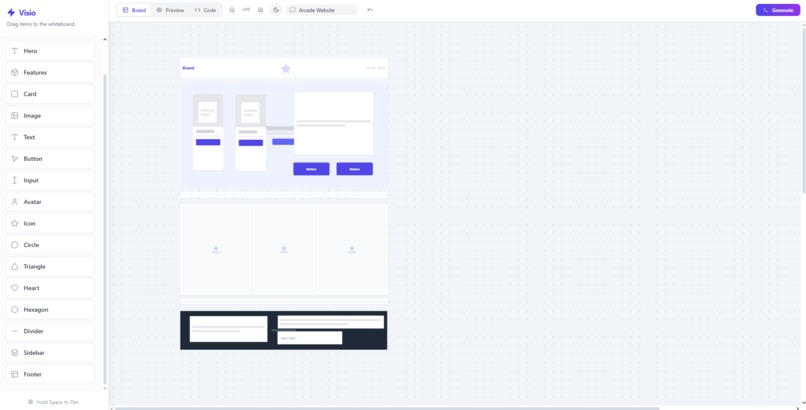
Design in whiteboard
-
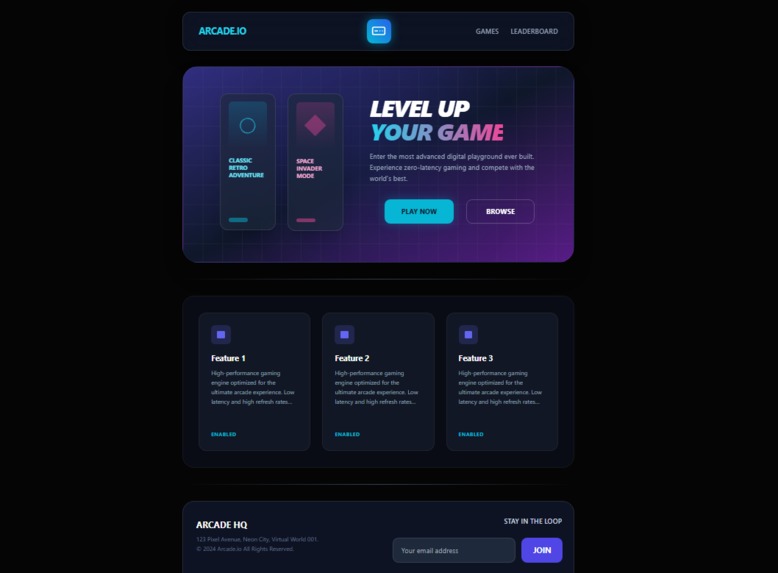
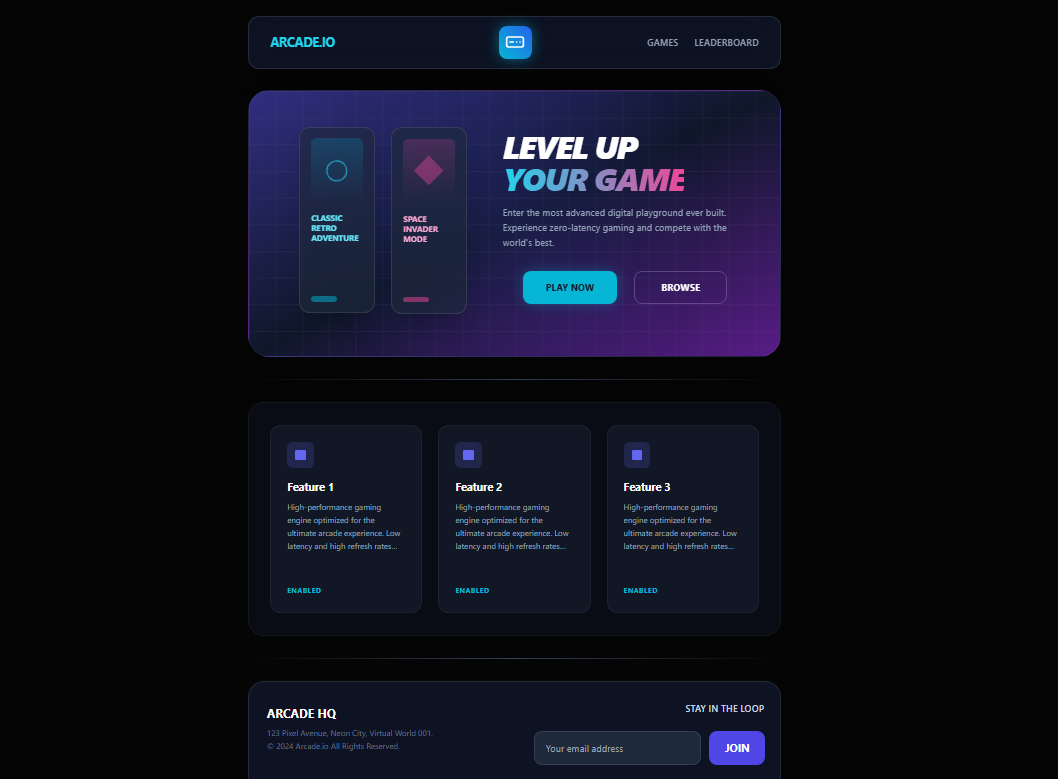
See the generated website
-
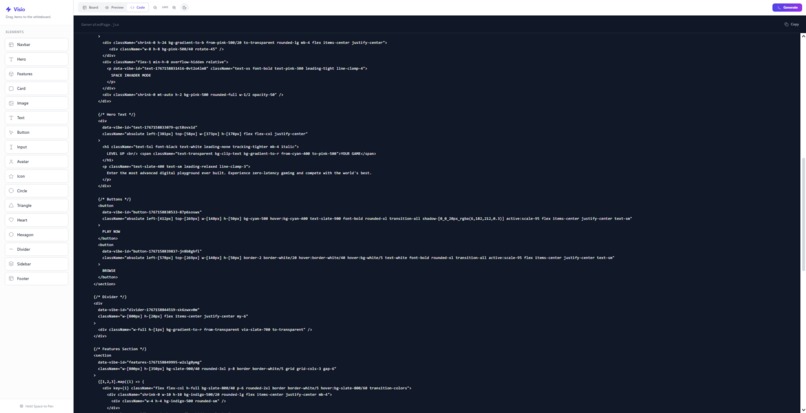
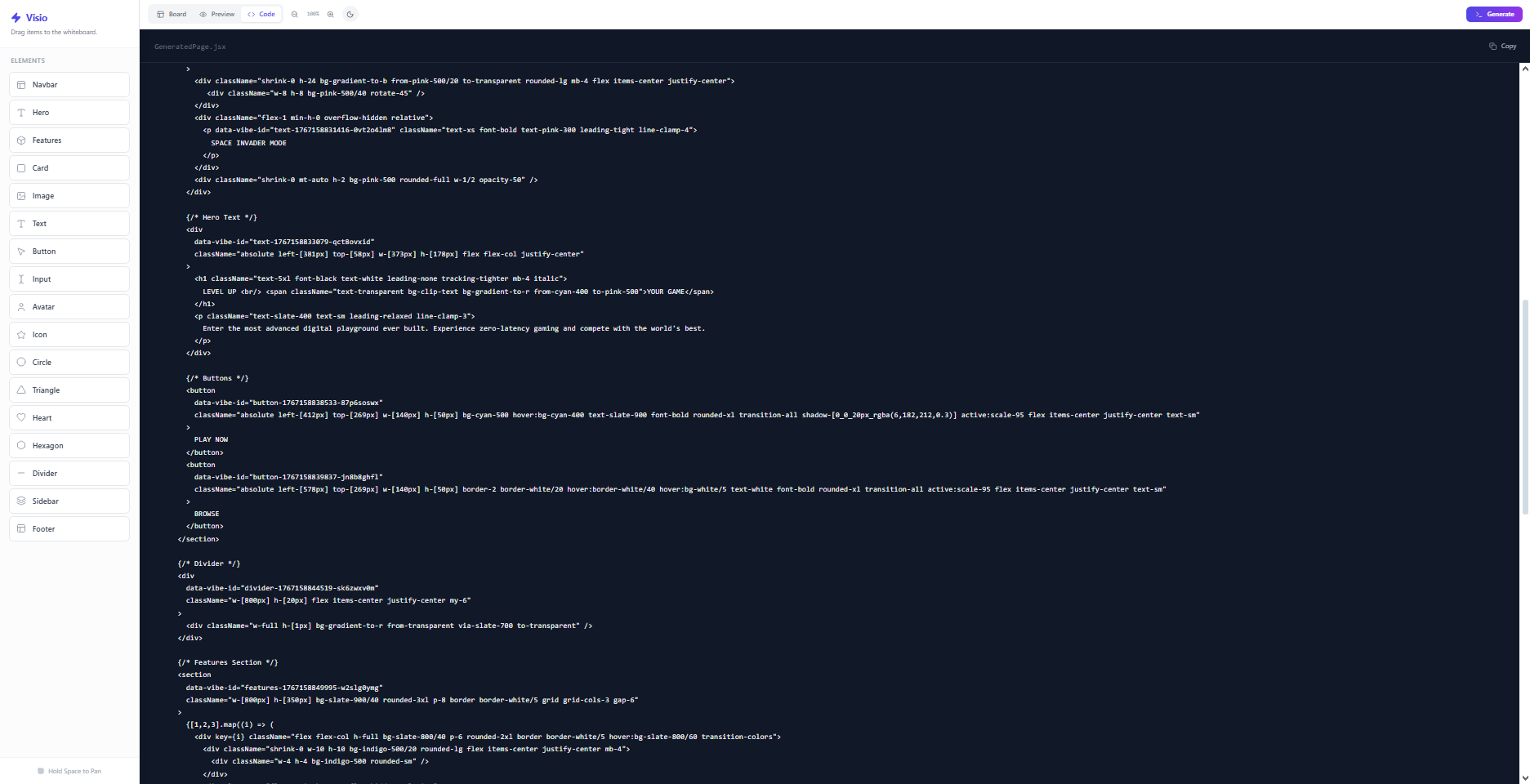
Copy the code
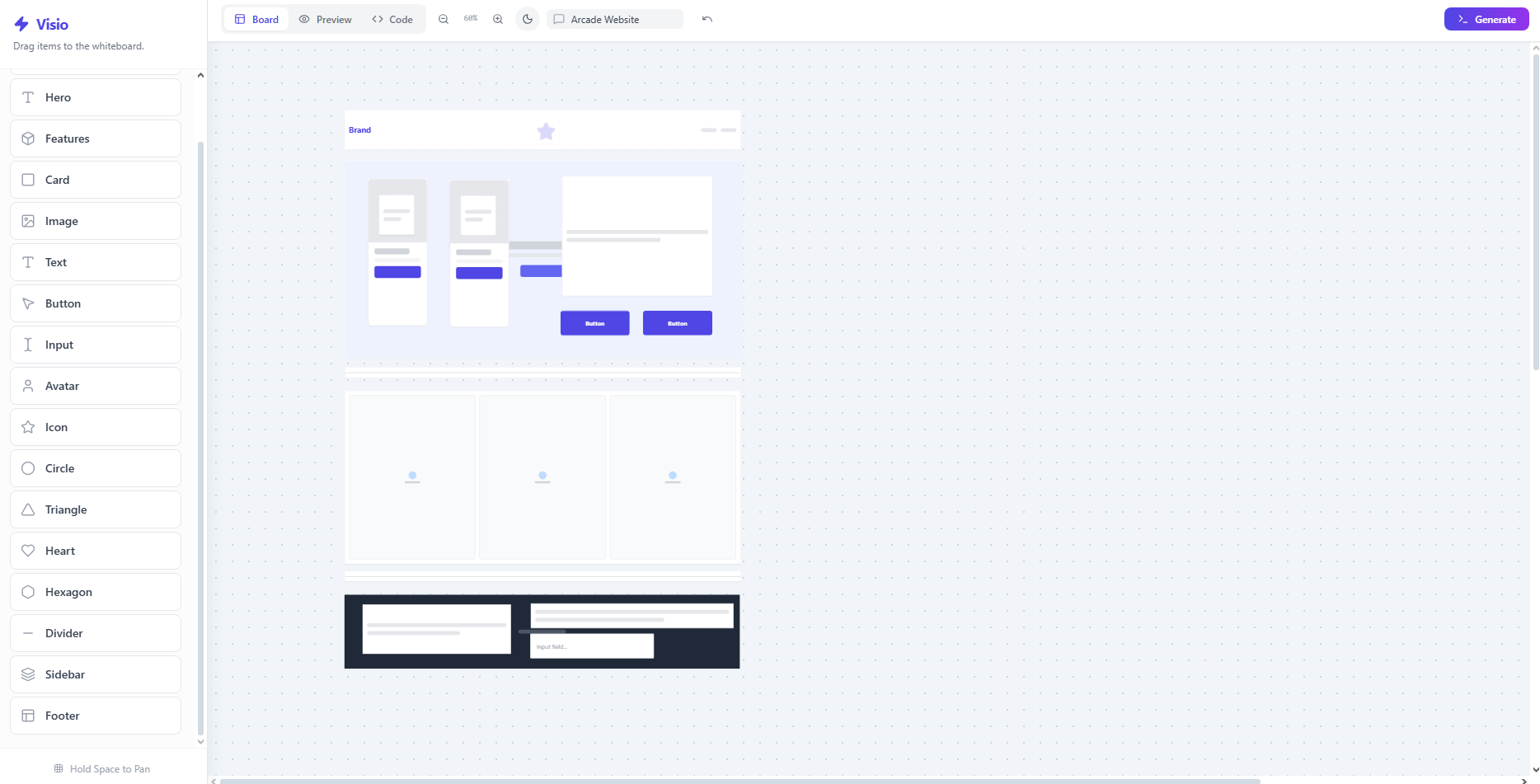
Project Name: Velvisio
P.S. Renamed from "Visio" to "Velvisio".
What did you build?
I built Velvisio. It’s basically a smart whiteboard where you drag and drop to design your app. The cool part is you can preview the actual website instantly as you design. Once you love how it looks, the AI gives you the production-ready code so you can launch it immediately. It lets students and founders go from idea to preview to deployed product without needing a dev team.
But the magic happens when you hit "Generate." Before a single line of code is written, users can provide context like "A modern pizza shop" or "A minimalist portfolio", guiding the AI's aesthetic choices. Using Google's Gemini 3 Flash Preview model, Velvisio acts as a bridge between your ideas and reality. It analyzes the spatial relationships of your whiteboard and your provided context to instantly generate high-performance React + Tailwind CSS code.
It isn't a static export, either. I built a comprehensive Iterative Refinement System:
- Live Preview Editing: You can manually tweak the live site (change colors, text, or layout) directly in the preview and have it reflect on the code.
- AI Refactoring: You can type new prompts like "Add a section for products" or "Change the theme to purple" to have the AI rewrite specific parts of the code without breaking the rest.
Why does it matter?
We’ve all been there: you have an amazing idea for an app, you sketch it out on a piece of paper or a whiteboard, but then... you hit a wall, "How do I make this to an actual app?".
- Designers get stuck in tools like Figma, creating images that can’t actually do anything.
- Developers spend hours doing the laborious work of translating those sketches into code manually.
Velvisio matters because it kills that translation process. It empowers anyone to go from a rough idea to a deployed application in seconds. It turns the whiteboard from a place where ideas start into the place where they ship.
What problem does it solve?
I wanted to solve the "Blank Page Paralysis." Coding a website from scratch is intimidating for beginners and tedious for pros.
- For the beginner: Velvisio removes the fear of syntax errors. You don't need to know how CSS Grid works to build a responsive layout; you just place the box where you want it, and Velvisio handles the math.
- For the pro: It automates the heavy lifting. Instead of writing boilerplate code, you can focus on the creative logic.
- The "One-Shot" Trap: Most AI tools generate code once, and if it's wrong, you're stuck. Velvisio solves this by allowing context-aware regeneration. If the result isn't perfect, you can fix it manually or ask the AI to try again with new instructions, until you get your desired output.
- The "Static" Trap: Wireframes usually end up in the trash. Velvisio turns them into living, breathing prototypes that you can actually use. The only limit is literally your imagination.
How did you build it?
I built Velvisio using the stack I just started working with: React 18 and Tailwind CSS.
- The Interface: I used the HTML5 Canvas API to create the whiteboard. It had to feel snappy, so I spent a lot of time on the drag-and-drop logic.
- The Brains: The core is the Google Gemini 3 Flash Preview API. I wrote a system that translates the visual coordinates of the whiteboard into a "semantic map." Basically, I tell the AI, "There's a text block inside this rectangle," and prompt it to interpret that as a generic parent-child HTML relationship.
- The Sandbox: To make it safe and secure, the generated code runs in a sandboxed
iframe. I built a communication bridge (usingpostMessage) so the whiteboard and the code preview can talk to each other in real-time.
Tech Stack
- Frontend: React 18 (Hooks, Context API)
- Styling: Tailwind CSS
- AI Model: Google Gemini 3 Flash Preview
- Icons: Lucide React
- Core Tech: Iframe Sandboxing, PostMessage API, MutationObserver
What surprised you?
Honestly, I was shocked by how "smart" the Gemini model actually is. I thought I would have to be extremely specific with my instructions. But, I just loosely dragged a circle icon, some text, and a small button into a box. I didn't tell the AI what it was but it analyzed the geometry and correctly assumed, "This looks like a User Profile Card." It automatically grouped the elements, centered everything, and added the perfect amount of padding. It understood the intent of my design just by looking at where I put things. That felt less like coding and more like collaborating with a partner.
What was hard?
The hardest part was definitely the Bi-Directional Sync. It's easy to tell AI to "write code once." but it is really hard to let a user manually tweak that code (like changing a color in the preview) and then have the AI understand that change without breaking everything else. I had to build a complex state management loop where the app sends the existing code AND the user's specific changes back to the AI to "refactor" the file live. Getting that to work seamlessly without the AI hallucinating random new features took a lot of time and fine-tuning prompts.

Log in or sign up for Devpost to join the conversation.