-
-
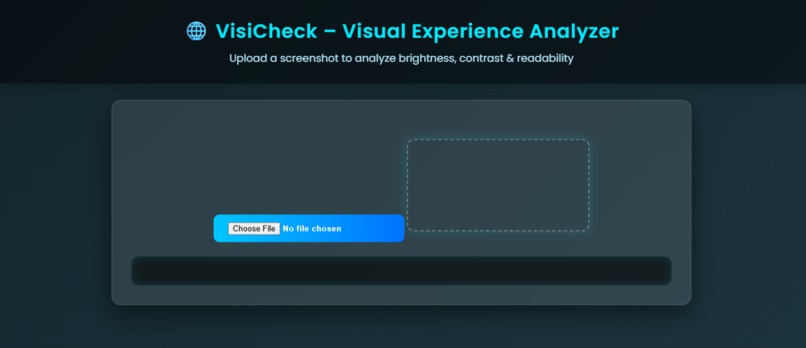
Main page
-
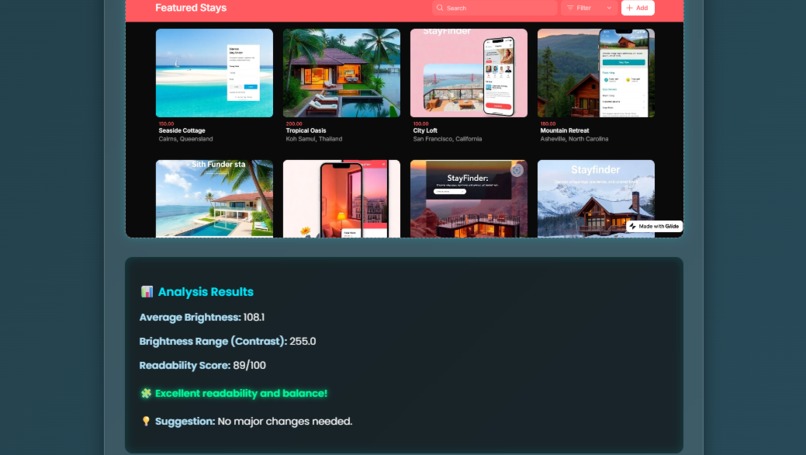
Final resulte
-
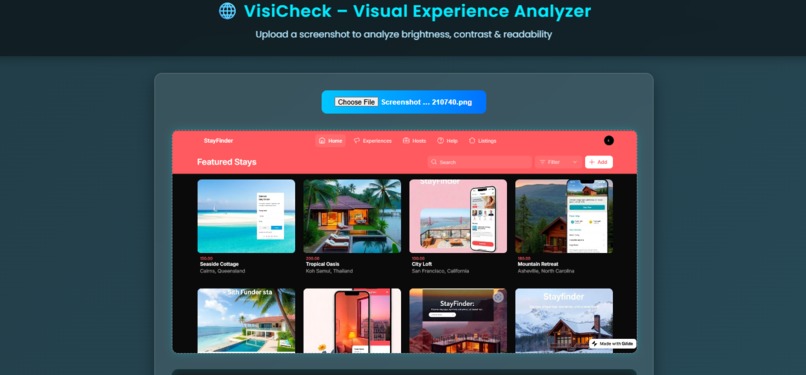
Add image
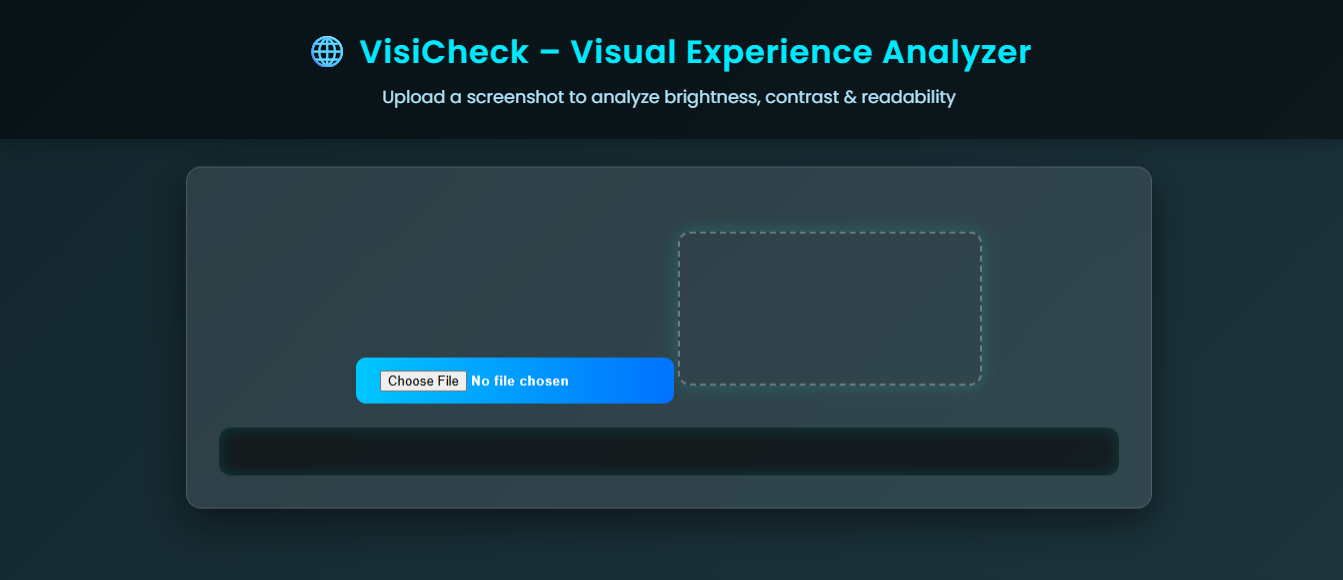
Inspiration
The idea for VisiCheck came from realizing how many beautifully designed websites struggle with accessibility. Many users face difficulty reading low-contrast text or navigating visually cluttered pages. I wanted to create a simple, AI-powered tool that helps designers and developers “see what users actually see.” The goal was to promote inclusive, accessible, and user-friendly design — without needing heavy tools or coding setups.
What it does
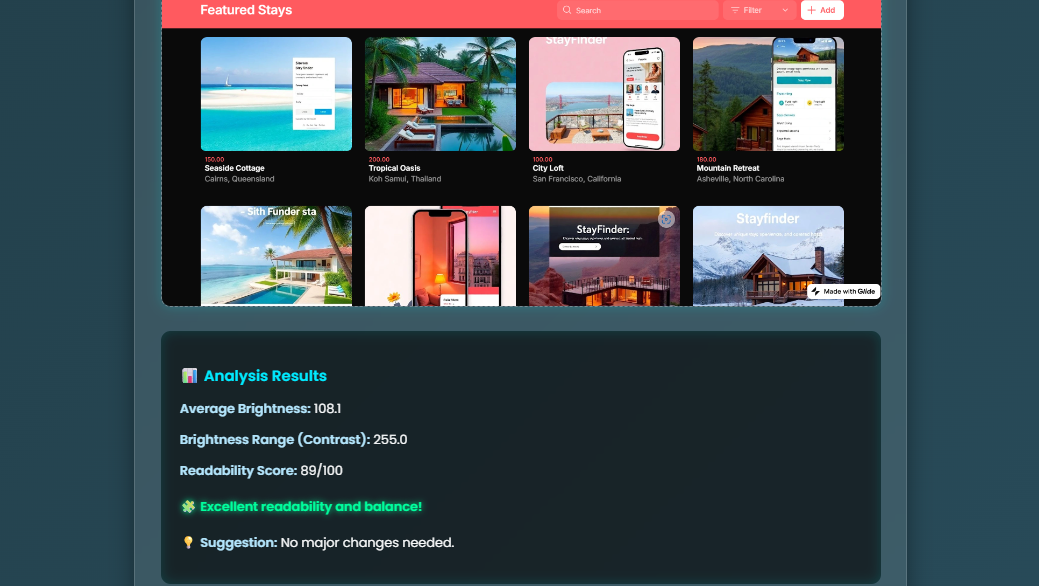
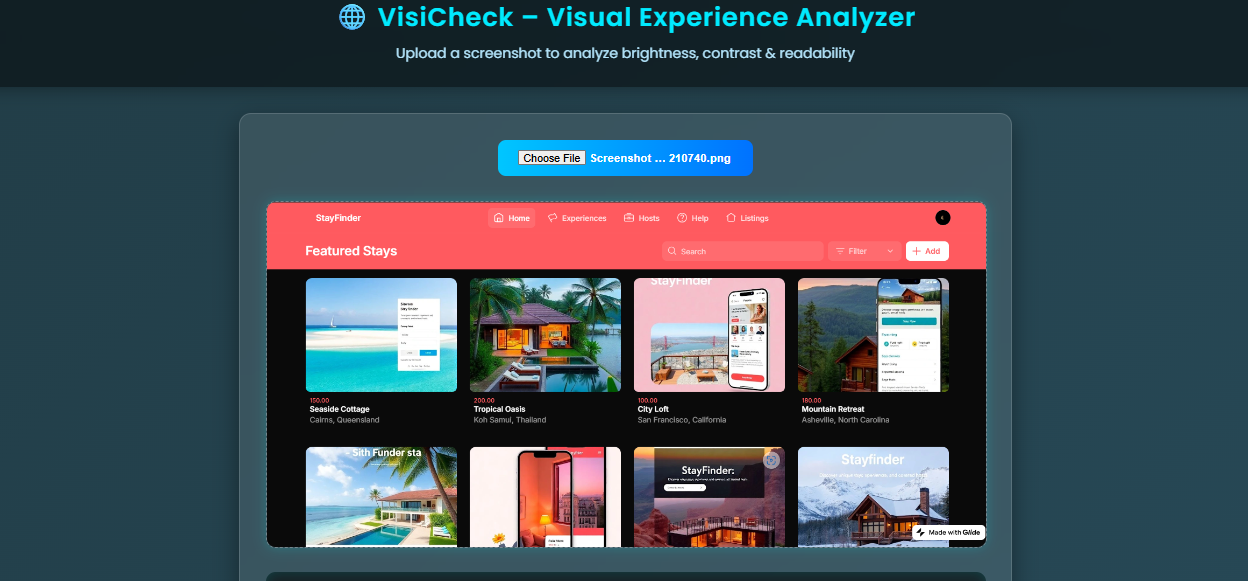
VisiCheck – Visual Experience Analyzer allows users to upload a screenshot of any website or design. It then: Analyzes brightness, color contrast, and readability. Generates a Readability Score out of 100. Provides insightful suggestions to improve visual balance and accessibility. In short, it helps make designs visually comfortable and WCAG-compliant.
How we built it
VisiCheck was built completely using HTML, CSS, and JavaScript — no backend required. The color brightness is calculated using the formula: L=0.2126R+0.7152G+0.0722B It measures average brightness and contrast range from image pixels. The interface is styled with neon gradients and glassmorphism for a modern, tech-inspired look. The algorithm combines brightness and contrast scores to deliver the final readability rating.
Challenges we ran into
CORS restrictions: Directly analyzing live websites isn’t possible without a backend, so the project was redesigned to analyze screenshots instead. Tuning sensitivity: Finding the perfect balance so both light and dark UIs were judged fairly. UI consistency: Creating an attractive yet performance-friendly theme with animations and glowing effects.
Accomplishments that we're proud of
Created a fully client-side visual analyzer with zero dependencies. Designed a responsive, futuristic interface that enhances presentation quality. Implemented an accurate readability scoring model using real brightness and contrast math. Built a tool that promotes inclusive design awareness among developers and designers.
What we learned
How to work with pixel-level image data in JavaScript. How visual accessibility impacts real-world user experience. The value of balancing aesthetics with usability. How to communicate insights clearly using design and data.
What's next for VisiCheck – Visual Experience Analyzer
Adding AI-based font readability detection. Enabling live website analysis through a backend proxy or browser extension. Integrating heatmap visualization to show which areas are too bright or low contrast. Turning VisiCheck into a Chrome plugin so designers can analyze any site with one click. 🌐 VisiCheck – Because good design should be seen clearly by everyone.


Log in or sign up for Devpost to join the conversation.