-
-
-
-
-
-

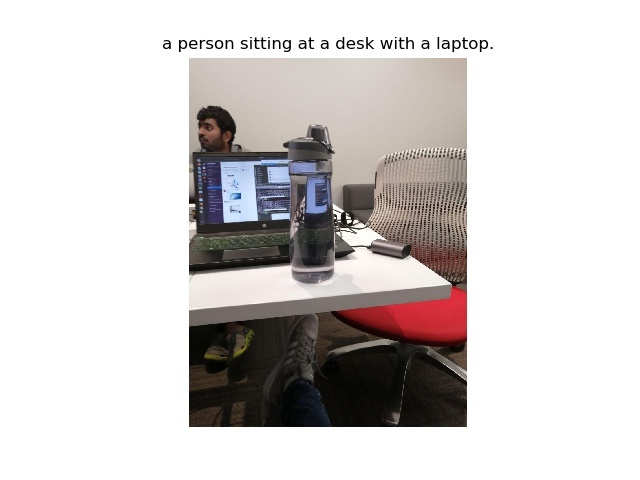
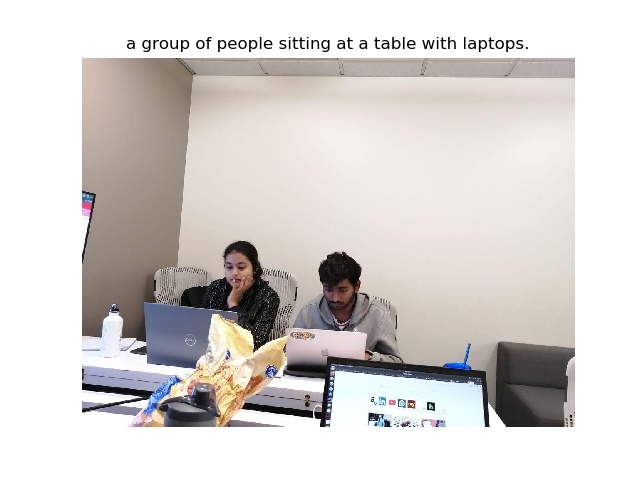
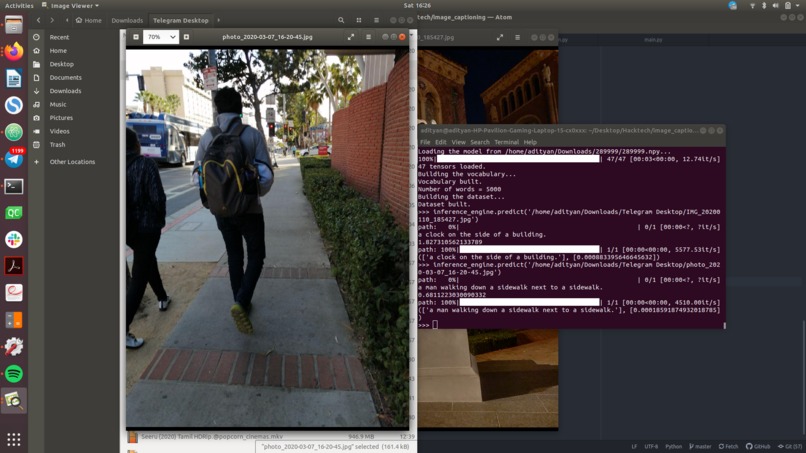
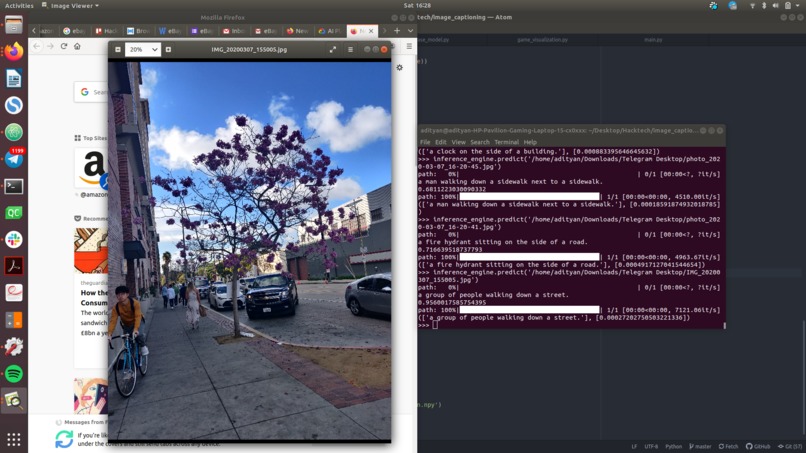
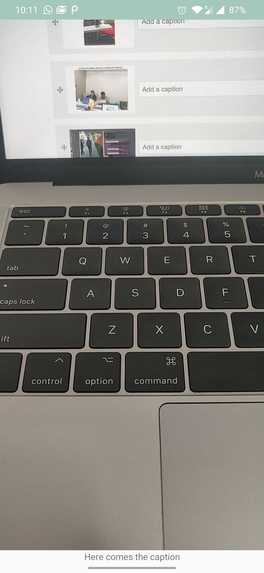
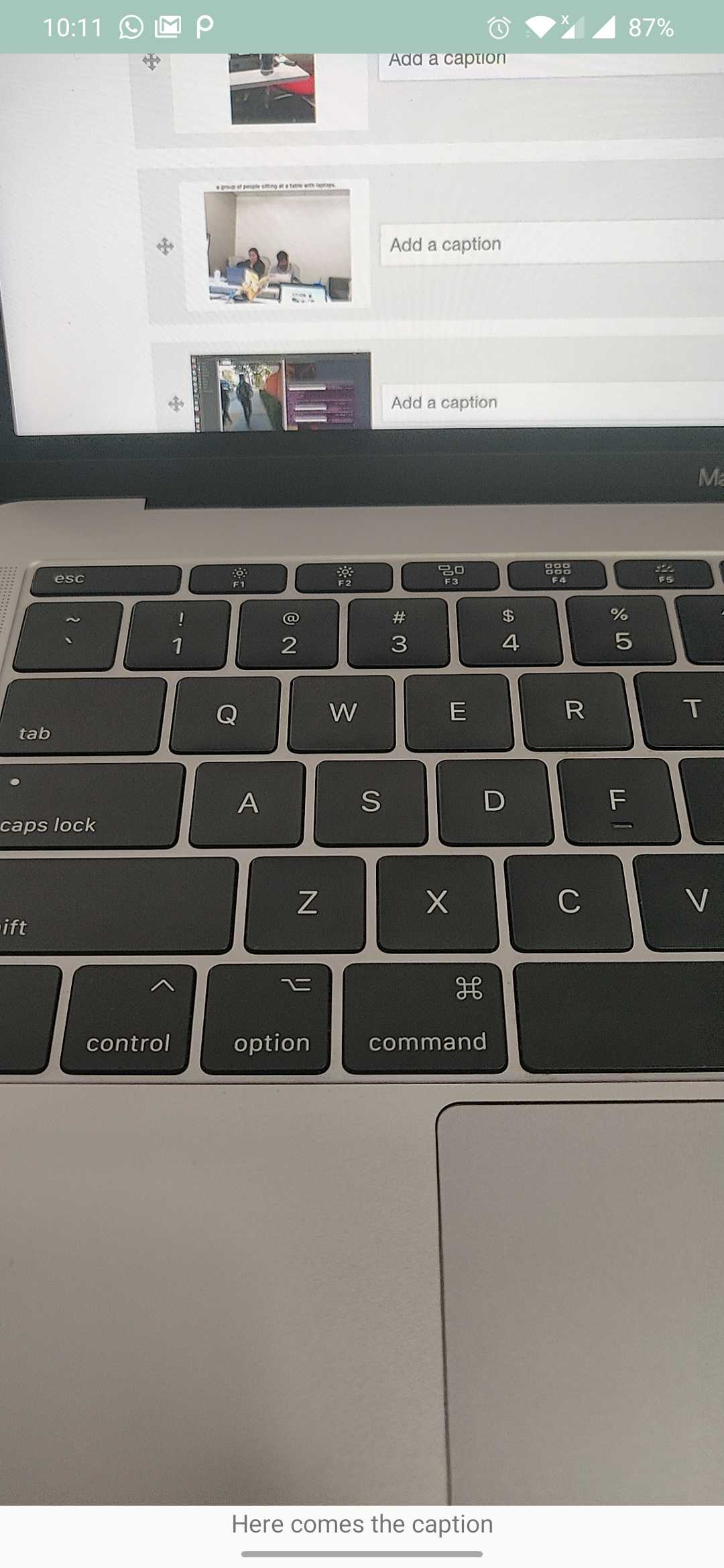
Screenshot of our Android App
-
-
-
-
-
-

Inspiration
The inspiration is to aid visually impaired people with little things in life like identifying objects using a mobile phone and the modern wonders of technology.
What it does
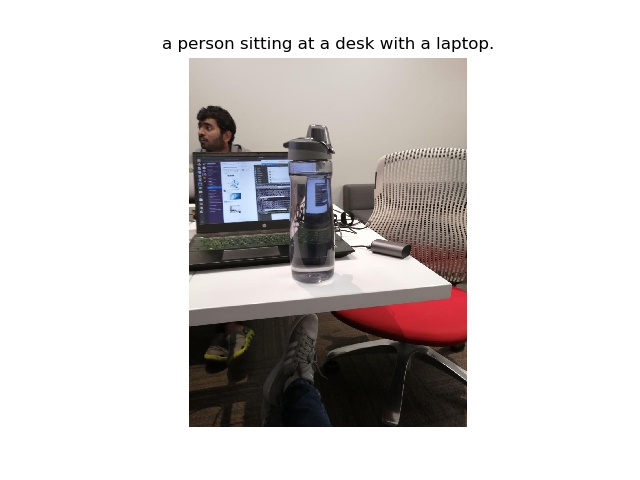
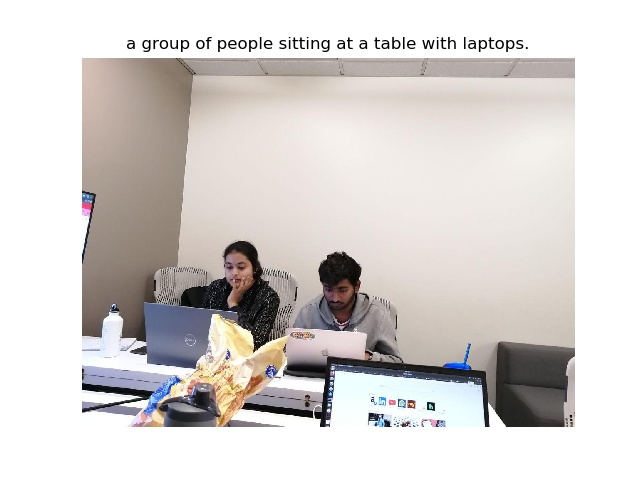
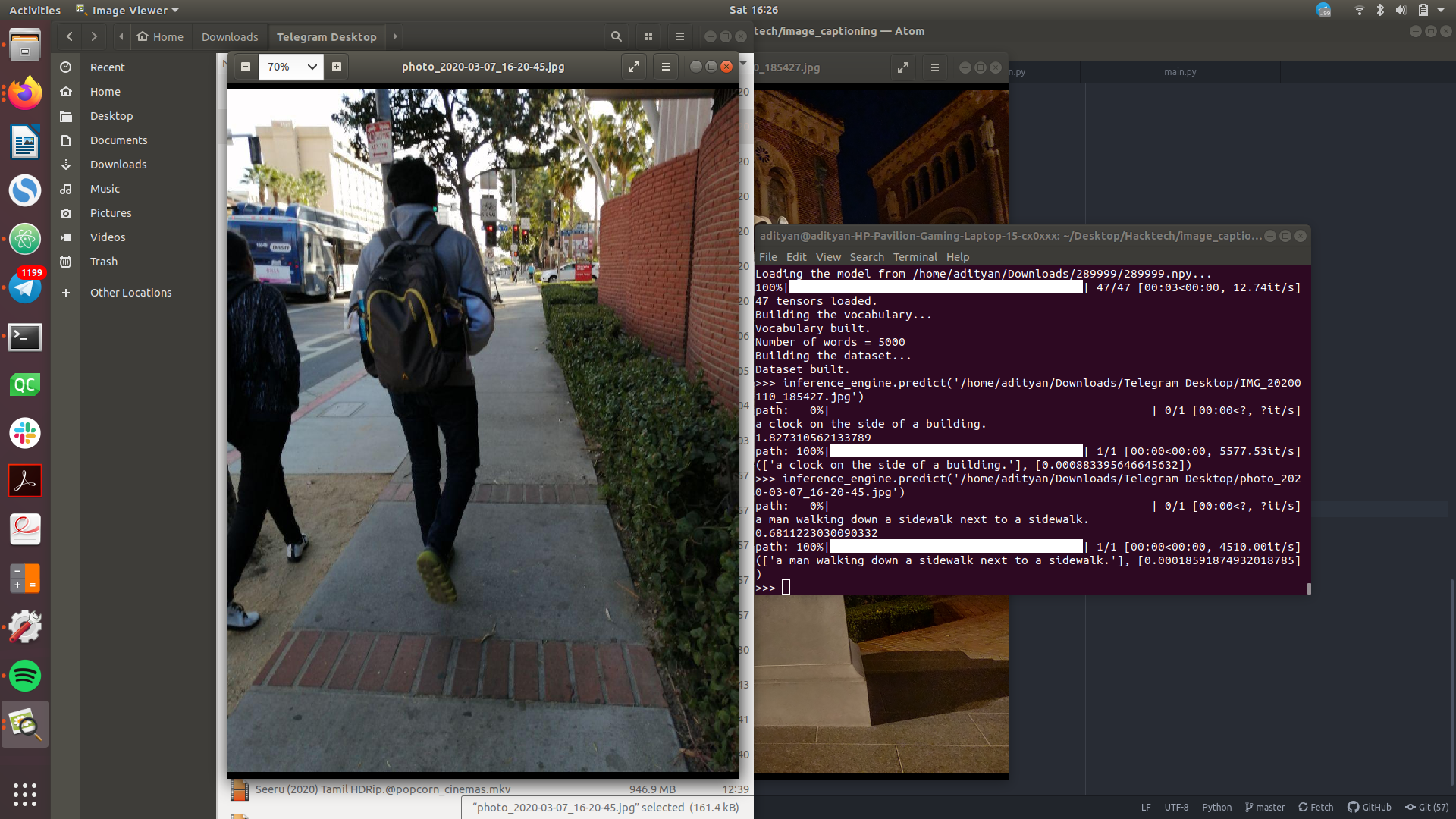
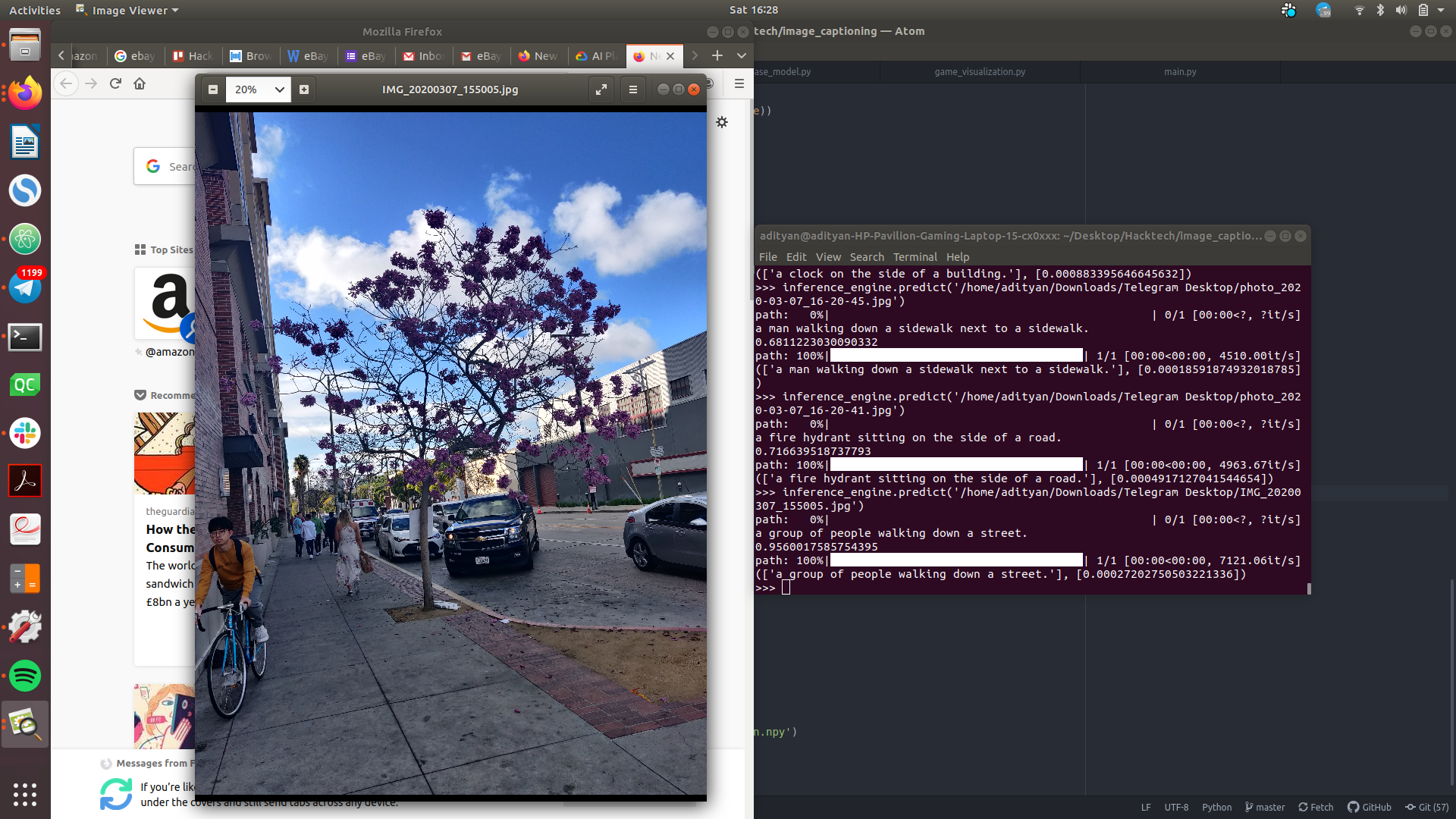
A mobile app captures images through touch. The image is captioned and narrated back to the user. In addition to this, the app also captures images automatically every 5 seconds to continuously narrate the surrounding scene.
How I built it
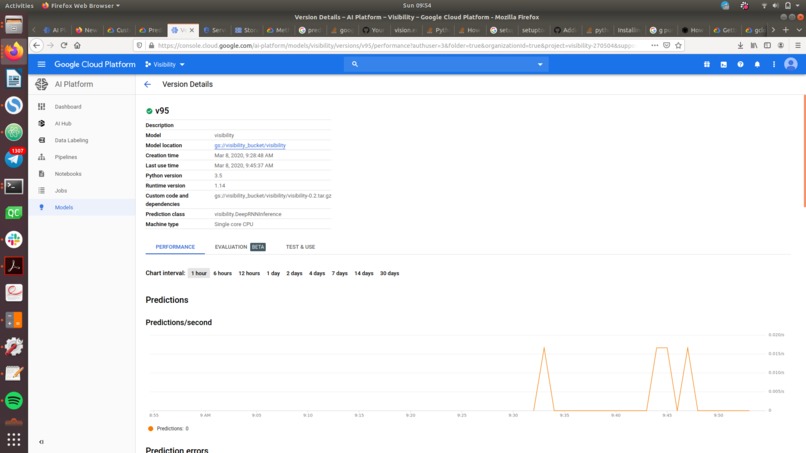
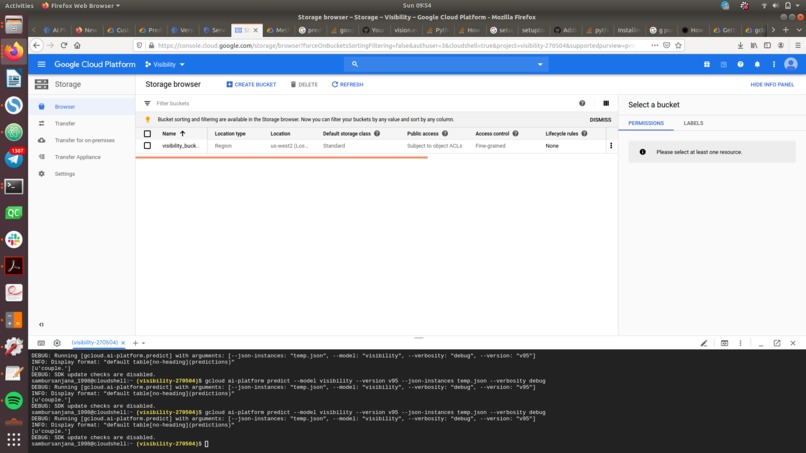
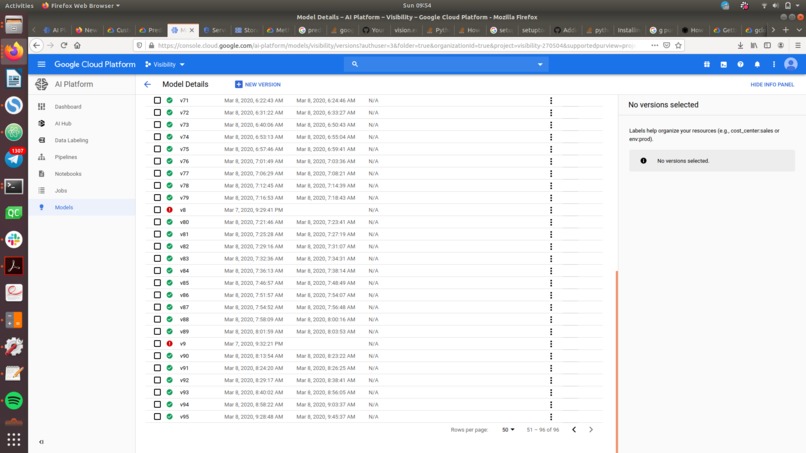
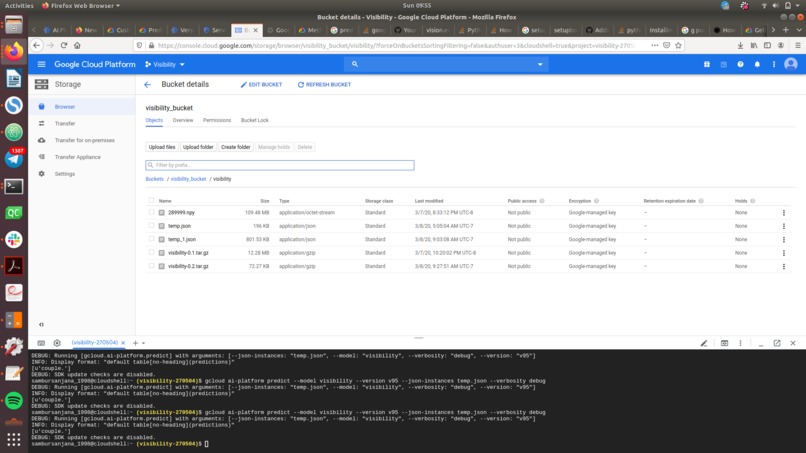
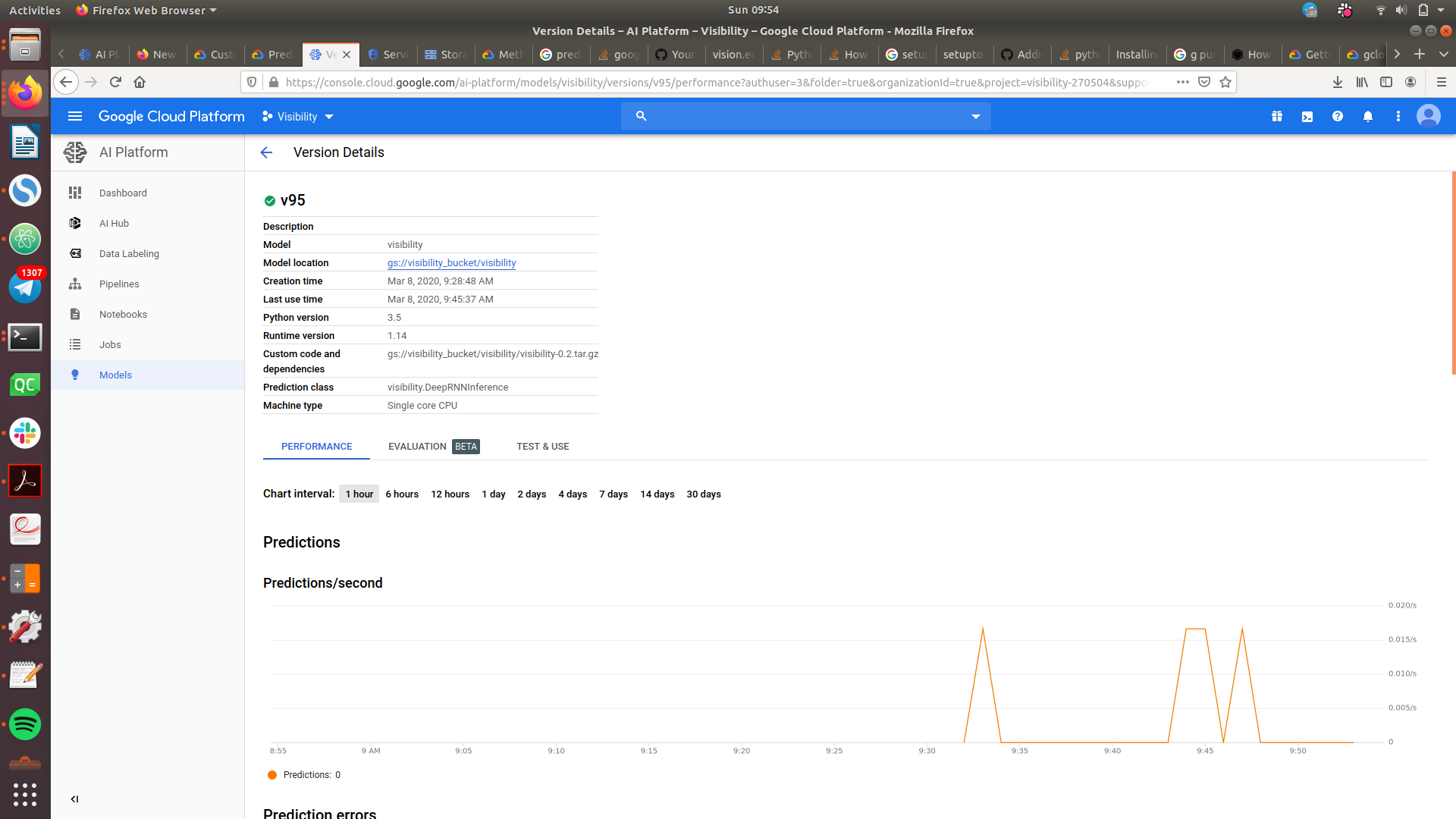
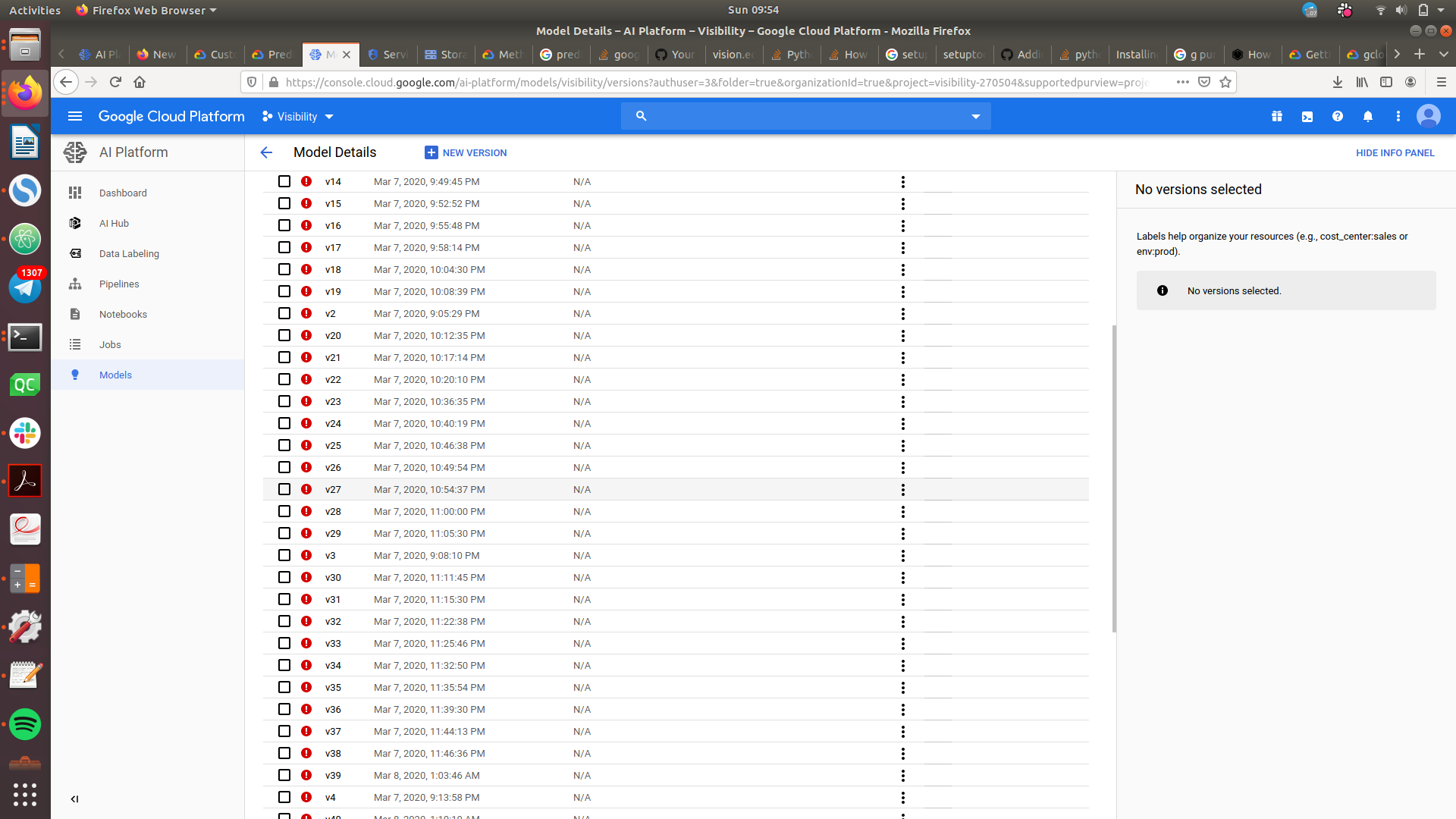
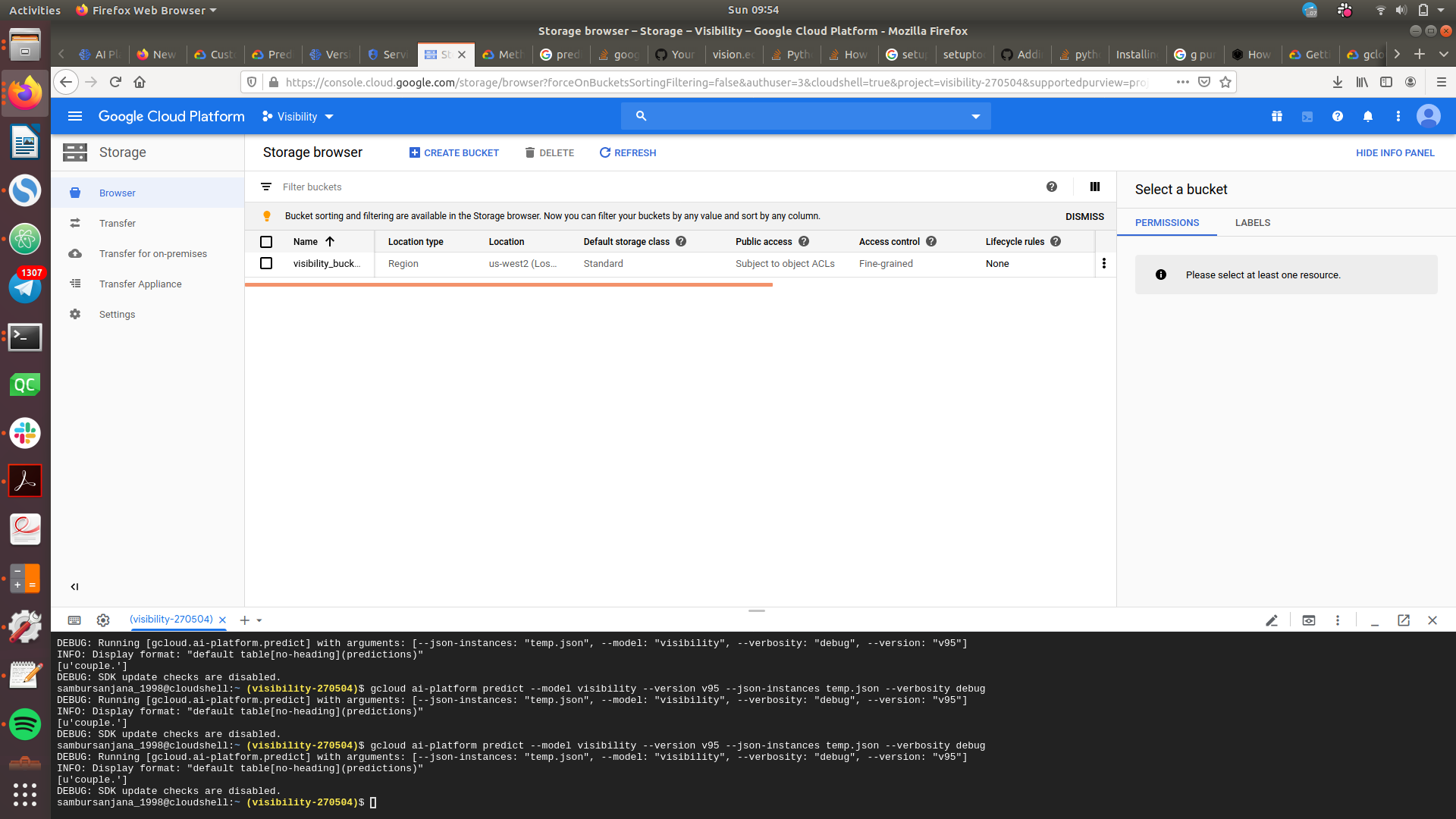
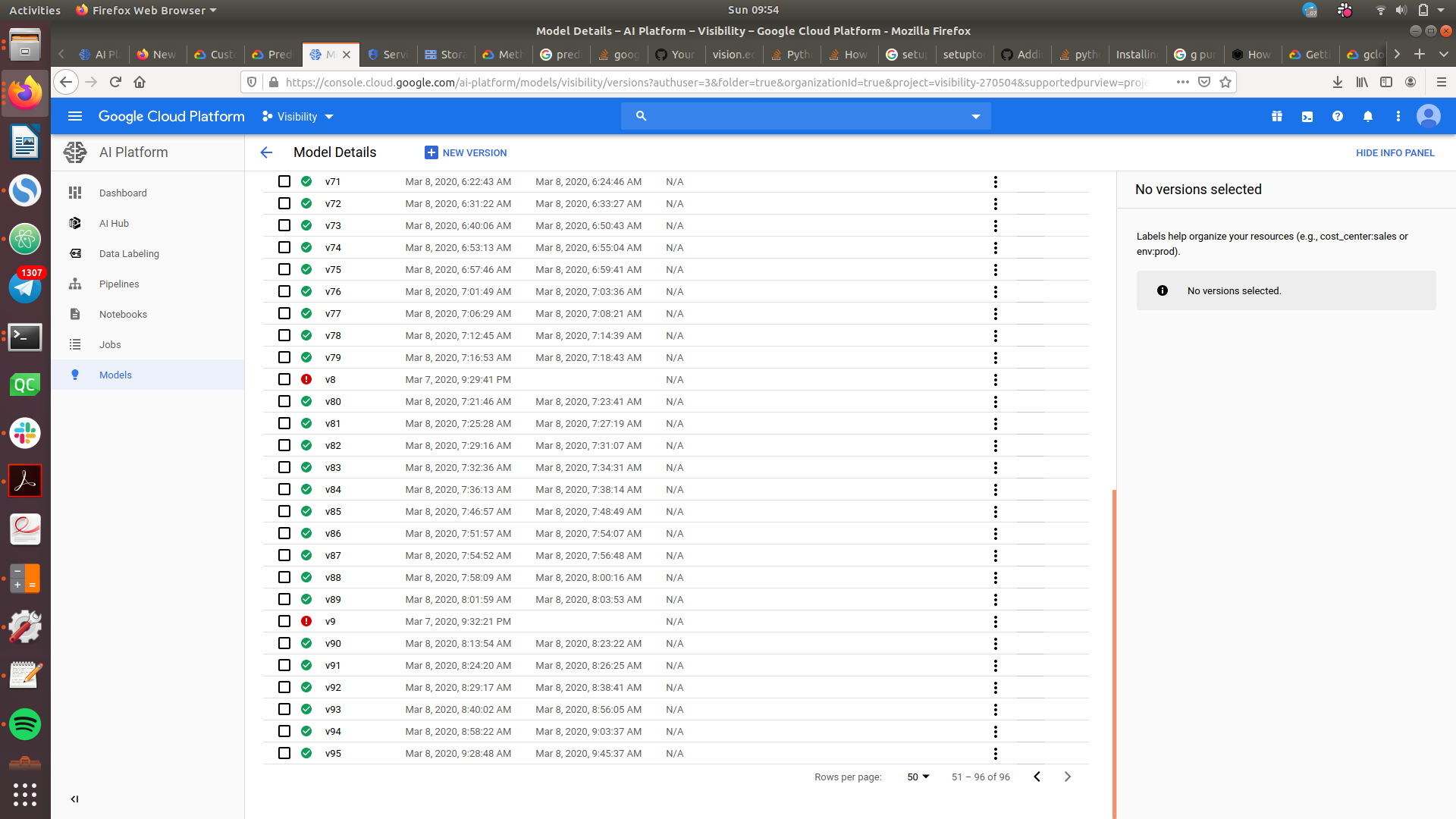
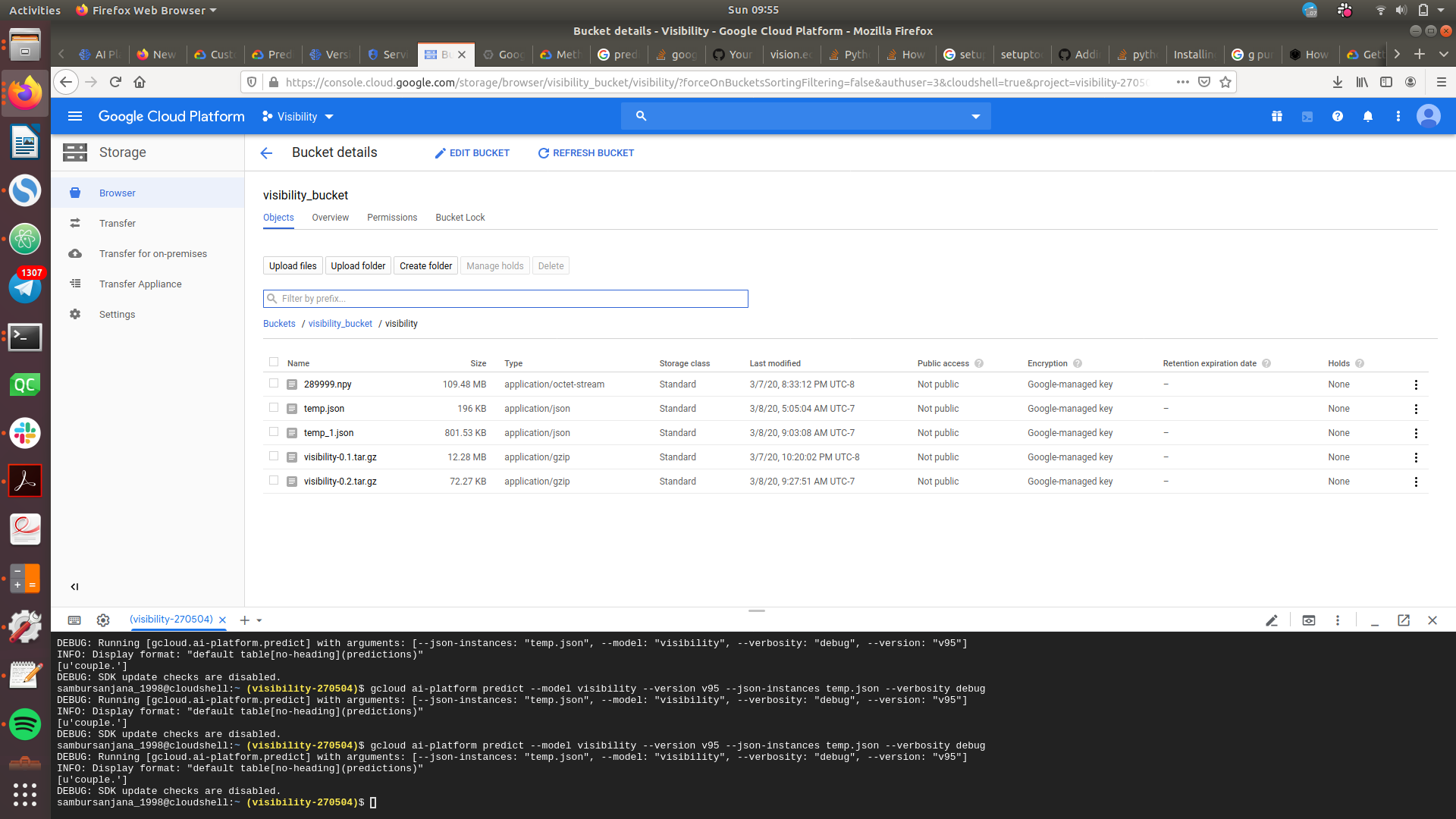
We used AndroidStudio to create a basic app that captures images on tap action and one every 5 seconds for continuous narration. The Image captioning part is performed using an RNN model based on the paper "Show, Attend and Tell: Neural Image Caption Generation with Visual Attention" by Xu et al. (ICML2015). The code is available as tensorflow implementation on GitHub (https://github.com/DeepRNN/image_captioning). The prediction is automated using Google Cloud Platform (AI Platform and Compute Engine). The app sends requests to the model available for prediction. And the hosted model returns a caption for the image. The app receives and reads the text out loud using text to speech.
Challenges I ran into
The first-time use of GCP led to humongous amounts of configuration issues, environment issues, and integration limitations. The 1.5MB limit on the request to GCP hinders the quality of results. Also, integration between Android Studio with Java and GCP with python are giving rise to new issues.
Accomplishments that I'm proud of
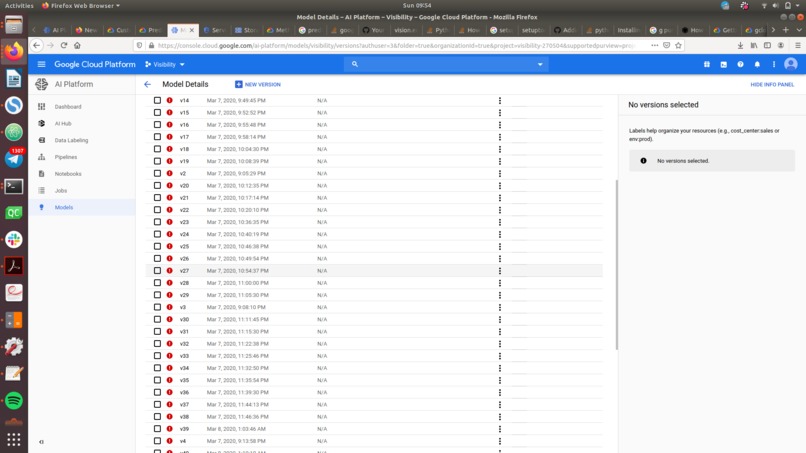
Familiarised GCP within a day and got to work on a cool Computer Vision application. Successfully hosted model for prediction after 100 failed tries. Got along with a new team of students and became good friends.
What I learned
Google Cloud Platform, Deep Learning, AI Platform and Compute engine, Android Studio.
What's next for Visibility
Improvement in the UX and fluid integration between app and model for prediction. Possible release of app in Playstore.
Built With
- android-studio
- computer-vision
- deep-learning
- google-cloud
- java
- machine-learning
- photoshop
- python

Log in or sign up for Devpost to join the conversation.