-
-
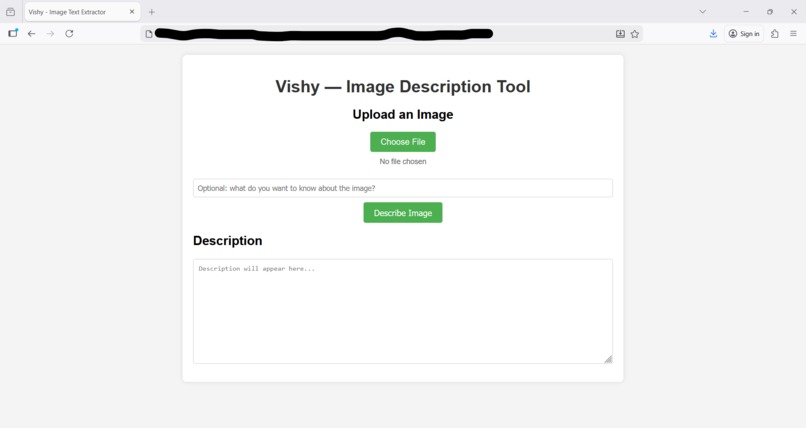
Vishy User Interface
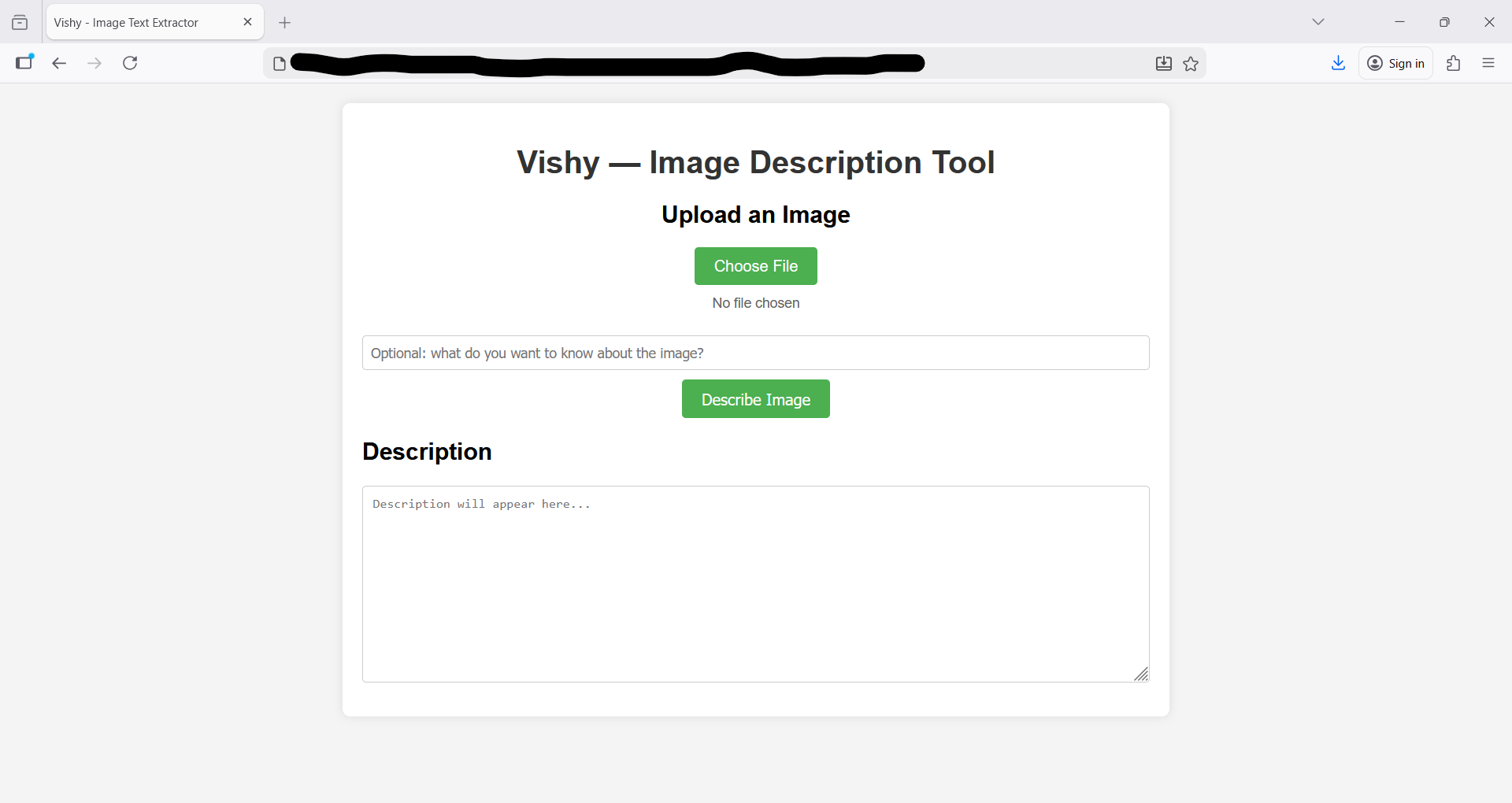
Challenge
Challenge 3 - AI for Social Good
Inspiration
We noticed that many images don't have an alternate text that describes that image. This is problematic for visually impaired users. Therefore, we created a tool that describes an image.
What it does
One uploads an image to the tool, types any other information they want, and then a description appears. One can press a button to read the text in the description.
How we built it
We built this by building two separate programs: the front-end and the back-end. The front-end contains the user interface, while the back-end uses the Gemini API in order to come up with a description for the image.
Challenges we ran into
We ran into multiple challenges, including trying to figure out which model to use, model not running on one of our computers, and having to work with rate usage limits on Gemini's API.
Accomplishments that we're proud of
We are proud of having come up with a functional prototype, that can accurately describe an image in only a few hours.
What we learned
For us, it was either our first or second hackathon, so we learned a lot on working in hackathons. We also learned technical skills, such as creating a back-end and front-end.
What's next for Vishy
Improve the user interface and expand support to different languages.
AI Usage
Used AI to generate the code and image description, but came up with the ideas and architecture on our own.

Log in or sign up for Devpost to join the conversation.