Inspiration
The modern web is a visual medium, a rich tapestry of images and data. But for millions of people with visual impairments, that tapestry is a gallery of empty frames. When a screen reader encounters an image without a description, the story of the web has missing pages. Our inspiration was to use the power of on-device AI to fill in those blanks, creating a more inclusive and equitable internet where the web's visual richness is accessible to everyone.
What it does
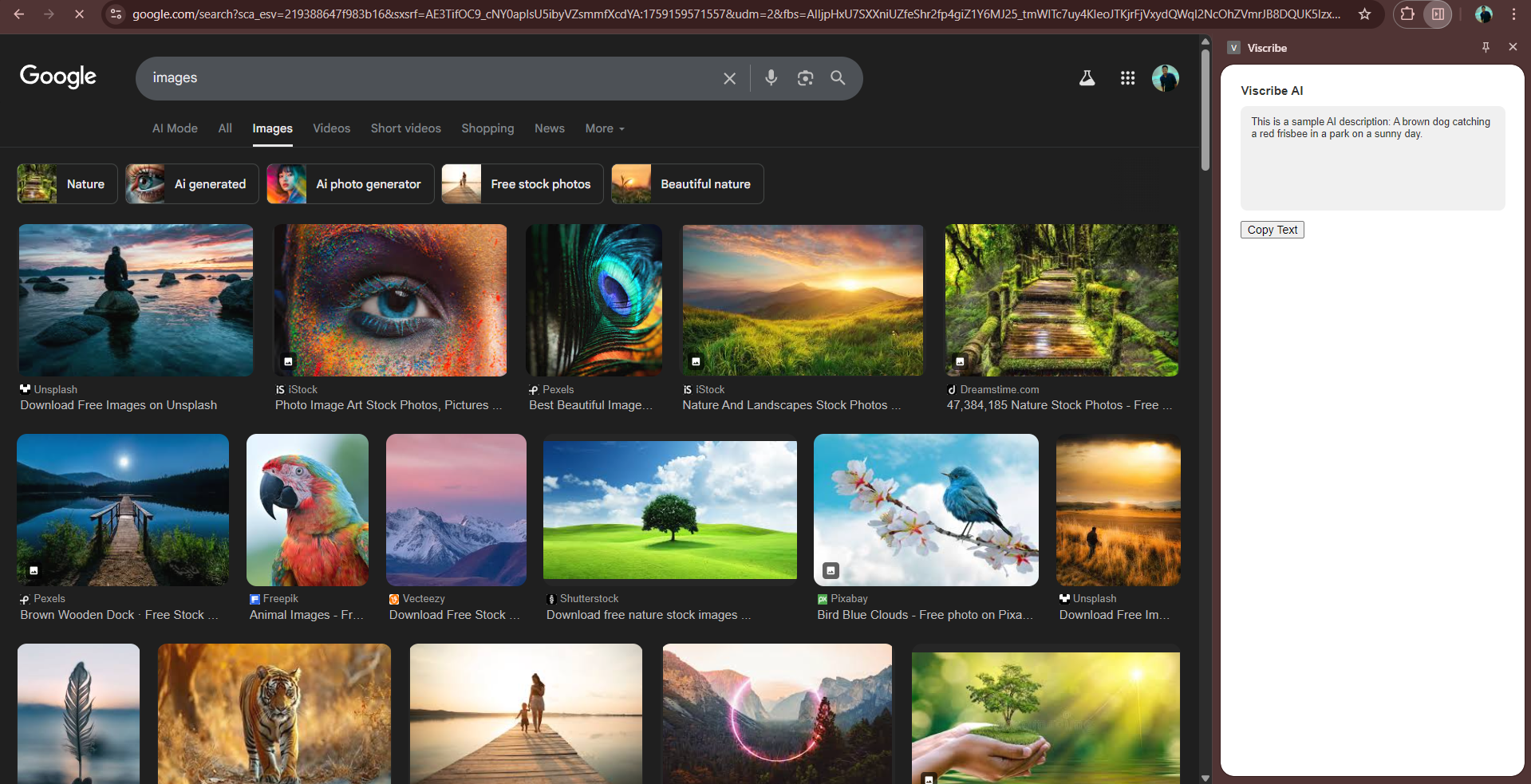
Viscribe is a Chrome extension that acts as an AI-powered eye for the visually impaired. With a simple action, it instantly generates a concise, context-aware description for any image on a webpage. To ensure true accessibility, we built two ways to activate it:
A traditional right-click context menu option.
A fully keyboard-accessible shortcut (Ctrl+Shift+I), allowing screen reader users to generate a description for any image they have navigated to without ever needing a mouse.
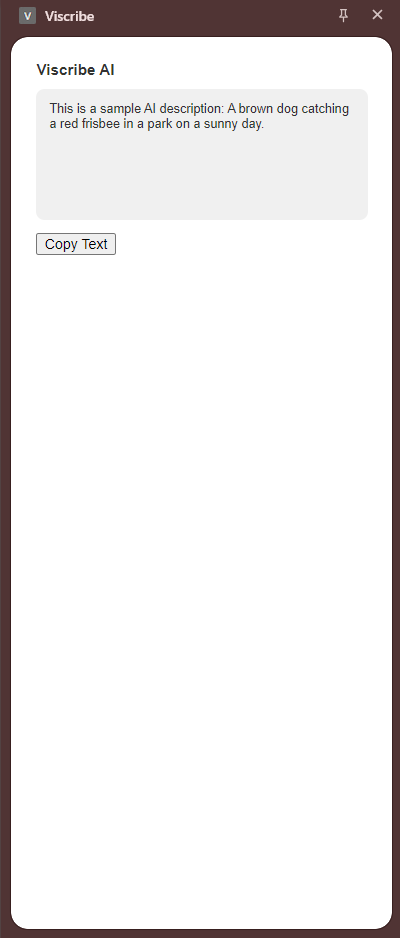
The result is displayed cleanly in the browser's side panel, ready to be read.
How we built it
Viscribe is built on the foundation of Google's Chrome Built-in AI API, making direct use of the privacy-preserving, on-device Gemini Nano model.
The extension's interface is a modern React and TypeScript application, which runs in Chrome's Side Panel for a seamless user experience.
We created a robust architecture where the background script and the side panel communicate through chrome.storage.session. This decouples the UI from the AI logic, ensuring the interface remains responsive even while the model is processing.
Crucially, we implemented the Commands API to create a keyboard shortcut. This was a deliberate choice to move beyond a mouse-only design and build a tool that is genuinely usable by keyboard and screen reader navigators.
Challenges we ran into
Our greatest challenge was navigating the reality of a cutting-edge, experimental API. We quickly discovered that the on-device Gemini Nano model has strict hardware requirements that not all users' machines can meet.
We initially architected a complex hybrid solution with a cloud-based fallback. However, this introduced new barriers, such as cloud platform bugs, deployment timeouts, and the requirement for a credit card to enable billing on a project—a significant hurdle for a free, accessible tool.
This forced us to refocus on the hackathon's core requirement: the on-device model. We pivoted our strategy to build a solution that is 100% compliant and fully functional for users with compatible hardware, while including a "mocked" response to ensure a smooth development and demonstration experience on any machine.
Accomplishments that we're proud of
We are incredibly proud of building a truly accessible workflow. By implementing both a context menu and a keyboard shortcut, we've provided multiple ways for users of all abilities to access the core feature.
Furthermore, by architecting around the on-device Gemini Nano model, we've created a solution that is inherently private by design. No user images are ever sent to a cloud server, respecting user privacy completely.
Finally, we're proud of our resilience. We successfully navigated the complexities of an experimental API and its external dependencies, and delivered a project that is complete, compliant, and focused on its core mission.
What we learned
Our most important lesson was to build for the user's reality. This meant going beyond our initial idea and implementing a keyboard shortcut after realizing a mouse-only approach was not truly accessible. It taught us to think about the entire user journey.
We also learned the importance of focusing on a project's core mission. When faced with external roadblocks, we pivoted back to the primary goal—mastering the on-device API—and built a successful project around it, rather than getting stuck on secondary features.
What's next for Viscribe
Our vision for Viscribe is to complete the accessibility loop. The immediate next step is to implement the logic that injects the generated text into the webpage's alt attribute. This will allow screen readers to discover and read the description automatically as part of the natural page flow.
Further down the road, we plan to add user customization for the style and length of descriptions and explore tools to help web developers use Viscribe to make their own websites more accessible from day one.

Log in or sign up for Devpost to join the conversation.