-

Virtual Text Tools Logo
-

Home Page
-
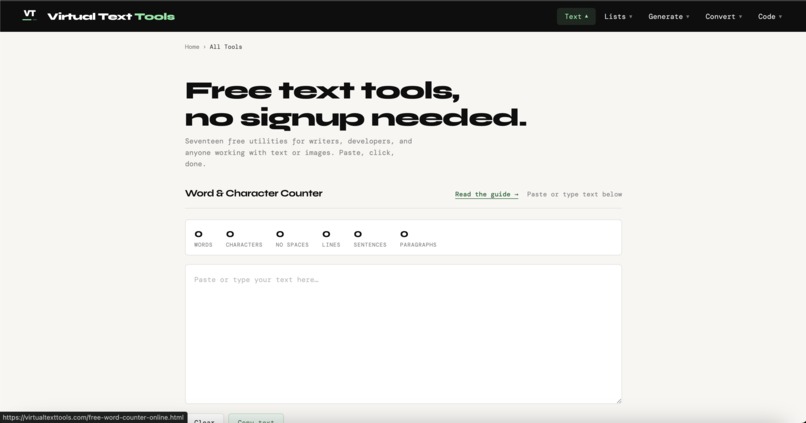
Word and Character Counter
-
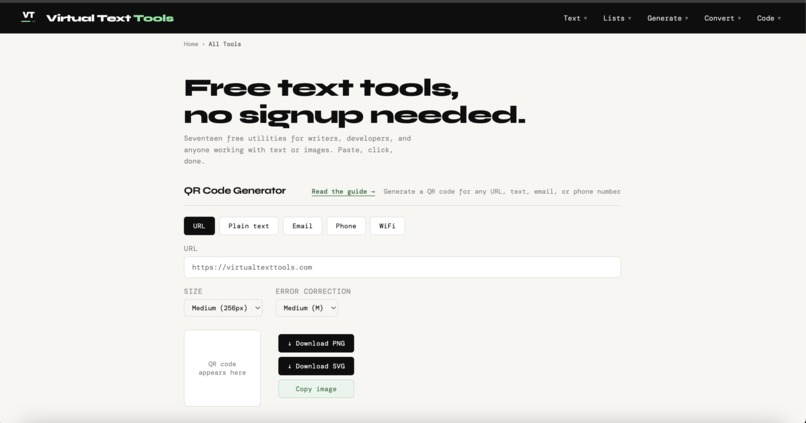
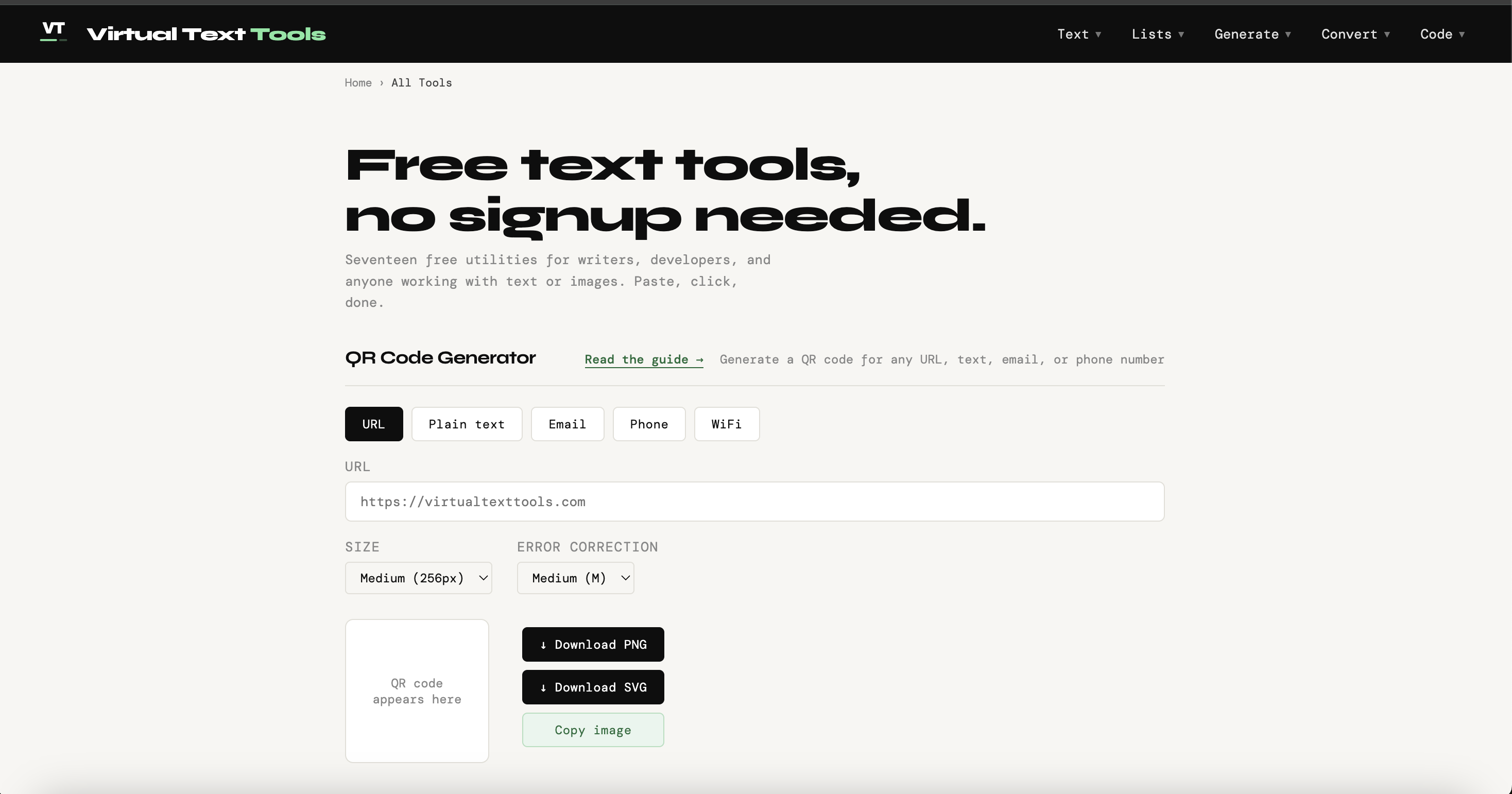
QR Code Generator
-
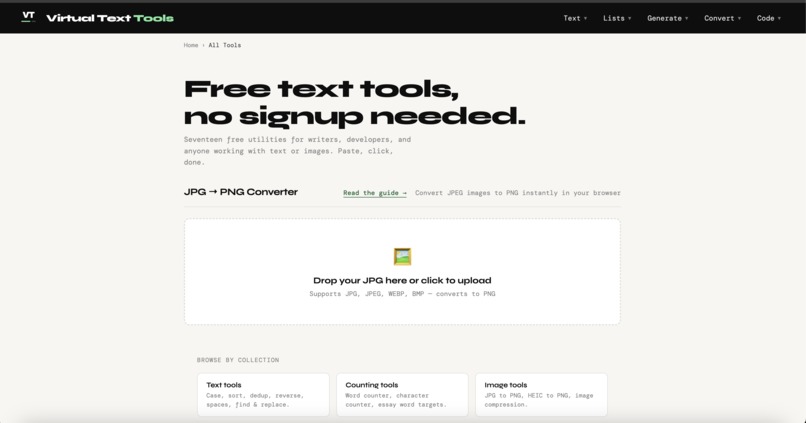
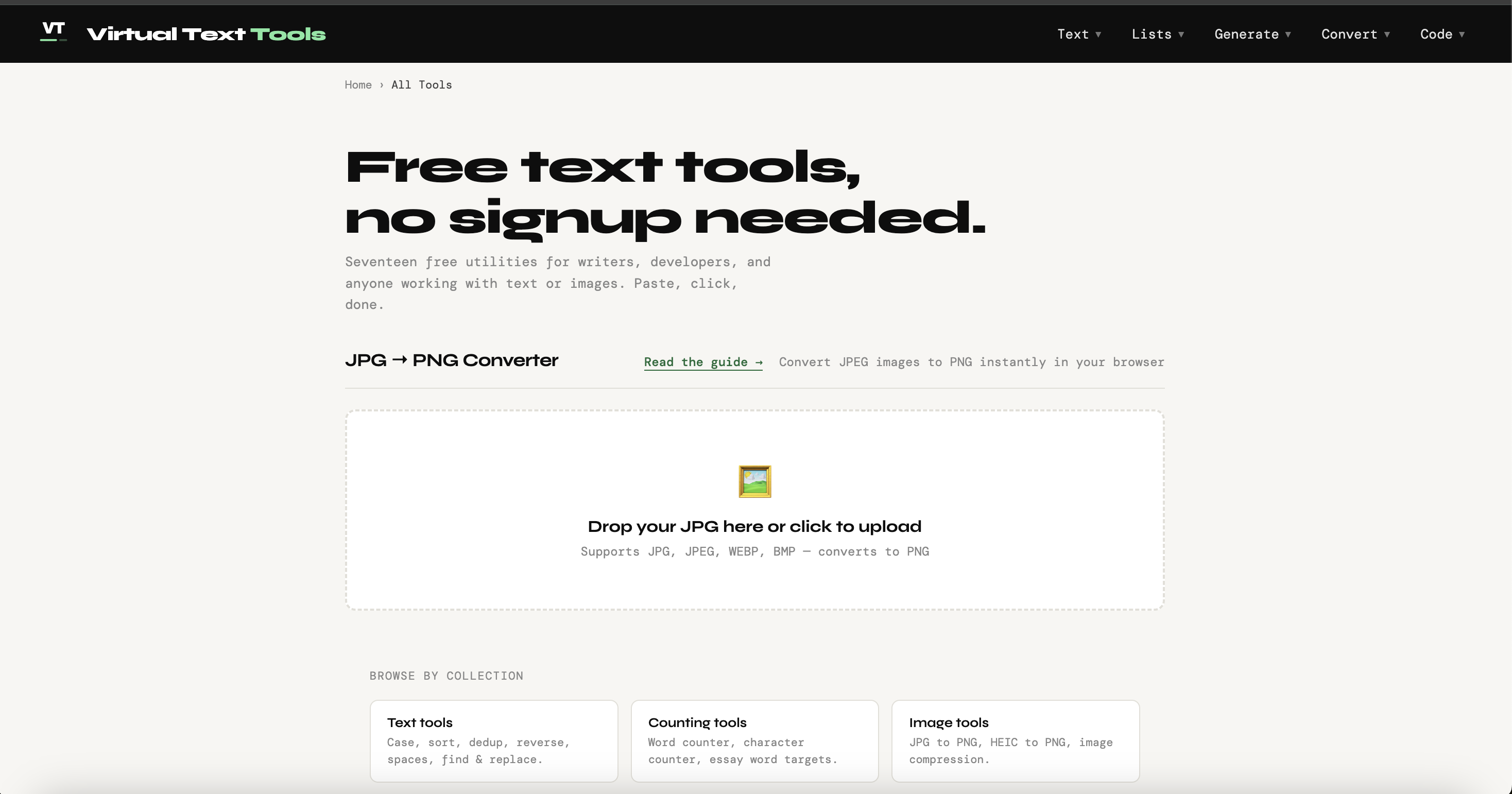
JPG to PNG Converter


Inspiration
Every time I needed to do something small with text, like counting words for an essay, cleaning up a messy list, converting a HEIC photo to PNG, or encoding a URL, I'd land on a site that wanted my email, capped me at 500 words, or buried the actual tool under ads. Worse, most of them upload your text or files to a server just to process them, which never sat right with me for anything unpublished or sensitive. I wanted utilities that work like a calculator: open it, use it, close it.
What it does
Virtual Text Tools is a set of 17 free text and image utilities: word and character counters, a list sorter, duplicate-line remover, case converters, find-and-replace, a JSON formatter, Base64 and URL encoders, a QR code generator, a secure password generator, lorem ipsum, JPG and HEIC to PNG conversion, and image compression. Every tool runs instantly, with no account, no usage limits, and no signup wall.
How I built it
The whole site is static HTML, CSS, and vanilla JavaScript, with no frameworks and no backend. Each tool is a self-contained module that runs entirely in the visitor's browser. The image tools use the native Canvas API, the password generator uses the Web Crypto API for cryptographically secure randomness, and file handling uses the browser's File API. Because nothing is processed server-side, no text or image a visitor works with is ever uploaded, logged, or stored. It is hosted as plain static files.
Challenges I ran into
Keeping everything client-side meant solving things in the browser that most tools quietly offload to a server. HEIC decoding, image compression, and large-text performance all had to work locally without freezing the page. Keeping the interface consistent and genuinely clutter-free across 17 different tools took more iteration than the tools themselves.
What I learned
A surprising amount of "needs a server" functionality doesn't. Doing the work in the browser is faster for the user and far better for privacy, and it turns out to be a real differentiator against the upload-based tools that dominate these searches.
What's next
More tools driven by what people actually ask for. A reading-time estimator, keyword-density counter, and additional image formats are next, all built the same way: free, private, and browser-based.
Built With
- apache
- canvas-api
- css3
- file-api
- html5
- javascript
- nothing-is-stored
- web-crypto-api

Log in or sign up for Devpost to join the conversation.