-
-
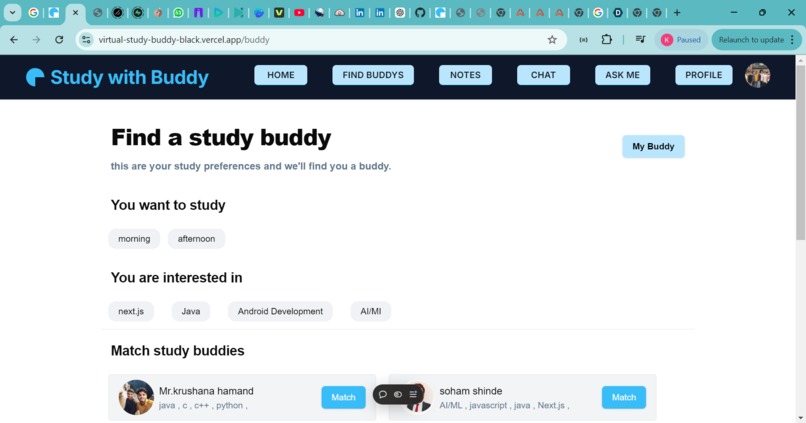
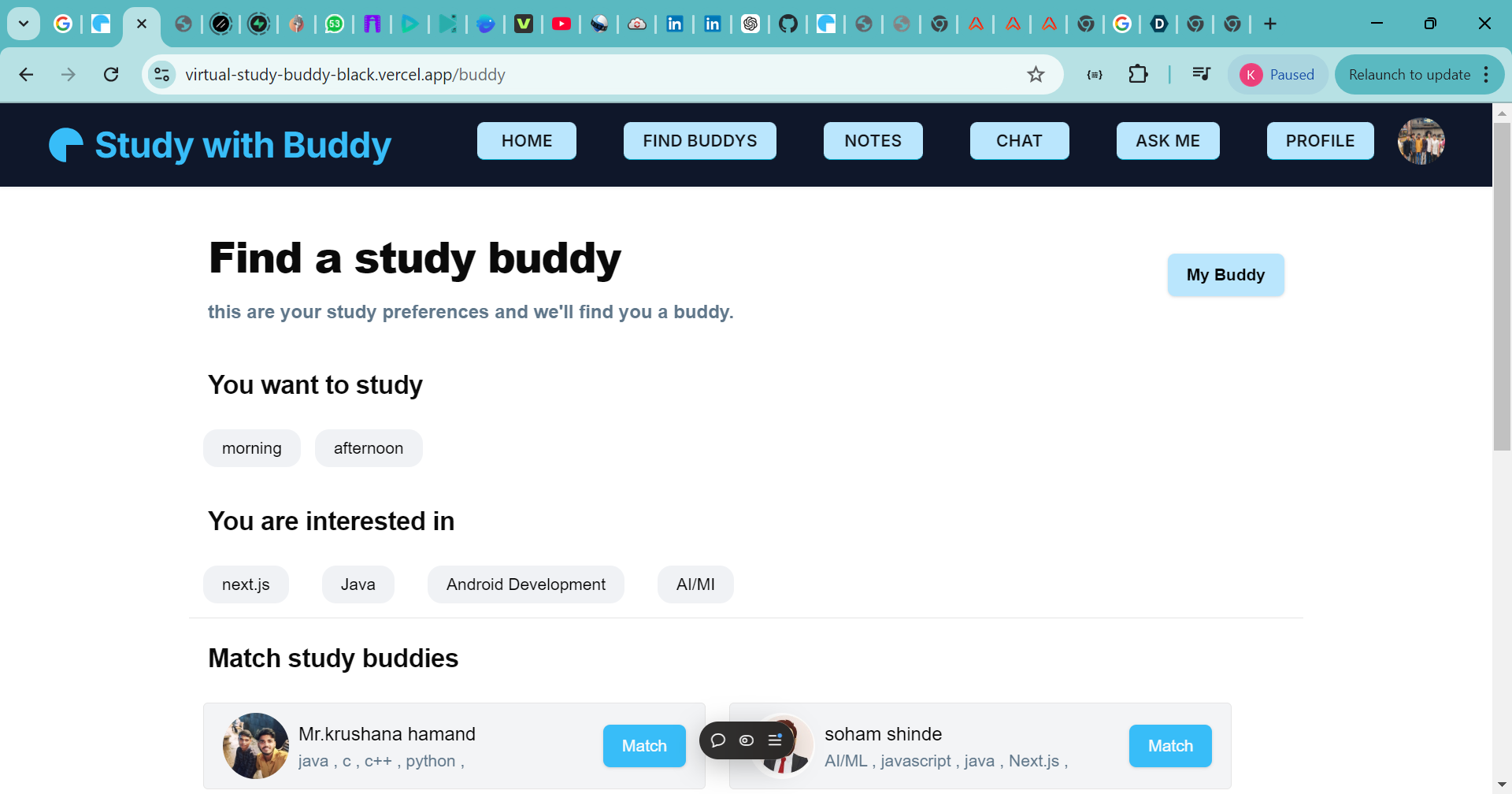
find buddy age
-
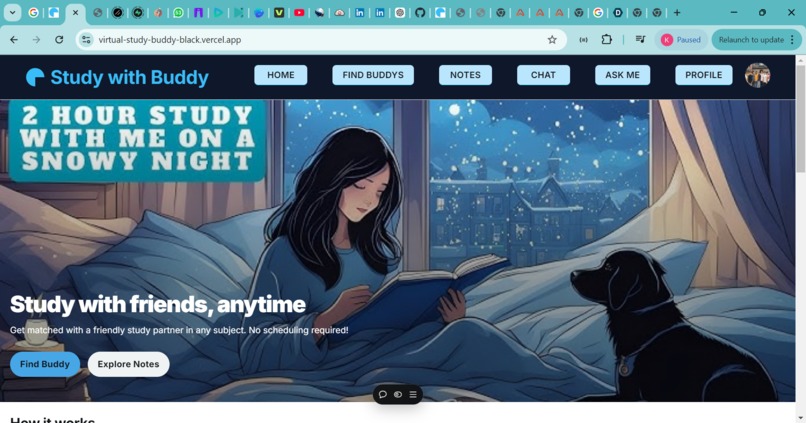
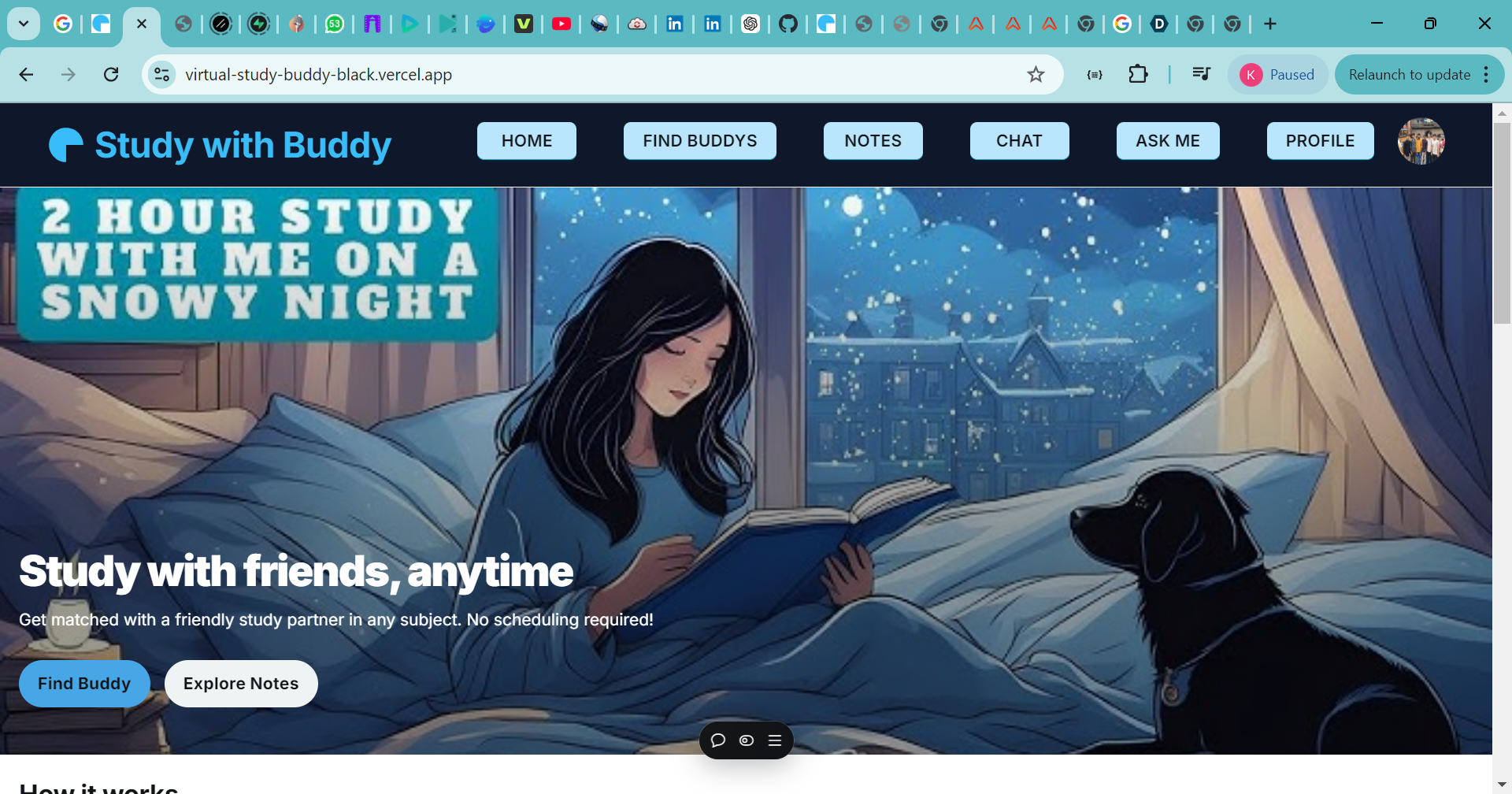
home page
-
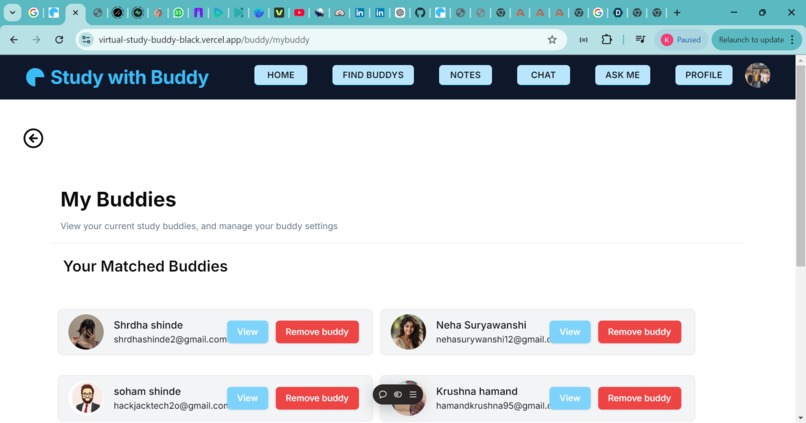
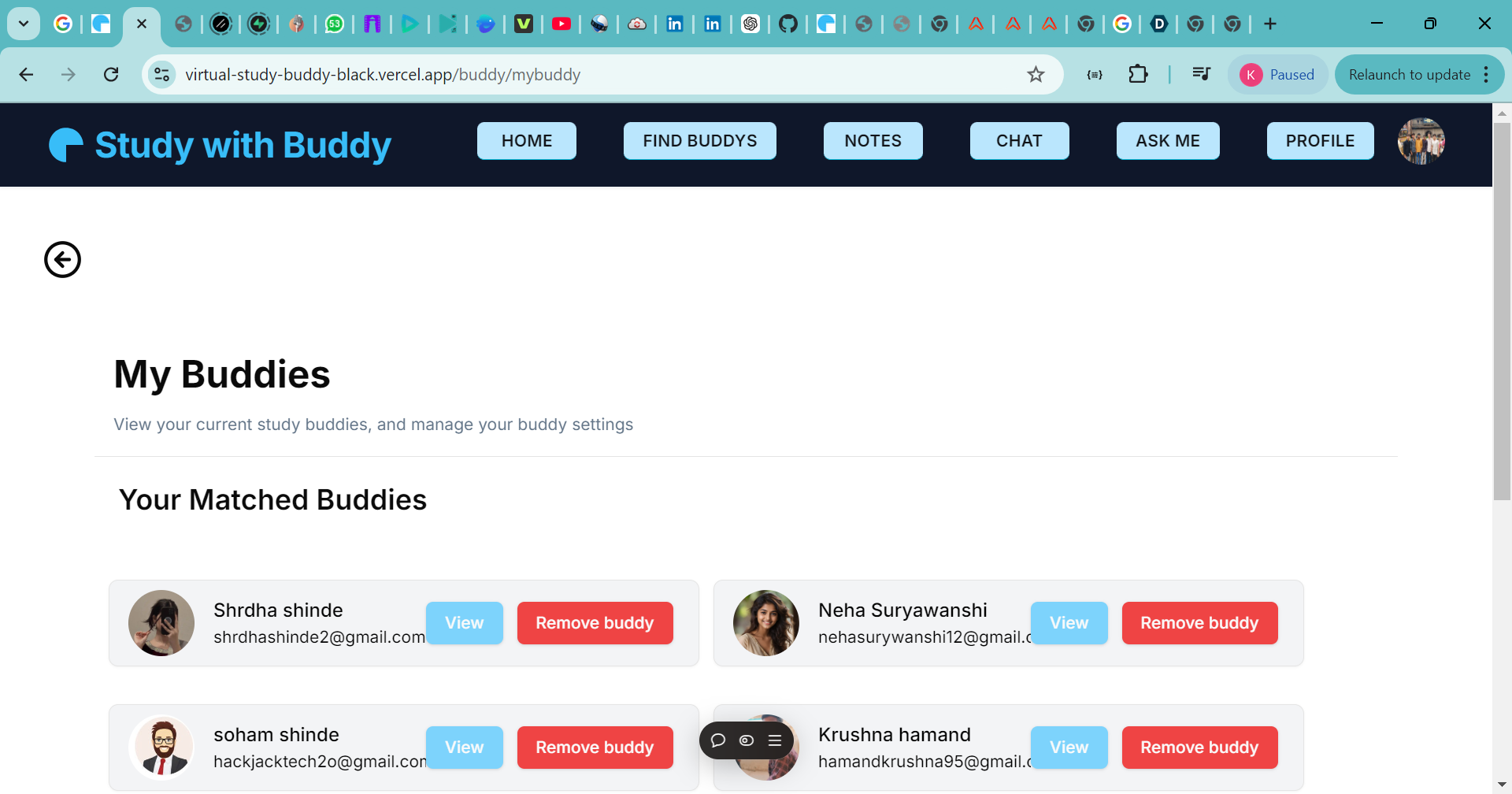
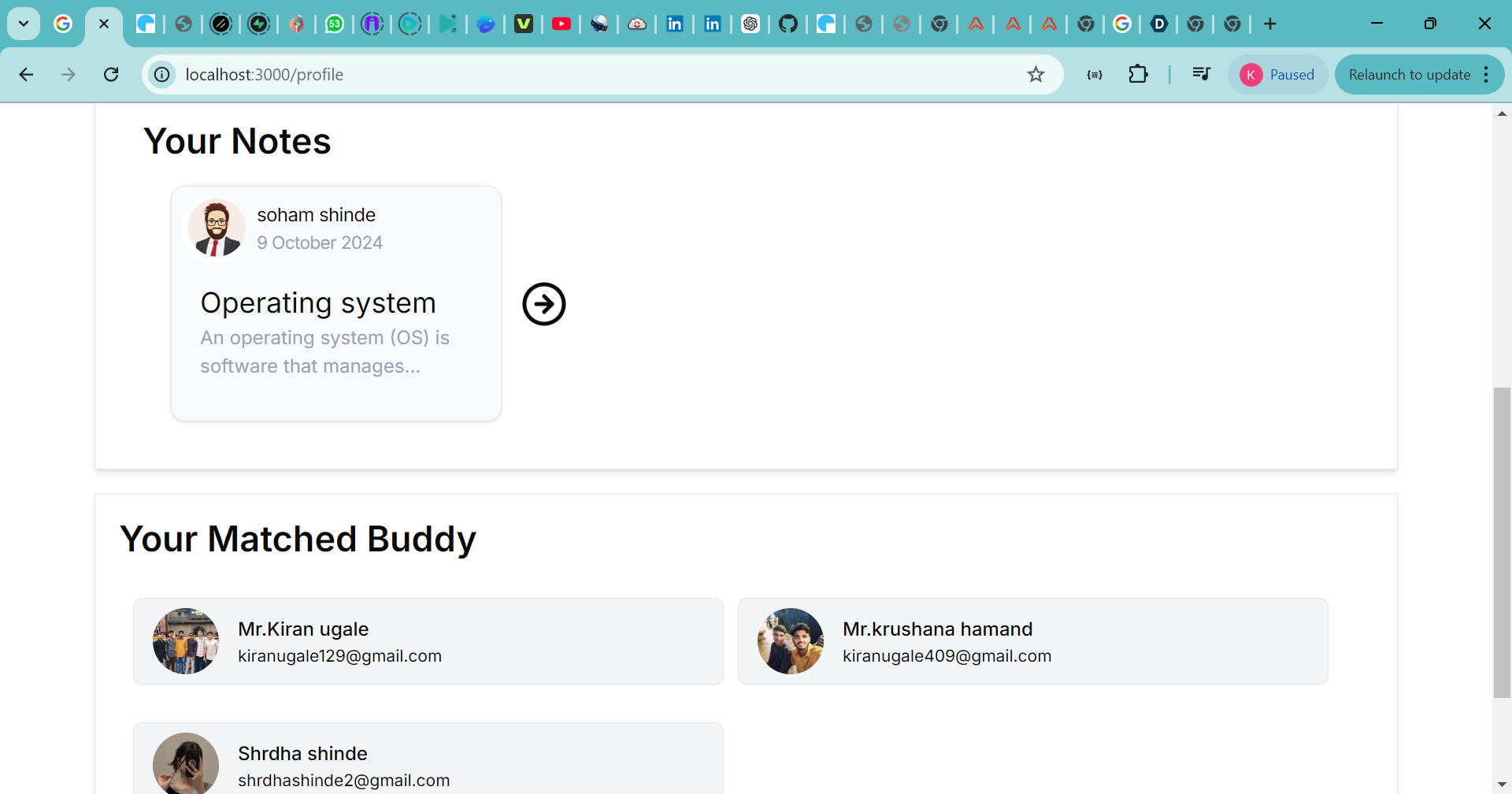
your matched buddy page
-
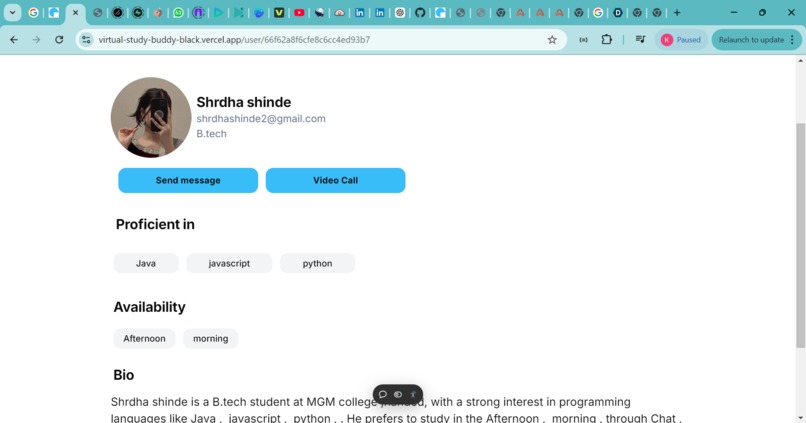
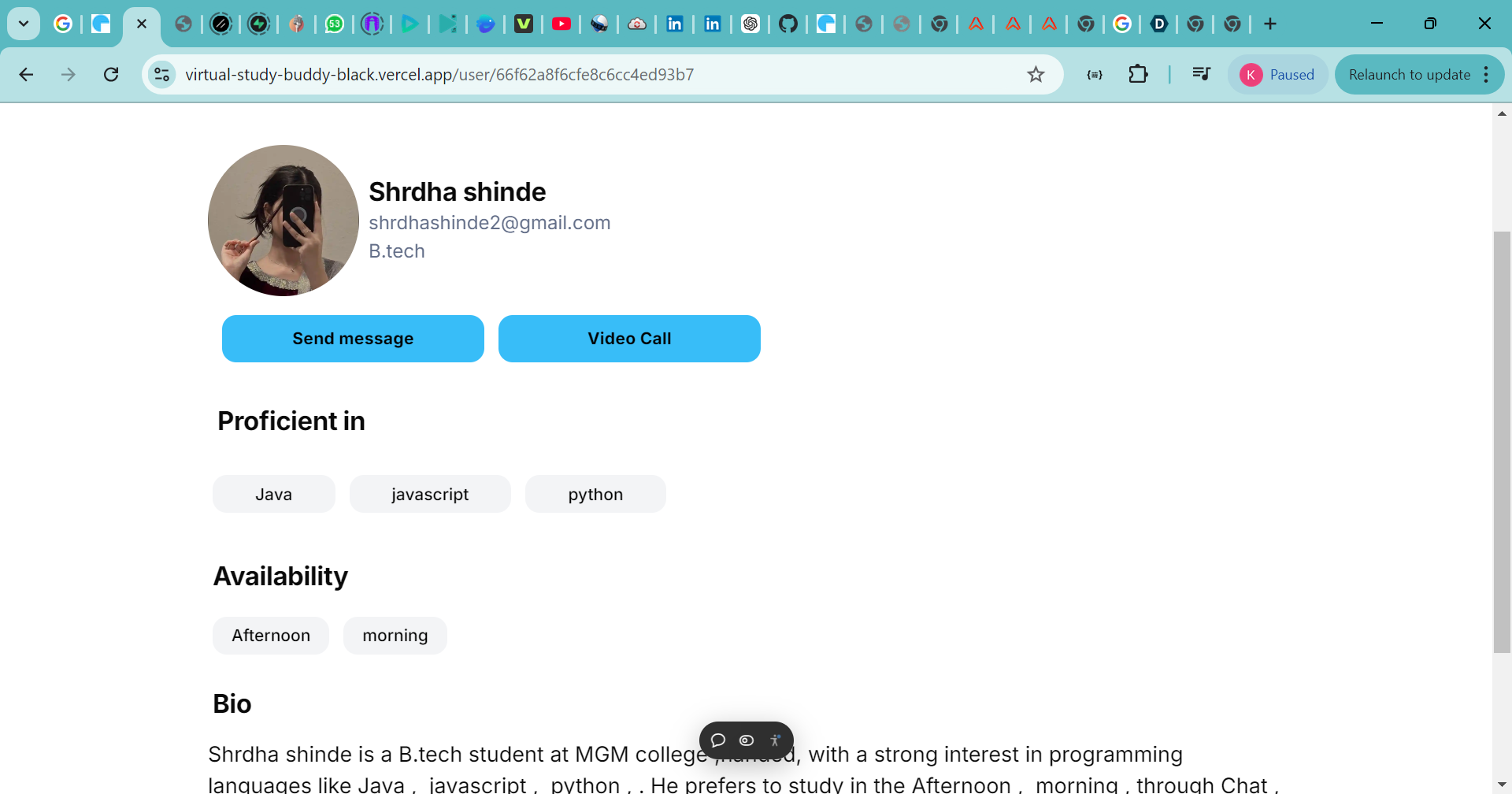
buddy profile page
-
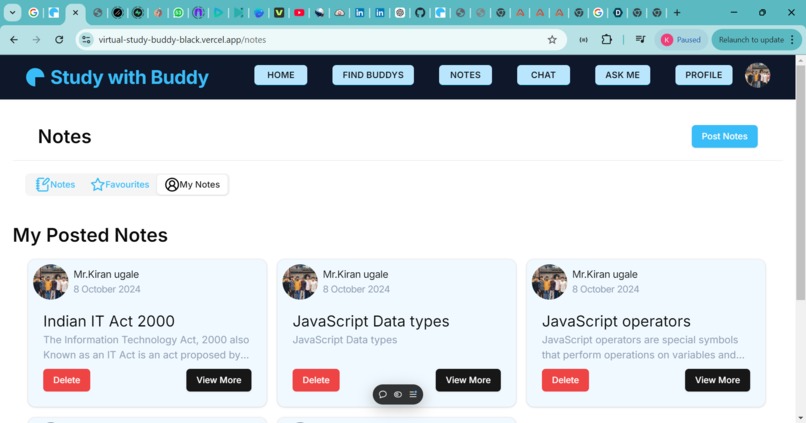
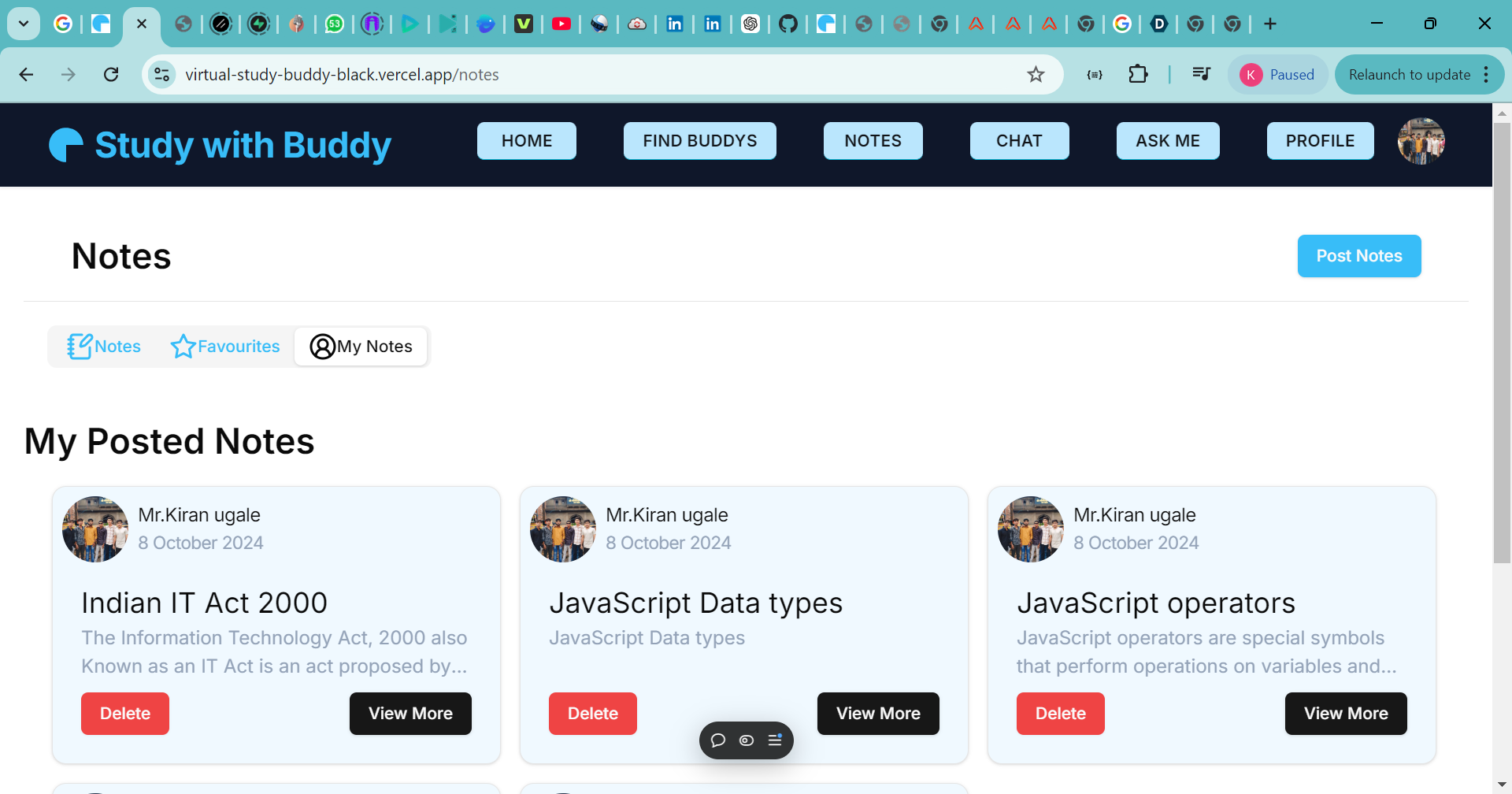
notes section
-
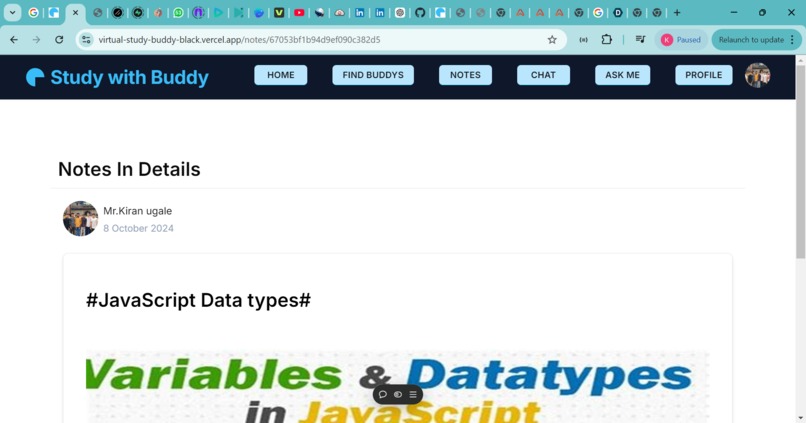
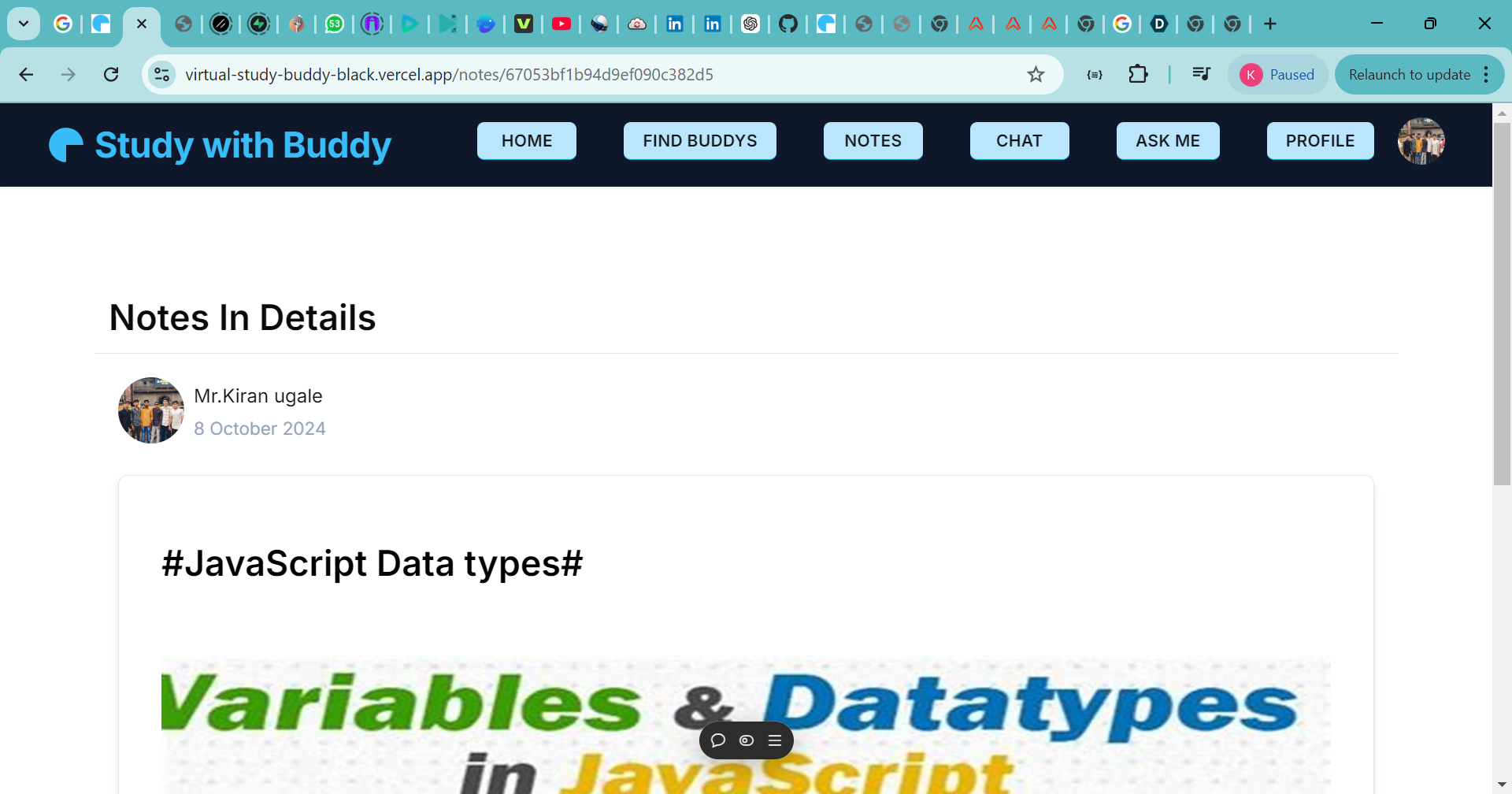
see Notes in details
-
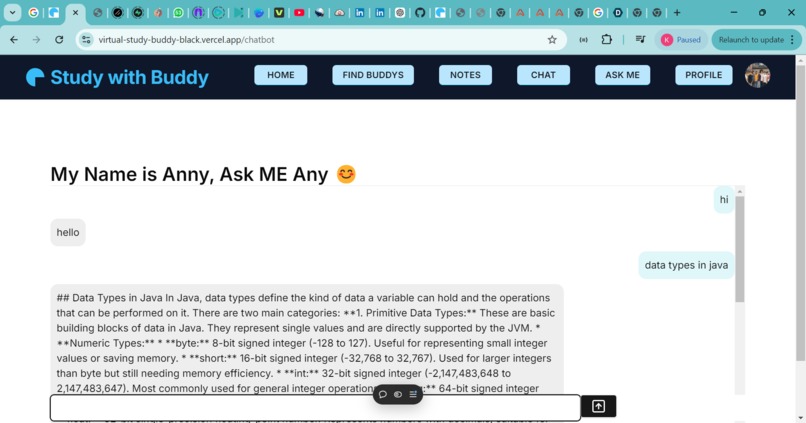
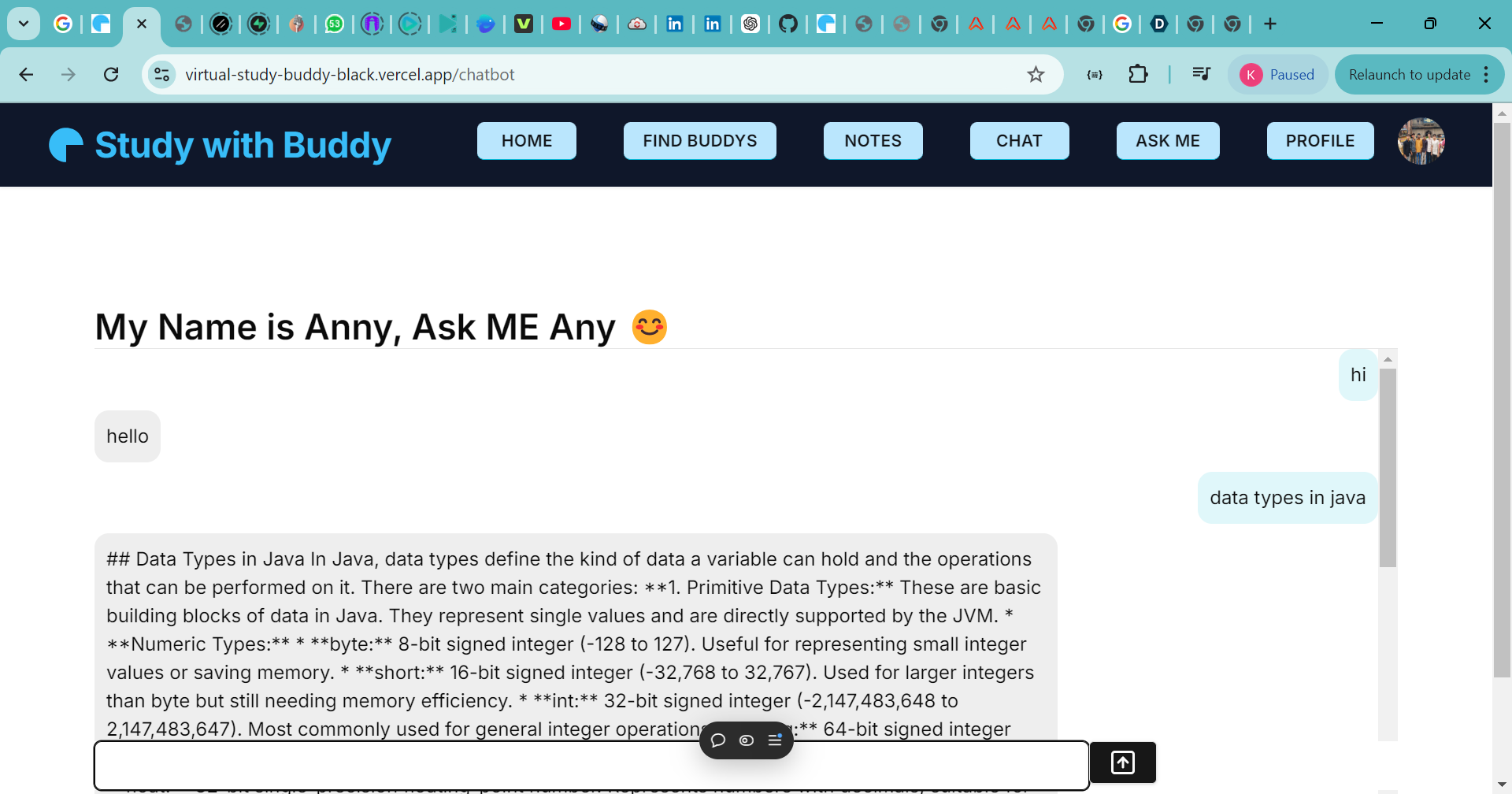
ask me page
-
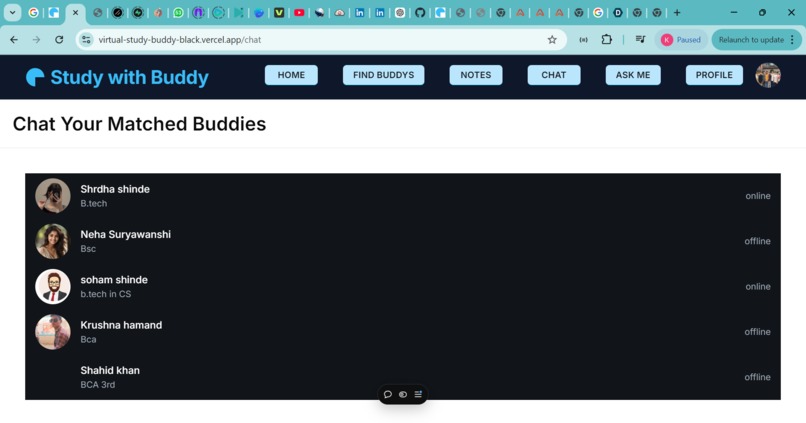
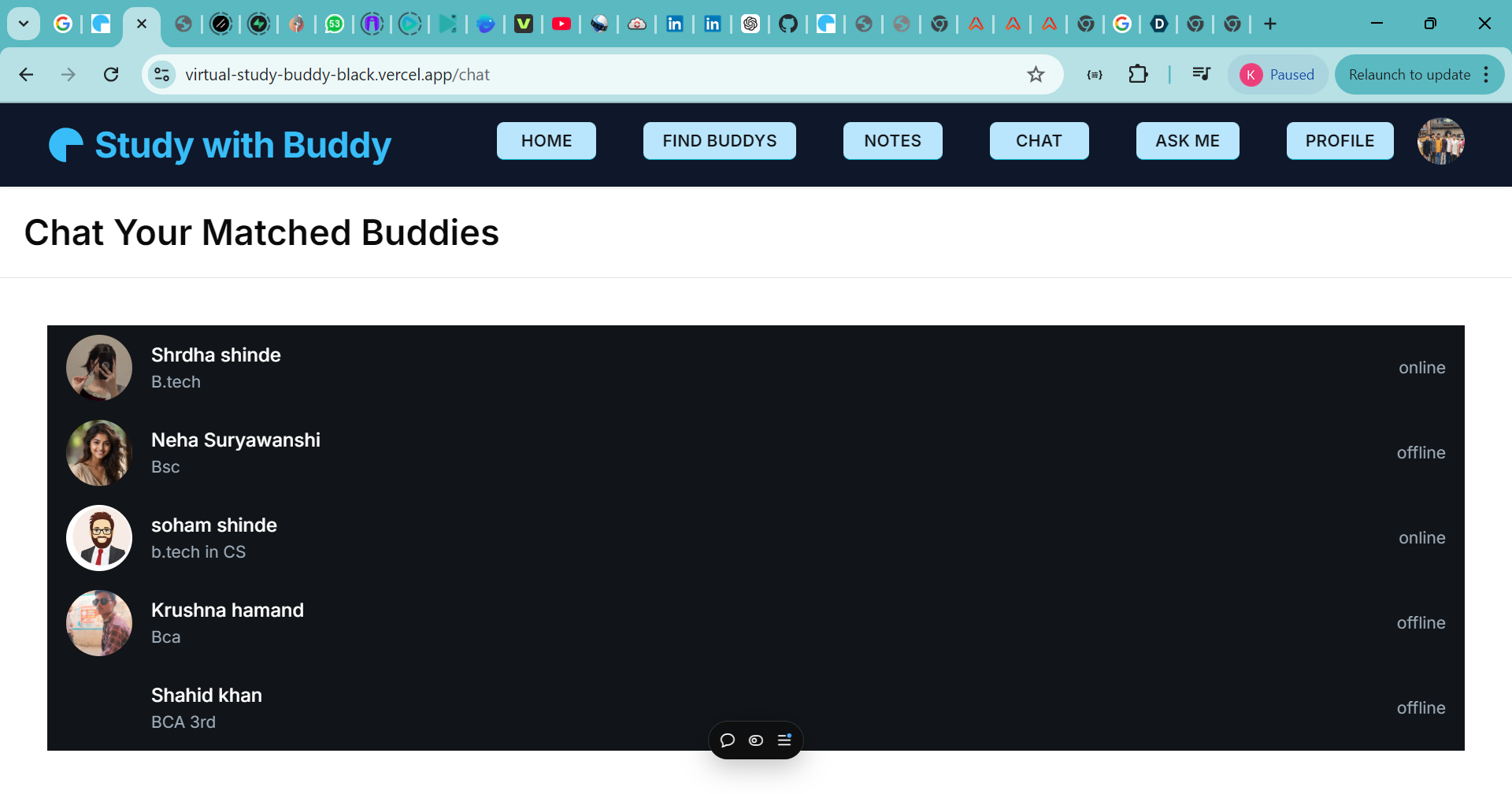
chat list page
-
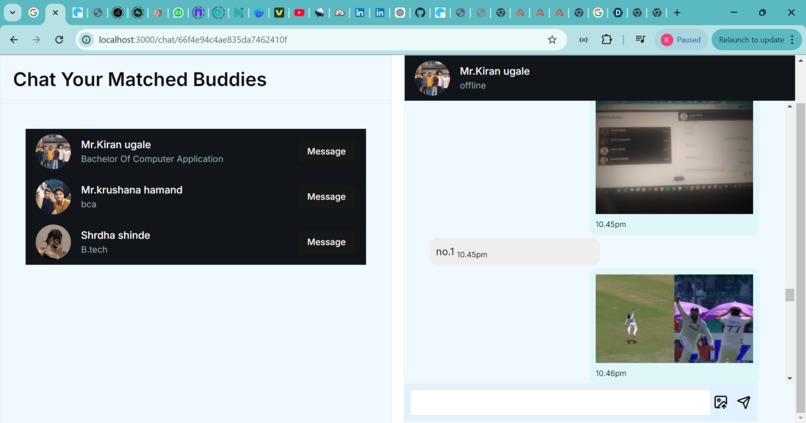
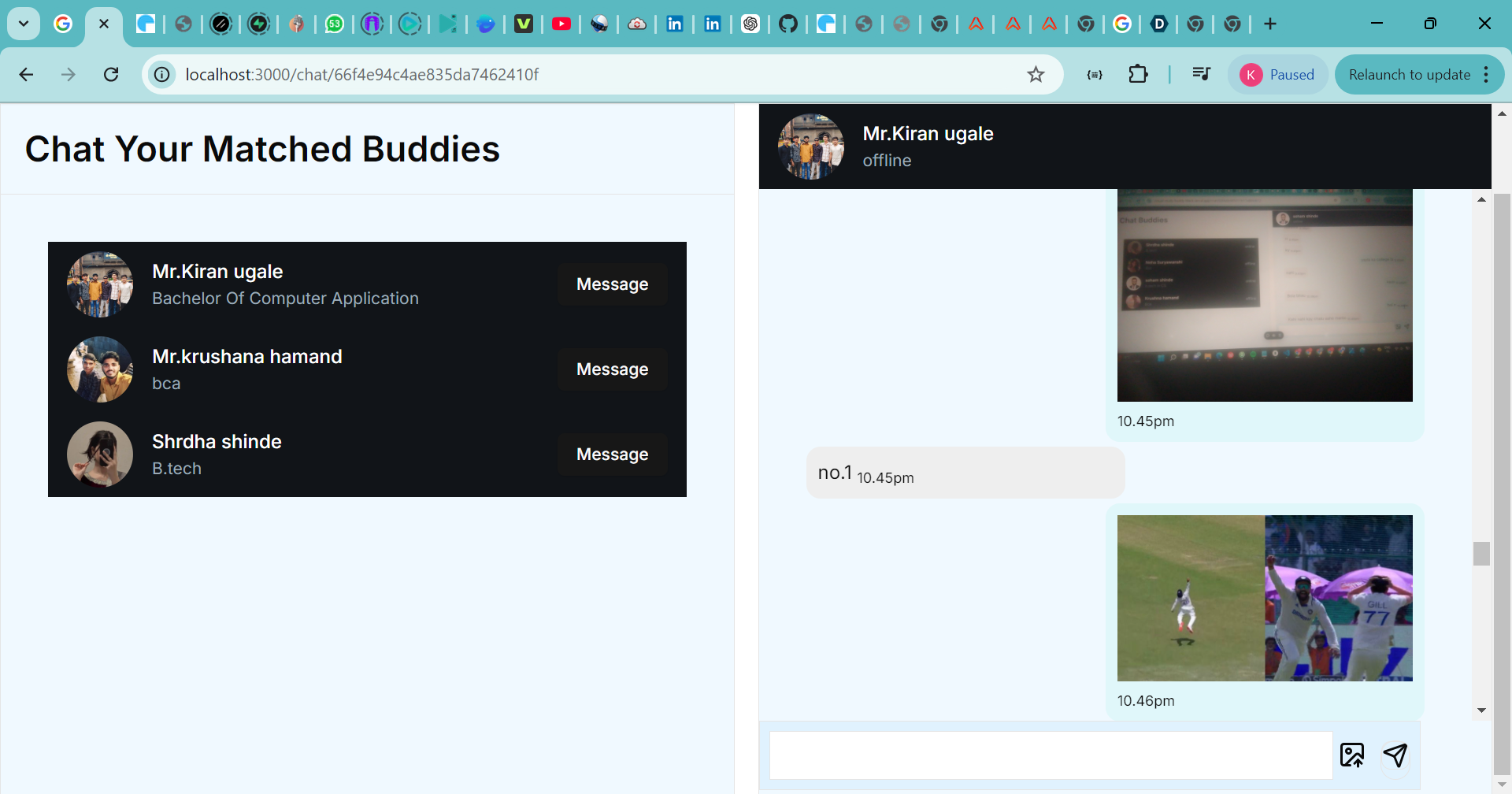
chat section page
-
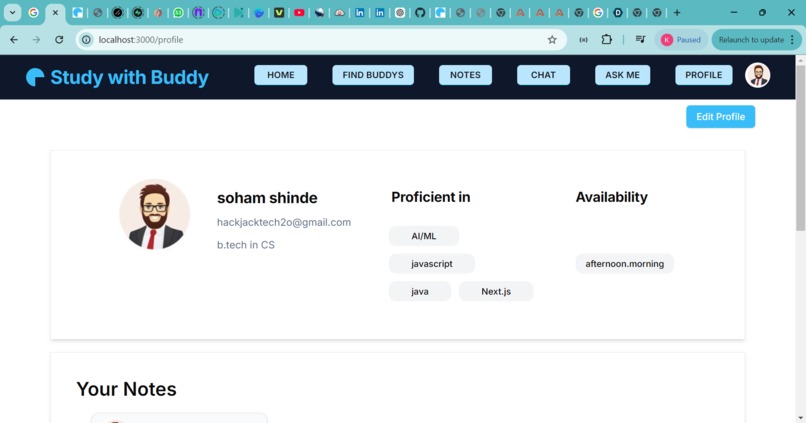
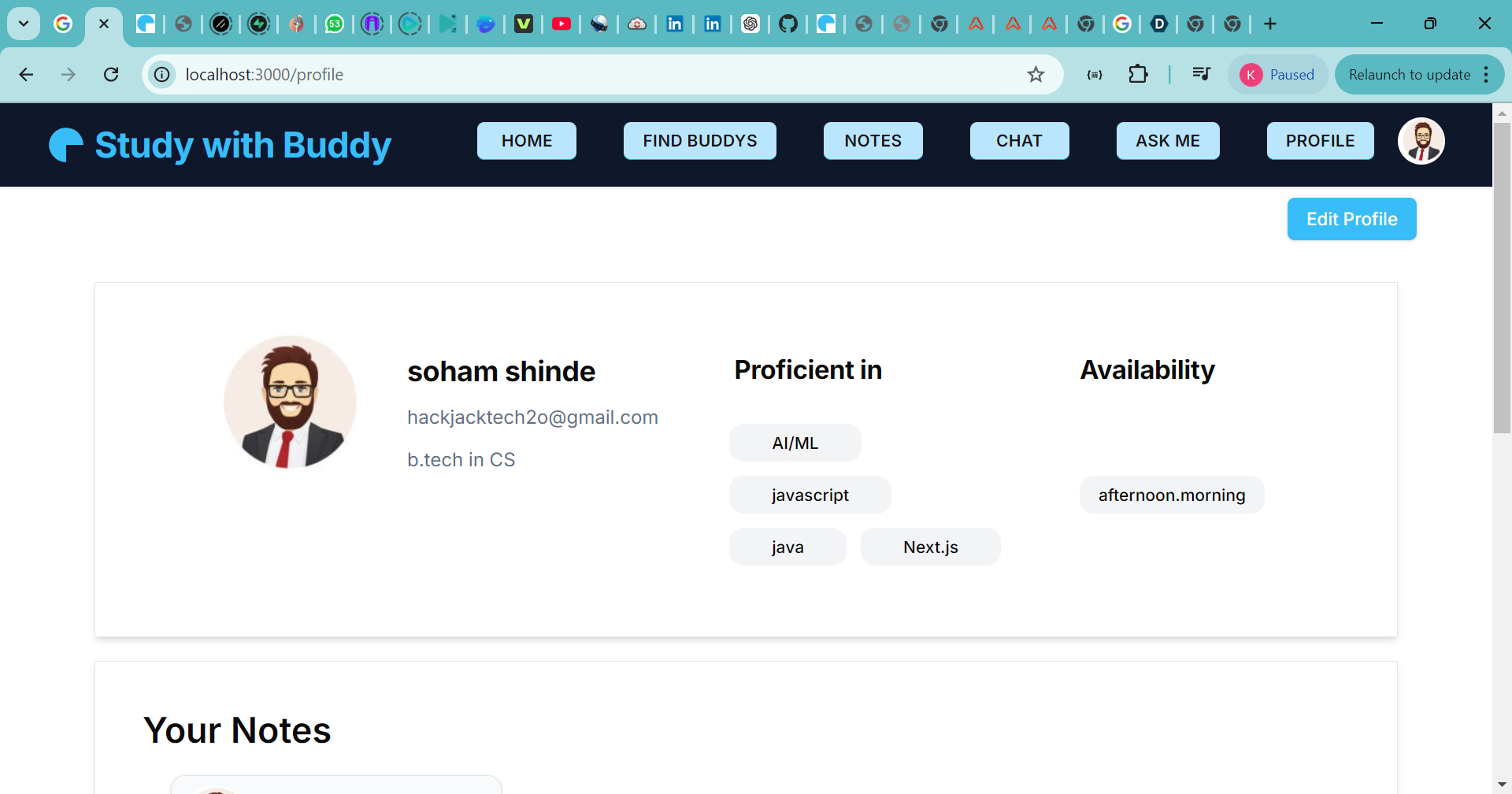
user profile page
-
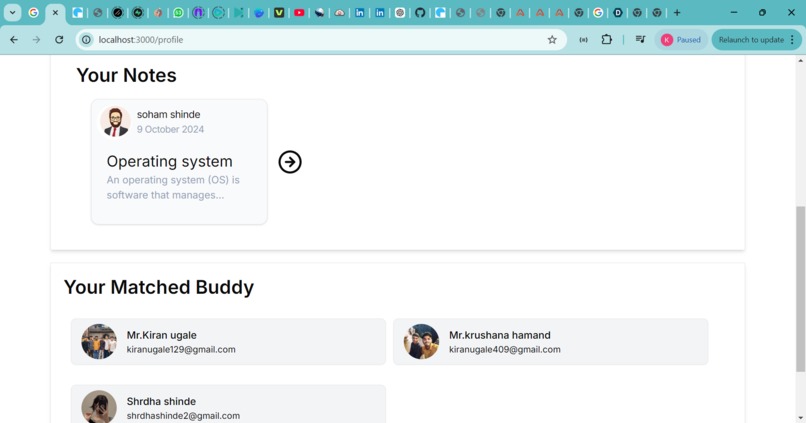
user profile page
-
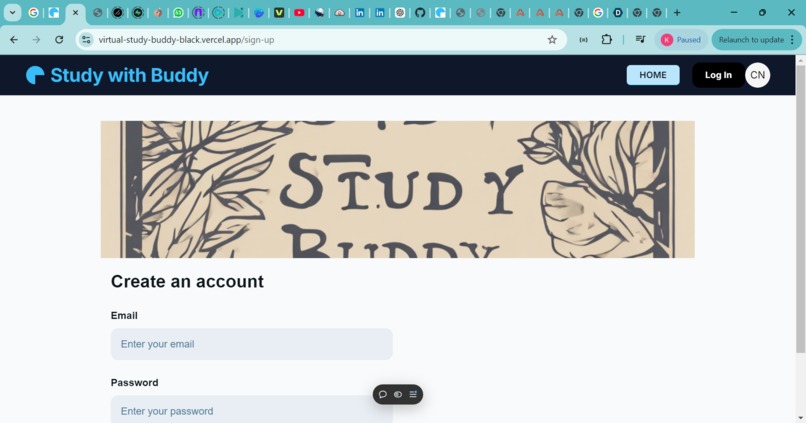
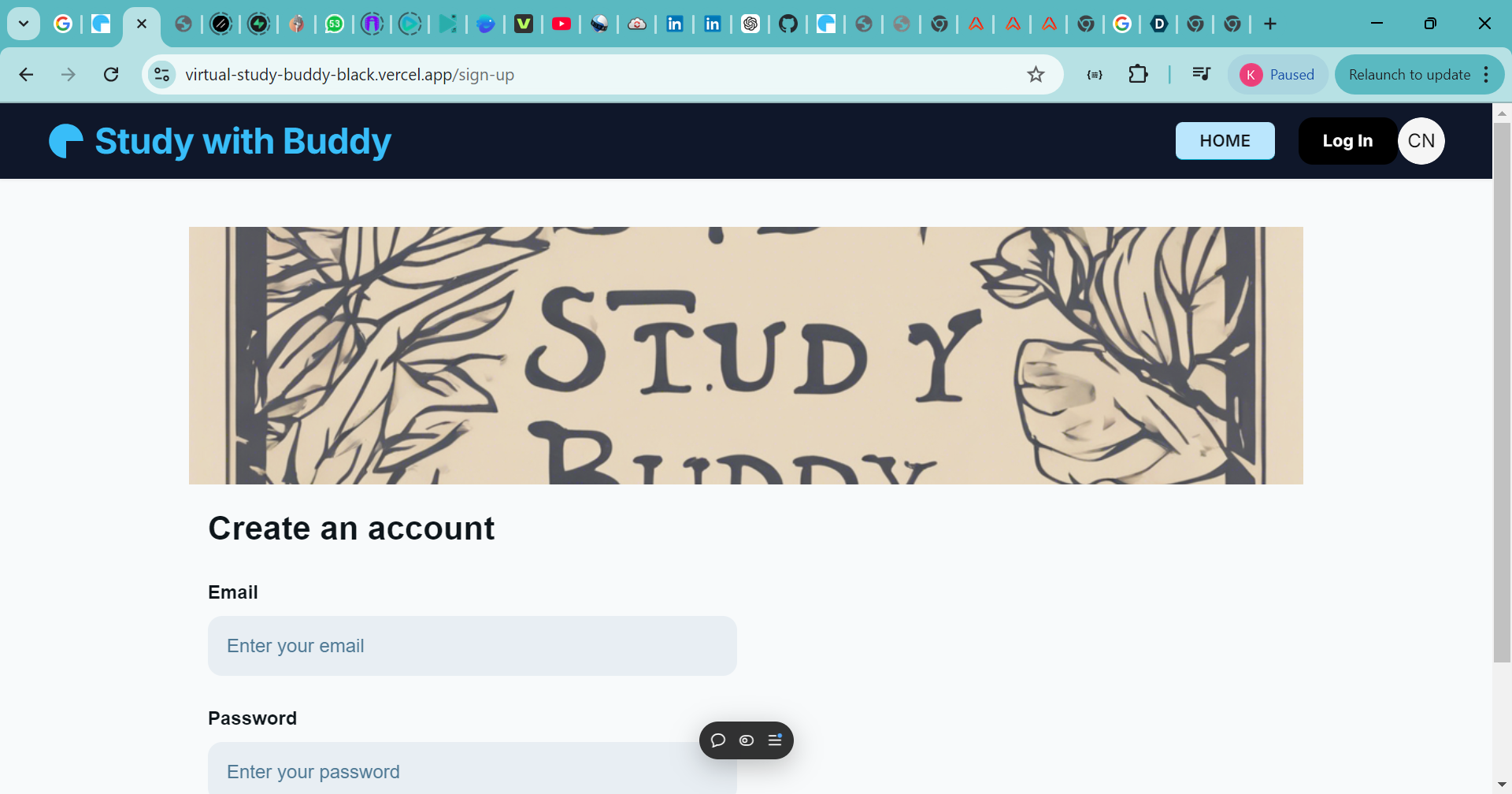
Create new Account sign-up page
-
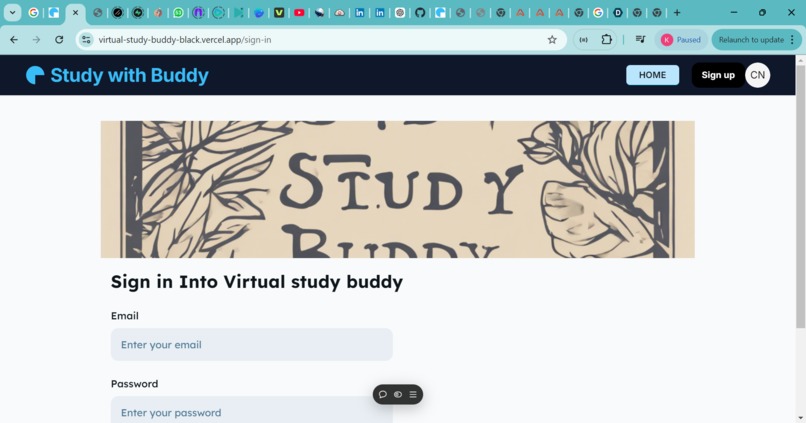
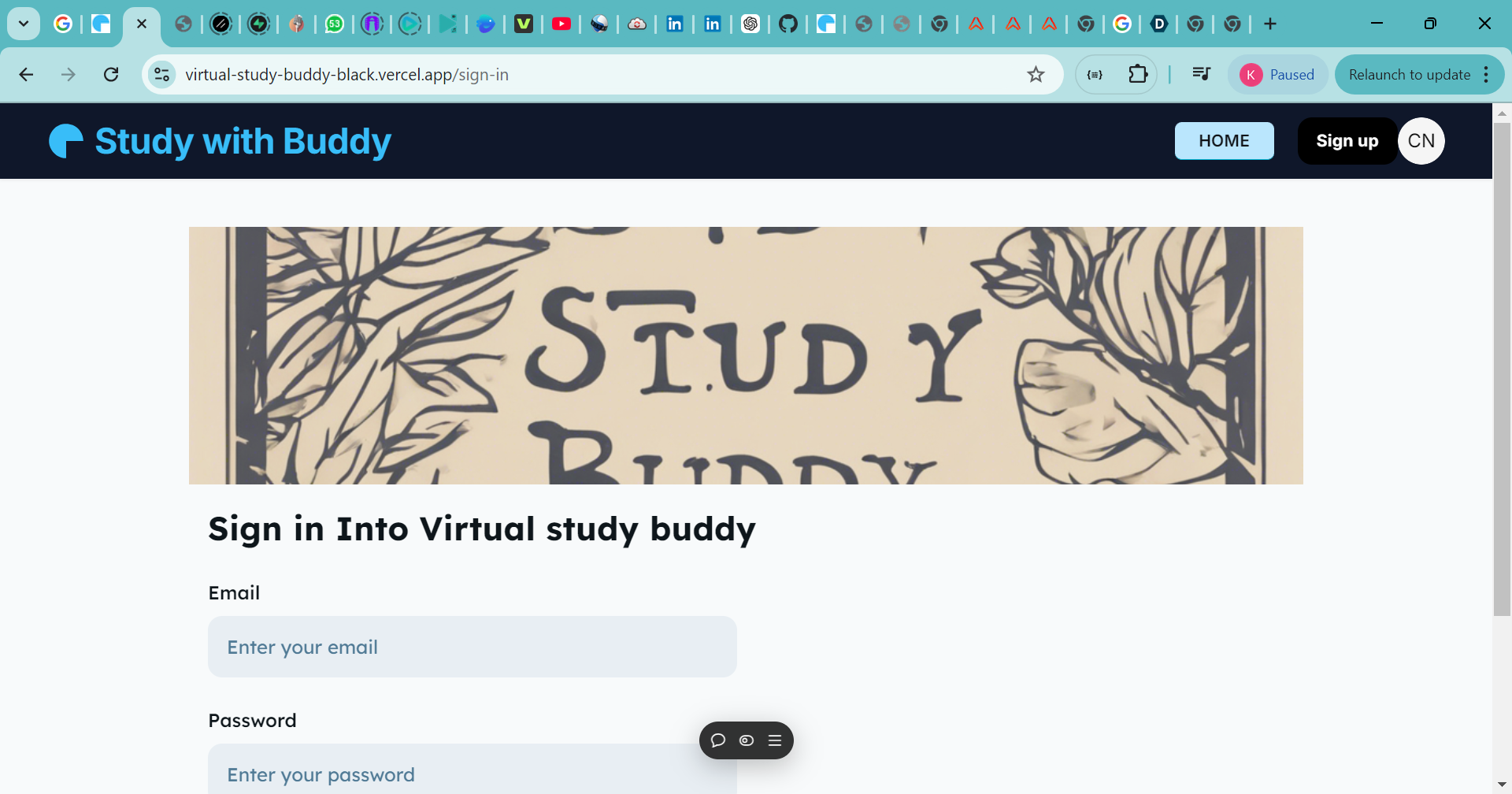
login your account page ,sign-in page
Inspiration
Hello everyone,
Today, I’m excited to share with you my project, the Virtual Study Buddy. In an age where remote learning and collaboration have become essential, I recognized the need for a platform that helps students connect and study together effectively. My goal was to create a solution that not only facilitates learning but also builds a supportive community among students.
What it does
As we know, studying alone can be challenging. It often leads to distractions, lack of motivation, and even feelings of isolation. Many students struggle to find study partners or groups that align with their schedules and goals. I wanted to address these issues and provide a platform where students could easily connect, collaborate, and enhance their learning experience.
How we built it
The Virtual Study Buddy is a web application designed to bring students together in a collaborative learning environment. Here are some of the key features:
Challenges we ran into
Real-Time Collaboration: Users can create and join study sessions where they can interact with their buddies in real-time. This feature includes video conferencing and a shared chat function, enabling seamless communication.
Accomplishments that we're proud of
Resource Sharing: Students can easily upload and share notes, documents, and links to useful resources, ensuring that everyone has access to the materials they need.
Task Management: The application includes tools to help users organize their study tasks, set reminders, and keep track of their progress. This way, students can stay focused and motivated.
User Authentication: To provide a secure environment, users can sign up and log in, ensuring a personalized experience.
Real-Time Notifications: When users are matched with a study buddy or receive important updates, they get instant notifications, making sure they stay engaged and informed.
What we learned
To bring this project to life, I used several technologies: Next.js: This powerful React framework enabled server-side rendering and optimized performance. Firebase: I utilized Firebase for user authentication and real-time database capabilities. Tailwind CSS: To create a responsive and visually appealing interface, I leveraged Tailwind CSS for styling. Ably: For real-time messaging and notifications, Ably helped me ensure that users are promptly informed about updates.
What's next for virtual study buddy
- User Feedback and Iteration Collect Feedback: Gather feedback from users to understand their experiences and identify areas for improvement. Iterate Features: Use the feedback to refine existing features and introduce new functionalities that users want.
- Enhance Features AI Study Recommendations: Implement machine learning algorithms to recommend study materials or study partners based on users’ preferences and past activities. Gamification: Introduce gamification elements, such as badges or rewards for completing tasks or helping others, to encourage engagement. Advanced Scheduling: Integrate a calendar feature that allows users to schedule study sessions easily and send reminders.
- Expand User Base Marketing Campaigns: Promote the platform through social media, educational blogs, and student forums to reach more users. Partnerships: Collaborate with schools, universities, or educational organizations to introduce the platform to their students.
- Mobile App Development Mobile Compatibility: Consider developing a mobile version of the app or a dedicated mobile app to enhance accessibility and usability.
- Integration with Other Tools Third-Party Tools: Integrate with popular tools like Google Drive, Trello, or Notion for better resource sharing and task management. Learning Management Systems (LMS): Explore partnerships or integration with LMS platforms to expand functionality.
- Community Building Discussion Forums: Create a space for users to discuss study topics, share tips, and connect with others outside of study sessions. Events and Webinars: Host virtual events or webinars on study techniques, time management, or other relevant topics to engage users.
- Monetization Strategies Premium Features: Consider offering a freemium model with advanced features available for a subscription fee. Sponsorships and Ads: Explore partnerships with educational companies for sponsorships or targeted ads within the platform.
- Performance Monitoring and Analytics User Analytics: Implement analytics to monitor user engagement and platform performance, helping you make data-driven decisions. A/B Testing: Conduct A/B testing on new features to determine their effectiveness before a full rollout.
- Scalability Improvements Infrastructure Optimization: Ensure the backend infrastructure can handle an increasing number of users as the platform grows. Security Enhancements: Continuously enhance security measures to protect user data and maintain trust.
- Feedback Loops for Continuous Improvement Regular Updates: Schedule regular updates and feature releases based on user needs and technological advancements.
In conclusion, the Virtual Study Buddy aims to enhance the learning experience for students by fostering collaboration and creating a supportive community. I believe that by connecting students and making studying more interactive, we can help them achieve their academic goals more effectively.
Thank you for your time, and I’m looking forward to hearing your feedback and any questions you may have!


Log in or sign up for Devpost to join the conversation.