-
-
XR Shopping Simulator - Game Logo
-
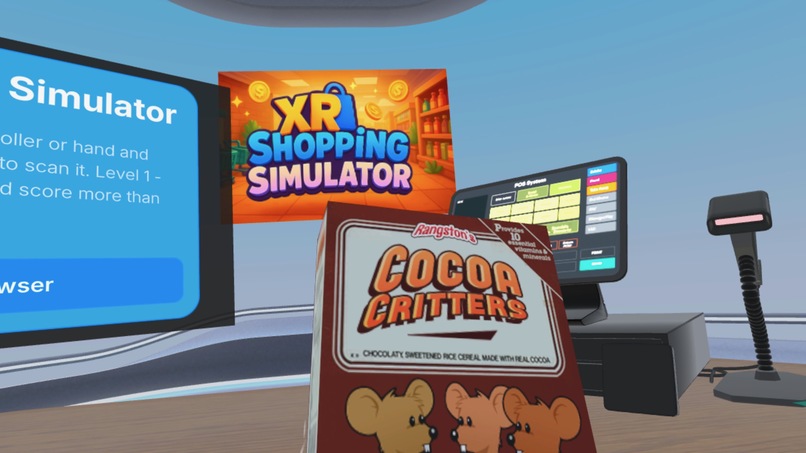
Game Play 5
-
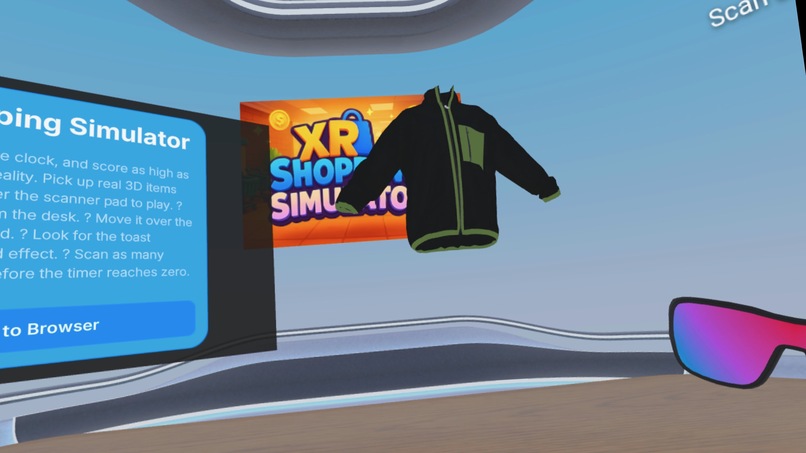
Game Play 1
-
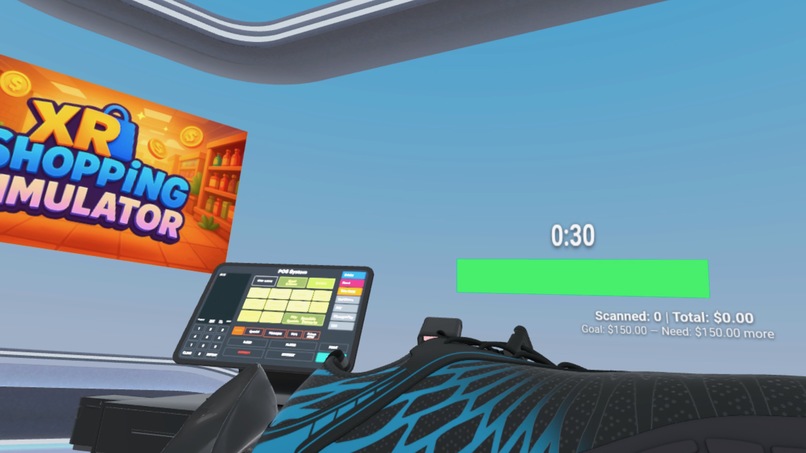
Game Play 4
-
Game Play 2
-
Game Play 3
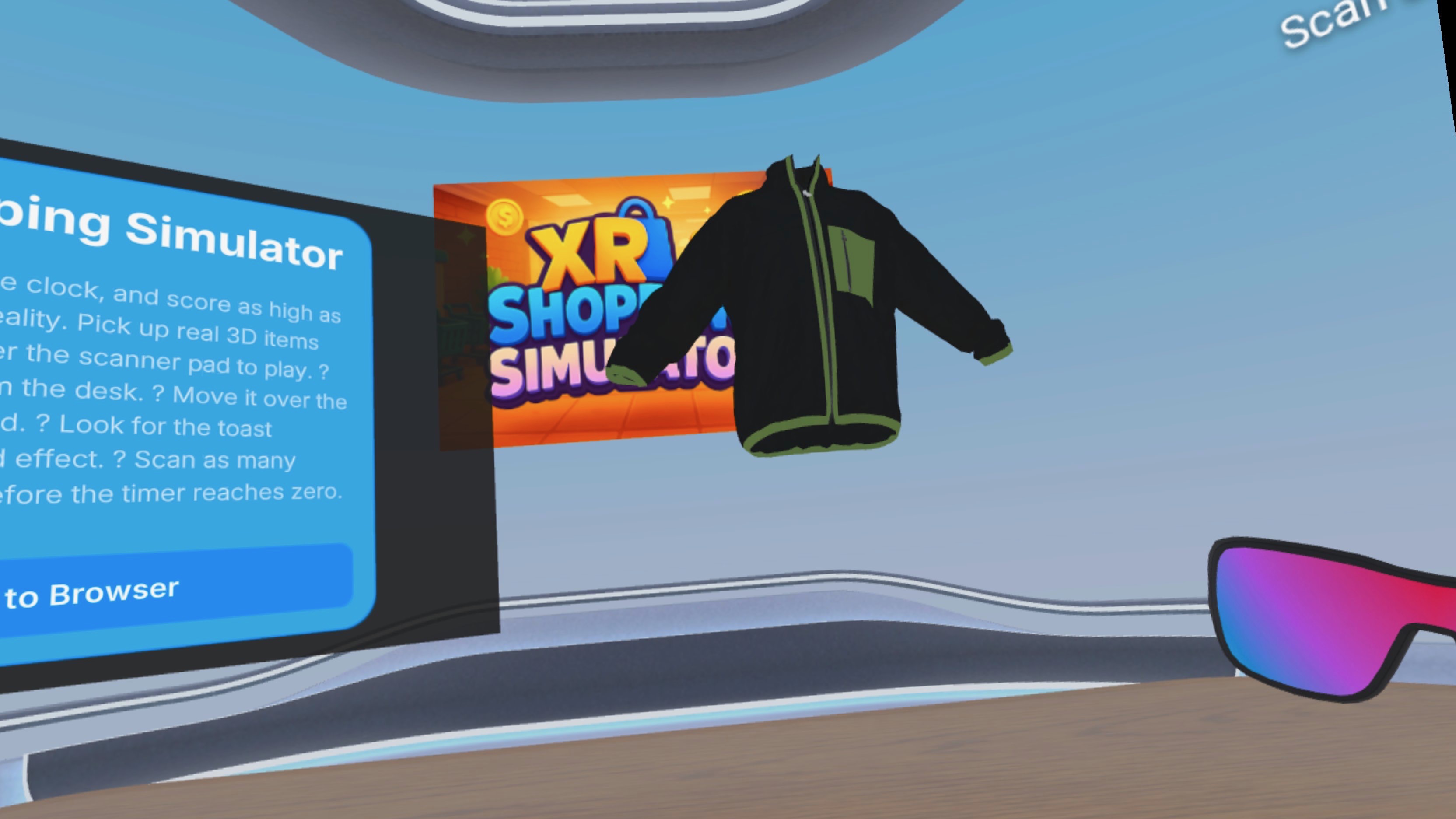
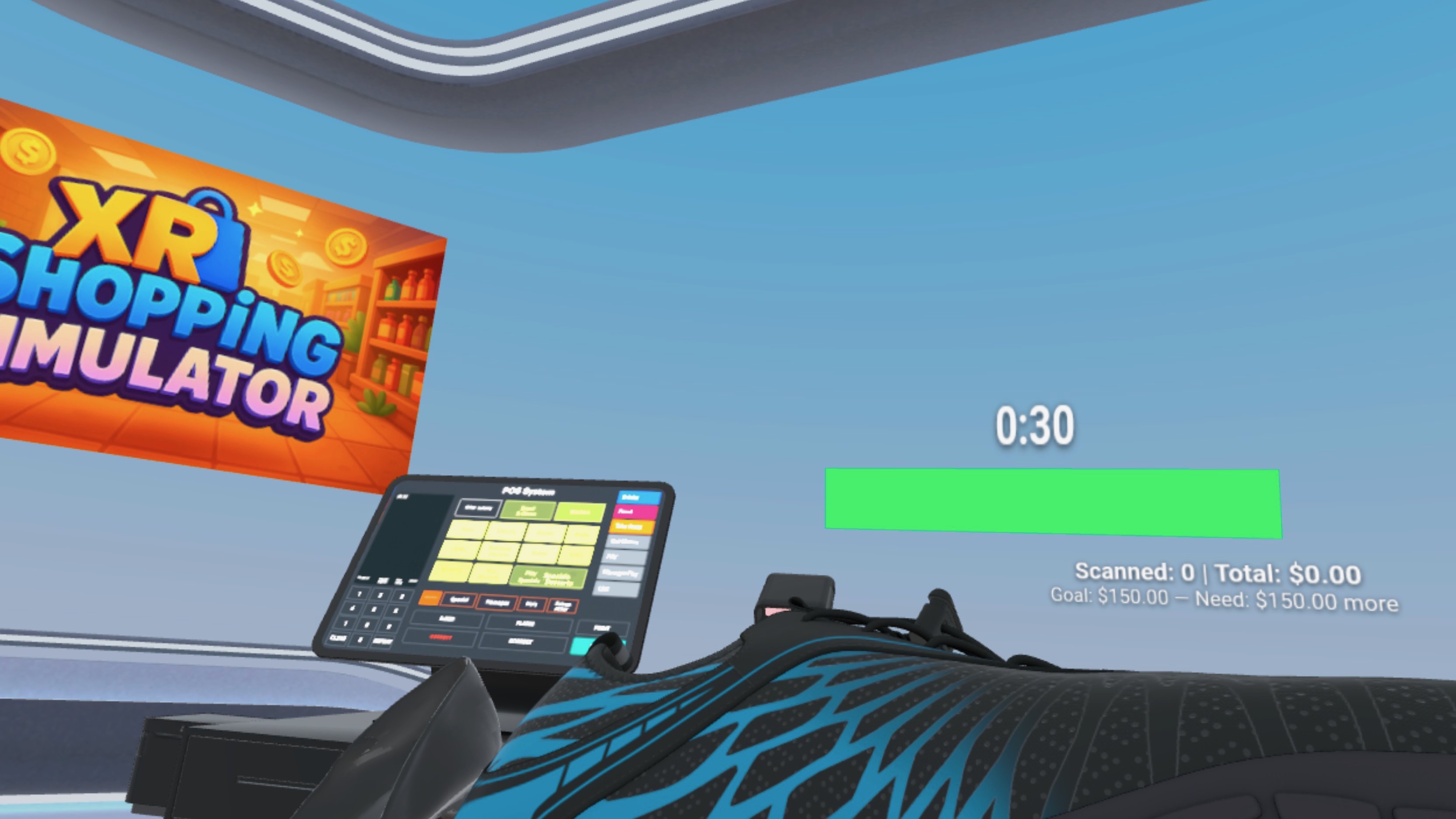
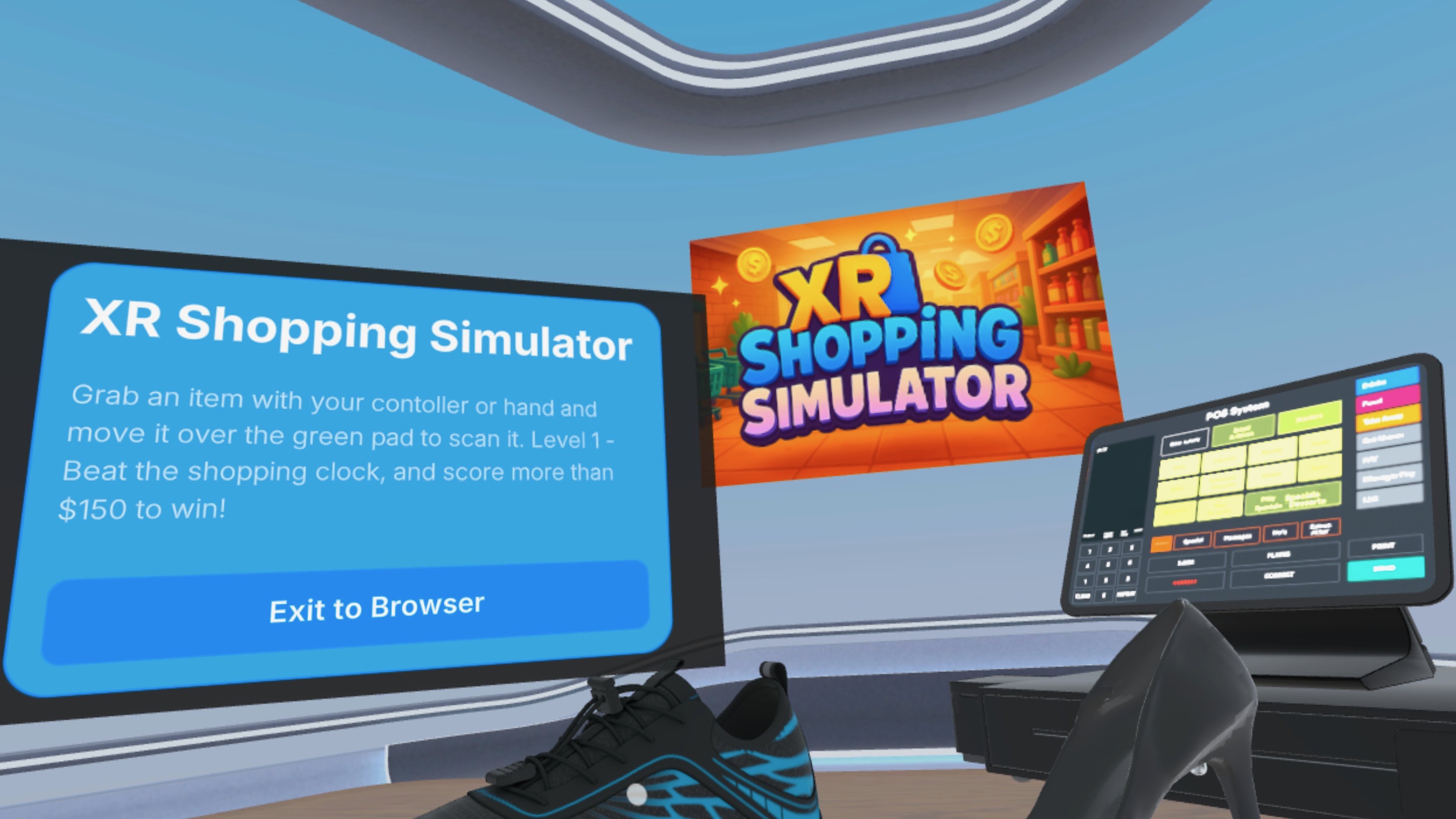
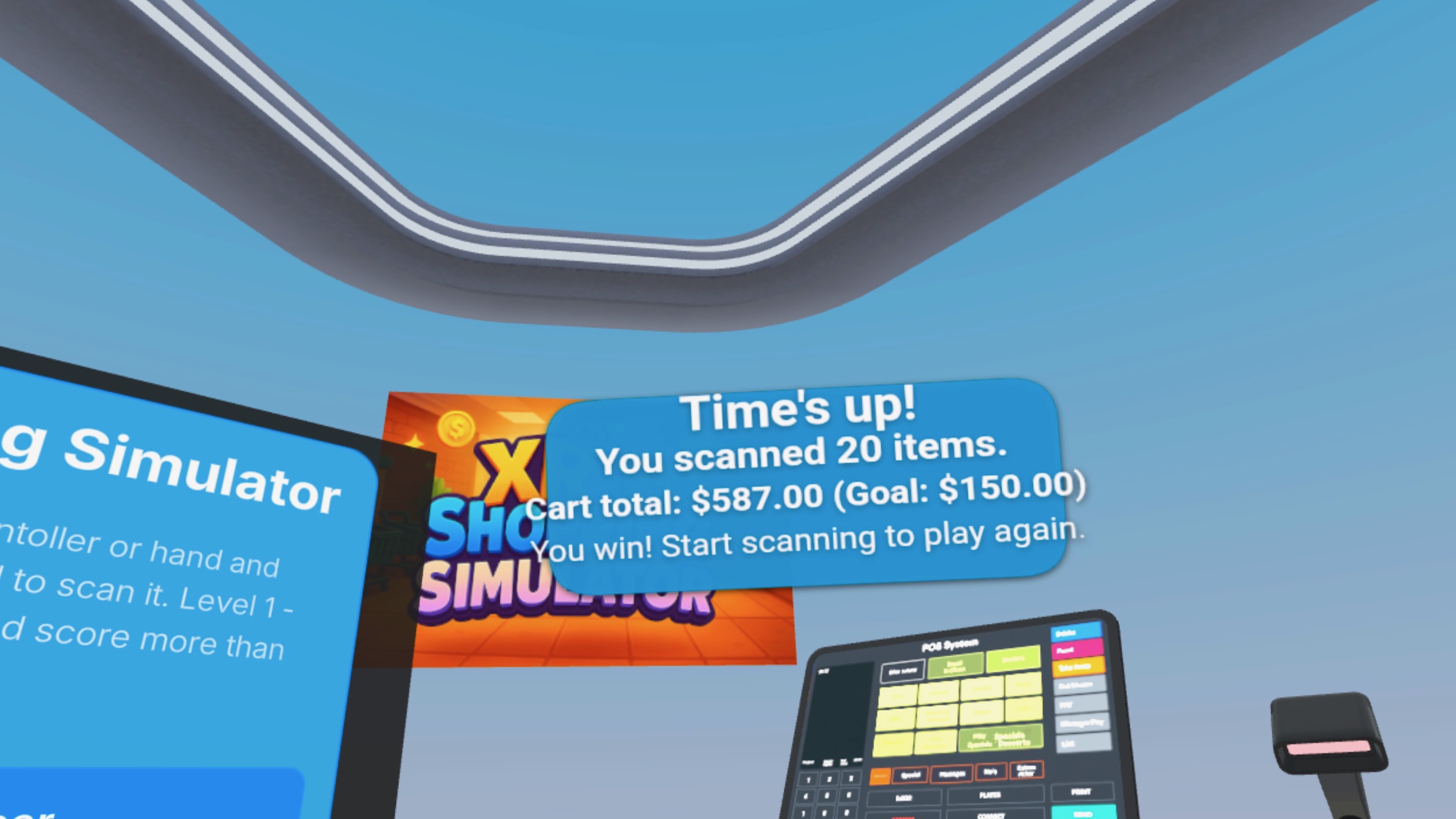
Inspiration
Shopping Simulator was inspired by the playful physicality of Job Simulator and the tactile, hands-on shopping experiences of earlier decades. In traditional stores, people touched products, inspected details, and interacted naturally. We wanted to bring that physical realism into a WebXR experience, transforming the everyday act of checkout into a fast-paced, immersive skill challenge where players handle products just like in real life. Also, they get to learn how to shop in 3D in a fun and exciting way! It's a good starting point to get used to the idea of shopping in 3D.
What it does
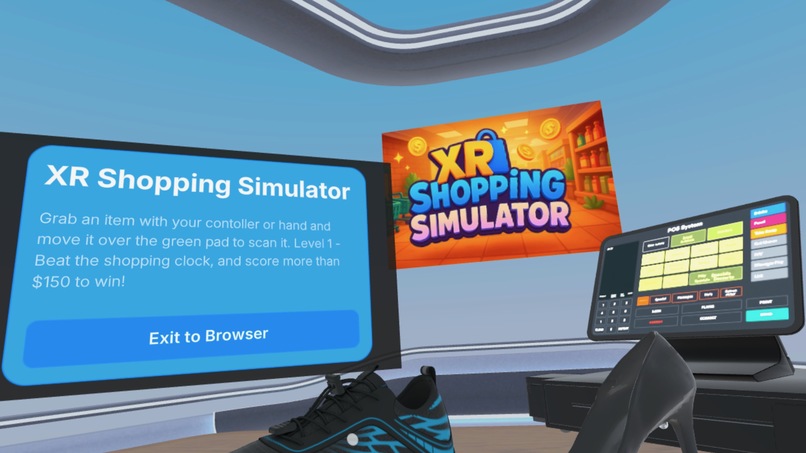
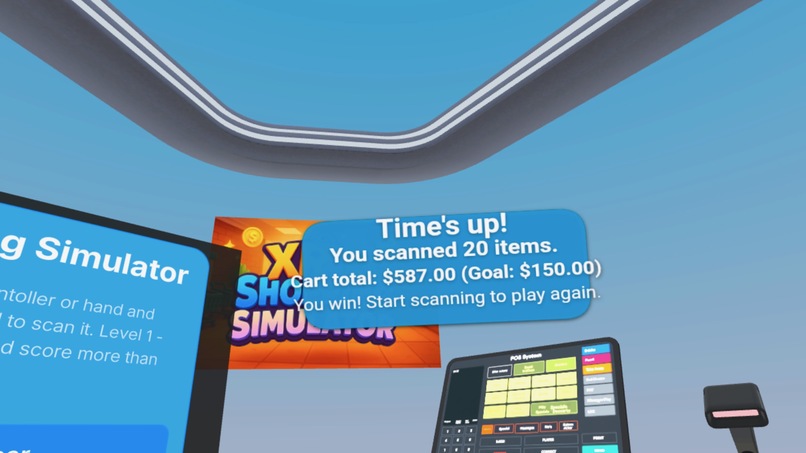
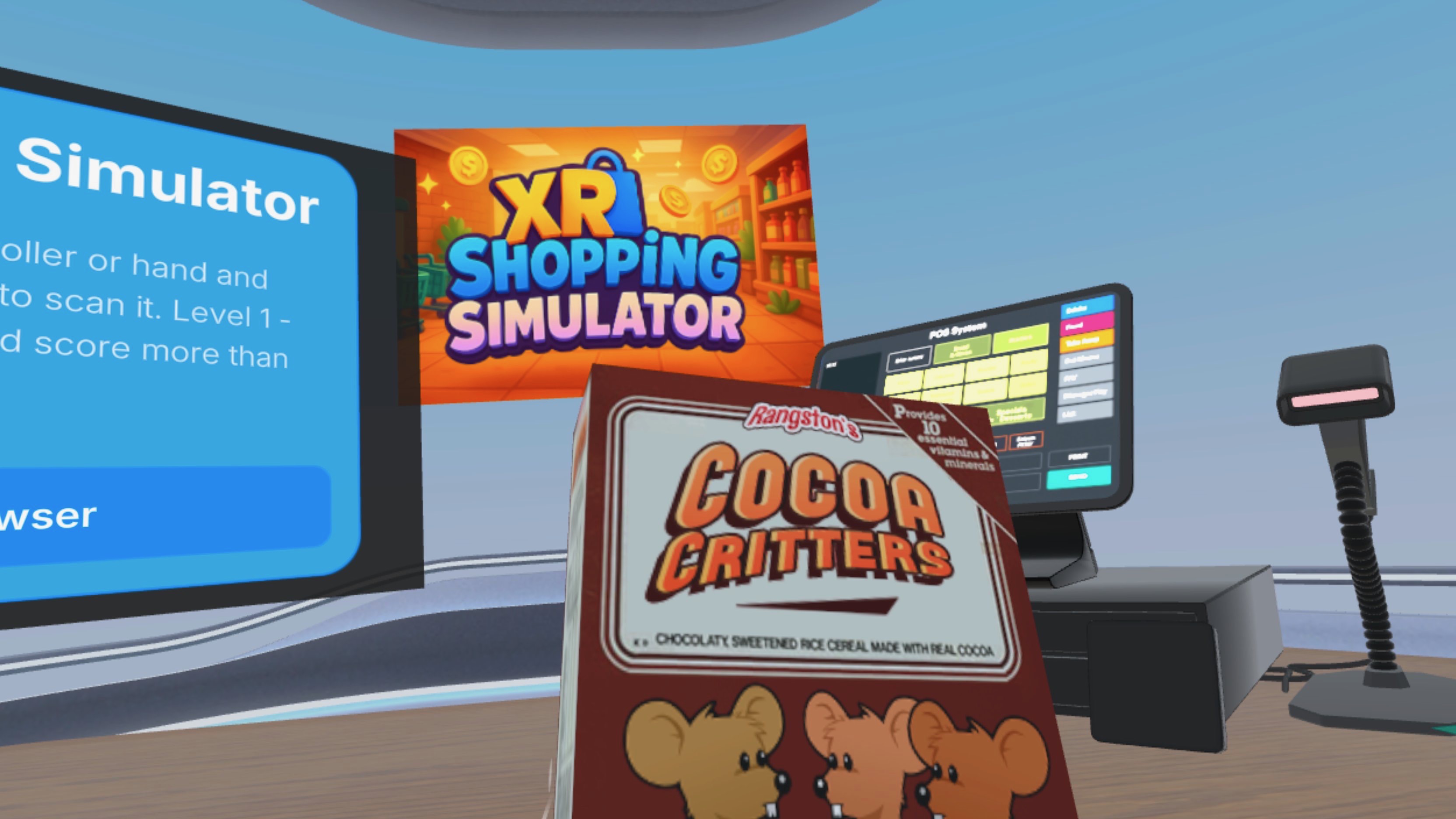
Shopping Simulator is a competitive WebXR checkout game where players race against the clock to scan a list of virtual products. Users pick up realistic 3D items with their hands, rotate and scale them, inspect details, and then correctly scan each item at the checkout station before time runs out. The experience blends mixed reality, gesture-based input, and game mechanics to create a fun, intuitive way to practice spatial interaction while completing a simple—but pressure-filled—shopping mission.
How we built it
The WebXR project is built on top of the Immersive Web SDK (https://iwsdk.dev), which made development both fast and enjoyable. Using IWS as the foundation, we added custom interaction and gameplay systems tailored for an MR checkout environment.
Key components include: • A hand-tracking interaction system enabling pickup, rotation, scaling, and release of 3D items. • A mixed-reality checkout counter and scanner, anchored in the user’s physical room. • Dynamic product spawning, placing items directly into the player’s hand for smooth gameplay. • A tuned scan-zone collider system to detect valid scans without false triggers. • Optimized GLTF models using mesh reduction and texture compression for real-time performance. • A spatial UI panel that stays stable, readable, and within the player’s field of view.
IWS plugins (UIKitML, GLTF optimizer), Vite, and Three.js enabled rapid iteration and high-fidelity MR interactions.
Challenges we ran into
Building an MR checkout game introduced several technical and UX challenges: • The scanner initially registered multiple unintended scans, requiring recalibration and hitbox redesign. • Duplicate item spawns occurred during fast gesture transitions, resulting in two or more objects appearing simultaneously. • Hand-tracking inconsistencies affected scanning accuracy and quick motions. • High-detail product models caused performance dips, pushing us to optimize aggressively. • Spatial UI elements needed refinement to avoid floating too close, drifting, or obstructing gameplay. • Ensuring the checkout station stayed aligned with the room required repeated adjustment and anchoring tests.
Solving these required continuous iteration on colliders, gesture thresholds, and object lifecycle management.
Accomplishments we’re proud of
We created a complete, playable prototype where users can launch the experience, browse items, spawn objects into their hand, scan them correctly, and beat the countdown timer. We achieved smooth MR performance, instant spawning, intuitive gestures, and a polished spatial UI—resulting in a fast, fun, and replayable shopping game.
What we learned
We deepened our understanding of MR interaction design, gesture-based UX, real-time model optimization, collider tuning, and spatial UI anchoring. We also learned how to structure gameplay loops that remain intuitive inside mixed reality.
What’s next
Future updates will include making this a full game that will last years and grow over time. We want to make it fun and get people used to the idea of 3D and immersive shopping. Long term, the goal is to evolve XR Shopping Simulator into a robust XR commerce experience that is fun for people to use.
⸻
Built With
- iwsdk
- meta-sdk
- three.js
- webxr


Log in or sign up for Devpost to join the conversation.