-
-
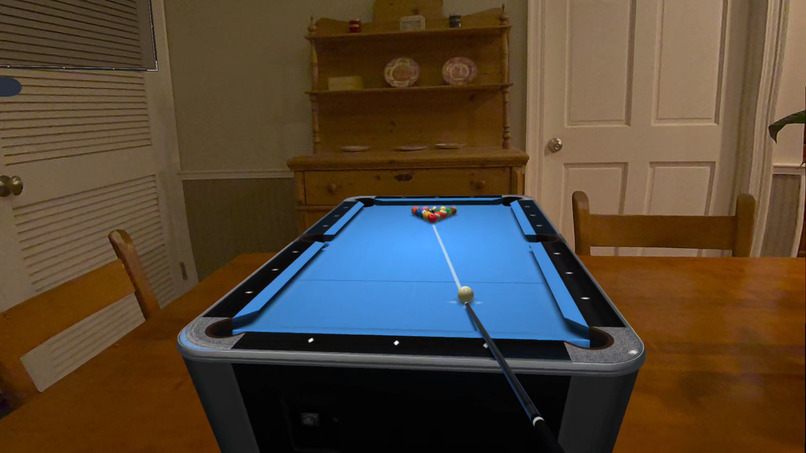
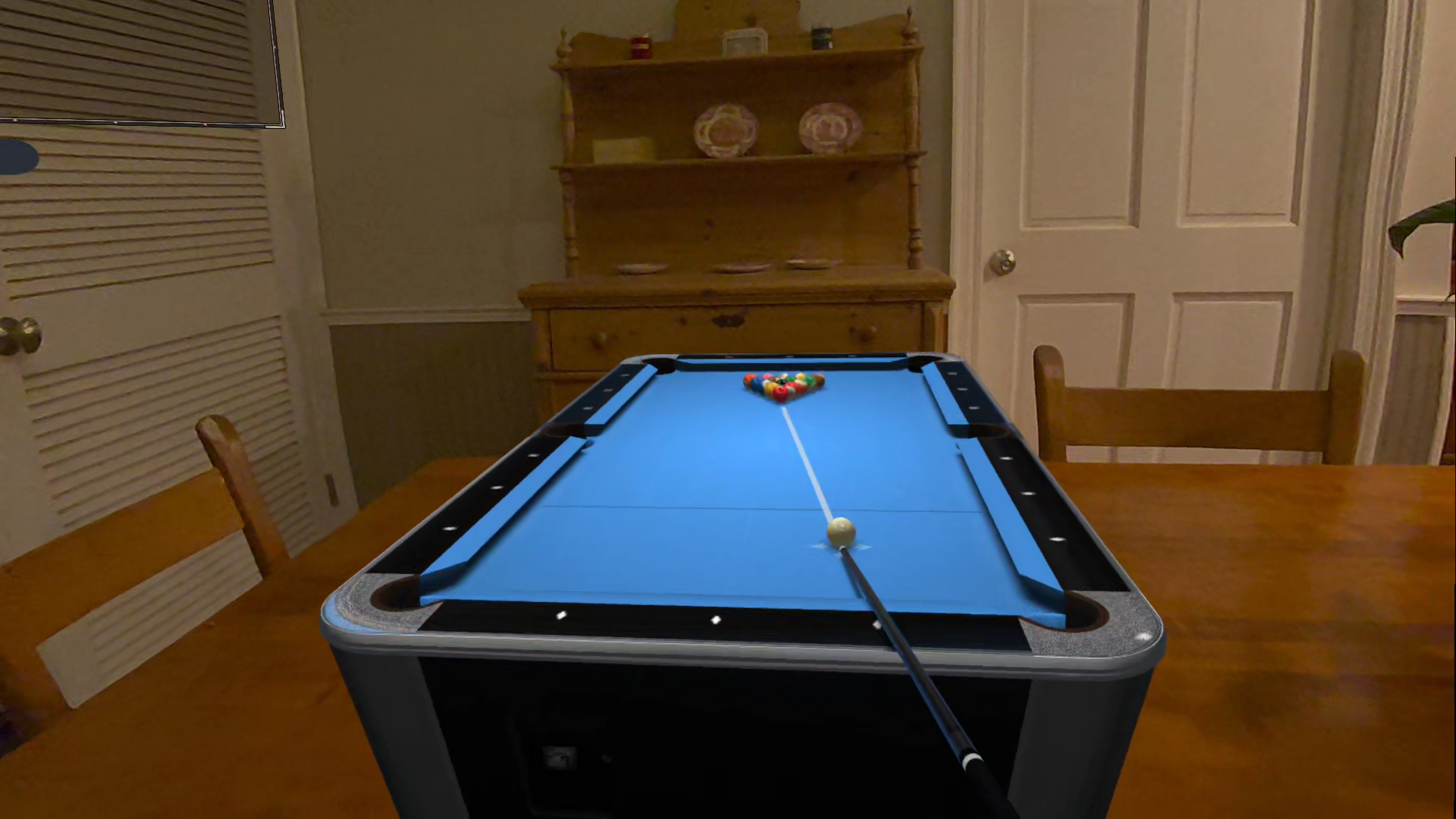
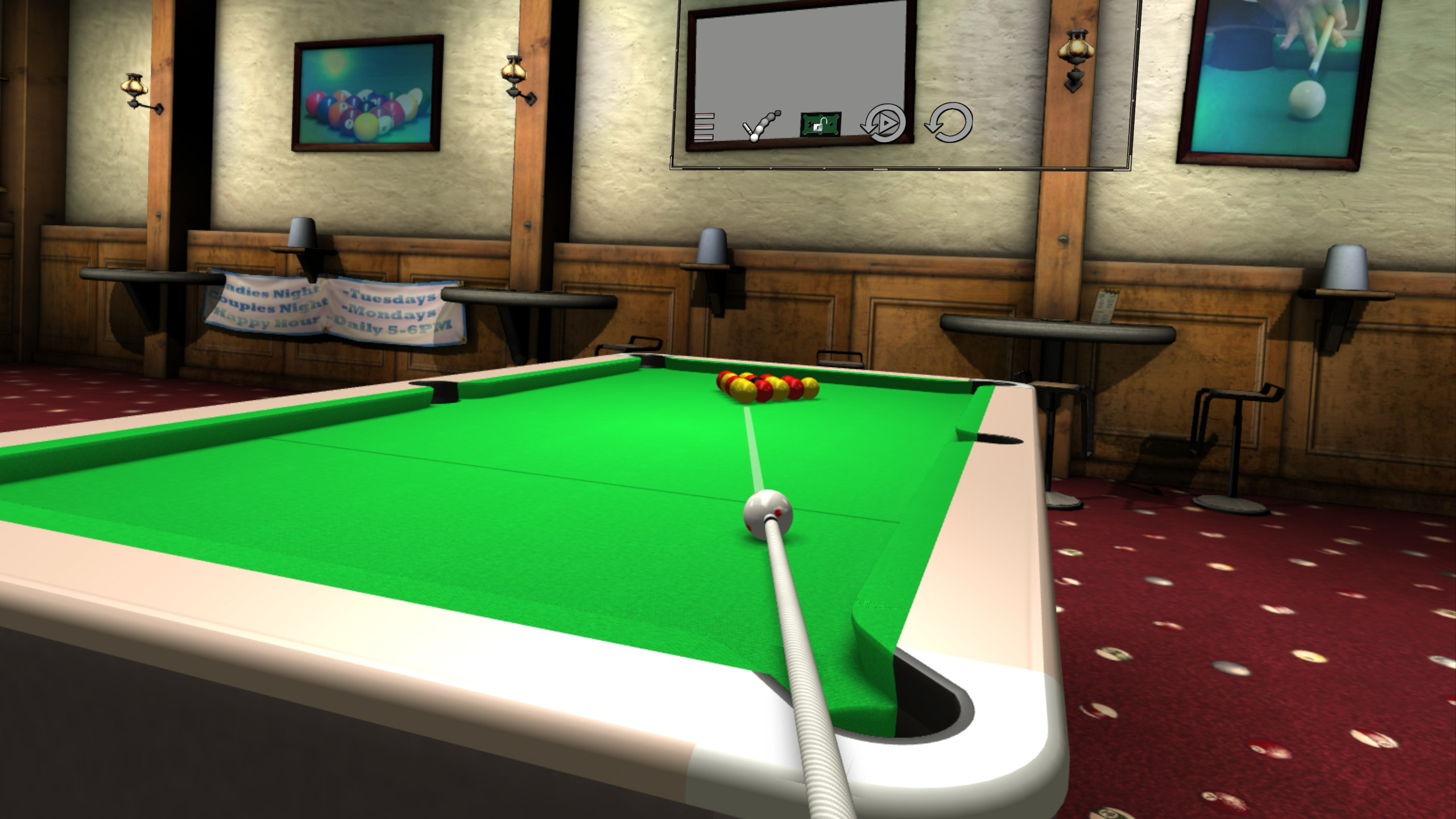
Table Top Mode - break
-
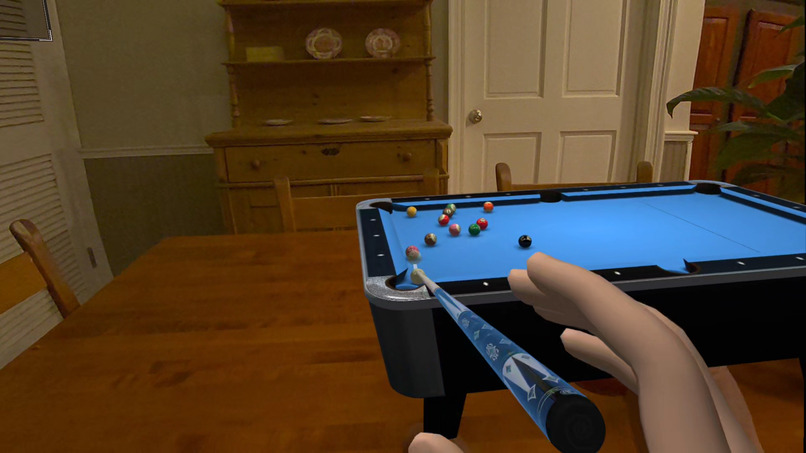
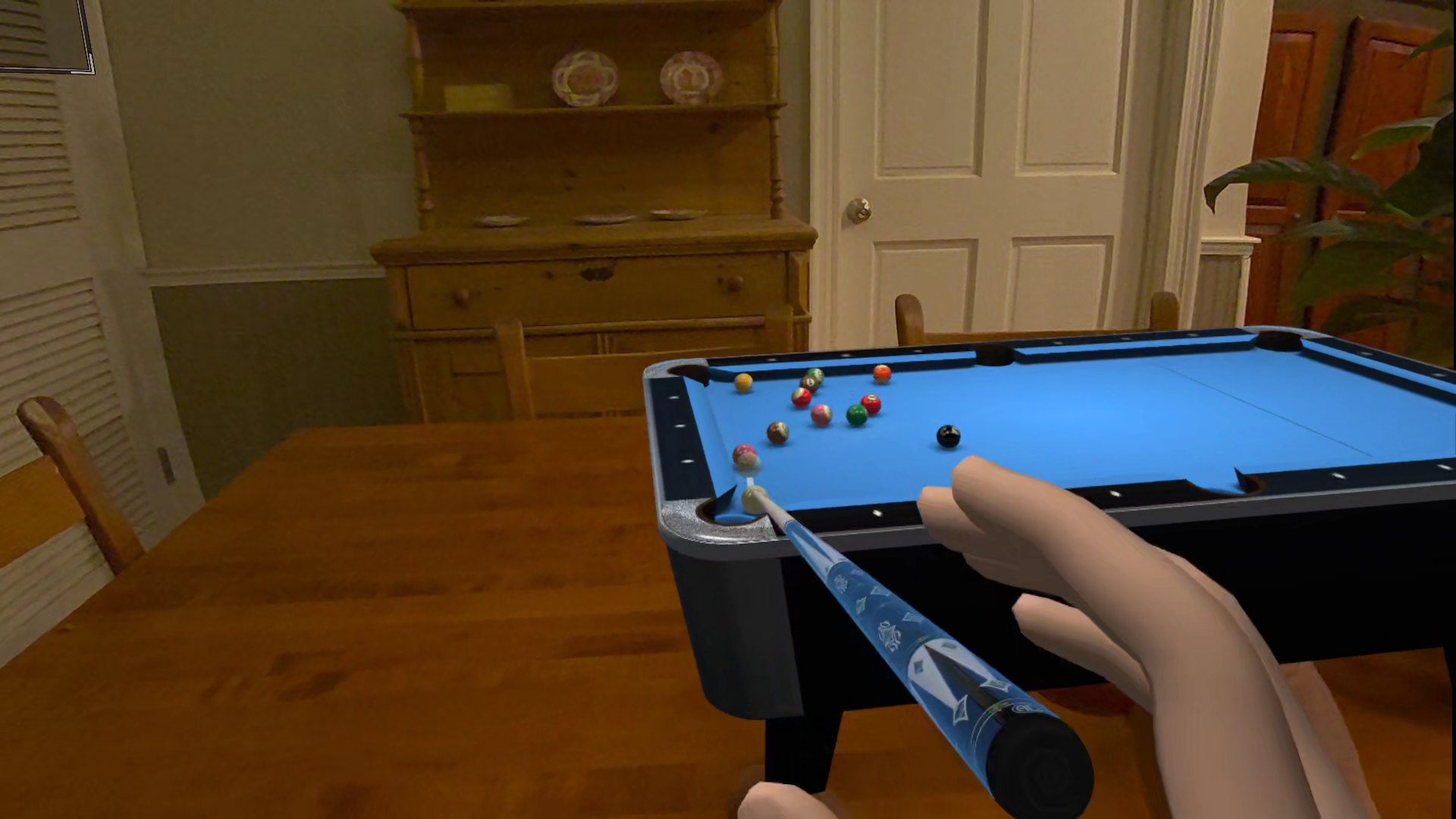
Table Top Mode - shot
-
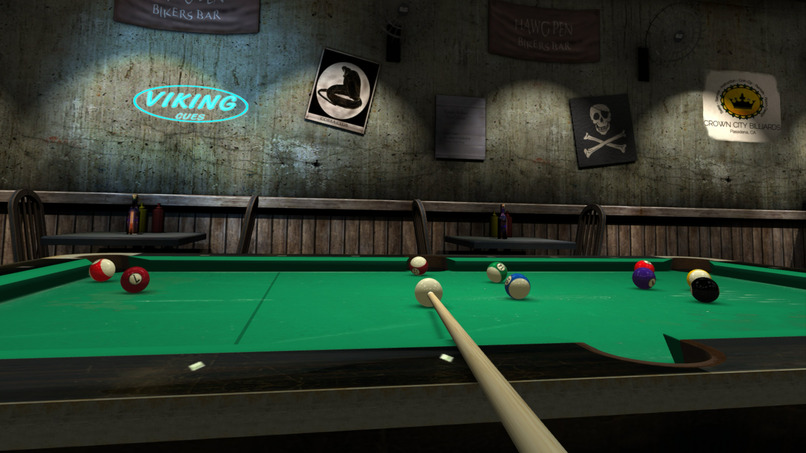
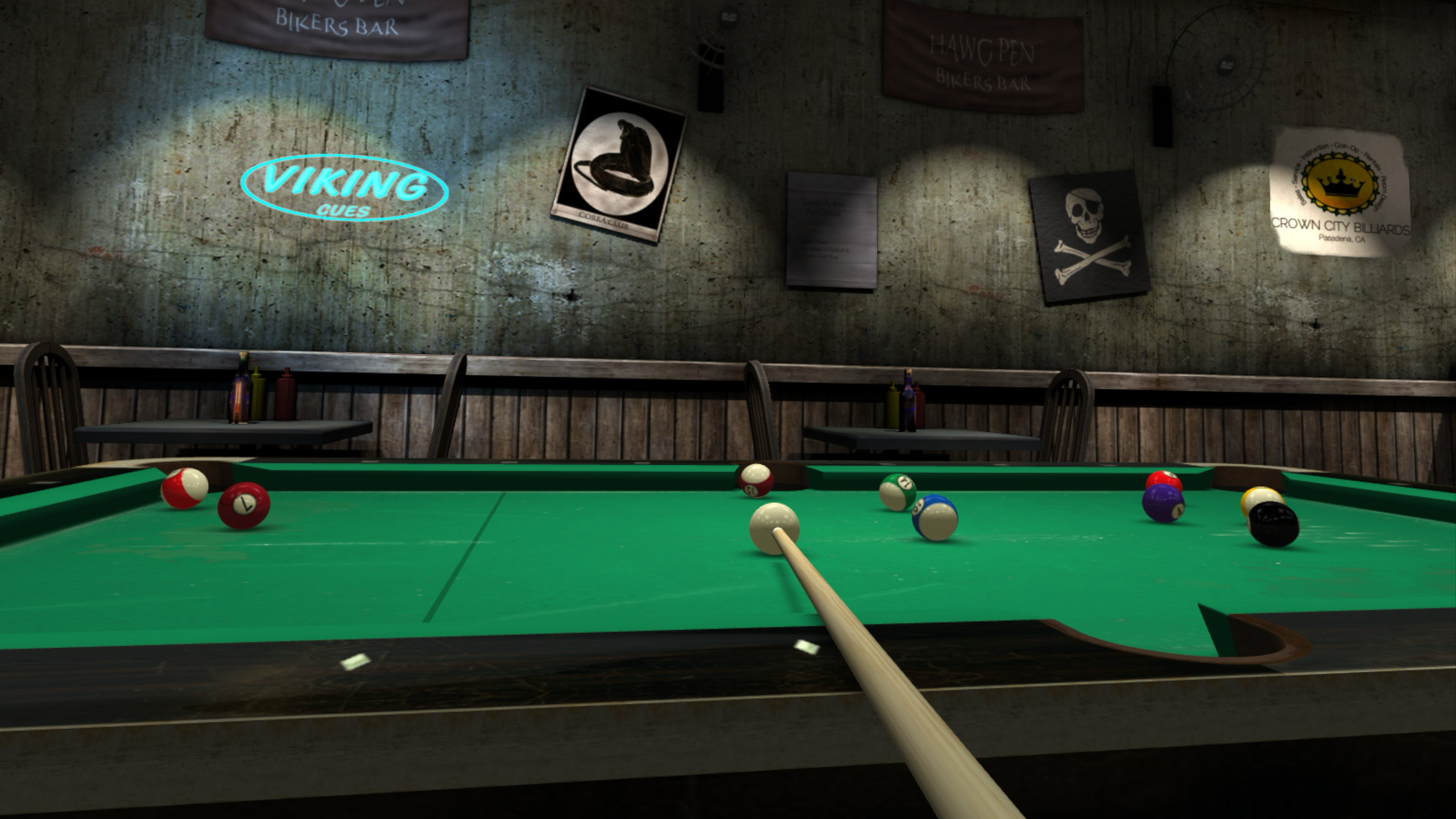
Biker Bar
-
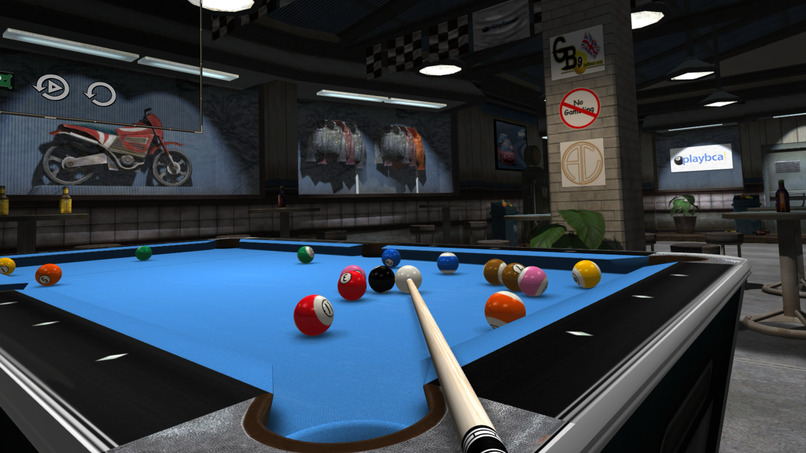
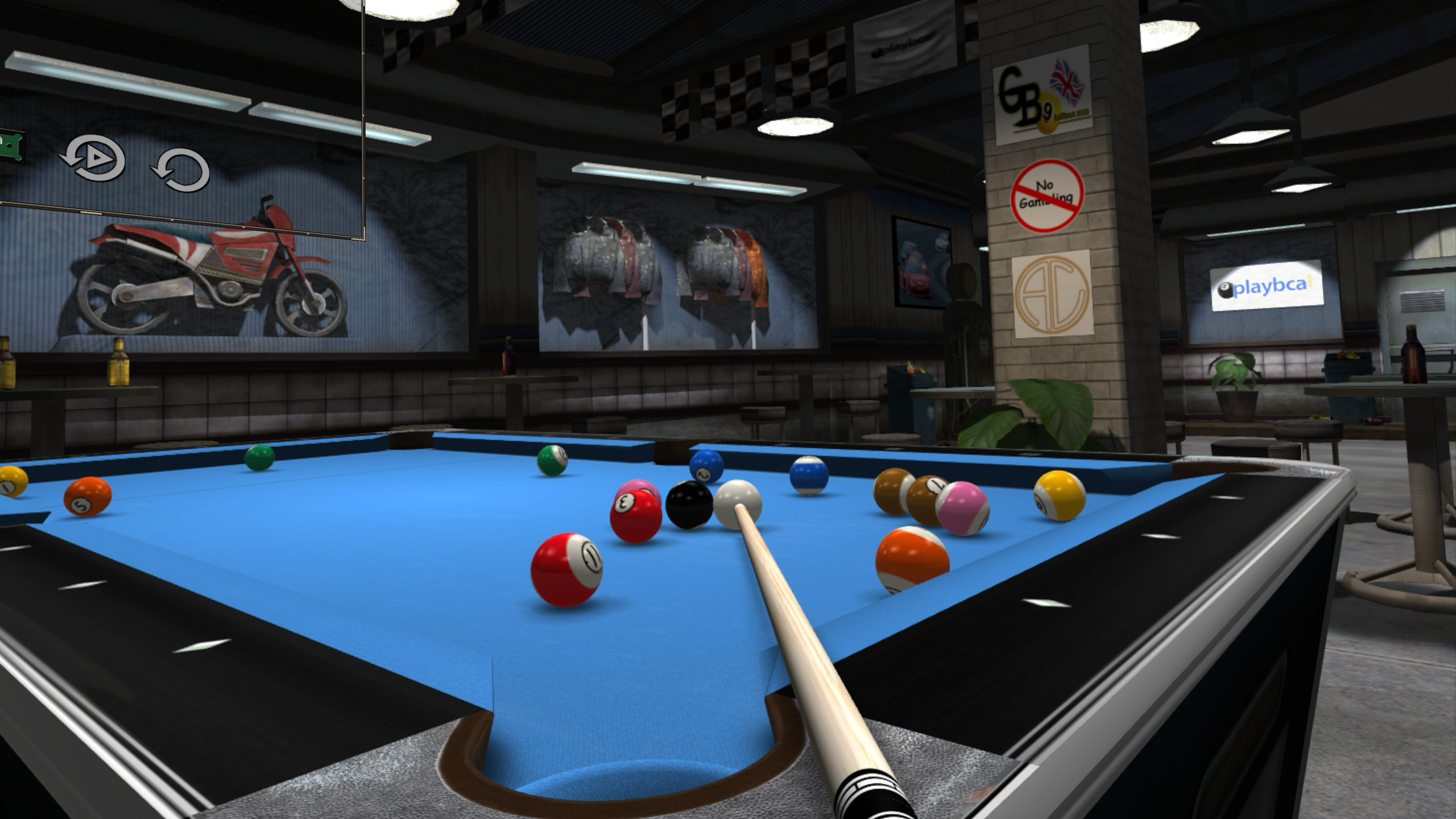
Pit Stop
-
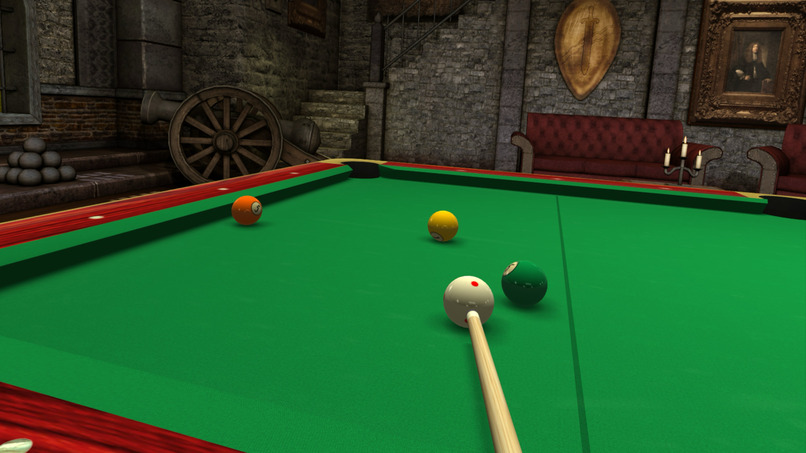
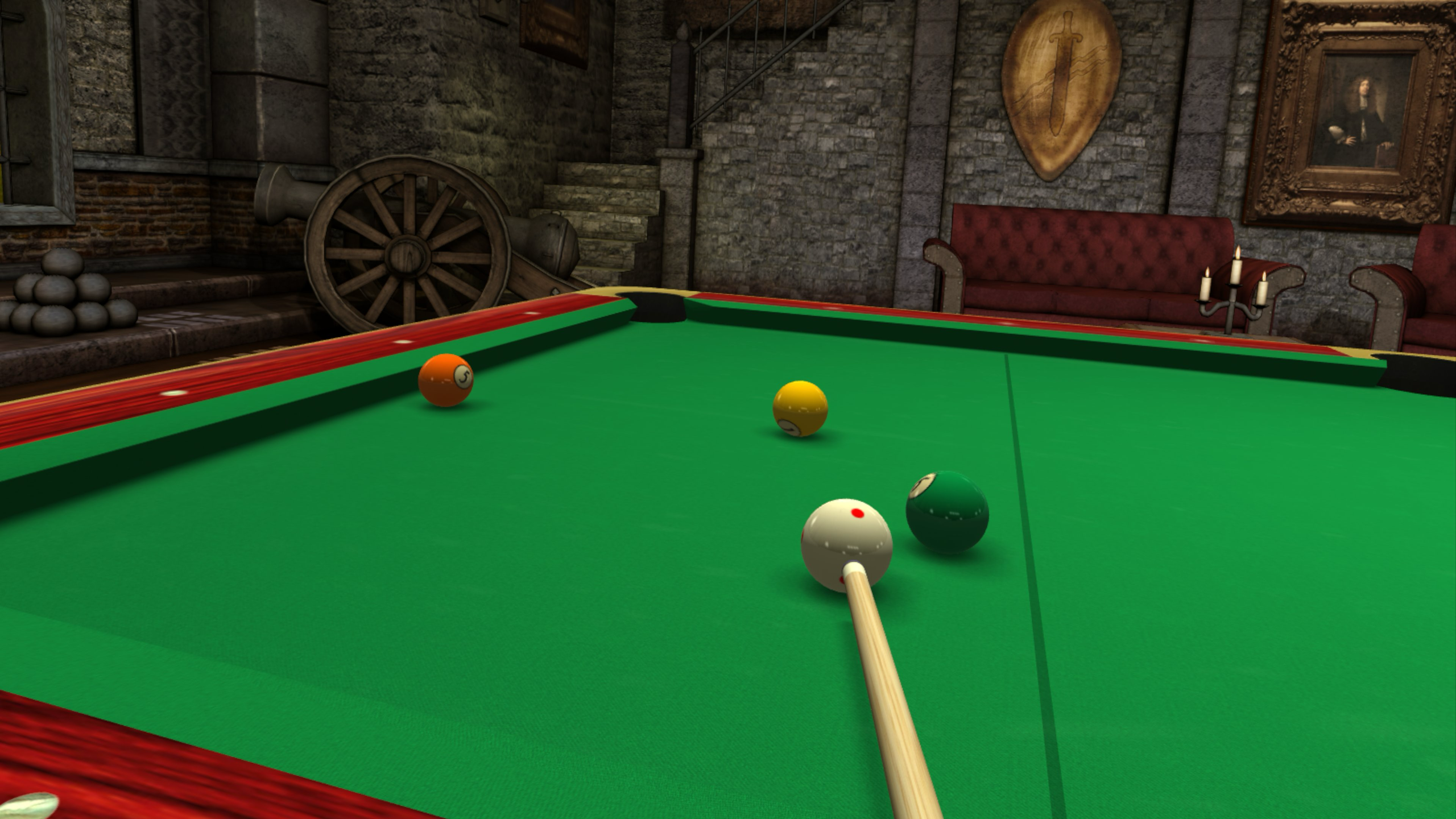
Loch Lomond
-
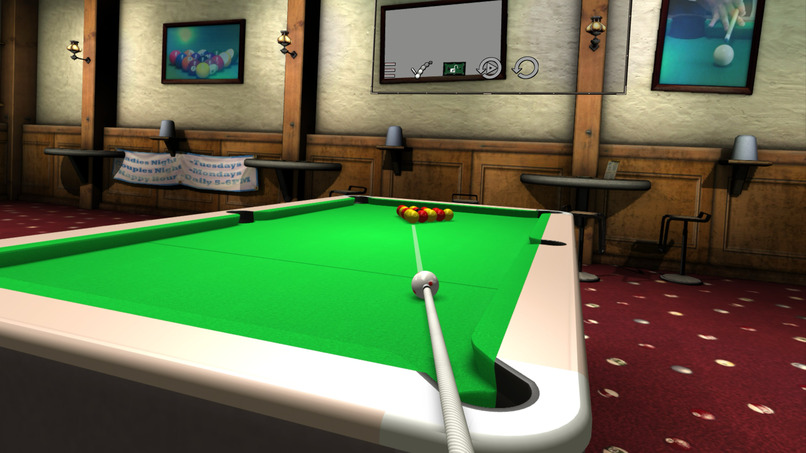
Black Ball
Virtual Pool XR — Bringing the pool table into your world
Inspiration
Virtual Pool XR grew from a simple ambition: take the depth of Virtual Pool on PC and iOS and let players experience it from inside the game.
Pool is a physical, spatial experience. You walk around the table, study an angle, lower your head, and judge how much speed and spin a shot needs. A screen can represent those decisions, but a headset gives you the opportunity to make them with your own perspective and movement.
We wanted to bring our existing billiards simulation to Meta Quest while preserving what makes Virtual Pool meaningful: the physics, the strategy, and the satisfaction of improving through practice.
What we built
Virtual Pool XR brings that simulation into immersive virtual environments and mixed reality, where the table can appear in your own room. It supports room-scale, seated, and miniature Table Top play, with controller and tracked-hand interactions.
Room-scale play emphasizes the experience of standing at a full-size table, while seated play accommodates a different physical setup. We introduced Table Top mode specifically so players with limited room could still enjoy pool. It puts a miniature table within reach, letting players reposition and rotate it instead of needing space to walk around a full-size table. It preserves the underlying physics and strategy while making the experience practical in smaller spaces.
Table Top also reflects our ambition to make a pool career fit into everyday life: continuing your career while seated on a bus or train, or playing during a short break in the office. The idea is to let players carry their pool career with them and make progress when they have a little time, without needing room for a full-size virtual table.
Underneath those experiences is the existing Virtual Pool foundation, including its billiards physics, game rules, computer opponents, and career systems.
How we built it
We adapted the existing C++ engine within an Android application, using OpenXR to connect the game to the headset’s tracking, input, and stereo rendering.
Keeping the established simulation gave us a strong foundation, but the surrounding experience required substantial redesign. Mouse and touchscreen controls had to become spatial interactions. Cameras had to respond to the player’s head. Menus needed a physical position, readable text, and reliable targeting. Cue movement had to translate tracked motion into a deliberate shot.
We developed through repeated cycles of implementation, on-headset testing, performance capture, and refinement. When a stroke behaved unexpectedly, we examined tracking samples and shot timing. When the game paused, we instrumented individual systems to identify the work delaying the frame. We also built focused regression tests and replay tools to make observed problems reproducible.
The challenges we faced
One of the hardest problems was making a virtual cue feel predictable without the physical support of a real table and bridge hand. Small tracking changes can affect aim, and estimating shot speed requires distinguishing intentional movement from noise.
Hand tracking added another layer. Fingers can become hidden during a backswing, and tracking can disappear near the headset. We refined the relationship between fingertip aiming, palm movement, stroke ownership, and impact speed. A critical principle was that missing tracking data must never become an invented shot.
Performance demanded a different mindset, too. In a headset, a brief pause affects the player’s sense of stability. Rendering two views was only part of the challenge: older assumptions about synchronous game updates, resource loading, and saving also needed examination. Instrumentation uncovered cases where career-save processing, rather than physics, caused a noticeable pause after a shot.
Spatial interfaces presented their own problems. A menu could be readable yet obstruct the table or interfere with a stroke. Shooting, moving the table, and selecting a button could involve similar gestures, so we needed clear rules governing which interaction owned the input.
Table Top made scale another important design consideration. Shrinking the table also required adapting cue sensitivity, table manipulation, and menu placement so that a smaller play space still supported precise, deliberate play.
We also worked on computer-opponent realism, separating shot recognition, tactical choice, aim judgment, and stroke delivery. Believable skill differences require more than making weaker opponents miss randomly.
What we learned
We learned that bringing an established game to XR means revisiting assumptions throughout the product. Correct physics alone cannot make an interaction feel right; tracking, timing, scale, feedback, and interface placement all contribute.
We also learned to separate what automated tests can establish from what only headset play can reveal. A passing test can verify a speed calculation or gesture transition. It cannot tell us whether a stroke feels natural or a panel is comfortable to use.
The most rewarding part has been seeing a familiar simulation become a place the player can inhabit—walking around a table, examining a difficult shot, and delivering the stroke from their own point of view. Table Top extends that ambition to players whose available space would otherwise keep them from enjoying the experience.
