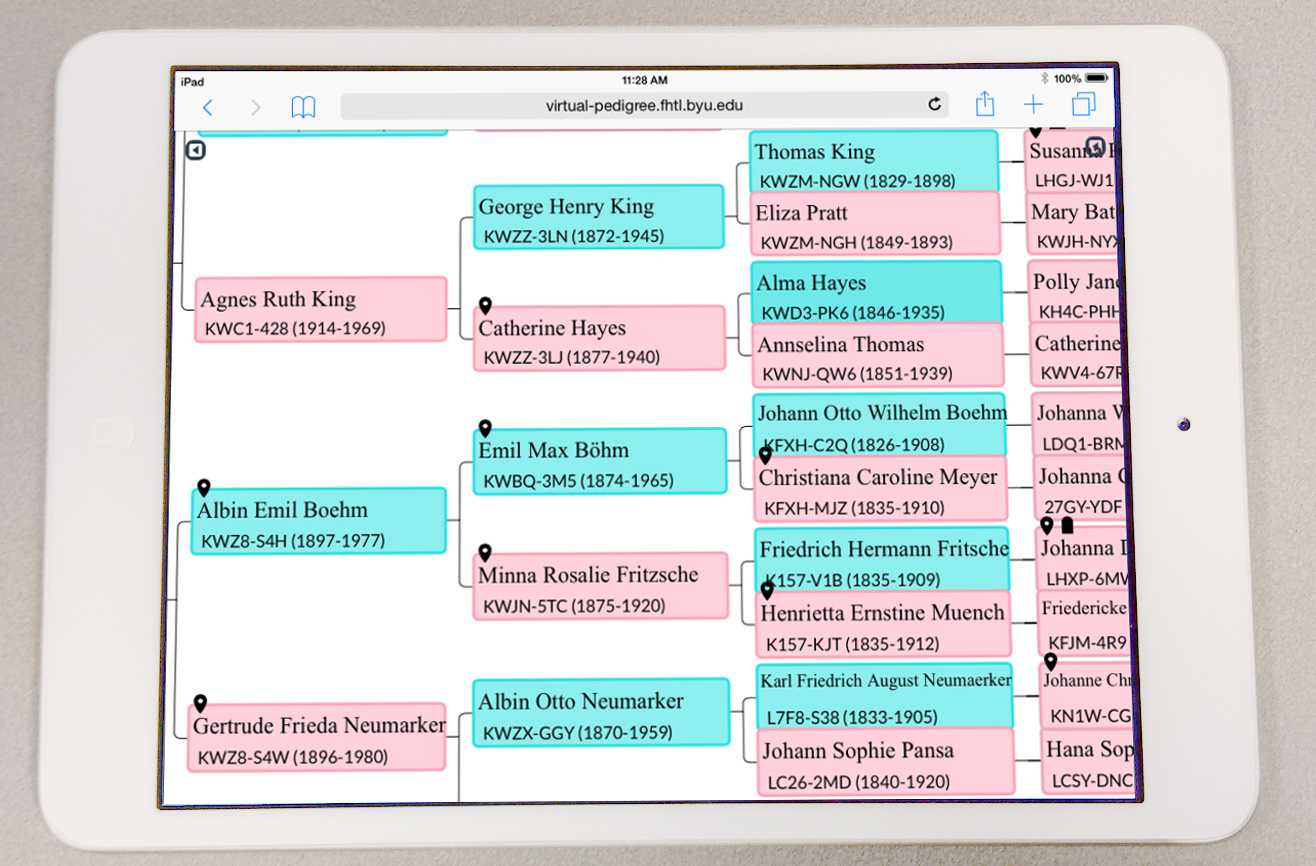
Pedigree charts have existed since the 14th century. The way that we currently display pedigree charts is still essentially the same as we did 700 years ago. They are static; they only show a fixed number of generations at a time. Today’s digital pedigree charts are still viewed in the same way as we do on paper. If you want to see details, you must look at a limited portion of the tree. If you want to see all of the tree, you have to look at it from a 5000 foot view and you lose the details.
Dynamic Navigation
Virtual Pedigree bridges this gap. It allows you to keep context of the entire tree while still displaying the important information. You smoothly transition from generation to generation as you click and drag. It is easy to navigate back to where you previously were in the tree. You can smoothly zoom in and out to view the tree from different perspectives.
Virtual pedigree even works on your mobile device. The click and drag navigate is very intuitive for touch screen devices such as tablets and phones.

Easy Research
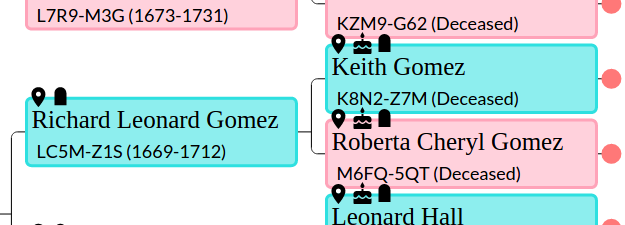
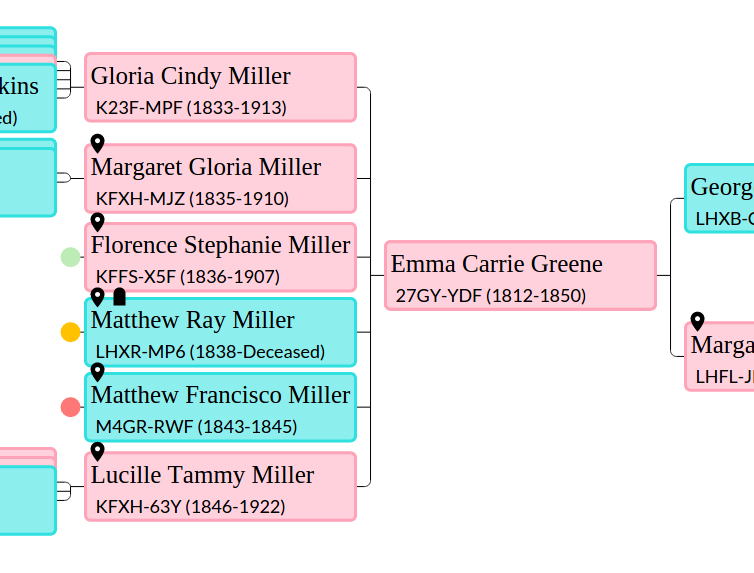
Virtual Pedigree makes research simple. You can explore both ancestry and descendancy at the same time. There are icons on each person that identifies missing information:
- Death date and death place
- Birth date and birth place
- Cycles in the tree. (Someone is their own parent)
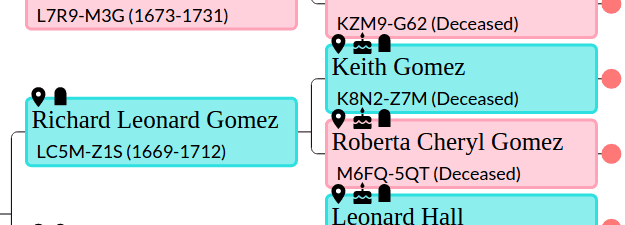
As you do descendancy research you will see many dead ends. Virtual Pedigree helps you research these dead ends by identifying “Low Hanging Fruit.” The “Low Hanging Fruit” automatically generates a prioritized list of those who are likely have descendants and for whom there is good documentation from Family Search. The list generated dynamically depending on what part of the tree you are browsing. This provides a target priority queue from which to start your research.


Log in or sign up for Devpost to join the conversation.