Inspiration
The idea stemmed from the growing demand for virtual health solutions, especially in situations where immediate access to professional healthcare might not be available. I wanted to create an intuitive tool that empowers users to log their symptoms and gain helpful insights in seconds.
What it does
Virtual Health Buddy empowers users to:
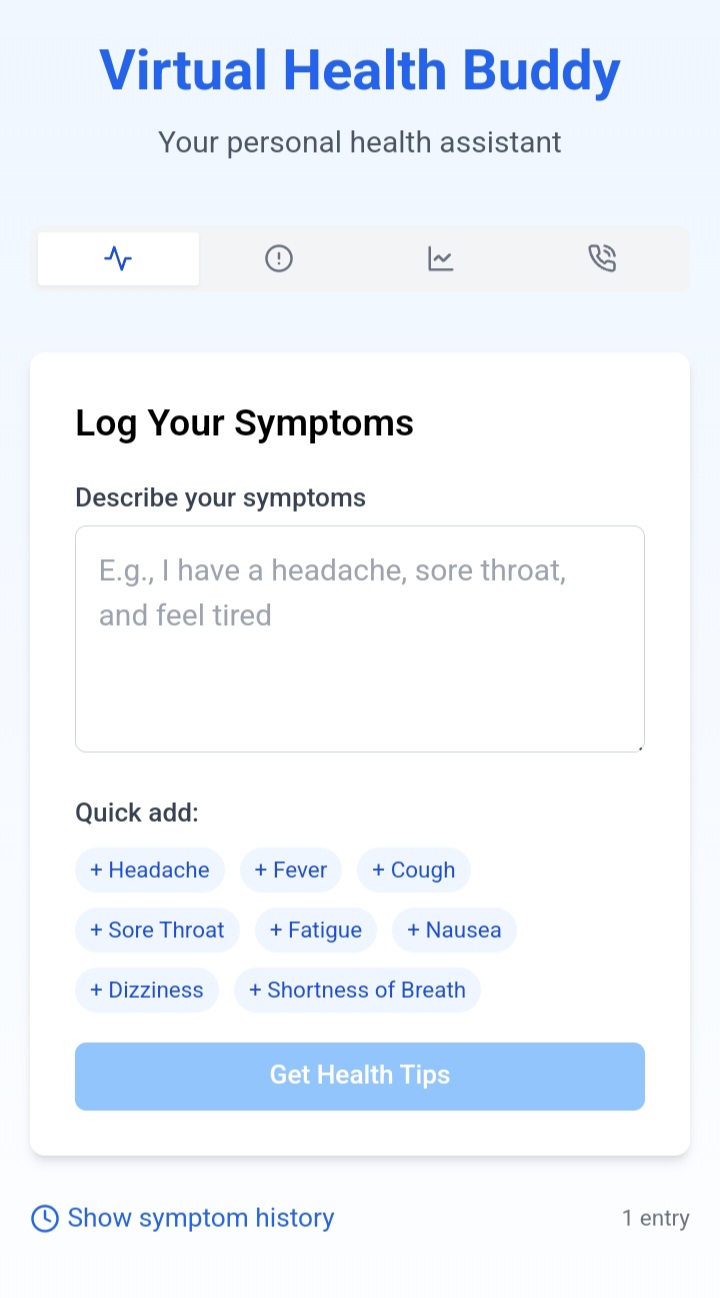
- Log Symptoms: Easily input and describe health symptoms in a simple form.
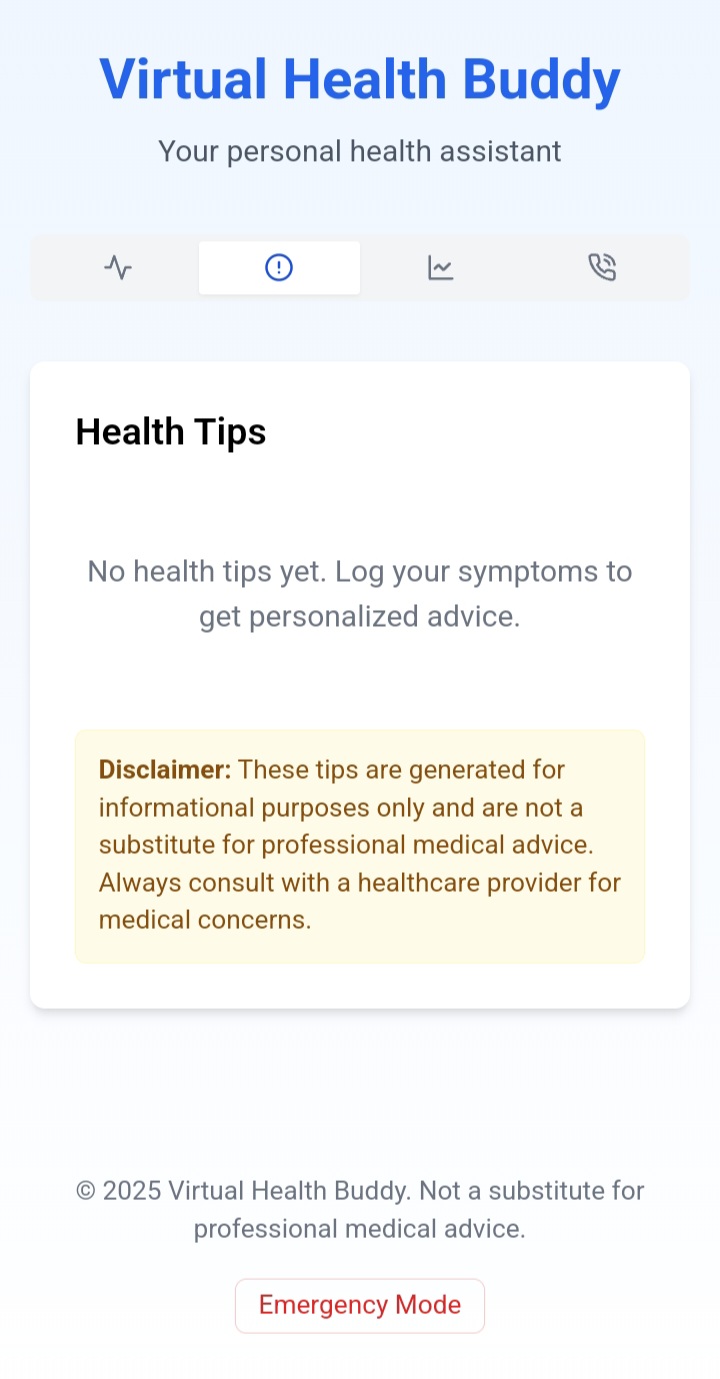
- Receive Health Tips: Get instant, tailored health tips based on the provided symptom descriptions using locally stored medical data.
- Error Handling & Feedback: Displays clear feedback if there’s an issue retrieving health tips, ensuring users are always informed.
- Responsive Design: Provides a seamless experience across devices — whether on mobile, tablet, or desktop.
The app bridges the gap between users and health information by offering quick, reliable suggestions without the need for complex medical knowledge.
How we built it
The app was built using:
- React with TypeScript for a clean, scalable component structure.
- Tailwind CSS for sleek, responsive styling.
- EndlessMedical API's JSON data (downloaded and stored locally) to fetch and display health tips based on user-input symptoms.
- Vite for fast development and optimized builds.
Challenges we ran into
- API Integration: Initially, I struggled with finding a reliable health API. After facing roadblocks with certain services, I opted to use locally stored JSON data from the EndlessMedical API.
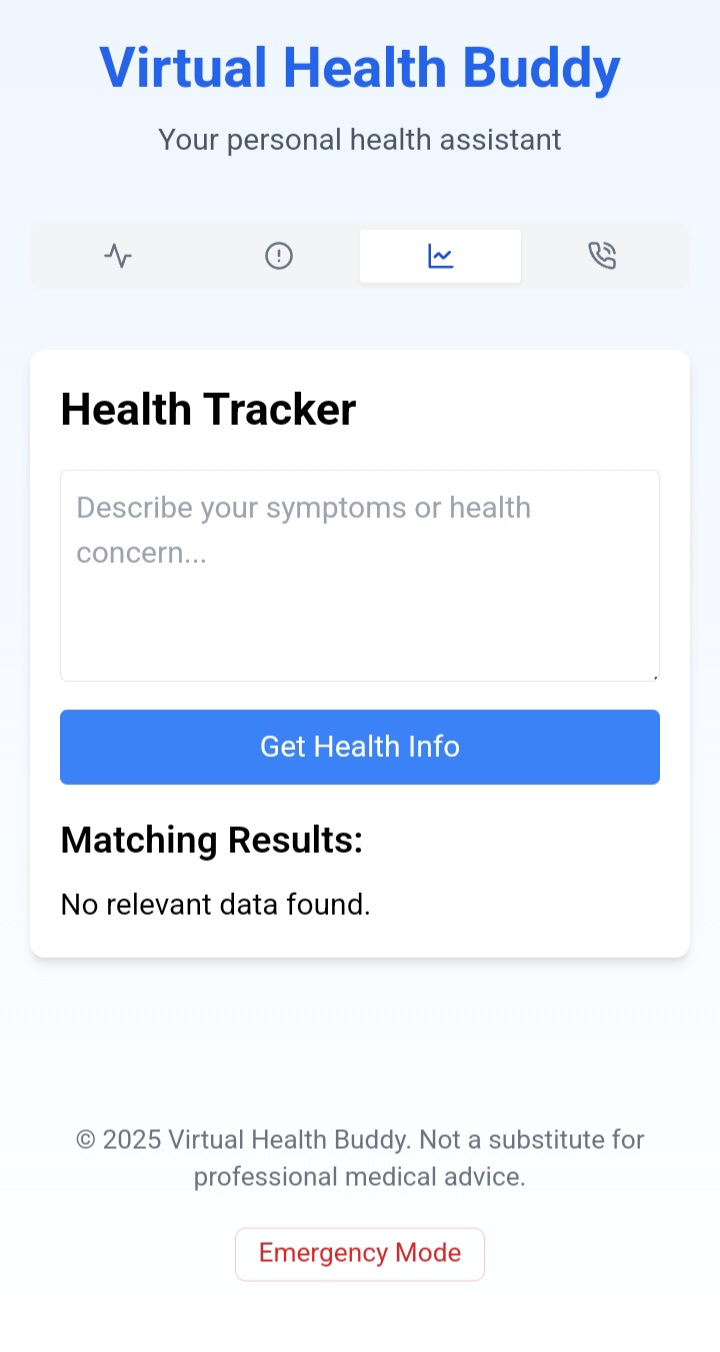
- Data Filtering: Matching user symptoms to the right health tips required thoughtful data parsing and validation.
- Error Handling: Ensuring the app gracefully handles failed fetch requests was a priority, providing users with feedback if something went wrong.
Accomplishments that we're proud of
- Functional Health Tracking: Successfully built a working prototype that allows users to input symptoms and receive relevant health tips instantly.
- Local JSON Integration: Seamlessly incorporated EndlessMedical's JSON data, ensuring the app remains responsive even without real-time API access.
- User-Friendly Design: Created an intuitive, mobile-first design using Tailwind CSS, making health information easily accessible to everyone.
- Error Handling: Implemented robust error-handling mechanisms, ensuring users receive clear feedback when something goes wrong.
- Optimized Performance: Leveraged Vite for fast builds and a smooth development experience.
What we learned
Throughout the development of this project, I gained valuable experience in:
- Integrating local JSON data into a React app.
- Managing state using React hooks (
useState). - Handling asynchronous operations with
fetchand error handling. - Designing responsive UIs with Tailwind CSS.
- Debugging API-related errors and working with real-world health data.
What's next for Virtual Health Buddy
- Real-Time API Integration: Explore reliable health APIs to provide live, up-to-date medical information and symptom analysis.
- Symptom History & Tracking: Allow users to save their symptom history, enabling better tracking of recurring health issues over time.
- Personalized Health Insights: Implement basic AI logic to suggest personalized health tips based on past inputs and trends.
- Accessibility Improvements: Ensure the app is fully accessible by enhancing keyboard navigation, screen reader support, and contrast adjustments.
- Deployment & Community Feedback: Deploy the app and gather user feedback to identify pain points and prioritize future updates.
Built With
- api
- html
- json
- tailwind
- typescript

Log in or sign up for Devpost to join the conversation.