-
-
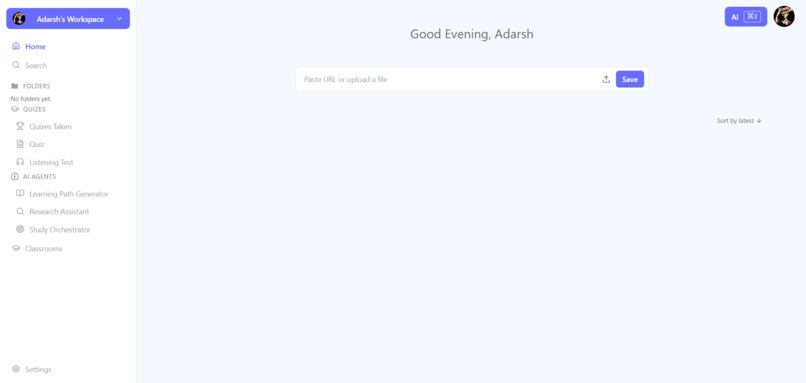
dashboard
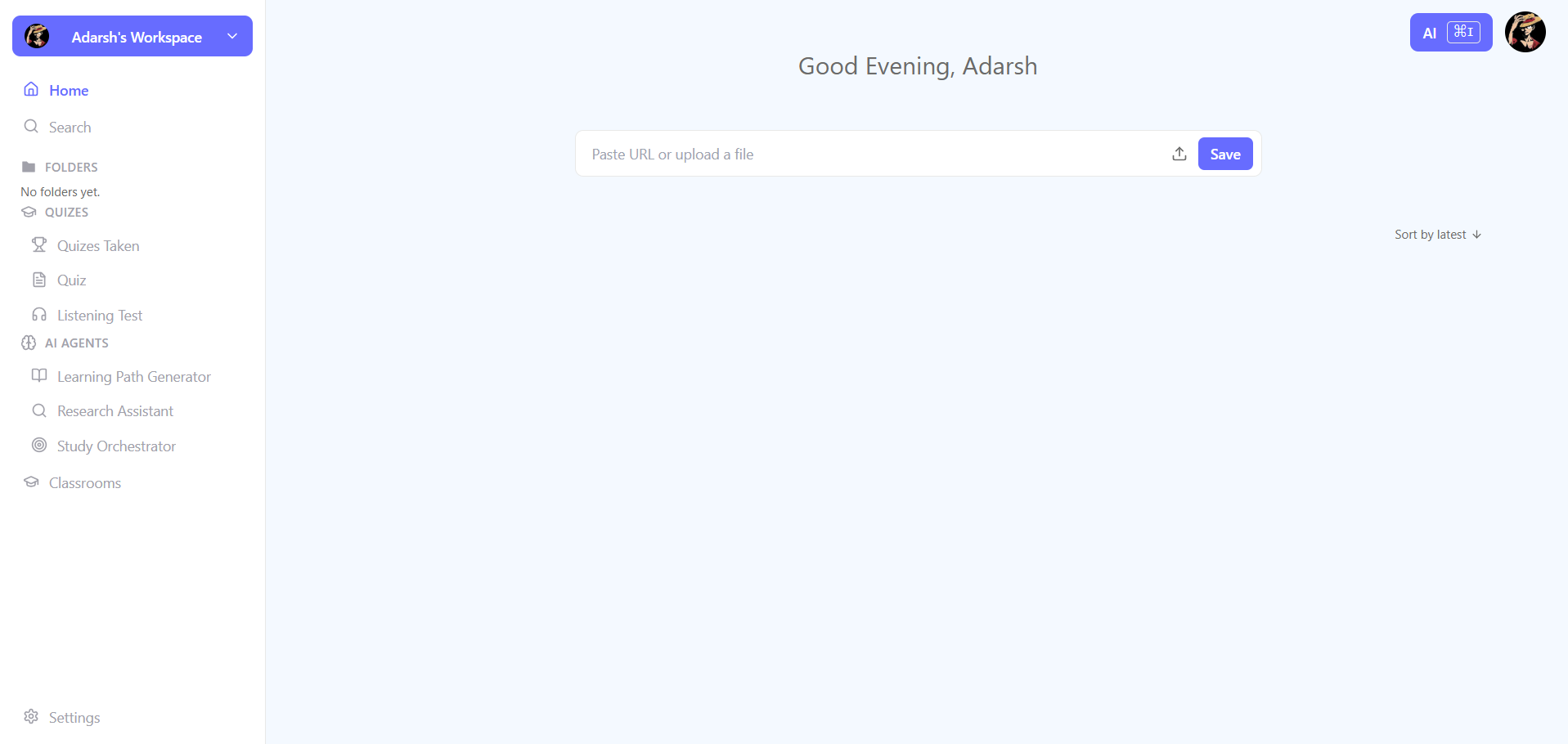
Inspiration
Vio started as one of my first serious coding projects. I originally built it as a personal learning workspace where I could save study material, research topics, generate quizzes, and continue learning without losing context.
When OpenAI Build Week began, I knew I wanted to build something for the Education track. I wanted the project to feel genuinely useful and different—not just another chatbot—but I struggled to find the right direction.
That changed after a conversation with my Japanese language teacher. I asked her:
“What would make everyday life easier for you, both as a teacher and as a student?”
She explained that students send homework through messaging apps every day. Files fill her storage, submissions become scattered across different conversations, and she has to open every chat manually to track who submitted and who did not. She then maintains separate notes so nobody is missed.
It was a simple but real problem. Teachers were spending time organizing homework instead of teaching.
That conversation gave Vio a new purpose. I wanted to build one place where students could submit work, teachers could immediately see the submission status, and AI could help prepare feedback without taking the final decision away from the teacher.
The original Vio, however, had been built near the beginning of my coding journey. Its architecture had become difficult to maintain, and rebuilding it properly felt too large for a short hackathon.
I decided to test GPT-5.6 Sol through Codex on the existing repository. I was surprised by how well it understood the relationships between the frontend, agent service, database, authentication, deployment configuration, and tests. It created a structured plan and completed roughly 80% of my planned rebuild during the first major implementation pass.
That gave me the momentum to transform Vio from a personal learning tool into a complete classroom and assessment workspace.
The principle behind Vio became:
AI proposes. Teachers decide.
What it does
Vio is an AI-powered learning and classroom workspace where teachers remain responsible for assessment.
Teachers can create classrooms, invite students, publish assignments, attach learning material, define deadlines and rubrics, and see who has or has not submitted.
Students submit written answers and files directly through Vio instead of sending homework across scattered messages.
For every submission, Vio prepares a structured AI evaluation draft containing:
- A proposed score
- Written feedback
- Strengths and weaknesses
- Suggested improvements
- Confidence information
- Evidence supporting the evaluation
Every submission is immutable and versioned, so an evaluation always remains connected to the exact work the AI assessed.
The AI evaluation is never treated as the final grade. The teacher can inspect the evidence, change any part of the evaluation, record the reason for an override, save the review as a draft, and explicitly publish the final result.
Until the teacher approves and publishes it, the student does not see the AI evaluation as authoritative.
Outside the classroom workflow, Vio also works as a personal learning workspace. Users can:
- Chat with documents, images, videos, and web links
- Generate grounded summaries and quizzes
- Create personalized learning paths
- Use a research assistant and study-session orchestrator
- Generate listening tests
- Continue conversations using persistent history and memory
- View citations behind grounded AI responses
- Use tool-enabled AI workflows for multi-step learning tasks
Vio brings learning, assignments, submissions, feedback, and AI assistance into one connected workspace while keeping important educational decisions in human hands.
How we built it
Vio uses Next.js, React, TypeScript, Tailwind CSS, shadcn/ui, and Radix UI for the application interface. Next.js also provides the browser-facing API and authorization layer.
TiDB is the transactional source of truth for classrooms, assignments, submissions, evaluations, reviews, conversations, memory, and audit records.
Appwrite handles authentication and permission-scoped private file storage.
The AI layer runs through a private Python service built with FastAPI, Agno, and Pydantic. Vertex AI Gemini 2.5 Flash is the primary built-in provider, with OpenAI and Groq available as retry-aware fallbacks.
Users can also provide their own OpenAI Platform key, which is encrypted before being stored.
The AI agent never receives unrestricted database access. Instead, it works through typed internal tools with:
- Validated inputs
- Structured outputs
- Permission requirements
- Failure handling
- Confirmation steps for sensitive actions
Ownership and classroom roles are checked again whenever a tool is called.
Chat responses stream through server-sent events. Conversations, summaries, tool activity, and user-controlled memories persist so the assistant can support longer, multi-session learning without mixing unrelated user or classroom context.
For deployment, the Next.js application and private FastAPI agent run together inside one Docker container on Render. Database migrations run during startup, allowing the complete project to be deployed as one reproducible service.
How Codex and GPT-5.6 helped
Codex was my engineering environment and collaborator throughout the rebuild. GPT-5.6 Sol was the reasoning model I used through Codex.
The first major implementation pass completed roughly 80% of my planned rebuild, but the project was not produced from a single prompt. After that initial pass, the process remained iterative:
Inspect → Plan → Implement → Test → Deploy → Observe → Repair → Review
Codex helped me:
- Audit the original architecture
- Identify technical debt and connected systems
- Remove the old Learning Script Studio and its rendering dependencies
- Consolidate scattered AI integrations behind a shared provider system
- Design database migrations and classroom authorization boundaries
- Build versioned submissions and AI evaluations
- Implement teacher overrides and publication states
- Create typed agent tools and persistent memory
- Diagnose CI, Appwrite, TiDB, Linux, and Render failures
- Refine the interface using screenshots and production feedback
- Add security, migration, provider, memory, and classroom tests
I remained responsible for defining the product direction, designing the teacher-authoritative grading boundary, selecting the UX and deployment tradeoffs, configuring external services, reviewing generated changes, testing the real teacher and student workflows, and approving each release.
Challenges we ran into
The first challenge was rebuilding an existing project without breaking the parts that still worked.
Vio already contained several independently built AI features, direct model calls, mixed persistence patterns, and infrastructure that no longer matched the product I wanted to create. Before adding the classroom workflow, I had to reorganize those foundations.
Authorization was another major challenge.
A person can be a teacher in one classroom and a student in another, so roles could not be stored as a single global value. Every assignment, submission, review, file, and agent action needed to verify the user’s membership and role in the relevant classroom.
The grading workflow also required careful boundaries:
- A submission had to remain connected to the exact version evaluated
- AI feedback had to stay hidden until teacher approval
- Teacher overrides needed an audit trail
- Publishing needed to be an intentional action
- Students could never access another student’s submission or review
Deployment introduced additional problems that did not appear locally, including Linux filename casing, Python import paths, optional Rollup dependencies, Appwrite file permissions, build-time integration initialization, and TiDB query and JSON-handling differences.
Running the web application and Python agent as one affordable service also required simplifying the architecture. I replaced a planned Cloud Tasks workflow with inline evaluation and used application-level encryption instead of requiring Cloud KMS for the hackathon deployment.
Another difficult decision was choosing what to remove. The original Vio included a renderer-heavy Learning Script Studio that depended on FFmpeg and Manim. It made deployment significantly more complicated and distracted from the classroom problem, so I removed it and focused Vio on learning, submissions, feedback, and teacher control.
Accomplishments that I’m proud of
I am most proud that Vio does not use “human in the loop” as a disclaimer. Human review is part of the actual product workflow and data model.
An AI evaluation is stored as a draft linked to an immutable submission. The teacher can inspect the evidence, change the evaluation, explain the change, and publish the authoritative result.
Until that happens, the student never receives it as a final grade.
Other accomplishments include:
- A complete teacher-to-student classroom workflow
- Immutable and versioned submissions
- Evidence-backed evaluation drafts
- Teacher overrides with recorded reasons
- Explicit publication of final results
- Unpublished AI feedback hidden from students
- Permission-checked and auditable agent tools
- Persistent conversations and user-controlled memory
- Retry-aware AI provider fallback
- Encrypted user-supplied credentials
- Checksum-verified database migrations
- One Render service running the web application and private agent
- Automated tests for security and classroom boundaries
- Recovery from multiple real production failures
Most importantly, Vio’s central workflow came from listening to a real teacher instead of starting with an AI feature and searching for a problem afterward.
What we learned
The most important lesson was that adding AI is often easier than deciding where AI should stop.
The hardest question was not:
“Can a model generate a grade?”
It was:
“Who should be allowed to make that grade final?”
For Vio, the answer had to be the teacher. That decision shaped the database, authorization system, interface, audit trail, and publication workflow.
I also learned that authorization must be enforced by the application, not by prompts. A system prompt cannot replace ownership checks, classroom roles, permission-scoped storage, immutable records, and audited APIs.
Working with Codex showed me how valuable an AI engineering collaborator becomes when it can work with the real repository, test output, deployment logs, and product constraints.
It was most useful when working iteratively: understanding the system, making a bounded change, testing the result, and repairing real failures.
Finally, I learned that a feature is not finished simply because it works locally. Authentication domains, file permissions, database behavior, environment variables, cold starts, and operating-system differences are all part of the real product.
Production evidence is more valuable than assumptions.
What’s next for Vio
The next step is testing Vio with more teachers and students and learning which parts of the workflow save them the most time.
I would like to add:
- Evidence-linked grading rubrics
- A teacher intervention queue for low-confidence evaluations
- Better dashboards for missing and late submissions
- Automated reminder workflows
- Batch review tools for larger classrooms
- A revision coach available after feedback is published
- Improved OCR for handwritten submissions
- Better audio and video transcription
- Accessible and multilingual classroom experiences
- Privacy-conscious analysis of common classroom misconceptions
- Background evaluation queues for larger deployments
The long-term goal is not to replace teachers or automate every educational decision.
It is to remove repetitive work, make feedback faster and easier to verify, and give teachers more time for the conversations and decisions that genuinely require them.
Vio began as my personal learning project. A conversation with my teacher gave it a real classroom problem to solve, and GPT-5.6 with Codex gave me the engineering leverage to build that solution.
